
foldio360
360° Product Photography
Dirancang untuk iPhone, iPad, iPod touch
Gratis · Pembelian dalam aplikasi
- Batasan usia4+
- KategoriFoto & Video
- PengembangORANGEMONKIE
- BahasaInggris
- Ukuran43,0 MB
Tertaut ke halaman resmi App Store
Download.org tidak menyimpan file foldio360 apa pun. Tombol ini membuka halaman aplikasi di App Store, tempat ORANGEMONKIE menerbitkannya. Halaman terakhir diperiksa pada 24/11/2026.
Tangkapan layar


Tentang
Pengembang belum menyediakan teks ini dalam bahasa Anda.
[ANNOUNCEMENT]
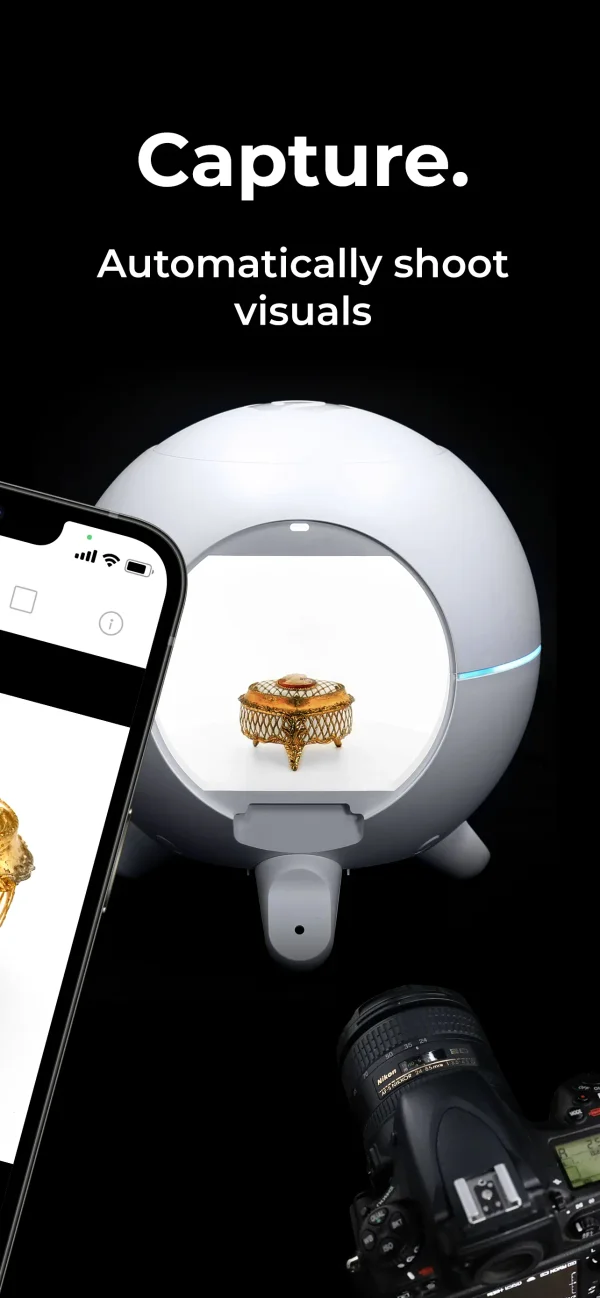
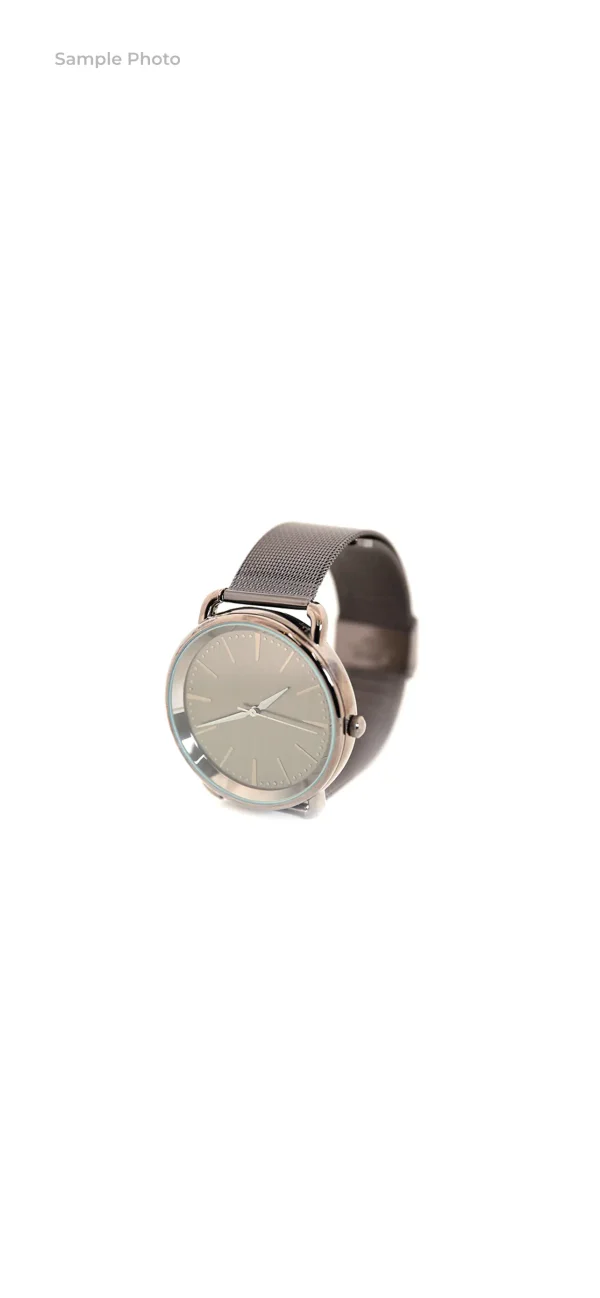
Capture studio quality 360° images and videos with just one click. You no longer need the professional skills to take high quality photos for your eCommerce store.
We have taken in consideration the bugs for the previous version and have updated the Foldio360 app version. Most of the issues you submitted are resolved and we will continue to work on it to enhance your Foldio360 experience.
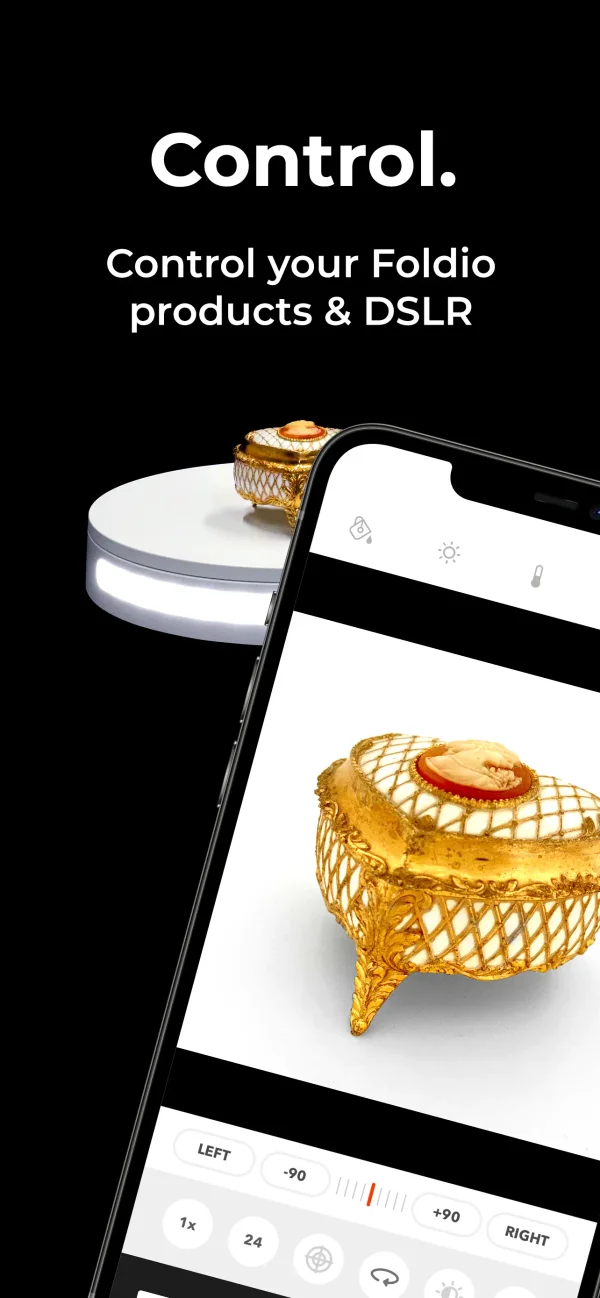
Foldio360 app controls the Foldio360 turntable and Foldio360 Smart Dome to create 360° visuals. Create high quality 360 images/videos/ GIFs and share them on your website.
[FEATURES]
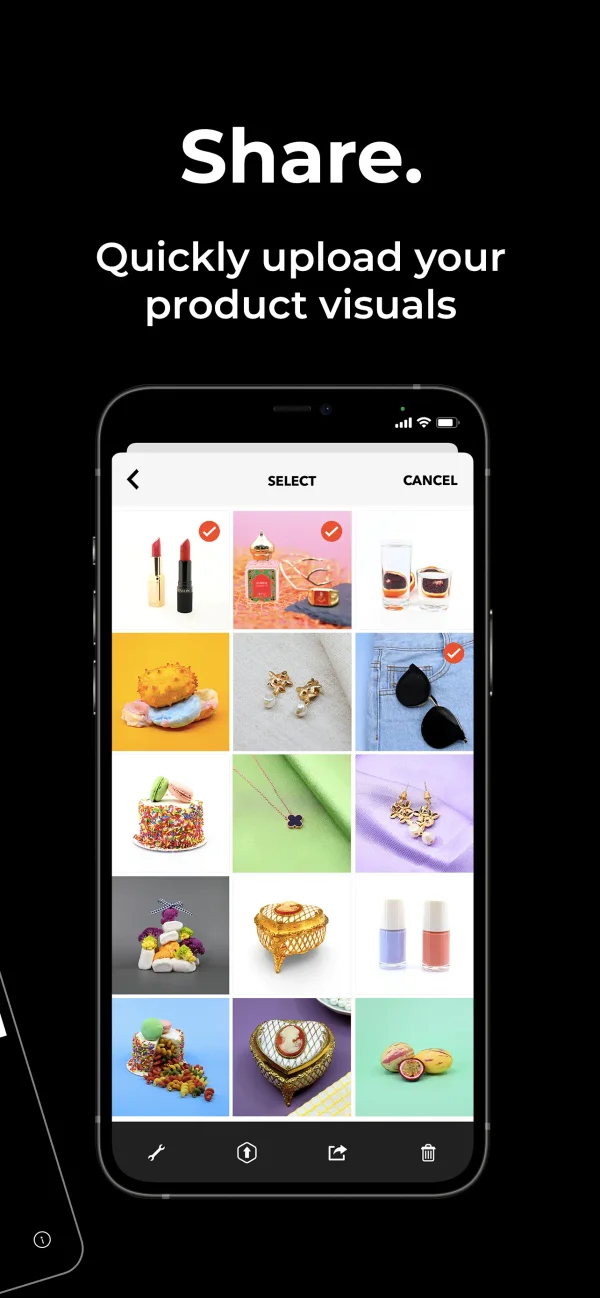
- Automatic shooting system controlled by Bluetooth connection
- Control real time brightness and color temperature
- Foldio360 device control
- 360 degree shot/image supporting function
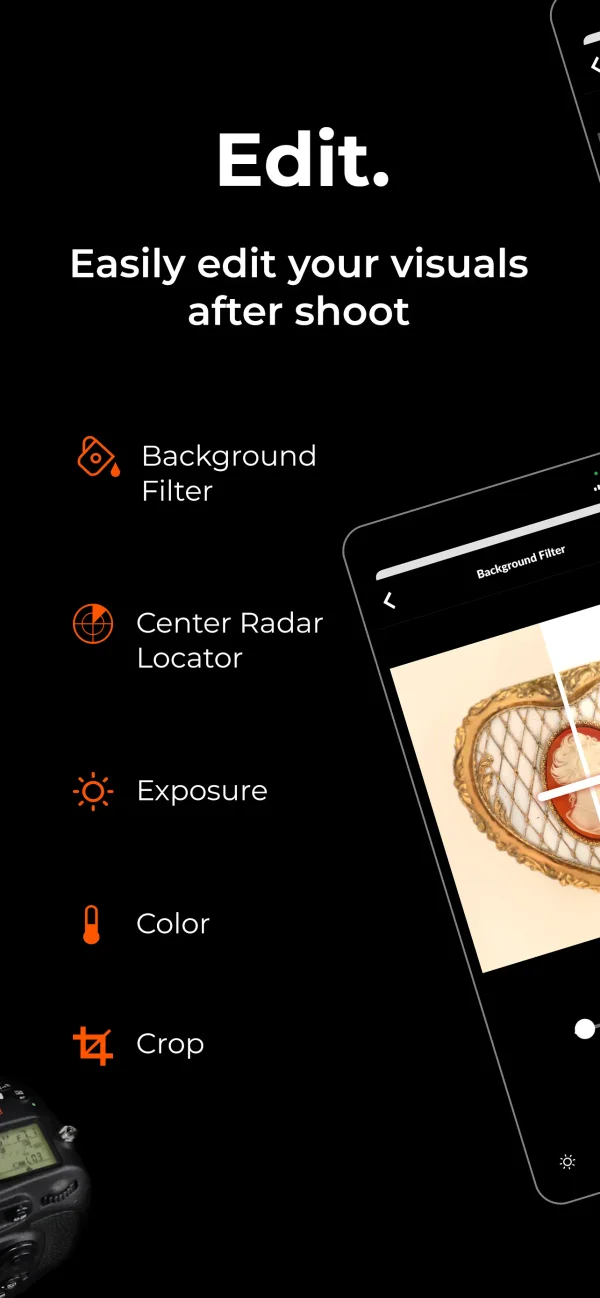
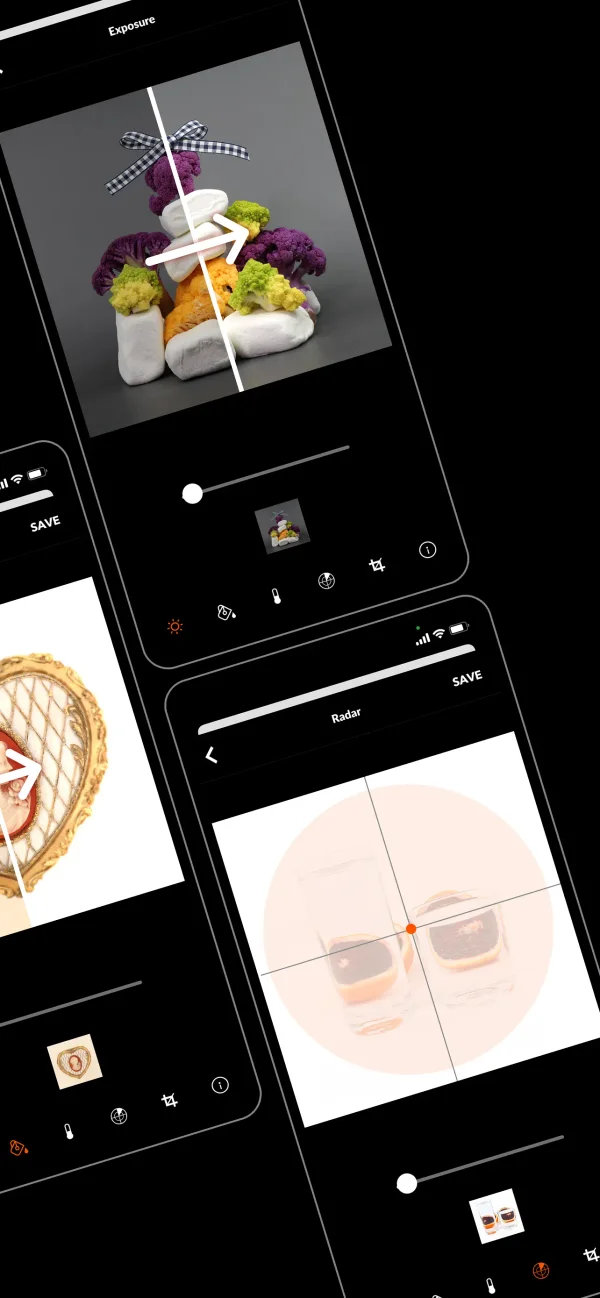
- Simple and intuitive (easy to navigate) editing tools
- Upload/share your image on Spinzam.com* (360 image platform by ORANGEMONKIE)
- Background filter : Edit background to pure white (in-app purchase)
- Radar: Automatically relocate the object to the center (in-app purchase)
- High resolution support / 1080 / 2160 / 3024 px (in-app purchase)
[HOW TO USE]
1. Connect your compatible Foldio360 product with the Foldio360 app by bluetooth.
2. Set up your product for the photoshoot.
3. Capture automatic 360° visuals by simply clicking the red capture button.
4. Edit your 360° visuals on the app.
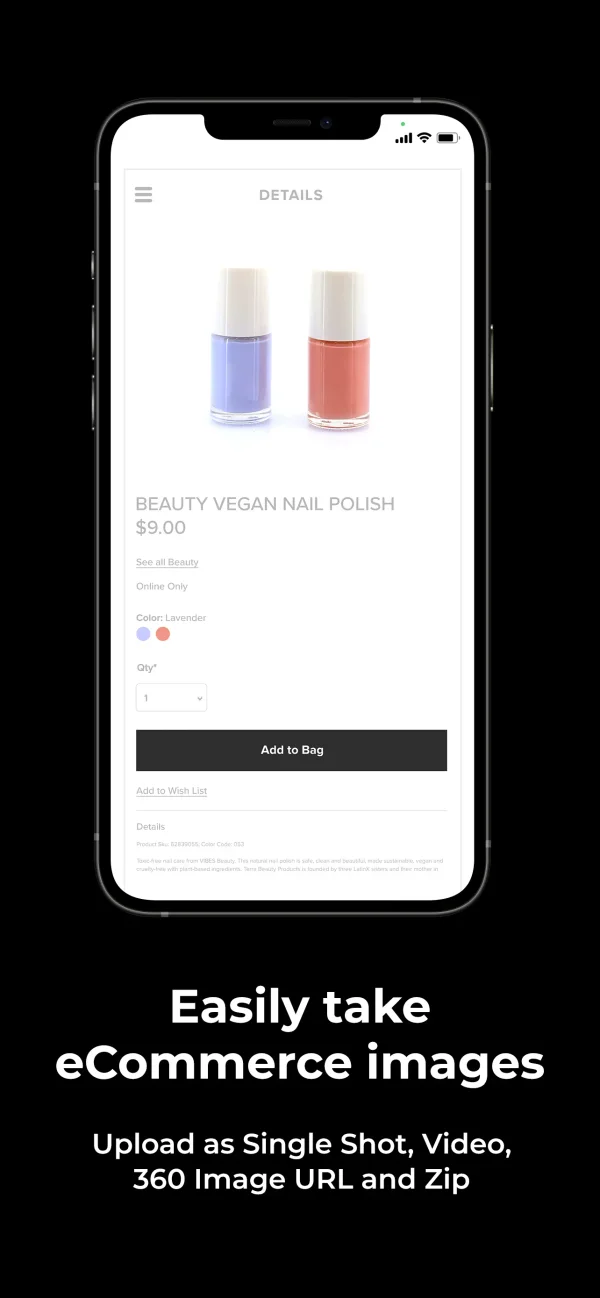
5. Share your image on your eCommerce page with our plugins, or export as photo, video, GIF, or All files expert.
[FOLDIO360 : THE SMART TURNTABLE & THE SMART DOME]
Compatible Foldio360 products can be used with smartphones or DSLR through bluetooth/IR connection. Once you click the start button, Foldio360 automatically rotates and creates 360 degree images of the object.
*Create awesome 360 images of your favorite object and share them on Spinzam.com! Spinzam.com is a 360 image platform made by ORANGEMONKIE. Upload your 360 image and Spinzam.com will generate shareable link that can be embedded on your social media, image libraries, e-commerce platform or anywhere you prefer.
Please visit http://www.orangemonkie.com for more information
[System Requirements]
1. Smartphone bluetooth version: Bluetooth 4.0 (BLE) or higher (LE version required)
2. Minimum requirement: iPhone 6S or higher (works best with iPhone X or higher)
3. OS Version: Minimum requirement is iOS 10.0 or higher (works best with iOS 12.0 or higher)
4. DSLR - IR remote mode available
Yang baru
Versi 2.3.0 · 22/12/2025
This release includes bug fixes, performance improvements and new features added
New features:
- iPhone Volume button can now work as ‘Shutter button’
- Bluetooth Remote Controller can now work as ‘Shutter button’
- Counterclockwise rotation can now be set in ‘VIDEO360’ mode
Privasi aplikasi
Yang dinyatakan ORANGEMONKIE di App Store tentang cara aplikasi ini menangani data.
-
Data yang tidak ditautkan dengan Anda
Dapat dikumpulkan, tetapi tidak ditautkan dengan identitas Anda.
- Info kontak
Praktik privasi dapat bervariasi, misalnya berdasarkan fitur yang Anda gunakan atau usia Anda.
Informasi
- Penjual
- OrangeMonkie Korea
- Kategori
- Foto & Video
- Versi
- 2.3.0
- Diperbarui
- 22/12/2025
- Dirilis
- 8/9/2016
- Ukuran
- 43,0 MB
- Memerlukan
- iOS 12.0 atau yang lebih baru
- Batasan usia
- 4+
- Harga
- Gratis
- Pembelian dalam aplikasi
- Ya
- Bahasa
- Inggris
- Hak cipta
- © 2021, ORANGEMONKIE, Inc. All Rights Reserved
Mungkin Anda juga suka
-
 Glo3D | 360 Car PhotographyFoto & Video
-
 Photo Studio by SquareFoto & Video
-
 Cadrage Director's ViewfinderViewfinder untuk sutradara
-
 360 Photo CamFoto & Video
-
 HDReyeFoto & Video
-
 Profoto ControlFoto & Video
-
 ReShoot 360Foto & Video
-
 Capture PilotFoto & Video
-
 iFootage MocoFoto & Video
-
 Canon Multi-Camera ControlFoto & Video