- Batasan usia4+
- KategoriKegunaan
- PengembangRoman Ushakov
- BahasaInggris+ 4 lainnya
- Ukuran63,9 MB
Tertaut ke halaman resmi App Store
Download.org tidak menyimpan file Gander 3D apa pun. Tombol ini membuka halaman aplikasi di App Store, tempat Roman Ushakov menerbitkannya. Halaman terakhir diperiksa pada 23/11/2026.
Tangkapan layar

Tentang
Pengembang belum menyediakan teks ini dalam bahasa Anda.
Turn your iPhone or iPad into an offline 3D scanner.
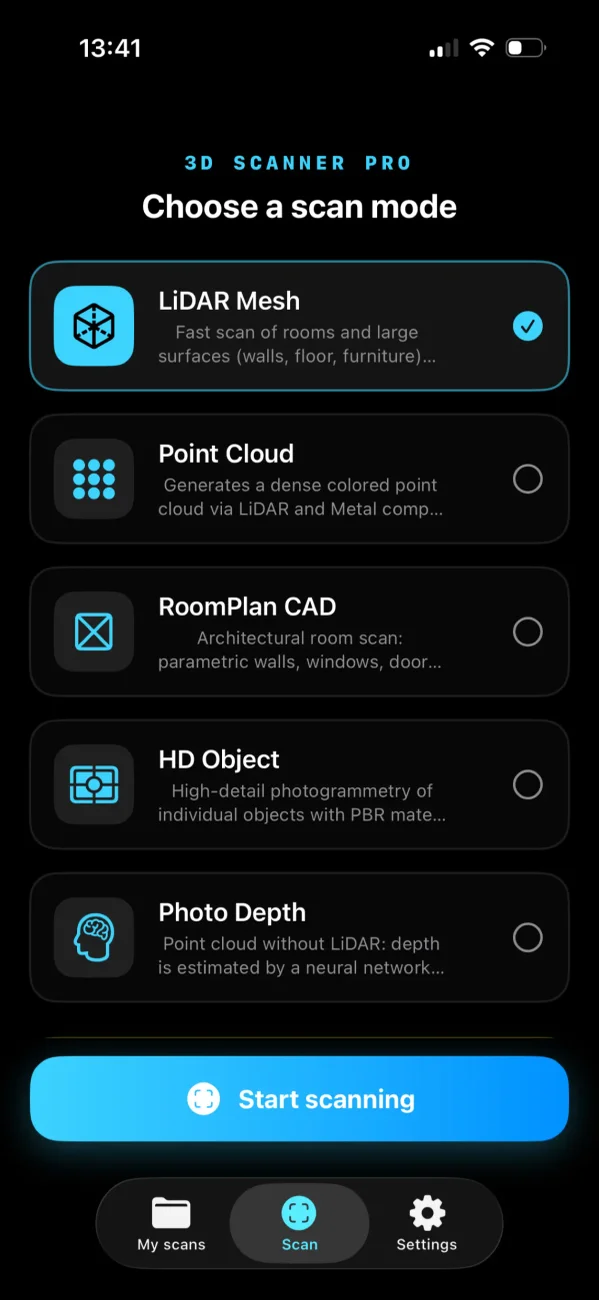
Gander 3D captures rooms, objects, and surfaces and processes everything directly on your device. Choose the scanning mode supported by your hardware:
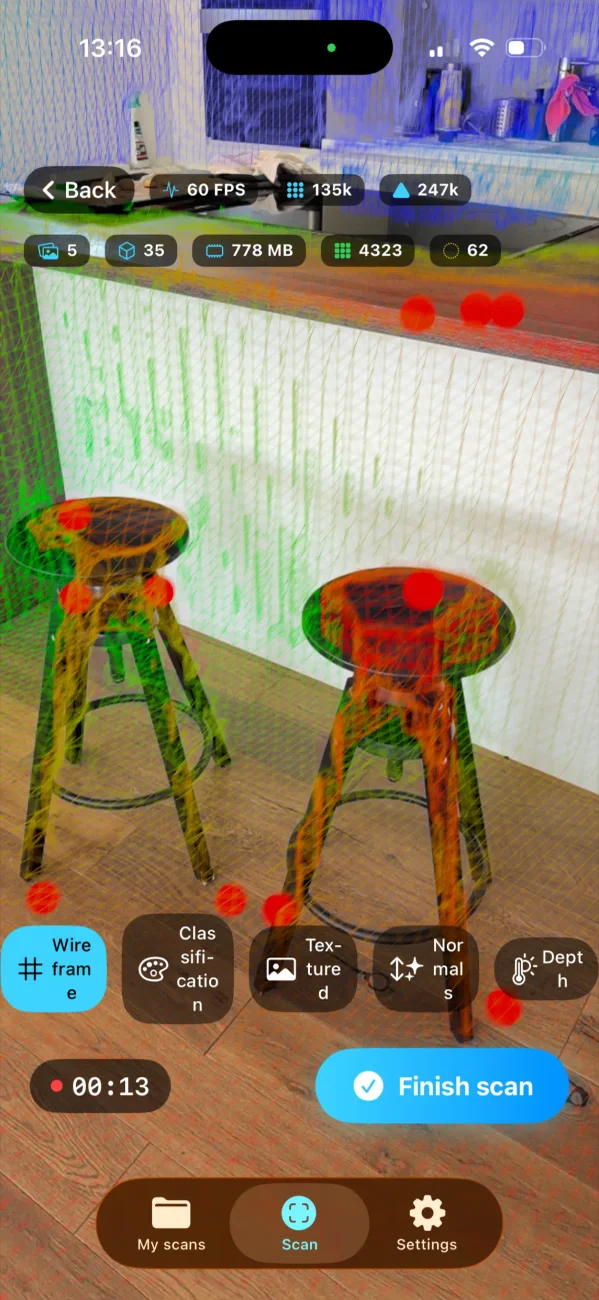
• LiDAR Mesh for fast surface reconstruction
• Point Cloud for dense spatial data
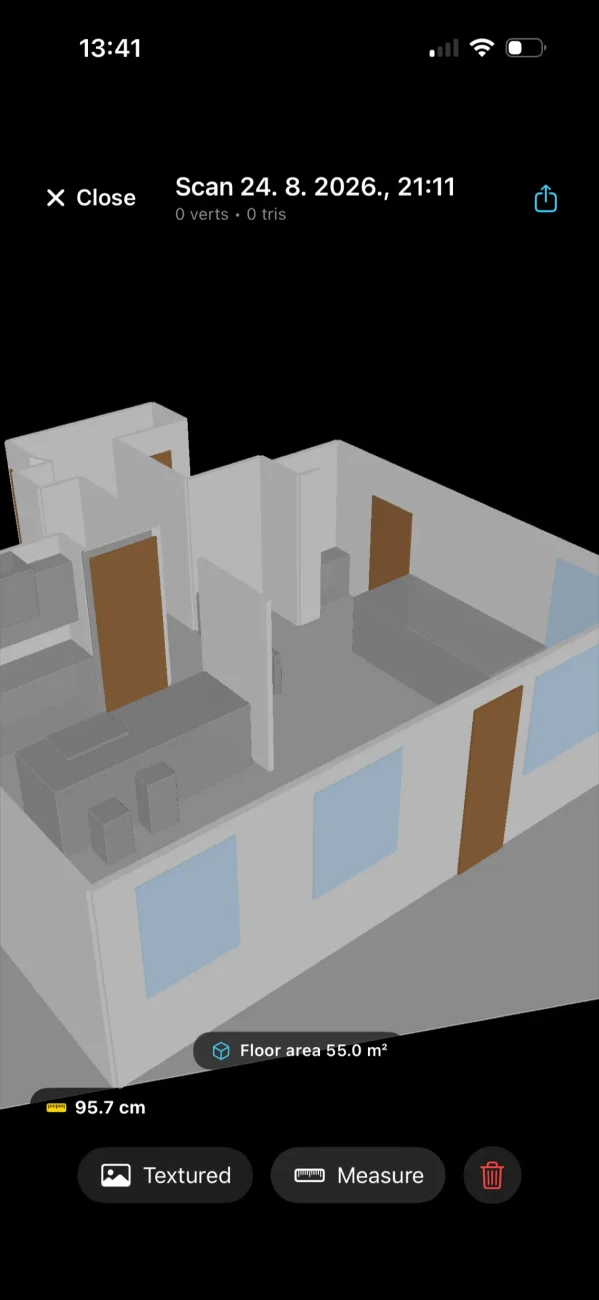
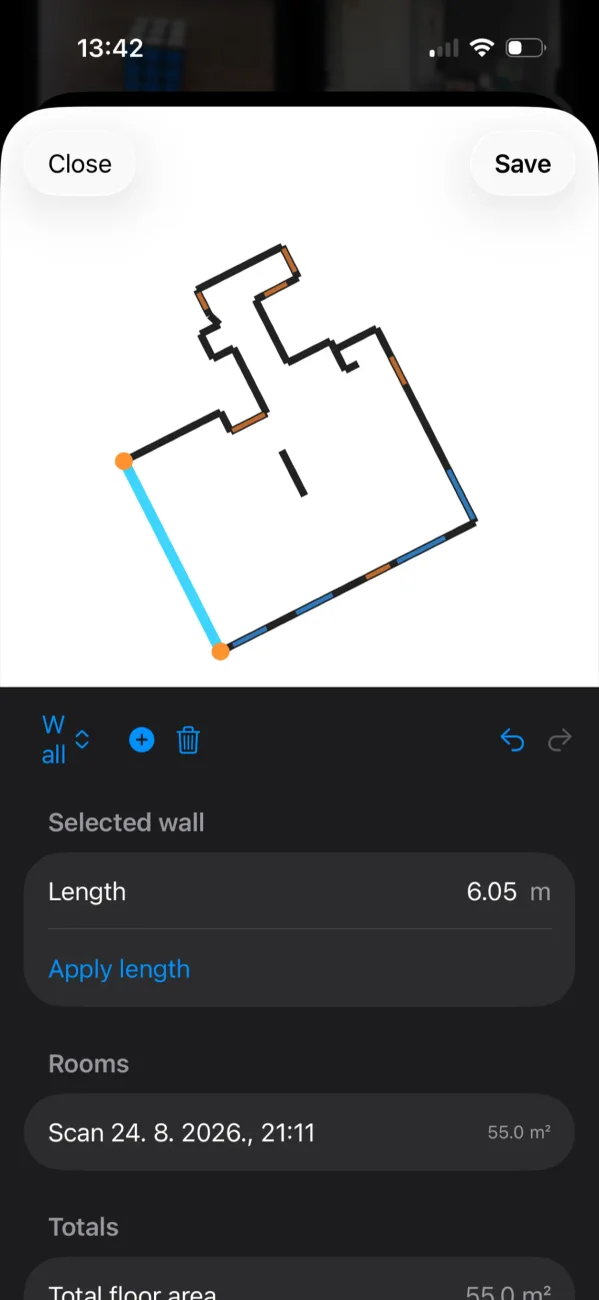
• RoomPlan for rooms and floor plans
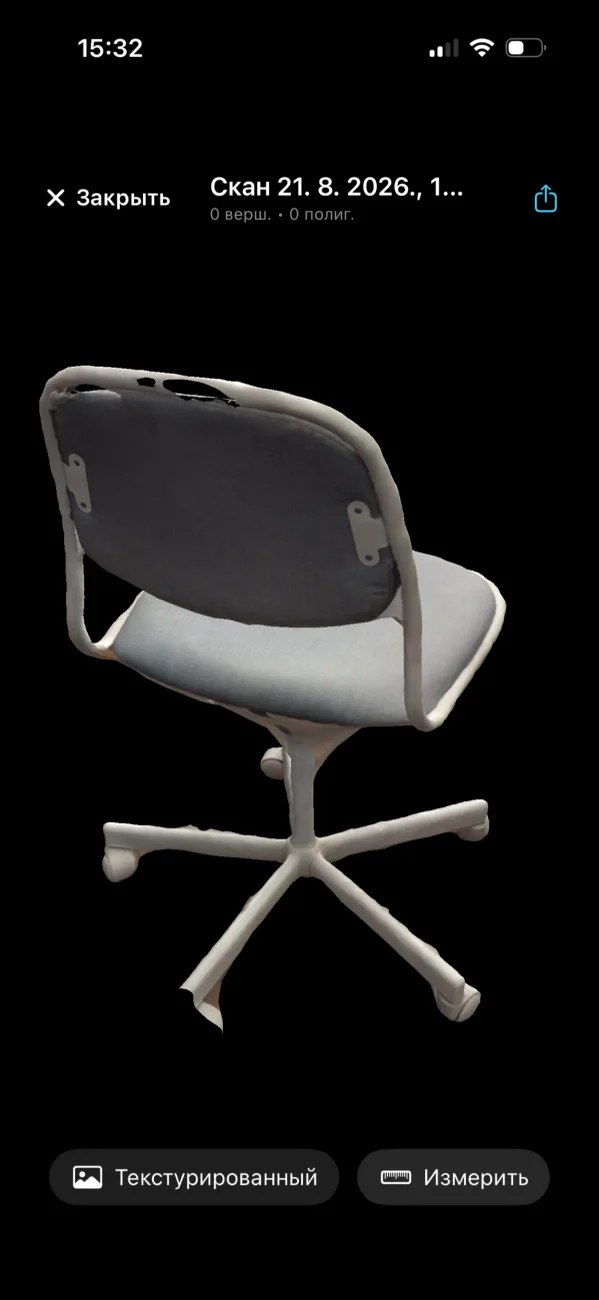
• HD Object for photogrammetry-based object capture
• Photo Depth for devices without LiDAR
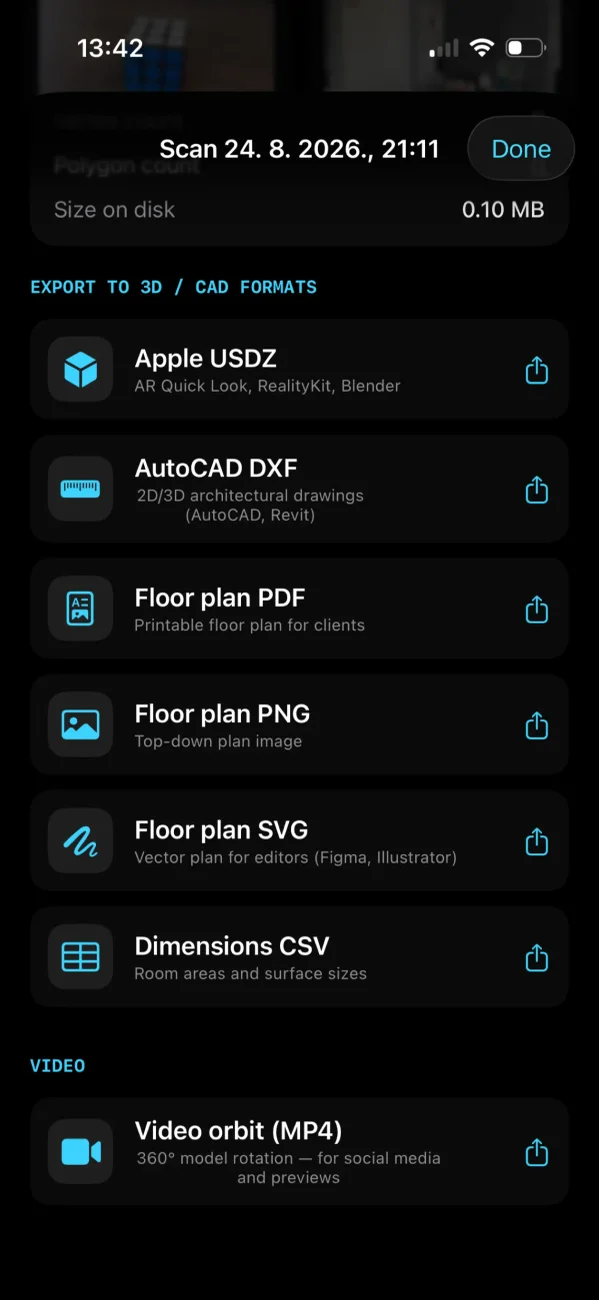
Open saved scans in the interactive 3D viewer, inspect geometry and measurements, and export your work as USDZ, OBJ, GLB, PLY, STL, LAS, or DXF. You can also create an MP4 turntable video of a model.
Edit RoomPlan floor plans in 2D: adjust walls, doors and windows, move furniture, and straighten walls that were captured a few degrees off. Export plans as PDF, PNG, SVG, CSV or DXF.
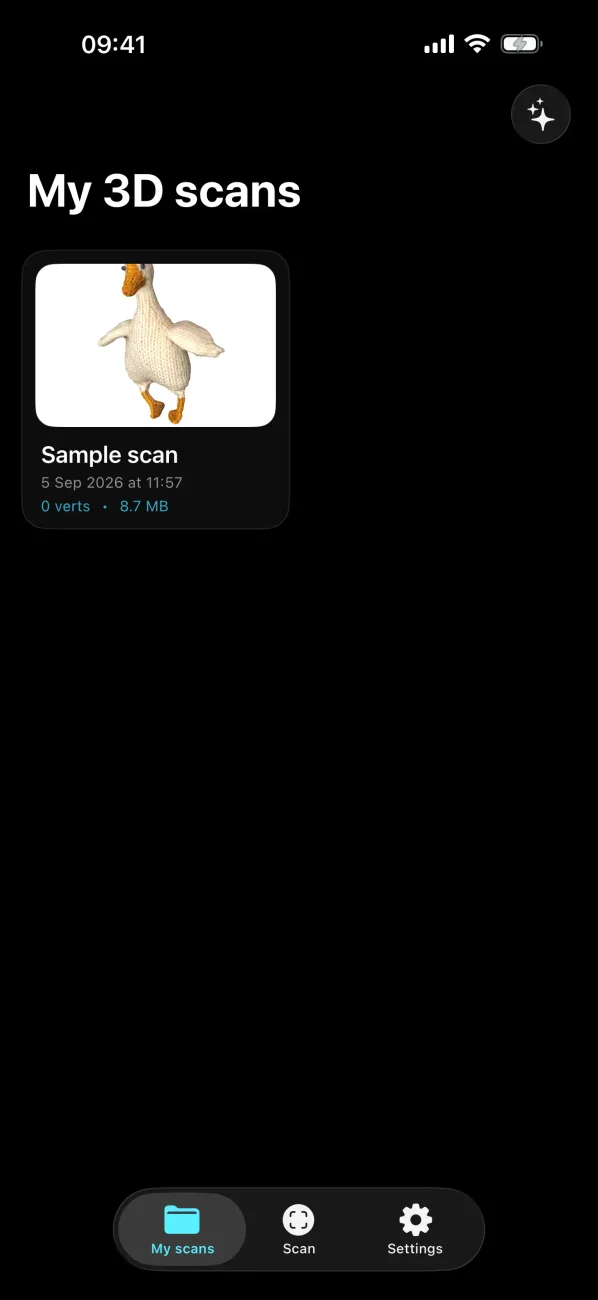
A sample scan is included so you can explore the viewer and export workflow immediately.
PRIVATE BY DESIGN
• No account or sign-in
• No analytics, ads, or tracking
• No network connection required
• Camera frames and 3D data remain on your device
Some modes require a LiDAR-equipped device. Photo Depth uses an on-device depth model and provides approximate rather than survey-grade scale.
Yang baru
Versi 1.0.2 · 23/11/2026
• RoomPlan: Straighten walls. RoomPlan sometimes places a freestanding wall and a kitchen island a few degrees off the room. Gander 3D now offers to straighten them right after you finish a room, or any time later in the 2D floor plan.
• 2D floor plan: move, rotate and delete furniture. Items snap flush to walls and center on them. Clearer toolbar.
• Edited floor plans now export USDZ and video with a floor, and you can still share the USDZ from before your edits.
• HD Object: a clearer capture-box step with Detect again, so parts of your object are no longer cut off. Optional "Don't crop to the box" setting on iOS 18.
• Photo Depth: refined camera poses and depth calibration for cleaner point clouds with fewer doubled surfaces.
• Reworked Point Cloud, RoomPlan and HD Object modes. Unfinished HD Object captures can be recovered after a restart.
• Safer scanning: confirmation before discarding a scan, and scanning pauses when you switch tabs, leave the app or take a call.
• Exports: accurate GLB colors, OBJ with textures in one package, STL in millimeters, cancellable video and floor-plan exports.
• Many stability, performance and translation fixes.
Privasi aplikasi
Yang dinyatakan Roman Ushakov di App Store tentang cara aplikasi ini menangani data.
-
Data tidak dikumpulkan
Pengembang tidak mengumpulkan data apa pun dari aplikasi ini.
Praktik privasi dapat bervariasi, misalnya berdasarkan fitur yang Anda gunakan atau usia Anda.
Informasi
- Penjual
- Roman Ushakov
- Kategori
- Kegunaan
- Versi
- 1.0.2
- Diperbarui
- 23/11/2026
- Dirilis
- 16/10/2026
- Ukuran
- 63,9 MB
- Memerlukan
- iOS 17.0 atau yang lebih baru
- Batasan usia
- 4+
- Harga
- Gratis
- Bahasa
- Inggris, Prancis, Jerman, Rusia, Spanyol
- Hak cipta
- © 2026 Roman Ushakov