
GEMBA Note Viewer 6
Empowering Mobile Workers
Dirancang untuk iPhone, iPad, iPod touch
Gratis
- Batasan usia17+
- KategoriBisnis
- PengembangMetaMoJi Corporation
- BahasaInggris+ 1 lainnya
- Ukuran268,5 MB
Tertaut ke halaman resmi App Store
Download.org tidak menyimpan file GEMBA Note Viewer 6 apa pun. Tombol ini membuka halaman aplikasi di App Store, tempat MetaMoJi Corporation menerbitkannya. Halaman terakhir diperiksa pada 13/11/2026.
Tangkapan layar

Tentang
Pengembang belum menyediakan teks ini dalam bahasa Anda.
GEMBA Note Viewer is a clone app for GEMBA Note for Business. When you edit a note using GEMBA Note for Business, this app is used to view and edit a different note.
◆Dramatically improve the productivity of your team or organization
● Work that could only be done back in the office can now be done in the field.
● Speedy documentation; instant reporting from the field and completion of approvals
◆Improving the quality of work and reducing errors on site.
● Quickly and reliably record handwriting, voice recordings, photos and videos
● Intuitive TODO management helps you manage your tasks
● Diary management allows you to keep track of your schedule and tasks
◆An easy-to-use system that meets the needs of a wide variety of sites
● Create a toolbox of the specific functions you need for your job and share it with your team
● Data linkage with a wide range of equipment and devices
◆Easy and reliable communication in real-time, even at a distance
● Create shared documents where authorized users can collaborate in real-time or on-demand.
◆Helps to identify problems early and avoid risks
● A "management console" can be built to consolidate information on site from the manager's point of view.
● Instantly consolidate reports from the field and issue instructions in real time
Feature Overview:
● Manage approvals using stamps and signatures with management of requests to specific authorizers.
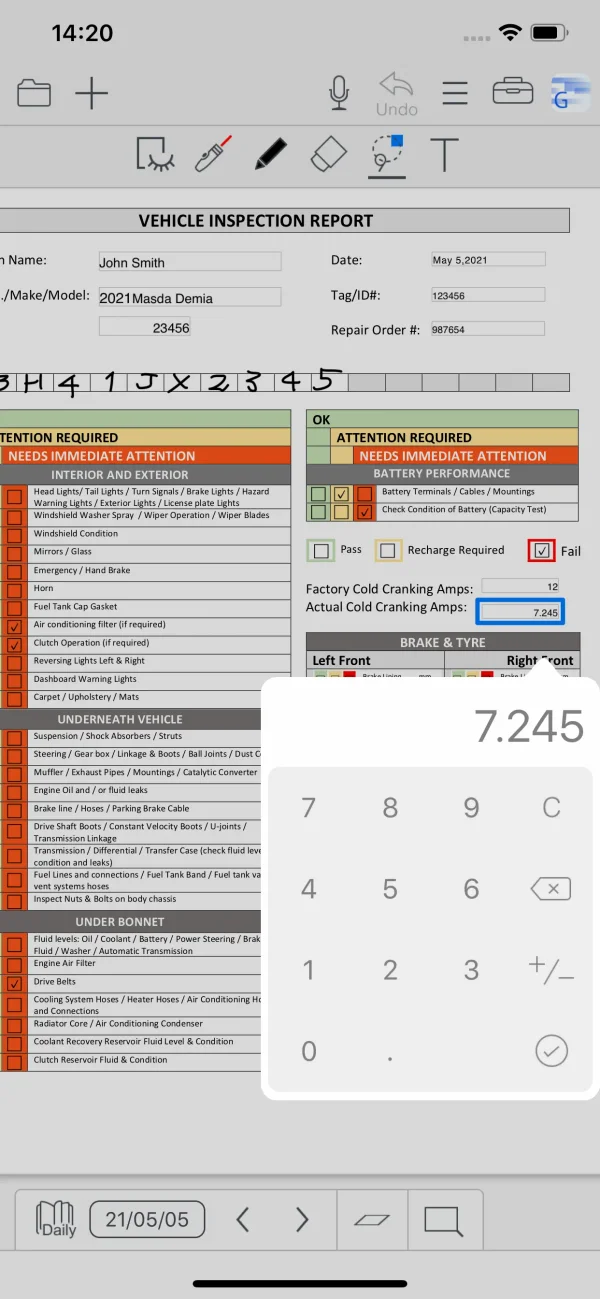
● Add photos of the area or object to be inspected and attach to pins on an imported drawing from PDF or image.
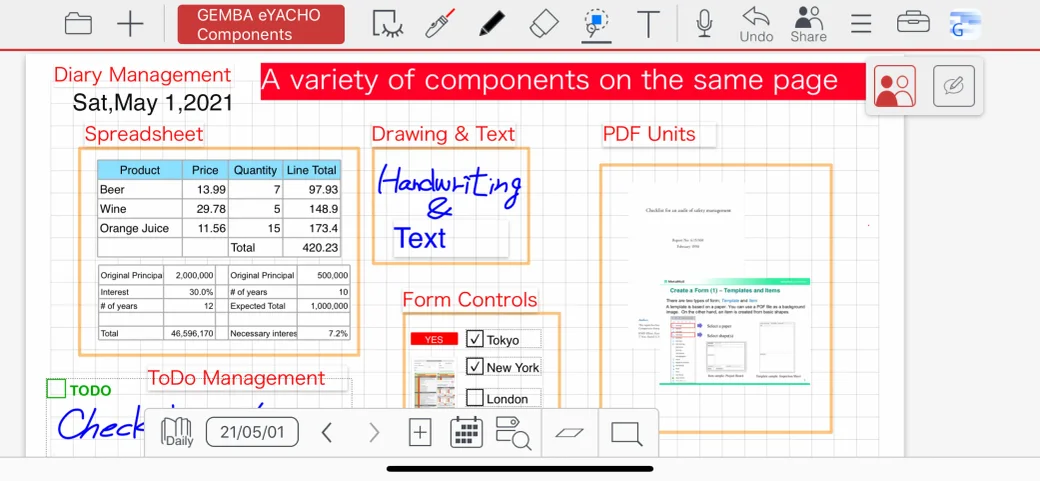
● Maintain a diary with pages automatically timestamped, allowing you to organize and view your records in a calendar view
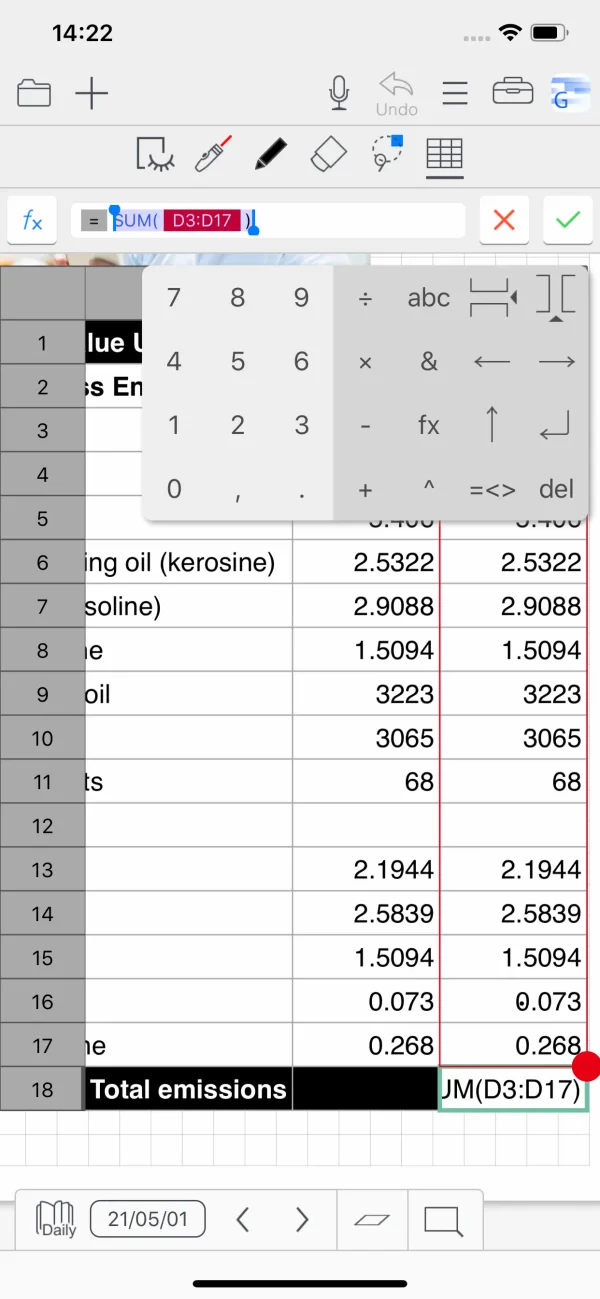
● Using the spreadsheet component enter data, automatically calculate results, and perform analysis
● Capture video and audio quickly. Easily play within your note pages
● Jump to notes taken on a specific day using the calendar view
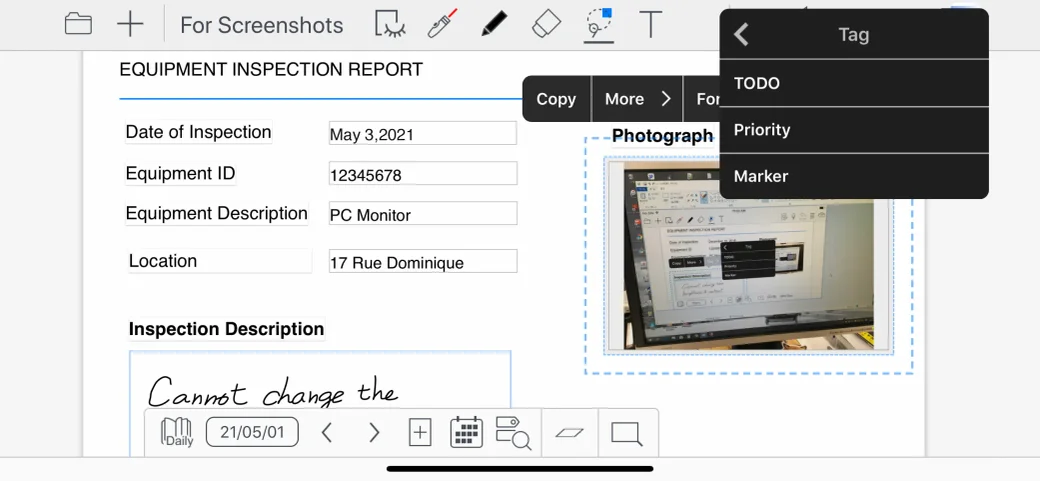
● Search for target templates or content using tags, enabling to-do lists and much more
● Customize search and filter conditions
● Write, sketch, and draw notes with a variety of pens, paper layouts, and graphics. Includes calligraphy pens and special inks from a vast color palette
● Take photographs using the camera or import existing images straight into your documents
● A vector graphics system (as used in CAD applications) means you can fine tune and edit anything you add
● Move, scale, and rotate anything on your page without losing quality
● Import PDF documents as pages in a note, annotate and then save as a new PDF file
● Import multiple PDF documents on the same page for side-by-side information analysis
● Include web page links and visualizations within a note
● Smart cropping tool for photo editing
● Quickly access frequently used tools and commands, customized for different business scenarios
● Layers are stackable sheets of paper placed on top of each other
● Data integration with other systems is possible via interfacing with their REST APIs
Share Features:
● Push notifications to request approval of reports and other documents
● Create teams and share templates, items, and toolboxes between members
● Convert to a Share Note to allow multiple users to visually interact with the documents and add text, handwriting, photos, new pages, graphics, spreadsheets, and any other content types
●Tools for managing meetings:
- Control a meeting by a presenter. The presenter can turn pages of the current Share Note and zoom in and out on the current editor screen
- Easily view planned and ad-hoc future and past meetings
Development Enterprise Edition Features (Option):
● Create a package including contents such as tag schemas, filters, items, and papers
● Deploy packages to users
● Customize user interface
Yang baru
Versi 6.12.9 · 20/4/2026
- Bug fixes.
Privasi aplikasi
Yang dinyatakan MetaMoJi Corporation di App Store tentang cara aplikasi ini menangani data.
-
Data tidak dikumpulkan
Pengembang tidak mengumpulkan data apa pun dari aplikasi ini.
Praktik privasi dapat bervariasi, misalnya berdasarkan fitur yang Anda gunakan atau usia Anda.
Informasi
- Penjual
- MetaMoJi Corporation
- Kategori
- Bisnis
- Versi
- 6.12.9
- Diperbarui
- 20/4/2026
- Dirilis
- 19/7/2021
- Ukuran
- 268,5 MB
- Memerlukan
- iOS 13.6 atau yang lebih baru
- Batasan usia
- 17+
- Harga
- Gratis
- Bahasa
- Inggris, Jepang
- Hak cipta
- © Copyright 2021 MetaMoJi Corp