- Batasan usia4+
- KategoriKegunaan
- PengembangMichael Doornbos
- BahasaInggris
- Ukuran805,0 KB
Tertaut ke halaman resmi App Store
Download.org tidak menyimpan file HP16C apa pun. Tombol ini membuka halaman aplikasi di App Store, tempat Michael Doornbos menerbitkannya. Halaman terakhir diperiksa pada 16/11/2026.
Tangkapan layar
Tentang
Pengembang belum menyediakan teks ini dalam bahasa Anda.
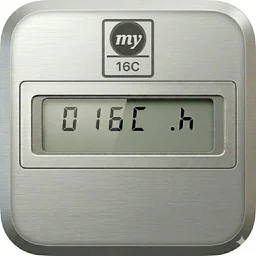
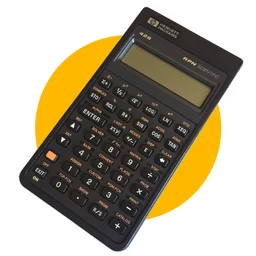
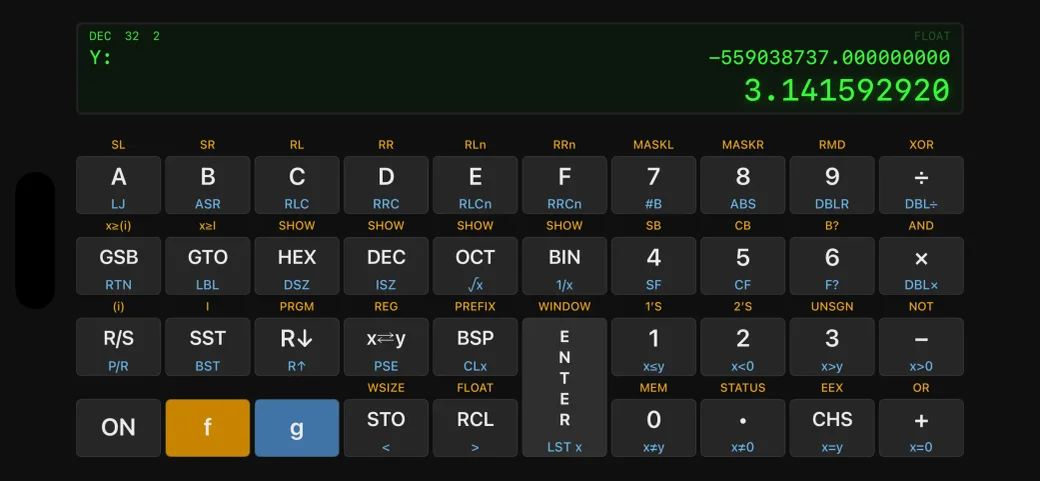
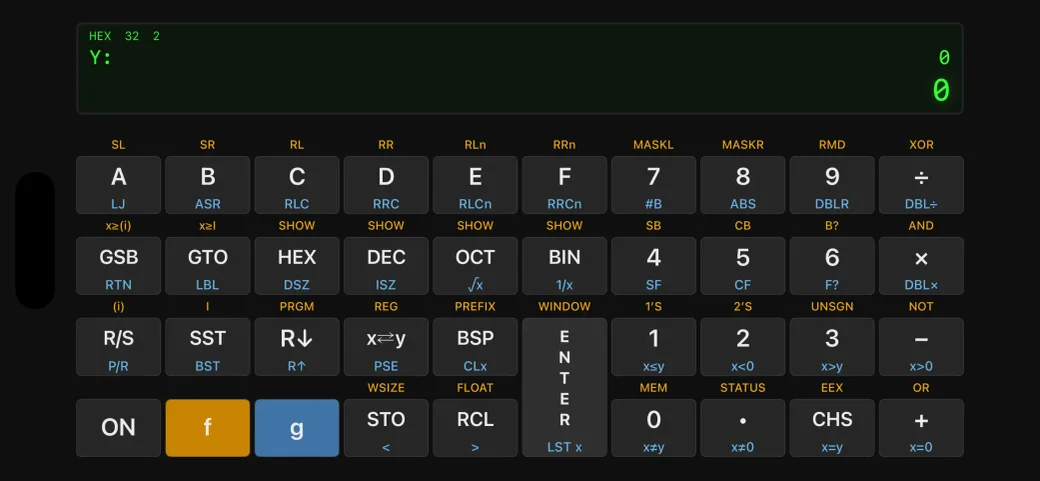
A faithful recreation of the legendary HP 16C Computer Scientist calculator for iPhone, with a few modern upgrades.
If you've ever needed to perform hex arithmetic, bit manipulation, or base conversion on your phone and been frustrated by the available options, this is for you. RPN-16C gives you the full power of the original HP 16C in your pocket.
WHAT IT DOES
- Full RPN (Reverse Polish Notation) calculator
- Integer arithmetic in HEX, DEC, OCT, and BIN
- Configurable word size from 1 to 64 bits
- Unsigned, one's complement, and two's complement modes
- Complete bit operations: shift, rotate, rotate through carry, AND, OR, XOR, NOT, mask, bit set/clear/test, count bits, left justify
- Float mode with configurable precision (FLOAT 0-9)
- Keystroke programming with labels, subroutines, loops, and conditionals
- Storage registers with direct and indirect addressing
- Programs can be imported from text (long-press the display to paste)
ENHANCEMENTS OVER THE ORIGINAL
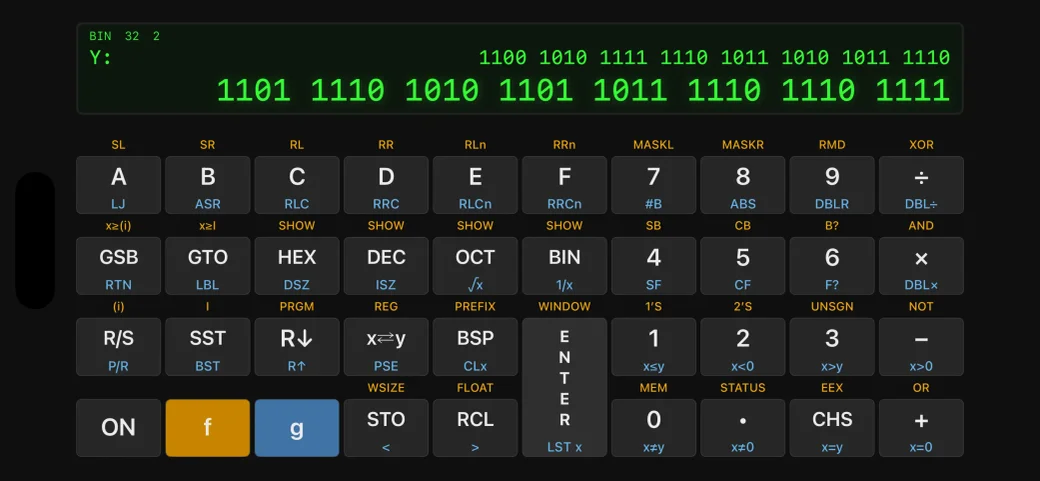
- Two-line display: see both X and Y registers at once. No more guessing what's on the stack.
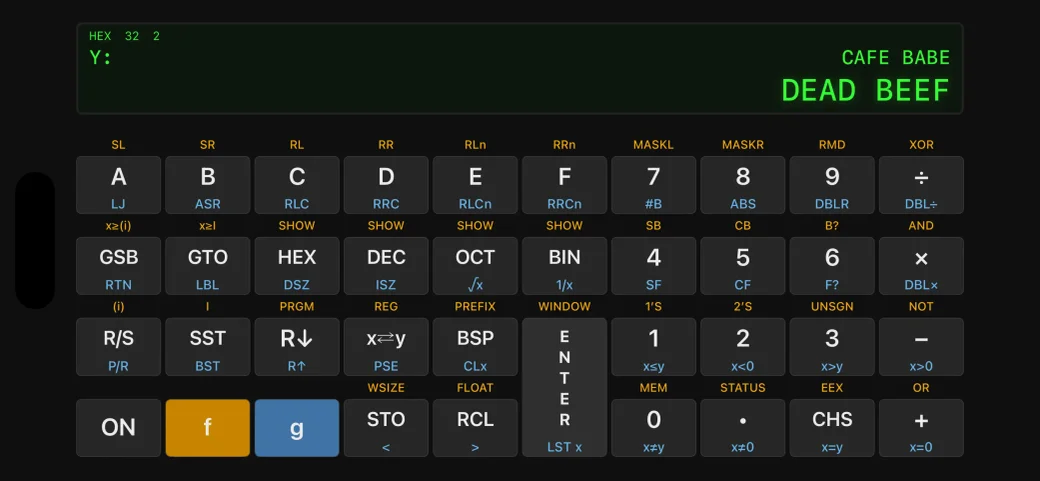
- Wider LCD: displays all 32 bits in binary without scrolling. The original could only show 8 at a time.
- Haptic feedback on every key press
- State persistence: pick up right where you left off
- SHOW function to peek at values in other bases
FAIR WARNING
This is a quirky calculator. It uses Reverse Polish Notation, has no equals key, and expects you to know what two's complement means. If you're looking for a simple calculator, this is not it. If you've ever wished you could do a bitwise rotate through carry on your phone, welcome home.
DESIGNED FOR PROGRAMMERS
The key layout matches the physical HP 16C exactly, including the f (gold) and g (blue) shift labels. If you know the original, you already know this one. The original HP 16C Owner's Handbook is freely available on the Internet Archive: https://archive.org/details/hp-16c_handbook
Yang baru
Versi 1.0.7 · 25/9/2026
Flag 3 works now. Set it with SF 3 and hex, octal, and binary values are padded with leading zeros out to the full word size, the way the original HP 16C shows them. CF 3 turns it back off.
While fixing that, I found a bigger problem: SF, CF, and F? were taking the flag number from the X register instead of from the next key you pressed. On the real machine, the number is part of the keystroke sequence, so SF 3 is SF followed by 3. That's how it works here now, in programs as well.
Thanks to the two people who wrote in about this.
Privasi aplikasi
Yang dinyatakan Michael Doornbos di App Store tentang cara aplikasi ini menangani data.
-
Data tidak dikumpulkan
Pengembang tidak mengumpulkan data apa pun dari aplikasi ini.
Praktik privasi dapat bervariasi, misalnya berdasarkan fitur yang Anda gunakan atau usia Anda.
Informasi
- Penjual
- Michael Doornbos
- Kategori
- Kegunaan
- Versi
- 1.0.7
- Diperbarui
- 25/9/2026
- Dirilis
- 8/4/2026
- Ukuran
- 805,0 KB
- Memerlukan
- iOS 17.0 atau yang lebih baru
- Batasan usia
- 4+
- Harga
- Gratis
- Bahasa
- Inggris
- Hak cipta
- © OffGlobe, LLC 2026