
iFrame - Frame Screenshots
Frame screenshots & videos
Dirancang untuk iPhone
Gratis · Pembelian dalam aplikasi
- Batasan usia4+
- KategoriKegunaan
- PengembangINII Co., Ltd.
- BahasaInggris+ 5 lainnya
- Ukuran33,4 MB
Tertaut ke halaman resmi App Store
Download.org tidak menyimpan file iFrame - Frame Screenshots apa pun. Tombol ini membuka halaman aplikasi di App Store, tempat INII Co., Ltd. menerbitkannya. Halaman terakhir diperiksa pada 12/11/2026.
Tangkapan layar
Tentang
Pengembang belum menyediakan teks ini dalam bahasa Anda.
「iFrame: Frame screenshots & videos」
iFrame has been recommended by sspai, AppSo, and so on.
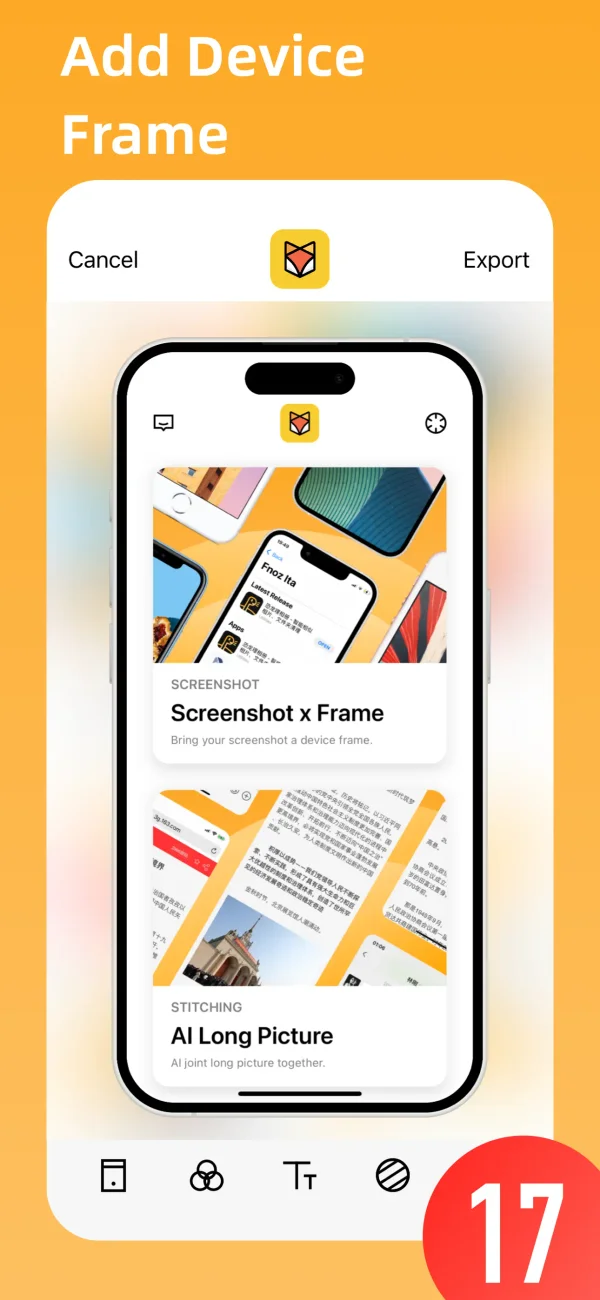
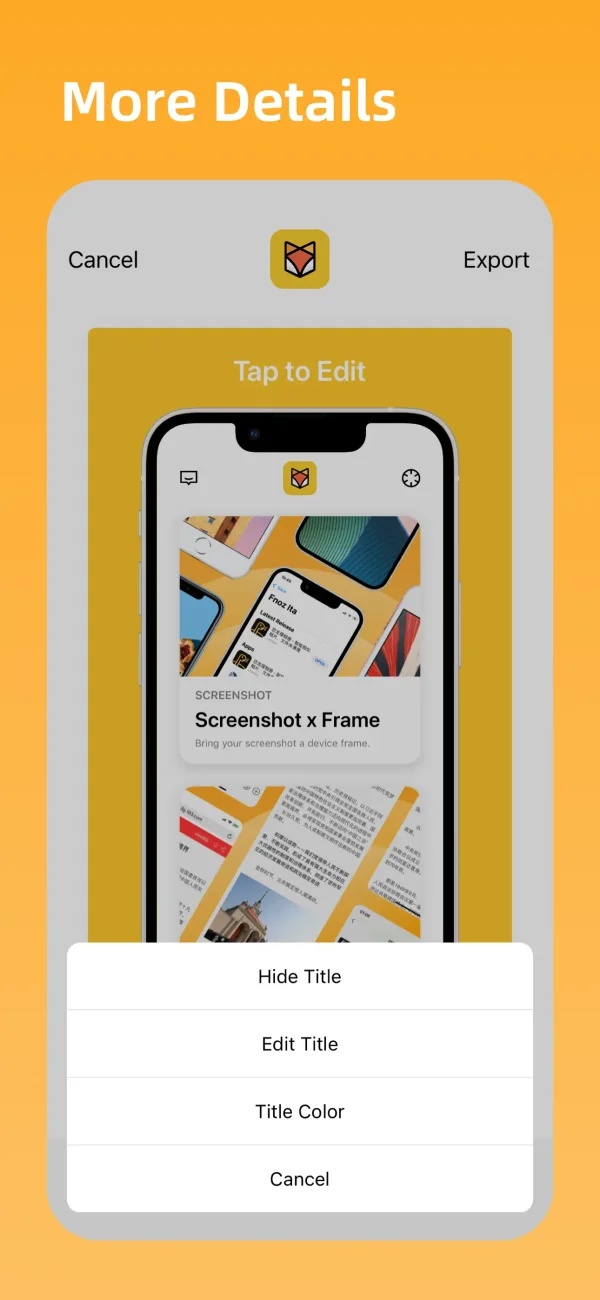
「Screenshots Frame」Bring your screenshot a device frame.
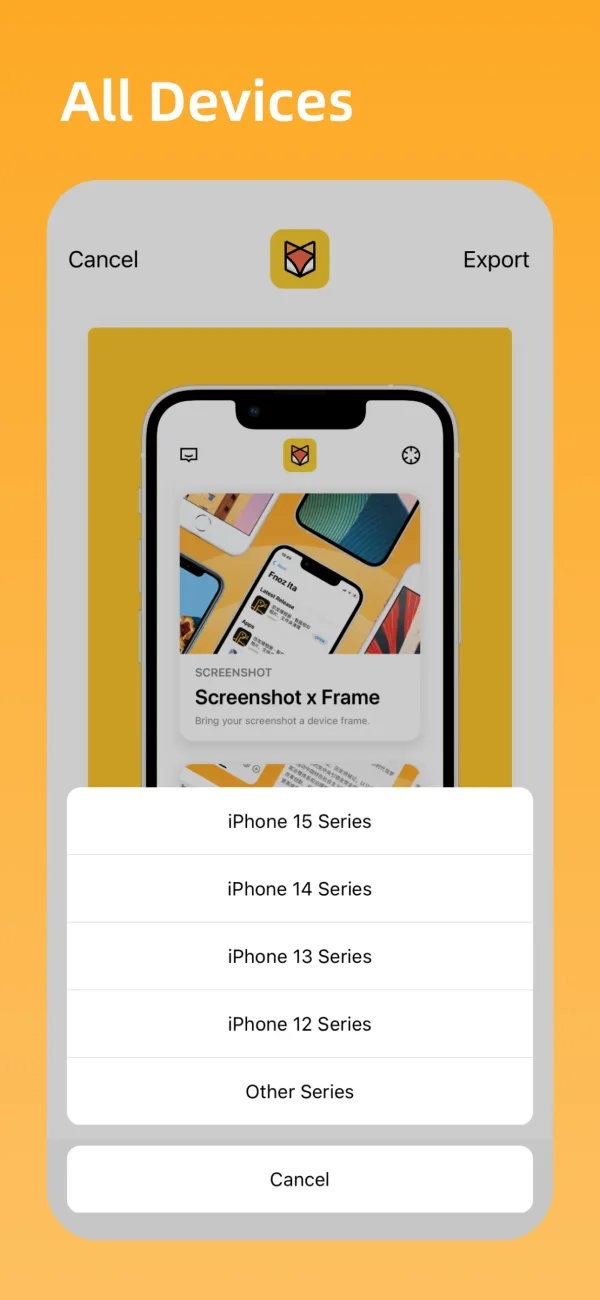
1. Device frames with all sizes and colors.
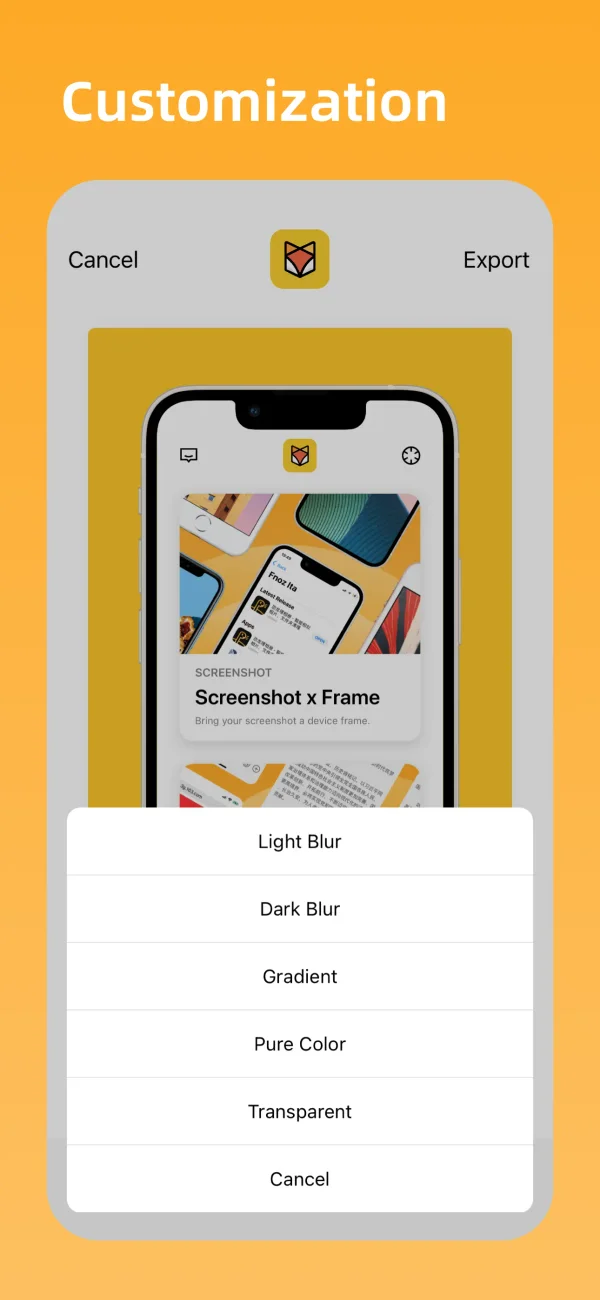
2. Various background styles.
3. Add your text for it, and remove notch.
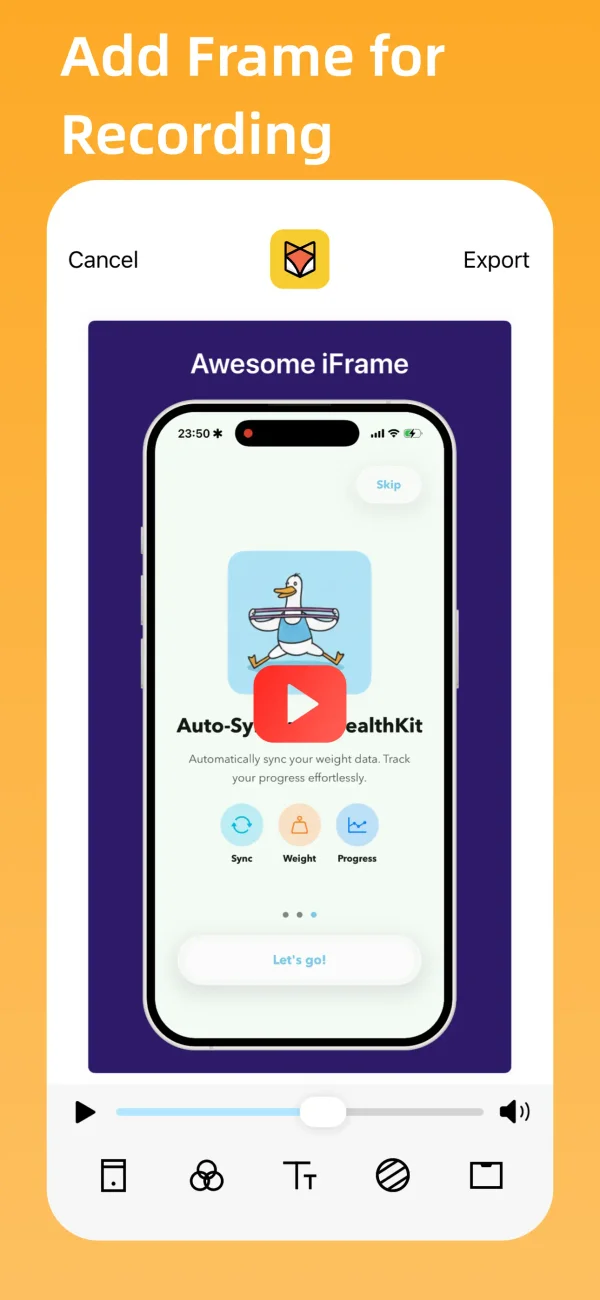
「Screen Recordings Frame」Add device frames to your screen recordings.
1. Select a video just like selecting a screenshot.
2. Preview with frame before export.
3. Export with or without original audio.
「Rich Tools」
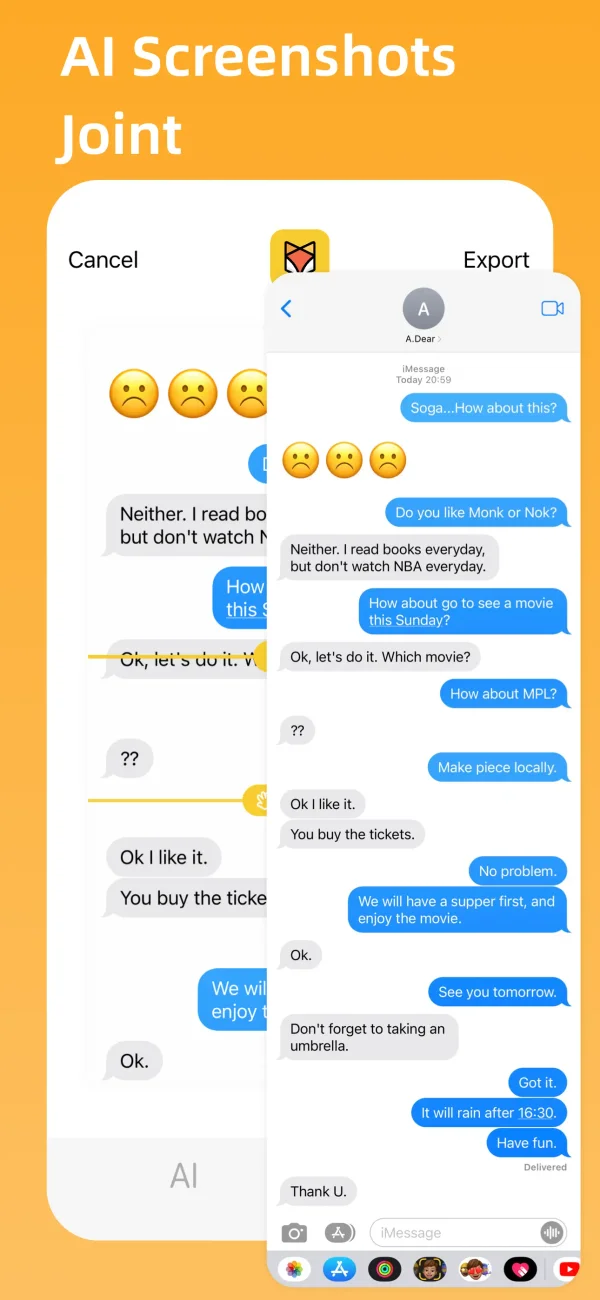
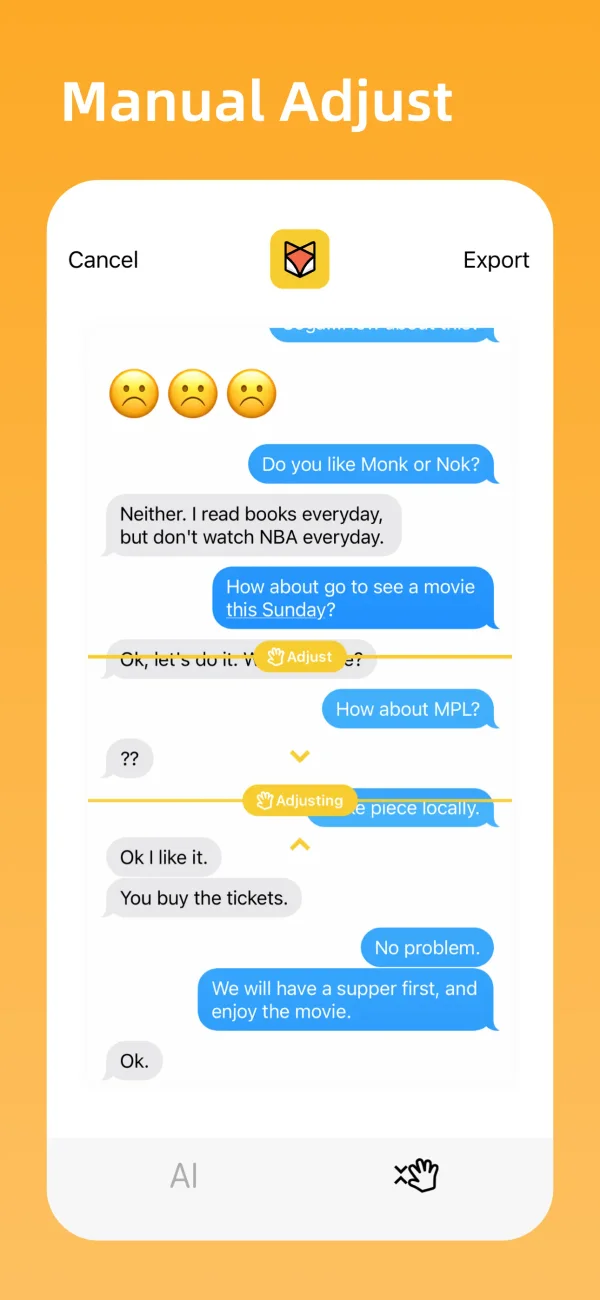
- AI Long Picture: Joint your screenshots by AI to create complete chat history, manually adjust the edge if needed.
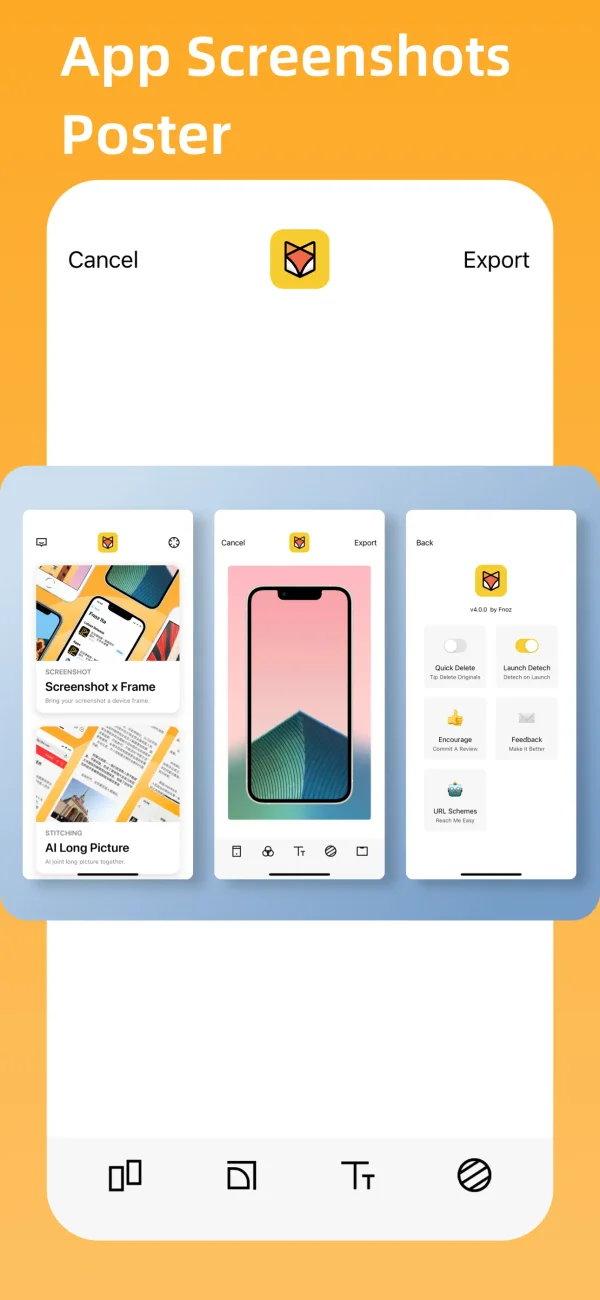
- App Poster: Creat nice posters for sharing your App, customize styles, backgrounds, text, etc.
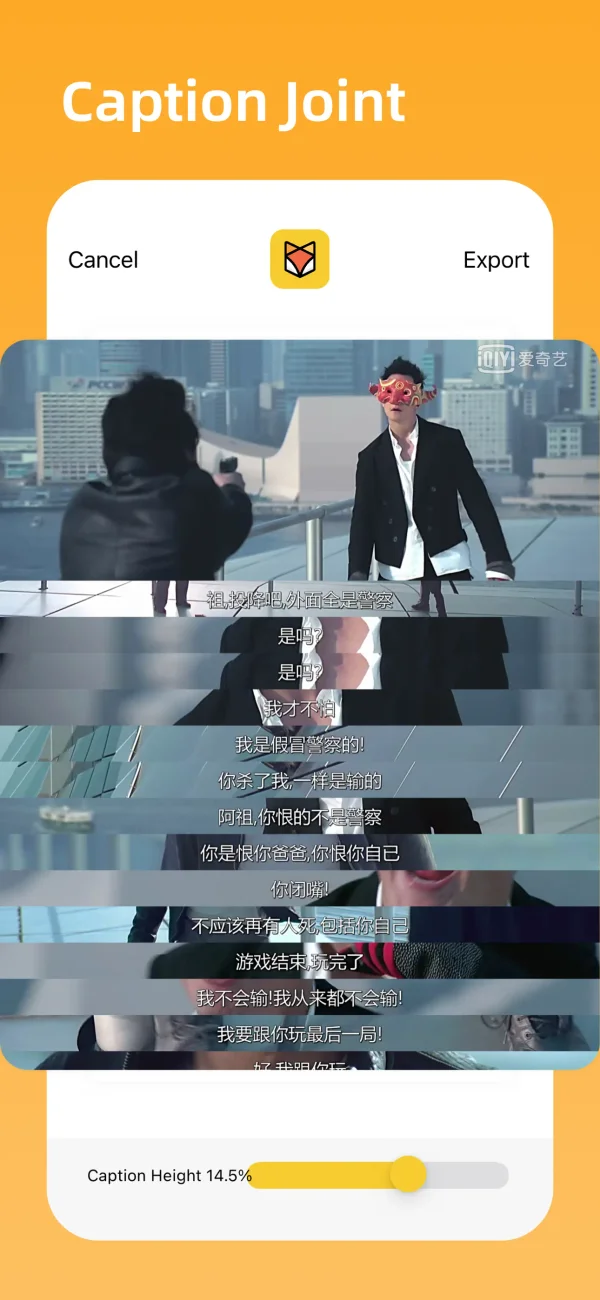
- Join Caption: Captions of movies combined into a picture, adjust the height and export easily.
Let's make iFrame better.
You could send feedbacks inside iFrame, and thank you~
---
「About iFrame Pro」
With subscription, you will be iFrame Pro Member, enjoying more Member-Only features.
Payment: Upon confirmation of purchase and payment, the benefits will be credited to your iTunes account and will be automatically renewed through your iTunes account.
Renewal/Automatic renewal: Apple'S iTunes account will deduct a fee within 24 hours before the expiration date, and the subscription cycle will be extended one more time after the deduction is successful.
Cancel renewal: To cancel your subscription, manually turn off the automatic renewal feature in the iTunes/ApplelD Settings management 24 hours before the current subscription cycle expires.
「Policy」
Privacy Policy: https://www.privacypolicies.com/live/b65b1bb1-ee71-418e-9c25-3bfc6100117c
Terms of Use: https://www.apple.com/legal/internet-services/itunes/dev/stdeula/
Yang baru
Versi 4.9.2 · 24/8/2026
v4.9.2 Update
[Improved] Long Image Stitching
Rewritten stitching algorithm: fixed areas such as the status bar, navigation bar, and input bar are now detected and skipped automatically, so only the scrolling content is compared. Chat history and similar scenes stitch more accurately.
[Improved] Stitching Quality
Original resolution is now preserved, with smart compression only when necessary.
[Fixed] Stability
Fixed a crash that could occur when stitching many high-resolution images.
[Fixed] UI Details
Fixed incorrect button icons and discolored transparent-background exports.
Privasi aplikasi
Yang dinyatakan INII Co., Ltd. di App Store tentang cara aplikasi ini menangani data.
-
Data yang tidak ditautkan dengan Anda
Dapat dikumpulkan, tetapi tidak ditautkan dengan identitas Anda.
- Konten pengguna
- Pengenal
- Data penggunaan
Praktik privasi dapat bervariasi, misalnya berdasarkan fitur yang Anda gunakan atau usia Anda.
Informasi
- Penjual
- INII Co., Ltd.
- Kategori
- Kegunaan
- Versi
- 4.9.2
- Diperbarui
- 24/8/2026
- Dirilis
- 9/3/2017
- Ukuran
- 33,4 MB
- Memerlukan
- iOS 16.6 atau yang lebih baru
- Batasan usia
- 4+
- Harga
- Gratis
- Pembelian dalam aplikasi
- Ya
- Bahasa
- Inggris, Prancis, Jepang, Portugis, Tionghoa Sederhana, Spanyol
- Hak cipta
- © INII Co., Ltd.
Mungkin Anda juga suka
-
 ScreenCaseKegunaan
-
 Picsnp-Screenshot StitchingKegunaan
-
 FrameWork Pro - ScreenshotKegunaan
-
 OneMockup - Make Custom MockupMake Custom Mockup
-
 Flex Scanner - PDF ScannerKegunaan
-
 OneClock - A Simple Flip ClockKegunaan
-
 Record MakerKegunaan
-
 Beautiful Compass ProKegunaan
-
 iJumper - launcherKegunaan
-
 My Battery HealthKegunaan