IHL
International Humanitarian Law
Dirancang untuk iPhone, iPad, iPod touch
Gratis
- Batasan usia4+
- KategoriReferensi
- PengembangLe Comite International de la Croix-Rouge (CICR)
- BahasaInggris
- Ukuran27,3 MB
Tertaut ke halaman resmi App Store
Download.org tidak menyimpan file IHL apa pun. Tombol ini membuka halaman aplikasi di App Store, tempat Le Comite International de la Croix-Rouge (CICR) menerbitkannya. Halaman terakhir diperiksa pada 12/11/2026.
Tangkapan layar



Tentang
Pengembang belum menyediakan teks ini dalam bahasa Anda.
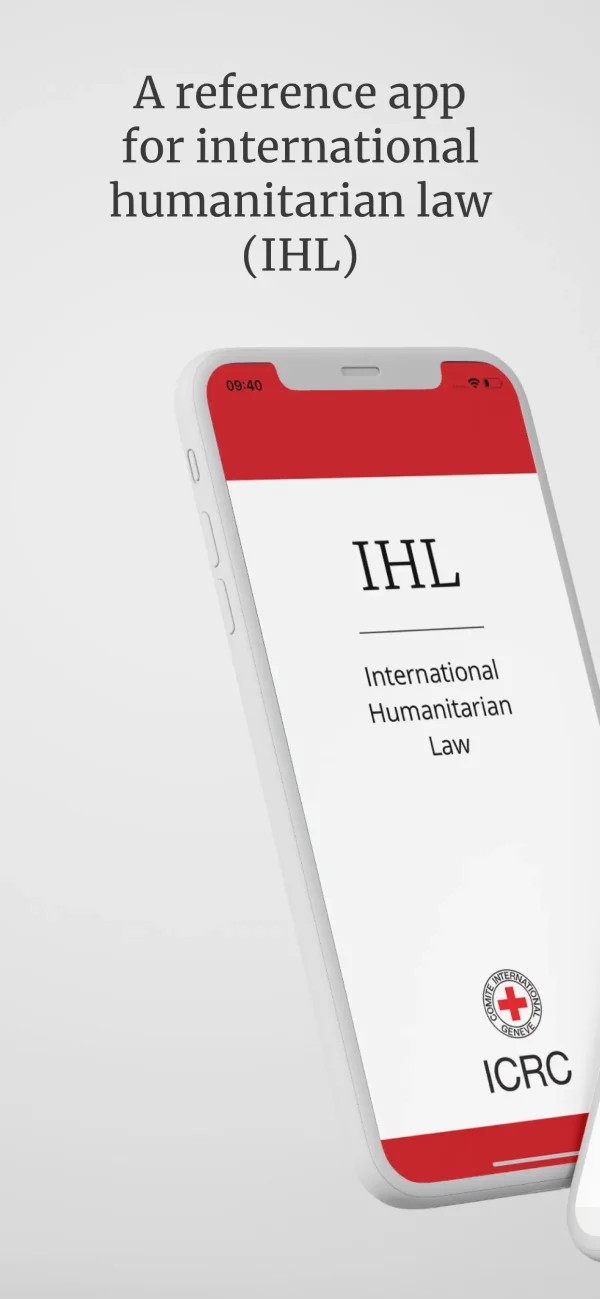
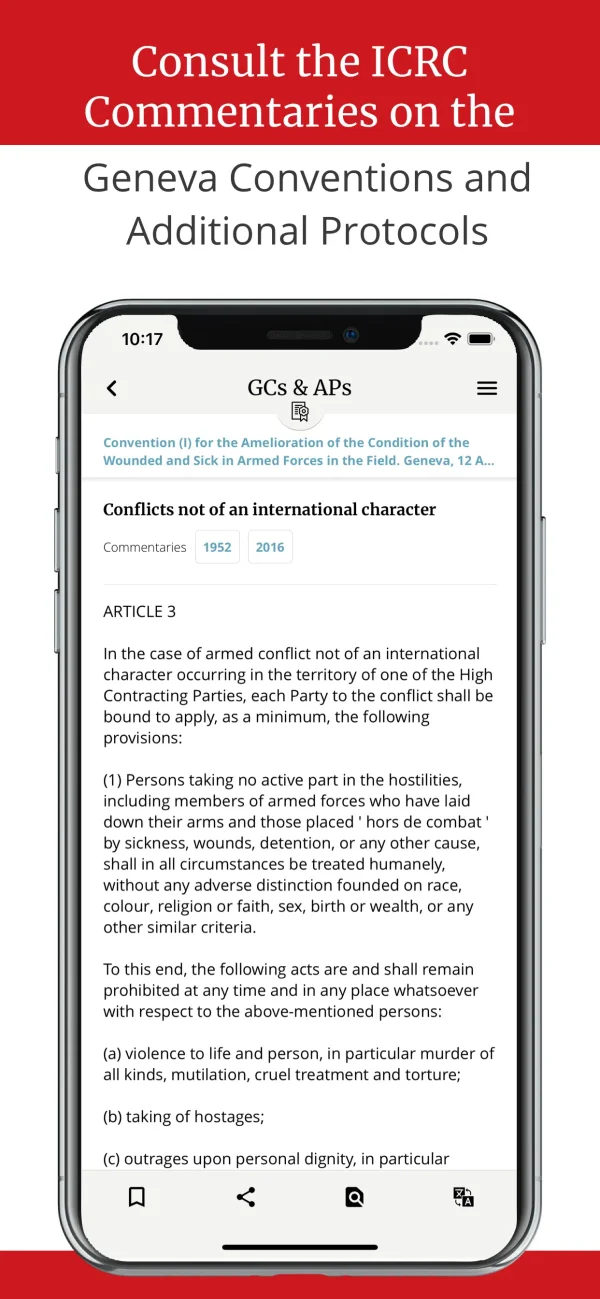
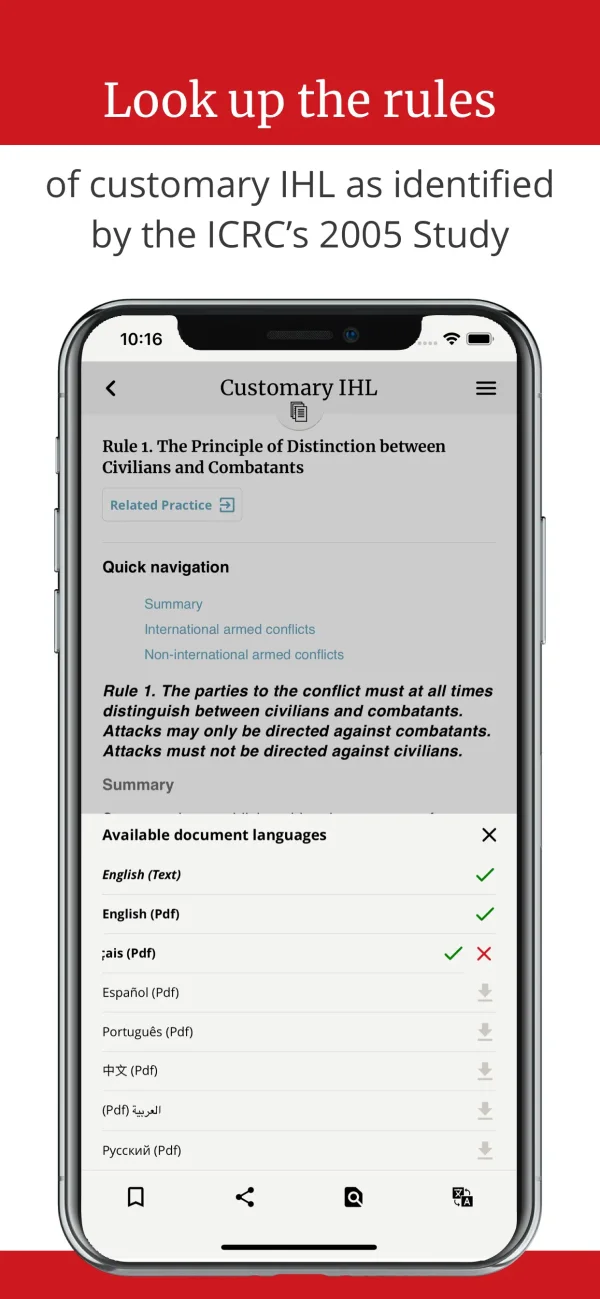
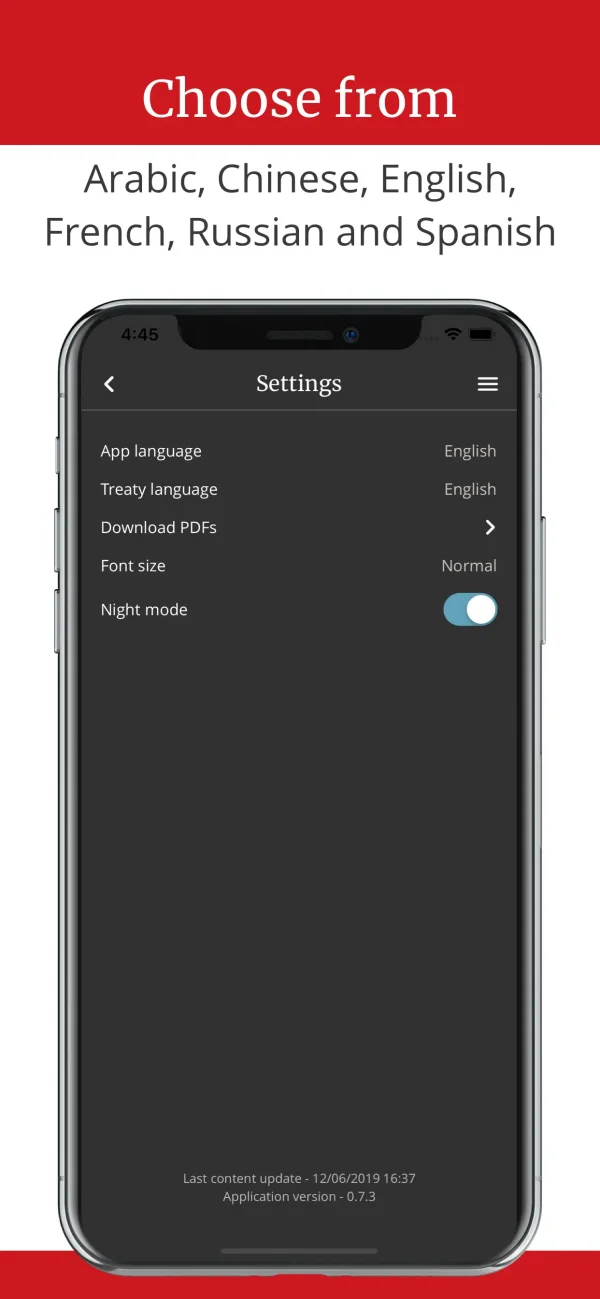
This application (app) provides offline access to more than 80 treaties and other documents relating to international humanitarian law (IHL) – most notably, the Geneva Conventions and their Additional Protocols, the ICRC’s original and updated Commentaries on the Conventions and Additional Protocols, the rules of customary IHL identified by the ICRC’s 2005 study on customary IHL and various ICRC documents on IHL. The app interface can be set to any of the eight languages listed in the settings of the side menu, under “App language”: Arabic, Chinese, English, French, German, Portuguese, Russian and Spanish.
Installation and updates
Once downloaded, the app works fully offline. When you first open “IHL”, we recommend you allow the app to complete the following processes: “Fetching IHL Treaties data”, “Fetching customary IHL data” and “Fetching PDF data”. This should take between 1 and 3 minutes. If it takes longer or if the app crashes, we recommend you complete the following steps:
1. Make sure your device is fully up to date with the latest version of your operating system.
2. Make sure your device is connected to a Wi-Fi network.
3. Open the app and wait for all data to be fetched (IHL treaties, study on customary IHL and PDFs). This should take no more than 3 minutes.
4. If steps 1–3 do not work, uninstall the app.
5. Carry out steps 1 and 2 again.
6. Download and re-install the app.
7. Carry out step 3 again.
IHL treaties
The section on IHL treaties is organized by topic, states parties and date. You can download the list of ratifications in PDF or Excel formats by tapping on “States party to the main treaties” at the bottom of the page. Each treaty has a homepage with an introduction; specific articles can be accessed from this page. The Geneva Conventions and their Additional Protocols are accompanied by the ICRC’s original and updated commentaries. Tapping on “About this text” provides general information about a treaty. If you tap on the name of a state in “State parties”, you are redirected to a list of all the treaties in force for that state.
Customary IHL
The section on customary IHL is organized by topic and then by rule (in English only). Each rule comes with an explanation. Related practice for each rule can be found online by tapping “Related practice” at the top of the page; your device must be connected to the internet to access related practice.
Law and policy documents
The section on law and policy documents brings together public documents and links from the ICRC and the International Red Cross and Crescent Movement (Movement) that present or clarify various IHL notions and related issues. It is organized by type of document. All documents are available as PDFs in various languages.
PDFs
PDF versions of treaties and documents, and of volume I (rules) of the ICRC’s 2005 study, can be downloaded in any of the eight languages – provided the text in question has been translated – by tapping the bottom-right icon when in the document. All available PDFs in your device’s language are automatically downloaded when the app is first installed. We recommend installing a separate PDF reader to view files.
Search and Find in page
The app has an overall search function. There is also a “Find in page” feature for every document.
Bookmarks
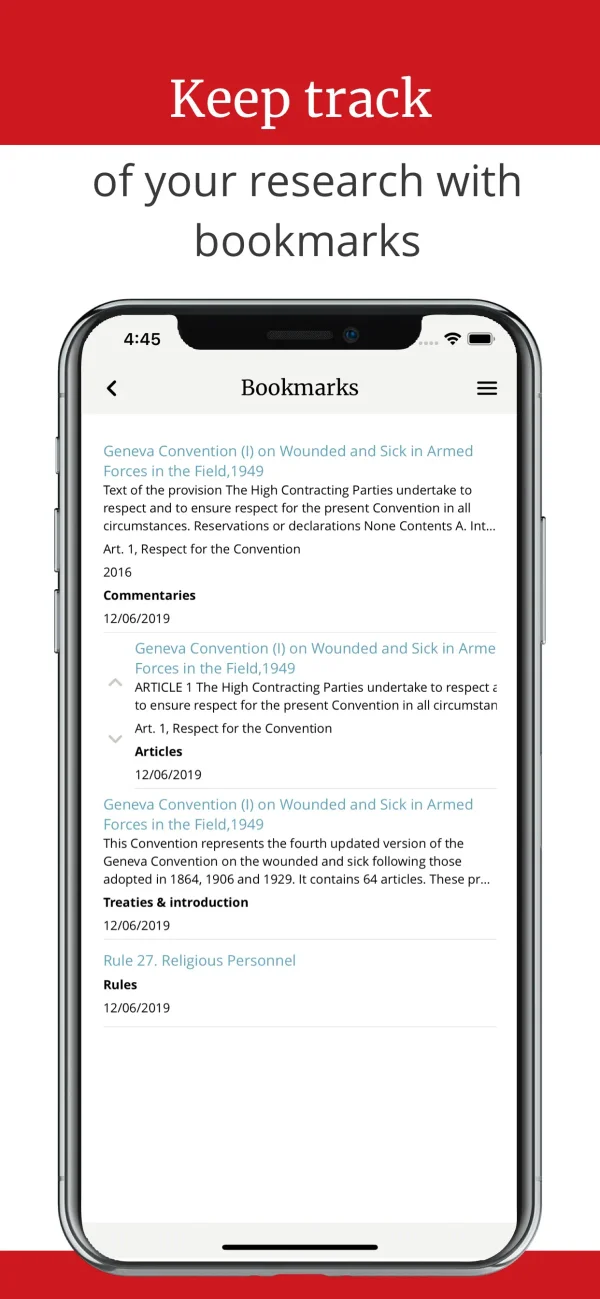
You can bookmark documents or parts of documents by tapping the icon at the bottom of the page. You can organize your bookmarks by moving them up or down in the list, which can be accessed from the homepage or the side menu. Bookmarks can also be grouped into folders that you can create and name yourself.
Share
A share button – at the bottom of the page of every document –¬ allows you to share content through email and social media.
Feedback
You are encouraged to rate apps on different stores and to send suggestions or observations to this address: ihl_tools@icrc.org.
Yang baru
Versi 3.2.0 · 24/9/2026
Bookmarks can now be opened on click of the whole item.
Bookmarks folder can be moved.
Improved processing of malformed API calls.
Implemented incremental loading.
Privasi aplikasi
Yang dinyatakan Le Comite International de la Croix-Rouge (CICR) di App Store tentang cara aplikasi ini menangani data.
-
Data tidak dikumpulkan
Pengembang tidak mengumpulkan data apa pun dari aplikasi ini.
Praktik privasi dapat bervariasi, misalnya berdasarkan fitur yang Anda gunakan atau usia Anda.
Informasi
- Penjual
- Le Comite International de la Croix-Rouge (CICR)
- Kategori
- Referensi
- Versi
- 3.2.0
- Diperbarui
- 24/9/2026
- Dirilis
- 29/7/2019
- Ukuran
- 27,3 MB
- Memerlukan
- iOS 15.1 atau yang lebih baru
- Batasan usia
- 4+
- Harga
- Gratis
- Bahasa
- Inggris
- Hak cipta
- © 2020 International Committee of the Red Cross
Mungkin Anda juga suka
-
 Guide to Humanitarian LawReferensi
-
 International Humanitarian LawReferensi
-
 GBV Pocket GuidePendidikan
-
 INSOReferensi
-
 MSF Tembo LearningPendidikan
-
 Military EthicsPendidikan
-
 ITCILO eCampusPendidikan
-
 Universiteit LeidenPendidikan
-
 Filsafat Master SekolahRingkasan, Filsuf, AI, Sekolah
-
 LSAT Max LSAT Prep & TutoringPendidikan