Pengonversi Format Gambar
Konversikan ke JPEG atau PNG!
Dirancang untuk iPhone, iPad, iPod touch
Rp 39ribu
- Batasan usia4+
- KategoriKegunaan
- PengembangKei Suefuji
- BahasaInggris+ 10 lainnya
- Ukuran7,0 MB
Tertaut ke halaman resmi App Store
Download.org tidak menyimpan file Pengonversi Format Gambar apa pun. Tombol ini membuka halaman aplikasi di App Store, tempat Kei Suefuji menerbitkannya. Halaman terakhir diperiksa pada 20/11/2026.
Tangkapan layar


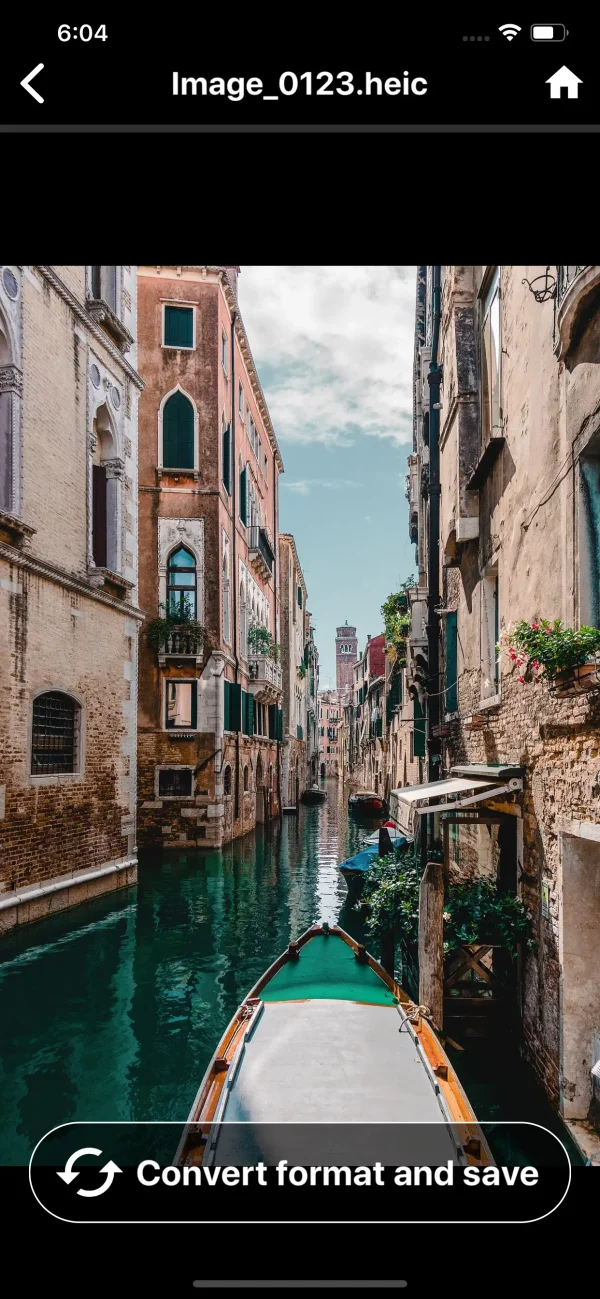
Tentang
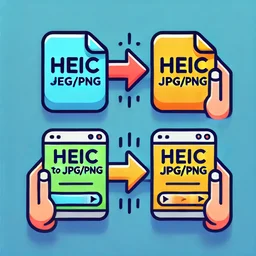
Aplikasi ini adalah aplikasi yang mengubah data gambar menjadi PNG atau JPEG dan menyimpannya.
Format gambar yang dapat dibaca adalah jpg, jpeg, png, tiff, tif, gif, bmp, ico, cur, xbm, heif, heic.
Anda dapat mengonversi data foto yang telah Anda ambil dan mengonversi gambar yang disimpan di layanan cloud seperti Dropbox ke PNG atau JPEG.
Dimungkinkan juga untuk mengonversi heic, yang merupakan format file foto iPhone.
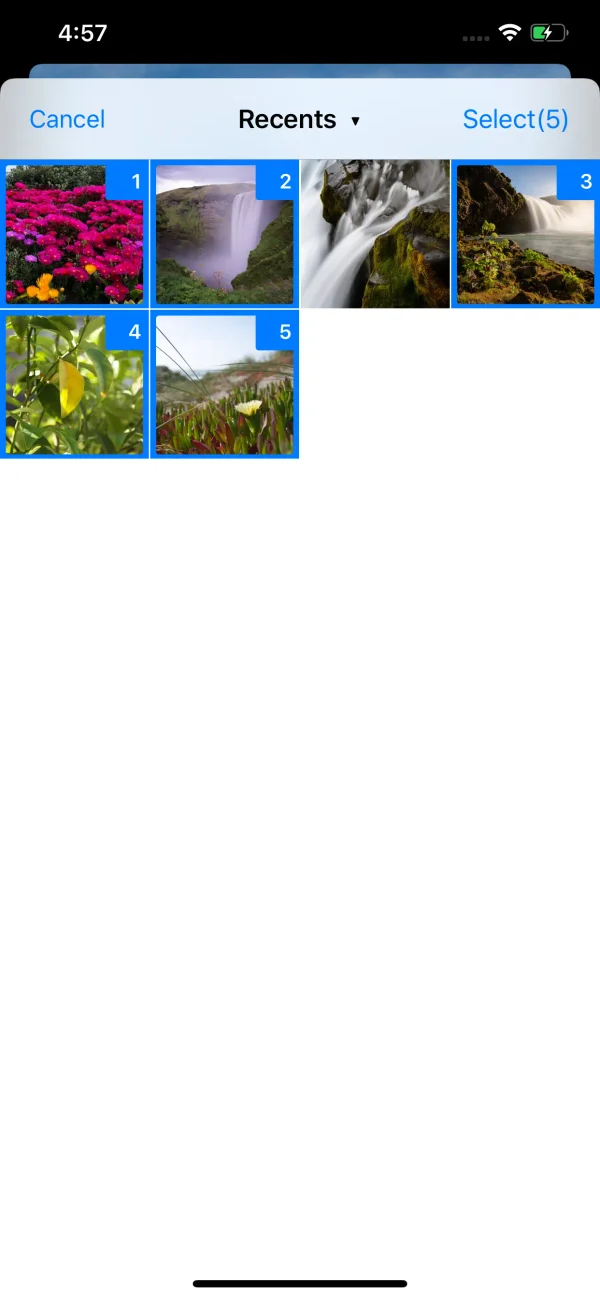
Anda dapat memilih beberapa foto di folder foto iPhone atau iPad Anda. Juga, tidak ada batasan jumlah pilihan ganda. Perhatikan bahwa foto tidak akan dipratinjau saat beberapa pilihan dibuat.
Gambar yang dikonversi dapat disimpan tidak hanya di folder foto iPhone atau iPad, tetapi juga di layanan cloud.
Perhatikan bahwa JPEG tidak mendukung penyimpanan warna transparan. Saat Anda mengonversi file PNG dengan latar belakang transparan ke JPEG, latar belakang akan diubah menjadi putih.
Selain itu, kualitas gambar dapat menurun setelah konversi. Tolong hati-hati.
Saat menyimpan ke folder foto iPhone atau iPad, Anda tidak bisa bebas menamai file dan akan diberikan secara otomatis. perhatikan itu.
Juga, saat menyimpan beberapa foto yang dipilih ke cloud, folder baru akan dibuat dan disimpan dengan nama yang sama dengan file aslinya. Nama foldernya adalah "convert_date_time". Mengunggah banyak file akan memakan waktu, jadi harap konversikan dalam beberapa langkah.
(English)
This app is an app that converts image data to PNG or JPEG and saves it.
The image formats that can be read are jpg, jpeg, png, tiff, tif, gif, bmp, ico, cur, xbm, heif, heic.
You can convert the photo data you have taken and convert the images saved in cloud services such as Dropbox to PNG or JPEG.
It is also possible to convert heic, which is the file format of iPhone photos.
You can select multiple photos in the photo folder of your iPhone or iPad. Also, there is no limit to the number of multiple selections. Note that the photo will not be previewed when multiple selections are made.
The converted images can be saved not only in the photo folder of iPhone or iPad, but also in the cloud service.
Note that JPEG does not support saving transparent colors. When you convert a PNG file with a transparent background to JPEG, the background is converted to white.
Also, the image quality may deteriorate after conversion. Please be careful.
When saving to the photo folder of iPhone or iPad, you cannot freely name the file and it will be given automatically. note that.
Also, when saving multiple selected photos to the cloud, a new folder will be created and saved with the same name as the original file. The folder name is "convert_date_time". Uploading a large number of files will take time, so please convert them in several steps.
Yang baru
Versi 3.1.0 · 19/1/2026
Minor improvements.
Privasi aplikasi
Yang dinyatakan Kei Suefuji di App Store tentang cara aplikasi ini menangani data.
-
Data tidak dikumpulkan
Pengembang tidak mengumpulkan data apa pun dari aplikasi ini.
Praktik privasi dapat bervariasi, misalnya berdasarkan fitur yang Anda gunakan atau usia Anda.
Informasi
- Penjual
- Kei Suefuji
- Kategori
- Kegunaan
- Versi
- 3.1.0
- Diperbarui
- 19/1/2026
- Dirilis
- 5/11/2019
- Ukuran
- 7,0 MB
- Memerlukan
- iOS 15.6 atau yang lebih baru
- Batasan usia
- 4+
- Harga
- Rp 39ribu
- Bahasa
- Inggris, Prancis, Jerman, Italia, Jepang, Korea, Portugis, Rusia, Tionghoa Sederhana, Spanyol, Tionghoa Tradisional
- Hak cipta
- © 2019 Akikibai-Laboratory