Inkflow Visual Notebook
Sketch Notes, Mind Maps, Ideas
Dirancang untuk iPhone, iPad, iPod touch
Gratis · Pembelian dalam aplikasi
- Batasan usia4+
- KategoriProduktivitas
- PengembangQrayon, LLC
- BahasaInggris
- Ukuran58,6 MB
Tertaut ke halaman resmi App Store
Download.org tidak menyimpan file Inkflow Visual Notebook apa pun. Tombol ini membuka halaman aplikasi di App Store, tempat Qrayon, LLC menerbitkannya. Halaman terakhir diperiksa pada 23/11/2026.
Tangkapan layar
Tentang
Pengembang belum menyediakan teks ini dalam bahasa Anda.
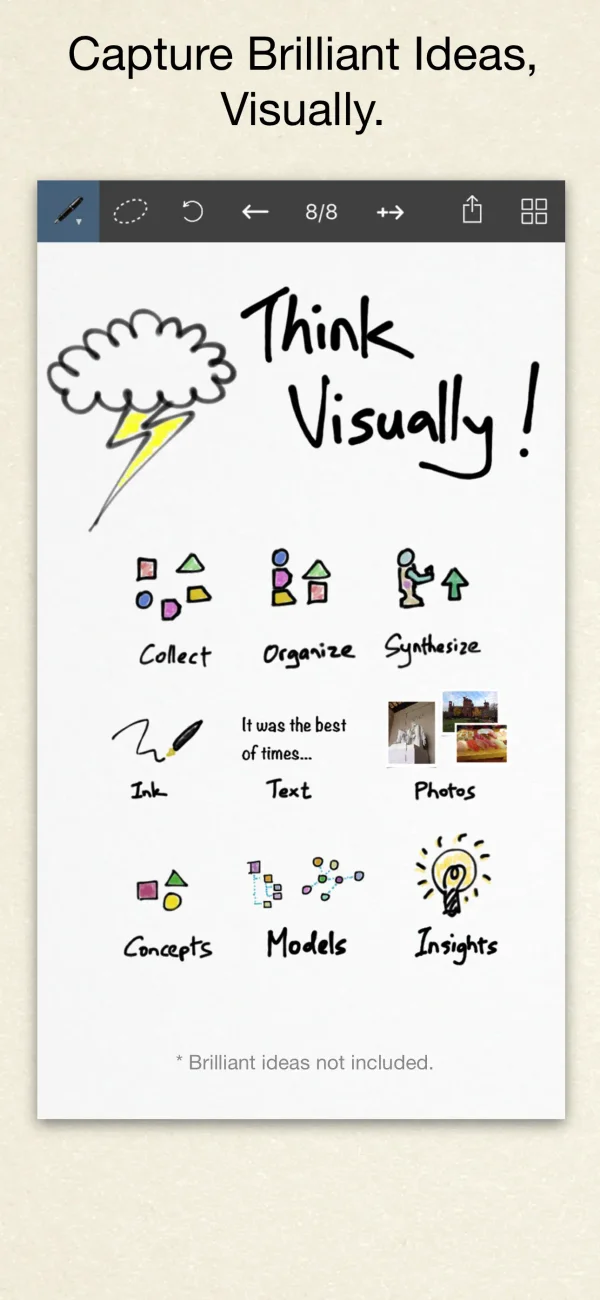
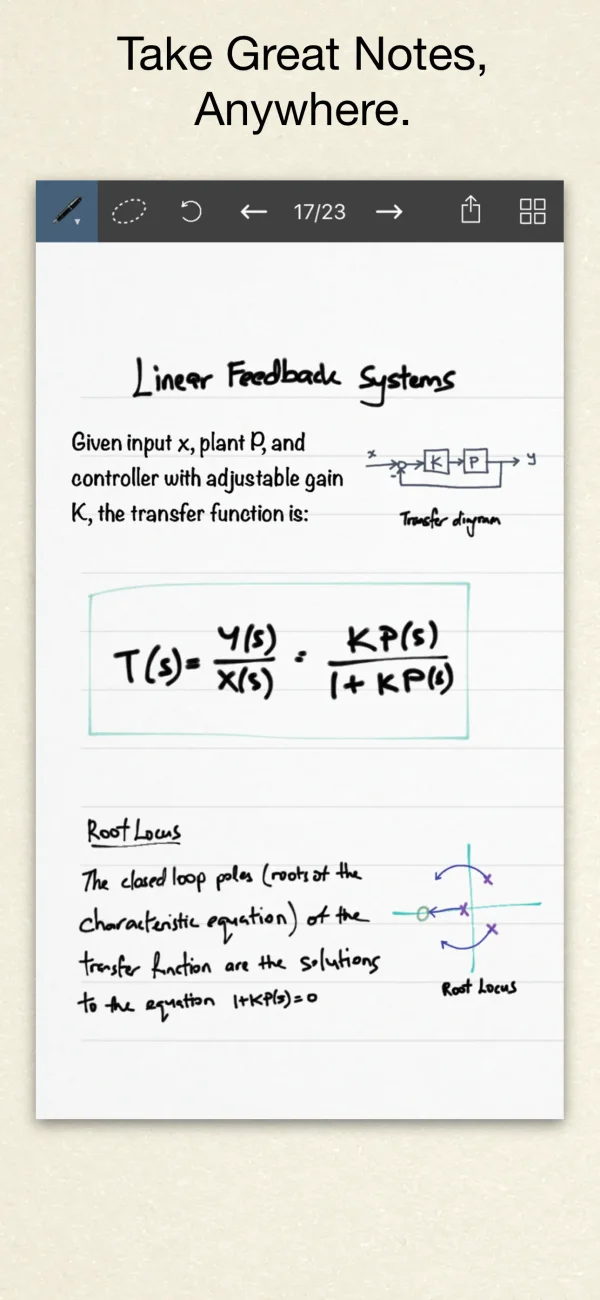
Inkflow is a note-taking and brainstorming experience unlike any other! Capture your ideas as easily as with pen and paper, then resize and reorganize them with your fingers.
DIGITAL WRITING DONE RIGHT
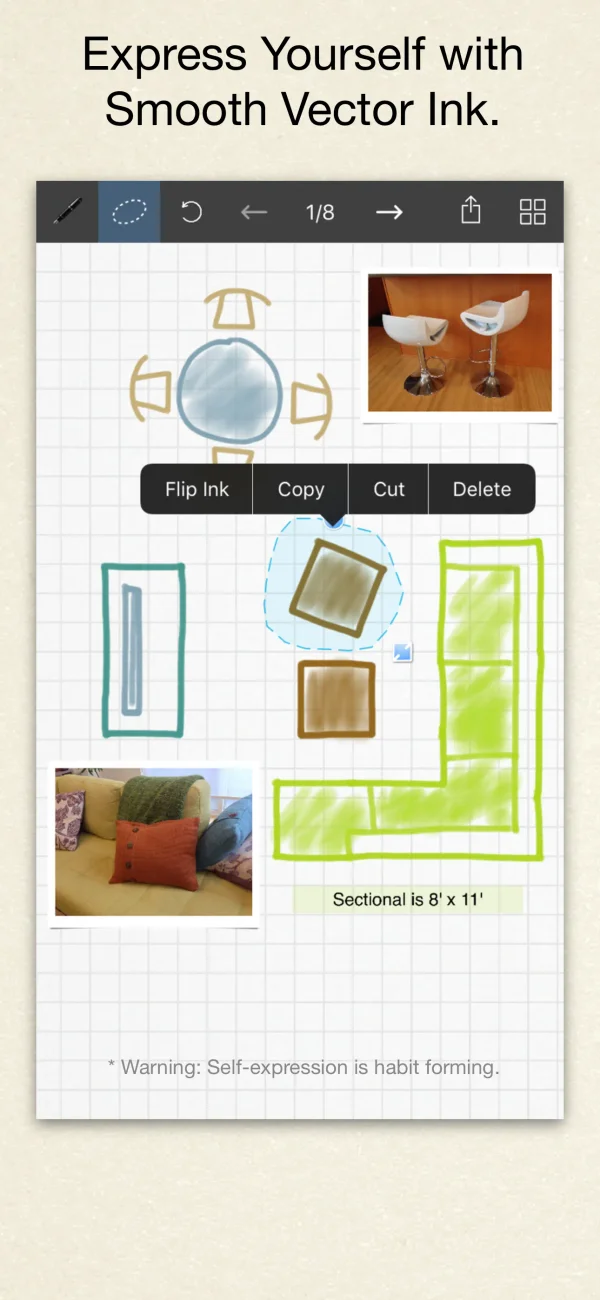
Inkflow's ink feels like a really smooth fountain pen. Great for expressive writing or sketching. Effortlessly scale or move anything you select. This will change the way you think about ink: Jot down a list of concepts then rearrange them to fit into the bigger picture. literally move your thoughts around the page, and assemble big ideas with your fingers. This works great for brainstorming and planning. It's also perfect for prototyping layouts, sketching, and drawing.
FULL RESOLUTION ZOOM
Zoom and pan with two fingers. Inkflow's ink stays sharp no matter how much you zoom in, so you can add fine details at full quality. It's also lightning fast and lag free. This allows writing and drawing with incredible precision, with or without a stylus.
TEXT, PHOTOS, and PAPER BACKGROUNDS TOO
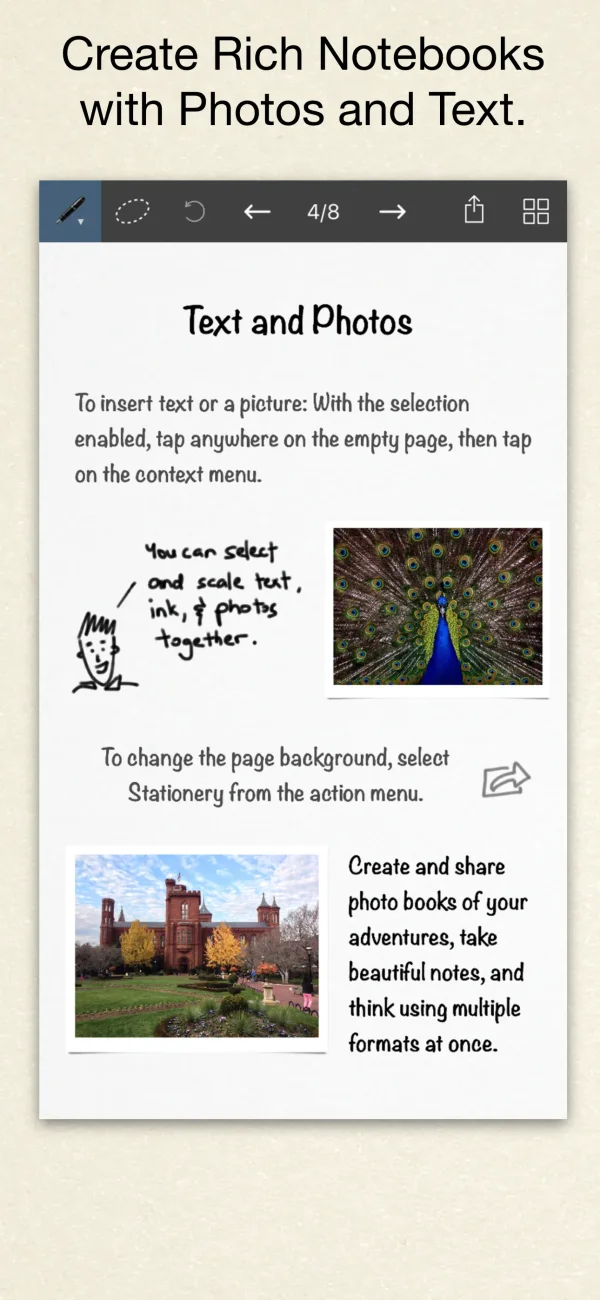
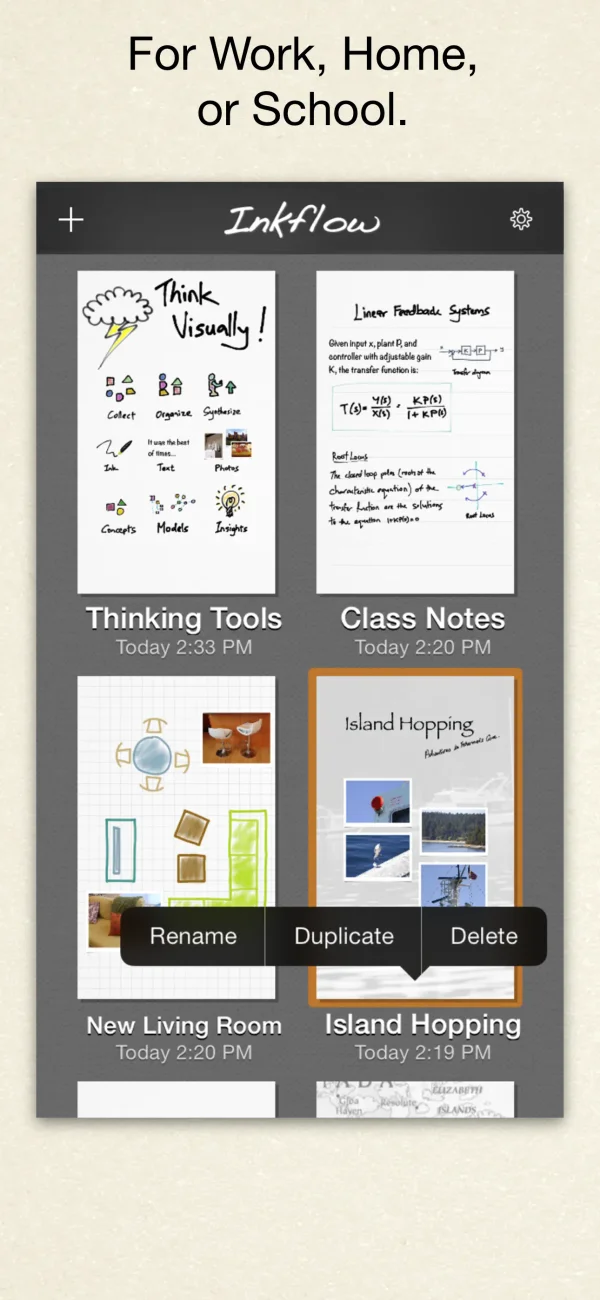
Insert text boxes and photos anywhere on the page and resize them seamlessly with the ink. You can also choose from a selection of different stationery.
EASILY CREATE and SHARE
Inkflow let's you export your books to PDF, high-resolution JPEG, and share them via Twitter, Email, or with other Apps.
TRY INKFLOW FOR FREE
Rather than just read about Inkflow, go ahead and try it out: We've decided to make the Basic Edition of Inkflow completely FREE. The Basic Edition is a full featured note-taking and sketching app. It comes with the Fountain Pen with black ink, photos, and a standard set of 5 popular fonts for text. Books max out at 20 pages each, but you can create as many as you like.
If you're looking for more, there is...
INKFLOW PLUS
Upgrade instantly at any time to the Plus Edition to get:
- Inkport
- Search for handwriting
- Dozens of premium stationery designs
- iCloud sync
- A customizable, full color palette,
- Pencil, Eraser, and Paint Brush tools,
- The Write-Behind Highlighter tool,
- Rotate, Cut, Copy, Paste Ink, and Page Management,
- Export as PNG with transparent backgrounds,
- Notebooks with unlimited pages,
- Custom paper backgrounds,
- An additional 50+ fonts,
- And more!
The Plus Edition lets you do even more things such as: Painting, cartooning, page layouts, and brainstorming in full color. Learn more in the in-App Quickstart Guide.
INKPORT: COPY AND PASTE FROM THE REAL WORLD
Only Inkflow Plus includes the revolutionary Inkport tool. Inkport uses your iPad's camera to instantly convert your written notes and sketches into Inkflow's native vector ink. Easily pull in materials from multiple sources and go from paper to iPad without missing a beat. Inkport is going to change the way you use paper in your workflow.
Universal App for iPad, iPhone and iPod Touch: Upgrade once and get Inkflow Plus on all your compatible devices connected to your iTunes account!
EDUCATORS: Inkflow Plus is also available as a standalone App, and qualifies for Apple's Volume Purchase Program.
A PLATFORM FOR CREATIVITY
We strongly believe that the iPad is not just a consumption device. It's a creativity device. Check out our whole range of creativity Apps on our website.
Keep on creating!
Terms of use: https://www.apple.com/legal/internet-services/itunes/dev/stdeula/
Privacy policy: https://www.qrayon.com/home/privacy/
Yang baru
Versi 8.4 · 20/11/2026
+ Search
Privasi aplikasi
Yang dinyatakan Qrayon, LLC di App Store tentang cara aplikasi ini menangani data.
-
Data yang tidak ditautkan dengan Anda
Dapat dikumpulkan, tetapi tidak ditautkan dengan identitas Anda.
- Pengenal
- Data penggunaan
- Diagnostik
Praktik privasi dapat bervariasi, misalnya berdasarkan fitur yang Anda gunakan atau usia Anda.
Informasi
- Penjual
- Qrayon, LLC
- Kategori
- Produktivitas
- Versi
- 8.4
- Diperbarui
- 20/11/2026
- Dirilis
- 14/5/2012
- Ukuran
- 58,6 MB
- Memerlukan
- iOS 15.6 atau yang lebih baru
- Batasan usia
- 4+
- Harga
- Gratis
- Pembelian dalam aplikasi
- Ya
- Bahasa
- Inggris
- Hak cipta
- © 2026 Qrayon, LLC
Mungkin Anda juga suka
-
 ZoomNotes LiteProduktivitas
-
 Meeting Notes & Work PlannerProduktivitas
-
 Smart Note Notepad - Draw MemoProduktivitas
-
 Morpholio Journal – SketchbookProduktivitas
-
 QuickNotes X: Notes, AI & PDFProduktivitas
-
 WeNotes+Produktivitas
-
 CharcoalProduktivitas
-
 memono JournalProduktivitas
-
 Tayasui Memopad - CatatanMenggambar, mewarnai, art
-
 Notebook : Cute notesProduktivitas