
- Batasan usia4+
- KategoriFoto & Video
- PengembangFUJIFILM Corporation
- BahasaInggris+ 10 lainnya
- Ukuran60,1 MB
Tertaut ke halaman resmi App Store
Download.org tidak menyimpan file instax SHARE apa pun. Tombol ini membuka halaman aplikasi di App Store, tempat FUJIFILM Corporation menerbitkannya. Halaman terakhir diperiksa pada 24/11/2026.
Tangkapan layar
Tentang
Pengembang belum menyediakan teks ini dalam bahasa Anda.
The "instax SHARE" is FUJIFILM official application that can be used to print images from smartphones to instax SHARE smartphone printer.
[Select Your Best Shot!]
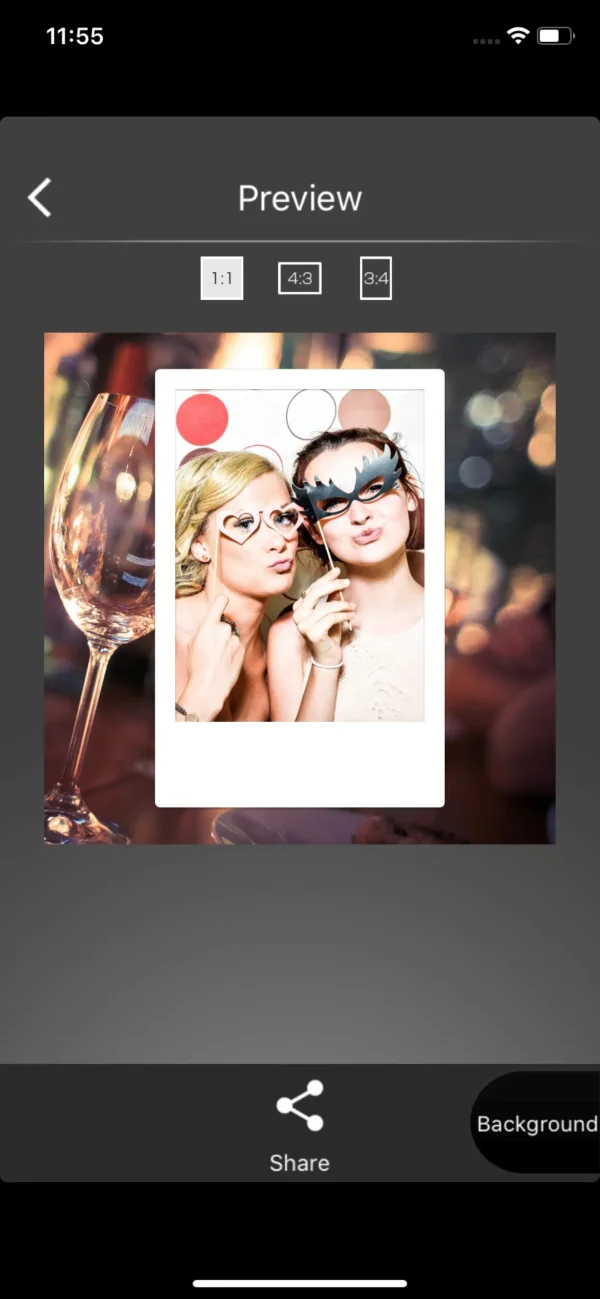
"instax SHARE" is an app to print images from your smartphone with the smartphone printer instax SHARE SP-1/SP-2/SP-3(FUJIFILM). You can enjoy beautiful instax print by simply selecting best shots in your smartphone or tablet within less than a minute.
[Supported Printer]
FUJIFILM instax SHARE Smartphone Printer SP-1/SP-2/SP-3
* Not support to old model printers.
[Caution]
(1)iCloud
If you want to print a picture stored in iCloud, save it to your device first and then print it.
(2) Permissions setting of "instax SHARE" application.
Some or all of the functions can not be used unless you enable the following permissions of "instax SHARE" application.
Please enable the authority by referring to the following procedure.
After installation, you will be asked for permission when using the following functions for the first time, please enable it.
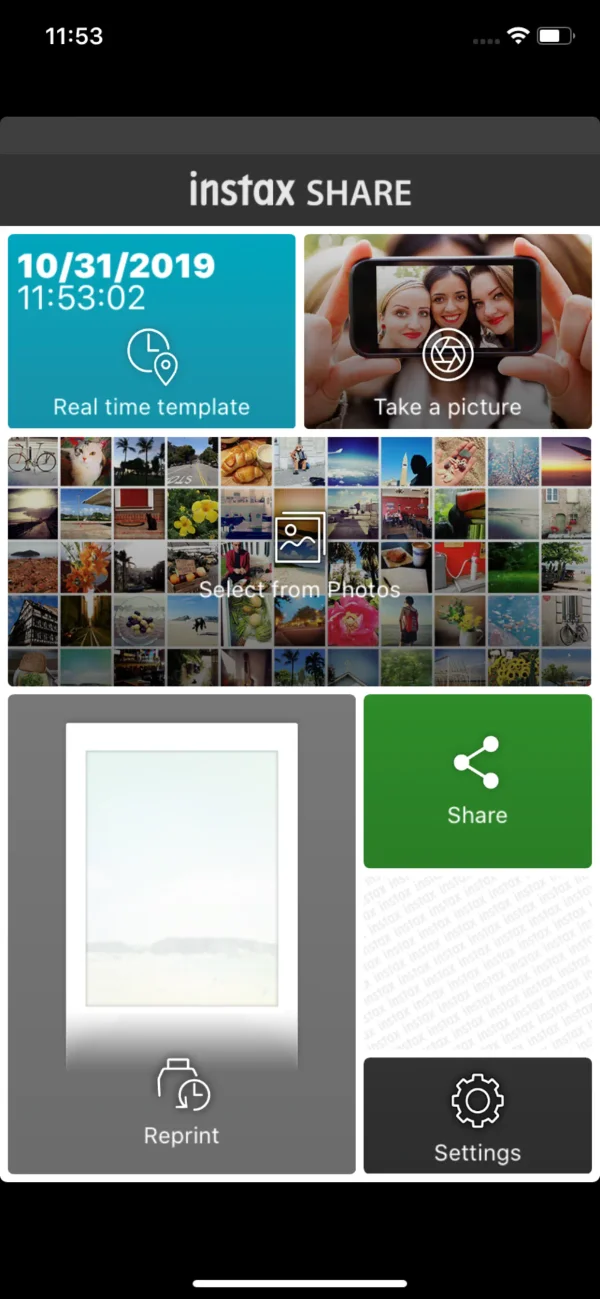
The "Take a picture" function need the "Camera" permission.
The "Real time template" function need the "Camera" permission and the "Location" permission.
"Selection from Photos" function need the "Photos" permission.
If the authority is set to invalid, please enable it with the following operation.
--Example of operation on iPhone 6s (iOS 10.3.3)--
1.Tap "Settings"
2.Tap "instax SHARE"
3."ALLOW INSTAX SHARE TO ACCESS"
Please enable all of "Camera" "Photo" "Location".
Note: If you have not used the following functions ,these permission settings wil not be displayed.
The "Camera" permission has required by the "Take a picture" function and the "Real time template" function.
"Location" permission has required by the "Real time template" function.
The "Photos" permission has required by the "Selection from Photos" function.
[How to print]
Print photos taken with smartphones.
1. Turn on the printer.
2. **Important** By "Settings" app on your smartphone device, Choose "Wi-Fi", turn on the Wi-Fi, and choose and connect the printer SSID (INSTAX-xxxxxxxx, wrote at printer bottom) from the "CHOOSE A NETWORK..." list. (Excute once, will be connected automatically from the next time.)
3. Launch the instax SHARE app.
4. Select image from Photos or SNS, or take photo with a smartphone camera.
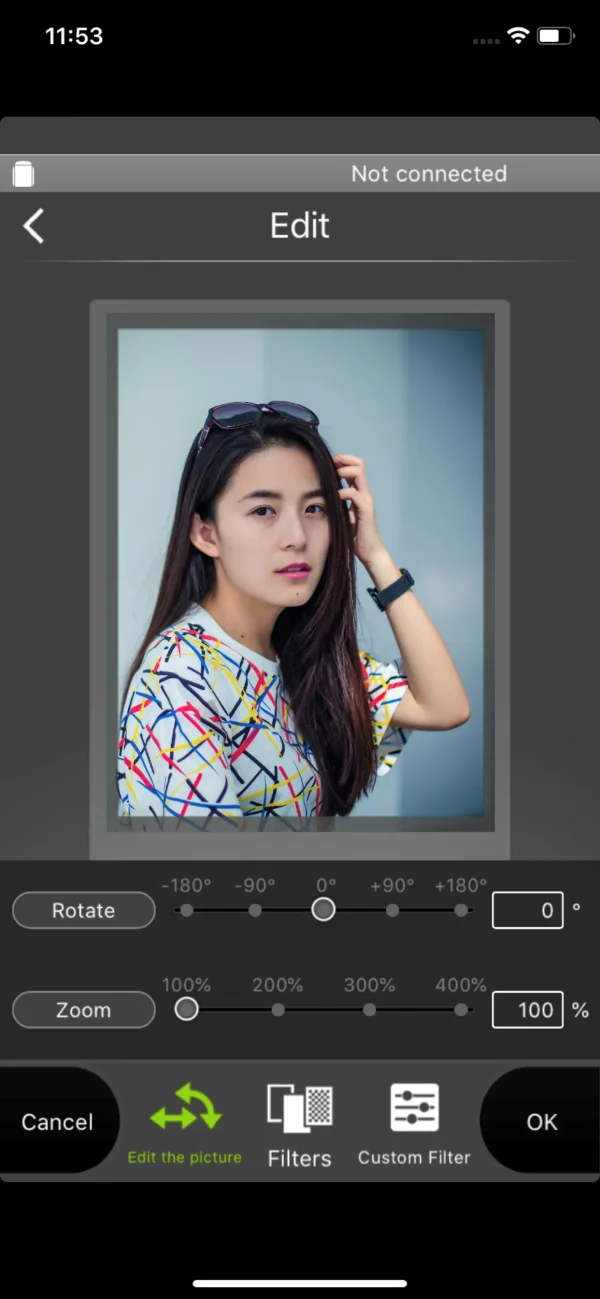
5. Once image is selected, press Edit and edit the image (scaling, rotate, filter and template).
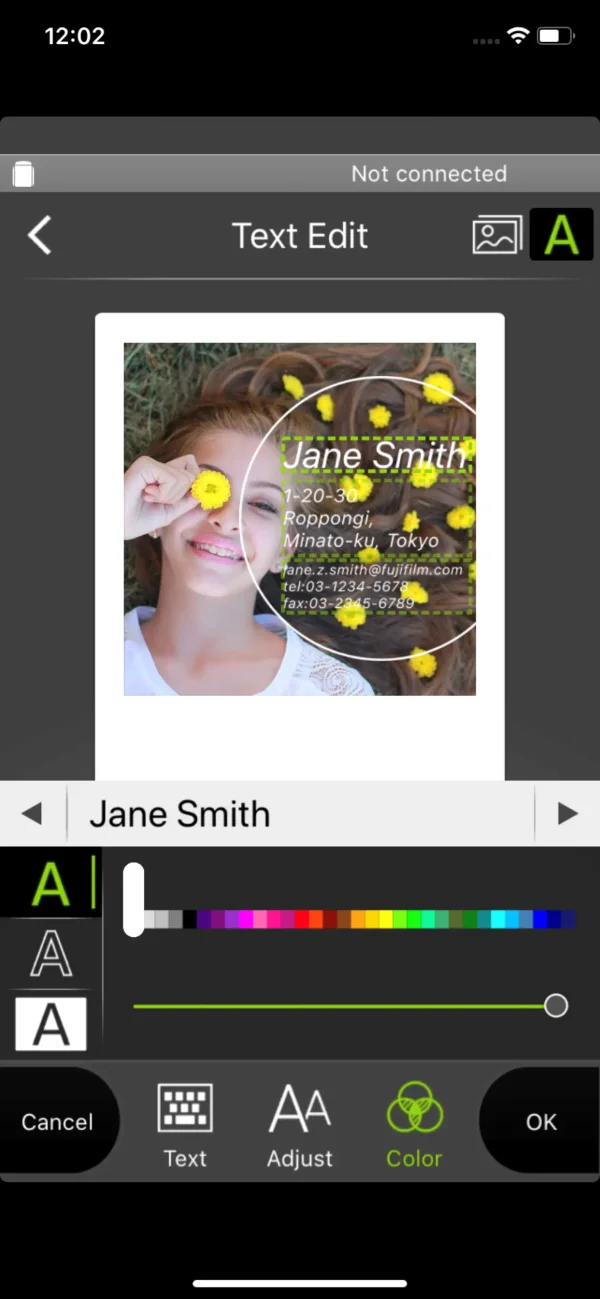
6. Post message on a template if template which accepts text is selected.
7. Press "Connect and print." when editting is completed.
8. When you print for the first time, will be asked password for the printer, please enter initial password that is wrote in User's Guide of the printer.
[When you can not update in AppStore]
Phenomenon:
On the AppStore update screen, the instaxSHARE application is displayed in "Available Updates"
However ,Sometimes "Update button" has been changed to "open button",and con not be updated.
Workaround:
Please uninstall the instaxSHARE application and reinstall it.
(When reinstalling, "Reprint image" saved in the application will be cleared.)
Yang baru
Versi 3.4.6 · 24/6/2024
Fixed minor bugs.
Privasi aplikasi
Yang dinyatakan FUJIFILM Corporation di App Store tentang cara aplikasi ini menangani data.
-
Data yang tidak ditautkan dengan Anda
Dapat dikumpulkan, tetapi tidak ditautkan dengan identitas Anda.
- Lokasi
- Pengenal
- Data penggunaan
- Diagnostik
Praktik privasi dapat bervariasi, misalnya berdasarkan fitur yang Anda gunakan atau usia Anda.
Informasi
- Penjual
- FUJIFILM Corporation
- Kategori
- Foto & Video
- Versi
- 3.4.6
- Diperbarui
- 24/6/2024
- Dirilis
- 6/1/2014
- Ukuran
- 60,1 MB
- Memerlukan
- iOS 11.0 atau yang lebih baru
- Batasan usia
- 4+
- Harga
- Gratis
- Bahasa
- Inggris, Cheska (Republik Cheska), Prancis, Jerman, Jepang, Korea, Polski (Polandia), Portugis, Tionghoa Sederhana, Spanyol, Tionghoa Tradisional
- Hak cipta
- © FUJIFILM Corporation
Mungkin Anda juga suka
-
 Fuji X Weekly — Film RecipesFoto & Video
-
 FUJIFILM PrintFoto & Video
-
 Image SyncFoto & Video
-
 FujiStyle - Film Recipes FrameFoto & Video
-
 Ricoh Recipes — JPEG SettingsFoto & Video
-
 Lightme - LightmeterFoto & Video
-
 Polaroid Hi·PrintFoto & Video
-
 PolaroidFoto & Video
-
 Canon Mini PrintFoto & Video
-
 Leica FOTOSFoto & Video