iScanBrowser
Dirancang untuk iPhone, iPad, iPod touch
Gratis · Pembelian dalam aplikasi
- Batasan usia17+
- KategoriKegunaan
- PengembangSerialio Ltd.
- BahasaInggris
- Ukuran13,2 MB
Tertaut ke halaman resmi App Store
Download.org tidak menyimpan file iScanBrowser apa pun. Tombol ini membuka halaman aplikasi di App Store, tempat Serialio Ltd. menerbitkannya. Halaman terakhir diperiksa pada 13/11/2026.
Tangkapan layar
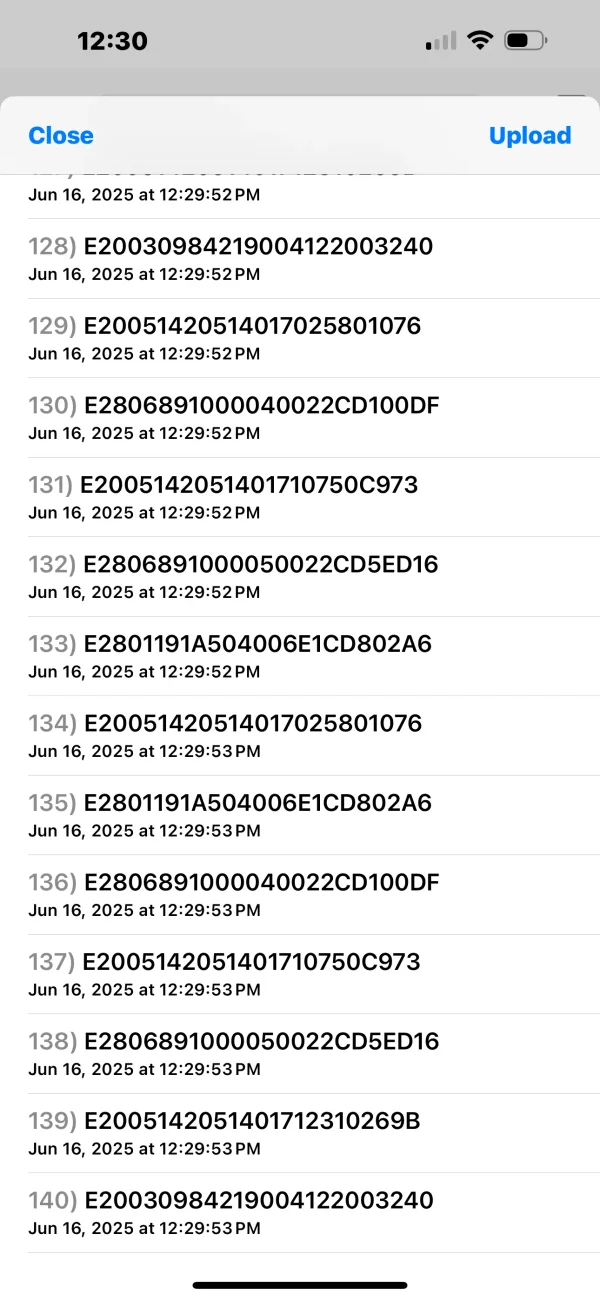
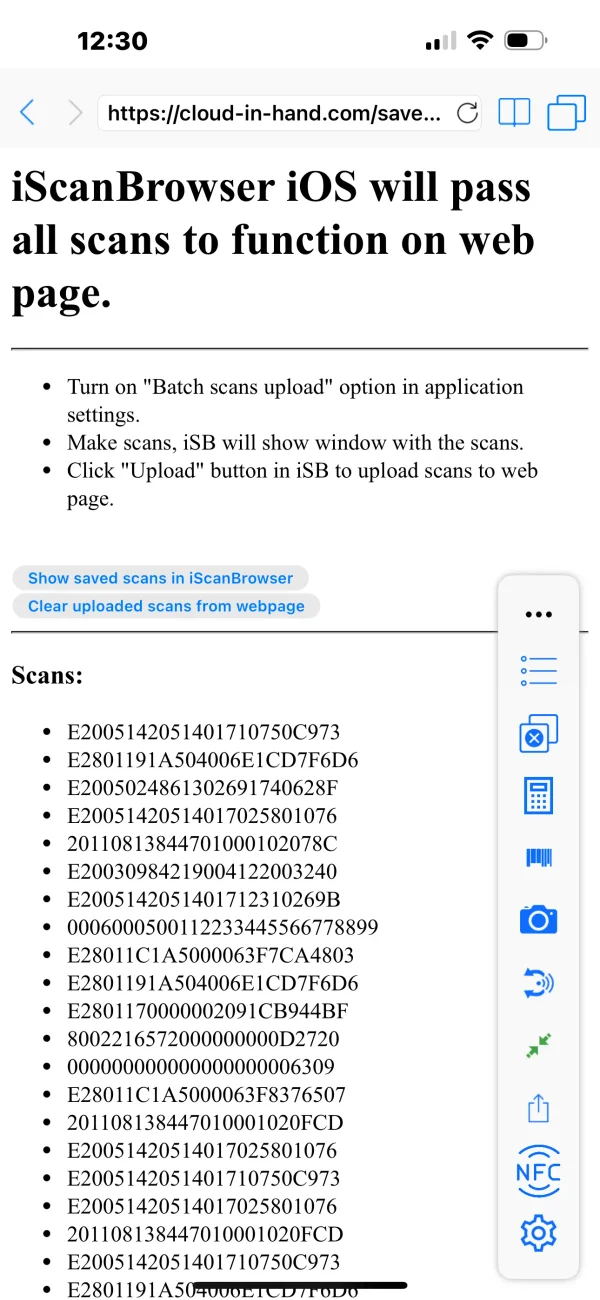
Tentang
Pengembang belum menyediakan teks ini dalam bahasa Anda.
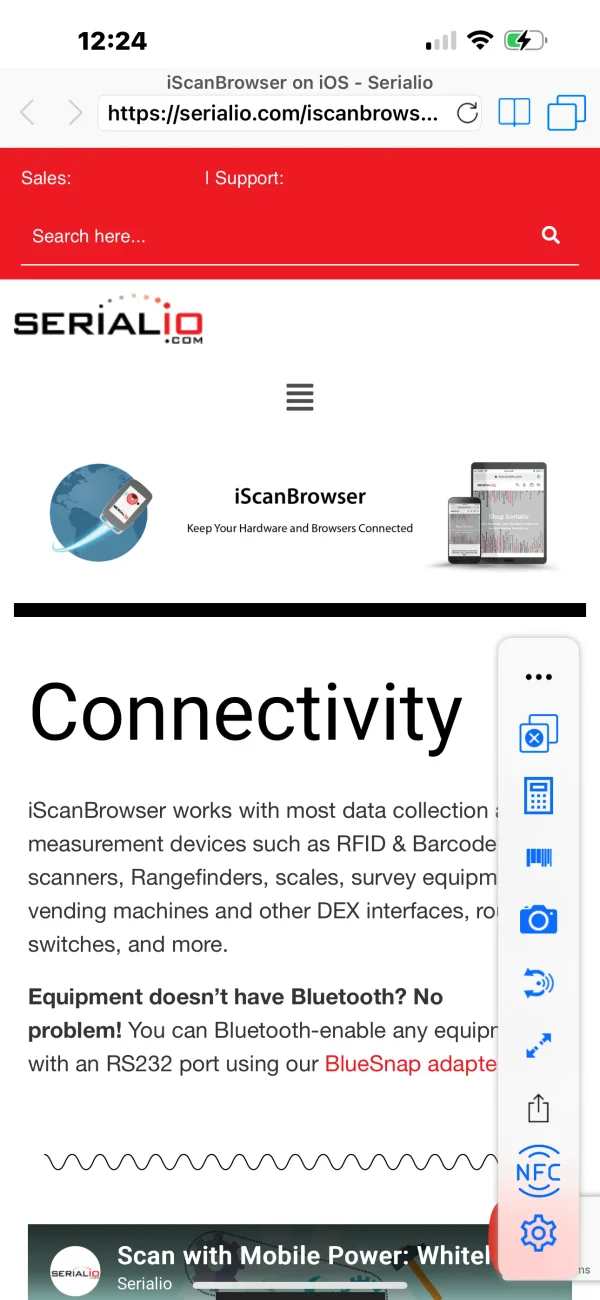
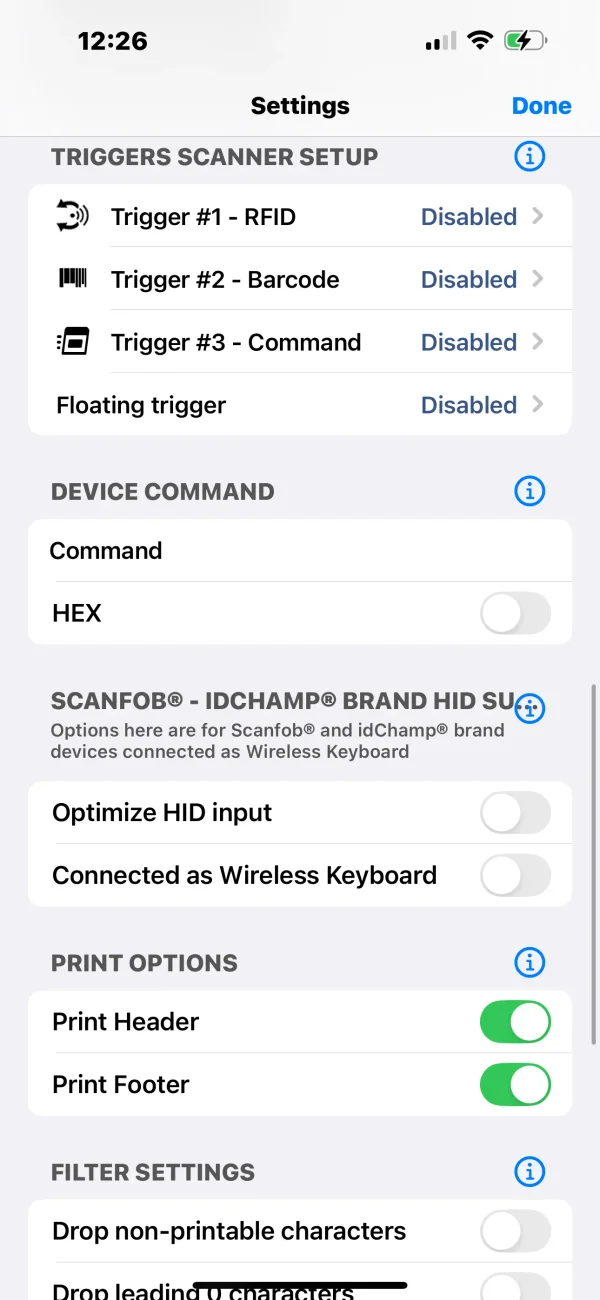
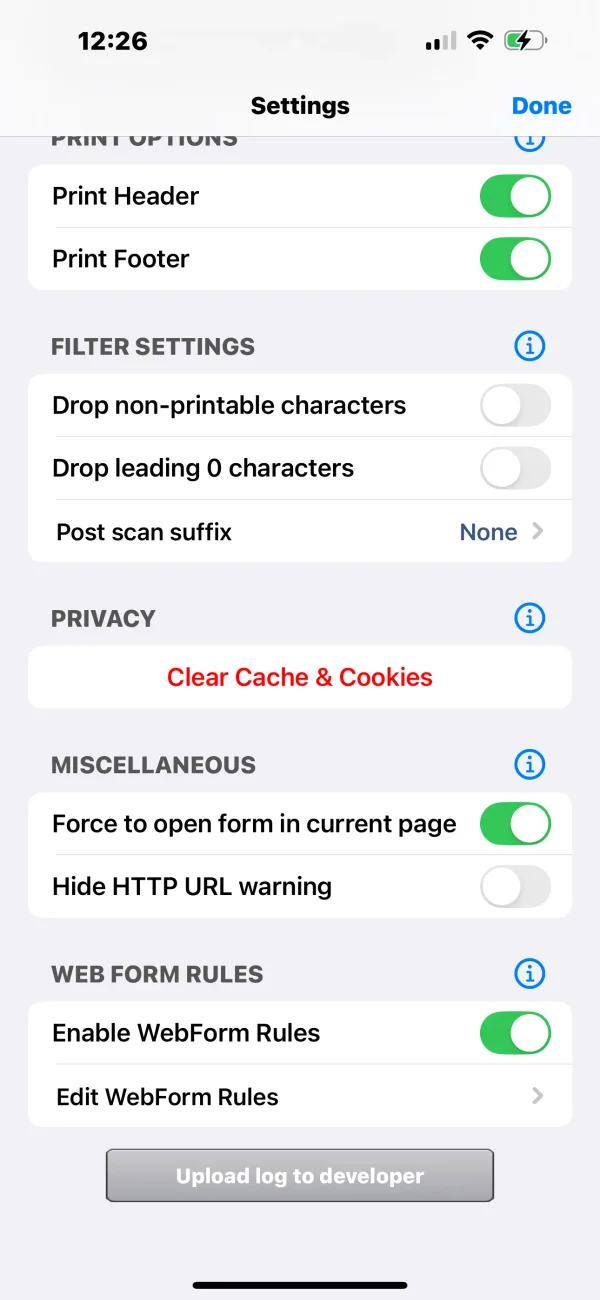
iScanBrowser is the world's only customizable web browser to utilize WebForm Rules (WFR) technology to make scanning with Barcode & NFC Readers into Web Apps and Web Pages easy.
Eliminate tap-to-focus user errors.
With devices that connect to iOS in Keyboard mode, you must tap into a field and then scan. Manually tapping into each input field slows the user down and increases the likelihood of errors. iScanBrowser eliminates user errors with WFR technology.
iScanBrowser is your Solution.
By using WebForm Rules (WFR) technology, iScanBrowser allows the user to post data into virtually any field on any web page, including your custom made web application, no tapping required*! Simply set up the rules to target the desired target location for data, connect the scanning device, and capture– swipe the card, scan the barcode or RFID tag - the data is instantly posted to the designated field, every time.
iScanBrowser also supports BlueSnap M6A wireless RS-232 dongles to enable legacy RS-232 hardware such as NFC/RFID & barcode readers, scales, calipers & sensors to work with your custom web app.
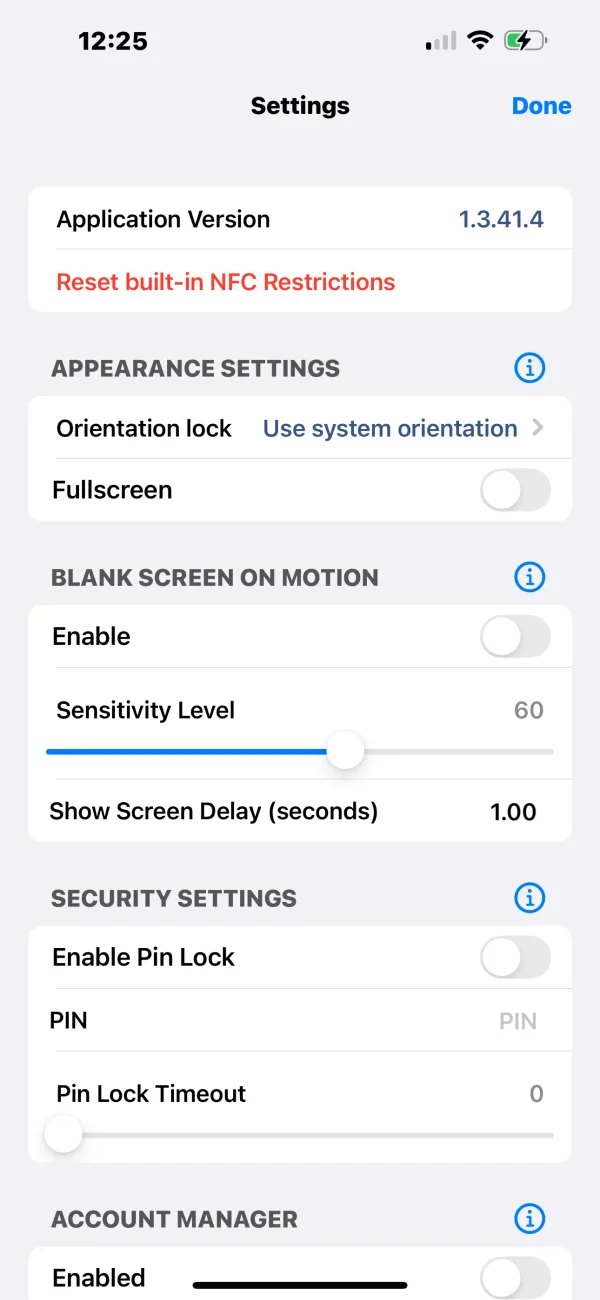
iScanBrowser also features a full-screen Kiosk mode to maximize visibility, and has the ability to keep users on task by hiding browser controls, preventing unwanted URL entries.
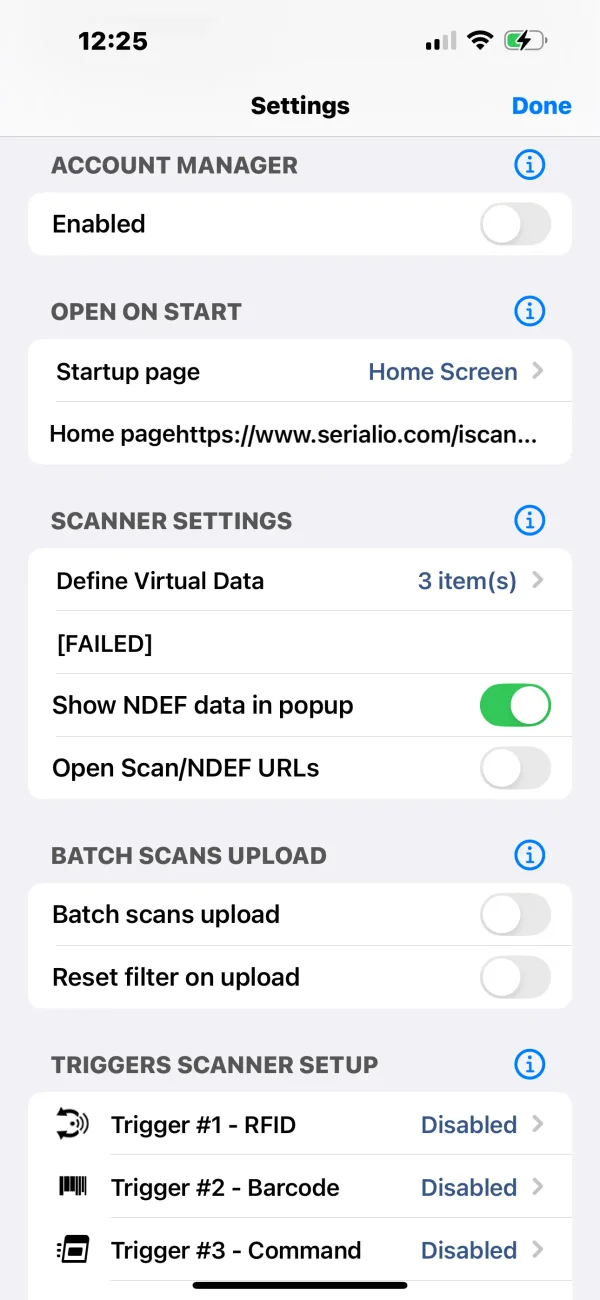
Read & write NDEF data using idChamp RS4. Open browser page to any URL stored on the RFID-NFC tag in NDEF format.
Read HID Corporate 1000 cards, Elite, iClass Seos, Prox, ioProx, Indalia, Casi-Rusco, AWID, EM4x00, NTAG, MIFARE Ultralight, and many more.
Use NFC & BLE credentials using idChamp RS4.
Measure distance with Leica Disto E7100i, E7500i, etc. and post Keyboard simulation post measurements to all apps that accept keystrokes. Use measurement rounding feature for simplified use e.g. round to nearest fraction of foot, meter, inch.
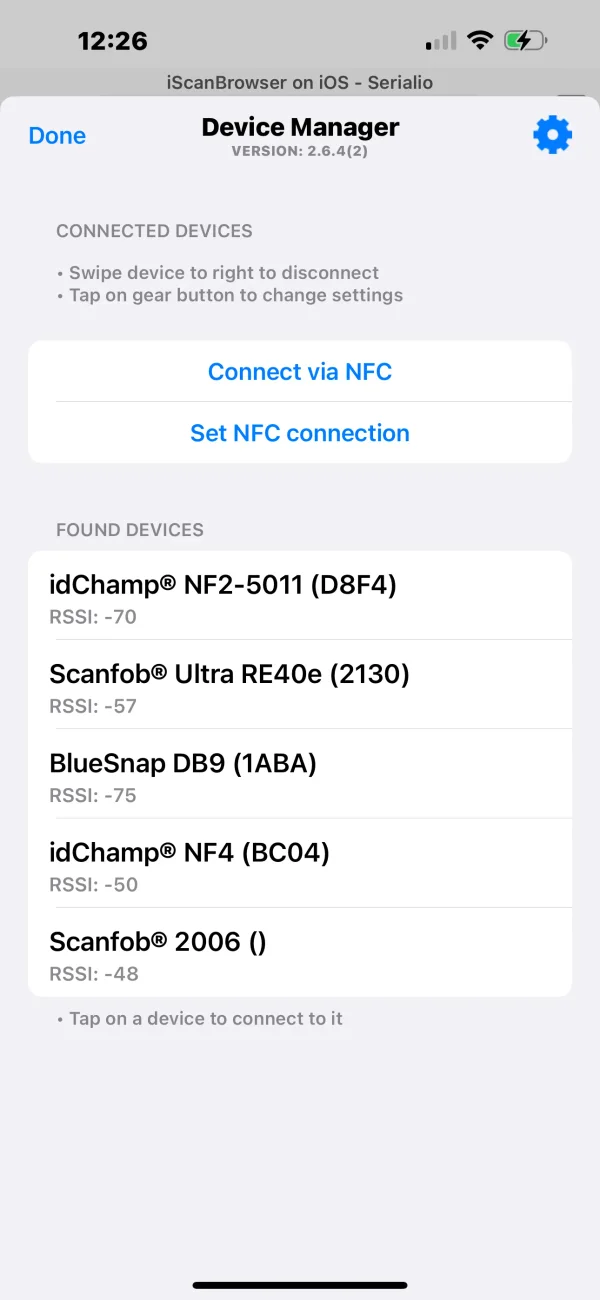
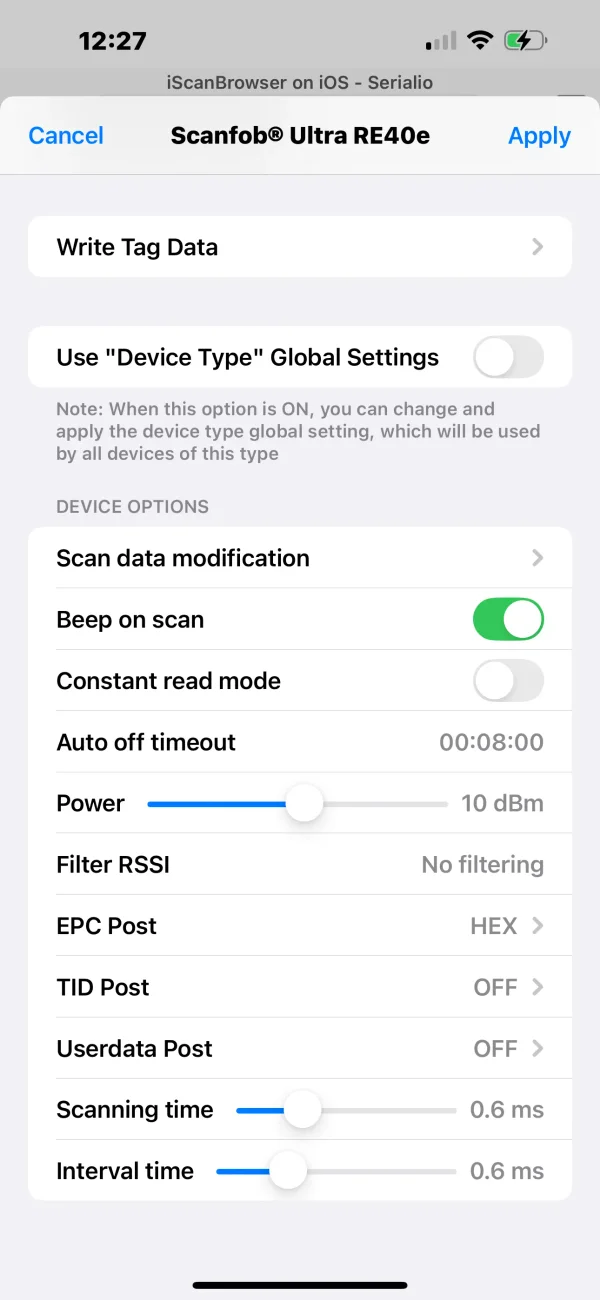
iScanBrowser supports more brands of barcode and RFID readers than any product of its kind, including Scanfob® brand UHF, NFC, Barcode, idChamp® NF4x, RS3x, and many others, as well as numerous Bluetooth Smart (aka BLE), and MFi (Made for iOS) Bluetooth devices including Socket CHS family, Allflex RS420, Koamtac KDC Family, TSL UHF family, Tertium Blueberry family, CAEN qID family.
Use RFID Web Wedge feature to capture UHF-RFID batch tags and post them to webpages instantly
Ask about support for PosiTector 6000 surface coating measurement probe option.
Other iScanBrowser Features:
• Scans both Active & Passive RFID tags
• Web Wedge feature posts batch RFID tags to webpages
• Filter or ignore duplicate scans/reads
• Inline audio/video files on web pages when server supports them
• Allows printing of your browser pages using AirPrint.
• Web-Form-Rules Wizard for easy setup to post scans to any field on any webpage
• Use iScanBrowser on MacOS with Apple CPUs like M1, M2, etc.
*Specialized settings may be required, and a may have a setup fee.
Yang baru
Versi 1.3.49 · 2/7/2026
Minor fixes and improvements
Privasi aplikasi
Yang dinyatakan Serialio Ltd. di App Store tentang cara aplikasi ini menangani data.
-
Data tidak dikumpulkan
Pengembang tidak mengumpulkan data apa pun dari aplikasi ini.
Praktik privasi dapat bervariasi, misalnya berdasarkan fitur yang Anda gunakan atau usia Anda.
Informasi
- Penjual
- Serialio Ltd.
- Kategori
- Kegunaan
- Versi
- 1.3.49
- Diperbarui
- 2/7/2026
- Dirilis
- 28/4/2011
- Ukuran
- 13,2 MB
- Memerlukan
- iOS 15.6 atau yang lebih baru
- Batasan usia
- 17+
- Harga
- Gratis
- Pembelian dalam aplikasi
- Ya
- Bahasa
- Inggris
- Hak cipta
- © 2009-2026 Serialio Ltd
Mungkin Anda juga suka
-
 Bluetooth V2.1 SPP SetupKegunaan
-
 BLE serial terminal V2Kegunaan
-
 Private Browser - Smart & FastKegunaan
-
 Keep Browser: Tab PohonRiset, bandingkan, bagikan
-
 ORBITi BrowserKegunaan
-
 Allflex Smart ListKegunaan
-
 SplitTabBrowserKegunaan
-
 Lion Browser: Safe BrowsingKegunaan
-
 OK BrowserKegunaan
-
 Safe Page – Web BrowserKegunaan