- Batasan usia4+
- KategoriFoto & Video
- PengembangPrinics Co., Ltd
- BahasaInggris+ 22 lainnya
- Ukuran54,7 MB
Tertaut ke halaman resmi App Store
Download.org tidak menyimpan file Kodak Printer Mini apa pun. Tombol ini membuka halaman aplikasi di App Store, tempat Prinics Co., Ltd menerbitkannya. Halaman terakhir diperiksa pada 15/11/2026.
Tangkapan layar
Tentang
Pengembang belum menyediakan teks ini dalam bahasa Anda.
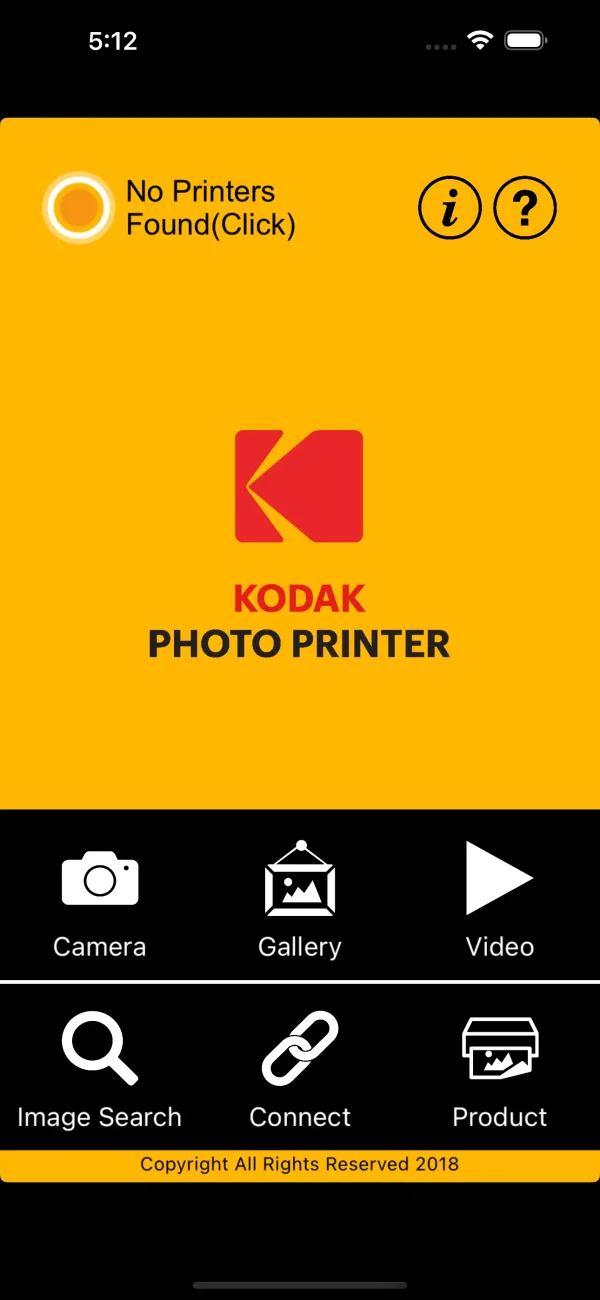
Print amazing photos with Kodak Photo Printer Mini
The Kodak photo printer mini can be used to print images from smartphones by simply printing via Wi-Fi.
You can take and edit pictures on smartphones or tablets. This portable KODAK printer will instantly print your precious moments.
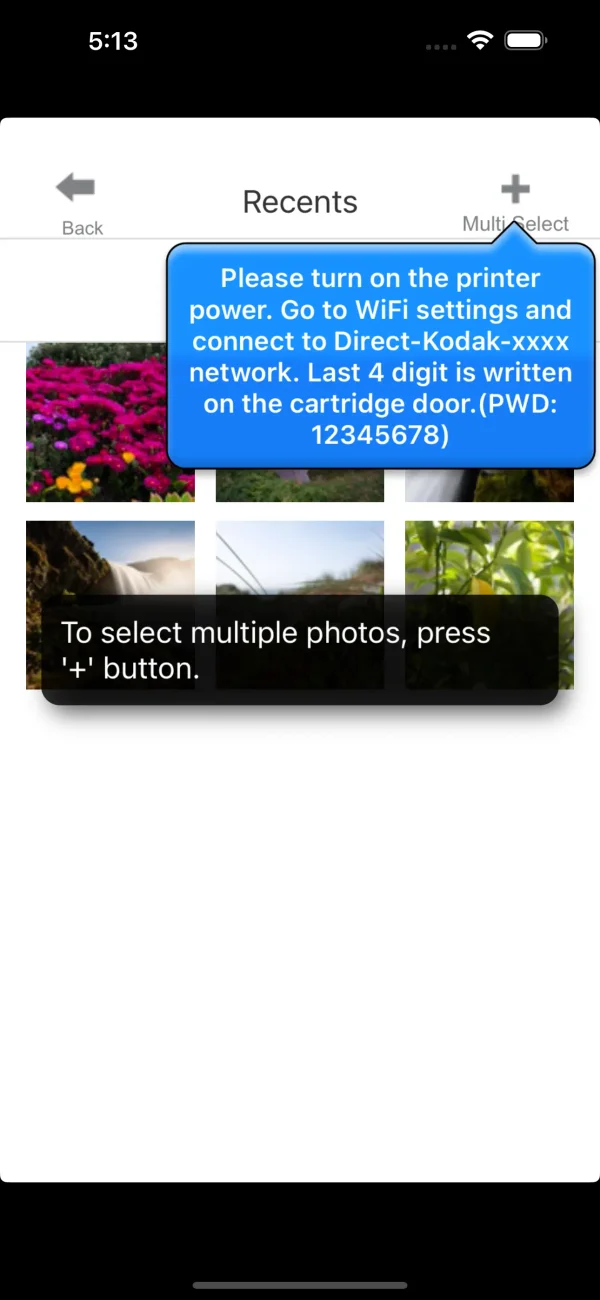
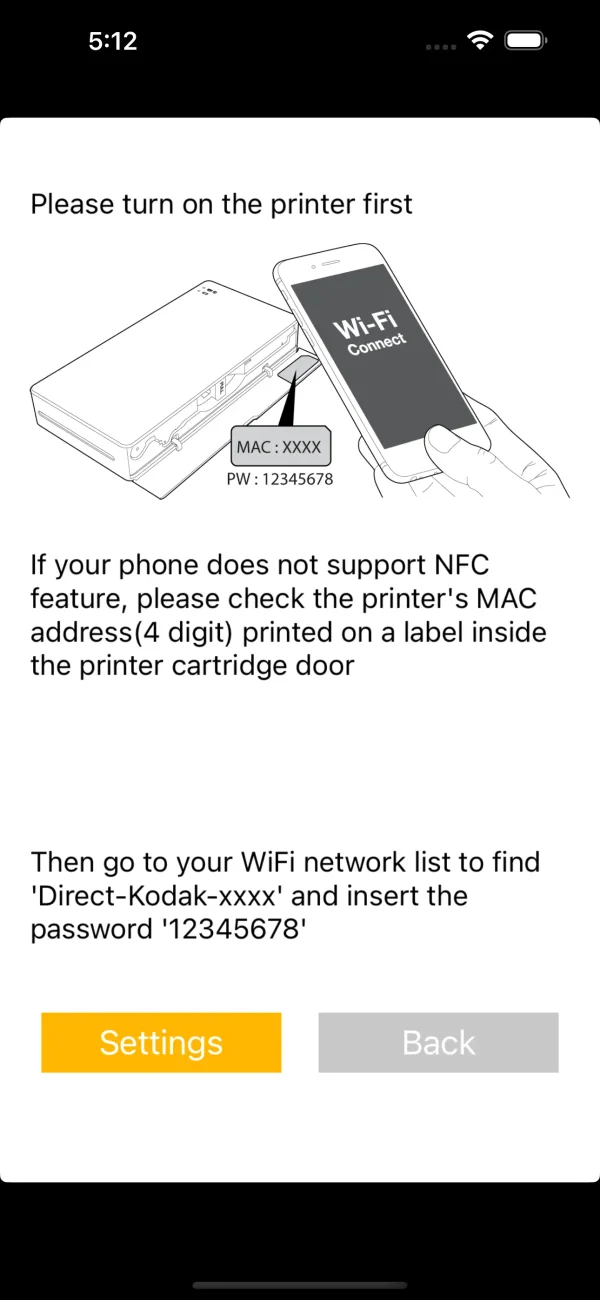
1. Turn on the printer.
2. Find the WiFi (DIRECT-Kodak-xxxx) (pw:12345678) from the WiFi network list in Settings.
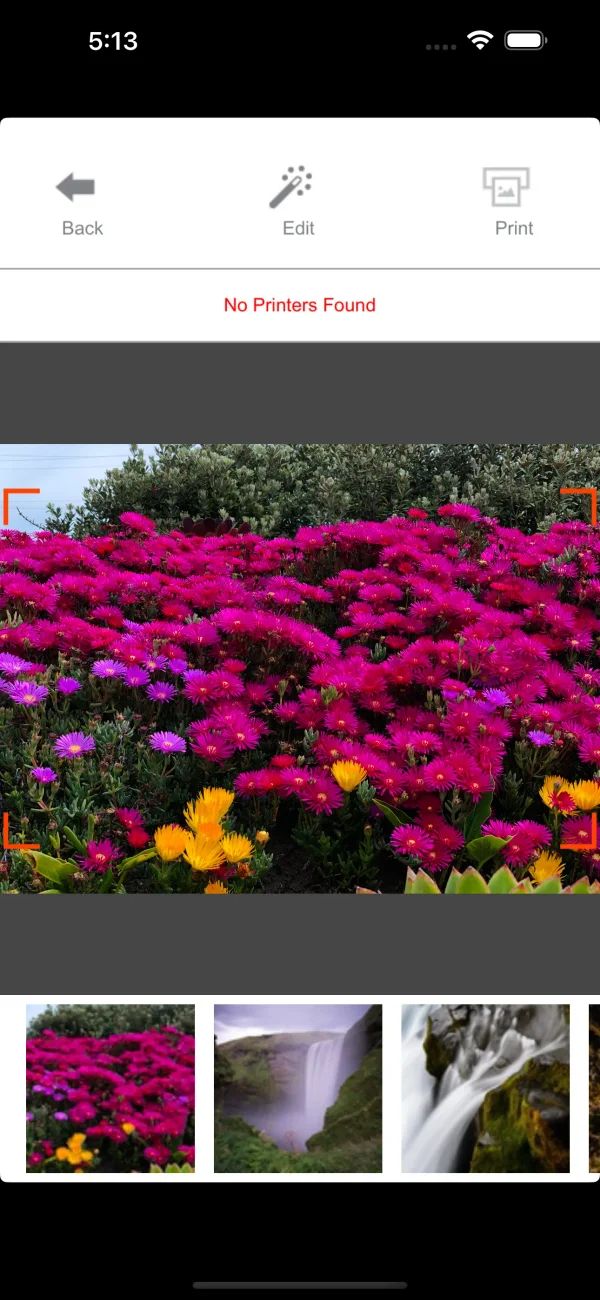
3. Select an image from the Gallery or take a photo with your smartphone.
4. Once image has been selected, edit the image with your personal preference.
5. Now press print when editing is completed.
6. When you print for the first time, it may need to update the firmware. Please follow the instruction shown on the screen of your smartphone.
7. I will take about a minute to fully print. Please do not pull the photo until it is completely printed.
Thank you for purchase KODAK photo printer.
Yang baru
Versi 10.4 · 9/8/2024
- Bug fixes
Privasi aplikasi
Yang dinyatakan Prinics Co., Ltd di App Store tentang cara aplikasi ini menangani data.
-
Data tidak dikumpulkan
Pengembang tidak mengumpulkan data apa pun dari aplikasi ini.
Praktik privasi dapat bervariasi, misalnya berdasarkan fitur yang Anda gunakan atau usia Anda.
Informasi
- Penjual
- Prinics Co., Ltd
- Kategori
- Foto & Video
- Versi
- 10.4
- Diperbarui
- 9/8/2024
- Dirilis
- 14/6/2016
- Ukuran
- 54,7 MB
- Memerlukan
- iOS 12.0 atau yang lebih baru
- Batasan usia
- 4+
- Harga
- Gratis
- Bahasa
- Inggris, Arab, Cheska (Republik Cheska), Dansk (Denmark), Belanda, Suomi (Finlandia), Prancis, Jerman, Yunani, Ibrani, Magyar (Hungaria), Italia + 11 lainnya
- Hak cipta
- © 2016 Prinics Co. Ltd.