Kompresor
Audio Compressor
Dirancang untuk iPhone, iPad, iPod touch
Rp 299ribu
- Batasan usia4+
- KategoriMusik
- PengembangShattered Glass Audio
- BahasaInggris
- Ukuran4,1 MB
Tertaut ke halaman resmi App Store
Download.org tidak menyimpan file Kompresor apa pun. Tombol ini membuka halaman aplikasi di App Store, tempat Shattered Glass Audio menerbitkannya. Halaman terakhir diperiksa pada 17/11/2026.
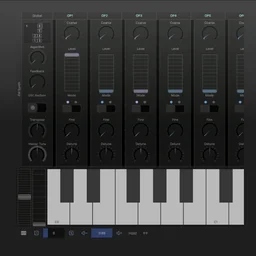
Tangkapan layar
Tentang
Pengembang belum menyediakan teks ini dalam bahasa Anda.
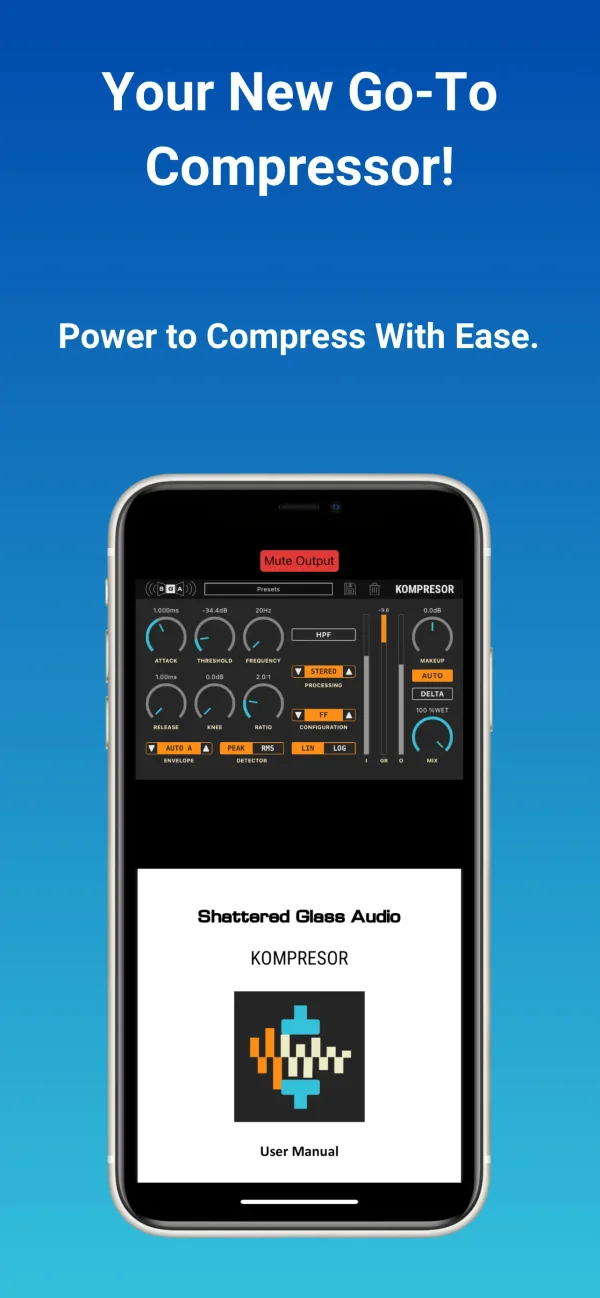
Kompresor is a versatile and powerful, yet easy to use, compressor. With several compression algorithms and processing modes under the hood, Kompresor is suitable for use on a wide variety of signals, on the mix bus, or for mastering.
For the most transparent compression, ideal for mastering, use AUTO or "AUTO A" envelopes. Use PROGRAM envelope for an easy mix bus gluing effect. If you are after the classic style compression switch to feedback configuration. Select RMS detector for a smoother compression suitable for vocals, guitars, etc.
Five processing modes allow you to go from the standard stereo (L/R) compression mode to more surgical modes like compressing the mid (sum) or side (diff) signal only, or compressing exclusively the left or right channel.
To help you fine tune compression parameters, enable DELTA feature to monitor only the difference between the uncompressed and compressed signal. Last but not least, Kompresor has an external side chain input for those times when you need to duck one signal based on another one.
Features:
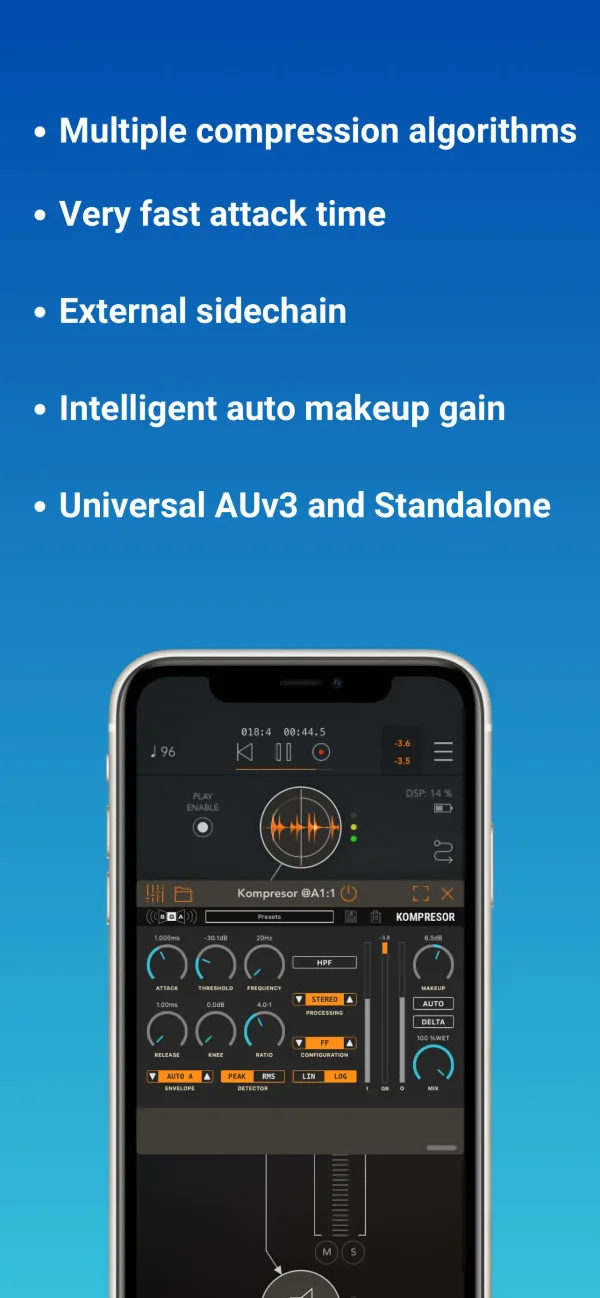
– Four types of compression Attack/Release envelopes SIMPLE, AUTO, AUTO A, and PROGRAM.
– Five processing modes LEFT, RIGHT, MID, SIDE, STEREO
– External sidechaining (only in hosts that support external sidechaining)
– Very fast attack time - 0.01ms
– Ratio up to 30:1
– Soft knee up to 50dB width
– Feedforward and feedback configuration
– Peak and RMS detectors
– Sidechain high pass filter
– Parallel processing
– Monitoring only the difference between the uncompressed and compressed signal
– Intelligent auto makeup gain
– 4x oversampling to avoid aliasing
– Plenty of factory presets to provide a starting point
Kompresor is primarily an AUv3 effect. To use Kompresor as a plug-in, you will need an AUv3 compatible host such as Garageband, AUM, etc.
Kompresor application is there to provide a user manual and a chance to use Kompresor with the microphone input.
You can try Kompresor on a macOS or a Windows based machine by downloading the demo version of the plug-in (VST3, AUv2, AAX) from our website (https://www.shatteredglassaudio.com) and running it in a DAW of your choice. Sonically speaking there are no differences between the iOS and macOS/Windows versions of Kompresor.
Yang baru
Versi 1.6.1 · 18/11/2025
This version brings:
- For multiple choice controls (ENVELOPE, PROCESSING, and CONFIGURATION) you can now select an option from a list of options. The list of options is accessible by tapping on the control. This is in addition to stepping through the options using arrow buttons. In addition to improving the workflow this addition can be beneficial on devices with smaller screens where hitting the arrow buttons may be difficult in the portrait orientation.
- Peak input and output meters.
- Minor performance enhancements and bug fixes.
Privasi aplikasi
Yang dinyatakan Shattered Glass Audio di App Store tentang cara aplikasi ini menangani data.
-
Data tidak dikumpulkan
Pengembang tidak mengumpulkan data apa pun dari aplikasi ini.
Praktik privasi dapat bervariasi, misalnya berdasarkan fitur yang Anda gunakan atau usia Anda.
Informasi
- Penjual
- Creative Bytes, Inc.
- Kategori
- Musik
- Versi
- 1.6.1
- Diperbarui
- 18/11/2025
- Dirilis
- 7/9/2021
- Ukuran
- 4,1 MB
- Memerlukan
- iOS 15.8 atau yang lebih baru
- Batasan usia
- 4+
- Harga
- Rp 299ribu
- Bahasa
- Inggris
- Hak cipta
- © 2021 Creative Bytes, Inc.