L.E.D. Lab
LED display client app
Dirancang untuk iPhone, iPad, iPod touch
Gratis · Pembelian dalam aplikasi
- Batasan usia4+
- KategoriProduktivitas
- PengembangChristopher Schardt
- BahasaInggris
- Ukuran22,2 MB
Tertaut ke halaman resmi App Store
Download.org tidak menyimpan file L.E.D. Lab apa pun. Tombol ini membuka halaman aplikasi di App Store, tempat Christopher Schardt menerbitkannya. Halaman terakhir diperiksa pada 15/11/2026.
Tangkapan layar
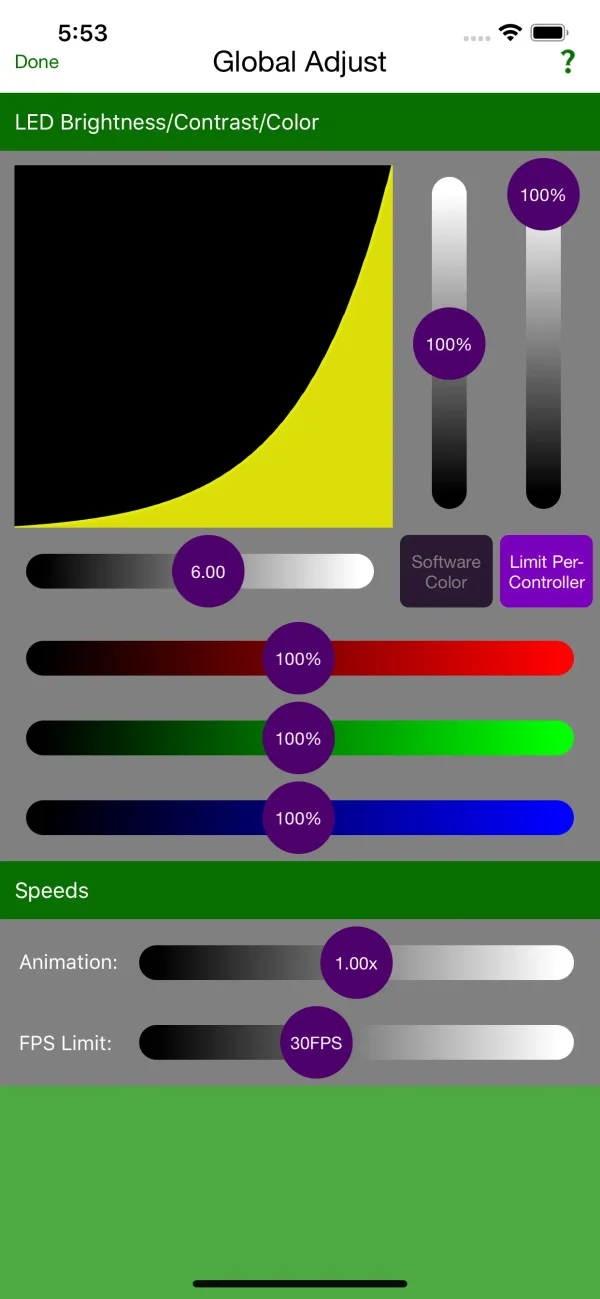
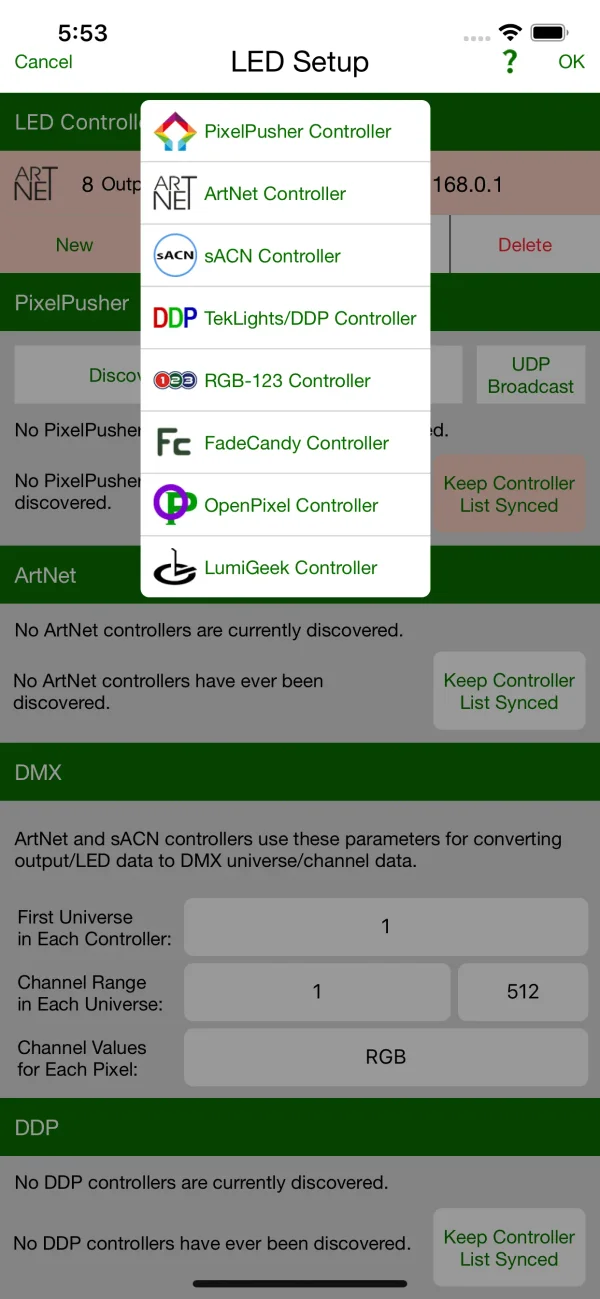
Tentang
Pengembang belum menyediakan teks ini dalam bahasa Anda.
L.E.D. Lab is the quickest, easiest, most powerful way to drive your LED display! Custom programming is no longer required to get up-and-running. It is ideal for artists, professional display designers, architects, VJs, lighting designers, hobbyists, and anyone wanting to add a little animated color to their sculpture, art car, home, business or wardrobe.
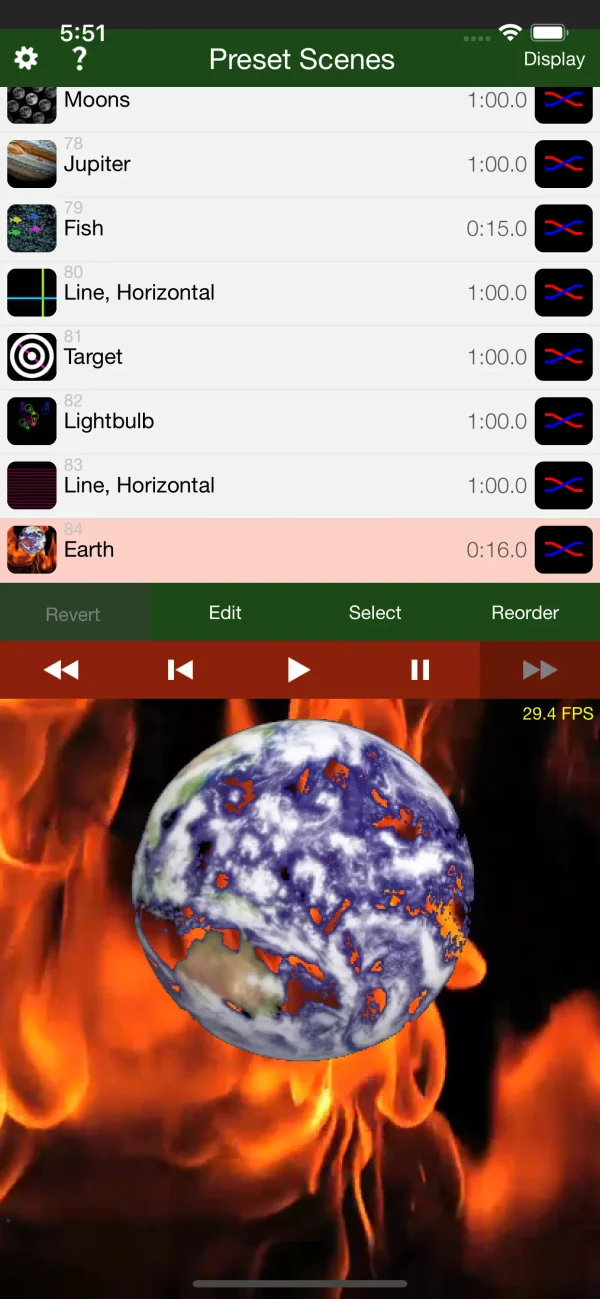
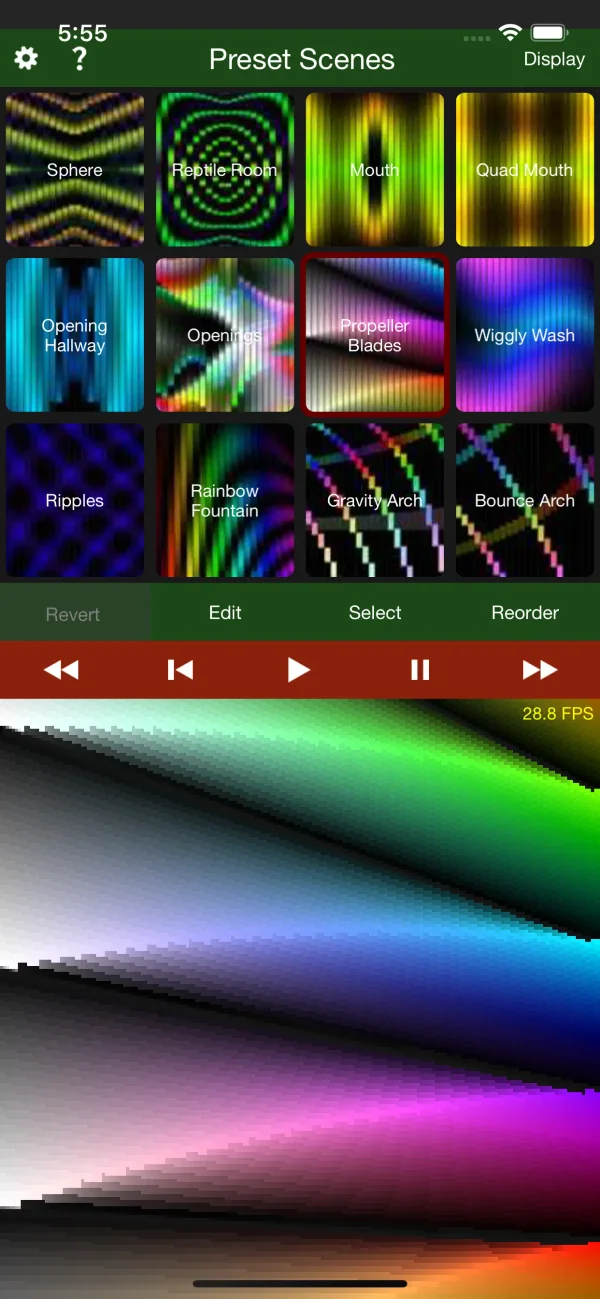
L.E.D. Lab allows you to create a list of Scenes, which can be played back in order or shuffled. There are currently two kinds of Scenes:
● Pictures Scene - A montage of still images, videos, and live camera feeds is designed. The position, velocity, rotation, size, and coloring of each picture can be animated. You can use your own photos and videos, and the iPad camera. Rendering to odd-shaped displays is made possible with photographically-generated map files.
● Strips Scene - Particles of color are sent down each strip. The velocity, hue, saturation, and brightness of each particle can be animated.
Other features include:
● Music - Create lists of Tracks. Each track plays a song from your music library, along with any number of Scenes. You can elaborately choreograph a song, or let the Scenes play in random order.
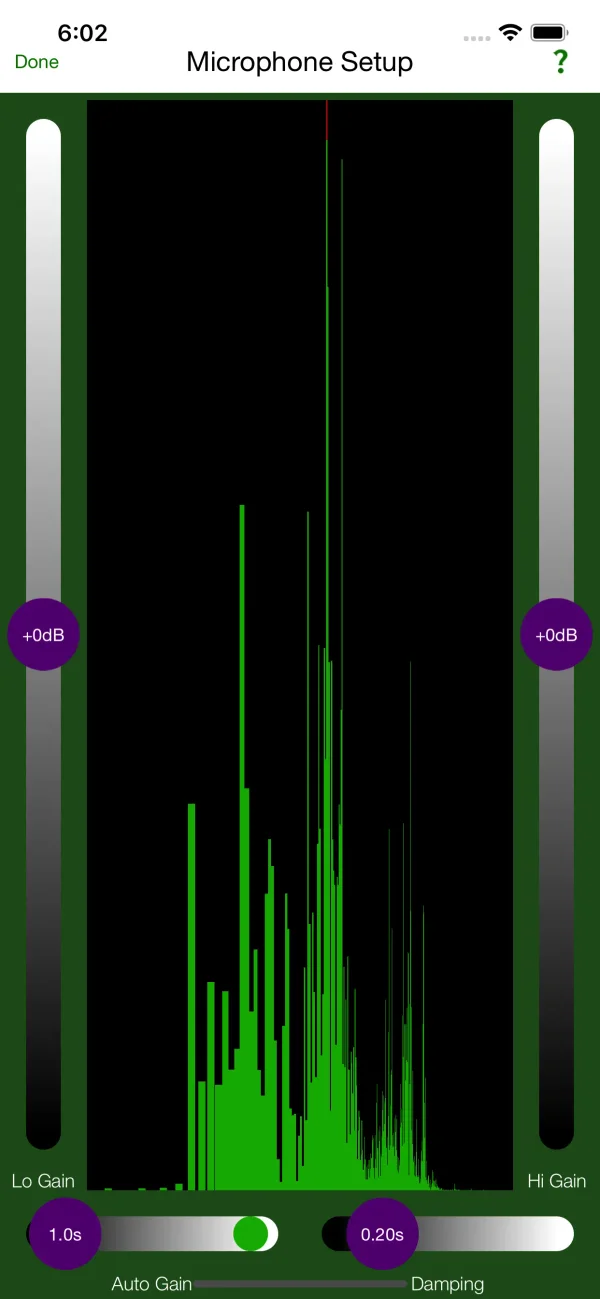
● Audio Reactivity - Any animatable parameter may be controlled by the amplitude of audio in a specified frequency range.
● External Control - Any animatable parameter may be controlled by MIDI, DMX, ArtNet, or OSC.
● Color Keying - An image, video file, or live video feed can be made selectively transparent, making it easy to mix in with other images.
● Tiling - Any image, video file, or live video feed can be tiled in any or all directions, with adjustable spacing and fade-out.
● Display Modes - Editing can be performed with or without the LEDs connected. The editing UI can also be hidden, allowing operation in a "kiosk" mode.
So what kind of LED display can you make with L.E.D. Lab? Some Examples:
http://ledlabs.co
Any iOS device can be used to play Scene Lists. An iPad is best for full editing.
L.E.D. Lab works with the following LED controllers:
● PixelPusher (our favorite)
● Art-Net
● sACN
● DDP/Minleon/TekLights
● RGB-123
● FadeCandy/FCServer
● OpenPixel
It can also display to an external monitor or projector, serving as a VJ app.
Extensive help information is provided for the rich user-interface:
● Help Explorer - Displays help text for any knob, slider, button, popup, list, or view inside a magnifying glass you drag around the screen. (See this in the last screen shot.)
● Help Topics - Little chapters to read about some of the more detailed functionalities.
● Help Tutorials
Yang baru
Versi 2.38 · 7/10/2026
The code that handles in-app purchases has been completely re-written to use Apple's new API. This should fix the problems with remembering and restoring purchases. (Apple still officially supports the old API, but it appears to be malfunctioning.)
Privasi aplikasi
Yang dinyatakan Christopher Schardt di App Store tentang cara aplikasi ini menangani data.
-
Data yang tidak ditautkan dengan Anda
Dapat dikumpulkan, tetapi tidak ditautkan dengan identitas Anda.
- Diagnostik
Praktik privasi dapat bervariasi, misalnya berdasarkan fitur yang Anda gunakan atau usia Anda.
Informasi
- Penjual
- Christopher Schardt
- Kategori
- Produktivitas
- Versi
- 2.38
- Diperbarui
- 7/10/2026
- Dirilis
- 13/5/2014
- Ukuran
- 22,2 MB
- Memerlukan
- iOS 15.6 atau yang lebih baru
- Batasan usia
- 4+
- Harga
- Gratis
- Pembelian dalam aplikasi
- Ya
- Bahasa
- Inggris
- Hak cipta
- © 2013-2023 Christopher Schardt
Mungkin Anda juga suka
-
 Stellar by ARRIProduktivitas
-
 Photon 2: DMX Light ControllerProduktivitas
-
 LuminairProduktivitas
-
 ZIG SIMProduktivitas
-
 MagicQ Remote ControlProduktivitas
-
 Sidus Link ProProduktivitas
-
 Mobileraker - Klipper UIProduktivitas
-
 Epson Setting AssistantProduktivitas
-
 LED Light Control Remote RGB !Produktivitas
-
 Drones for DJIProduktivitas