- Batasan usia4+
- KategoriFoto & Video
- PengembangSchilliro Massimiliano
- BahasaInggris+ 6 lainnya
- Ukuran3,4 MB
Tertaut ke halaman resmi App Store
Download.org tidak menyimpan file LAB* apa pun. Tombol ini membuka halaman aplikasi di App Store, tempat Schilliro Massimiliano menerbitkannya. Halaman terakhir diperiksa pada 16/11/2026.
Tangkapan layar

Tentang
Pengembang belum menyediakan teks ini dalam bahasa Anda.
# LAB* — App Store Listing
---
## App Name
LAB*
RAW Photo Editor & Darkroom
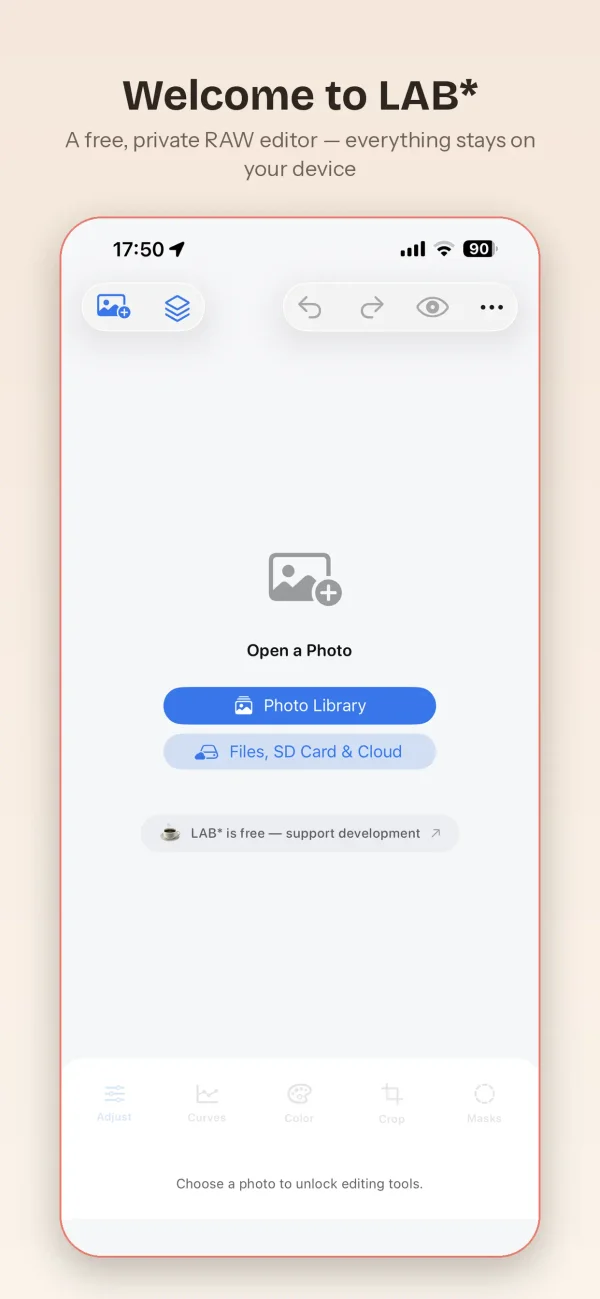
LAB* is a professional RAW photo editor for iPhone, iPad, and Apple Silicon Mac — built for photographers who care about quality, privacy, and speed, without subscriptions or paywalls.
Edit RAW, ProRAW, and standard photos directly from your camera roll, SD card, USB drive, or cloud storage. Every edit happens entirely on your device. Nothing is ever uploaded, tracked, or shared.
**RUNS ON ALL YOUR APPLE DEVICES**
• iPhone — edit on the go
• iPad — full-screen editing with touch precision
• Mac with M1, M2, M3, or M4 chip — same app, same power, on your desktop
**POWERFUL EDITING TOOLS**
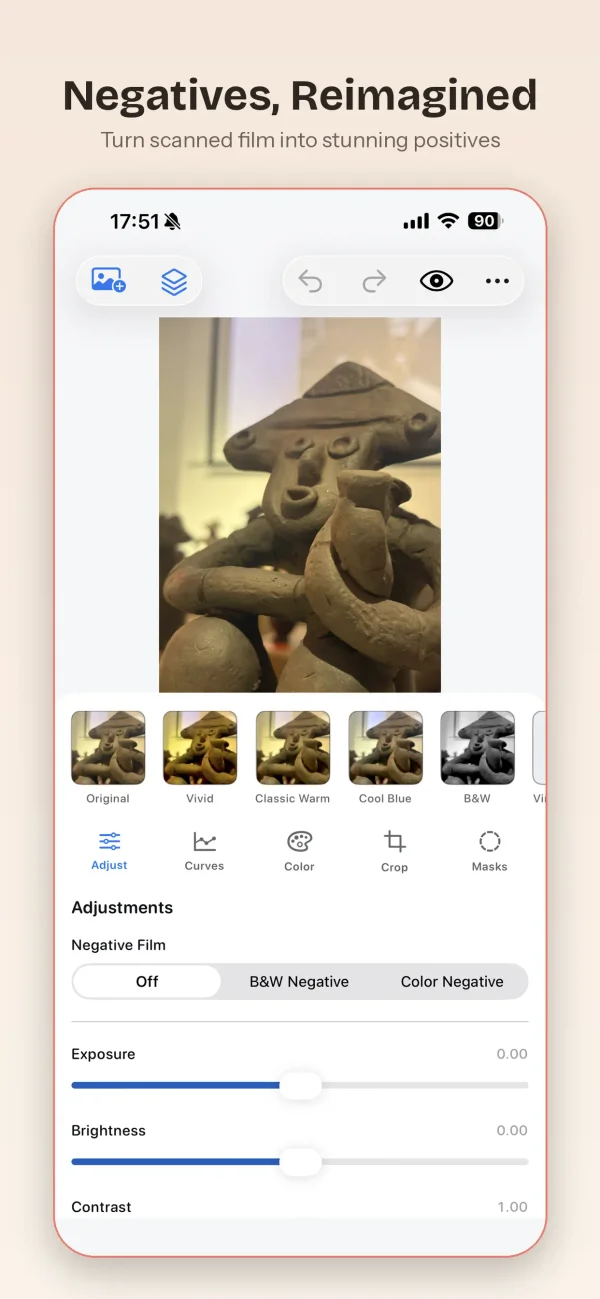
• Exposure, Brightness, Contrast, Clarity
• Highlights & Shadows with split toning — push warm or cool color into your tones independently
• Whites, Blacks, Saturation, Vibrance, Warmth, Tint
• Bloom, Halation, Fade, Grain, Vignette, Sharpness, Noise Reduction
• Master tone curve + per-channel RGB curves
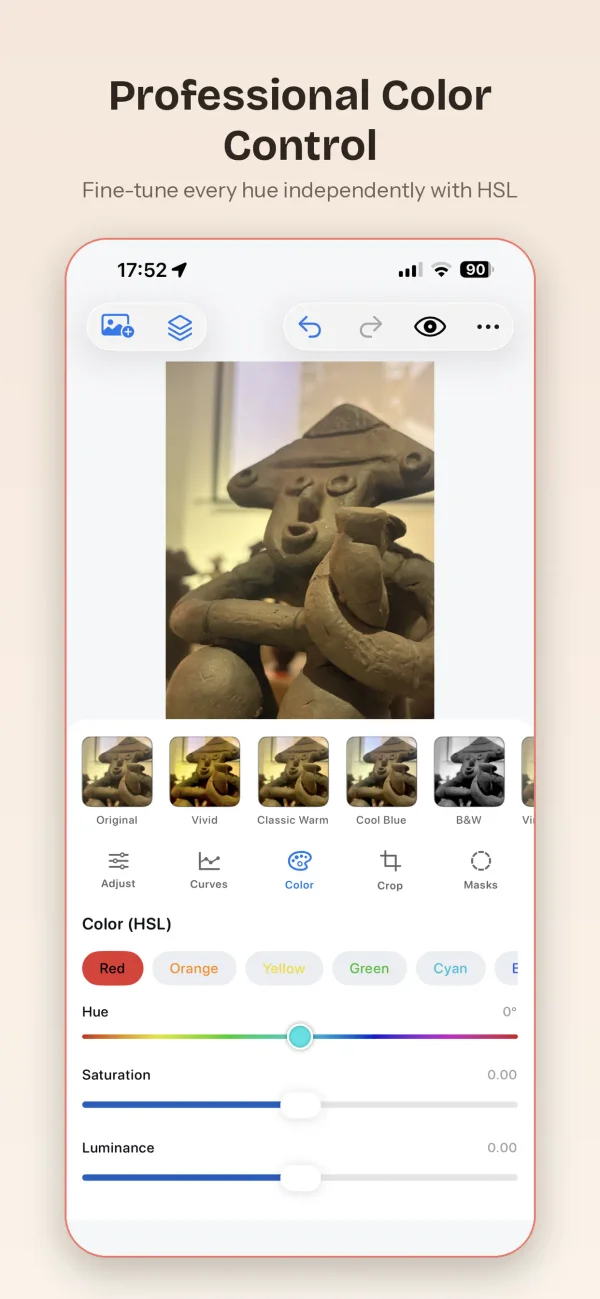
• HSL color grading — adjust Hue, Saturation, and Luminance for 8 individual color ranges (Red, Orange, Yellow, Green, Cyan, Blue, Purple, Magenta)
**MASKING & LOCAL ADJUSTMENTS**
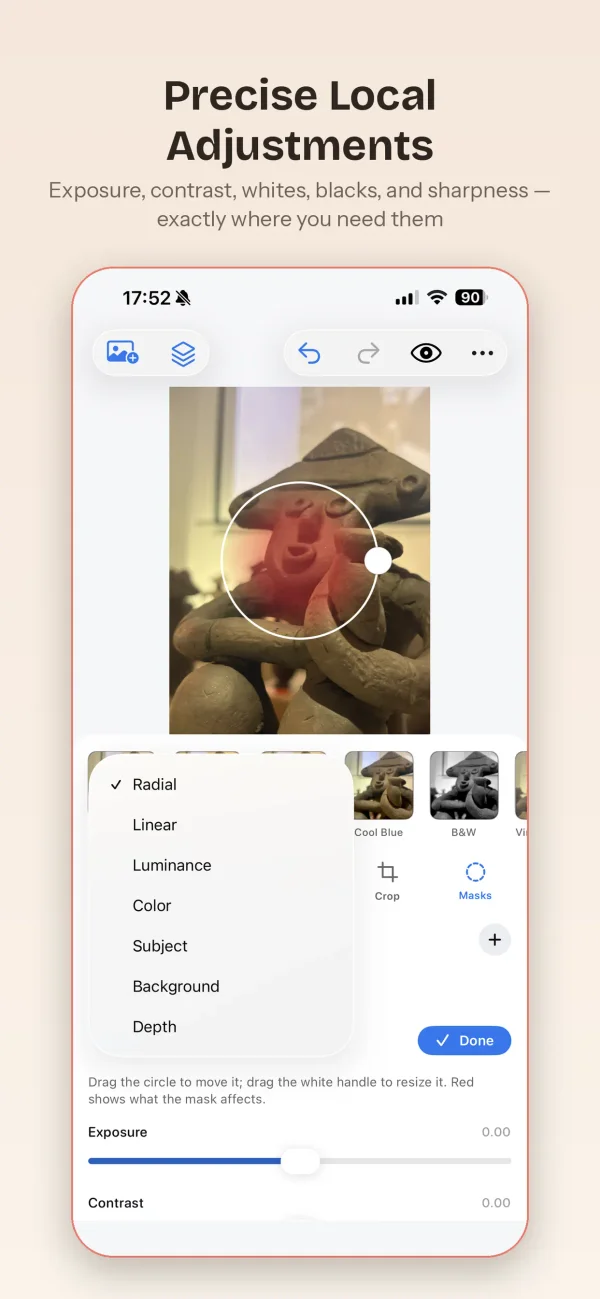
• Radial masks — circular spotlight adjustments
• Linear masks — graduated filter for skies and horizons
• Luminance masks — target shadows, midtones, or highlights
• Color masks — select and adjust specific colors
• Subject & Background masks — AI-powered person detection
• Depth masks — near/far selection using Portrait mode depth data
• Stack multiple masks on one photo
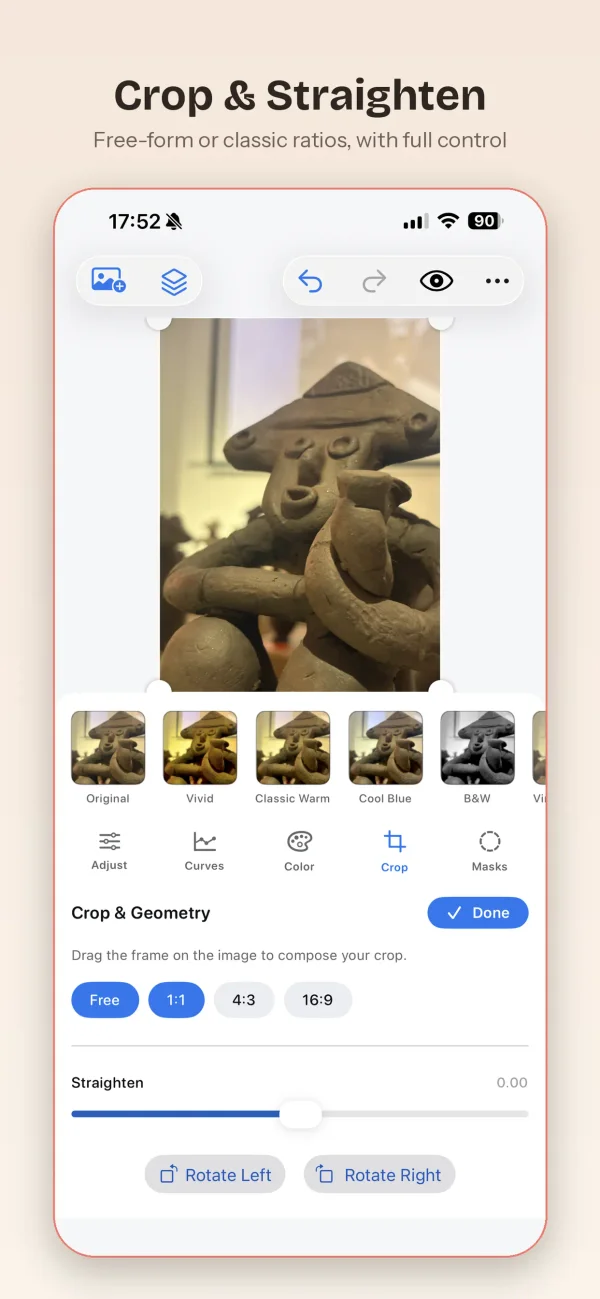
**CROP & GEOMETRY**
• Free-form crop with all 4 corner handles
• Fixed aspect ratios: 1:1, 4:3, 16:9
• Straighten with auto-zoom (no black corners ever)
• Rotate 90° left or right
• Vertical and horizontal keystone correction
**LOOKS & COMMUNITY PRESETS**
• Built-in looks: Vivid, Classic Warm, Cool Blue, B&W, Vintage Fade, Moody
• Save your own custom presets
• Share presets as .labpreset files via AirDrop or iMessage
• Import presets from friends — tap to install instantly
**WORKFLOW**
• Open RAW files directly from SD cards and USB drives — no import needed
• Before/after split view with draggable divider
• Hold to compare original
• Pinch to zoom and pan
• Full undo/redo history
• Batch edit — apply a preset to multiple photos at once
• Export as HEIC or JPEG with quality and resize controls
• Share directly via AirDrop, iMessage, Instagram, and more
**100% PRIVATE**
No account required. No analytics. No ads. No data collected — on any device. Everything stays on your device, always.
Built with love for photographers, by a photographer.
---
## Category
Primary: Photo & Video
Secondary: Utilities
## Age Rating
4+
## Pricing
Free
## Privacy Policy URL
https://spurious-delphinium-b23.notion.site/LAB-Privacy-Policy-3be54f36504a8096ba69e56523206c30
## What's New (first release)
Welcome to LAB* — a free, privacy-first RAW photo editor for iPhone, iPad, and Apple Silicon Mac.
Edit RAW files straight from your SD card, use professional tools including masks, curves, and HSL, then share your presets with the community.
Yang baru
Versi 2.0 · 19/10/2026
LAB* 2.0 — our biggest update yet
Edit right inside Photos: open a photo in Photos, tap Edit, then choose LAB*
Share to LAB*: send a photo from the Share sheet straight into the editor
Your presets now sync between your devices with iCloud
Color grading wheels (shadows, midtones, highlights) and HSL curves
New Sky mask, plus Duplicate Mask
Texture slider for fine detail
Auto white balance and a neutral eyedropper
Copy and paste edits; flag, reject and multi-select in the library
Frames and borders on export, and control over metadata (remove location, keep all, change date)
Many fixes and improvements
Privasi aplikasi
Yang dinyatakan Schilliro Massimiliano di App Store tentang cara aplikasi ini menangani data.
-
Data tidak dikumpulkan
Pengembang tidak mengumpulkan data apa pun dari aplikasi ini.
Praktik privasi dapat bervariasi, misalnya berdasarkan fitur yang Anda gunakan atau usia Anda.
Informasi
- Penjual
- Schilliro Massimiliano
- Kategori
- Foto & Video
- Versi
- 2.0
- Diperbarui
- 19/10/2026
- Dirilis
- 27/8/2026
- Ukuran
- 3,4 MB
- Memerlukan
- iOS 26.5 atau yang lebih baru
- Batasan usia
- 4+
- Harga
- Gratis
- Bahasa
- Inggris, Prancis, Jerman, Italia, Jepang, Portugis, Spanyol
- Hak cipta
- © 2026 Keigo Moriyama
Mungkin Anda juga suka
-
 Chrono Film: Vintage CameraFoto & Video
-
 Photographer's Pocket KnifeFoto & Video
-
 BibbityLabFoto & Video
-
 Diopter: Analog Film CameraFoto & Video
-
 Chroma 98 - Pro Photo EditorFoto & Video
-
 HorrorMovieCam: Horror CameraFoto & Video
-
 Maple: Raw Photo EditorFoto & Video
-
 Raster AI StudioFoto & Video
-
 Cubedit: Edit Foto & Video LUTFilter Sinematik & Color Grade
-
 Toned: Halation & DarkroomFoto & Video