Larktun
SSH & WEB & RDP , Tailnet
Dirancang untuk iPhone, iPad, iPod touch
Gratis · Pembelian dalam aplikasi
- Batasan usia17+
- KategoriKegunaan
- Pengembang宁波弦域网络科技有限公司
- BahasaInggris
- Ukuran40,2 MB
Tertaut ke halaman resmi App Store
Download.org tidak menyimpan file Larktun apa pun. Tombol ini membuka halaman aplikasi di App Store, tempat 宁波弦域网络科技有限公司 menerbitkannya. Halaman terakhir diperiksa pada 24/11/2026.
Tangkapan layar



Tentang
Pengembang belum menyediakan teks ini dalam bahasa Anda.
Larktun is a private networking and remote access app designed for personal users, developers, IT administrators, and networking enthusiasts.
With Larktun, your iPhone or iPad can securely join your private network and access your home computer, NAS, server, router, development machine, or office devices anytime, anywhere. You can complete networking, device discovery, remote access, and remote control directly inside the app.
【App-Based Private Networking】
Traditional networking tools often require system-level VPN configuration, which may affect other VPN, proxy, or network tools. Larktun uses an app-based private networking approach:
No system profile installation required
No occupation of the system VPN channel
No conflict with other proxy or network tools
Access private network devices directly from the app
Better suited for iPhone and iPad remote access
【Main Features】
1. Secure Private Network Access
After signing in, your iPhone or iPad becomes part of your private network. Wherever you are, as long as you have internet access, you can connect to your devices as if you were on the same local network.
Multiple accounts are supported, allowing you to switch between home networks, development environments, remote office networks, and operations management scenarios.
2. Smart Discovery and Home Network App Center
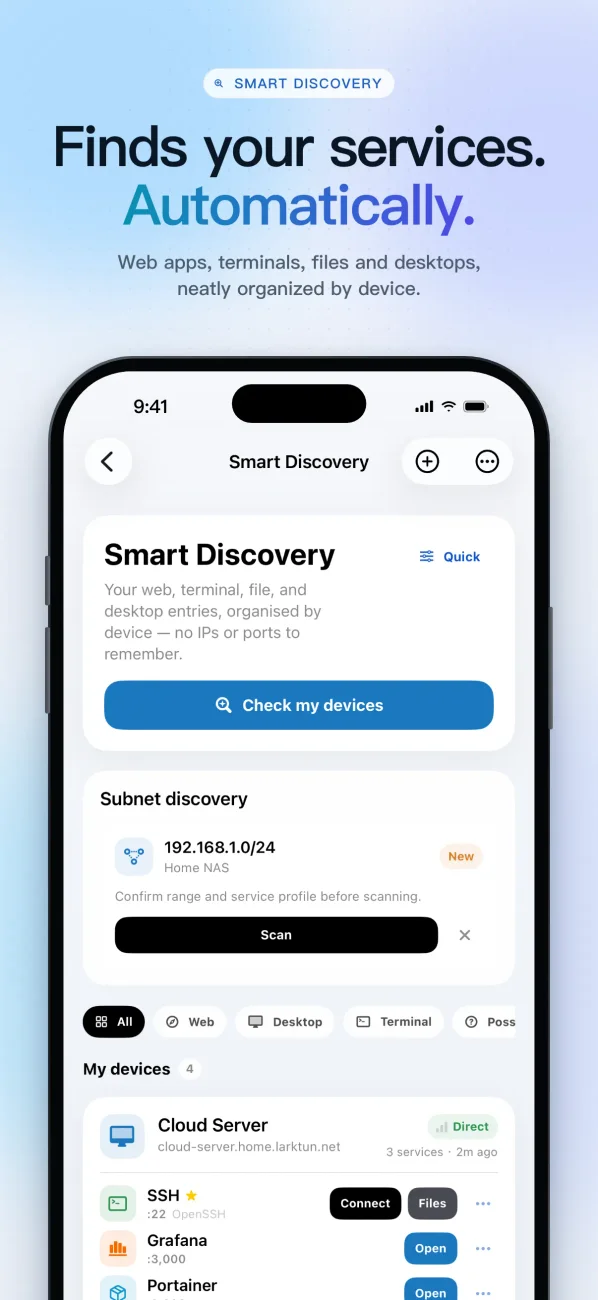
Larktun supports smart discovery to help you quickly find devices and common services in your private network, reducing the need to manually enter IP addresses, ports, and protocols.
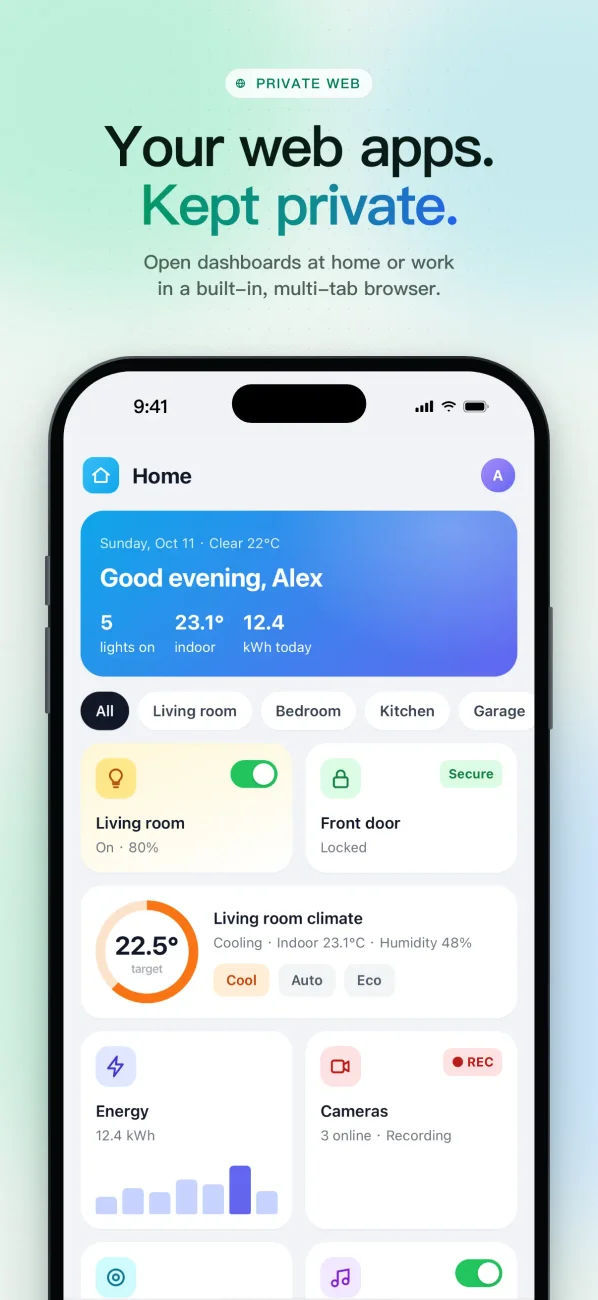
You can discover NAS devices, servers, Windows PCs, routers, Web services, SSH services, RDP services, and more. For home users, Larktun can also serve as a home network app center, providing centralized access to computers, NAS devices, routers, media services, smart home services, and self-hosted applications.
3. Built-in Remote Access Toolbox
Larktun includes commonly used remote access tools, so you do not need to install multiple third-party apps.
SSH Terminal: Access Linux servers, routers, NAS devices, and development machines with password or key authentication.
SFTP File Management: Upload, download, rename, and edit remote files.
Built-in Web Browser: Access NAS dashboards, OpenWrt, Home Assistant, self-hosted websites, and internal web systems.
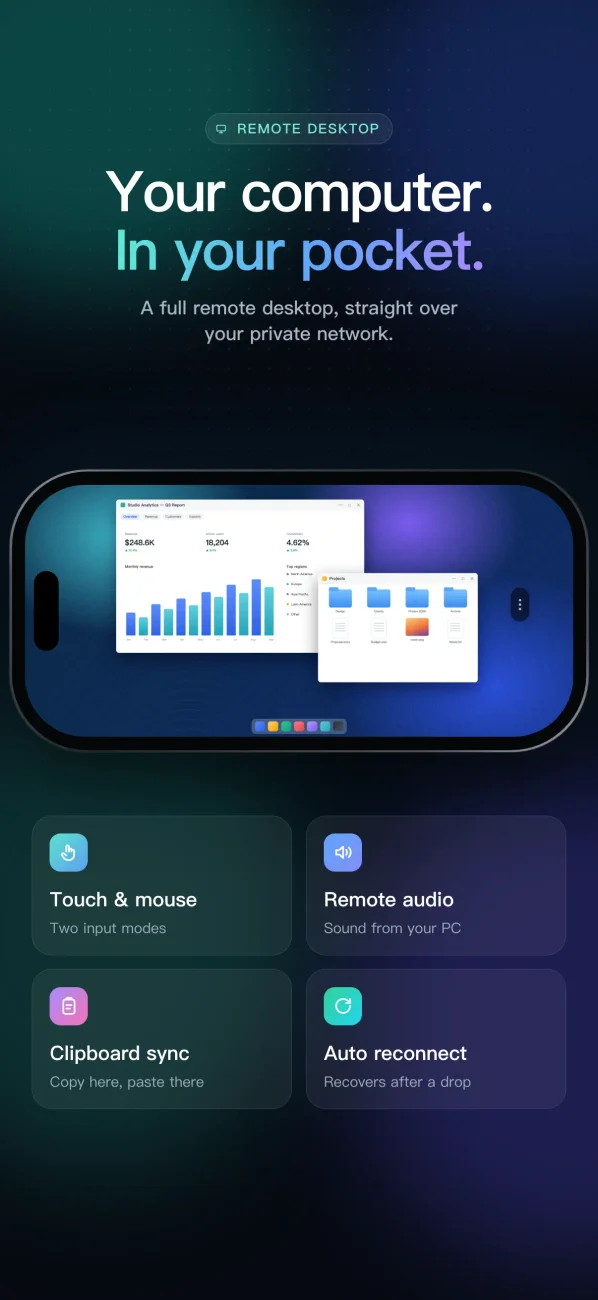
RDP Remote Desktop: Connect to Windows computers directly inside the app.
WebRTC Remote Control: Remotely control computers through the built-in WebRTC capability.
4. Multi-Tab and Detachable Tabs
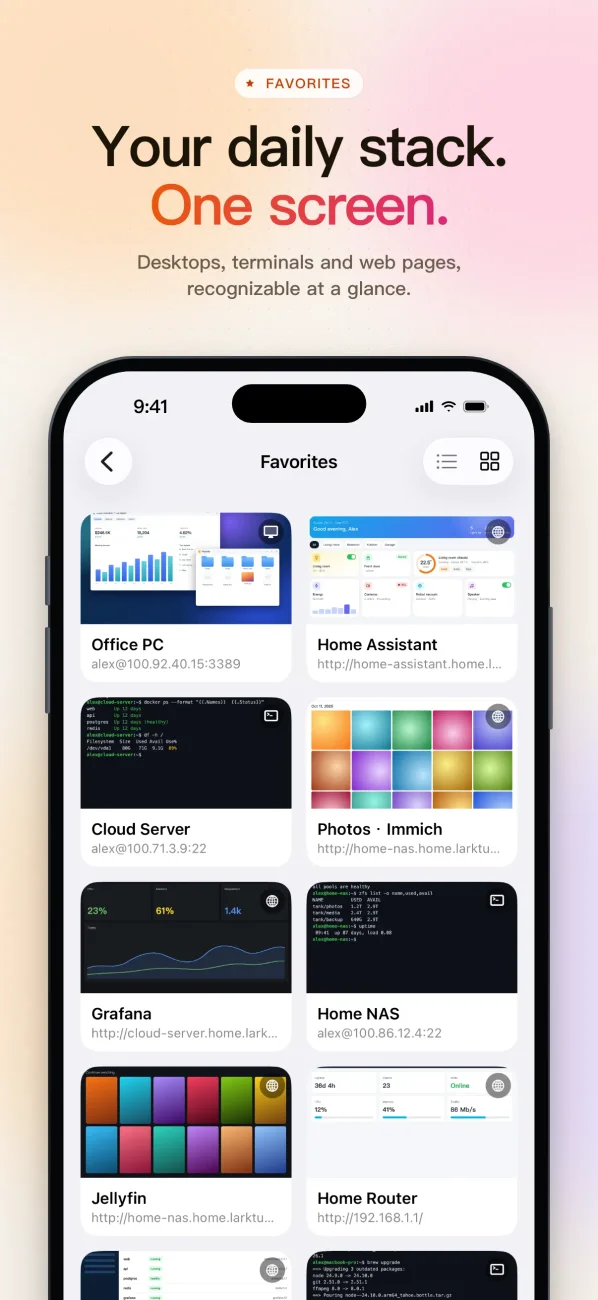
Larktun supports multi-tab workflows. You can open multiple SSH, RDP, Web, or remote control sessions and quickly switch between devices and services.
On iPad, SSH and RDP tabs can also be detached, making remote sessions more flexible for multitasking.
5. External Display Support
Larktun supports external display usage. RDP and WebRTC remote control can work with an external monitor to provide a larger workspace and a more desktop-like remote experience on iPad.
6. Device Overview
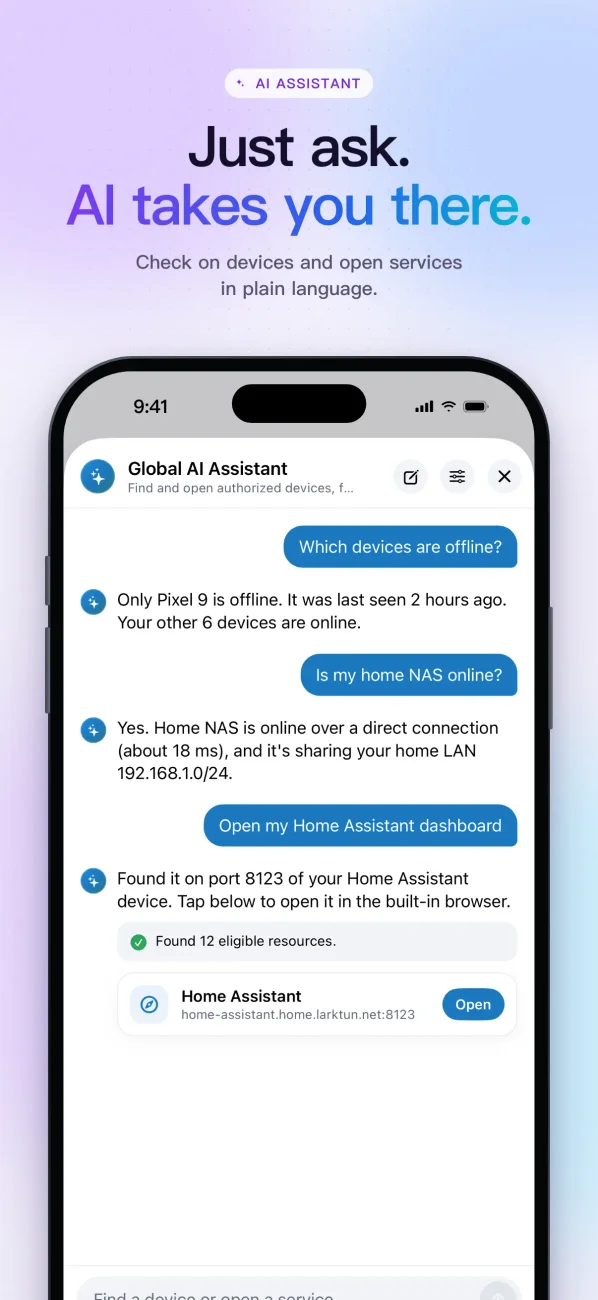
View the status of devices in your private network, add device notes, search quickly, and start SSH, SFTP, Web, RDP, or remote control sessions directly from the device list.
7. Security Protection
Larktun is built on modern encrypted networking technology. Only authenticated devices can join your private network, and data transmission is protected by encryption, helping reduce public exposure and unauthorized access risks.
Larktun keeps your devices securely online and always within reach.
Privacy Policy: https://larktun.com/legal/privacy-policy
Service Terms: https://larktun.com/legal/terms-of-service
Terms of Use (EULA): https://www.apple.com/legal/internet-services/itunes/dev/stdeula/
Yang baru
Versi 1.10 · 24/11/2026
1.Fixed some bugs in the iPad interface.
2.Optimized the separate window functionality for SSH, RDP, and WebRTC tabs.
Privasi aplikasi
Yang dinyatakan 宁波弦域网络科技有限公司 di App Store tentang cara aplikasi ini menangani data.
-
Data tidak dikumpulkan
Pengembang tidak mengumpulkan data apa pun dari aplikasi ini.
Praktik privasi dapat bervariasi, misalnya berdasarkan fitur yang Anda gunakan atau usia Anda.
Informasi
- Penjual
- Ningbo Xianyu Network Technology Co., Ltd
- Kategori
- Kegunaan
- Versi
- 1.10
- Diperbarui
- 24/11/2026
- Dirilis
- 28/5/2026
- Ukuran
- 40,2 MB
- Memerlukan
- iOS 15.0 atau yang lebih baru
- Batasan usia
- 17+
- Harga
- Gratis
- Pembelian dalam aplikasi
- Ya
- Bahasa
- Inggris
- Hak cipta
- © 2026 Ningbo Xianyu Network Technology Co., Ltd.
Mungkin Anda juga suka
-
 ReadyServer – VPS HostingKegunaan
-
 AstroBox - Wearable ToolkitKegunaan
-
 Neko Dash - Just a DashboardKegunaan
-
 StarLight - PC StreamingKegunaan
-
 ShadowClashKegunaan
-
 Device Kit: Monitor SistemKecepatan Net · CPU · Baterai
-
 连点器 - 自动点击持续滚动刷新&旋转指针工具Kegunaan
-
 Everywhere ProxyKegunaan
-
 快喵VPN加速器 高速稳定网络加速器Kegunaan
-
 OurPlay Game BoosterKegunaan