Learn AI Engineering
Learn AI Engineering Now
Dirancang untuk iPhone, iPad, iPod touch
Rp 59ribu
- Batasan usia9+
- KategoriPendidikan
- PengembangMuhammad Umair
- BahasaInggris
- Ukuran78,1 MB
Tertaut ke halaman resmi App Store
Download.org tidak menyimpan file Learn AI Engineering apa pun. Tombol ini membuka halaman aplikasi di App Store, tempat Muhammad Umair menerbitkannya. Halaman terakhir diperiksa pada 17/11/2026.
Tangkapan layar
Tentang
Pengembang belum menyediakan teks ini dalam bahasa Anda.
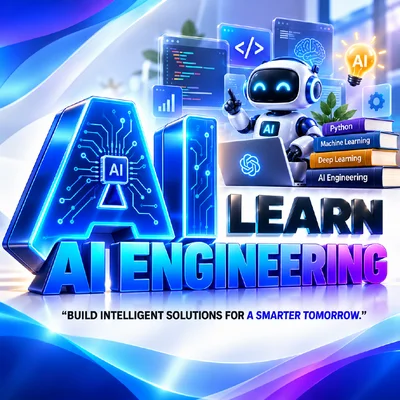
Learn AI Engineering
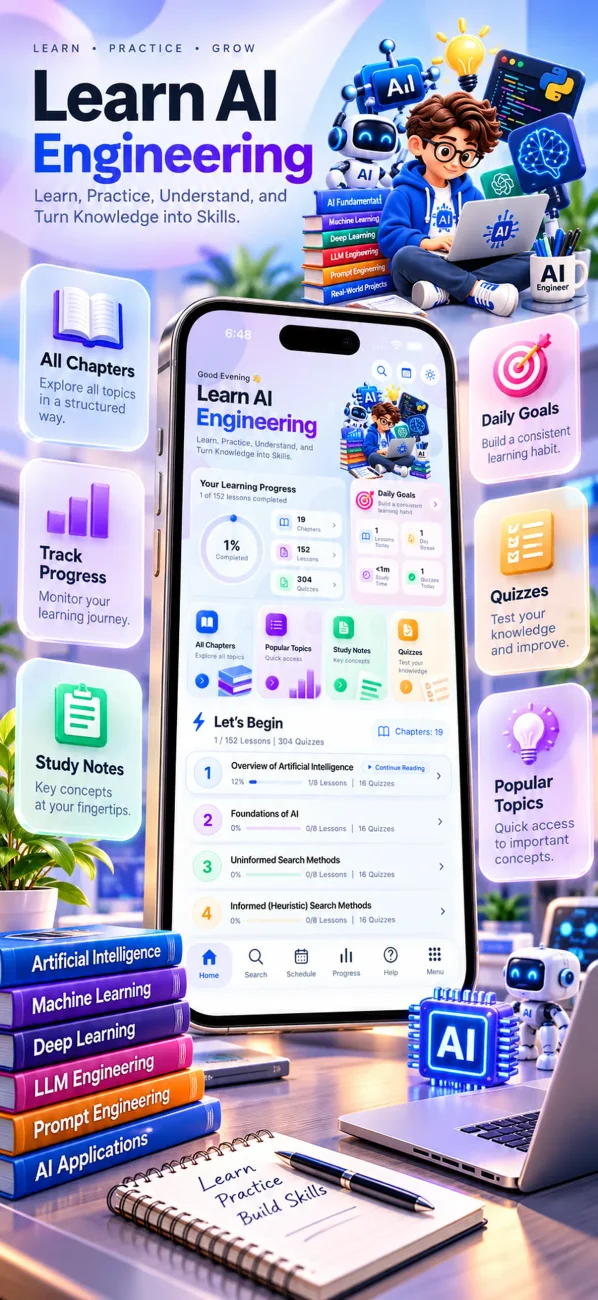
Explore Artificial Intelligence through structured chapters, focused lessons, quizzes, and learning tools designed to help you study at your own pace. Learn AI Engineering brings essential AI topics together in an organized learning experience, with ways to review concepts, save notes, plan study time, and follow your progress.
EXPLORE ARTIFICIAL INTELLIGENCE
Start with an overview of Artificial Intelligence and discover how AI is described, developed, and applied. Explore the definition and scope of AI, its evolution and history, and the differences between Narrow AI, General AI, and Super AI.
Continue with the importance of AI in modern technology, applications of AI in various fields, and components of AI systems. Review the relationship between AI, Machine Learning, and Deep Learning as you move through the available learning topics.
Topics shown in the app include:
• Artificial Intelligence fundamentals
• Machine Learning and Deep Learning
• Natural Language Processing (NLP)
• Large Language Models (LLM)
• Prompt Engineering
• Real-world AI applications
ORGANIZED CHAPTERS AND LESSONS
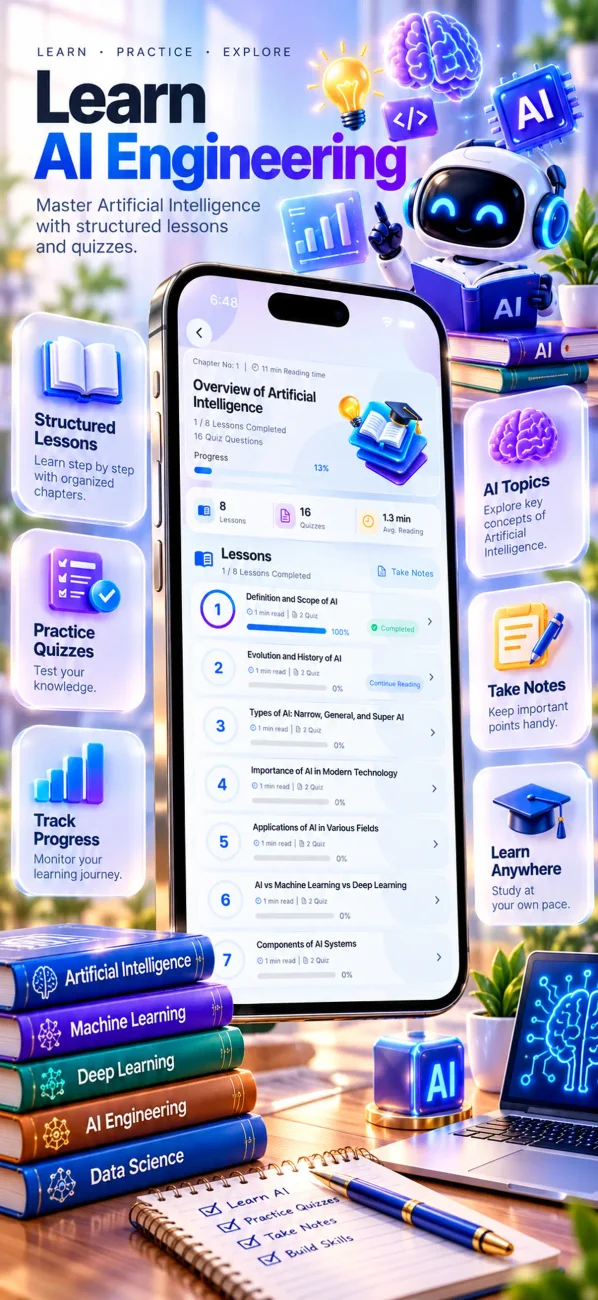
Explore chapters with individual lessons that break down topics into manageable sections. Open a lesson to read its content, check your progress, and continue reading when you return. Lesson lists show completion information so you can see what you have studied and what remains.
PRACTICE WITH QUIZZES
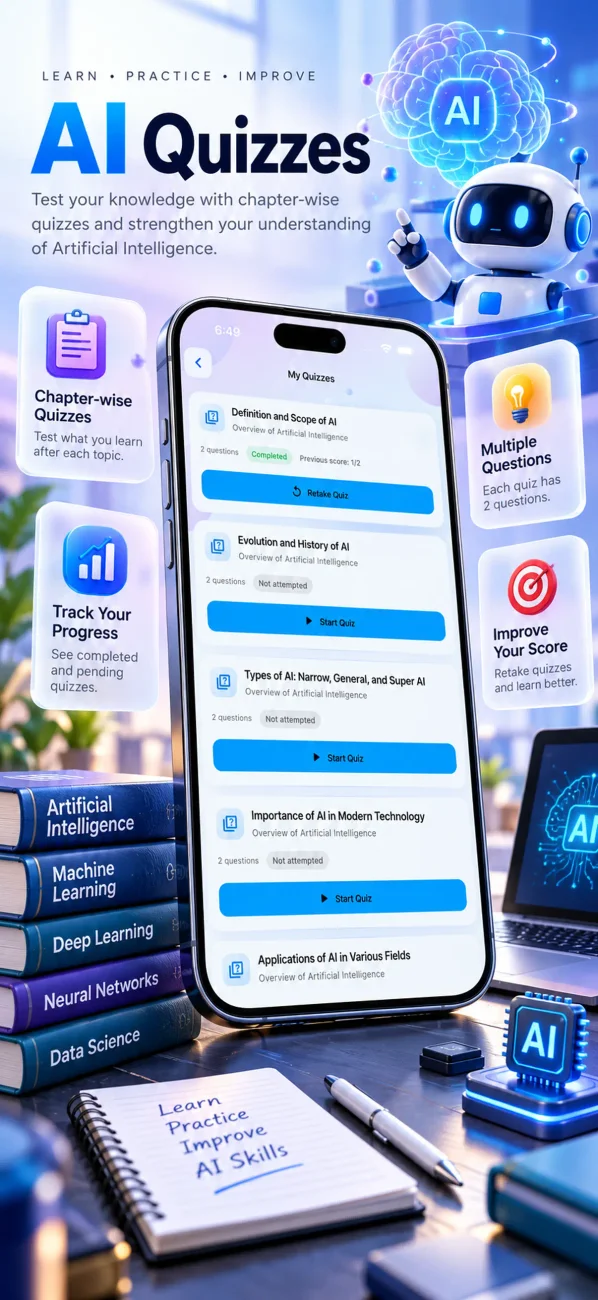
Review what you have learned using chapter-related quizzes. Answer questions, view completed and pending quizzes, check previous scores, and retake a quiz to practice again. Quizzes are connected to lesson topics, giving you a way to revisit important concepts after reading.
TRACK YOUR PROGRESS
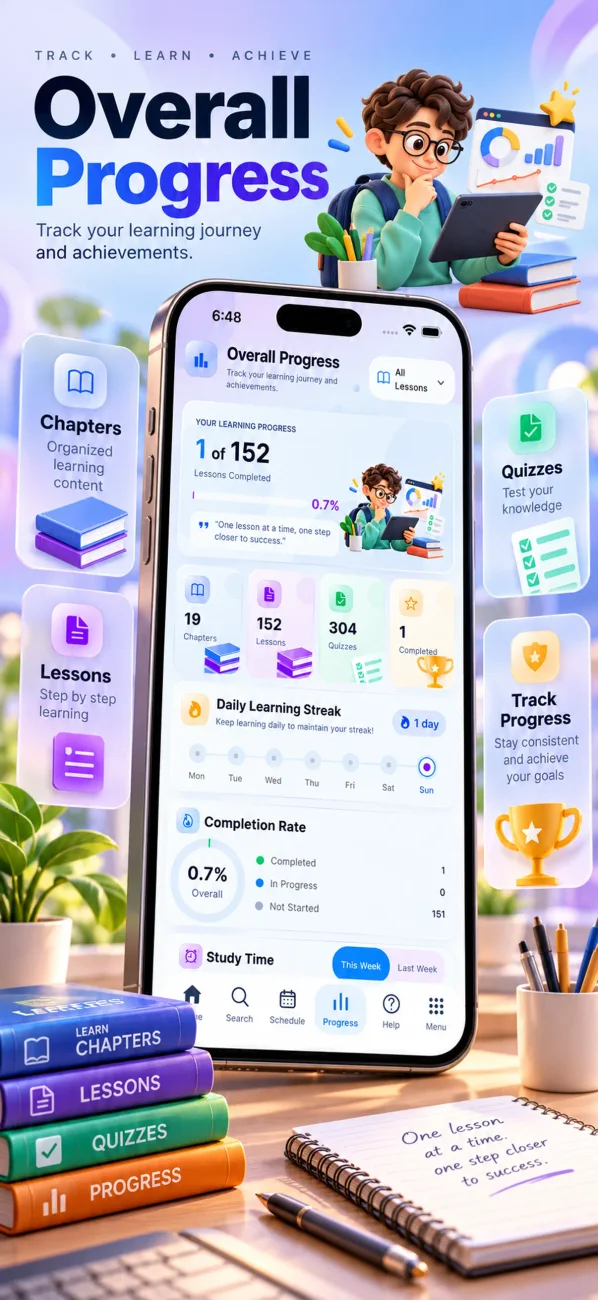
Use the Overall Progress screen to view completed lessons, chapters, quizzes, and your overall completion rate. Follow your daily learning streak and study time in one place. See which lessons are completed, in progress, or not yet started, and keep track of your learning journey as you explore new material.
BUILD A LEARNING SCHEDULE
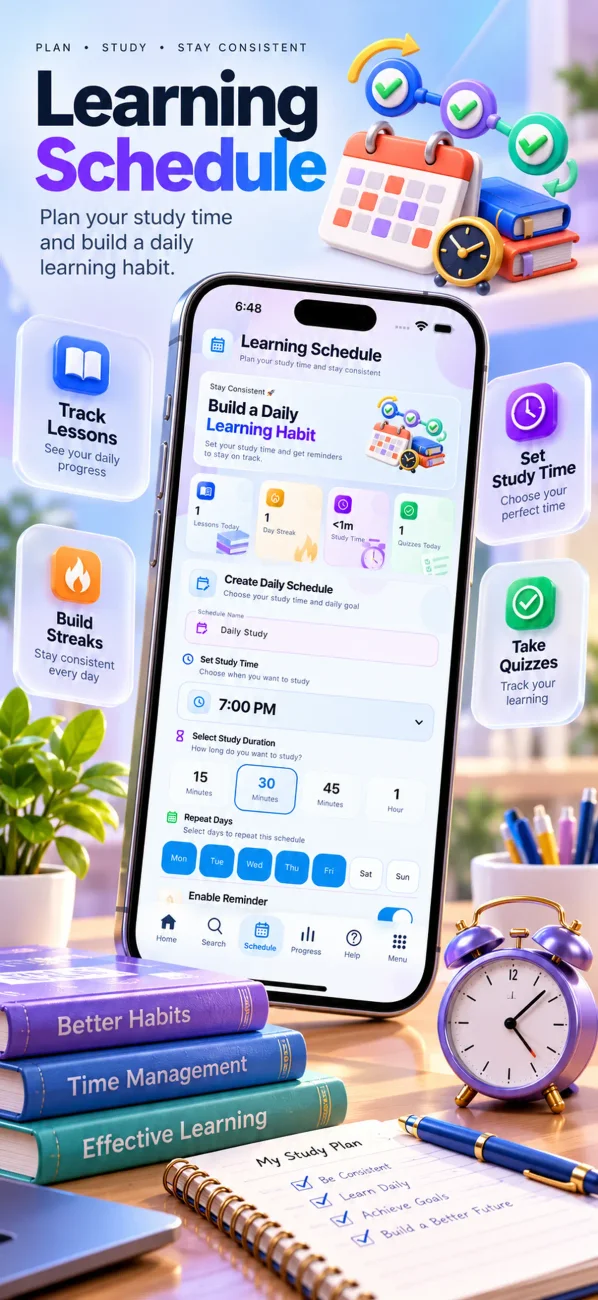
Plan your study routine with Learning Schedule. Choose a study time, set a duration, select repeat days, and enable a reminder. Review daily lesson and quiz activity alongside your learning streak. A simple routine can help you return to your lessons regularly.
TAKE NOTES AND SAVE LESSONS
Keep useful ideas close with study notes. Record key points while learning and return to your notes for review. Bookmark lessons you want to revisit so important content is easier to find later.
SEARCH AND DISCOVER
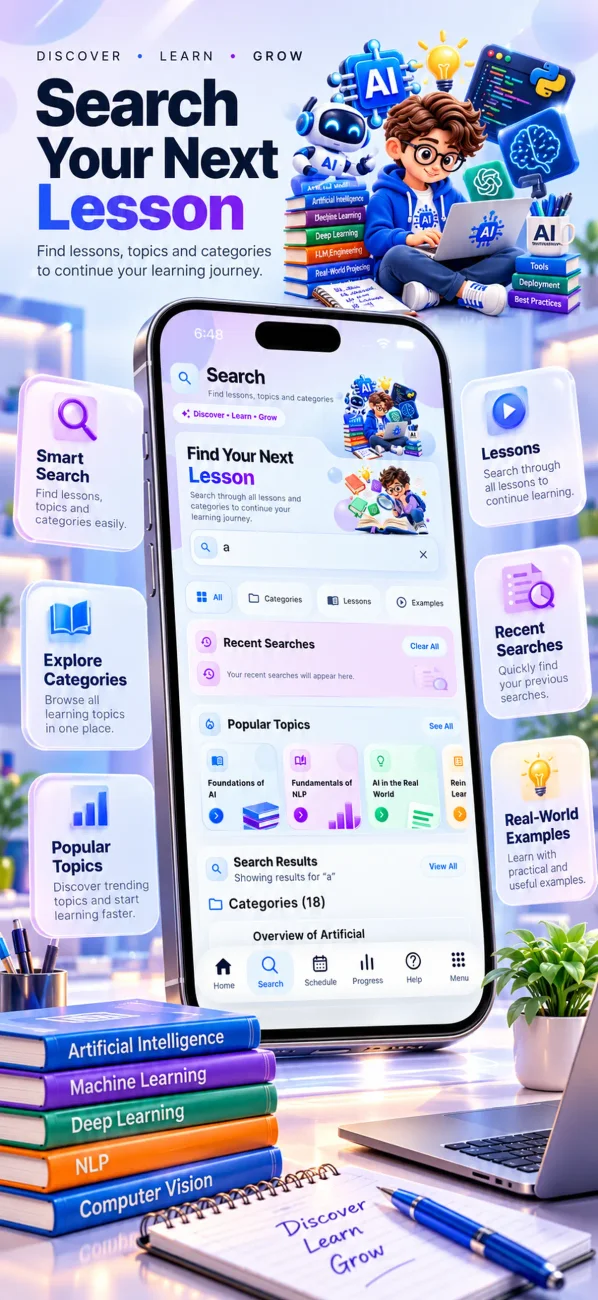
Search lessons, topics, and categories from the Search screen. Browse popular topics, explore examples, and return to recent searches. Find the subject you want to study without scrolling through every chapter.
COMMUNITY HELP
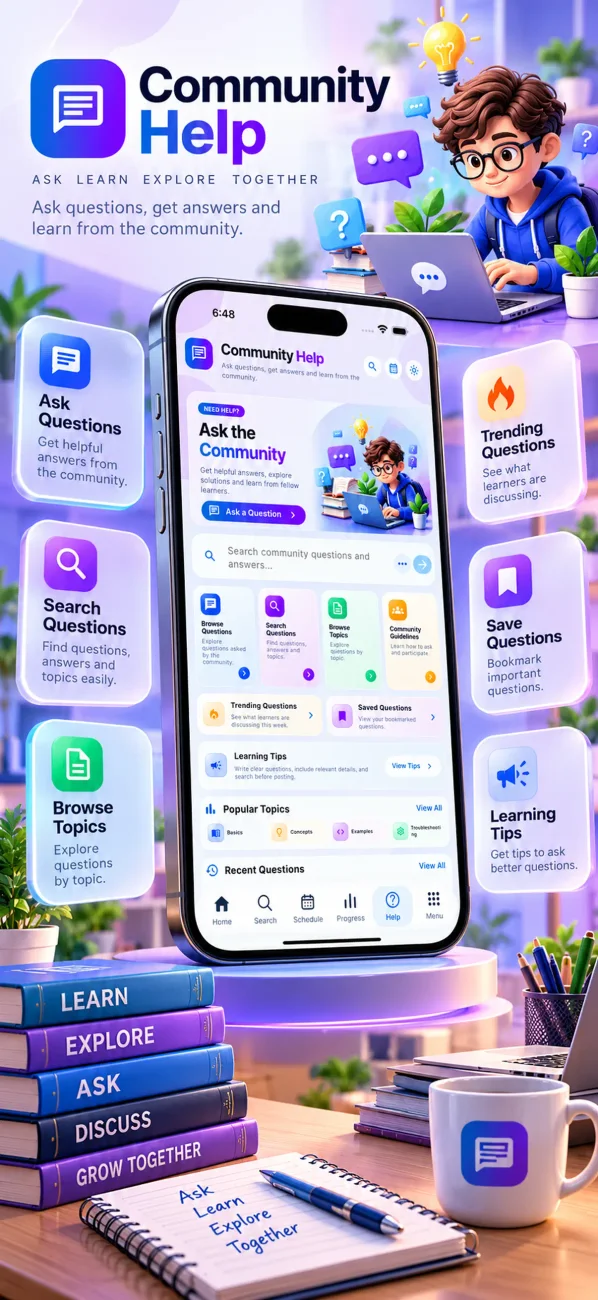
Explore questions and answers through Community Help. Search community discussions, browse topics, ask questions, and read learning tips. Save questions you want to revisit and discover what other learners are discussing.
MAKE LEARNING YOUR OWN
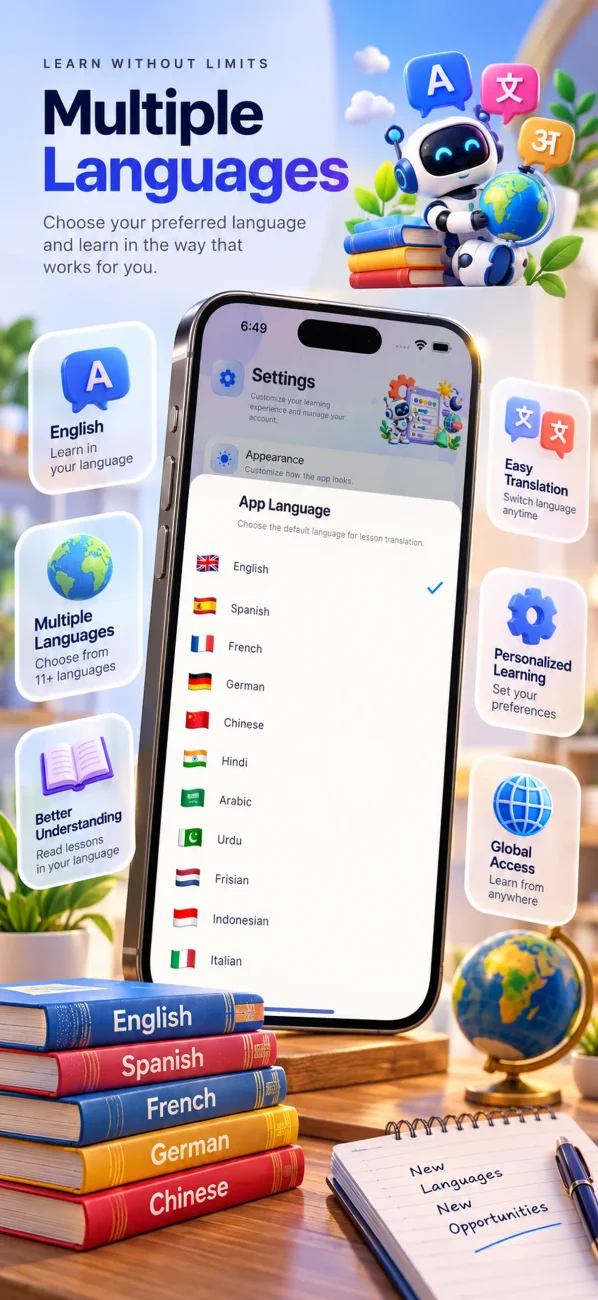
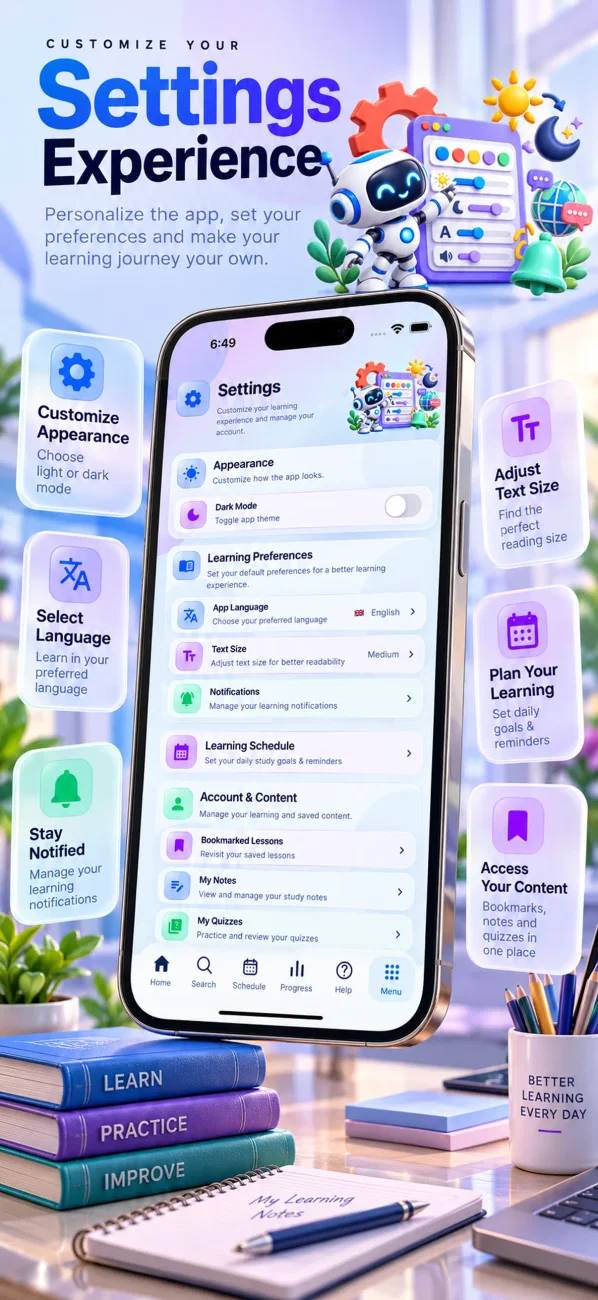
Personalize your experience using the Settings screen. Choose an app language for lesson translation, adjust text size, and manage appearance preferences. Access learning notifications, your saved notes, bookmarked lessons, and quizzes from the app's learning tools.
LEARN, PRACTICE, AND GROW
Whether you are starting with AI fundamentals or reviewing Machine Learning, Deep Learning, NLP, and other available topics, Learn AI Engineering helps you keep your learning organized. Move between lessons and quizzes, review your notes, follow your progress, and build a schedule that works for you.
Explore Artificial Intelligence one lesson at a time.
A CLEAR VIEW OF YOUR LEARNING
See chapter and lesson counts, quiz activity, and completion information across the app. Use the home screen to continue reading, discover popular topics, or open your study tools. Your learning schedule and progress screens keep your daily activity visible.
Yang baru
Versi 1.1 · 26/10/2026
New User Interface
Fixed Bugs
Added New Features
Privasi aplikasi
Yang dinyatakan Muhammad Umair di App Store tentang cara aplikasi ini menangani data.
-
Data tidak dikumpulkan
Pengembang tidak mengumpulkan data apa pun dari aplikasi ini.
Praktik privasi dapat bervariasi, misalnya berdasarkan fitur yang Anda gunakan atau usia Anda.
Informasi
- Penjual
- Muhammad Umair
- Kategori
- Pendidikan
- Versi
- 1.1
- Diperbarui
- 26/10/2026
- Dirilis
- 22/4/2025
- Ukuran
- 78,1 MB
- Memerlukan
- iOS 15.6 atau yang lebih baru
- Batasan usia
- 9+
- Harga
- Rp 59ribu
- Bahasa
- Inggris
- Hak cipta
- © Muhammad Umair