
Learn Docker | DockerPad
Learn Docker Tutorials guide
Dirancang untuk iPhone, iPad, iPod touch
Rp 59ribu
- Batasan usia9+
- KategoriPendidikan
- PengembangMuhammad Umair
- BahasaInggris
- Ukuran75,2 MB
Tertaut ke halaman resmi App Store
Download.org tidak menyimpan file Learn Docker | DockerPad apa pun. Tombol ini membuka halaman aplikasi di App Store, tempat Muhammad Umair menerbitkannya. Halaman terakhir diperiksa pada 17/11/2026.
Tangkapan layar



Tentang
Pengembang belum menyediakan teks ini dalam bahasa Anda.
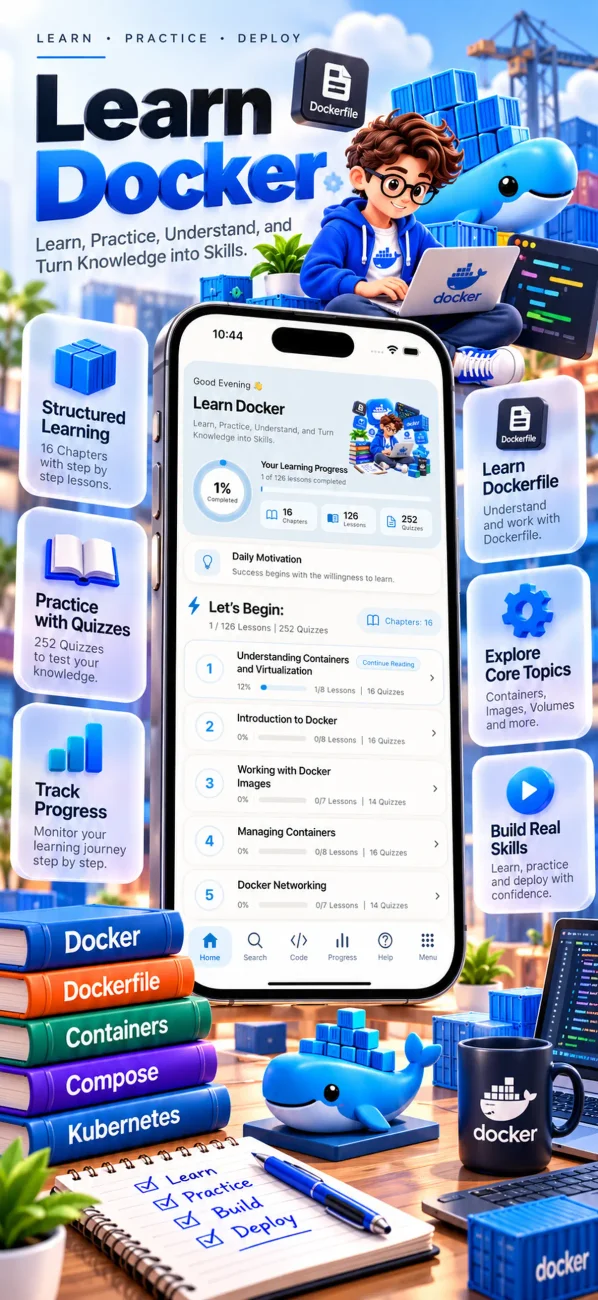
Learn Docker is an educational app designed to help you explore Docker, containerization, and related development concepts through structured lessons, quizzes, and coding practice.
Study at your own pace, follow your learning progress, and organize your daily learning routine with a collection of useful educational tools.
EXPLORE DOCKER STEP BY STEP
Discover Docker concepts through 16 organized chapters, 126 lessons, and 252 quizzes.
Explore topics including:
• Understanding Containers and Virtualization
• Introduction to Docker
• Working with Docker Images
• Managing Containers
• Docker Networking
• Writing Dockerfiles
• Docker Security
• Docker Compose
• Containerization Concepts
• Docker in DevOps
Learn about the differences between containers and virtual machines, the role of Docker in DevOps, and the benefits of using containers.
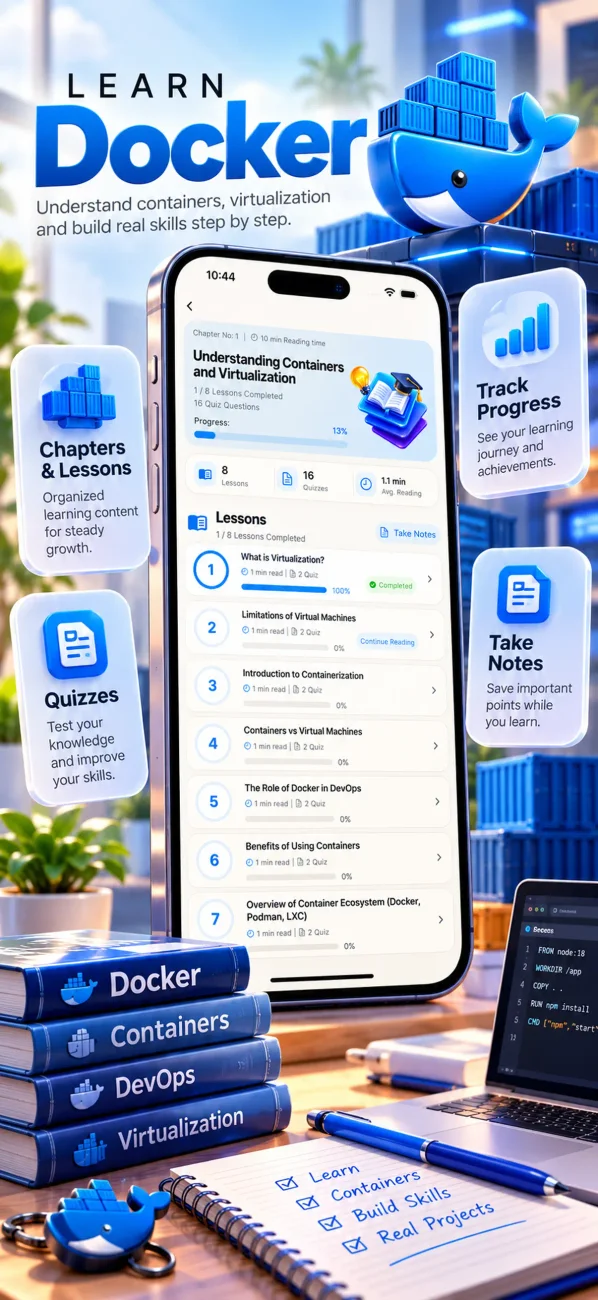
STRUCTURED CHAPTERS AND LESSONS
Navigate through organized chapters covering important Docker concepts.
Each chapter provides a collection of lessons with progress indicators, reading times, and associated quiz questions.
Continue reading lessons, revisit previously studied material, and explore related topics in a structured learning environment.
PRACTICE WITH QUIZZES
Review your understanding through 252 quiz questions included in the learning content.
Use quizzes alongside lessons to reinforce important concepts and follow your learning journey.
EXPLORE THE CODE EDITOR
Access the built-in Code Editor to explore programming and practice with code examples.
The editor includes:
• Python
• JavaScript
• Dart
• C++
• Quick coding examples
• Code workspace
• Run and output controls
Explore examples such as Hello World, Fibonacci Series, Factorial Number, Calculator App, and List Operations.
SEARCH LESSONS AND TOPICS
Find learning material using the dedicated Search screen.
Search lessons, browse categories, explore popular topics, and view matching results.
Discover Docker-related subjects such as Docker Security, Managing Containers, Writing Dockerfiles, and Docker Images.
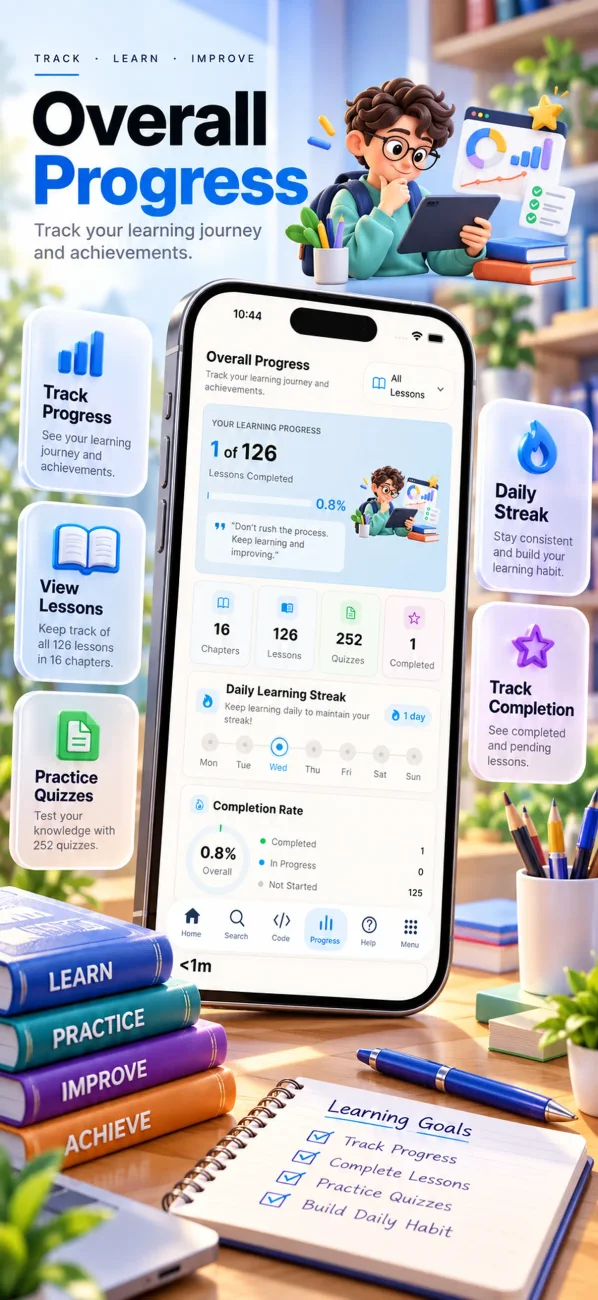
TRACK YOUR LEARNING PROGRESS
Use the progress dashboard to view your learning activity.
Follow:
• Completed lessons
• Overall completion percentage
• Chapter and lesson totals
• Quiz totals
• Daily learning streak
• Completion rate
• In-progress and remaining lessons
Visual indicators make it easier to understand your progress throughout the course.
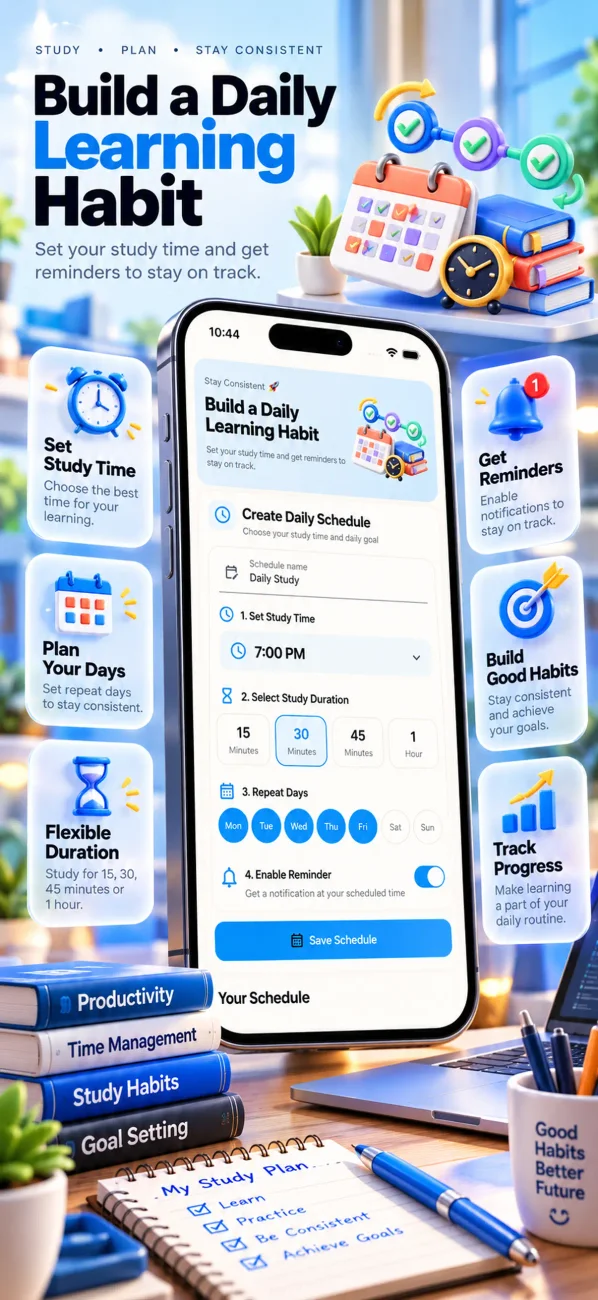
BUILD A DAILY LEARNING HABIT
Create a personal learning schedule and choose when you want to study.
Set your preferred study time, select repeat days, and choose a daily duration of 15, 30, or 45 minutes, or 1 hour.
Enable scheduled reminders to support a consistent learning routine.
TAKE NOTES AND SAVE LESSONS
Record important points using the Take Notes feature.
Access your saved notes and bookmarked lessons to revisit useful learning material whenever needed.
EXPLORE COMMUNITY HELP
Use Community Help to browse programming questions, explore shared answers, and search for relevant discussions.
Discover questions across available programming categories and explore solutions shared by the community.
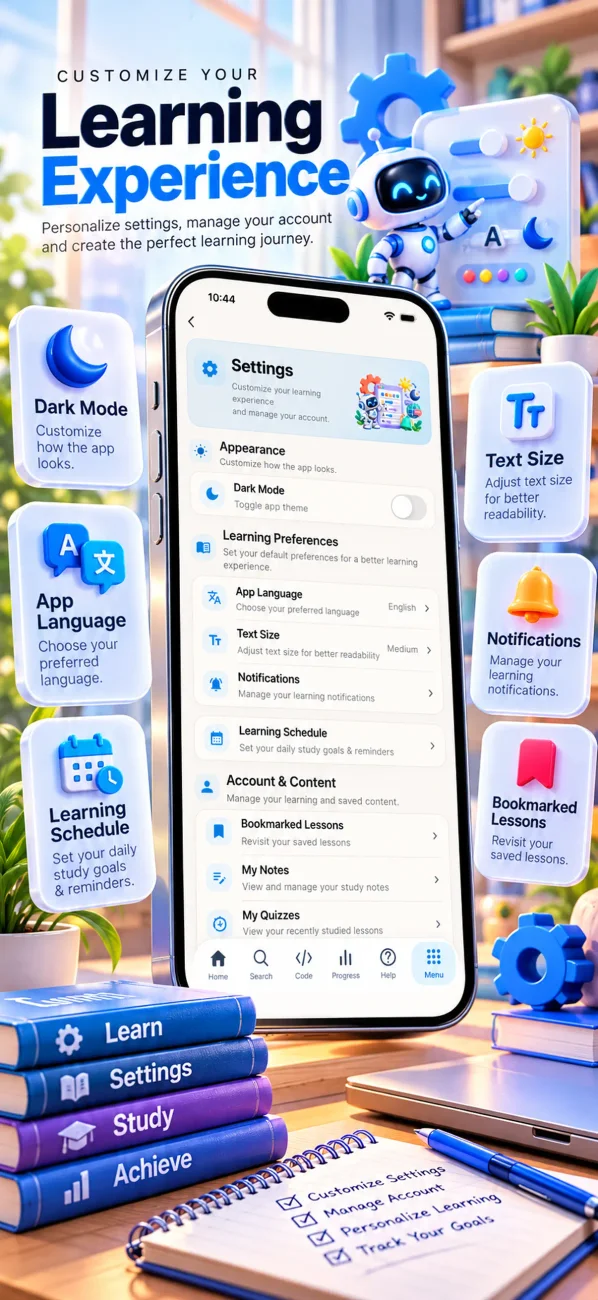
CUSTOMIZE YOUR LEARNING EXPERIENCE
Adjust the app to match your learning preferences.
Available settings include:
• Light and dark appearance
• App language preferences
• Adjustable text size
• Learning notifications
• Daily learning schedule
• Bookmarked lessons
• Saved notes
LEARN, PRACTICE, AND MAKE PROGRESS
Learn Docker combines structured educational content with quizzes, coding practice, study planning, and progress tracking.
Explore containers, Docker images, Dockerfiles, networking, and related development concepts while building a consistent learning routine.
Start exploring Docker and continue developing your understanding, one lesson at a time.
Yang baru
Versi 1.1 · 25/10/2026
New User Interface
Fixed Bugs
Added New features
Privasi aplikasi
Yang dinyatakan Muhammad Umair di App Store tentang cara aplikasi ini menangani data.
-
Data tidak dikumpulkan
Pengembang tidak mengumpulkan data apa pun dari aplikasi ini.
Praktik privasi dapat bervariasi, misalnya berdasarkan fitur yang Anda gunakan atau usia Anda.
Informasi
- Penjual
- Muhammad Umair
- Kategori
- Pendidikan
- Versi
- 1.1
- Diperbarui
- 25/10/2026
- Dirilis
- 30/10/2025
- Ukuran
- 75,2 MB
- Memerlukan
- iOS 15.6 atau yang lebih baru
- Batasan usia
- 9+
- Harga
- Rp 59ribu
- Bahasa
- Inggris
- Hak cipta
- © Muhammad Umair
Mungkin Anda juga suka
-
 Ultralingua FrenchReferensi
-
 Learn Flask OfflinePendidikan
-
 Learn COBOL ProgrammingPendidikan
-
 Astrophysics IReferensi
-
 Learn Cobol Programming 2024Pendidikan
-
 Ultralingua German-EnglishReferensi
-
 Learn Next.js: React FrameworkPendidikan
-
 Talk Python TrainingPendidikan
-
 PRINCE2® Foundation TrainerPendidikan
-
 Council Voting CalculatorPendidikan