Learn Python: Code & Quiz
Lessons, practice and review
Dirancang untuk iPhone, iPad, iPod touch
Gratis · Pembelian dalam aplikasi
- Batasan usia4+
- KategoriPendidikan
- PengembangMerbin Joe
- BahasaInggris
- Ukuran33,4 MB
Tertaut ke halaman resmi App Store
Download.org tidak menyimpan file Learn Python: Code & Quiz apa pun. Tombol ini membuka halaman aplikasi di App Store, tempat Merbin Joe menerbitkannya. Halaman terakhir diperiksa pada 12/11/2026.
Tangkapan layar

Tentang
Pengembang belum menyediakan teks ini dalam bahasa Anda.
Give your Python study sessions a clear next step. Learn Python combines organized reading, a code practice workspace, interview revision and quizzes so you can move from understanding an idea to trying it for yourself.
Choose your learning path
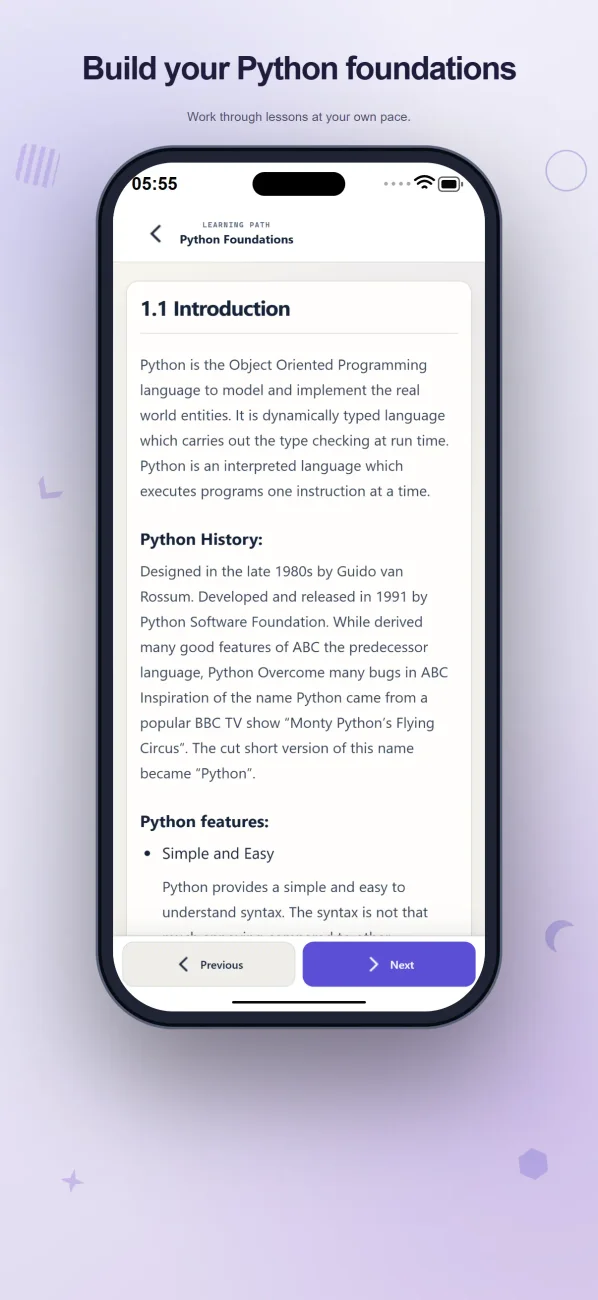
Begin with Python Foundations and study the language topic by topic. The course covers input and output, operators, data types, decision making, looping structures, functions and ranges. Keep going with objects and classes, string operations, arrays, mathematical functions, file handling, CSV files and exception handling. You can return to a topic when you need a refresher instead of treating every session as a new start.
Understand examples by changing them
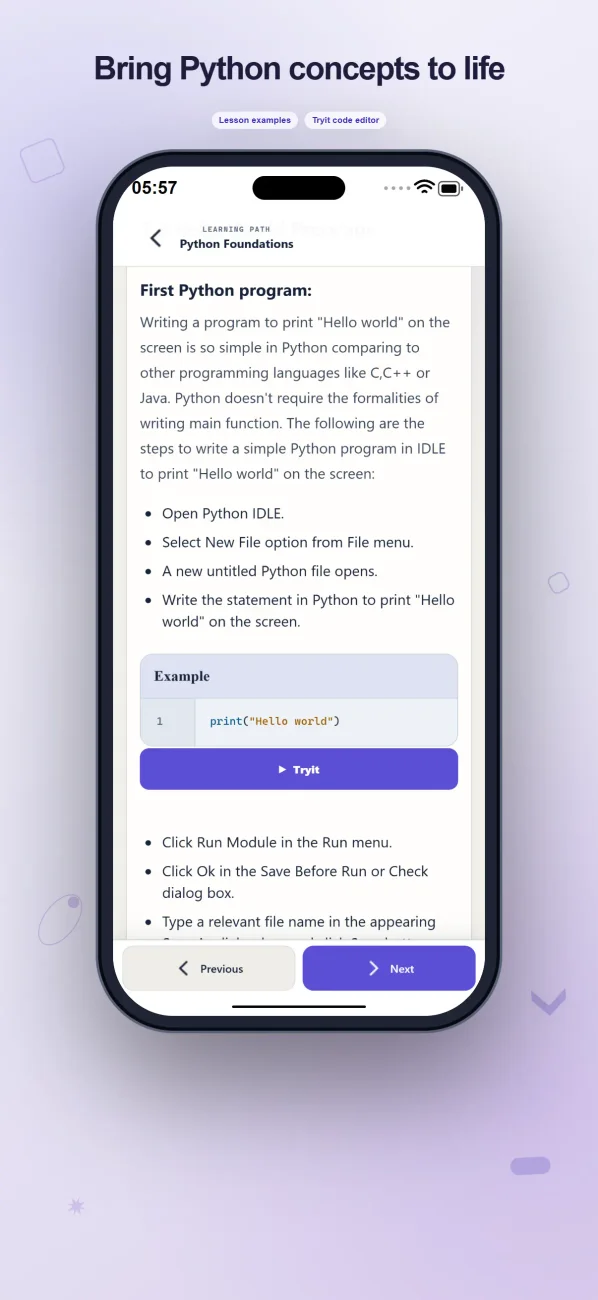
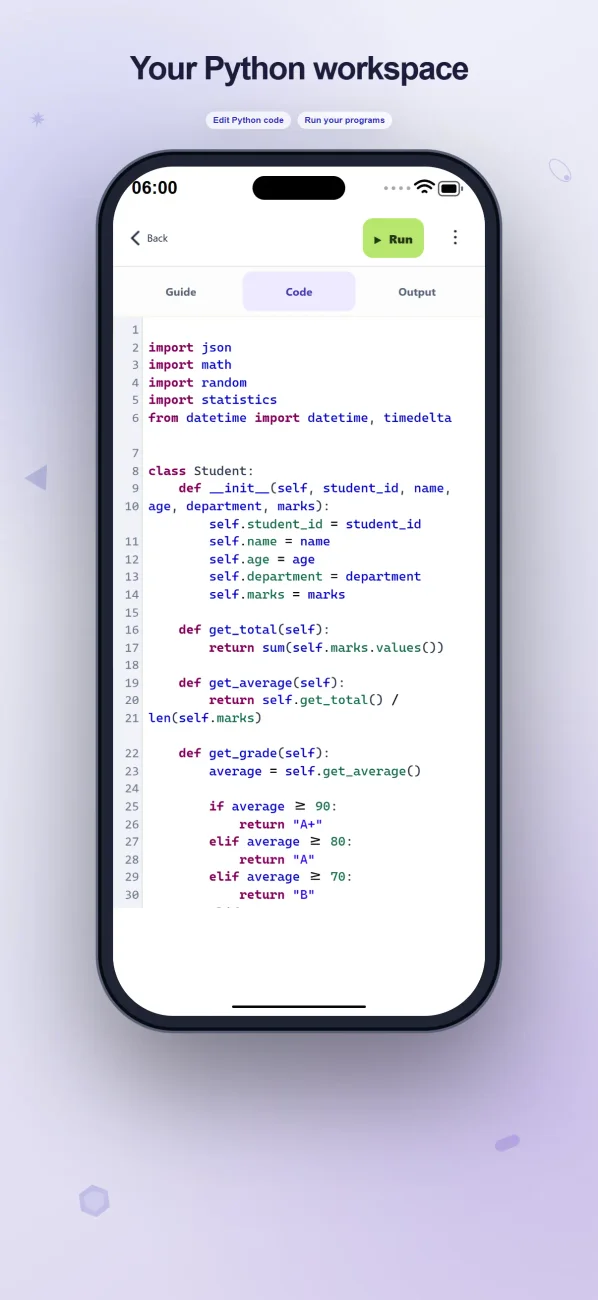
The example library gives you programs to inspect and edit. In Code Lab, Guide, Code and Output views keep the explanation, source and execution result within the same workflow. Change an expression, adjust a loop or write your own short program, then run it to compare the result with your expectations. Syntax highlighting, undo and redo, text search and Go to line support the editing process.
Running a program requires an internet connection and sends the code to an online execution service. This is a learning workspace with a remote runner; available execution capabilities depend on that service. Reading about a library or file operation does not guarantee unrestricted execution of every related example.
Make interview revision manageable
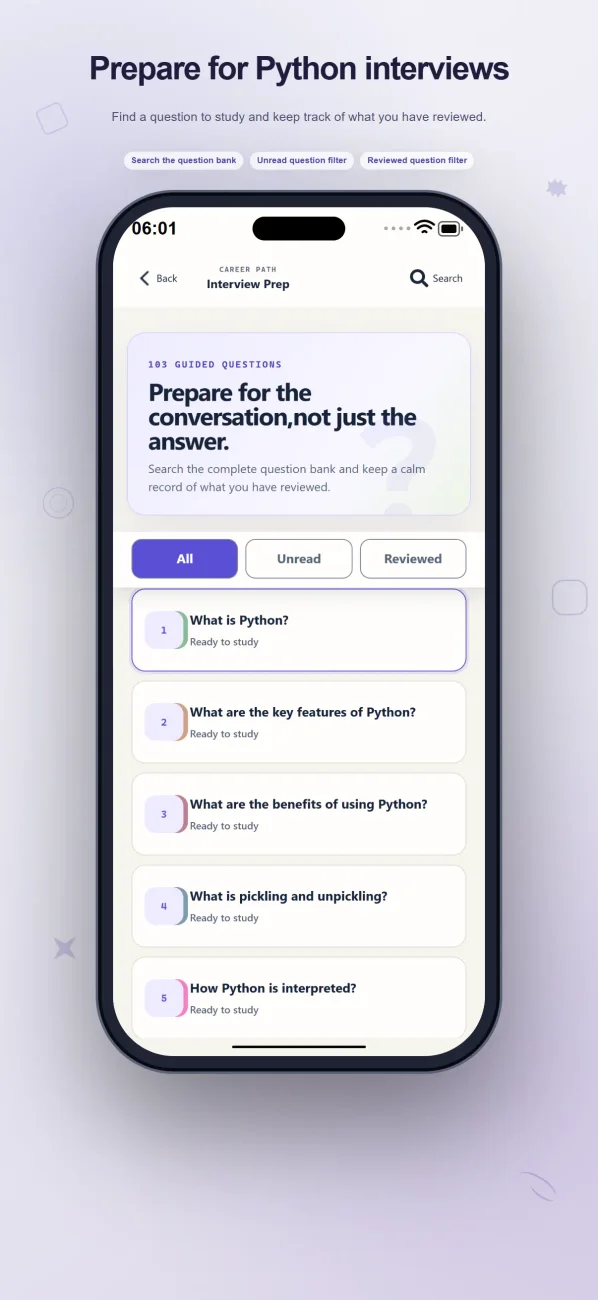
Search the Python interview question bank and open guided answers. Mark an answer as reviewed when you have studied it, save answers you want to revisit, and use unread or reviewed filters to focus the list. Move through answers with Previous and Next controls. Saved answers remain available through the Home shortcut, giving you a personal starting point for another revision session.
Use quizzes to direct your practice
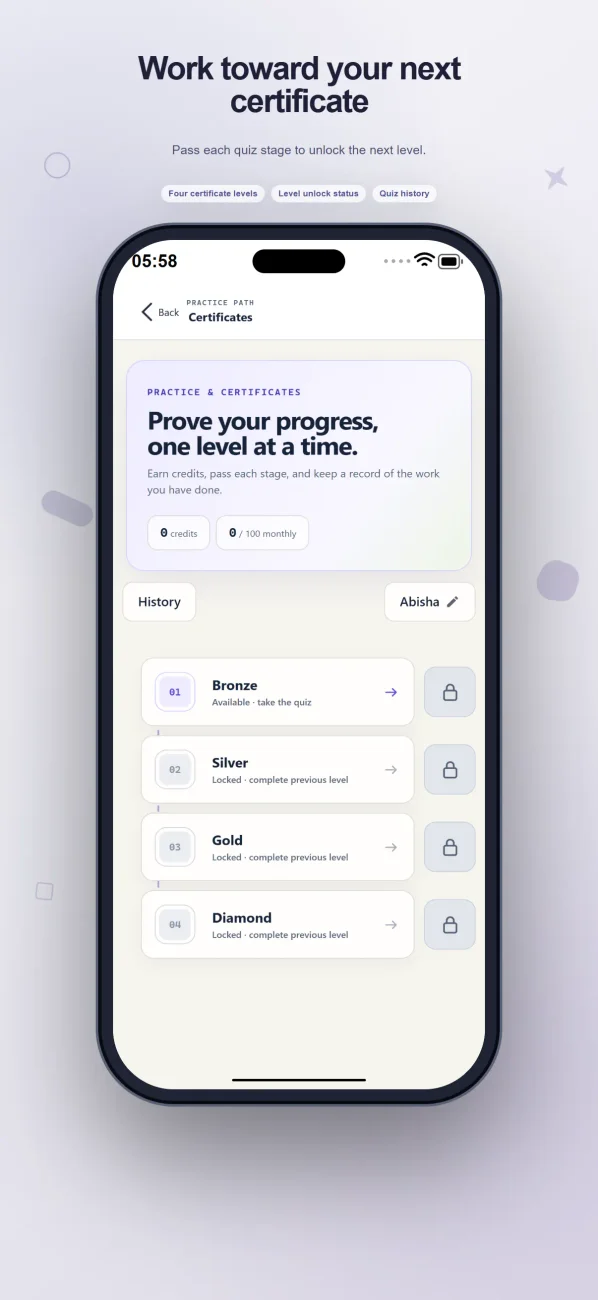
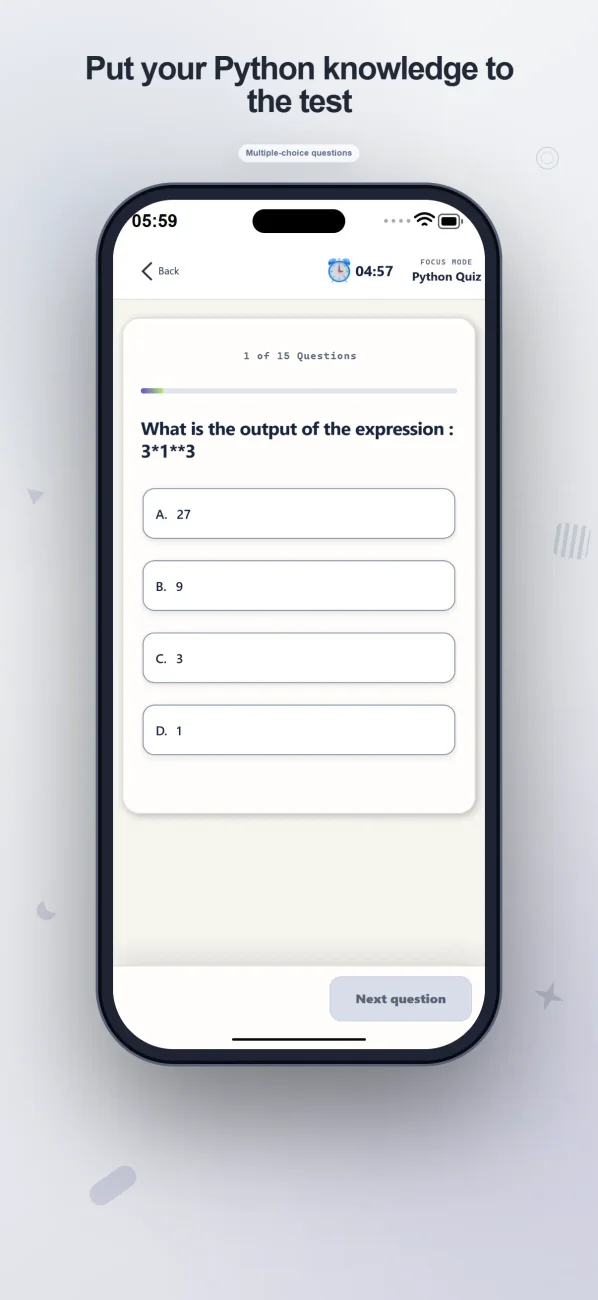
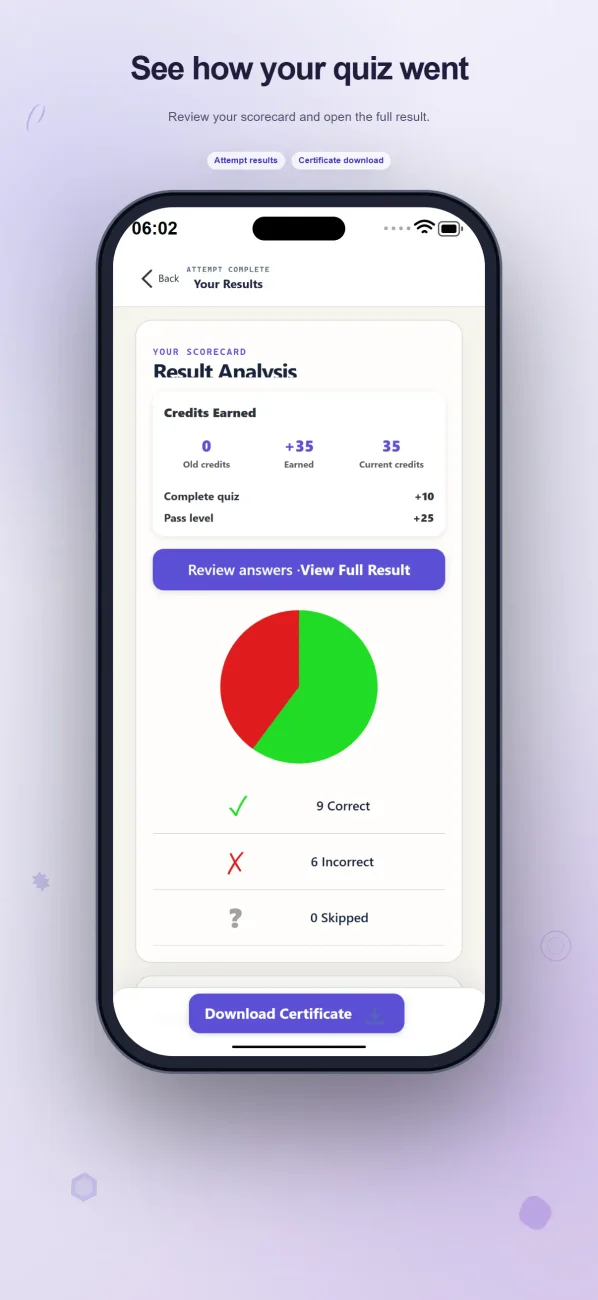
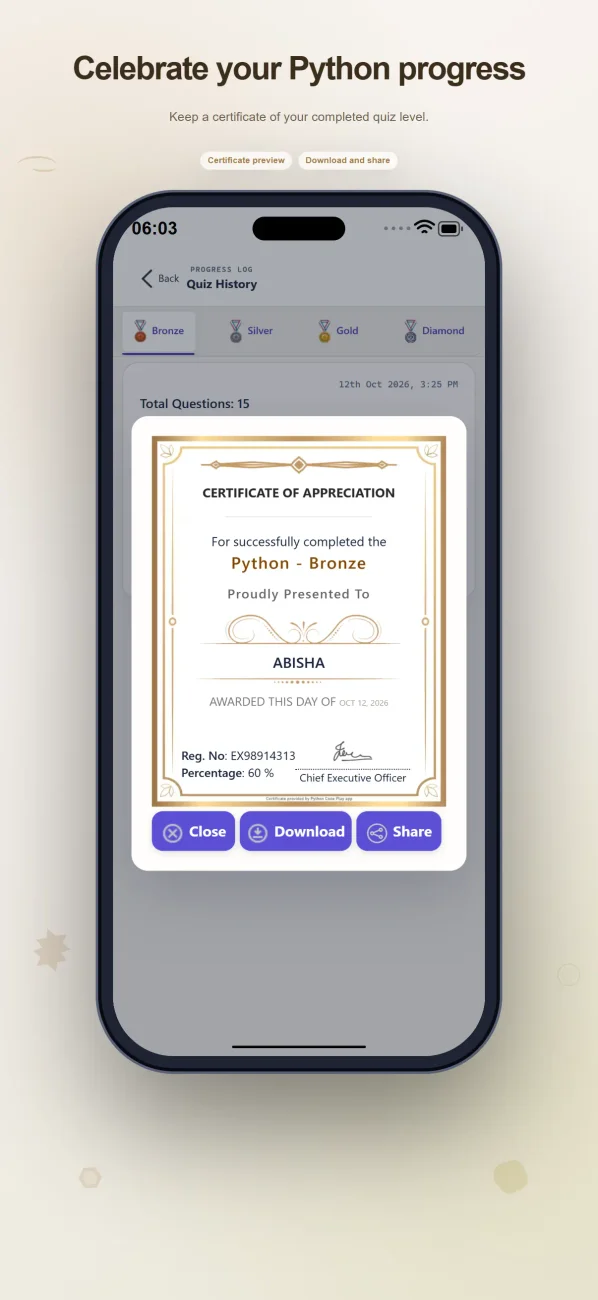
Timed quizzes offer Bronze, Silver, Gold and Diamond levels. Results show how an attempt went, while Quiz History lets you revisit earlier attempts. The Wrong Answer Notebook collects mistakes for review. Work toward the app's learning certificates as you meet its quiz requirements. These certificates recognize in-app achievement and do not represent professional accreditation.
Build on the basics
Explore the NumPy path to study array creation, indexing, reshaping, arithmetic and matrix operations. Continue with joining, splitting, copying, searching and sorting arrays, plus statistical measures such as mean, median, variance and standard deviation.
The machine learning path introduces data sets, regression, clustering and different learning methods. It explains supervised, unsupervised, semi-supervised and reinforcement learning through educational content. These lessons teach concepts; the app does not offer an AI tutor or automatic predictions for your own projects.
Return with your place remembered
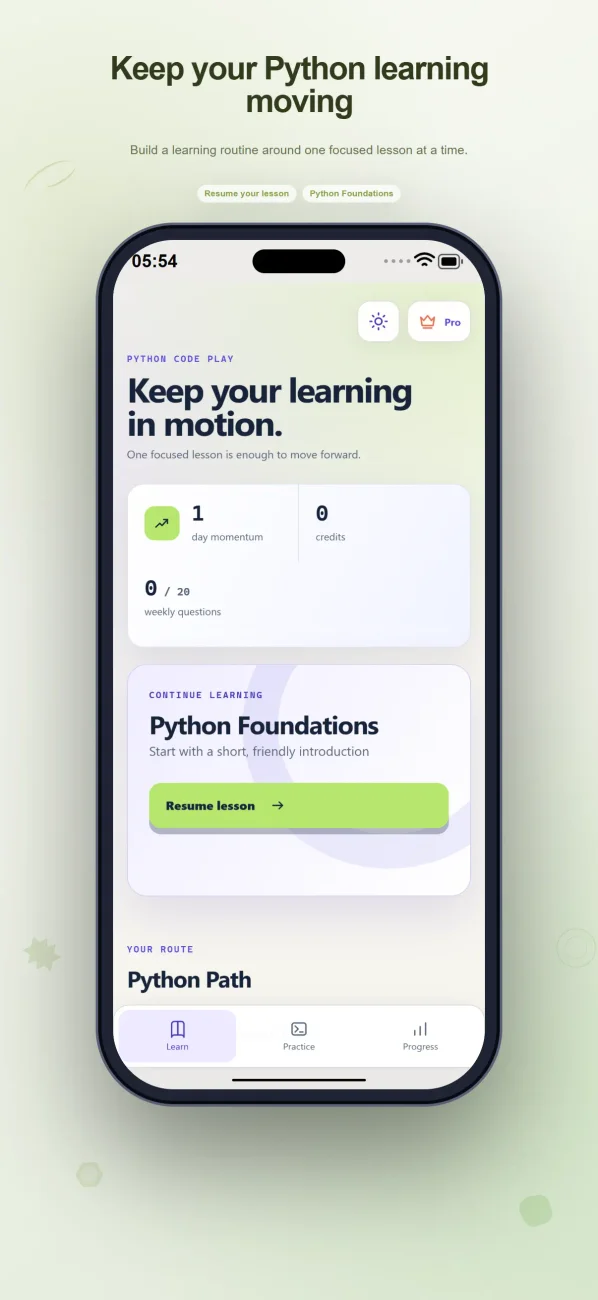
Resume your last lesson from Home, check local lesson progress and see activity, weekly questions and a monthly practice challenge. Interview review states and lesson progress are kept on your device. Choose a light, dark or system appearance for reading.
Whether you are starting programming, reviewing a course topic or preparing for a Python interview, combine a lesson, an experiment and a review at your own pace.
Terms of Use
https://www.apple.com/legal/internet-services/itunes/dev/stdeula/
Yang baru
Versi 4.1 · 19/10/2026
Enjoy a completely redesigned interface.
Explore new examples and tutorials.
Compile code faster with improved compiler performance.
Bug fixes for a smoother, more reliable experience.
Privasi aplikasi
Yang dinyatakan Merbin Joe di App Store tentang cara aplikasi ini menangani data.
-
Data yang digunakan untuk melacak Anda
Dapat digunakan untuk melacak Anda di aplikasi dan situs web milik perusahaan lain.
- Data penggunaan
-
Data yang tidak ditautkan dengan Anda
Dapat dikumpulkan, tetapi tidak ditautkan dengan identitas Anda.
- Data penggunaan
Praktik privasi dapat bervariasi, misalnya berdasarkan fitur yang Anda gunakan atau usia Anda.
Informasi
- Penjual
- Merbin Joe
- Kategori
- Pendidikan
- Versi
- 4.1
- Diperbarui
- 19/10/2026
- Dirilis
- 3/8/2021
- Ukuran
- 33,4 MB
- Memerlukan
- iOS 15.0 atau yang lebih baru
- Batasan usia
- 4+
- Harga
- Gratis
- Pembelian dalam aplikasi
- Ya
- Bahasa
- Inggris
- Hak cipta
- © Codeplay
Mungkin Anda juga suka
-
 CodeCrafty Python EditionPendidikan
-
 Python For Beginners 2024Pendidikan
-
 CodeHub: Learn ProgrammingPendidikan
-
 Learn python CodingPendidikan
-
 Python Programming GuidePendidikan
-
 Python ProgrammingPendidikan
-
 Learn Python LanguagePendidikan
-
 Learn Web DevelopmentPendidikan
-
 Talk Python TrainingPendidikan
-
 Python QuickStartPendidikan