Light Paint - Creator Camera
Live Light Painting Camera
Dirancang untuk iPhone, iPad
Gratis · Pembelian dalam aplikasi
- Batasan usia4+
- KategoriFoto & Video
- PengembangShutter Speed Apps, LLC
- BahasaInggris+ 11 lainnya
- Ukuran137,1 MB
Tertaut ke halaman resmi App Store
Download.org tidak menyimpan file Light Paint - Creator Camera apa pun. Tombol ini membuka halaman aplikasi di App Store, tempat Shutter Speed Apps, LLC menerbitkannya. Halaman terakhir diperiksa pada 13/11/2026.
Tangkapan layar
Tentang
Pengembang belum menyediakan teks ini dalam bahasa Anda.
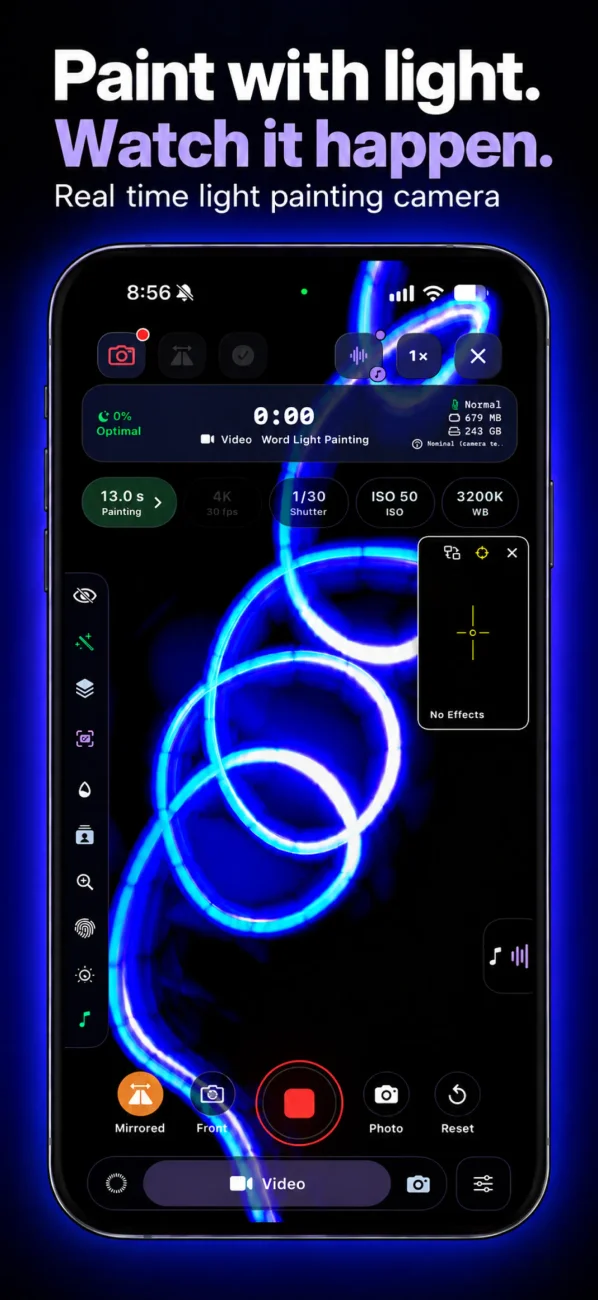
Paint with light. Watch it happen.
Turn a flashlight, LED wand, or light whip into glowing trails. Light Paint's real-time camera shows your painting as you make it, so you can shape the effect while capturing photos, videos, or timelapses on iPhone and iPad. Pick a camera profile, dim the lights, and start moving.
PAINT SOLO OR DIRECT A PERFORMANCE
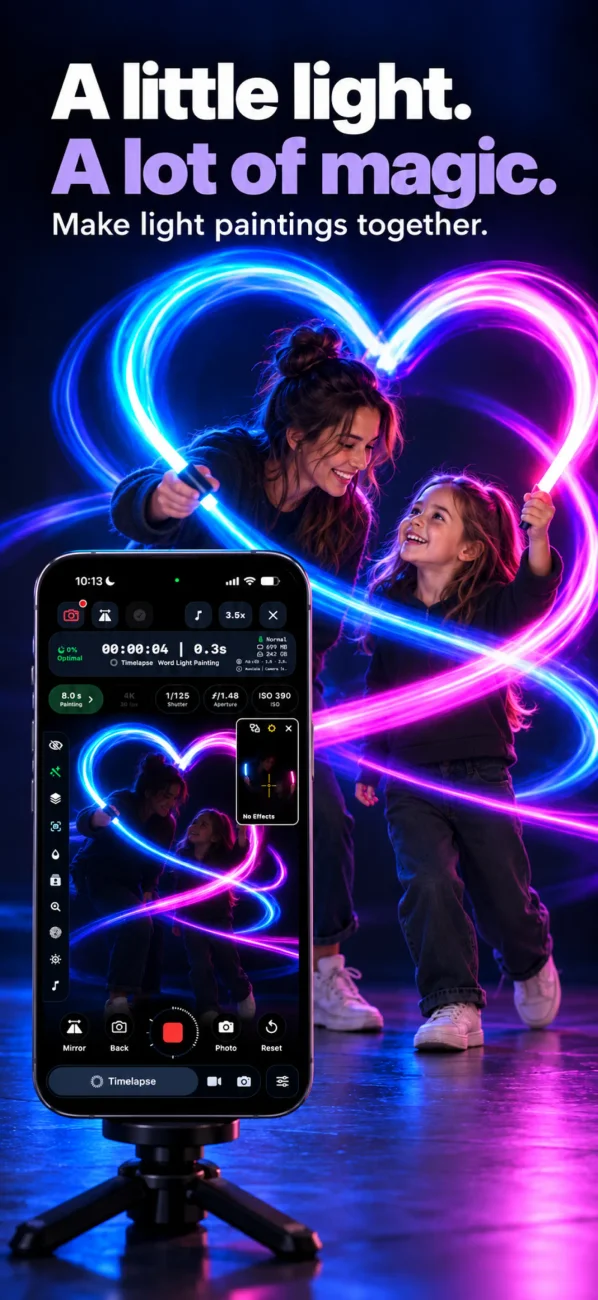
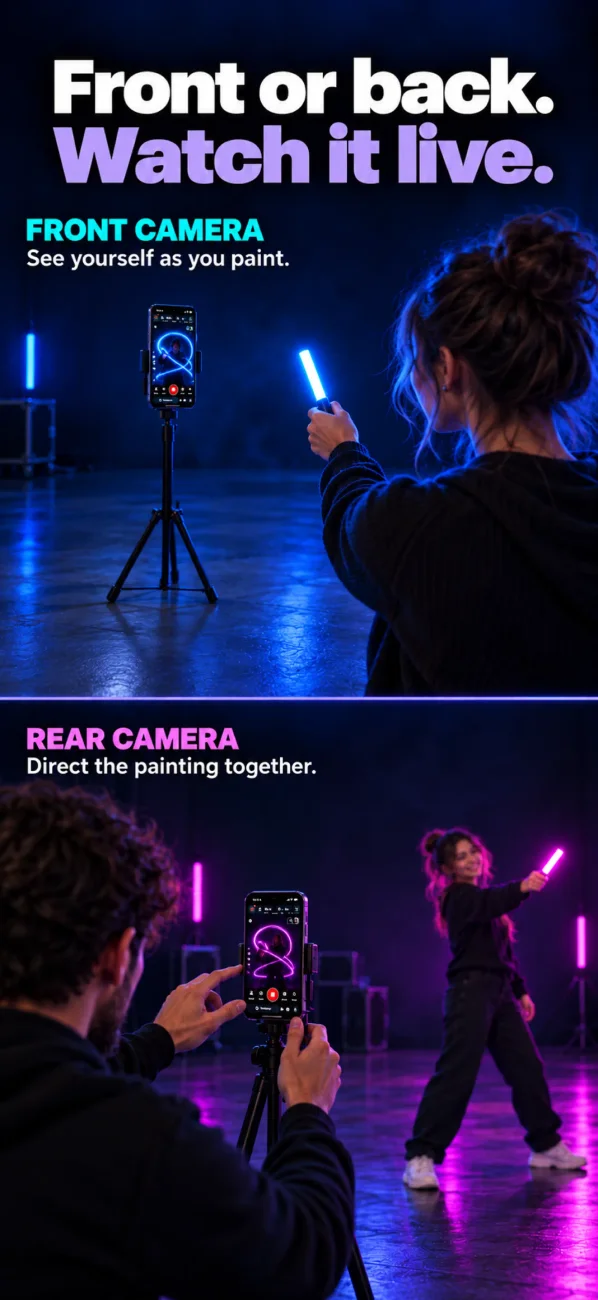
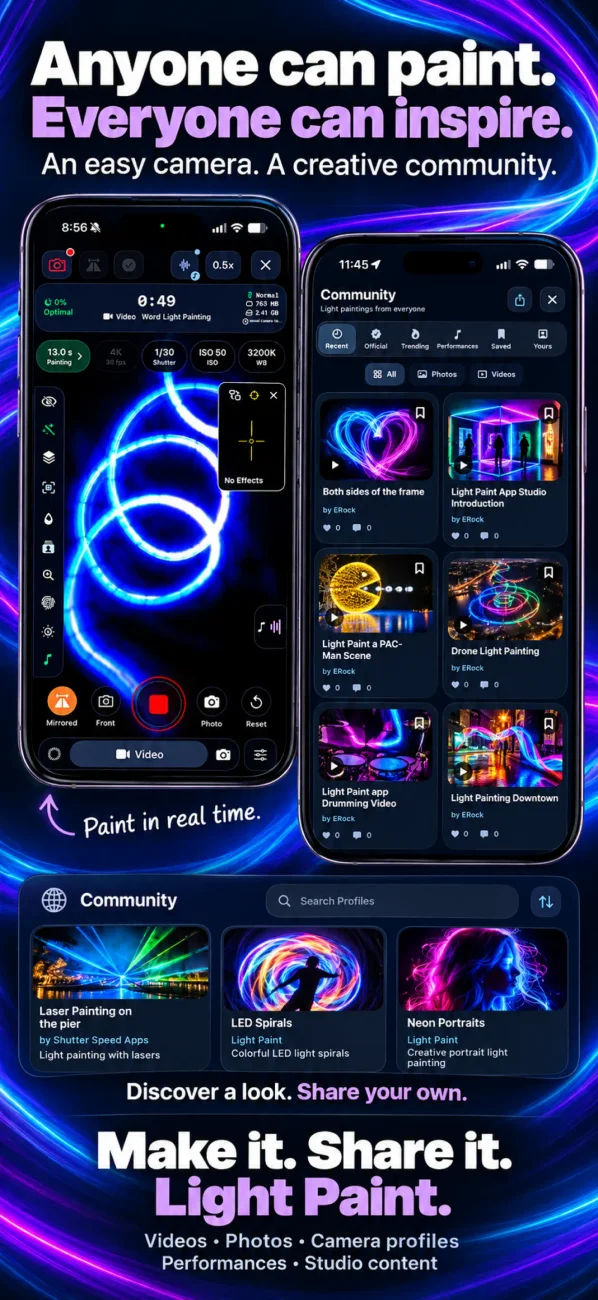
Start with a simple light and a phone on a tripod. Use the front camera to see yourself while you paint, or the rear camera to film friends, dancers, and performers. Watch the trails build live, adjust the look, and capture your creation.
PUT THE CAMERA UNDER YOUR CONTROL
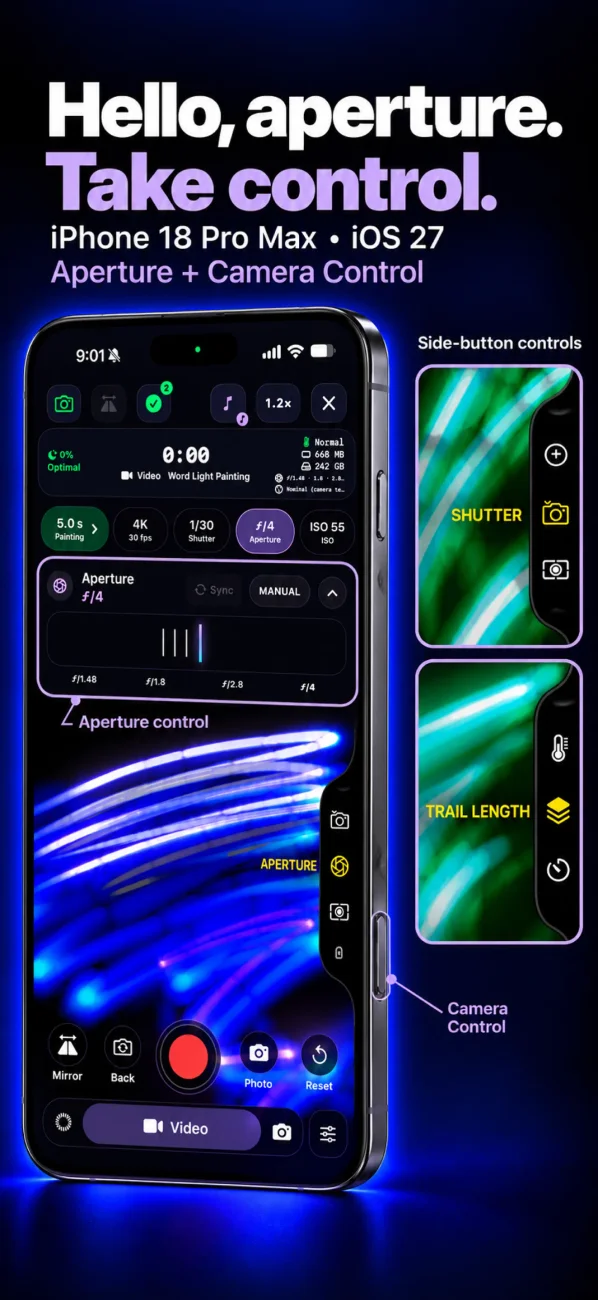
Fine-tune exposure, trail length, frame blending, color, and effects. Use camera profiles or save your own setup. Updated for iOS 27, with Camera Control button integration on supported iPhones and aperture controls for iPhone 18 Pro and Pro Max.
PERFORM TO YOUR SOUNDTRACK
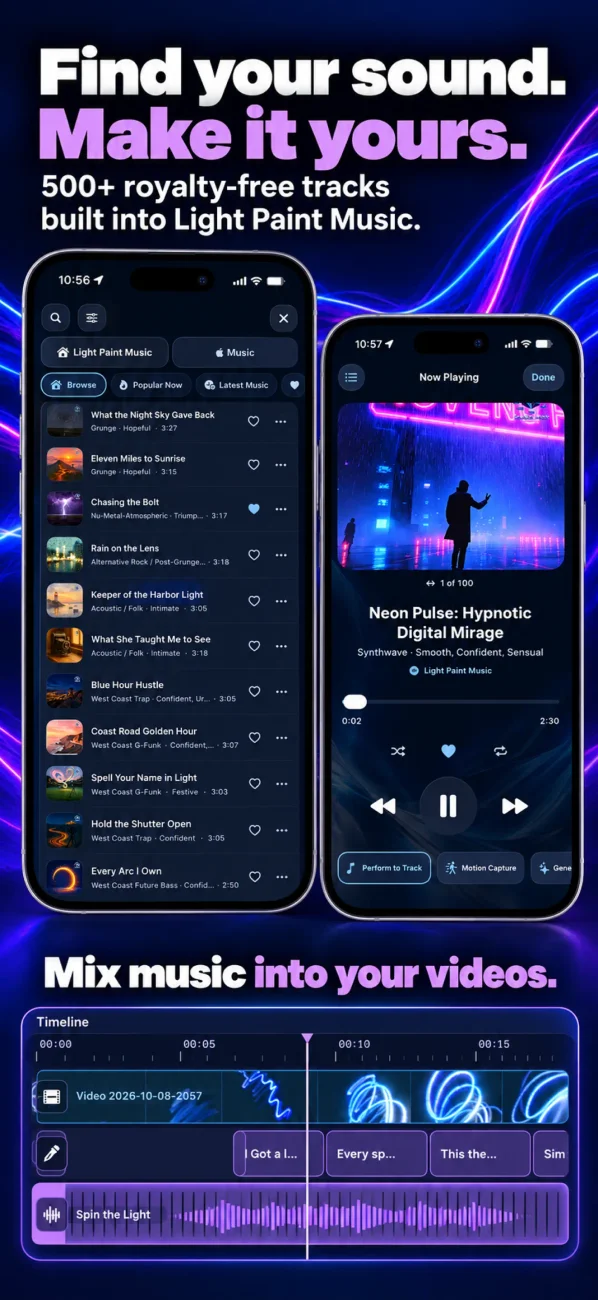
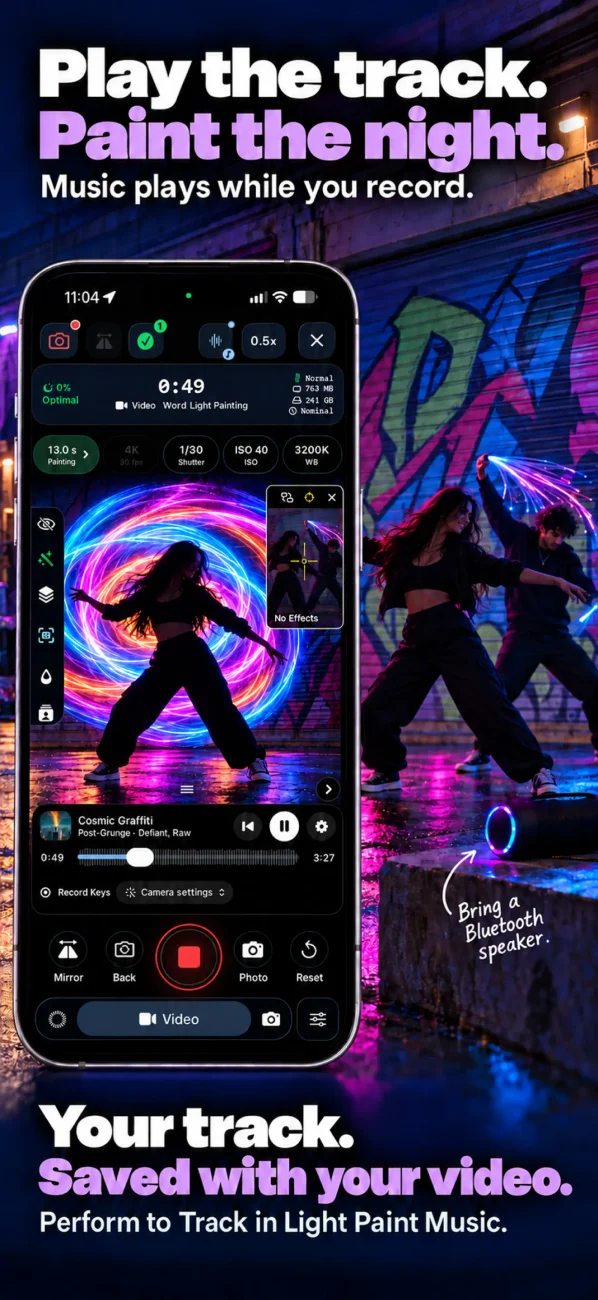
Explore 500+ royalty-free tracks in the integrated music library. Choose a song, play it while you record, and include the music in your saved video. Connect a Bluetooth speaker to bring the soundtrack to your performance. Use the same library to mix music into edited videos or generate performances in Studio.
TAKE YOUR LIGHT PAINTING TO THE BIG SCREEN
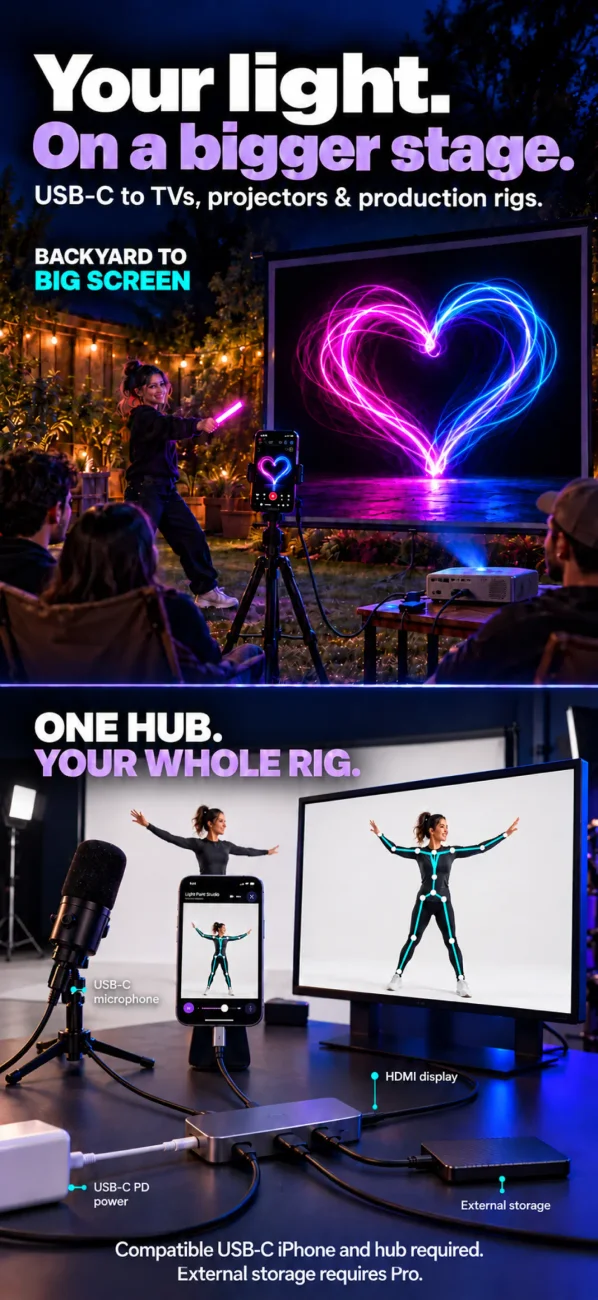
Send your live light painting to a TV, backyard projector, or external monitor through a compatible USB-C HDMI connection. Your audience sees the painting while you keep the camera controls on your device.
Build a connected setup with a compatible USB-C hub and Power Delivery: power your iPhone or iPad, output to an external screen, use a USB-C microphone for audio input, and connect external storage. Save recordings and projects to a supported external drive to free up device space and take your work with you.
BUILD AND EXPLORE IN STUDIO
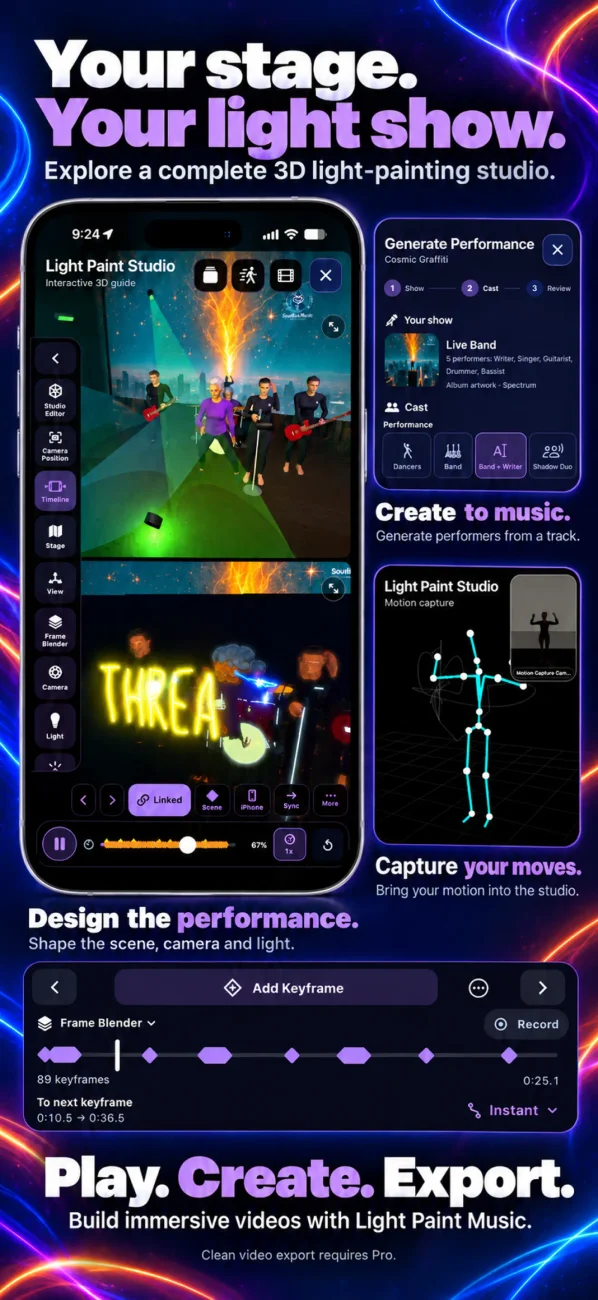
Step into a full light-painting camera simulation studio. Build scenes, position cameras and performers, choose lights, and experiment with trails and effects. Rehearse a real performance or create a complete video inside Studio.
Generate performances from tracks in the music library. Bring real movement into your scenes with motion capture, combine performers, and develop your own choreography. Build a show, refine the camera view, and export an immersive performance video.
EDIT THE WHOLE SHOW
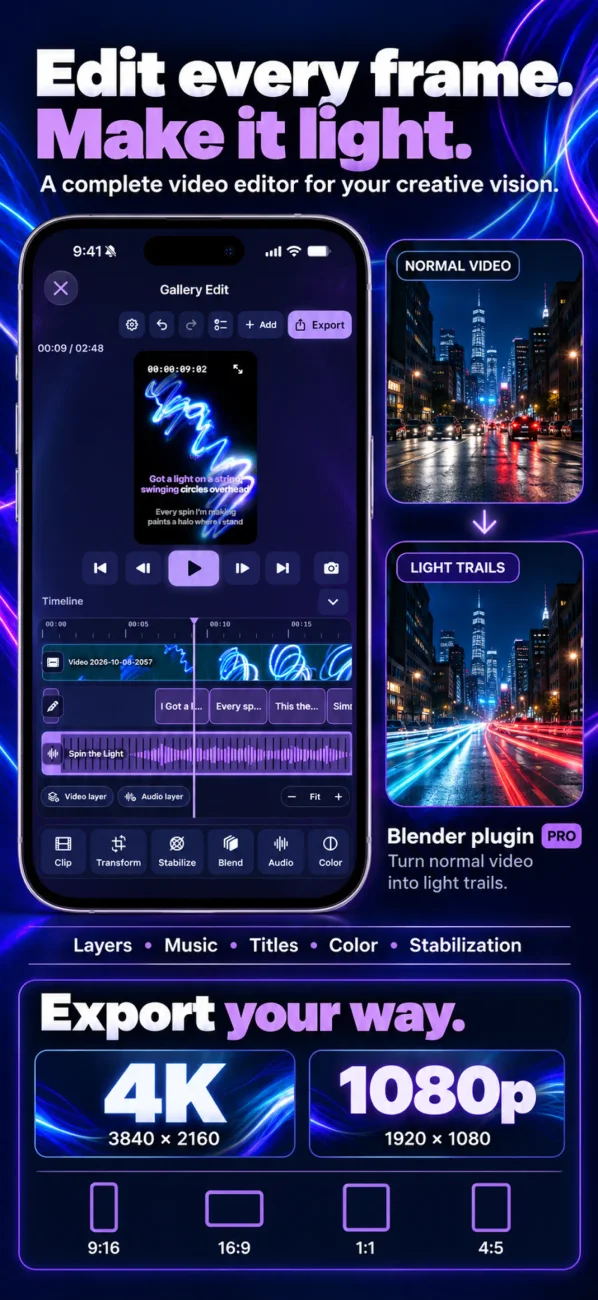
Bring your footage into the video editor, trim and arrange clips, and mix in music. Create vertical 9:16 videos or widescreen 16:9 projects, with 4K and 1080p export options.
With Pro, the Blender plugin turns ordinary video into light trails. Create a fresh look from footage you already have.
KEEP YOUR CREATIONS TOGETHER
Browse photos and videos in the media gallery, revisit recordings, and continue working on saved video projects. Customize your home screen with color themes and keep favorite camera setups ready for your next session.
CONTROL IT FROM YOUR WRIST OR WITH YOUR VOICE
Use Apple Watch to preview the camera, capture photos, start and stop recording, and adjust supported settings. Use Siri for camera actions and Now Playing for music playback controls.
CREATE WITH THE COMMUNITY
Share photos, videos, camera profiles, Studio scenes, and performances with other Light Paint users. Discover ideas, try shared setups, and build on what other creators are making.
Start with one light. See what you can create.
Some features require Pro or a Production license. Camera controls, export options, motion capture, and external connections depend on your device and compatible accessories.
EULA: https://shutterspeedapps.com/lightpainted/tos/
Privacy: https://shutterspeedapps.com/lightpainted/privacy/
AI Usage Policy: https://shutterspeedapps.com/lightpainted/aiusage?lang=en
Yang baru
Versi 2.3 · 5/11/2026
Light Paint 2.3
• Added iPhone Duo support.
• Improved accessibility across the camera, gallery, video editor, music, Studio, and settings.
• Improved VoiceOver labels and controls, text scaling, contrast, and motion preferences.
• Accessibility work guided by WCAG 2.1 Level AA, documented in a VPAT Accessibility Conformance Report.
Thank you for creating with Light Paint.
Privasi aplikasi
Yang dinyatakan Shutter Speed Apps, LLC di App Store tentang cara aplikasi ini menangani data.
-
Data yang ditautkan dengan Anda
Dapat dikumpulkan dan ditautkan dengan identitas Anda.
- Pembelian
- Info kontak
- Konten pengguna
- Pengenal
-
Data yang tidak ditautkan dengan Anda
Dapat dikumpulkan, tetapi tidak ditautkan dengan identitas Anda.
- Pengenal
- Data penggunaan
- Diagnostik
Praktik privasi dapat bervariasi, misalnya berdasarkan fitur yang Anda gunakan atau usia Anda.
Informasi
- Penjual
- Shutter Speed Apps, LLC
- Kategori
- Foto & Video
- Versi
- 2.3
- Diperbarui
- 5/11/2026
- Dirilis
- 11/6/2025
- Ukuran
- 137,1 MB
- Memerlukan
- iOS 18.0 atau yang lebih baru
- Batasan usia
- 4+
- Harga
- Gratis
- Pembelian dalam aplikasi
- Ya
- Bahasa
- Inggris, Prancis, Jerman, Hindi, Italia, Jepang, Korea, Portugis, Rusia, Tionghoa Sederhana, Spanyol, Turki
- Hak cipta
- © 2026 Shutter Speed Apps, LLC
Mungkin Anda juga suka
-
 AriaCam - Smart Photo TimerFoto & Video
-
 All-SightFoto & Video
-
 ShotSmartsFoto & Video
-
 ImageFlux: Multiple ExposureFoto & Video
-
 Paint With LightFoto & Video
-
 Timestamp Photo StamperFoto & Video
-
 ID Photo: Passport PhotoFoto & Video
-
 Time Warp - Blue lineFoto & Video
-
 Photo Tools HD: Image EditorFoto & Video
-
 Video Compressor - ResizerFoto & Video