Ling Ran
Directory music player/Editor
Dirancang untuk iPhone, iPad, Mac
Gratis · Pembelian dalam aplikasi
- Batasan usia4+
- KategoriMusik
- Pengembang满亚 孔
- BahasaInggris+ 8 lainnya
- Ukuran62,2 MB
Tertaut ke halaman resmi App Store
Download.org tidak menyimpan file Ling Ran apa pun. Tombol ini membuka halaman aplikasi di App Store, tempat 满亚 孔 menerbitkannya. Halaman terakhir diperiksa pada 23/11/2026.
Tangkapan layar



Tentang
Pengembang belum menyediakan teks ini dalam bahasa Anda.
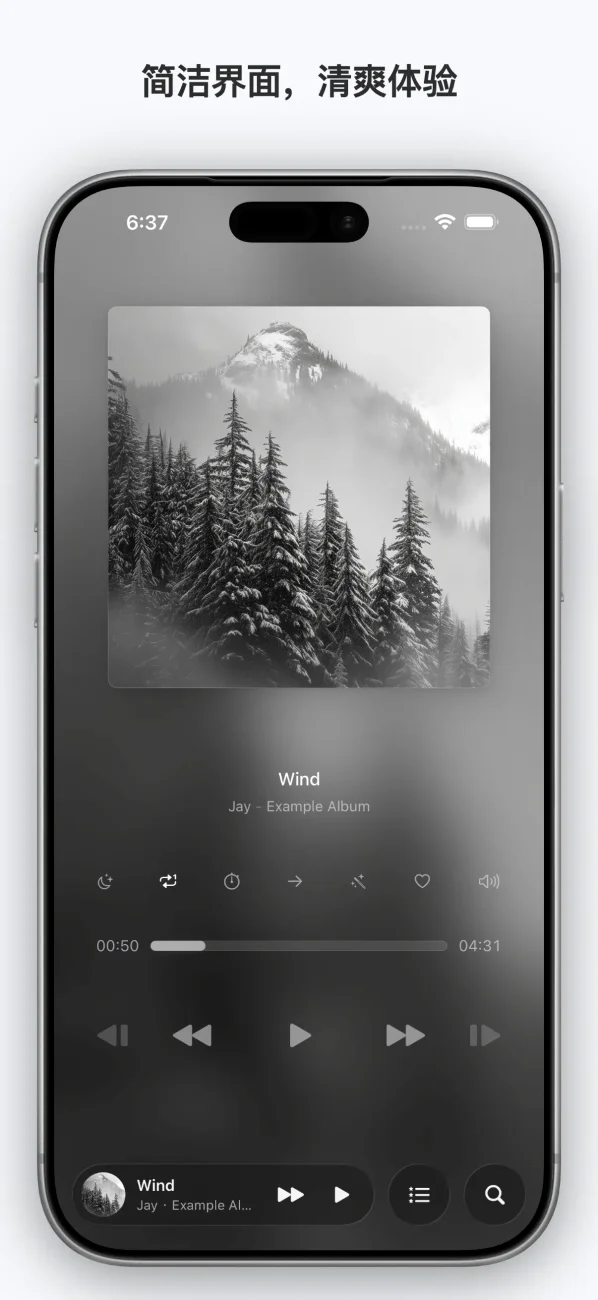
- Native components, a clean interface, Liquid Glass support (macOS26+ / iOS26+), absolutely no ads — designed purely for a focused experience.
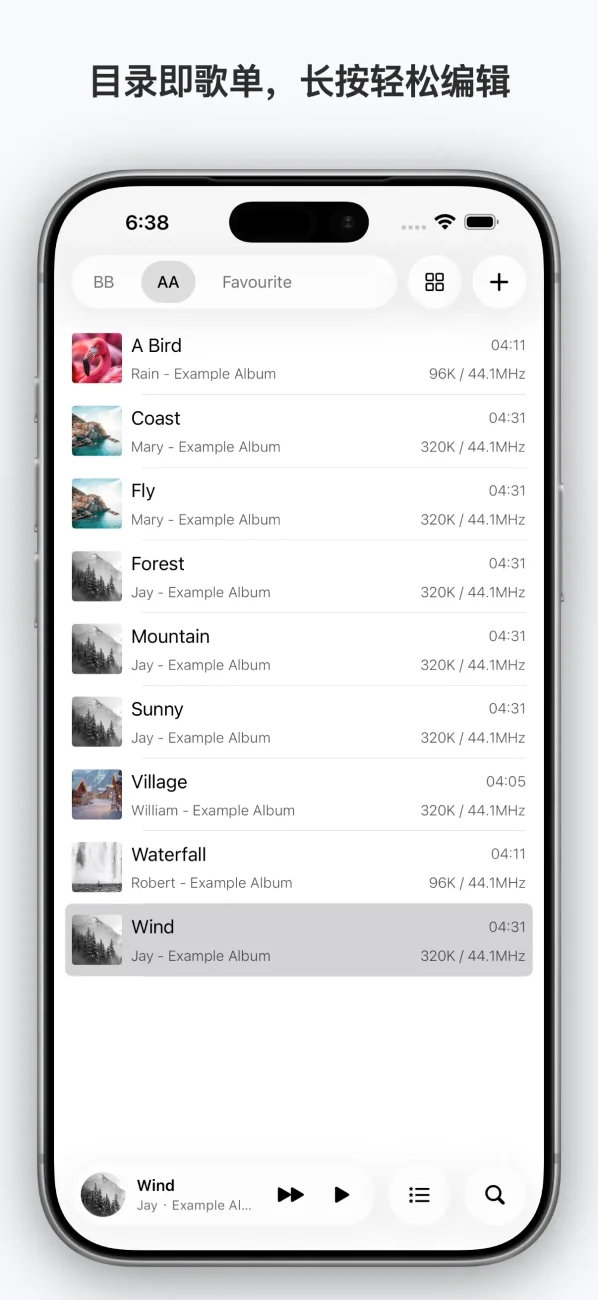
- Folders are playlists: minimal management, customizable shortcuts, rich personalization features, intuitive operation.
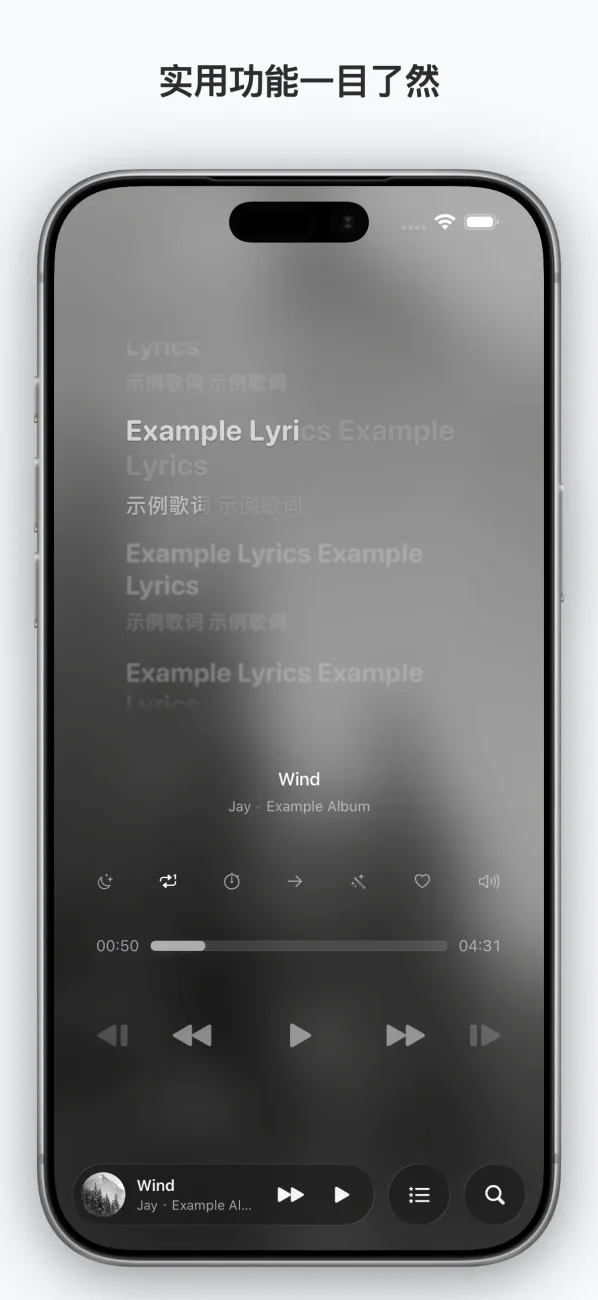
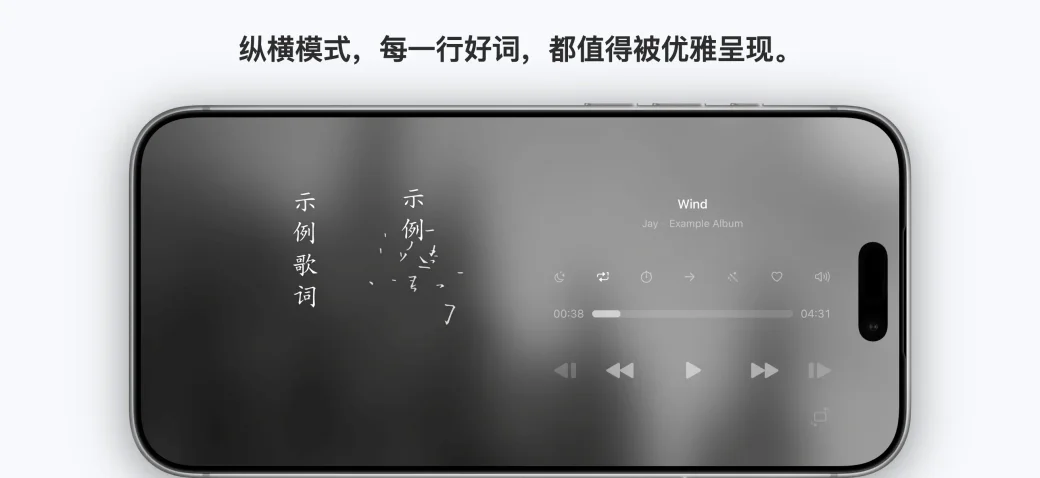
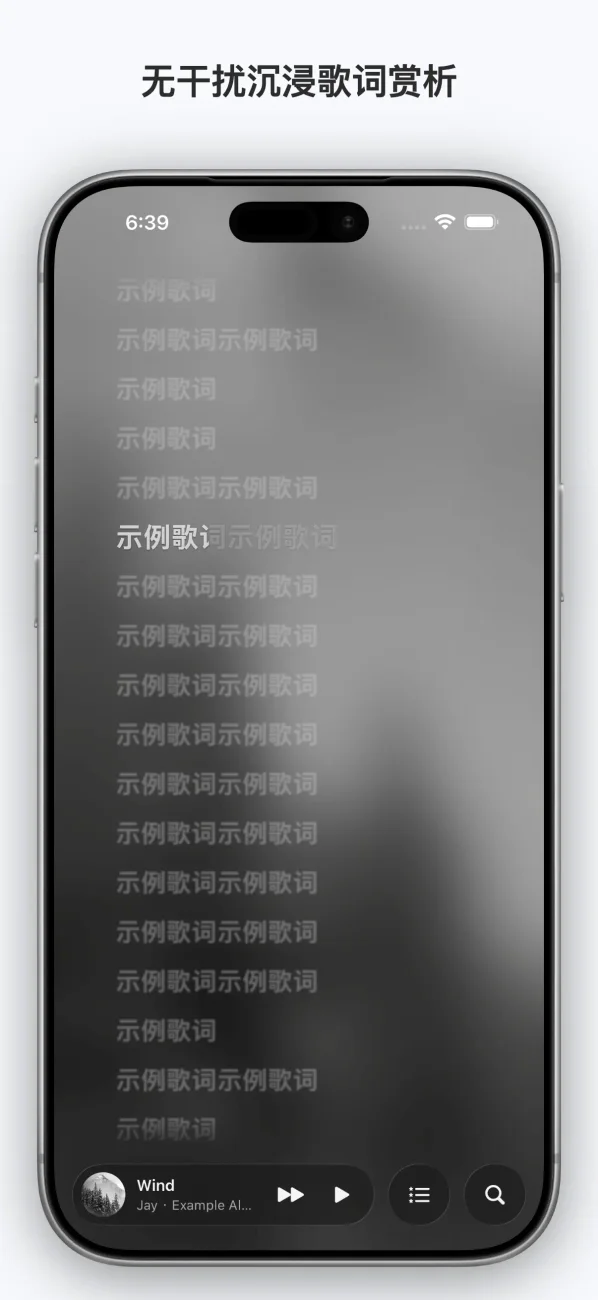
- Lossless music support (local files only: APE / TTA / DSD / WV), animated lyrics, visual listening, one-tap light/dark theme switching, and a sleep timer.
- Variable-speed playback, remembers your position, skips the intro and outro — also great for audiobook lovers.
- Edit cover art, lyrics, and other info for mp3, m4a, and flac songs; crop images and change resolution to build your perfect music library.
- LAN remote management — easily upload, delete, and organize files. CarPlay support for even more convenient operation.
- Play music directly from home servers: Samba / WebDAV / Jellyfin (not recommended) / Emby (recommended) / Navidrome (not recommended), saving local storage space.
- Play music files from Baidu Netdisk, Guangya Cloud Drive, OneDrive, and Dropbox.
- Local playback, worry-free privacy: no data is collected, and your music library is controlled by you alone.
- This app suits music lovers who prefer managing music with folders and have the patience to organize and categorize their own collection. File names are recommended in the "Artist - Title.mp3" format.
Recommended Usage
MacOS:
Tap the "+" in this app to add a folder that contains local music files.
iOS:
Method 1: First tap the "+" in this app to create a folder.
Download music files with your phone's browser, tap to open them, use the "Share" function, choose "Save to Files", and save them to this APP --> "Music" --> the folder you created.
Method 2: Mount your phone to a Mac via cable or wirelessly, open the phone device in Finder, find "Files", expand this APP, drag files into this APP's folder, then use Apple's official "Files" app to move the music files into the folder you created. For random artwork, place the images in the Cover folder.
Method 3: Enable LAN in Settings, then manage files through a web page.
If you experience issues after an update, completely delete the old version before installing the new one. On iOS, move your audio files to another folder before deleting.
Note: Word-by-word lyrics provided by Jellyfin and Navidrome may have issues, so please avoid having them provide word-by-word lyrics.
Basic Terms of Use: https://www.apple.com/legal/internet-services/itunes/dev/stdeula/
Yang baru
Versi 1.58 · 20/11/2026
Fix some incorrect styles
修正一些错误样式
Privasi aplikasi
Yang dinyatakan 满亚 孔 di App Store tentang cara aplikasi ini menangani data.
-
Data tidak dikumpulkan
Pengembang tidak mengumpulkan data apa pun dari aplikasi ini.
Praktik privasi dapat bervariasi, misalnya berdasarkan fitur yang Anda gunakan atau usia Anda.
Informasi
- Penjual
- 满亚 孔
- Kategori
- Musik
- Versi
- 1.58
- Diperbarui
- 20/11/2026
- Dirilis
- 17/12/2025
- Ukuran
- 62,2 MB
- Memerlukan
- iOS 17.2 atau yang lebih baru
- Batasan usia
- 4+
- Harga
- Gratis
- Pembelian dalam aplikasi
- Ya
- Bahasa
- Inggris, Prancis, Jerman, Jepang, Korea, Rusia, Tionghoa Sederhana, Spanyol, Tionghoa Tradisional
- Hak cipta
- © 2025 柳科伟