
Lognote: Notes & Notepad
Timestamped Daily Journal
Dirancang untuk iPhone, iPad, Mac
Gratis · Pembelian dalam aplikasi
- Batasan usia4+
- KategoriProduktivitas
- PengembangAlexander Stolte
- BahasaInggris+ 27 lainnya
- Ukuran130,7 MB
Tertaut ke halaman resmi App Store
Download.org tidak menyimpan file Lognote: Notes & Notepad apa pun. Tombol ini membuka halaman aplikasi di App Store, tempat Alexander Stolte menerbitkannya. Halaman terakhir diperiksa pada 25/11/2026.
Tangkapan layar

Tentang
Pengembang belum menyediakan teks ini dalam bahasa Anda.
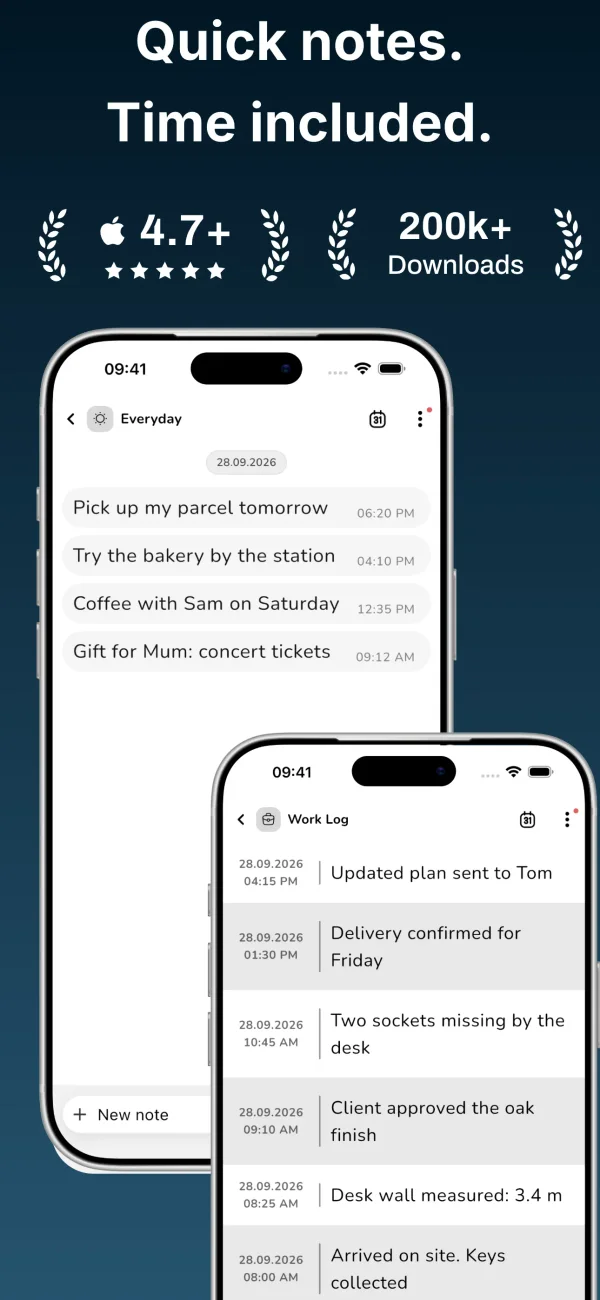
Quick notes for everyday life. Clear records for work. Lognote automatically adds the date and time, so you can capture a thought, an update or a moment and remember when it happened.
Save a gift idea, keep meeting notes, document a project or write a few lines about your day. Each entry becomes part of a timeline you can return to later.
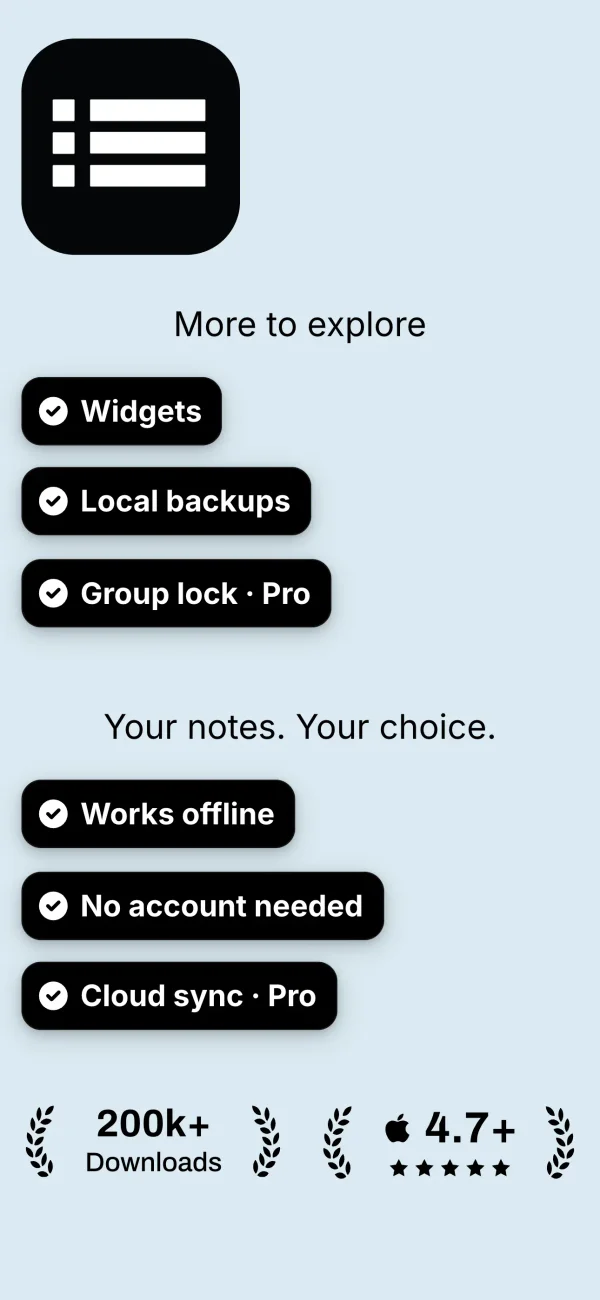
OFFLINE FIRST. NO ACCOUNT REQUIRED. YOUR NOTES, YOUR CHOICE.
Start writing without an account. Your notes are saved locally first. Optional Pro Cloud Sync keeps the same offline-first approach.
CAPTURE NOW. ORGANIZE LATER.
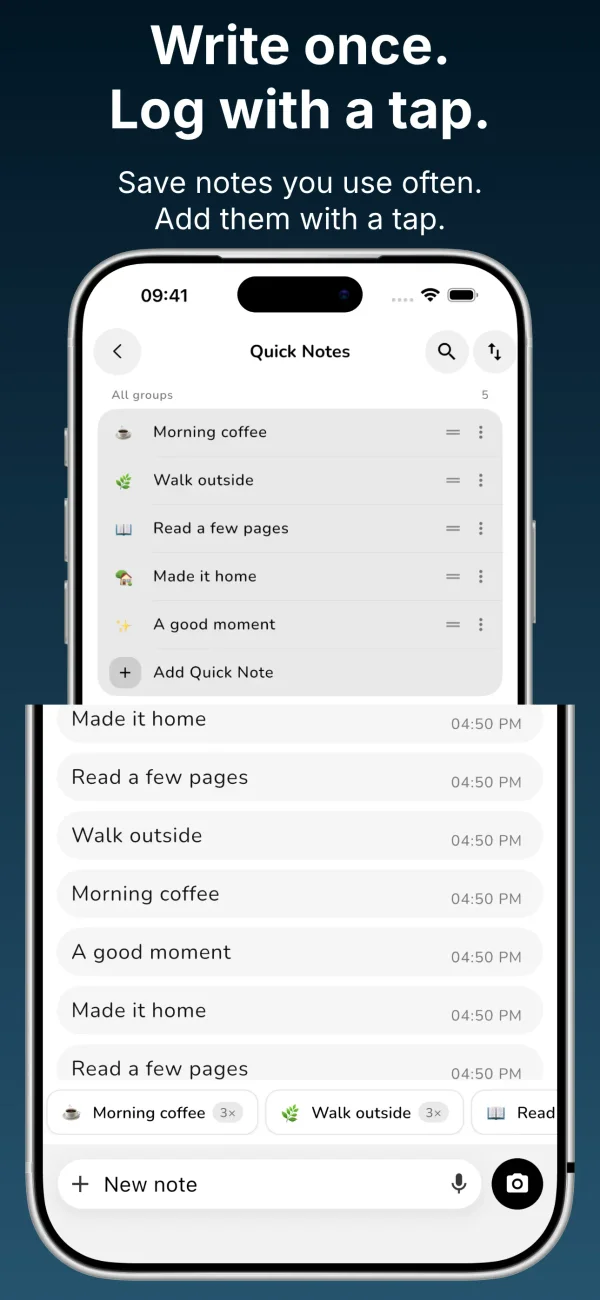
Write directly in a group or drop a thought into Inbox. For things you record regularly, create your own predefined Quick Notes. One tap saves a new timestamped entry, without typing the same text again. Use them in all groups or only the groups you choose.
KEEP LIFE AND WORK IN ORDER.
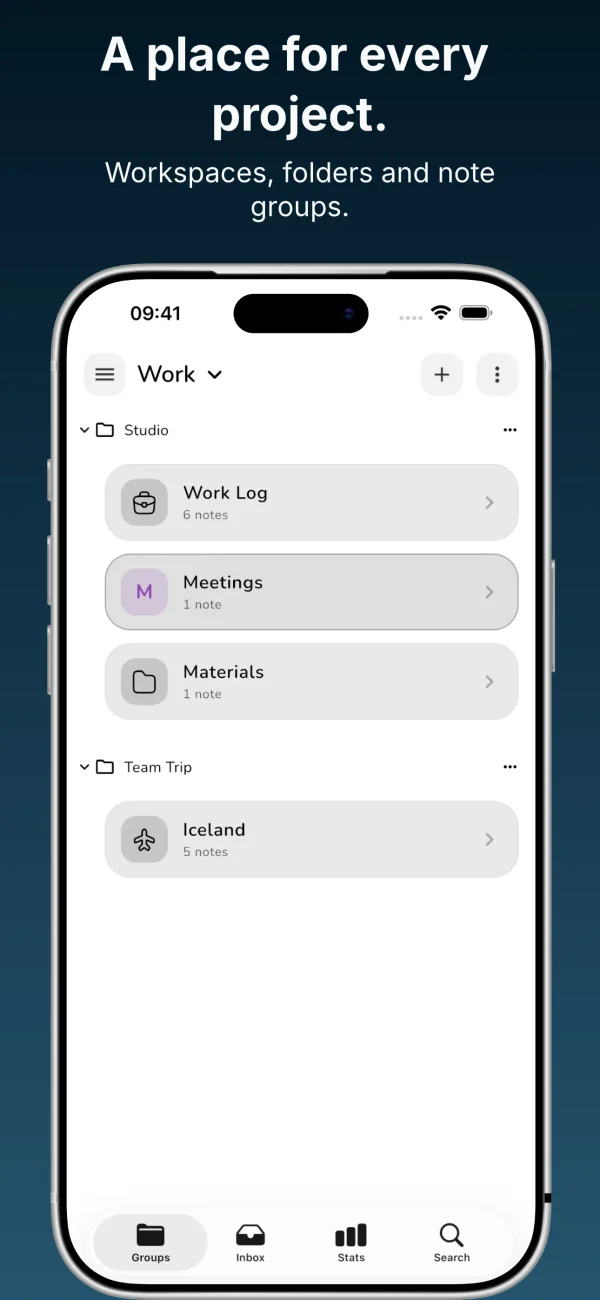
Organize projects, trips and routines with groups, folders and hashtags. Pro adds separate Workspaces, each with its own groups and Inbox.
KNOW WHAT HAPPENED. AND WHEN.
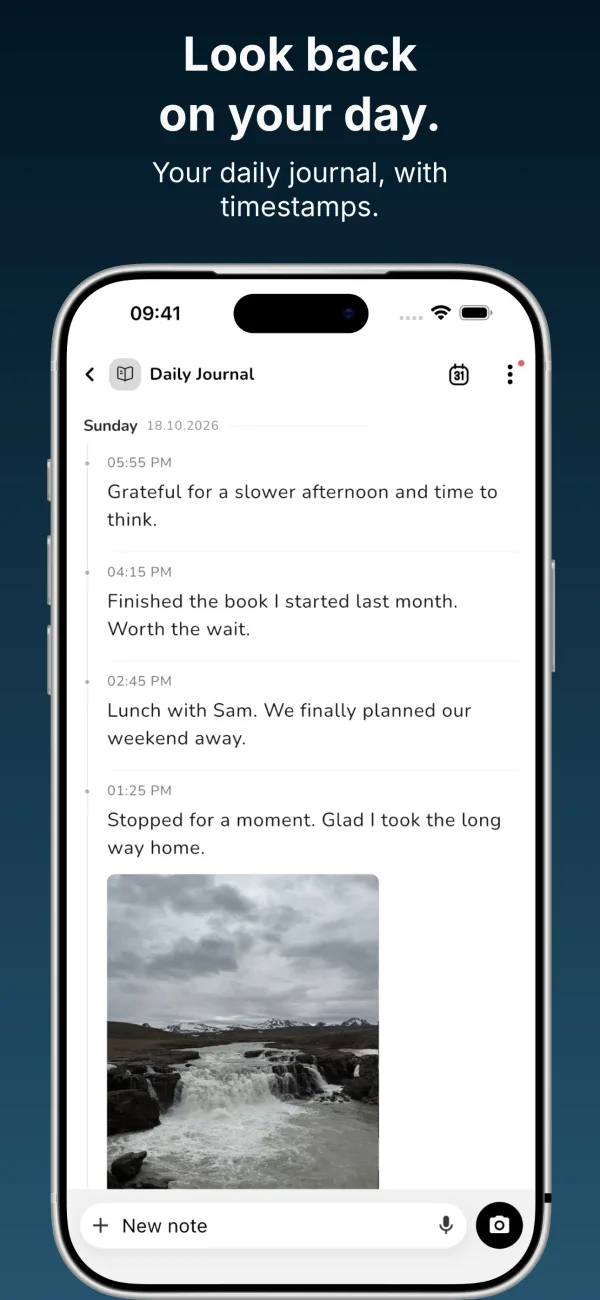
Every note gets an automatic timestamp, down to the second. Keep a daily journal, meeting log, shift record or project history without typing the time yourself. Prefer a simpler notebook? You can hide timestamps, too.
MADE FOR YOUR APPLE DEVICES.
Capture on iPhone, spread out on iPad, use tabs and split views on Mac, and add quick text entries from Apple Watch.
Features
• Your own predefined Quick Notes: save recurring entries with one tap
• Make Quick Notes available in all groups or only selected groups
• Spacious editor for longer notes, with rich text formatting
• Slash menu: type / to add headings, checklists, lists, quotes and code blocks
• Text formatting, clickable checklists and typing shortcuts
• Unlimited text notes and groups
• Automatic timestamps, down to the second, with the option to hide them
• Inbox for quick thoughts to organize later
• Bubble, Journal and Classic note views on iPhone and iPad
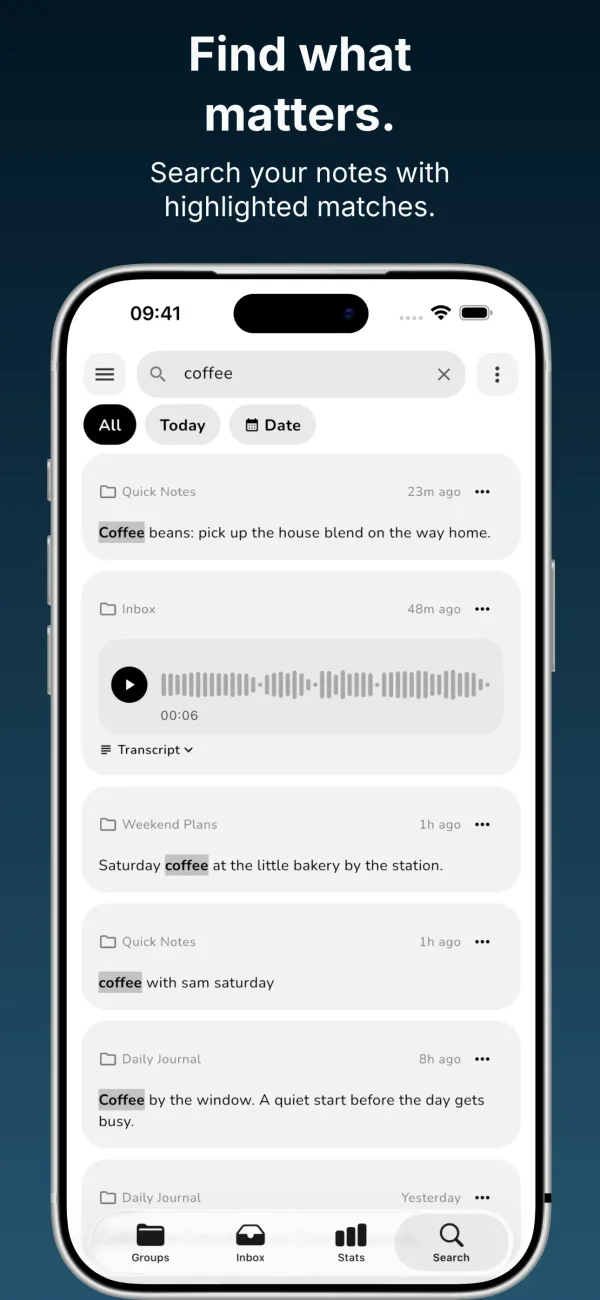
• Hashtags, custom tag colors and note search
• Up to two folders per workspace
• Optional link previews
• Writing statistics and Memories to rediscover entries from previous years
• Daily Inbox reminders
• Widgets, plus Inbox capture with Siri and Shortcuts
• Export as PDF, plain text, CSV, JSON, Markdown, Rich Text or HTML
• Local backups, automatic backups and recovery of deleted notes
• Basic Audit Log to review saved changes
• Turn notes into shareable Story images
• Offline note-taking without an account
Pro Features
• Optional Cloud Sync across your devices
• Offline first, even with Cloud Sync enabled. Keep writing without an internet connection. Your changes sync when you’re back online.
• Multiple Workspaces, each with its own groups and Inbox
• Unlimited folders and subfolders
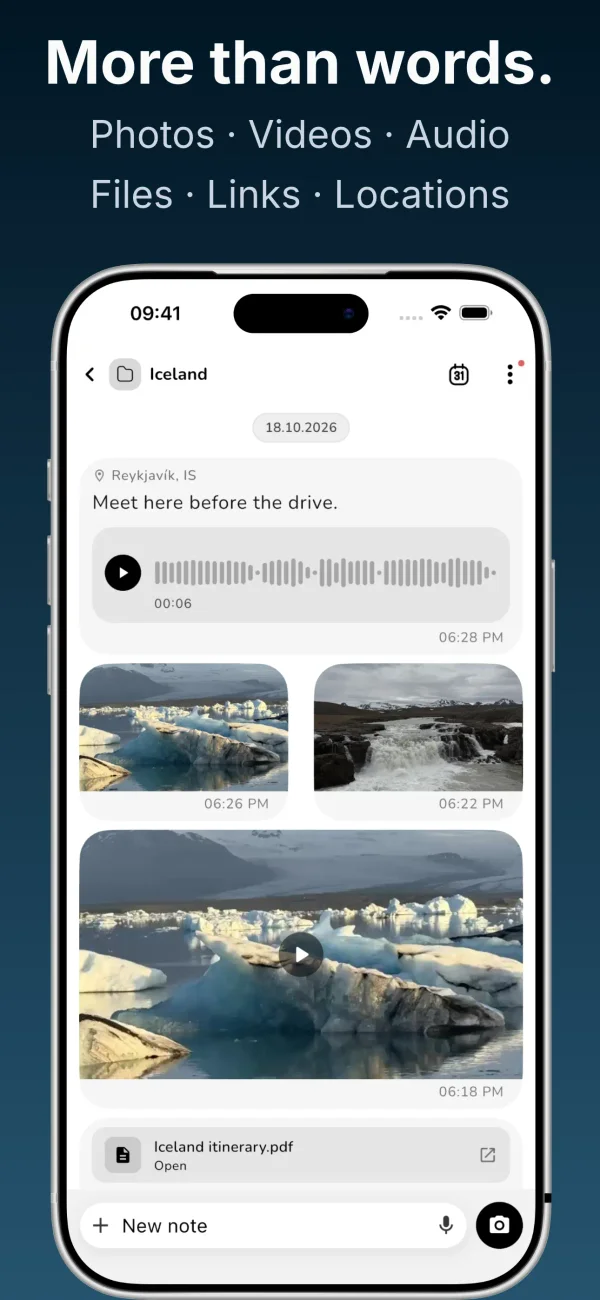
• Photos, videos, files and audio attachments
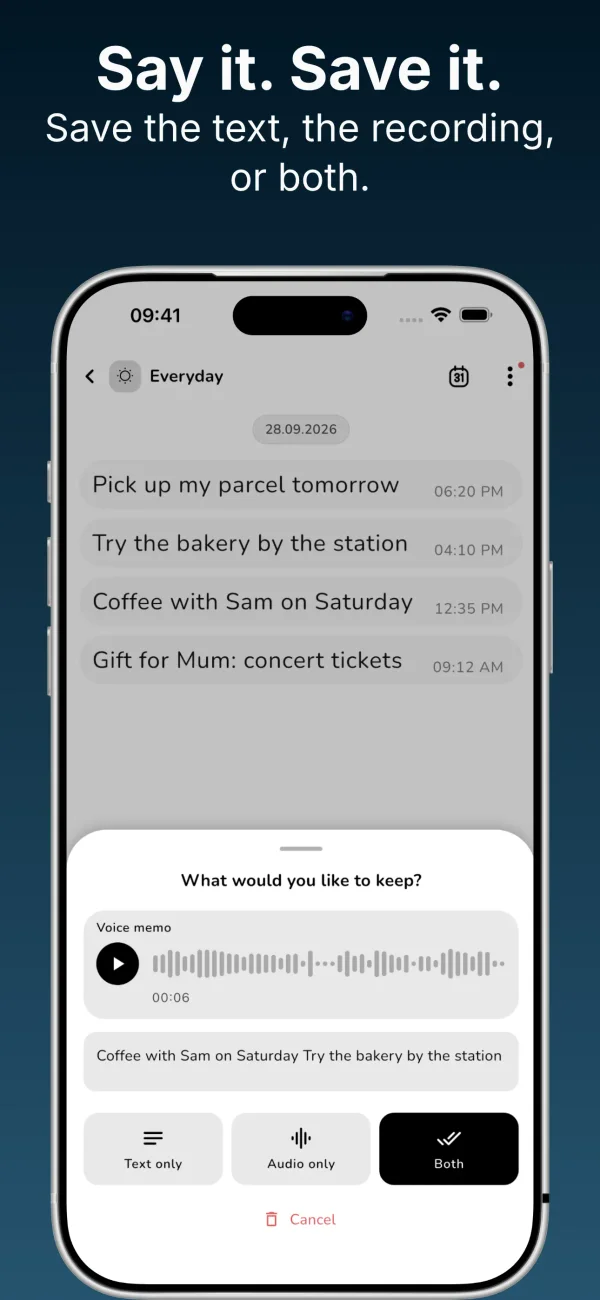
• Voice memos and transcription on supported iPhone and iPad devices: keep the text, recording or both
• Create shared groups and collaborate with others
• Favorites, priorities and archiving
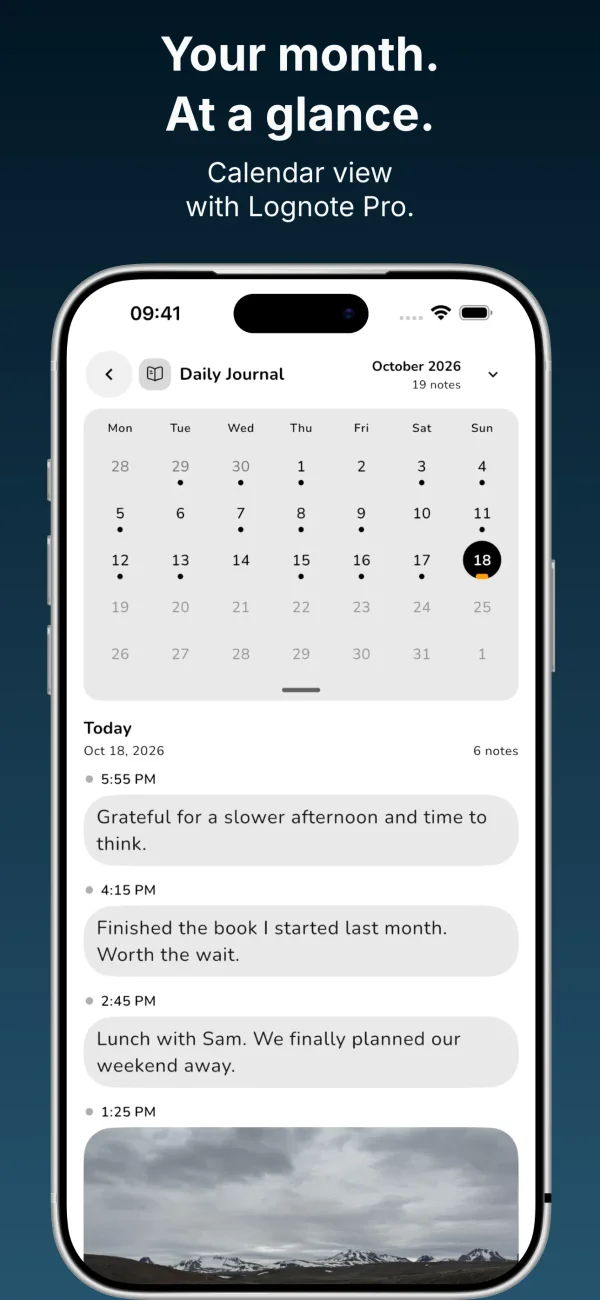
• Calendar and map views
• Location tagging and location-based reminders with geofences
• Group locking with Face ID, Touch ID or PIN
• Custom filters and combined tag filters
• Custom accent colors and alternate app icons
• Export selected date ranges
• Advanced Audit Log search, filters and export
Write it down. Keep the context. Get on with your day.
NEED HELP OR MISSING A FEATURE?
Please get in touch whenever you need help, run into a problem or feel something is missing. I respond quickly to support requests, questions and feature suggestions. Contact me through the app or at https://lognoteapp.com/contact.
Subscriptions renew automatically unless canceled. Manage or cancel your subscription in your Apple Account settings.
Terms of Use: https://www.apple.com/legal/internet-services/itunes/dev/stdeula/
Privacy Policy: https://lognoteapp.com/legal/privacy-policy
Support: https://lognoteapp.com/contact
Yang baru
Versi 6.6.0 · 23/11/2026
• The new On This Day widget brings photos from past notes to your Home Screen. Choose different groups for each widget.
• The redesigned Memories view makes it easier to browse notes from this day and explore your notes by year.
• Expand and copy transcripts right below the voice recording. To keep them open, turn on the option in Settings → Display.
• Filter your note list by year in Search or from the group menu.
• Tap individual words in the editor to change their color.
• On Apple Watch, you can choose to save text notes as soon as you tap Done. Your draft is kept if you get interrupted.
• Note details on iPhone have been redesigned, with a clearer layout for text, voice memos, and note information. The date, group, and time move into the header as you scroll.
• Fixes and improvements
◦ Tapping a keyboard suggestion once again replaces the word you started typing.
◦ New voice memos appear sooner and stay visible while saving. Text and a recording saved together show up in the same note right away.
◦ After midnight, the Inbox Today filter shows notes for the new day again.
◦ The export date picker remains fully readable at larger text sizes.
Privasi aplikasi
Yang dinyatakan Alexander Stolte di App Store tentang cara aplikasi ini menangani data.
-
Data yang ditautkan dengan Anda
Dapat dikumpulkan dan ditautkan dengan identitas Anda.
- Pembelian
- Lokasi
- Info kontak
- Konten pengguna
- Pengenal
- Data penggunaan
Praktik privasi dapat bervariasi, misalnya berdasarkan fitur yang Anda gunakan atau usia Anda.
Informasi
- Penjual
- Alexander Stolte
- Kategori
- Produktivitas
- Versi
- 6.6.0
- Diperbarui
- 23/11/2026
- Dirilis
- 1/11/2021
- Ukuran
- 130,7 MB
- Memerlukan
- iOS 16.0 atau yang lebih baru
- Batasan usia
- 4+
- Harga
- Gratis
- Pembelian dalam aplikasi
- Ya
- Bahasa
- Inggris, Katalan, Kroat (Kroasia), Cheska (Republik Cheska), Dansk (Denmark), Belanda, Suomi (Finlandia), Prancis, Jerman, Yunani, Magyar (Hungaria), Italia + 16 lainnya
- Hak cipta
- © Alexander Stolte
Mungkin Anda juga suka
-
 Timestamper: Activity TrackerProduktivitas
-
 notetime: Timestamp NotesProduktivitas
-
 Logger - Log, Track & JournalProduktivitas
-
 Daily Journal Log, PrivateProduktivitas
-
 iLoggerProduktivitas
-
 LogsitProduktivitas
-
 Timestamp MarkerProduktivitas
-
 Event Logger 3.0Produktivitas
-
 Timeline Journal – Daily DiaryProduktivitas
-
 TIME REC. - Catat WaktumuAtur dengan timestamp