
Loop Video Maker LoopVideoMake
Loop, repeat videos & make gif
Dirancang untuk iPhone, iPod touch
Gratis · Pembelian dalam aplikasi
- Batasan usia4+
- KategoriFoto & Video
- PengembangVinay Bichave
- BahasaInggris+ 11 lainnya
- Ukuran125,3 MB
Tertaut ke halaman resmi App Store
Download.org tidak menyimpan file Loop Video Maker LoopVideoMake apa pun. Tombol ini membuka halaman aplikasi di App Store, tempat Vinay Bichave menerbitkannya. Halaman terakhir diperiksa pada 24/11/2026.
Tangkapan layar


Tentang
Pengembang belum menyediakan teks ini dalam bahasa Anda.
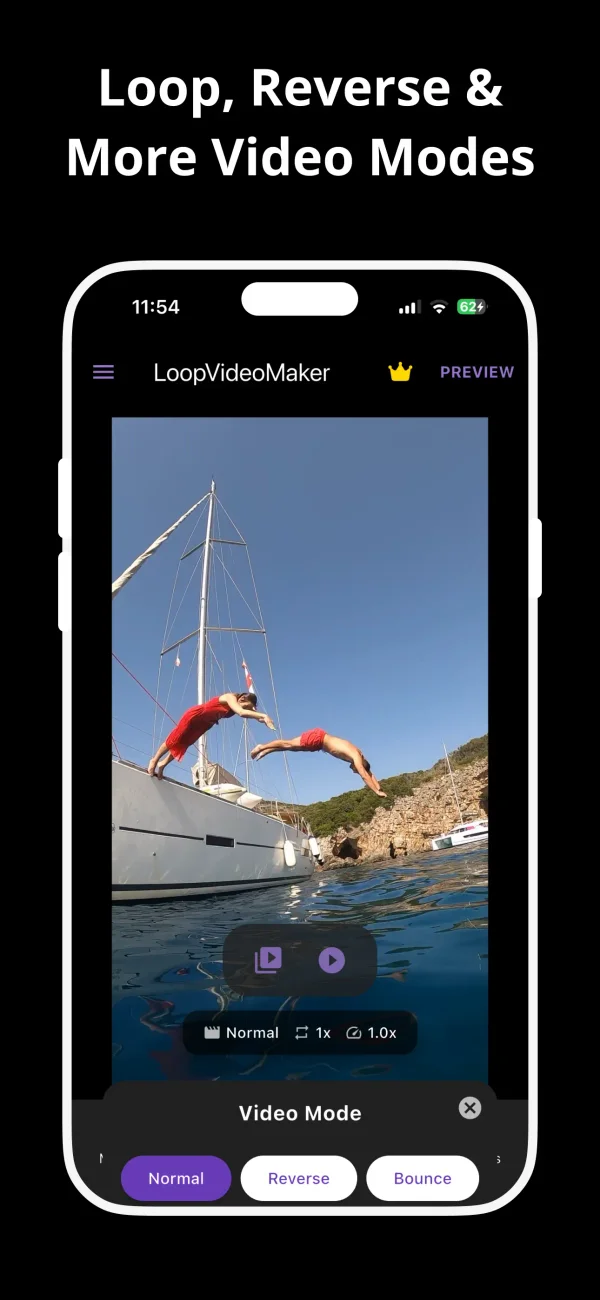
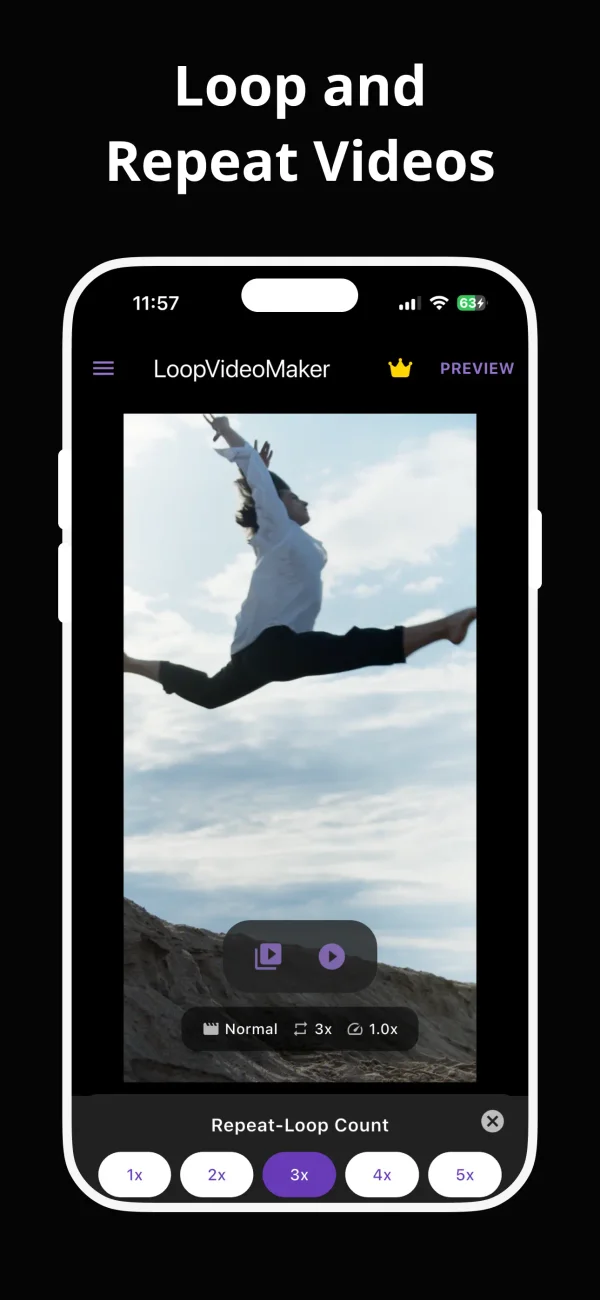
Looking for a Loop Video Maker to loop and reverse your videos? LoopVideoMaker is the right choice for you! Loop video maker lets you create awesome loop videos along with making a loop video, you can repeat and replay videos, reverse video clip, make video to gif, hyperlapse and time lapse videos, trim video, change video speed, create slow motion videos, add custom music and also change audio of video.
As a video looper and gif maker, you can create solo loop, repeat and even reverse mp4, make gif from video, use stunning filters, custom text, fonts & emojis and save videos in HD and gif formats without any watermarks and share them on social media.
LoopVideoMaker is the perfect and ease to use app for turning your favorite, fun clips into loops and GIFs for free in just a few clicks.
Key features:
• Loop, Repeat and Reverse Modes:
Transform your original videos into repeating loops, make them play backwards with reverse and make them go forward & backward with other modes.
• Templates: Style your video in one tap with 22 templates. Show it in polaroid, film strip and heart frames, turn one video into a 2, 3, 4 or 6-frame collage, or add a blurred background.
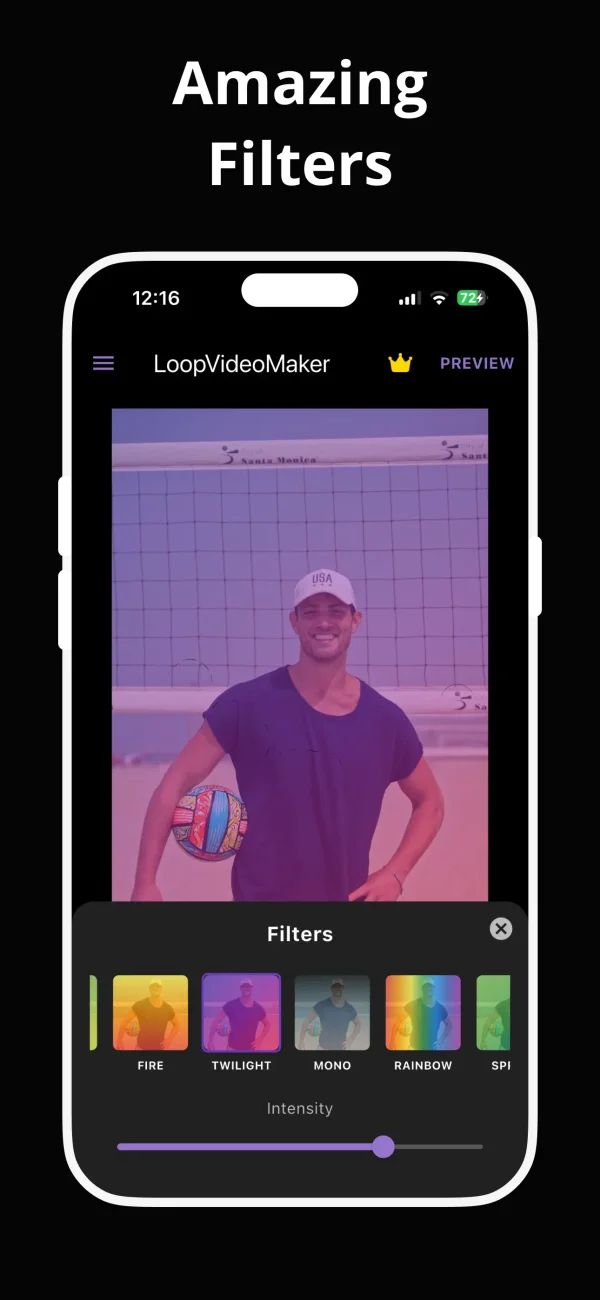
• Looks, Filters & Effects Color grade with 21 Looks inspired by cities like Paris and Tokyo, add warm, vintage or sunset filters at any intensity, and bring retro vibes with 18 effects like Glow, Neon and Super 8. Blur around your subject with Focus.
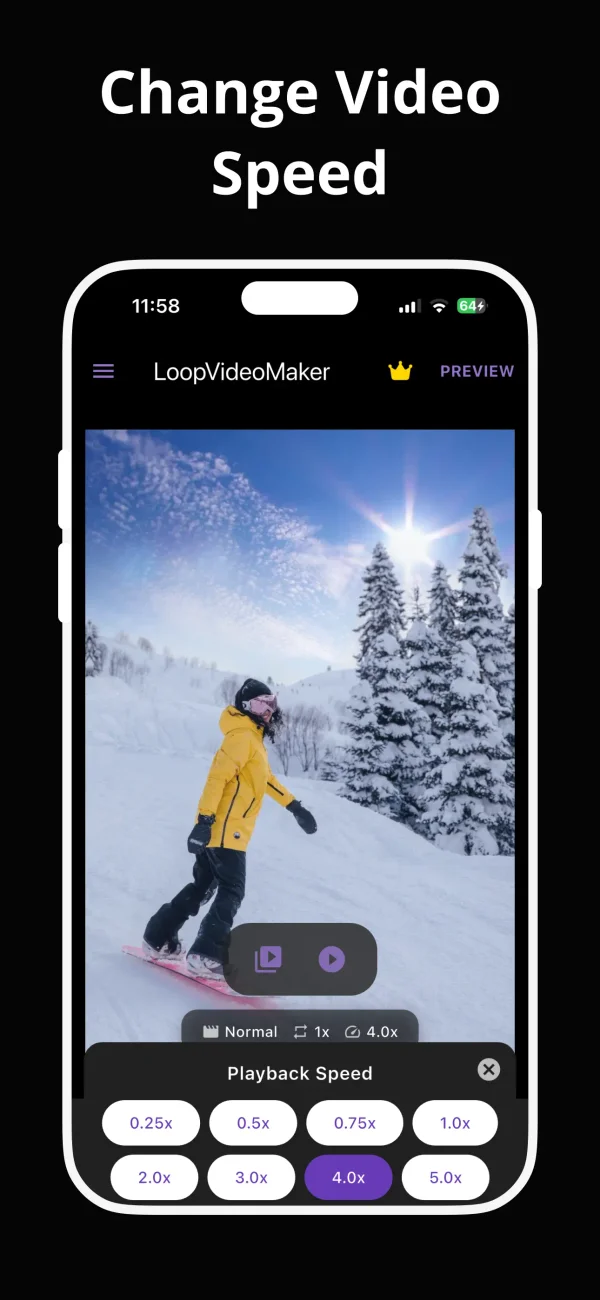
• Control Speed:
Make slow motion videos using 0.25x or use 10× to make hyperlapse
style videos using the playback speed option.
• Trim Videos:
Show the specific part of the video which you like and remove the rest using trim.
• Text & Captions Add captions with 71 fonts, bold and italic, solid and multiflow colors, outlines, shadows and background boxes. Curve your words, tilt them in 3D or fade them into the video.
• Your Own Watermark Brand your videos with your @handle and a social media logo.
• Add & Change Audio:
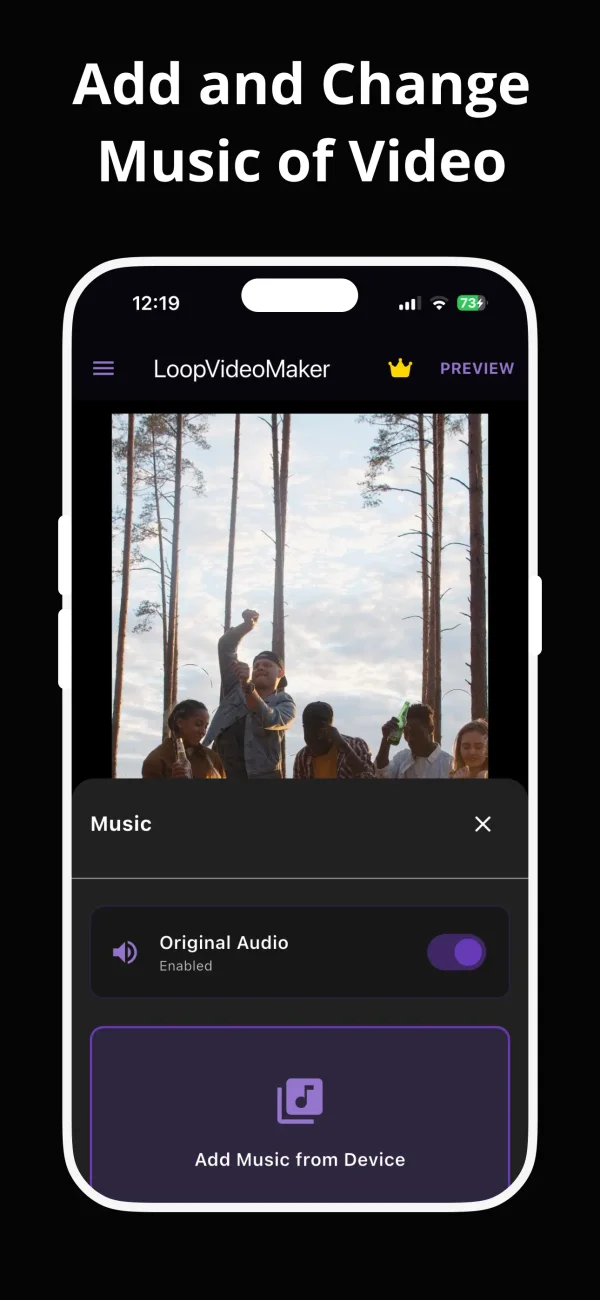
Give a custom jazz by adding, changing or even mixing original and newly added audio to your video
• Multiple Filters:
Give stunning feeling to videos by applying eye-catching filters.
• Use Text, Emojis and Drawing:
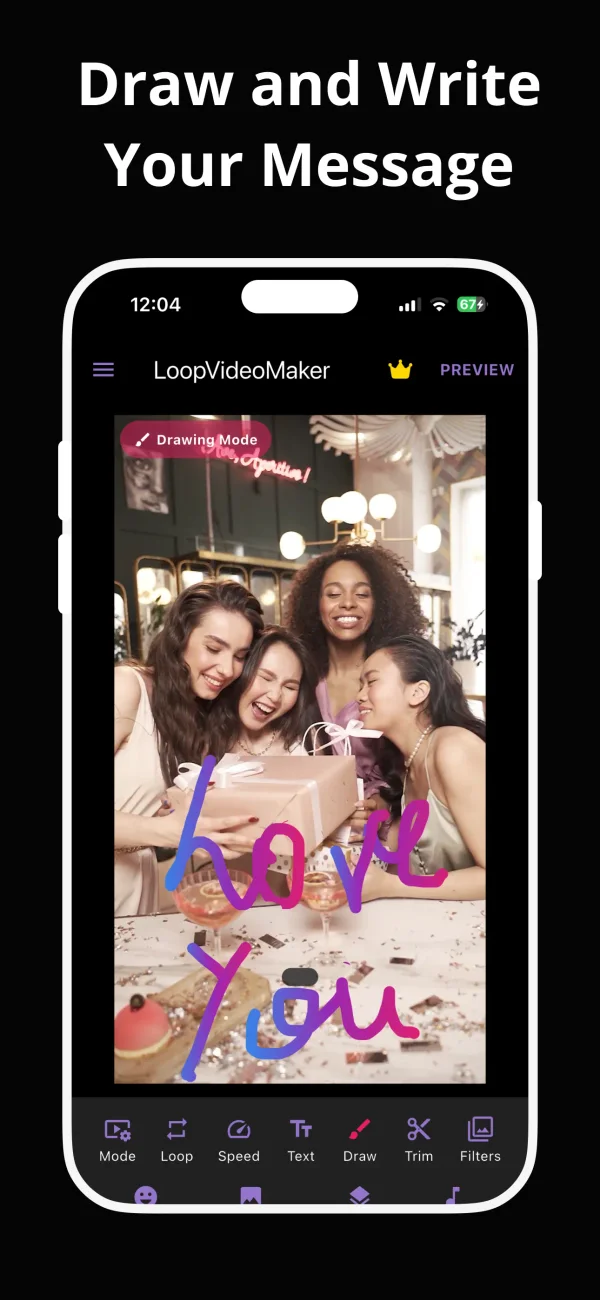
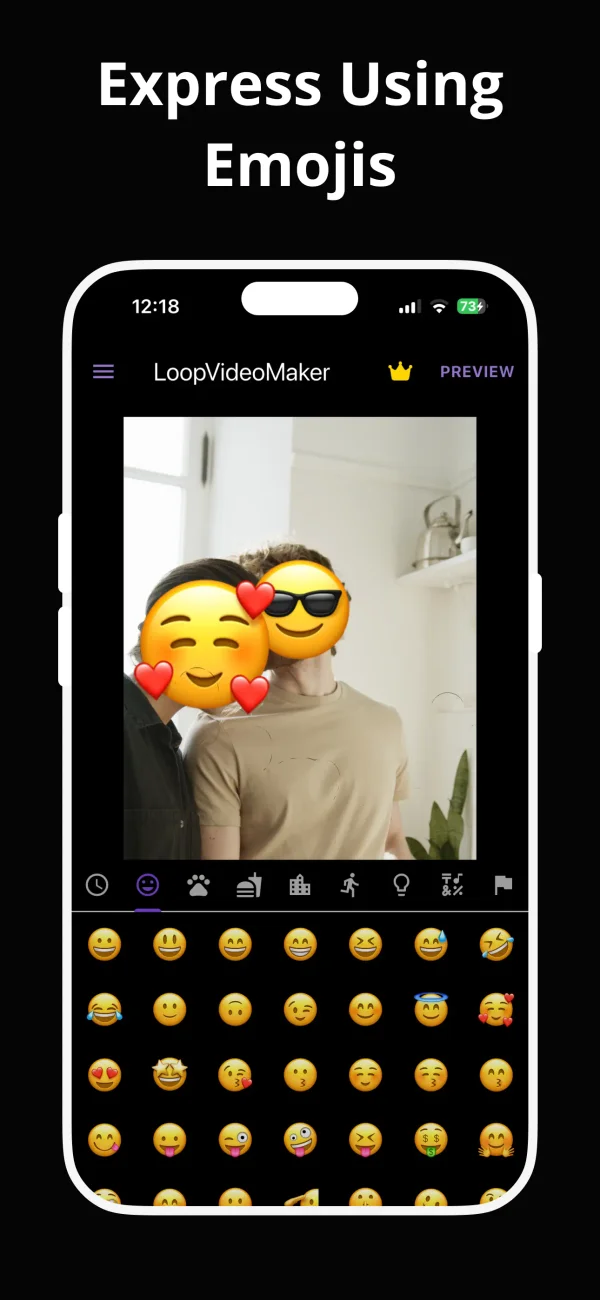
Write your feelings using text, express your emotions and carve your personal message on videos using emojis and drawing
• Insert Images:
Put your memories on your videos using photos and make them truly personalized.
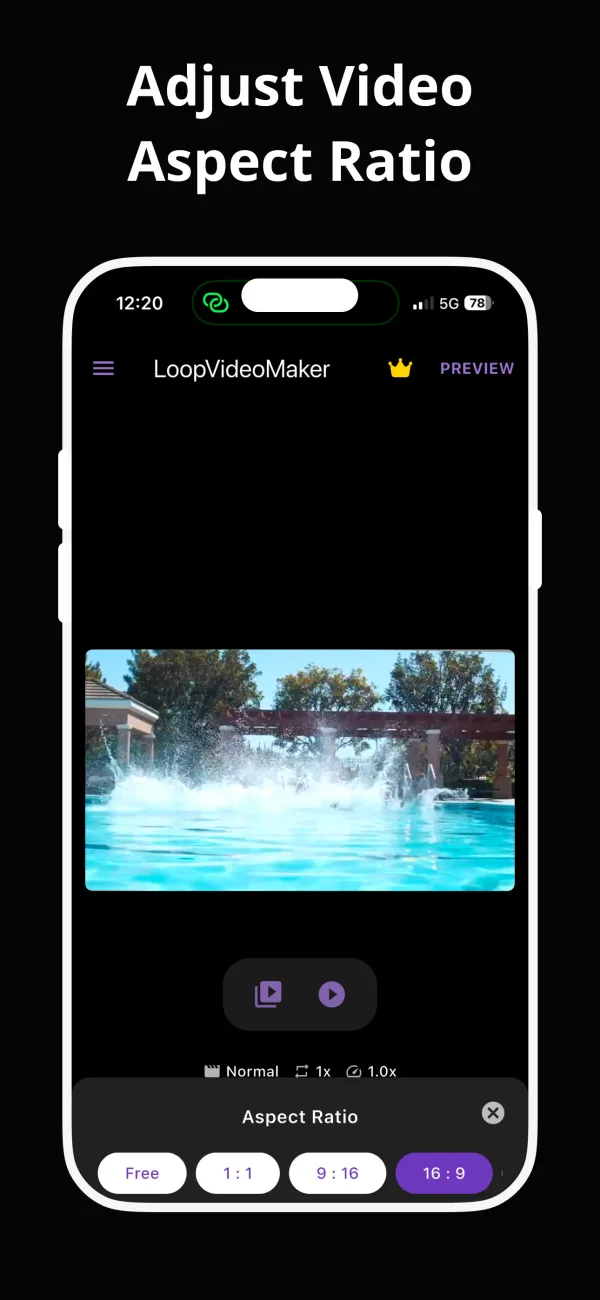
• Change Video Aspect Ratio:
Fit your video to 9:16, 1:1, 16:9, 4:5 or 3:4. Move, zoom and rotate it inside the frame to match your video dimension needs in seconds.
• Save Video in HD and Gif format:
View your work and share it directly to multiple social media platforms or download the video directly into your device in HD quality or gif format.
TRIAL AND SUBSCRIPTION TERMS:
Start LoopVideoMaker with an awesome free 3-day free trial with Unlock Content and get access to all features including loop counts, video speed (fast and slow-mo), colors, text-styles, filters, multi flow, HD downloads etc. After the trial is over you will be charged an annual subscription fee; if you had opted for the weekly plan then a weekly subscription fee will be charged to you lacking any free trial. LoopVideoMaker Unlock Content will automatically renew unless auto-renew is turned off at least 24 hours before the end of the current billing cycle. You can head over to Settings > iTunes > Account & App Store > Apple ID > Subscriptions to manage your subscription and turn auto-renew off. Your iTunes Account will be charged when the purchase is confirmed.
Privacy Policy & Terms: https://loopvideomaker.com/privacy-policy https://loopvideomaker.com/terms
Want to share your ideas and give feedback to us, mail us at vsbdevs@gmail.com. We love hearing from you and helping you.
So what's the wait? Transform your videos by looping, repeating and reversing them and share those amazing clips with the world.
Yang baru
Versi Loop Video Maker LoopVideoMaker Template, Focus, Effect, Filter · 31/10/2026
Loop Video Maker LoopVideoMaker:
• New Premade Templates feature
• New Focus feature
• New Effects feature
• New Watermark feature
• New Shapes feature
• New Flip feature
• New Crop feature
• New Duration feature for Text, Shapes etc
• New Live Photo saving option
Privasi aplikasi
Yang dinyatakan Vinay Bichave di App Store tentang cara aplikasi ini menangani data.
-
Data yang tidak ditautkan dengan Anda
Dapat dikumpulkan, tetapi tidak ditautkan dengan identitas Anda.
- Data penggunaan
- Diagnostik
Praktik privasi dapat bervariasi, misalnya berdasarkan fitur yang Anda gunakan atau usia Anda.
Informasi
- Penjual
- Vinay Bichave
- Kategori
- Foto & Video
- Versi
- Loop Video Maker LoopVideoMaker Template, Focus, Effect, Filter
- Diperbarui
- 31/10/2026
- Dirilis
- 2/1/2026
- Ukuran
- 125,3 MB
- Memerlukan
- iOS 15.5 atau yang lebih baru
- Batasan usia
- 4+
- Harga
- Gratis
- Pembelian dalam aplikasi
- Ya
- Bahasa
- Inggris, Arab, Dansk (Denmark), Prancis, Jerman, Hindi, Jepang, Korea, Marathi, Bokmål Norsk, Spanyol, Swensk (Swedia)
- Hak cipta
- © 2026 VSB DEVS
Mungkin Anda juga suka
-
 Loop Video Maker - LoopiqFoto & Video
-
 Loop Vid-Loop Video infiniteFoto & Video
-
 Loop Videos - LooperFoto & Video
-
 Video Loop: AI Editing ToolFoto & Video
-
 Reverse Video Editor | RePlayZFoto & Video
-
 Video Looper - Repeat InfinityFoto & Video
-
 Loopdeck - Edit & Loop MoviesFoto & Video
-
 Boom Loop Video Maker InfinityVideo Editor for Boomerang
-
 Boomerang: Video MakerFoto & Video
-
 Boomerang Maker - Video LooperFoto & Video