- Batasan usia4+
- KategoriKegunaan
- Pengembang杏生 卢
- BahasaInggris+ 2 lainnya
- Ukuran3,9 MB
Tertaut ke halaman resmi App Store
Download.org tidak menyimpan file MAC 8 PLUS apa pun. Tombol ini membuka halaman aplikasi di App Store, tempat 杏生 卢 menerbitkannya. Halaman terakhir diperiksa pada 15/11/2026.
Tangkapan layar
Tentang
Pengembang belum menyediakan teks ini dalam bahasa Anda.
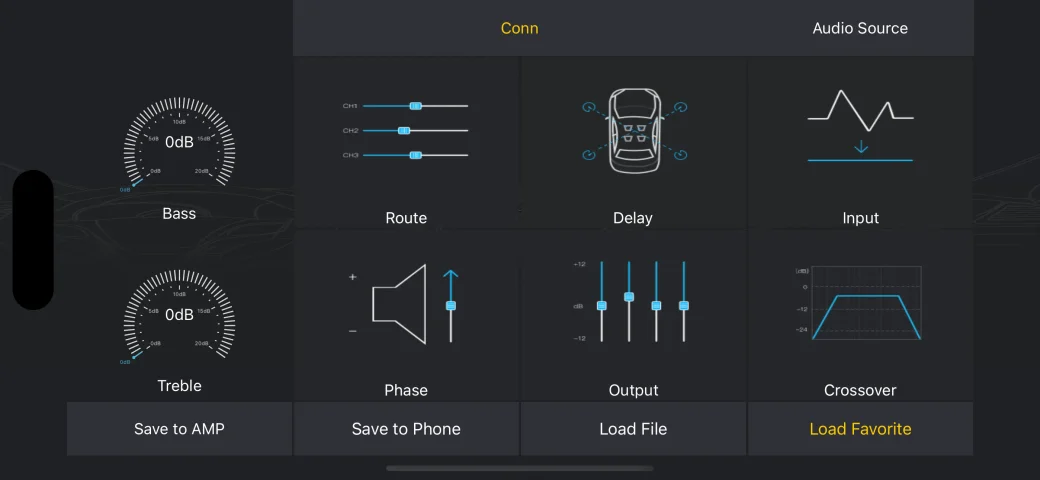
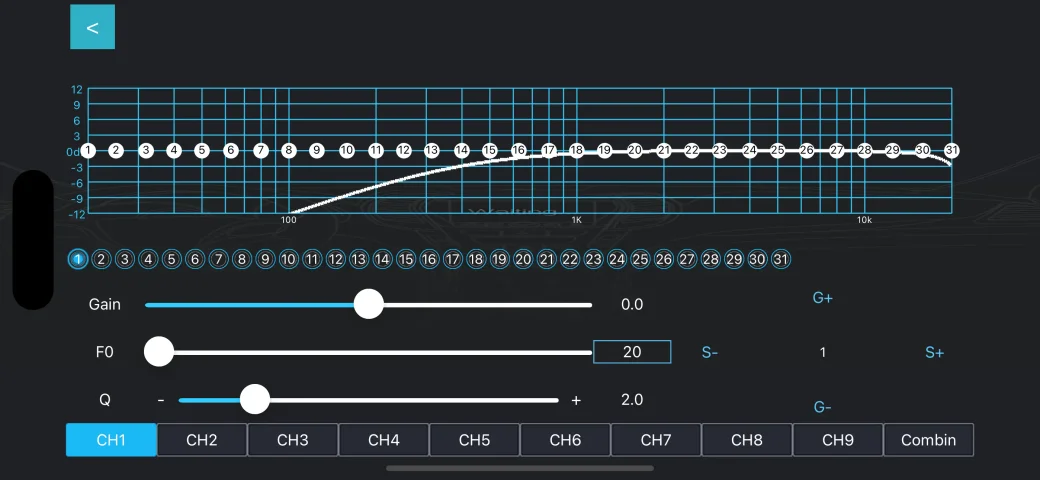
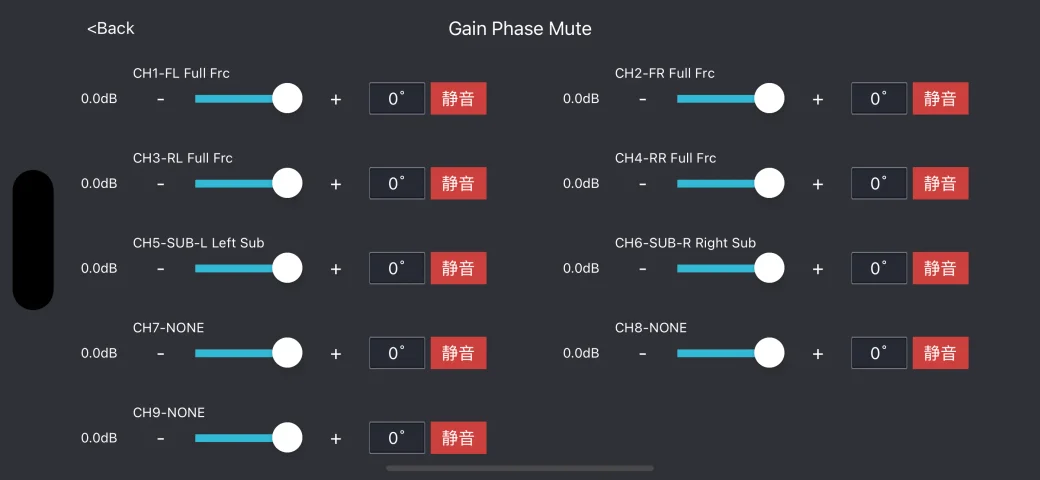
After connecting App to Car Amplifier with Integrated DSP, EQ, BASS, TIME ALIGNMENT, PHASE, MUTE, FILTER , SAVE SOUND SETTING TO PHONE, SAVE SOUND SETTING TO AMPLIFIER, LOAD SOUND SETTING FROM PHONE, RCA OUTPUT etc could be controlled through this App.
How to use:
1.Install App and turn on power of car
2. Turn on Bluetooth on your iPhone
3,Open App and wait for around 5 seconds, then click “Connect” icon in left corner of bottom. Amplifier will be connected to App automatically.
4.DIY you preferred sound and then click “Save to AMP” icon to save. Or click “ Save to Phone” to save.
Note:
1.Do not exit app during saving and do not turn off power supply, program may be shut down caused by this.
Privasi aplikasi
Yang dinyatakan 杏生 卢 di App Store tentang cara aplikasi ini menangani data.
-
Data tidak dikumpulkan
Pengembang tidak mengumpulkan data apa pun dari aplikasi ini.
Praktik privasi dapat bervariasi, misalnya berdasarkan fitur yang Anda gunakan atau usia Anda.
Informasi
- Penjual
- 杏生 卢
- Kategori
- Kegunaan
- Versi
- 1.0
- Diperbarui
- 5/11/2024
- Dirilis
- 4/11/2024
- Ukuran
- 3,9 MB
- Memerlukan
- iOS 12.0 atau yang lebih baru
- Batasan usia
- 4+
- Harga
- Gratis
- Bahasa
- Inggris, Tionghoa Sederhana, Tionghoa Tradisional
- Hak cipta
- ©️ 2025 MAC