
Magic Infinite Dictionary
Editable Thai-Eng, Eng-Any-Eng
Dirancang untuk iPhone, iPad, iPod touch
Gratis
- Batasan usia4+
- KategoriPerjalanan
- PengembangMudarmeen Munlin
- BahasaInggris
- Ukuran12,7 MB
Tertaut ke halaman resmi App Store
Download.org tidak menyimpan file Magic Infinite Dictionary apa pun. Tombol ini membuka halaman aplikasi di App Store, tempat Mudarmeen Munlin menerbitkannya. Halaman terakhir diperiksa pada 15/11/2026.
Tangkapan layar

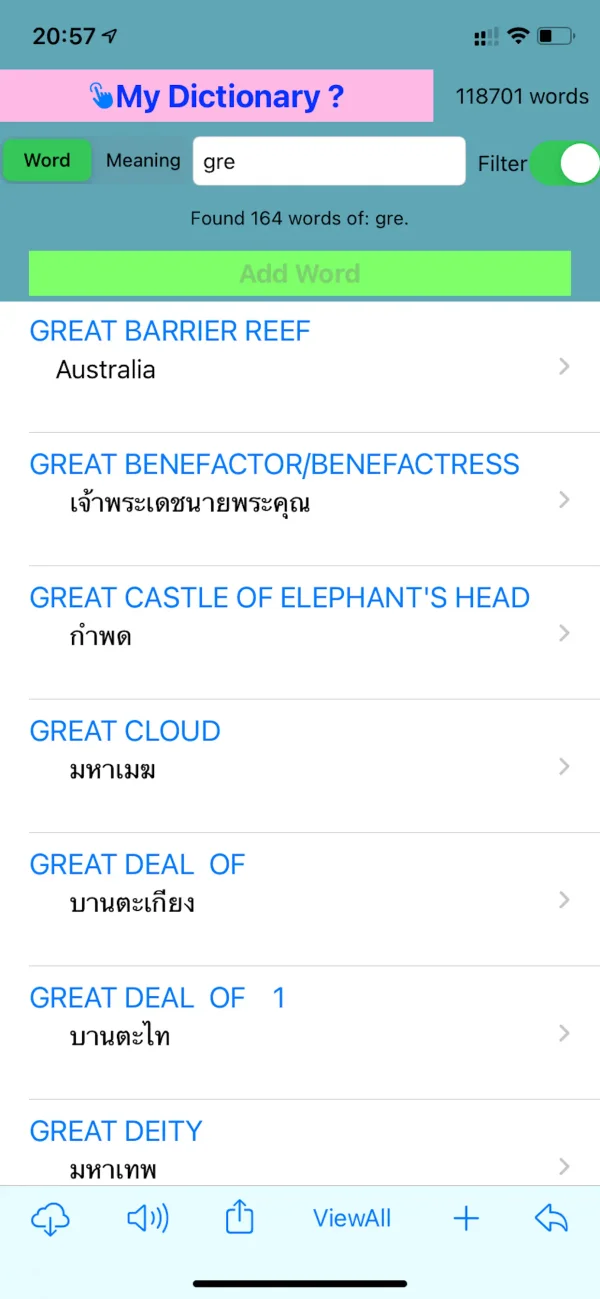
Tentang
Pengembang belum menyediakan teks ini dalam bahasa Anda.
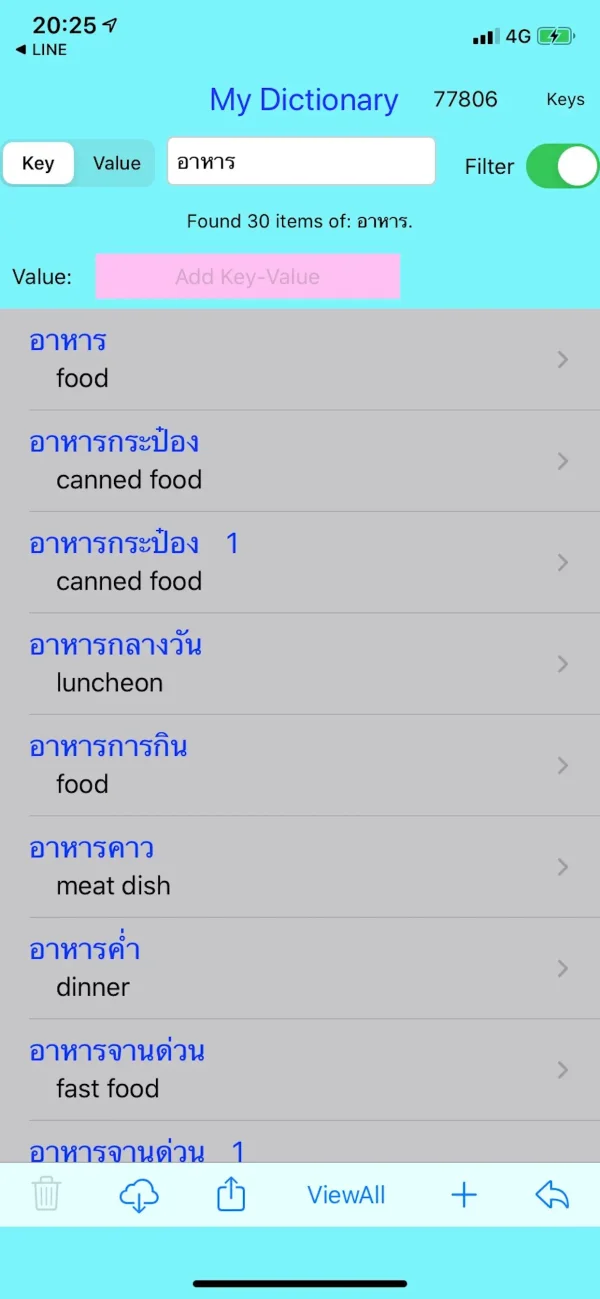
-Personal Infinite Incremental Dictionary application.
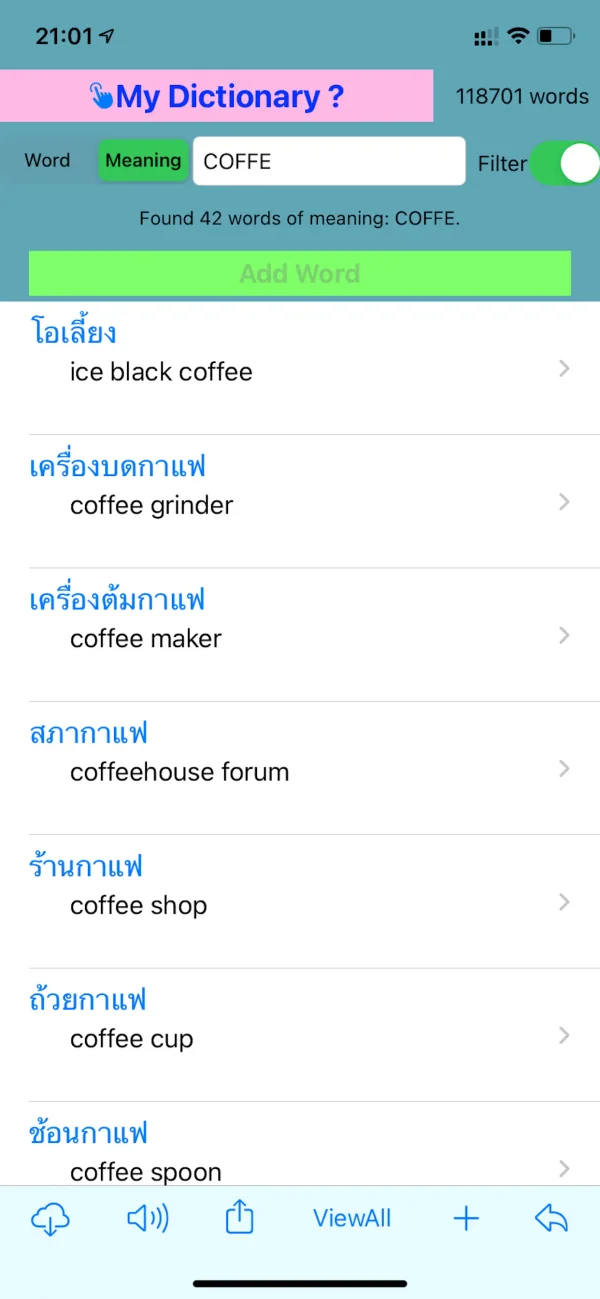
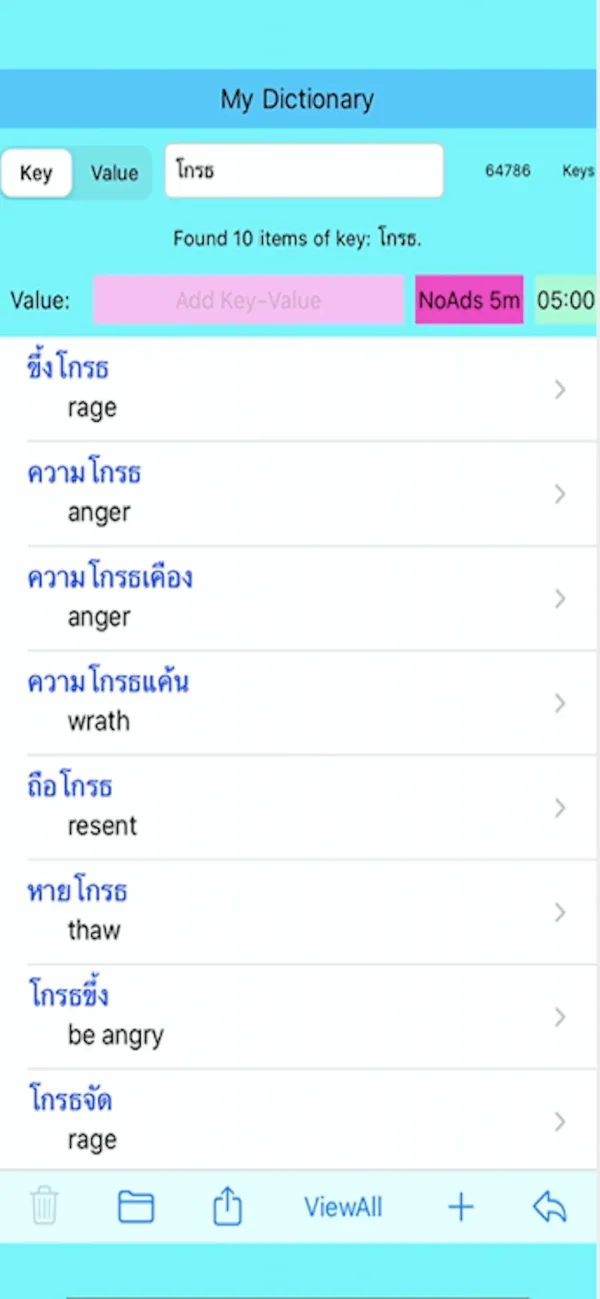
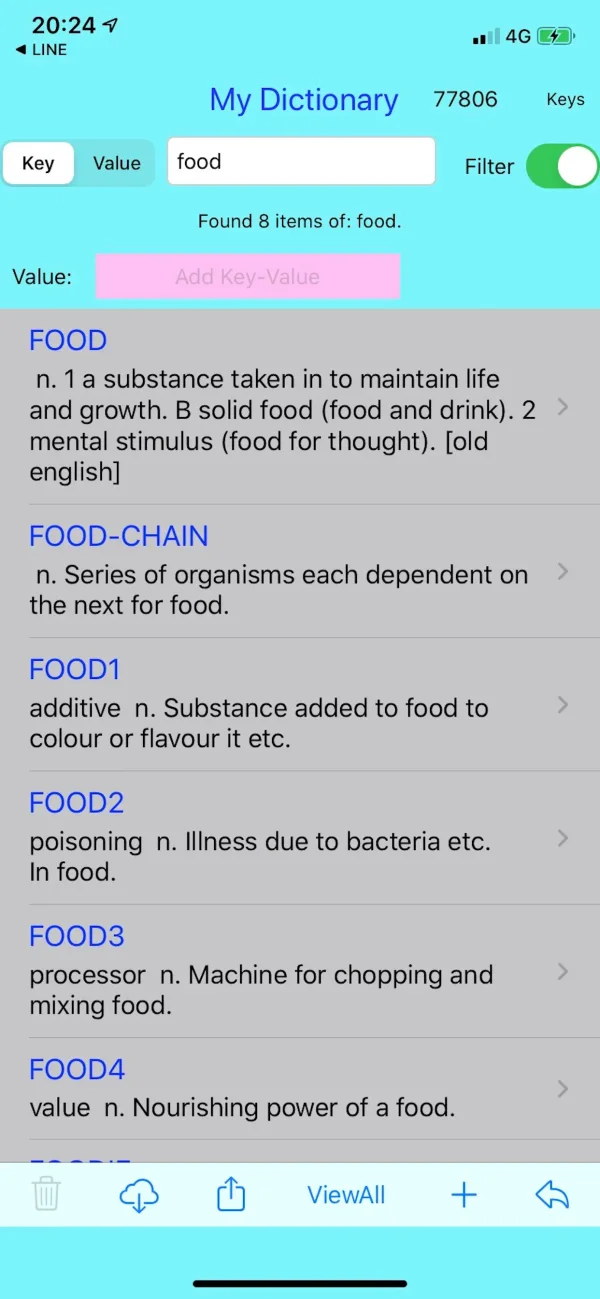
-Search by word.
-Search by meaning.
-Create custom dictionary in user own language.
-Store any key-value pairs to keep track of anything.
-Make note and memo.
-Quick/filter search for the first n characters.
-English pronunciation.
-Enter key word
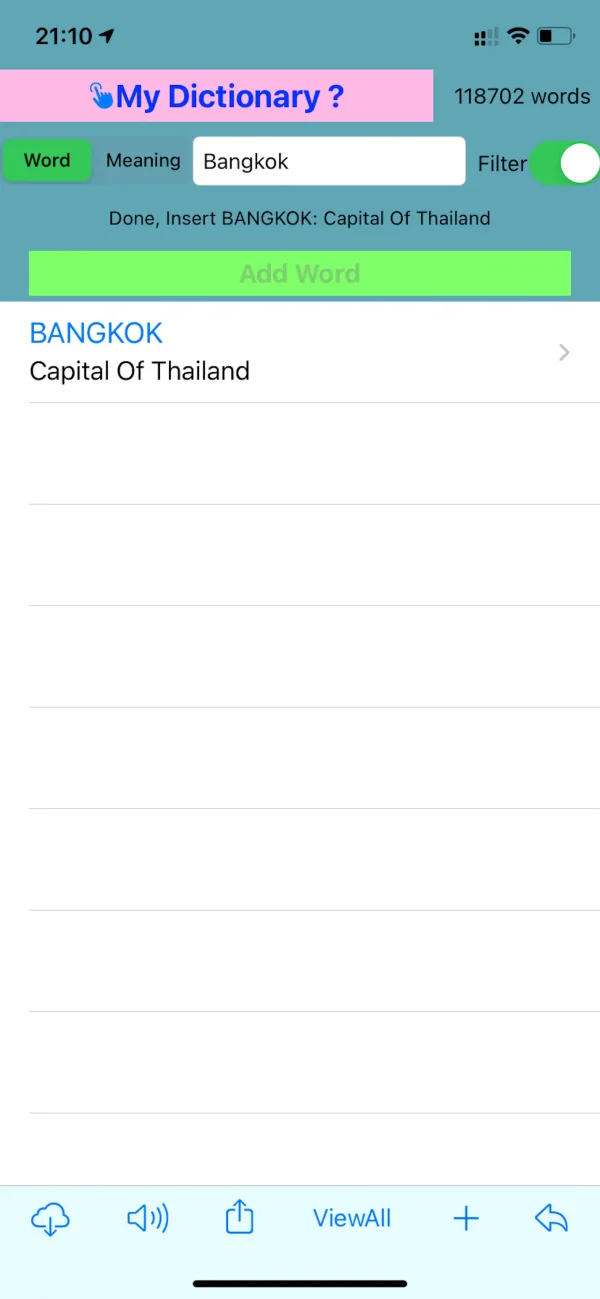
-Tap Word button to view list of meanings.
-Tap Meaning button to view list of words.
-All in one custom incremental dictionary in a single search in multiple languages:
Thai-Eng
Eng-Thai
Eng-Eng
Thai-Any
Eng-Any
Any-Any
-It is all-in-one multi-languages dictionary.
-It is suitable for quickly retrieve the word meaning.
-Type in the word then search for meaning or type in the meaning and search for word, just toggle the segmented control key-value button.
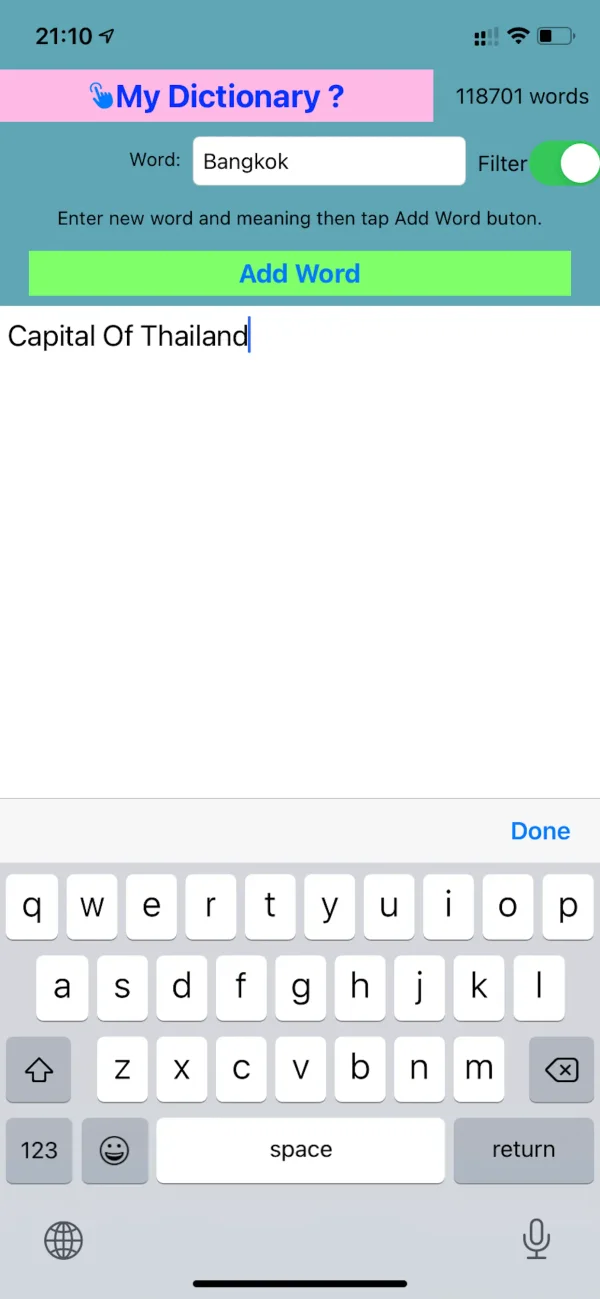
-You can add or edit any word in any languages you like into existing word.
-You can also create new word in your own language.
-Moreover, You can can create anything, objects, human, animal, nature, social, tech, stars, whatever in key-value pair and incorporate into existing dictionary.
Incremental dictionary will grow from time to time, but does not block any search performance due to extraordinary hash function.
-You can import dictionary in whatever language you like and merge with existing dictionary.
Format of dictionary is Key::Value, one line per word, e.g. word::meaning
next word::next meaning
Each word, the token needed are :: and a newline (\n).
Save dictionary into text file, upload to Google Drive or iCloud, Then open app and choose Import button to import dictionary file.
-Hash key or value search.
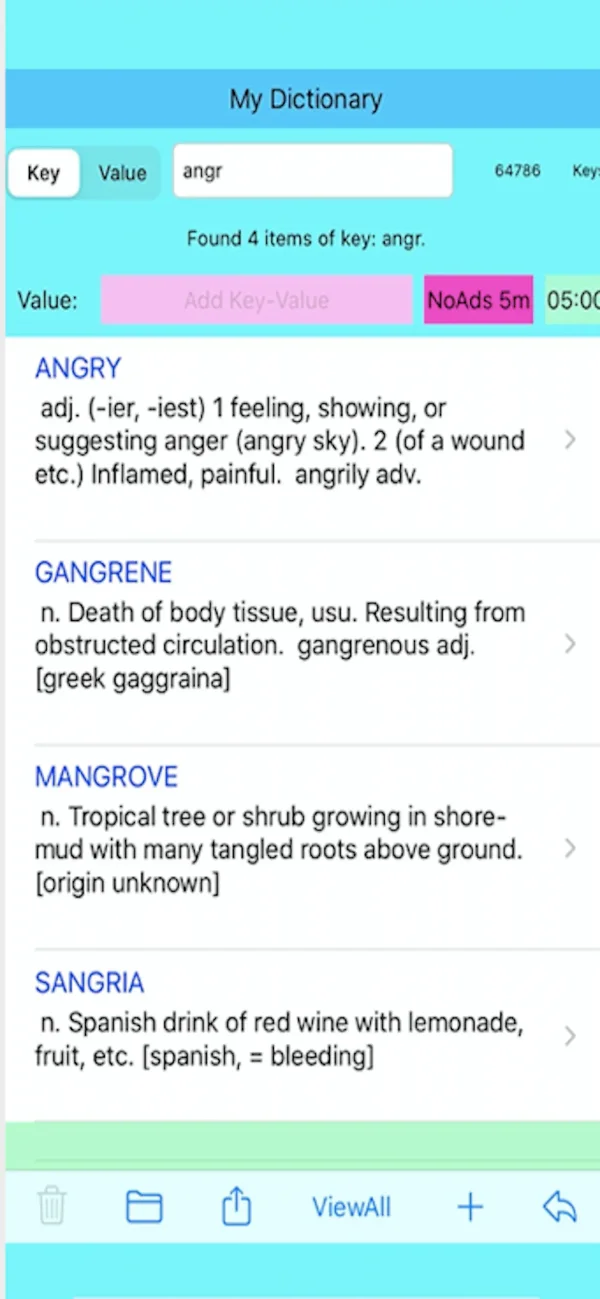
-Filter partial first n char key search.
-Filter partial anywhere value search.
-Segmented toggle key and value search.
-fix word pronounciation
-Built-in 118,xxx words dictionary.
contains 36,xxx words of oxford English-English dictionary.
contains 40,xxx words of Thai-English dictionary.
contains 40,xxx Eng-Thai words.
contains 1xx words of country-capital dictionary, e.g. Thailand::Bangkok
contains 1xx words of wonder-country dictionary, e.g. Stonehenge::England
-User can adds new word at will.
Add your own custom language of English translation into existing dictionary.
Unlimited incremental user-defined dictionary.
Faster display in table view.
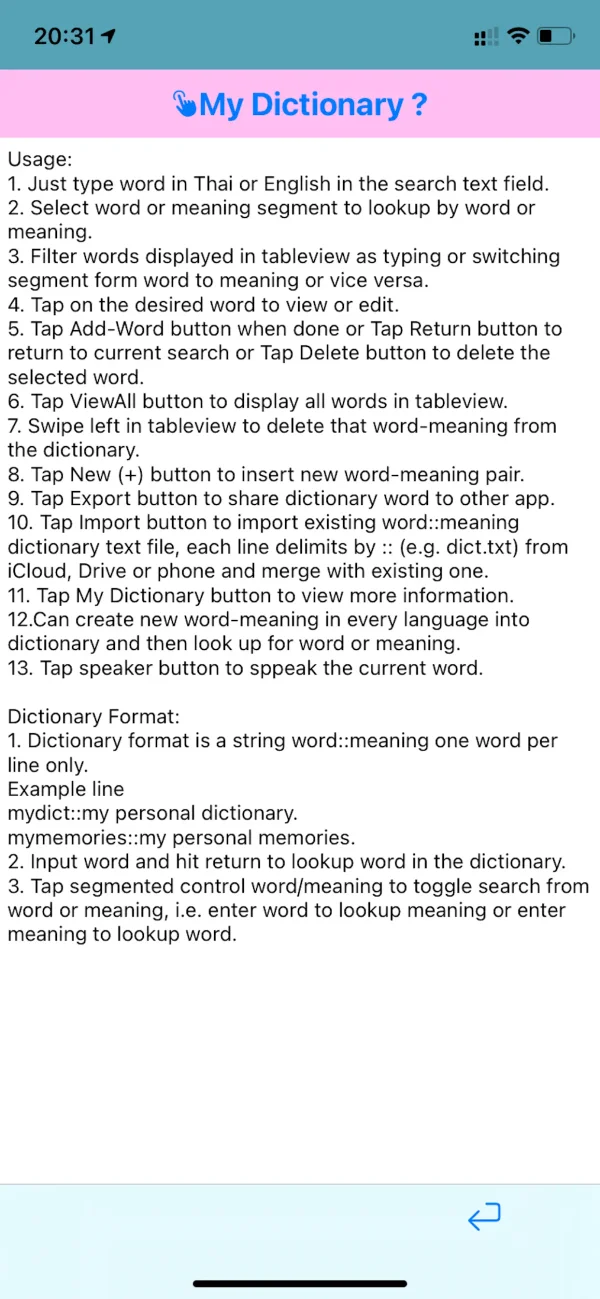
Usage:
1. Just type word in Thai or English in the search text field.
2. Select word or meaning segment to lookup by word or meaning.
3. Filter words displayed in tableview as typing or switching segment from word to meaning or vice versa.
4. In Tableview, Tap on the desired word to view or edit in Textview.
5. Tap Add Word button to save.
6. Double tap any word in Textview to look up.
7. Tap Back button to return to previous word search.
8. Tap ViewAll button to display all words in tableview.
9. Swipe left in tableview to delete that word-meaning from the dictionary.
10. Tap New (+) button to insert new word-meaning pair.
11. Tap Export button to share dictionary word to other app.
12. Tap Import button to import existing word::meaning dictionary text file, each line delimits by :: (e.g. dict.txt) from iCloud, Drive or phone and merge with existing one.
13. Tap My Dictionary? button to view more information.
14.Can create new word-meaning in every language into dictionary and then look up for word or meaning.
15. Tap speaker button to pronounce the current word.
Your Wisdom, Your knowledge, Your things
Your Personal custom dictionary
Store anything you like to remember
good for student to note anything and retrieve anytime
good for people to store things to remember
- create custom dict of any key-value pairs as many as needed
- quickly retrieve dict using partial key or value search
- build what need, get what build
-toggle key/value segment to choose where to search
-enter keyword in textfield to search
Gain Wisdom through Personal Dictionary application,
All in one custom incremental dictionary in a single search in multiple languages.
Yang baru
Versi 1.70 · 8/12/2024
improve user experiences.
bugs fixed.
Privasi aplikasi
Yang dinyatakan Mudarmeen Munlin di App Store tentang cara aplikasi ini menangani data.
-
Data yang digunakan untuk melacak Anda
Dapat digunakan untuk melacak Anda di aplikasi dan situs web milik perusahaan lain.
- Data penggunaan
-
Data yang tidak ditautkan dengan Anda
Dapat dikumpulkan, tetapi tidak ditautkan dengan identitas Anda.
- Data penggunaan
Praktik privasi dapat bervariasi, misalnya berdasarkan fitur yang Anda gunakan atau usia Anda.
Informasi
- Penjual
- Mudarmeen Munlin
- Kategori
- Perjalanan
- Versi
- 1.70
- Diperbarui
- 8/12/2024
- Dirilis
- 22/9/2018
- Ukuran
- 12,7 MB
- Memerlukan
- iOS 15.6 atau yang lebih baru
- Batasan usia
- 4+
- Harga
- Gratis
- Bahasa
- Inggris
- Hak cipta
- © 2020. mnet50.com
Mungkin Anda juga suka
-
 OBD TrackingPerjalanan
-
 NJ Car ServicesPerjalanan
-
 Freight FinderNavigasi
-
 Ko Samui Perjalanan WisataKota Peta Perbelanjaan Tur
-
 ezTransit Philadelphia SEPTAPerjalanan
-
 CMUNavigasi
-
 Learn Thai Phrases For TravelPerjalanan
-
 Kutaisi TransportNavigasi
-
 BeenEverywhere: Travel MapPerjalanan
-
 Bashundhara Green CityPerjalanan