Map Notes
Draw On Map
Dirancang untuk iPhone, iPad
Gratis · Pembelian dalam aplikasi
- Batasan usia4+
- KategoriNavigasi
- PengembangZhuoyao lu
- BahasaInggris
- Ukuran289,7 MB
Tertaut ke halaman resmi App Store
Download.org tidak menyimpan file Map Notes apa pun. Tombol ini membuka halaman aplikasi di App Store, tempat Zhuoyao lu menerbitkannya. Halaman terakhir diperiksa pada 18/11/2026.
Tangkapan layar

Tentang
Pengembang belum menyediakan teks ini dalam bahasa Anda.
Map Notes: Your Personalized Cartography & Travel Planner
"Map Notes" is your ultimate companion for personalized mapping and travel planning. With its intuitive interface and powerful features, Map Notes allows you to effortlessly mark your favorite spots, plan your adventures, and customize your maps like never before.
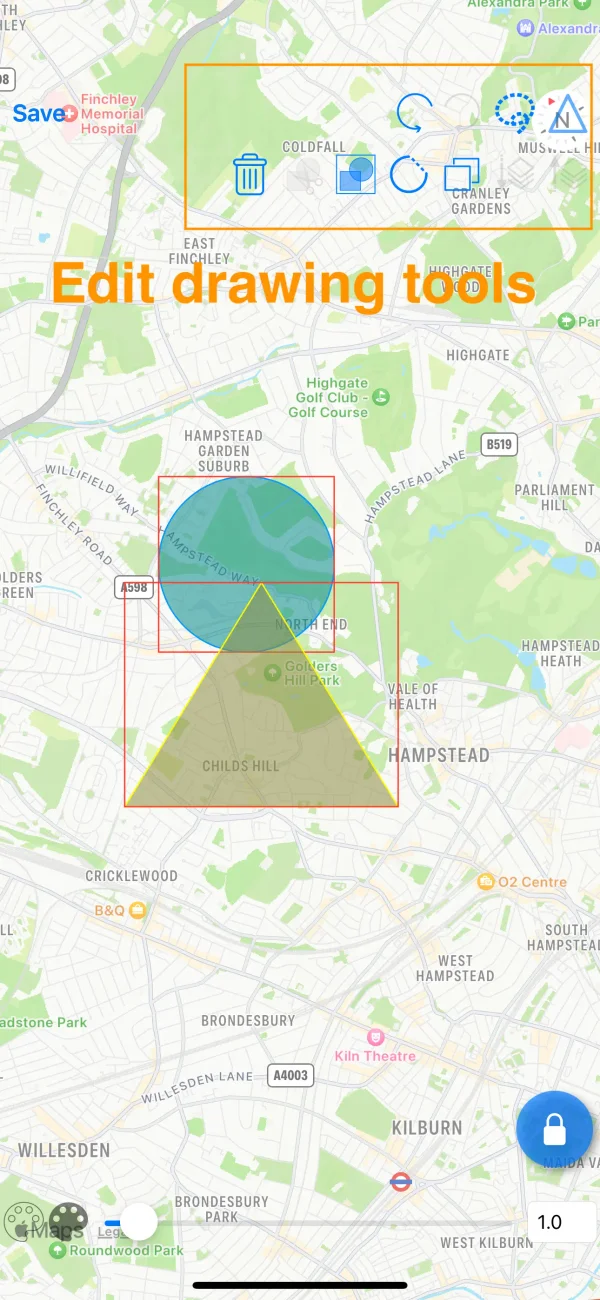
Draw Directly on the Map:
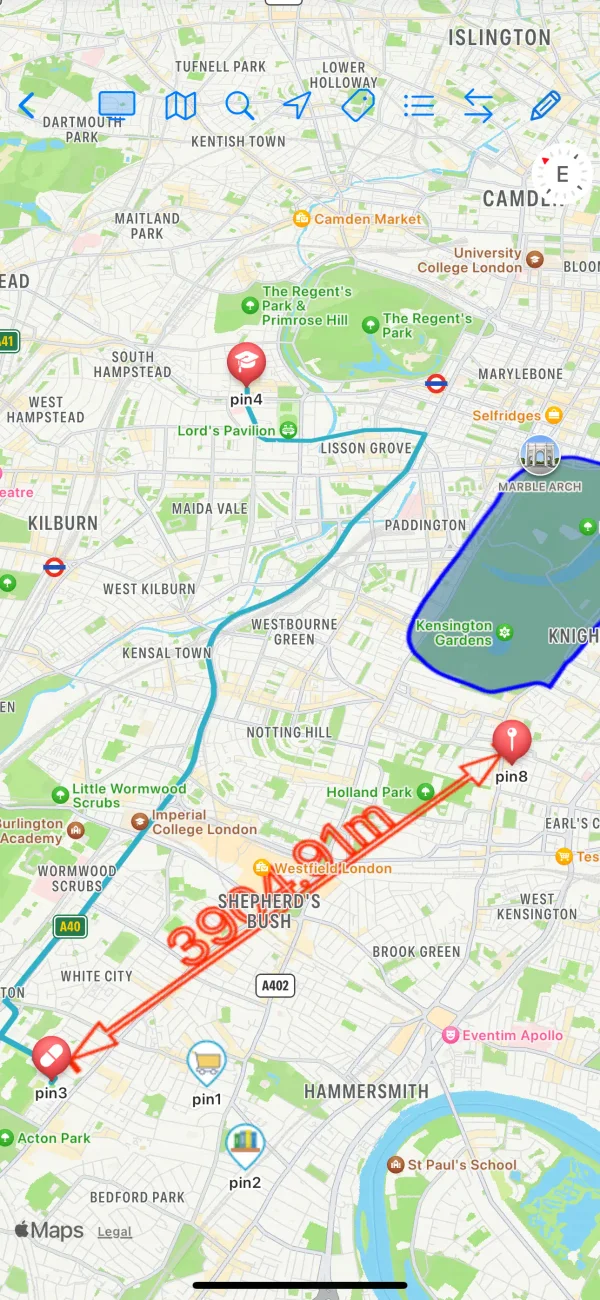
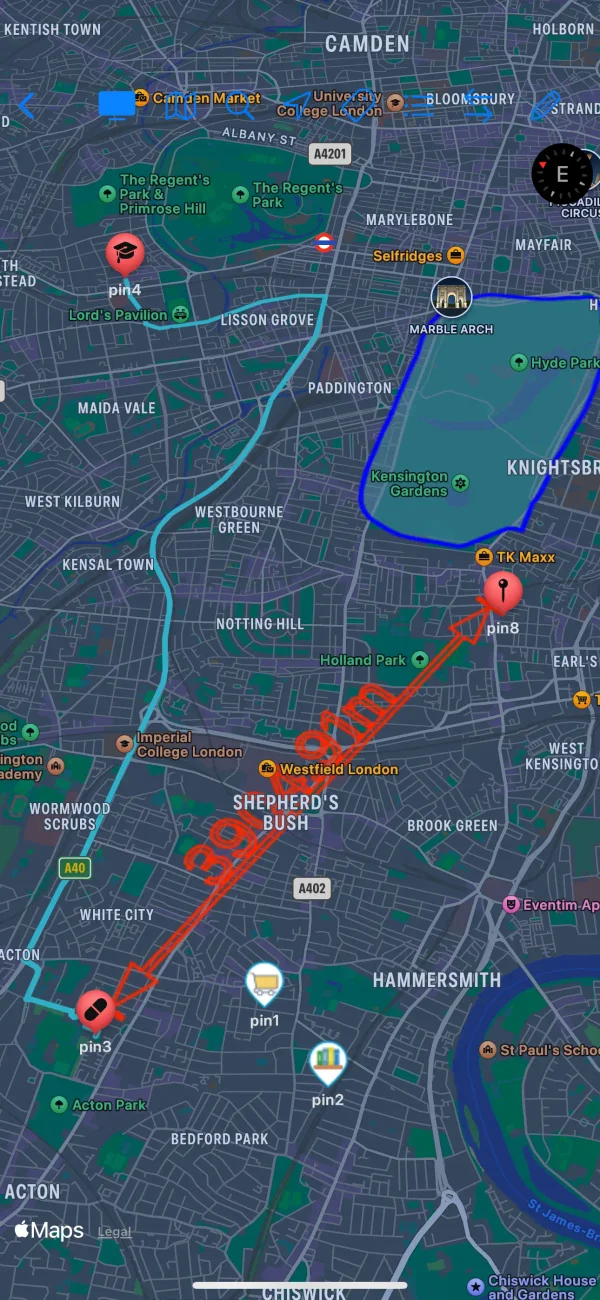
Let your creativity flow as you draw directly onto the map. Whether it's highlighting a hiking trail, sketching out a scenic route, or simply doodling landmarks, Map Notes gives you the freedom to express yourself visually. Your drawing will stick to the map and become part of it, moving, rotating, and scaling along with the map itself.
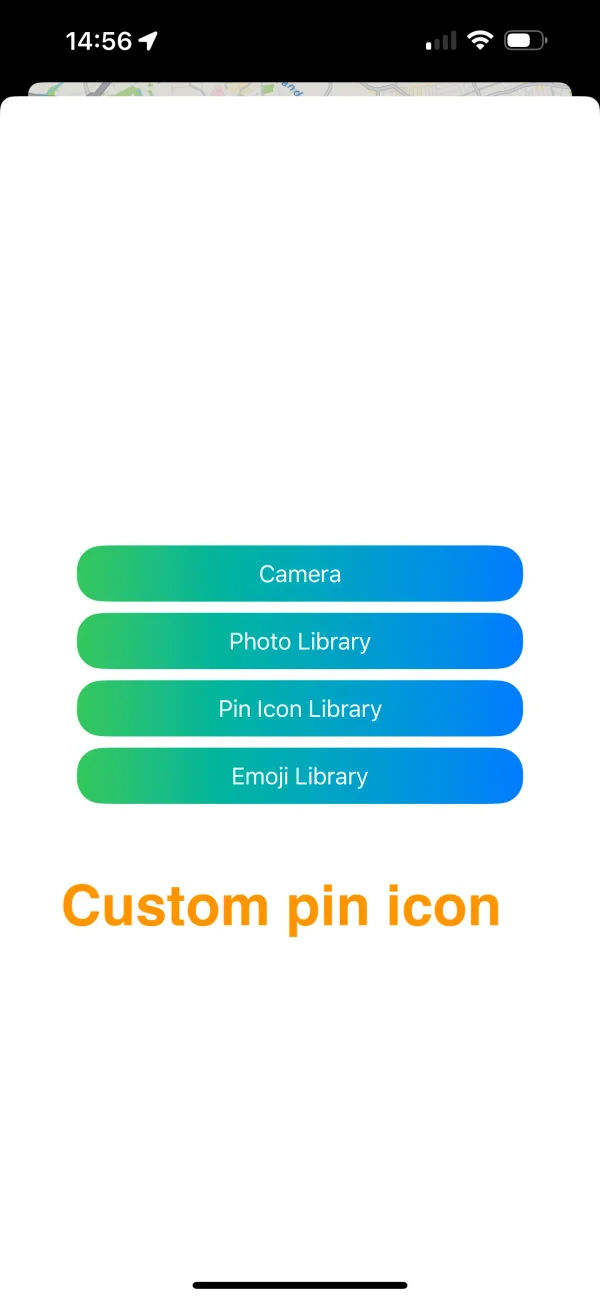
Create Pins with Custom Icons:
Make your map truly your own by creating pins with custom icons. Whether it's a favorite restaurant, a hidden gem, or a must-see attraction, personalize your pins to reflect your unique interests and preferences.
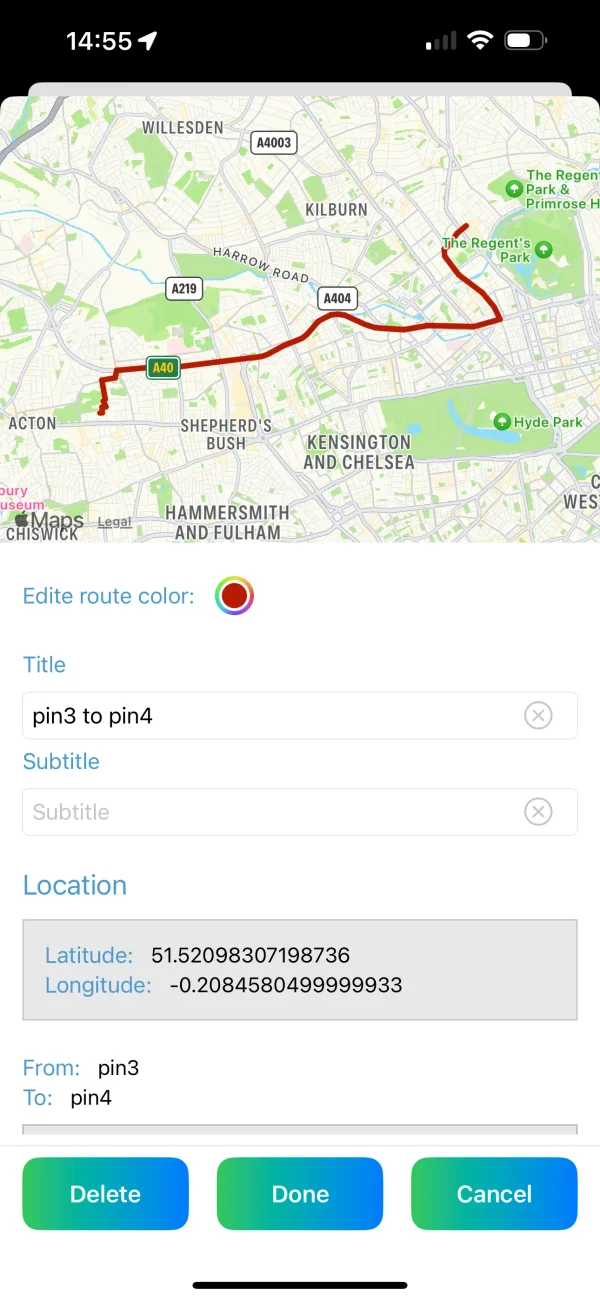
Calculate Directions and Customise Colours:
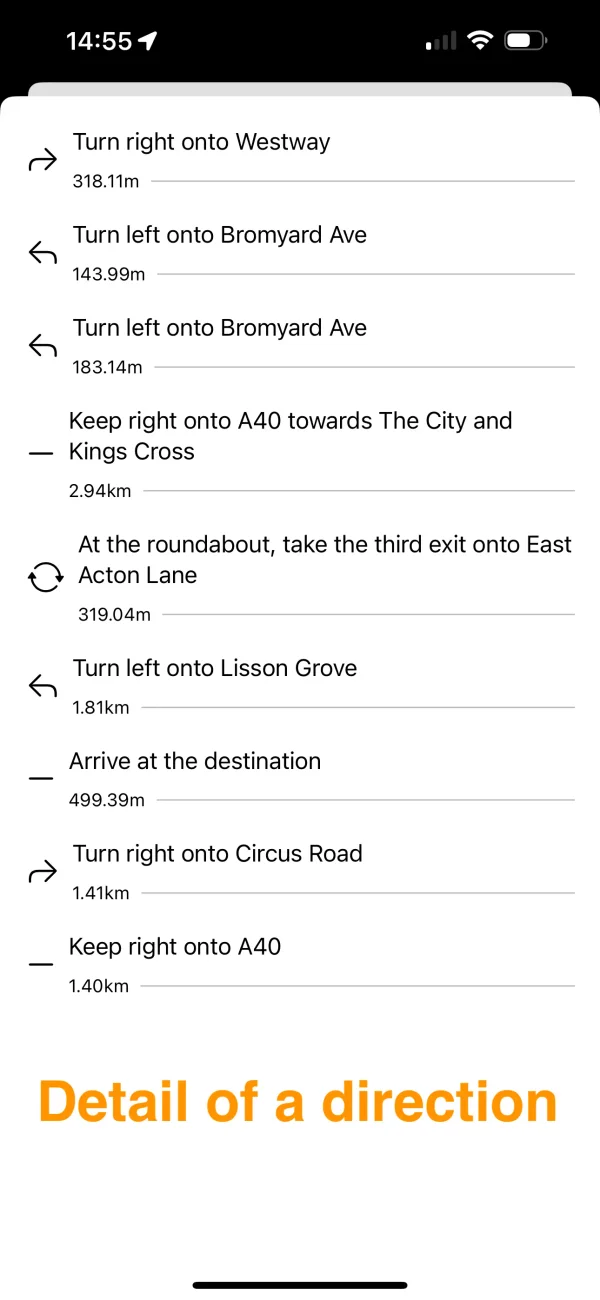
Seamlessly plan your journeys with Map Notes' direction calculation feature. Simply pick your starting and ending locations, and let the app generate the optimal route for you. Plus, you can customize the color of your directions to enhance visibility.
Convert Drawings to Navigable Paths:
Bridge the gap between creativity and utility. Draw a rough path on the map, and Map Notes can automatically convert your sketch into a formal, snap-to-road direction path. Once converted, save it directly to your map to keep your custom routes ready for your next adventure.
Save Annotations as Part of the Map:
Your annotations aren't just temporary markings – they become integral parts of your map. Watch as your drawings, pins, and directions seamlessly rotate, scale, and move along with the map, ensuring that your personalized annotations are always in sync with your location.
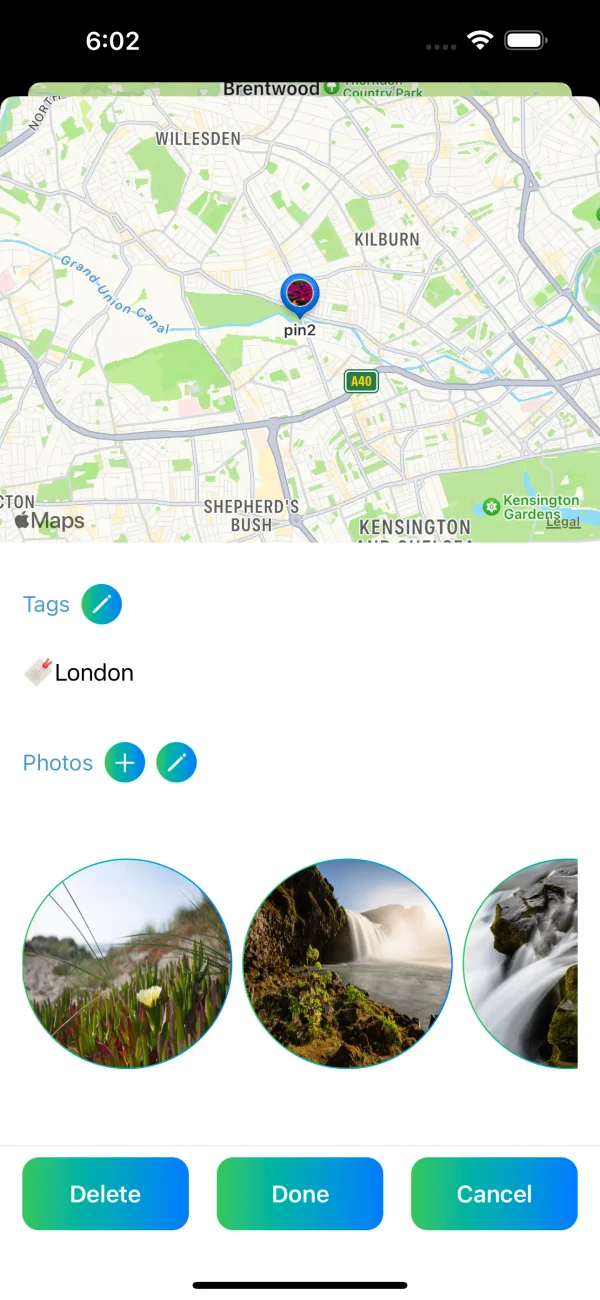
Attach Tags, Information, and Photos:
Add depth and context to your annotations by attaching tags, information, and photos. Whether it's adding notes about opening hours, descriptions of landmarks, or snapshots of memorable moments, Map Notes lets you enrich your map with meaningful details.
Sync Across Devices with iCloud:
Your work is automatically saved to your iCloud account, ensuring seamless syncing across all your devices. Whether you're using your iPhone or iPad, access your maps and annotations anytime, anywhere, with the convenience of iCloud syncing.
EULA: https://www.apple.com/legal/internet-services/itunes/dev/stdeula/
Privacy Policy: https://developer.apple.com/help/app-store-connect/manage-app-information/manage-app-privacy/
Yang baru
Versi 6.2 · 7/7/2026
Bugs fixed.
Privasi aplikasi
Yang dinyatakan Zhuoyao lu di App Store tentang cara aplikasi ini menangani data.
-
Data tidak dikumpulkan
Pengembang tidak mengumpulkan data apa pun dari aplikasi ini.
Praktik privasi dapat bervariasi, misalnya berdasarkan fitur yang Anda gunakan atau usia Anda.
Informasi
- Penjual
- Zhuoyao lu
- Kategori
- Navigasi
- Versi
- 6.2
- Diperbarui
- 7/7/2026
- Dirilis
- 26/4/2023
- Ukuran
- 289,7 MB
- Memerlukan
- iOS 16.4 atau yang lebih baru
- Batasan usia
- 4+
- Harga
- Gratis
- Pembelian dalam aplikasi
- Ya
- Bahasa
- Inggris
- Hak cipta
- © @lzy.TYDigital