
Map Parser: Route Export
Parse your Map routes
Dirancang untuk iPhone, iPad, iPod touch
Gratis
- Batasan usia4+
- KategoriPerjalanan
- PengembangChangzhi Ai
- BahasaInggris
- Ukuran14,4 MB
Tertaut ke halaman resmi App Store
Download.org tidak menyimpan file Map Parser: Route Export apa pun. Tombol ini membuka halaman aplikasi di App Store, tempat Changzhi Ai menerbitkannya. Halaman terakhir diperiksa pada 16/11/2026.
Tangkapan layar

Tentang
Pengembang belum menyediakan teks ini dalam bahasa Anda.
Effortlessly parse Google Maps directions into CSV and KML files. Save your trips, visualize routes on OpenStreetMap or Google Maps, and organize your travel itineraries. Perfect for digital nomads, travel planners, and explorers who need their data everywhere.
Stop struggling with manual data entry from Google Maps. MapParser is the most efficient way to extract location data from Google Maps directions and turn it into actionable files for your favorite travel tools.
STUNNING FEATURES:
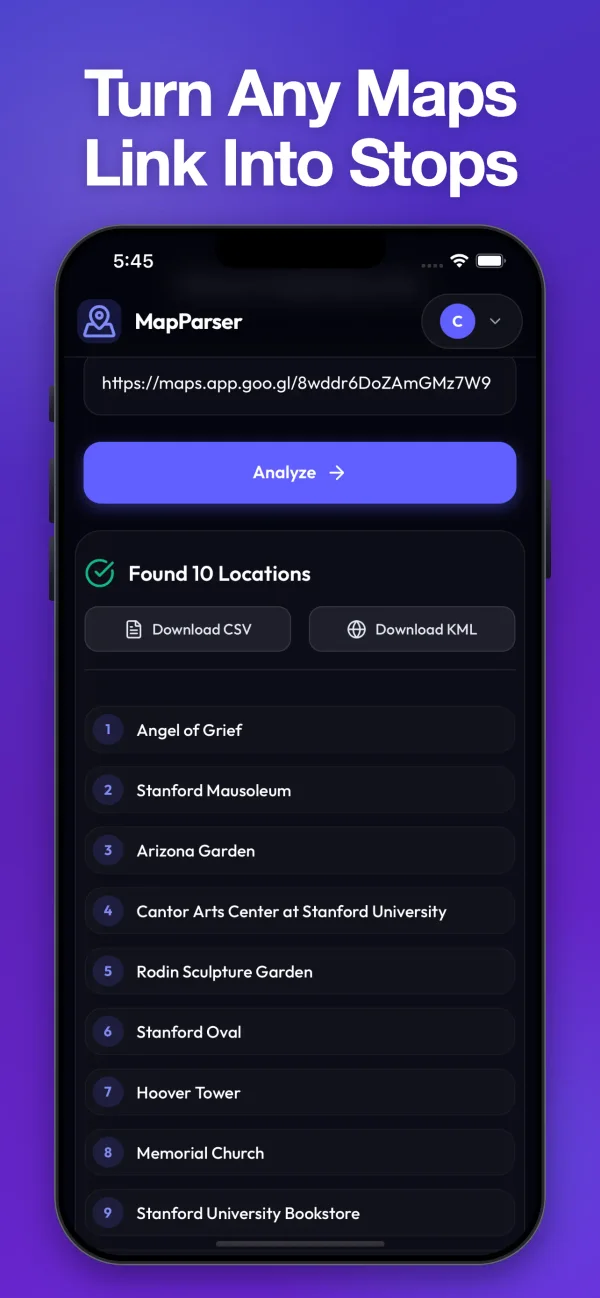
- Instant Parsing: Copy and paste your Google Maps directions link, full or short (maps.app.goo.gl), and let MapParser extract every stop, coordinate, and detail instantly.
- Export to CSV & KML: Perfect for importing into Excel, Google Sheets, or advanced GIS software.
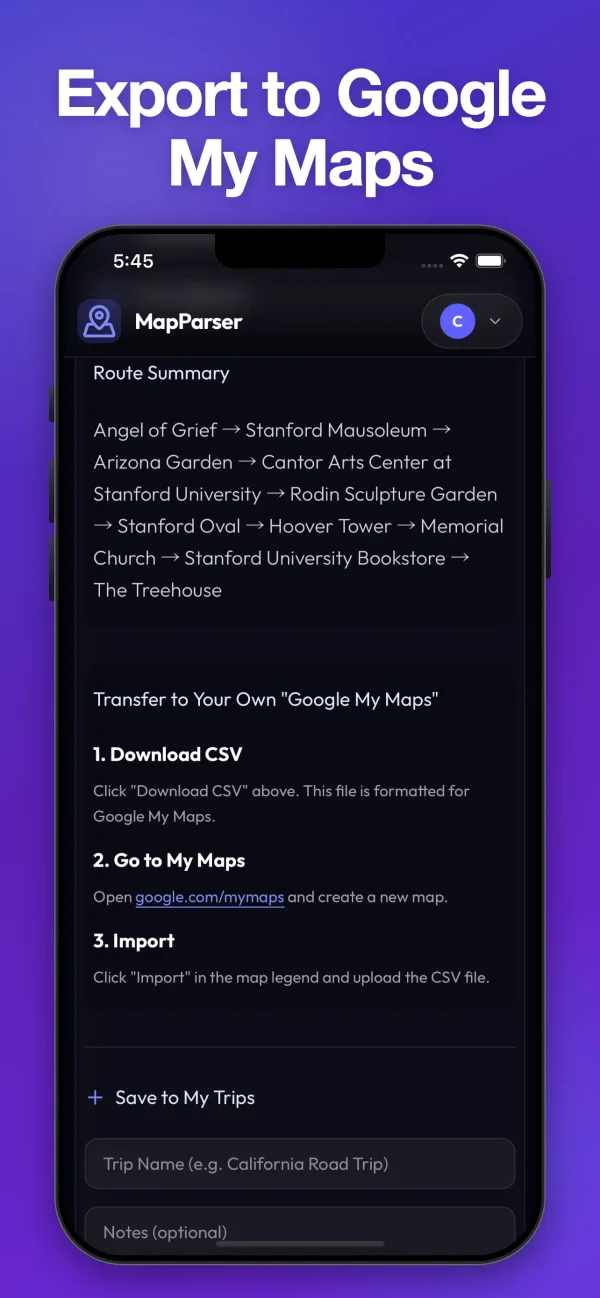
- Google My Maps Ready: The CSV is formatted for Google My Maps, with step-by-step import instructions built into the app. KML opens in Google Earth and other mapping apps.
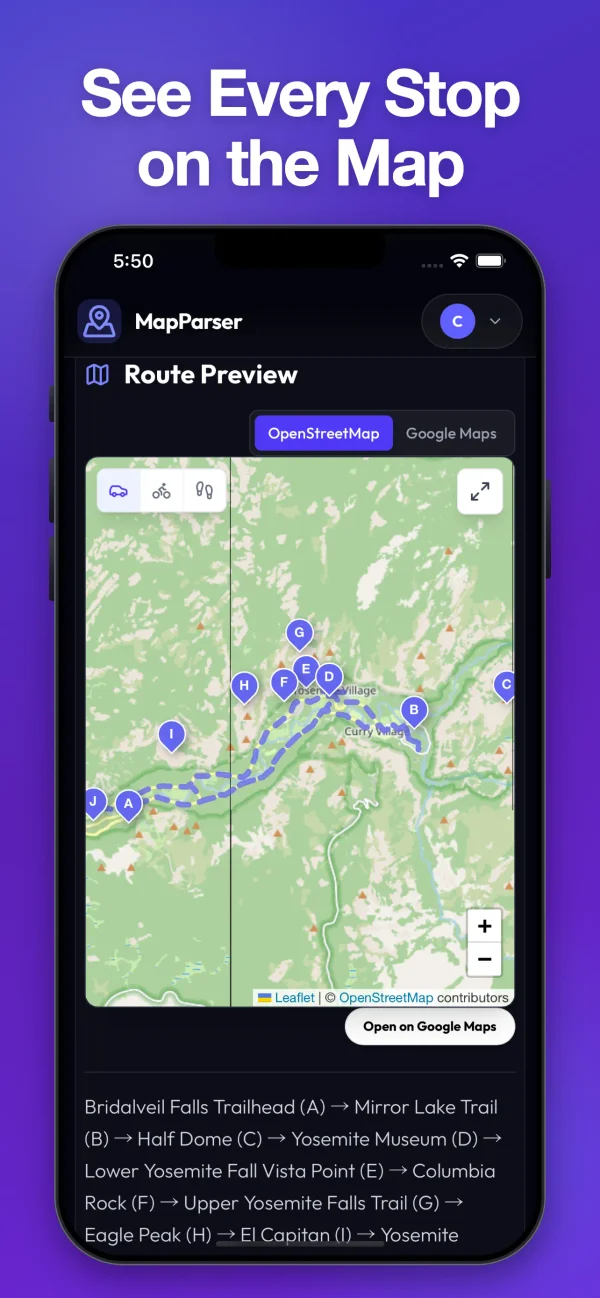
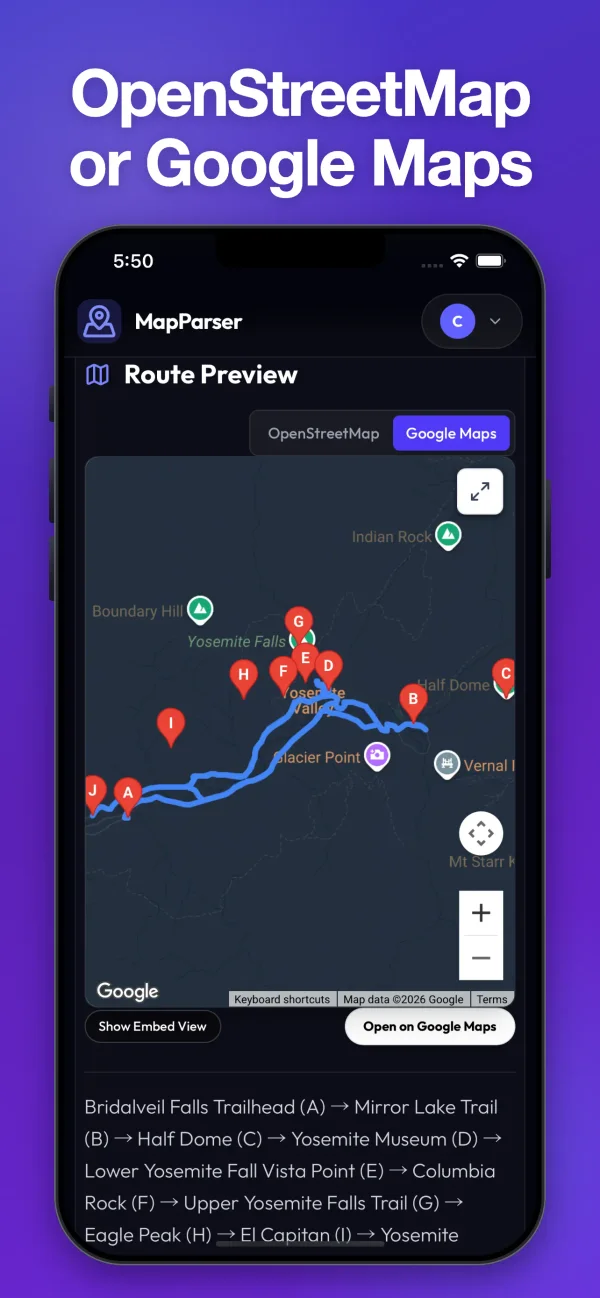
- Visualizer: See your routes come to life on OpenStreetMap or Google Maps directly within the app, with every stop labelled A, B, C.
- One-Tap Copy: Copy the full route as text, or the full route link to share it anywhere.
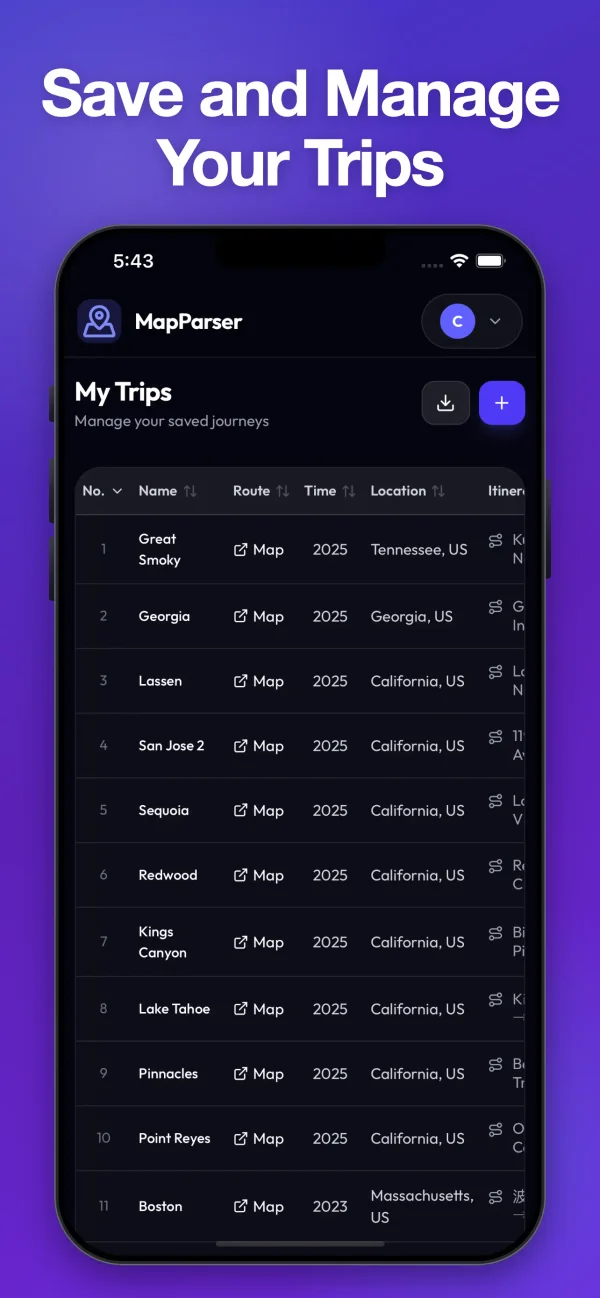
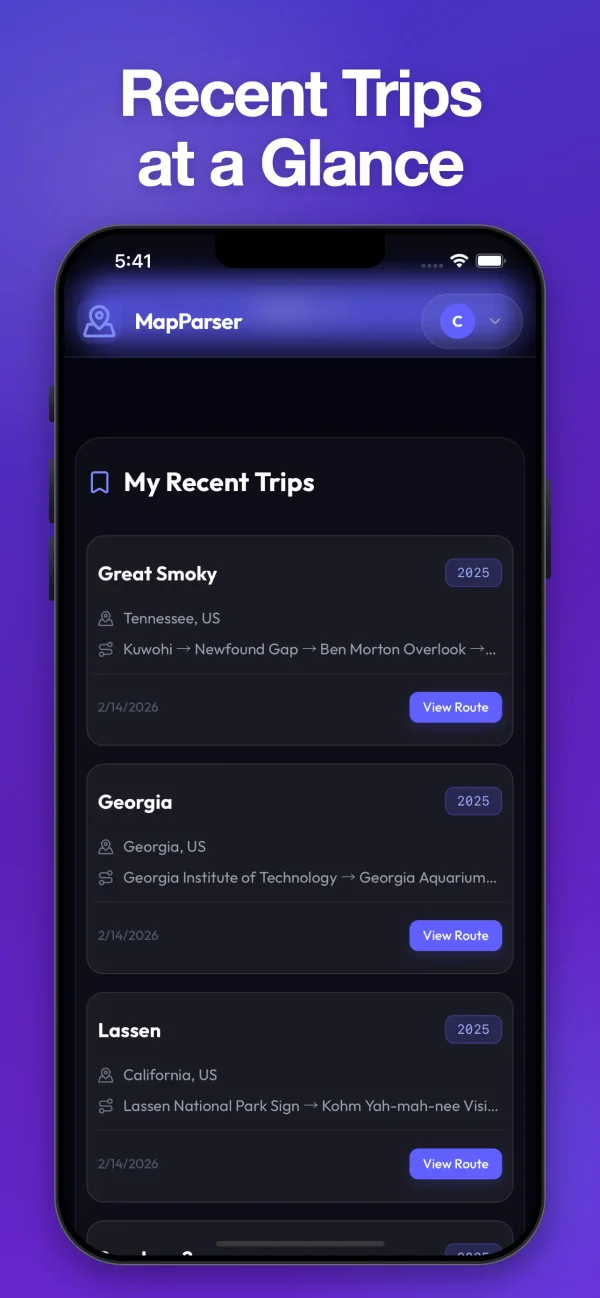
- Trip History: Save and organize your past parsed routes, with a name and notes, for quick access later.
- Cloud Syncing: Securely log in with Apple, Google, or email to keep your travel itineraries synced across all your devices and the web.
WHO IS IT FOR?
Digital Nomads: Organize complex overland trips.
Travel Agents: Build structured itineraries for clients.
Road Trippers: Keep a clean record of every stop along the way.
Data Enthusiasts: Cleanly export location data for mapping projects.
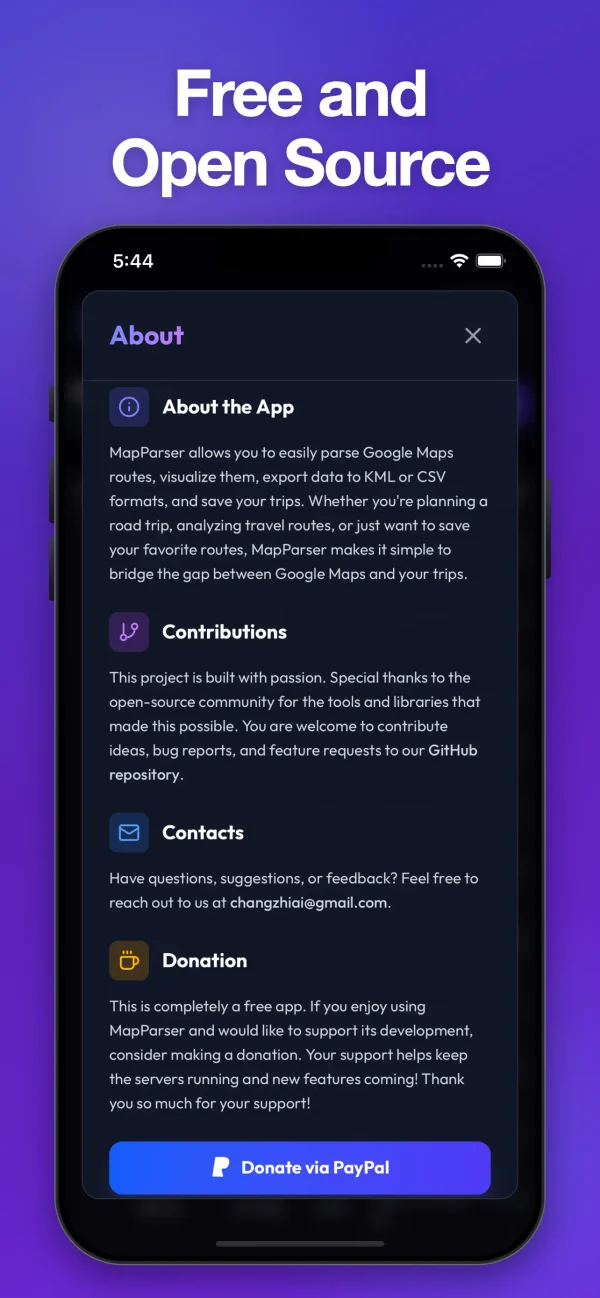
Free and open source, with no limits on routes or stops.
Simplify your travel planning today with MapParser. Learn more at mapparser.travel-tracker.org.
Yang baru
Versi 1.0.4 · 28/9/2026
Version 1.0.4 makes it easier to take your route with you.
COPY YOUR ROUTE
- The Route Preview now shows the full route as text, with a copy button.
- The full route link is shown underneath, also with a copy button, so you can paste it straight into a browser or a message.
FIXES
- Open on Google Maps now works when you paste only the short link code.
- Sign-in and your profile now open as full pages instead of pop-ups, so they are easier to use on small screens.
Thank you for using MapParser. Questions or ideas? Visit mapparser.travel-tracker.org.
Privasi aplikasi
Yang dinyatakan Changzhi Ai di App Store tentang cara aplikasi ini menangani data.
-
Data yang tidak ditautkan dengan Anda
Dapat dikumpulkan, tetapi tidak ditautkan dengan identitas Anda.
- Info kontak
Praktik privasi dapat bervariasi, misalnya berdasarkan fitur yang Anda gunakan atau usia Anda.
Informasi
- Penjual
- Changzhi Ai
- Kategori
- Perjalanan
- Versi
- 1.0.4
- Diperbarui
- 28/9/2026
- Dirilis
- 3/3/2026
- Ukuran
- 14,4 MB
- Memerlukan
- iOS 15.6 atau yang lebih baru
- Batasan usia
- 4+
- Harga
- Gratis
- Bahasa
- Inggris
- Hak cipta
- © Changzhi Ai
Mungkin Anda juga suka
-
 WMM 2025Navigasi
-
 Zeno Driver: Drive & EarnPerjalanan
-
 Landplot - GPS Field MappingNavigasi
-
 Scenra: Scenic Road TripsPerjalanan
-
 GEO Calc : CoordinatesNavigasi
-
 Map Switch: Map Link ConverterKonversi tautan & koordinat
-
 MagVarNavigasi
-
 PetaNetra: Navigasi TunaNetraNavigasi
-
 USA CamerasPerjalanan
-
 AkualisNavigasi