Mechanical Engineering Lab
Visual Learning Simulations
Dirancang untuk iPhone, iPad
Gratis · Pembelian dalam aplikasi
- Batasan usia4+
- KategoriPendidikan
- PengembangYuhsiu Lai
- BahasaInggris
- Ukuran198,8 MB
Tertaut ke halaman resmi App Store
Download.org tidak menyimpan file Mechanical Engineering Lab apa pun. Tombol ini membuka halaman aplikasi di App Store, tempat Yuhsiu Lai menerbitkannya. Halaman terakhir diperiksa pada 17/11/2026.
Tangkapan layar
Tentang
Pengembang belum menyediakan teks ini dalam bahasa Anda.
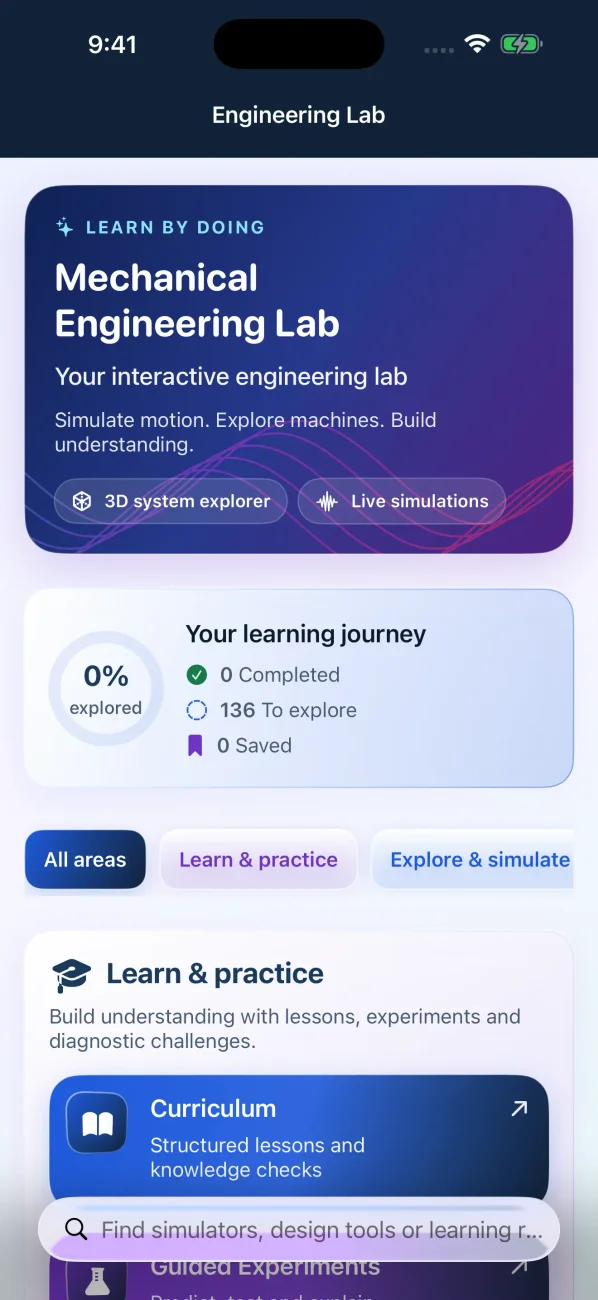
Turn mechanical engineering knowledge into practical understanding. Mechanical Engineering Lab combines structured learning, interactive simulations, design tools and detailed illustrations in one app for iPhone and iPad.
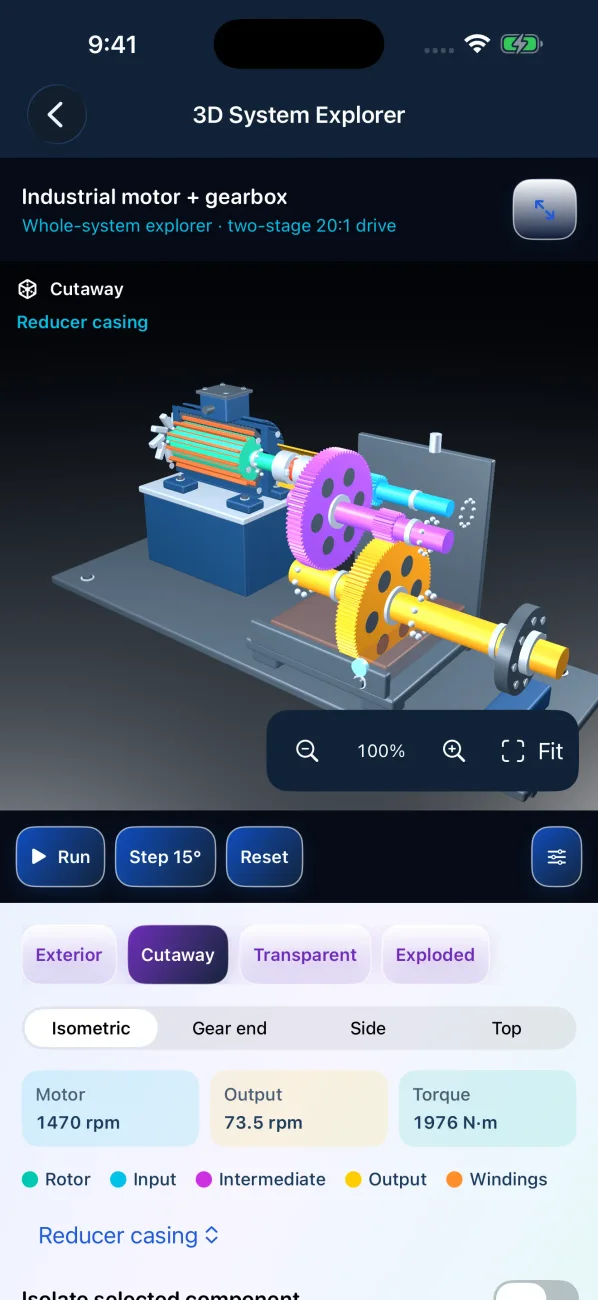
EXPLORE A COMPLETE MECHANICAL SYSTEM
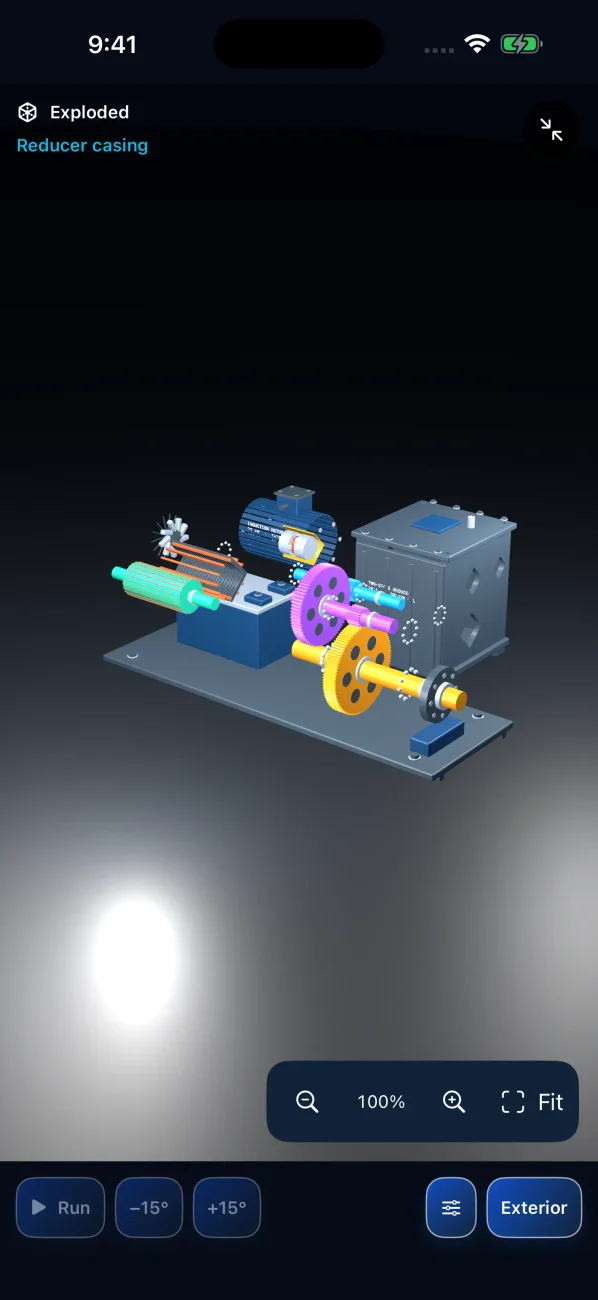
Inspect an industrial induction motor, coupling and two-stage gearbox in 3D. Orbit and zoom, select components, switch between exterior, cutaway, transparent and exploded views, and animate the drive. Adjust speed, load and gear-stage efficiency to explore their relationships.
LEARN THROUGH EXPERIMENTS
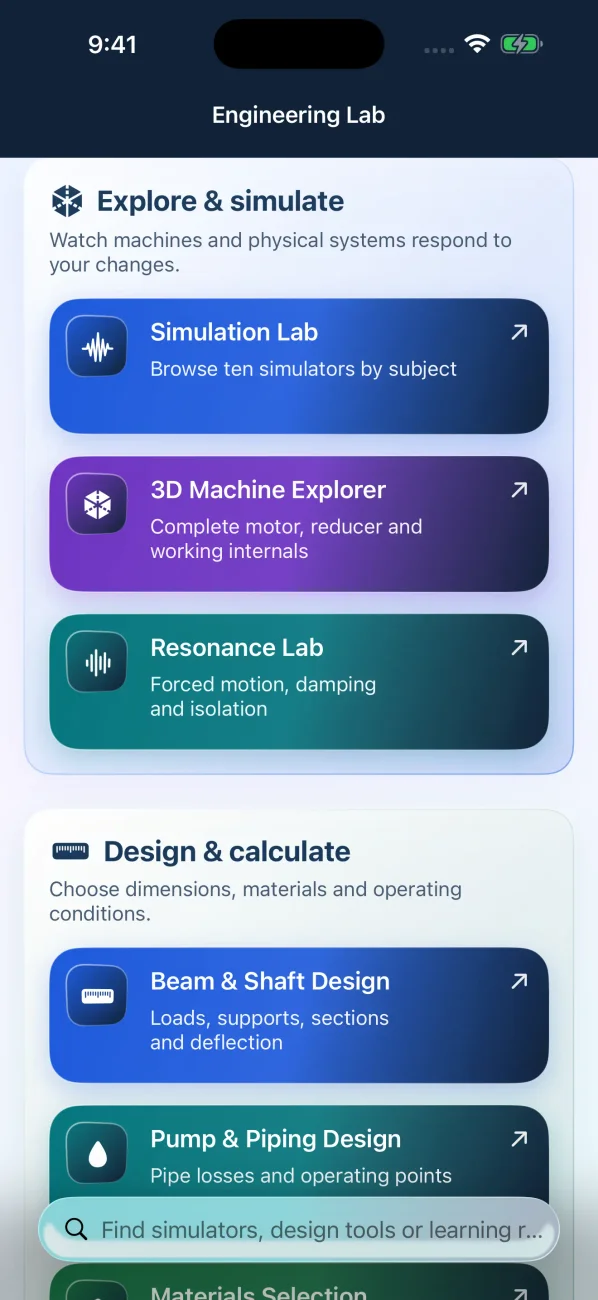
Use 10 simulators covering forces, stress and strain, beams, vibrations, thermodynamic cycles, fluid flow, gears, mechanisms and motor control. Guided experiments encourage you to predict, test and explain instead of simply moving sliders.
DESIGN AND INVESTIGATE
• Beam and shaft workbench: examine loading, reactions, stress, deflection and safety factor.
• Pump and piping simulator: explore system losses and pump operating points.
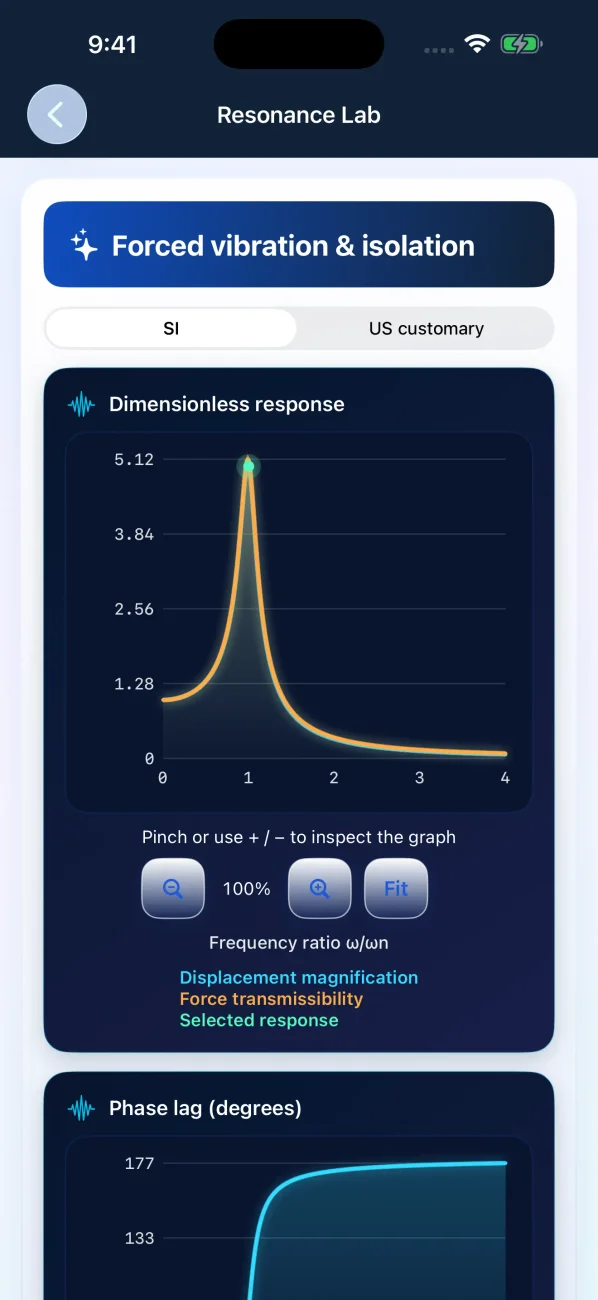
• Resonance lab: compare amplitude, phase and vibration isolation as frequency and damping change.
• Materials selection: compare engineering properties and design tradeoffs.
• Troubleshooting challenges: interpret measurements and diagnose mechanical problems with explanatory feedback.
BUILD YOUR FOUNDATIONS
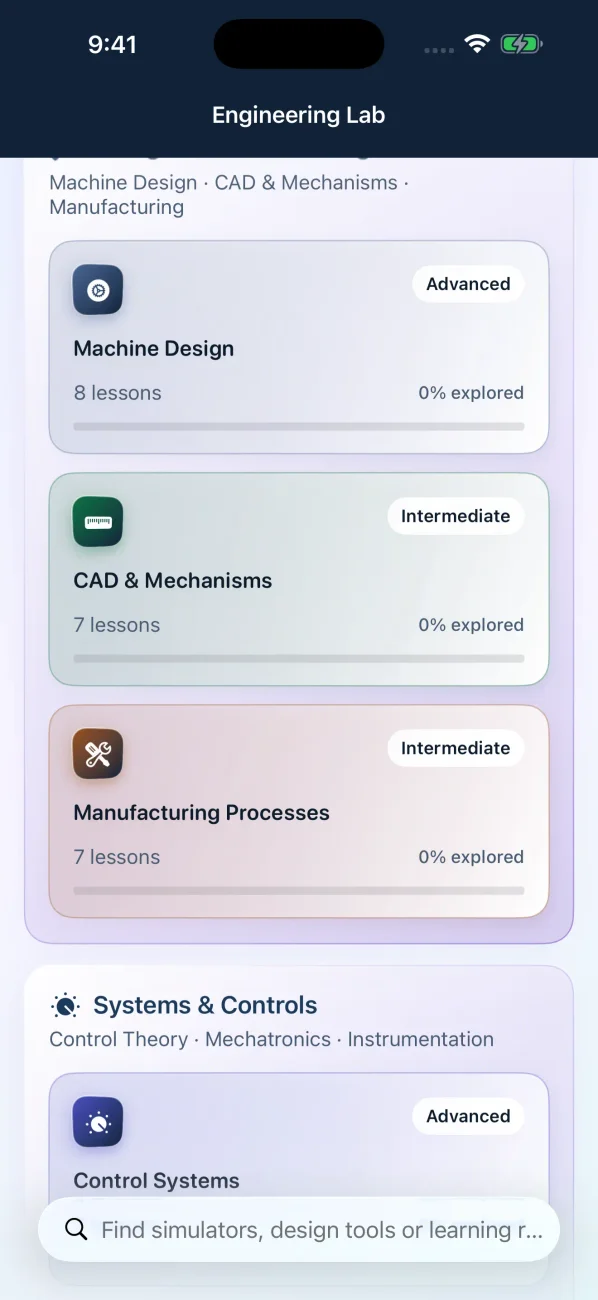
Study 136 lessons across 19 modules, from engineering mathematics, statics, dynamics and strength of materials to thermo-fluids, machine design, manufacturing, controls and applied domains. Lessons include explanations, worked examples and knowledge checks. Track your learning progress and save lessons for later.
STUDY 424 ILLUSTRATIONS
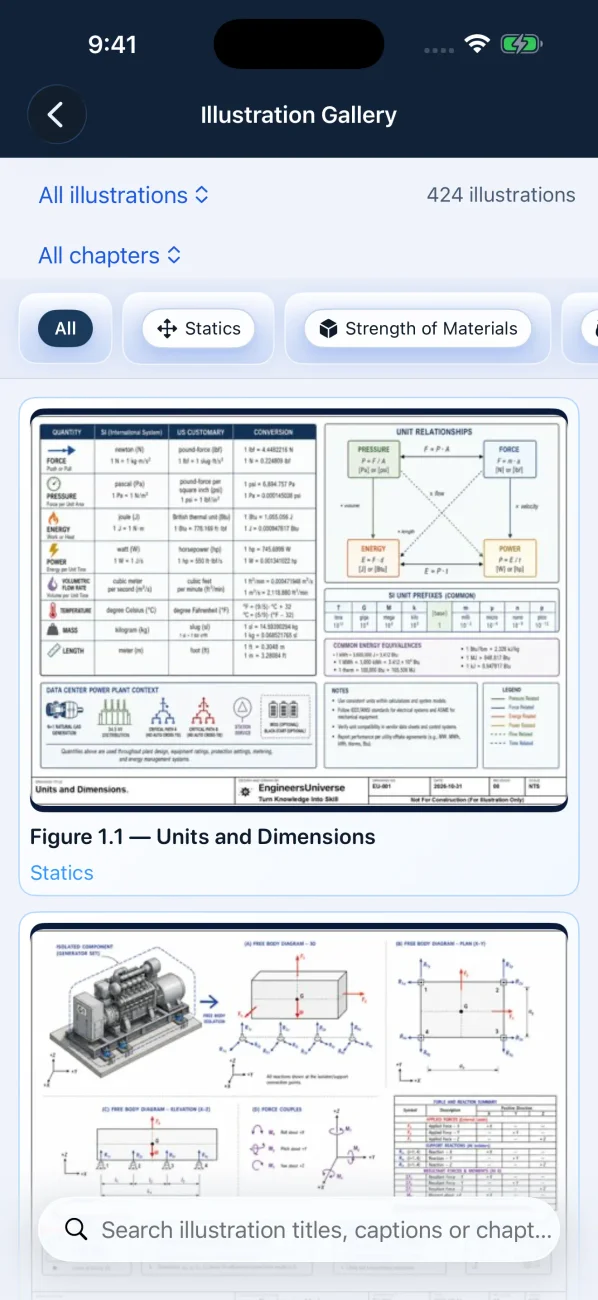
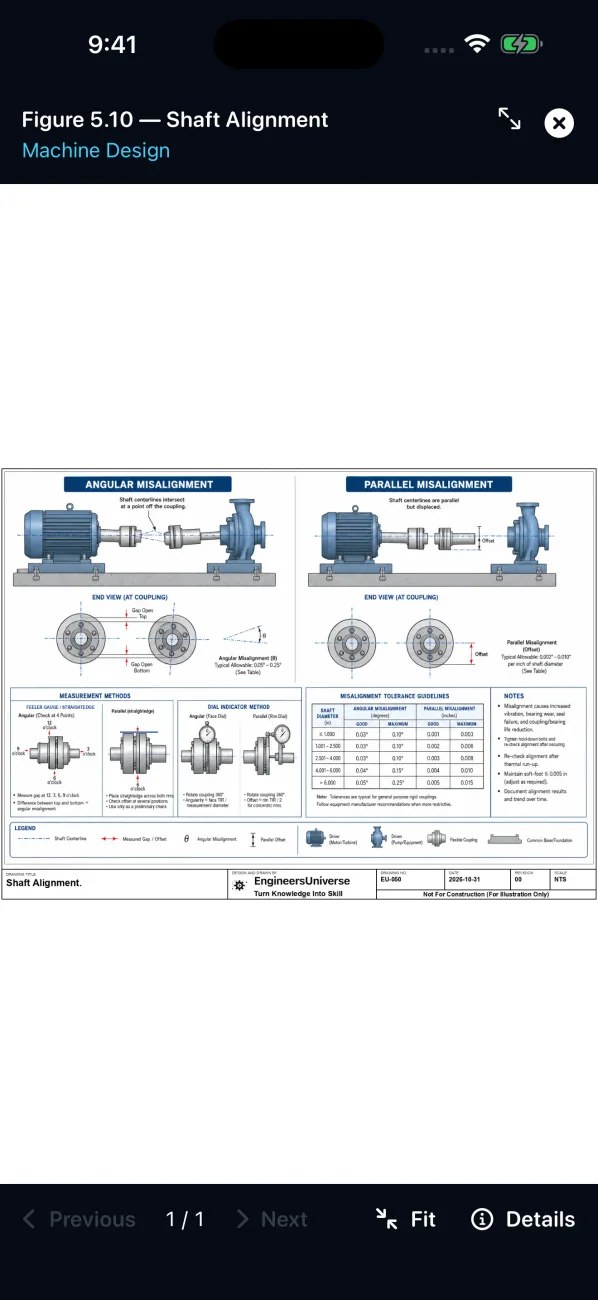
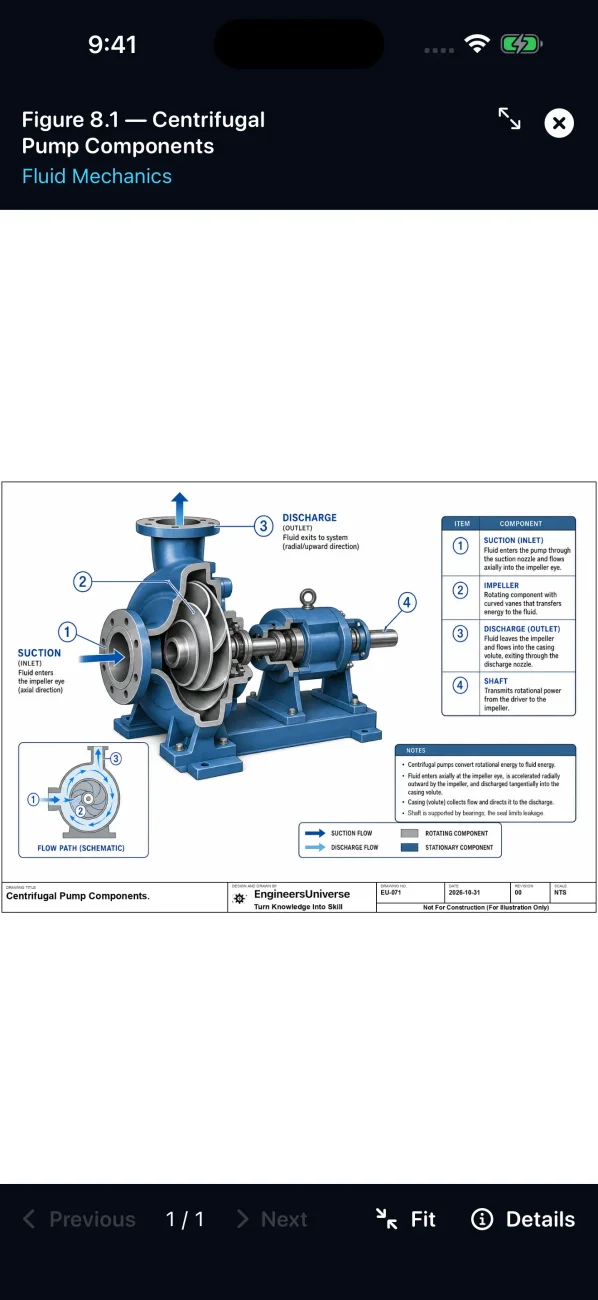
Browse engineering diagrams and embedded illustrations from two illustrated mechanical engineering books. Open drawings full-screen, pinch to zoom, pan and navigate through the collection. Search and filter to find the topic you need.
CONNECT THEORY WITH PRACTICE
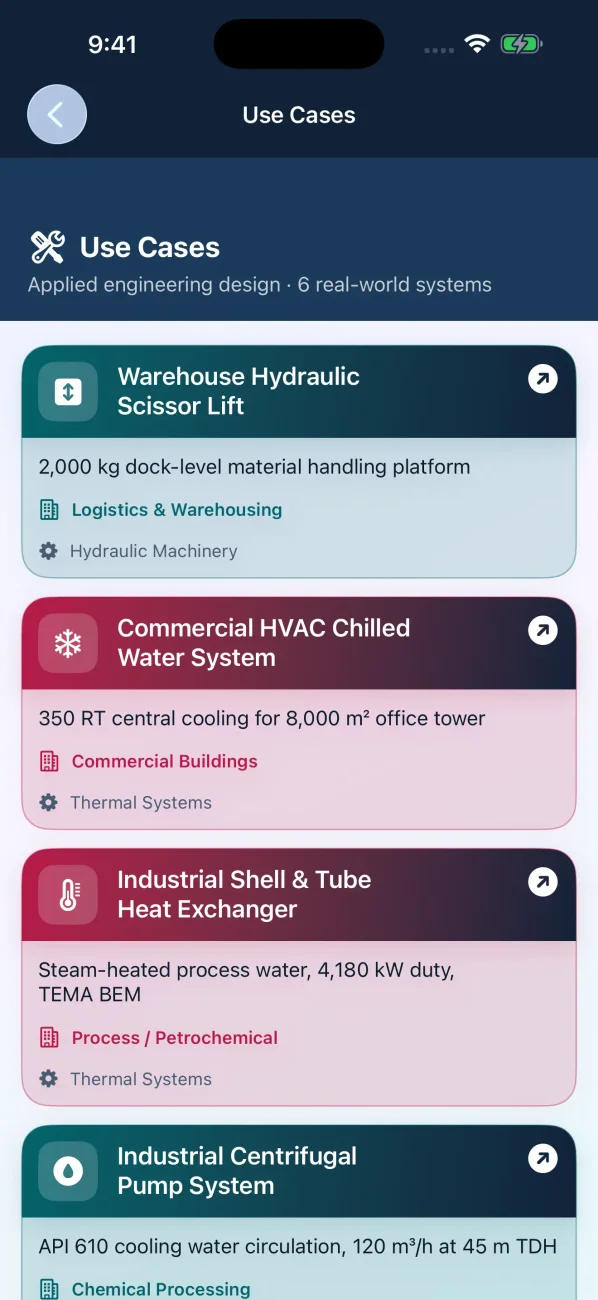
Follow six worked engineering projects and explore practical system use cases. Keep formulas and mechanical and thermal material properties close at hand with the Reference library and Materials Database.
CLEAR, COLORFUL AND EASY TO NAVIGATE
Organized learning areas, subject colors, adaptive text sizes and spacious controls help you find information and see how models respond.
ACCESS
Download free to preview the homepage. A one-time in-app purchase unlocks all lessons, tools, simulators, projects and illustrations. No subscription or account is required. Restore your unlock using the same Apple Account. Customers who purchased the earlier paid app retain access.
The simulations are educational models with stated assumptions. They support learning and comparison rather than replacing project-specific engineering analysis.
Yang baru
Versi 3.0 · 16/11/2026
Version 3.0 brings a larger, more interactive mechanical engineering learning experience.
• Whole-system 3D motor and gearbox explorer with internal components, animation, component selection, zoom, cutaway, transparent and exploded views.
• Expanded curriculum: 19 modules and 136 lessons with worked examples and knowledge checks.
• Guided experiments across the Simulation Lab.
• Beam and shaft design, pump and piping, resonance, materials selection and troubleshooting tools.
• Expanded gallery with 424 illustrations, full-screen viewing, zoom and previous/next navigation.
• Reorganized homepage and a new interactive learning guide.
• More colorful cards, screen-adaptive text and controls, clearer readouts and improved contrast.
• Free homepage preview with a one-time purchase to unlock all features. Existing paid customers retain access.
Privasi aplikasi
Yang dinyatakan Yuhsiu Lai di App Store tentang cara aplikasi ini menangani data.
-
Data tidak dikumpulkan
Pengembang tidak mengumpulkan data apa pun dari aplikasi ini.
Praktik privasi dapat bervariasi, misalnya berdasarkan fitur yang Anda gunakan atau usia Anda.
Informasi
- Penjual
- Yuhsiu Lai
- Kategori
- Pendidikan
- Versi
- 3.0
- Diperbarui
- 16/11/2026
- Dirilis
- 4/5/2026
- Ukuran
- 198,8 MB
- Memerlukan
- iOS 17.0 atau yang lebih baru
- Batasan usia
- 4+
- Harga
- Gratis
- Pembelian dalam aplikasi
- Ya
- Bahasa
- Inggris
- Hak cipta
- © 2026 iTech Tools
Mungkin Anda juga suka
-
 Smart Periodic table for iPadReferensi
-
 Equation SheetsReferensi
-
 Field Bible: Daily StudyPendidikan
-
 Engineering Mathematics ProPendidikan
-
 SAP-C02 Solutions ArchitectPendidikan
-
 PL-500 Power Automate RPA DevPendidikan
-
 Circle Coordinate CalculatorPendidikan
-
 Kinetica: Interactive MotionPendidikan
-
 StampReady: PE & FE Exam PrepPendidikan
-
 Interactive Physics Simulator39 Modul • 100+ Simulasi