MeshScan – 3D Scanner
Scan Objects Into 3D Models
Dirancang untuk iPhone
Gratis · Pembelian dalam aplikasi
- Batasan usia4+
- KategoriKegunaan
- PengembangFare Brothers
- BahasaInggris
- Ukuran2,1 MB
Tertaut ke halaman resmi App Store
Download.org tidak menyimpan file MeshScan – 3D Scanner apa pun. Tombol ini membuka halaman aplikasi di App Store, tempat Fare Brothers menerbitkannya. Halaman terakhir diperiksa pada 17/11/2026.
Tangkapan layar

Tentang
Pengembang belum menyediakan teks ini dalam bahasa Anda.
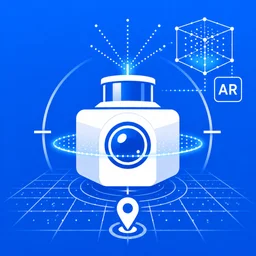
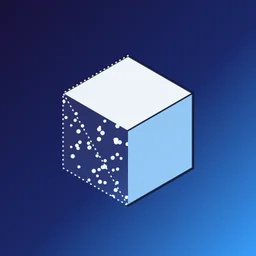
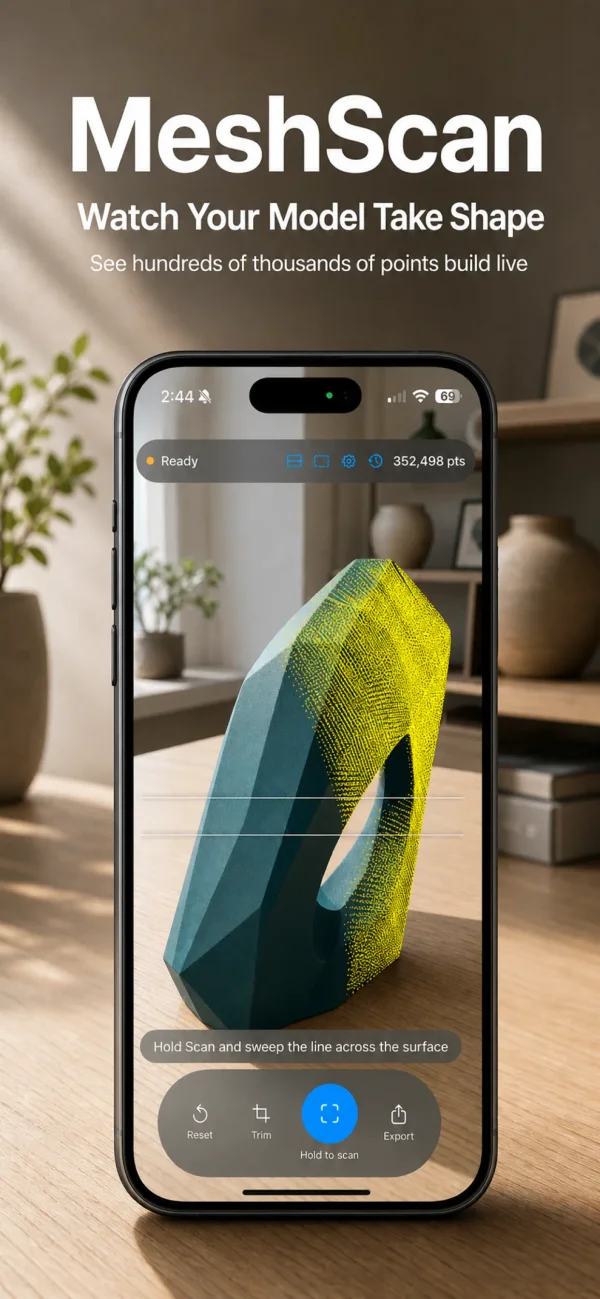
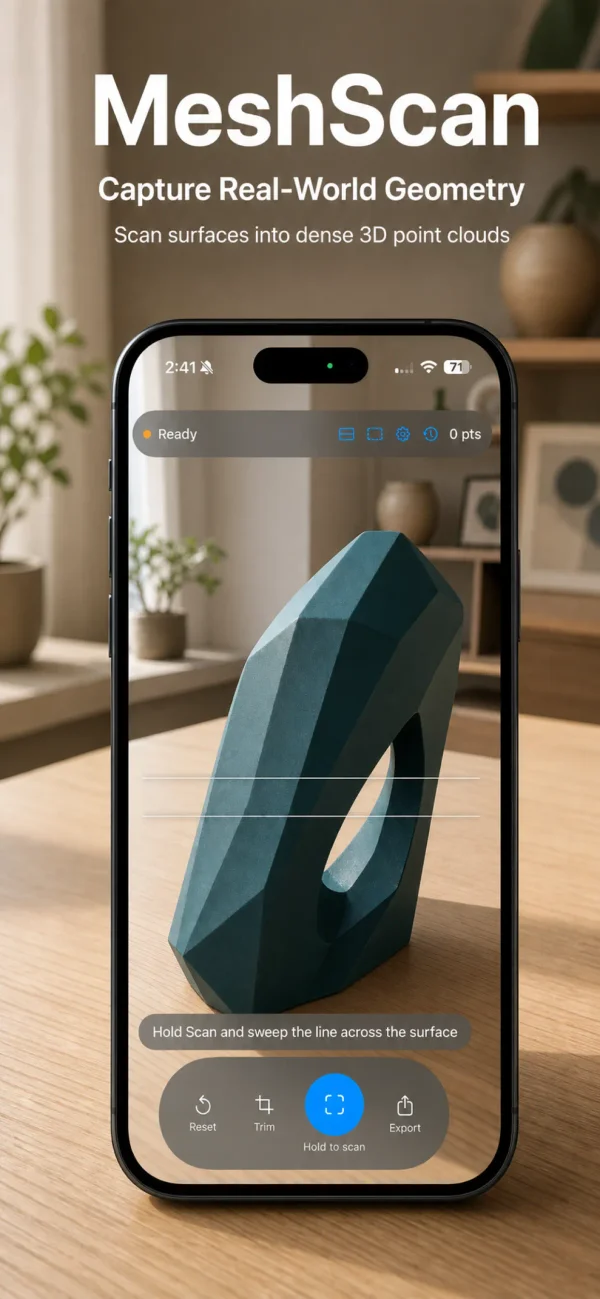
Turn your LiDAR-equipped iPhone or iPad into a portable 3D scanner. MeshScan captures real-world surfaces as live point clouds and meshes, gives you simple tools to clean up each scan, and exports files ready for your 3D workflow.
CAPTURE WITH LIDAR
Hold the scan control and move slowly around a surface to capture its shape. Choose a horizontal or vertical guide line for focused scanning, or switch to full-screen capture for larger areas. Live guidance, tracking status, and a point counter help you scan with confidence.
CONTROL THE RESULT
Choose Balanced, Detailed, or Maximum scan detail. Adjust the nearest and farthest capture distances to focus on the object or area you need. Set the point-cloud limit from 100,000 to 5,000,000 points to balance detail, performance, and file size.
TRIM UNWANTED DATA
Draw a lasso around unwanted points, preview the selection, and delete it. Undo your last trim if you change your mind.
EXPORT FLEXIBLE FILES
Share your scan in common formats:
• TXT point clouds
• PLY triangle meshes
• Binary STL surface meshes
Coordinates are exported in millimeters for straightforward use in compatible CAD, inspection, visualization, and 3D-printing workflows.
RESUME TEMPORARY SCANS
MeshScan automatically saves temporary scan data on your device. Choose whether to retain it for 1 hour, 24 hours, or 7 days, then return and continue working within that period.
PRIVATE BY DESIGN
Your scans are processed and stored on your device. MeshScan has no accounts, ads, third-party analytics, or tracking. Scan files leave the app only when you choose to export or share them.
REQUIREMENTS
MeshScan requires an iPhone or iPad with a LiDAR Scanner. Scan quality and performance depend on the device, surface, lighting, movement, and selected detail settings.
MeshScan is free to use. Optional one-time contributions are available if you would like to support continued development.
Yang baru
Versi 1.1.3 · 12/11/2026
• Improved LiDAR detail with confidence-weighted point fusion and temporal noise reduction.
• Scan quality modes now use distinct capture and mesh strategies.
• Mesh exports now weld shared vertices, remove small artifacts, smooth noisy surfaces, and repair tiny gaps.
• Point-cloud review is more stable when rotating around a completed scan.
• LiDAR exports now run in the background with progress and cancellation.
Privasi aplikasi
Yang dinyatakan Fare Brothers di App Store tentang cara aplikasi ini menangani data.
-
Data tidak dikumpulkan
Pengembang tidak mengumpulkan data apa pun dari aplikasi ini.
Praktik privasi dapat bervariasi, misalnya berdasarkan fitur yang Anda gunakan atau usia Anda.
Informasi
- Penjual
- Fare Brothers LLC
- Kategori
- Kegunaan
- Versi
- 1.1.3
- Diperbarui
- 12/11/2026
- Dirilis
- 4/9/2026
- Ukuran
- 2,1 MB
- Memerlukan
- iOS 17.0 atau yang lebih baru
- Batasan usia
- 4+
- Harga
- Gratis
- Pembelian dalam aplikasi
- Ya
- Bahasa
- Inggris
- Hak cipta
- © 2026 Fare Brothers LLC