
Metion: Markdown Notes
writing experience matters!
Dirancang untuk iPhone, iPad, Mac, iPod touch
Gratis · Pembelian dalam aplikasi
- Batasan usia4+
- KategoriProduktivitas
- PengembangHangzhou Quanduan Technology Co., Ltd.
- BahasaInggris+ 27 lainnya
- Ukuran94,6 MB
Tertaut ke halaman resmi App Store
Download.org tidak menyimpan file Metion: Markdown Notes apa pun. Tombol ini membuka halaman aplikasi di App Store, tempat Hangzhou Quanduan Technology Co., Ltd. menerbitkannya. Halaman terakhir diperiksa pada 23/11/2026.
Tangkapan layar
Tentang
Pengembang belum menyediakan teks ini dalam bahasa Anda.
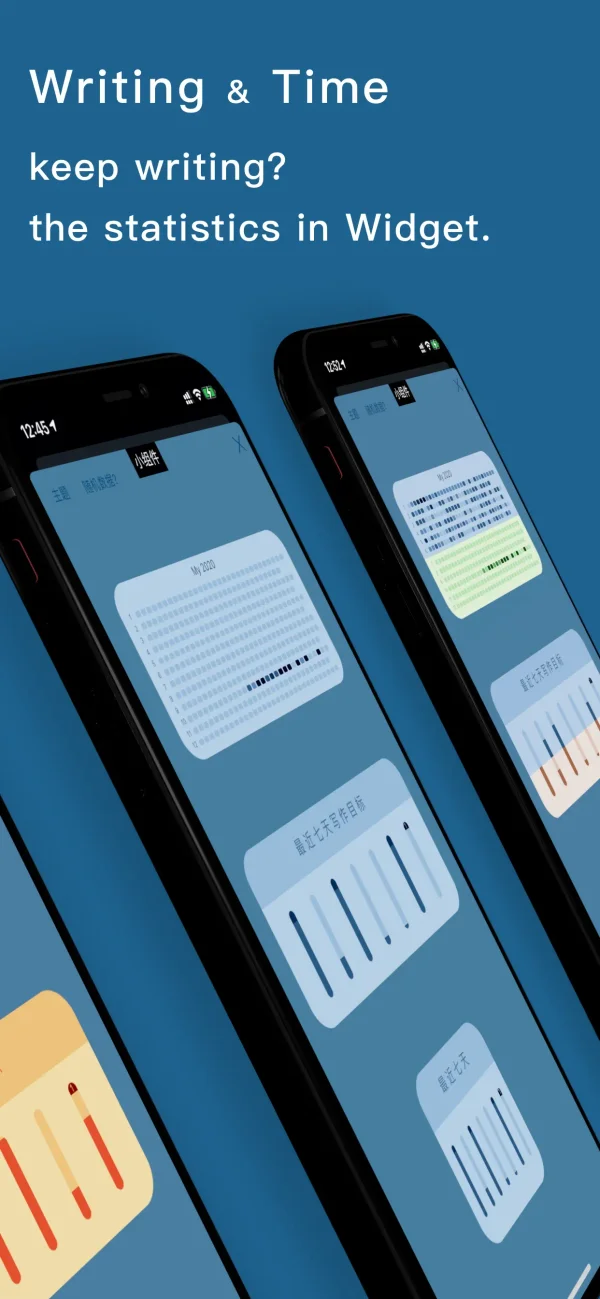
Metion is a notebook tool that focuses on the writing experience, uses Markdown as basic text syntax.
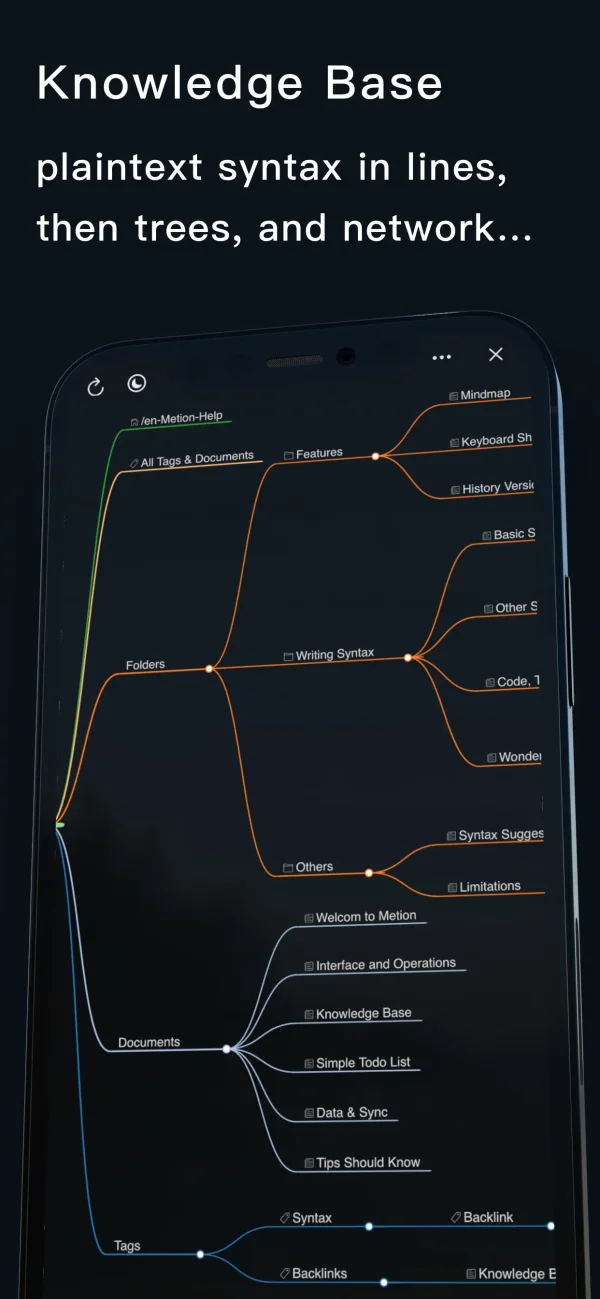
## Build Your Own Knowledge Base
Metion 2.0 brings a new feature named "Knowledge Base", the plain text syntax, then becomes mindmap trees, or connected as a network...
## The Writing Experience is So Important
Our goal is to create a great writing experience, specially for iPadOS, although it's not easy.
Metion provides a relatively complete keyboard shortcuts support. After a keyboard connected, both iPad and iPhone can archive a huge improvement in writing experience.
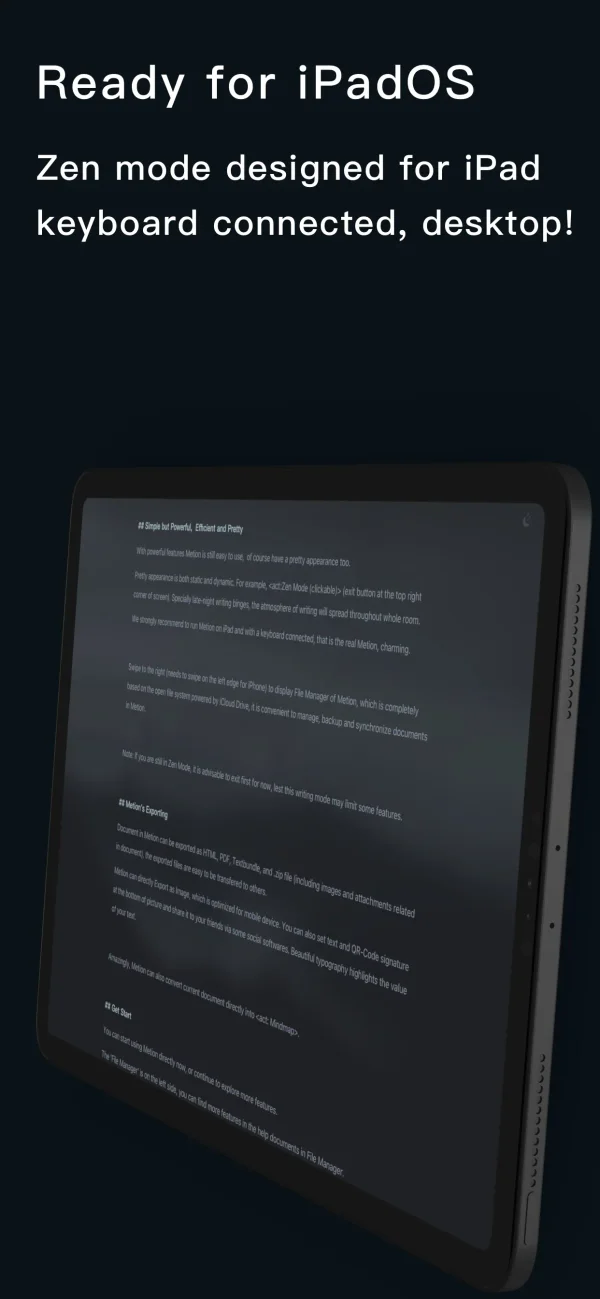
We also have redesigned the "Zen Mode" on iPad, a more focusing writing mode. It is very very beautiful, choosing a suitable background image, selecting the white noise you like in Zen Mode, and the irrelevant UI elements are hidden. Writing is a pleasure, writing is talking to the world, writing is your Zen.
## Data Freedom, Open Filesystem, Git Built-in
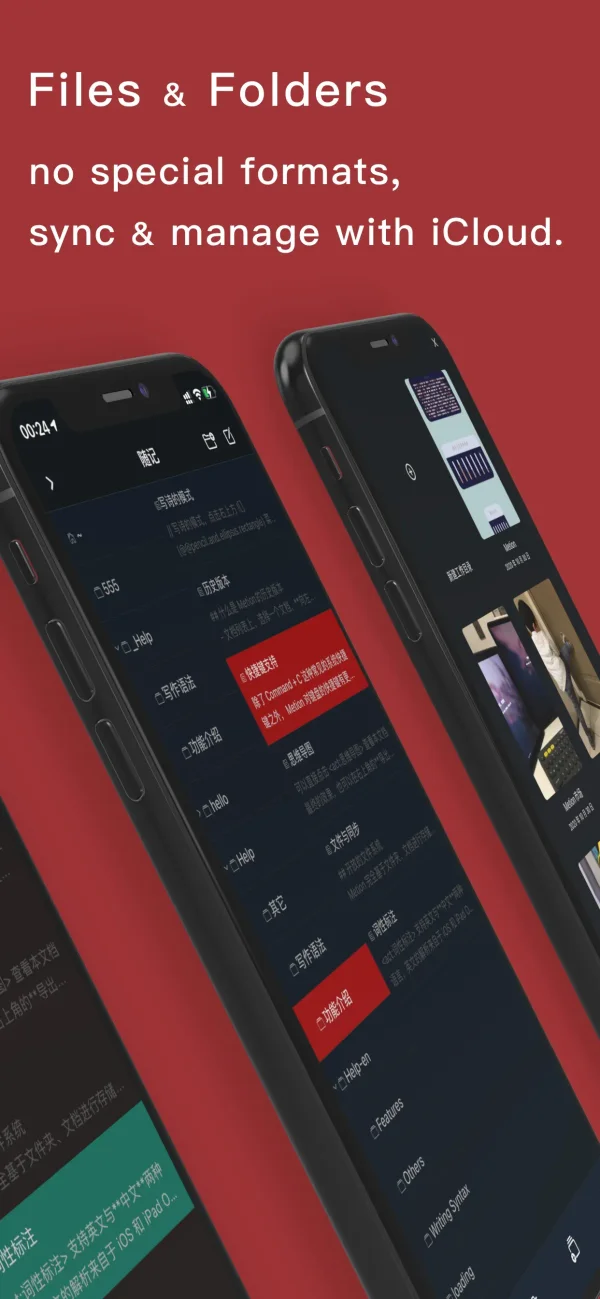
Metion based on the open filesystem, no need to create another new format for storing data. An article is a plain text file, and the images in the article are also under a certain folder.
Data freedom and open filesystems allow us to synchronize data across devices using iCloud or Git. If you have a higher requirement for data security, you can also make a backup very quickly by copying the entire folder (working directory).
One more thing, Metion has a built-in support named "history version" that provides a little more reliability for your documents.
**Also, if you know how to use Git, you can try Git to sync. Yes! We have the powerful Git as a built-in feature! **
## Optimized for iPad Pro, Also for iPhone
We tried the best to make Metion optimized for iPad Pro, when writing on iPad Pro by Metion, the iPad is a really more productive device.
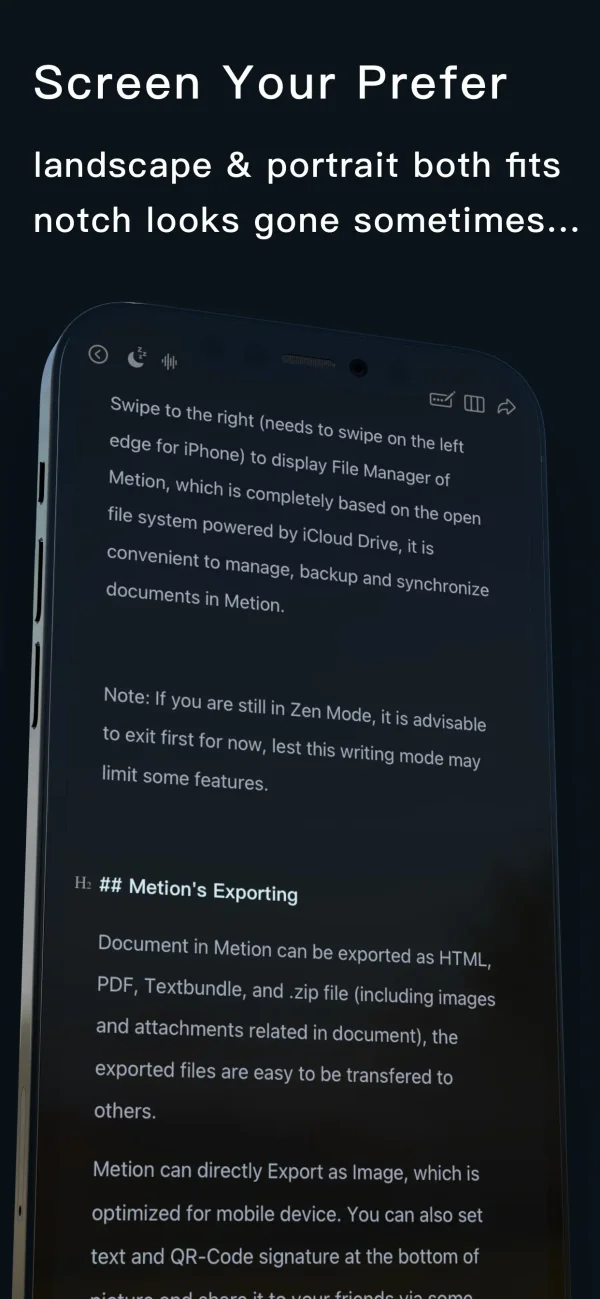
Metion is also optimized for the iPhone too. In recent years, most of the new iPhones have notch at the top of screen. Metion does not simply avoid the safe area, but makes a lot of technical efforts to apply every pixel on the screen as far as possible. If using the visual theme of "Dark", the notch sometimes look like disappeared, like the next generation of full-screen phone comes.
## The Exporting of Metion
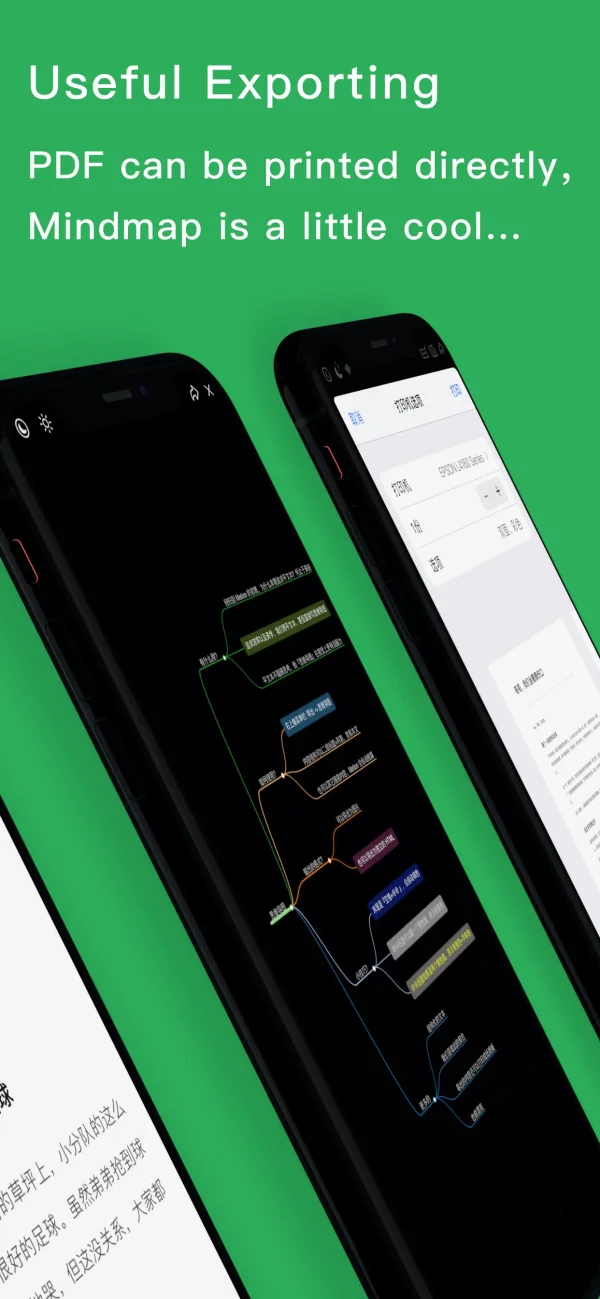
If using Metion to export as PDF, we suggest the theme of PDF can be set as "Printer" in Settings Panel. If there is a real printer connected in current local network, just print directly, it will be pretty when words on the real paper.
Document in Metion can be exported as image, which is optimized for mobile device (iPhone). We can set text and QR-Code signature at the end of exported image. Send it to friends through some social Apps. The beautiful layout of text can highlight the value of your words.
Metion can analyze the structure of current article automatically, then export it as "Mindmap" with one tap only.
- - - - - - - - - -
Privacy Policy: http://markeditor.com/privacy-policy.html
Terms of Use: http://markeditor.com/page/terms.md
Yang baru
Versi 3.9.9 · 18/11/2026
- Enhancement: Added compatibility support and performance optimization for iPhone Duo
- Enhancement: Rewrote the interface of the keyboard auxiliary area to adapt to the new operating system
- Adjustment: The minimum version requirement is adjusted to OS 12.0 for desktop and OS 15.0 for mobile
- New: Added a submenu for multi-window selection on the desktop side
- Other minor detail corrections
Privasi aplikasi
Yang dinyatakan Hangzhou Quanduan Technology Co., Ltd. di App Store tentang cara aplikasi ini menangani data.
-
Data yang tidak ditautkan dengan Anda
Dapat dikumpulkan, tetapi tidak ditautkan dengan identitas Anda.
- Pembelian
- Diagnostik
Praktik privasi dapat bervariasi, misalnya berdasarkan fitur yang Anda gunakan atau usia Anda.
Informasi
- Penjual
- Hangzhou Quanduan Technology Co., Ltd.
- Kategori
- Produktivitas
- Versi
- 3.9.9
- Diperbarui
- 18/11/2026
- Dirilis
- 4/11/2020
- Ukuran
- 94,6 MB
- Memerlukan
- iOS 15.0 atau yang lebih baru
- Batasan usia
- 4+
- Harga
- Gratis
- Pembelian dalam aplikasi
- Ya
- Bahasa
- Inggris, Kroat (Kroasia), Cheska (Republik Cheska), Dansk (Denmark), Belanda, Suomi (Finlandia), Prancis, Jerman, Yunani, Magyar (Hungaria), Bahasa Indonesia, Italia + 16 lainnya
- Hak cipta
- © Z.R.E.Y
Mungkin Anda juga suka
-
 MWeb - Markdown Writing, NotesProduktivitas
-
 One MarkdownProduktivitas
-
 Effie: Write, Mindmap & NoteProduktivitas
-
 Metaslip: Note & ZettelkastenProduktivitas
-
 iNote - ideas Note & NotebookSeni Mengumpulkan Ide
-
 WonderPenProduktivitas
-
 Inkdrop - Markdown NotesProduktivitas
-
 Cubox: AI Read-It-Later AppProduktivitas
-
 SiYuanProduktivitas
-
 Markdown゜Catatan, Diari & Jurnal