
MindSpace - Mind Map
Mind mapping, Brainstorming
Dirancang untuk iPhone, iPad, Mac, iPod touch
Gratis · Pembelian dalam aplikasi
- Batasan usia4+
- KategoriProduktivitas
- Pengembang佳文 潘
- BahasaInggris+ 19 lainnya
- Ukuran58,0 MB
Tertaut ke halaman resmi App Store
Download.org tidak menyimpan file MindSpace - Mind Map apa pun. Tombol ini membuka halaman aplikasi di App Store, tempat 佳文 潘 menerbitkannya. Halaman terakhir diperiksa pada 23/11/2026.
Tangkapan layar
Tentang
Pengembang belum menyediakan teks ini dalam bahasa Anda.
Quickly create clean and simple mind maps.
Edit them on Mac, iPad, and iPhone. Export anytime to PDF, Images, Markdown, and other formats to share in your work and studies.
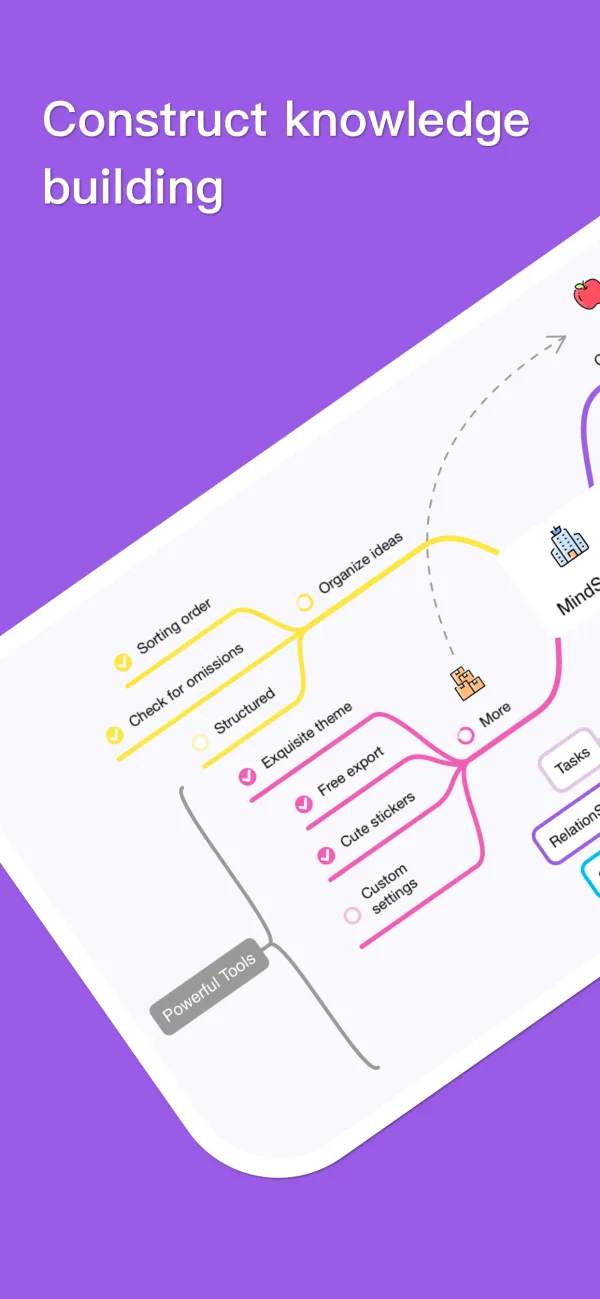
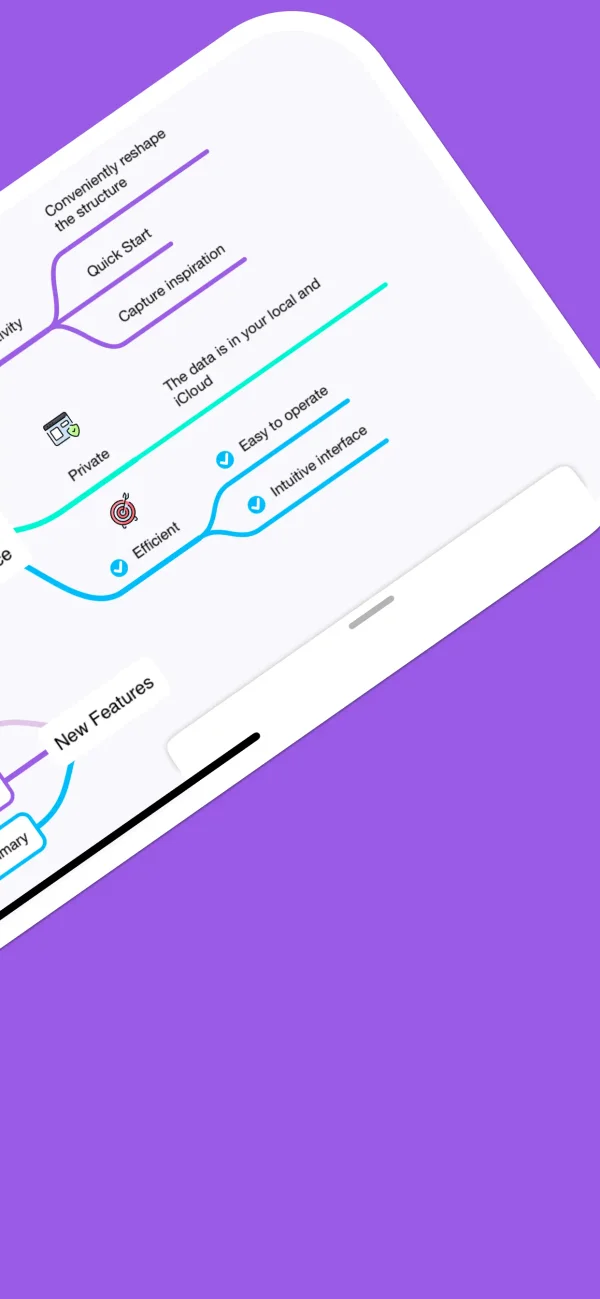
Quickly Create Personalized Mind Maps
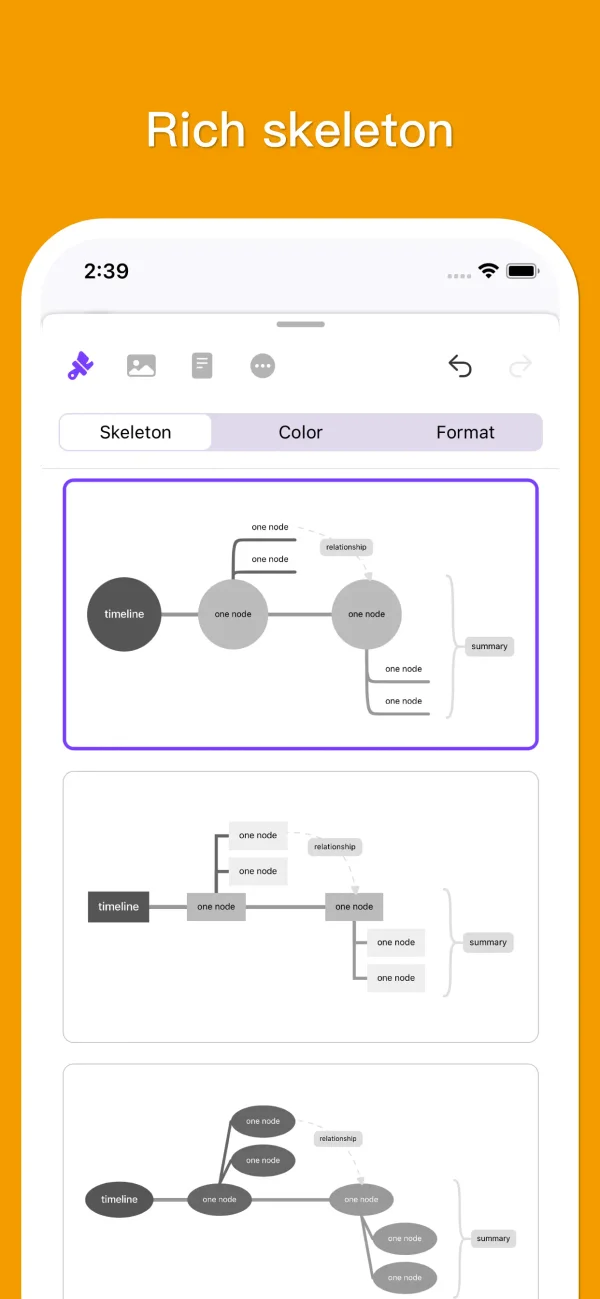
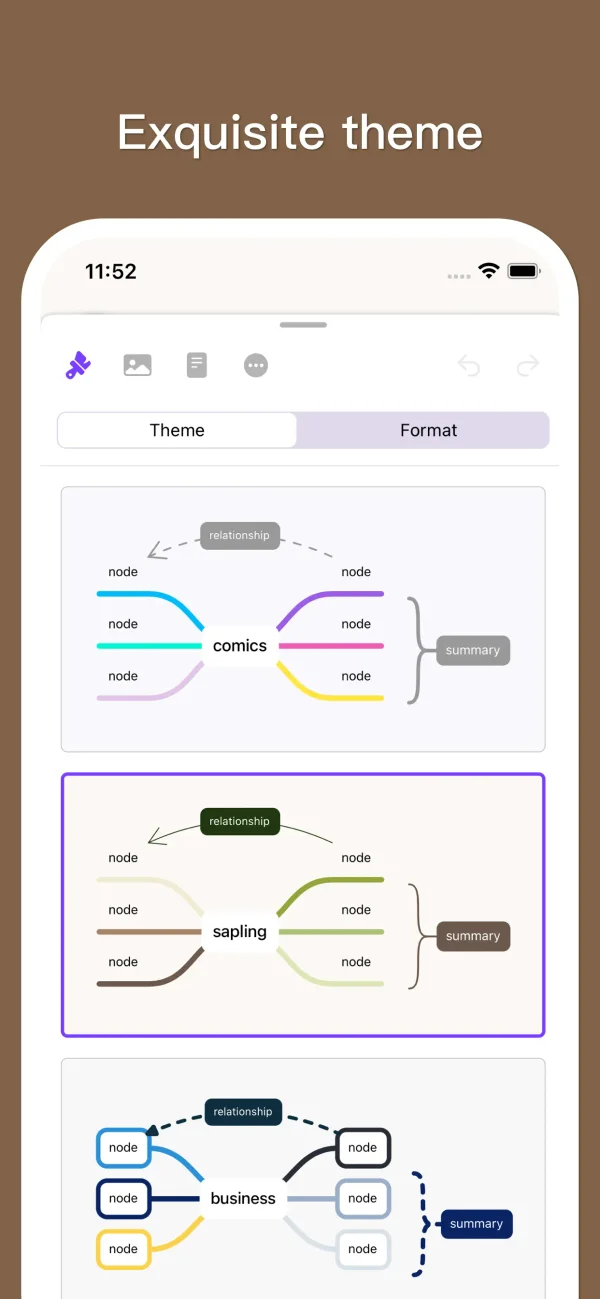
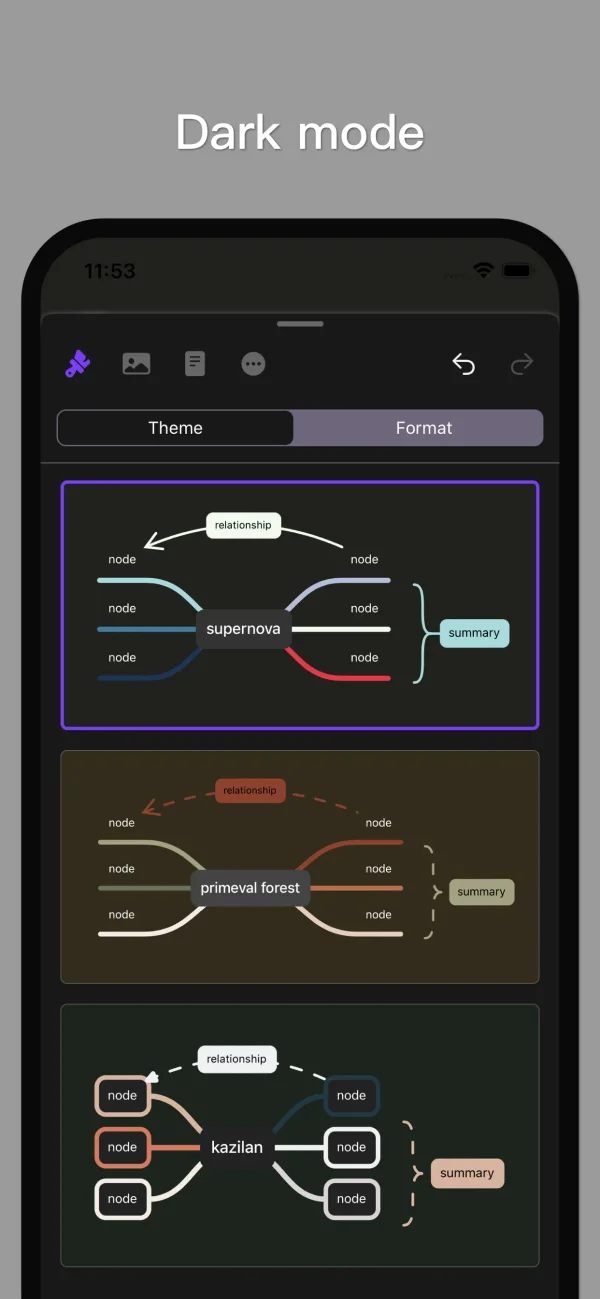
• Efficiency: We split "Themes" into "Layouts" and "Color Schemes", carefully designing over 50 layouts and 60 color schemes. They support one-tap switching and can be freely combined into multiple styles.
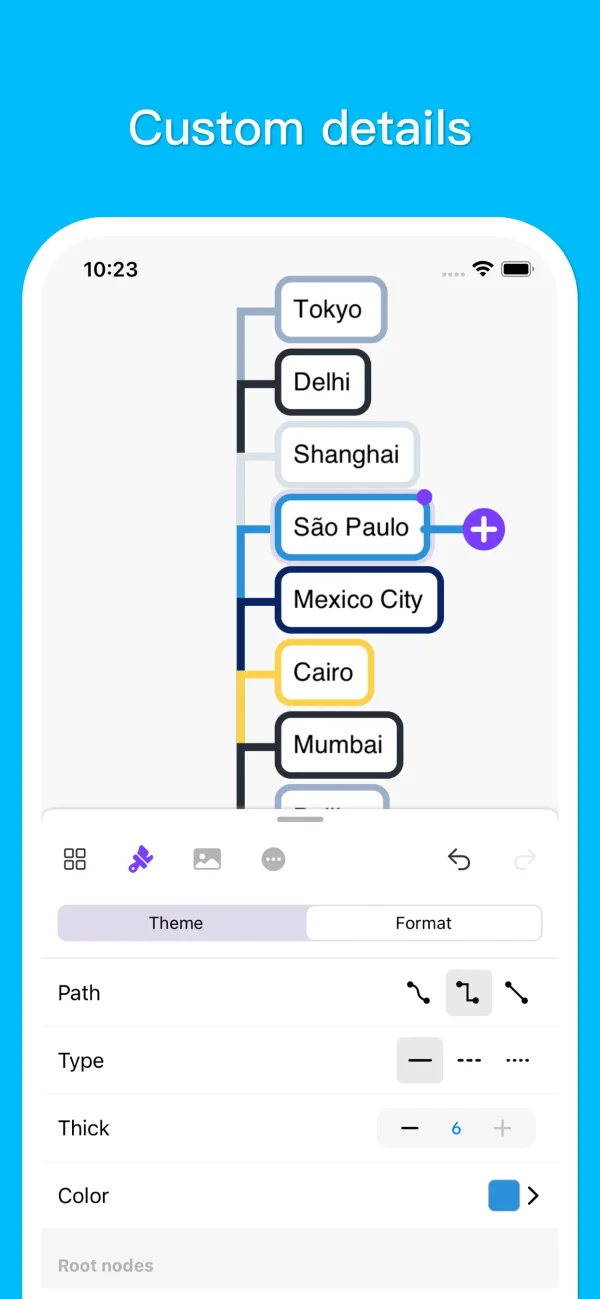
• Personalization: You can create your own layouts and color schemes, presetting almost all formatting options such as growth direction, width, spacing, structure, shapes, and the color of each individual branch.
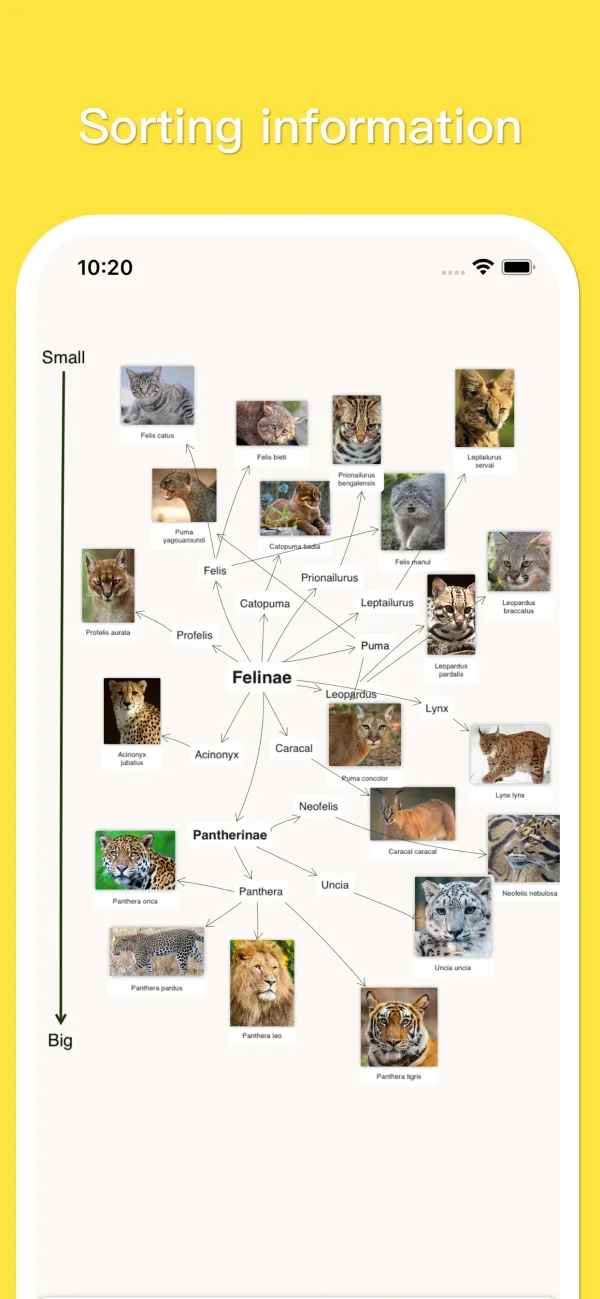
• Freedom: You can set different layouts for two separate mind maps, or even different layouts for different branches to form a hybrid structure mind map to present your content. You can also set it to "Manual Layout" to flexibly place every single node.
Enrich Your Mind Maps in Multiple Ways
• Notes: Add a place for supplementary information with support for quick viewing.
• Links: Add a web link or local link. Local links can specify and jump to concrete nodes within the file.
• Tasks: Add task buttons that can display progress checkboxes.
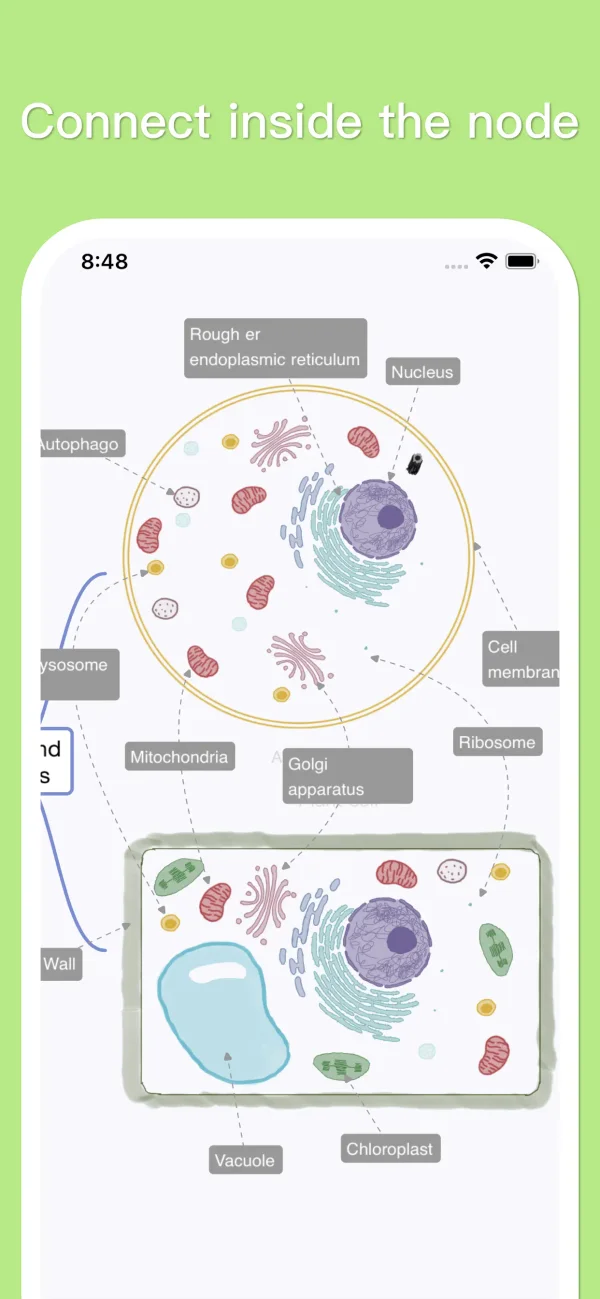
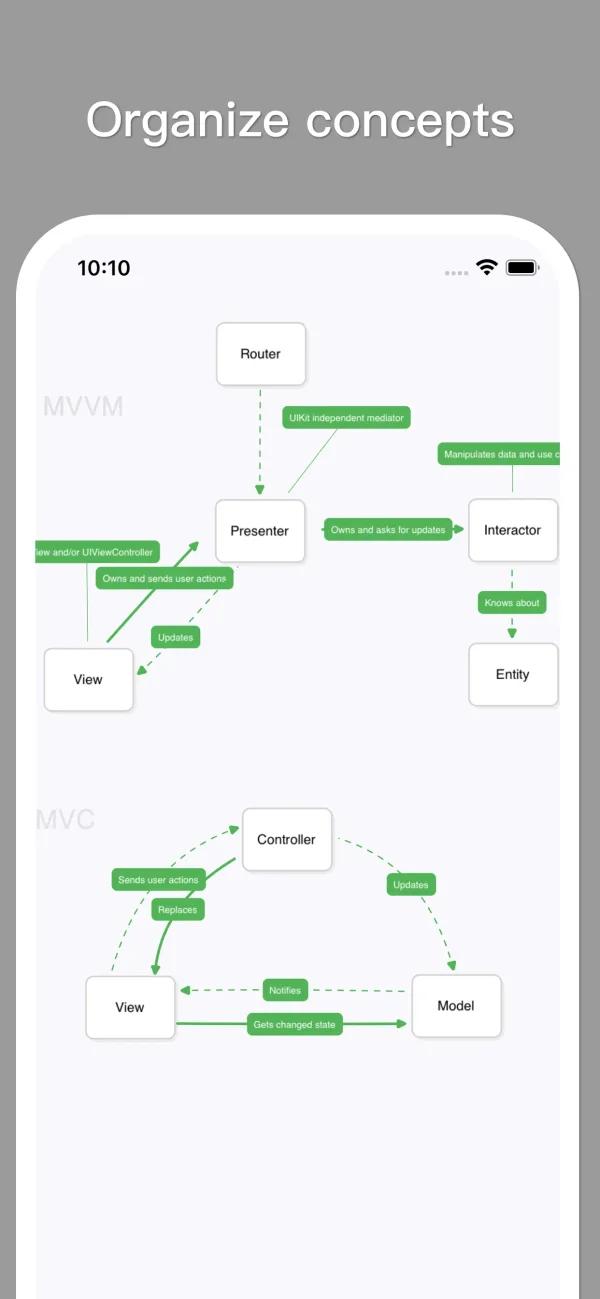
• Relationships: Add relationship lines between two nodes or internal positions within a node.
• Summaries: Add curly braces or polygon shapes for multiple nodes.
• Images: Insert local images and set their alignment with text.
• Drawings: Drawings made with Apple Pencil can also be inserted inside nodes.
• Equations: Support adding LaTeX equations and modifying them at any time.
• Stickers: Built-in with more than 1,000 beautiful stickers.
AI Assistant Doubles Your Efficiency (Optional)
• Expand: Enter an idea to quickly branch out content from different angles.
• Convert: Transform a long article into a clearly structured mind map.
• Image to Mind Map: Convert images containing text into a mind map with the matching structure.
• Rewrite: Re-output much better text for a specified node.
Mainstream Import & Export Formats
• Import: Supports Markdown, OPML, TXT, FreeMind, iThoughts, etc.
• Export: Supports PDF, JPG, PNG, TXT, Markdown, OPML, etc.
More Convenient Features
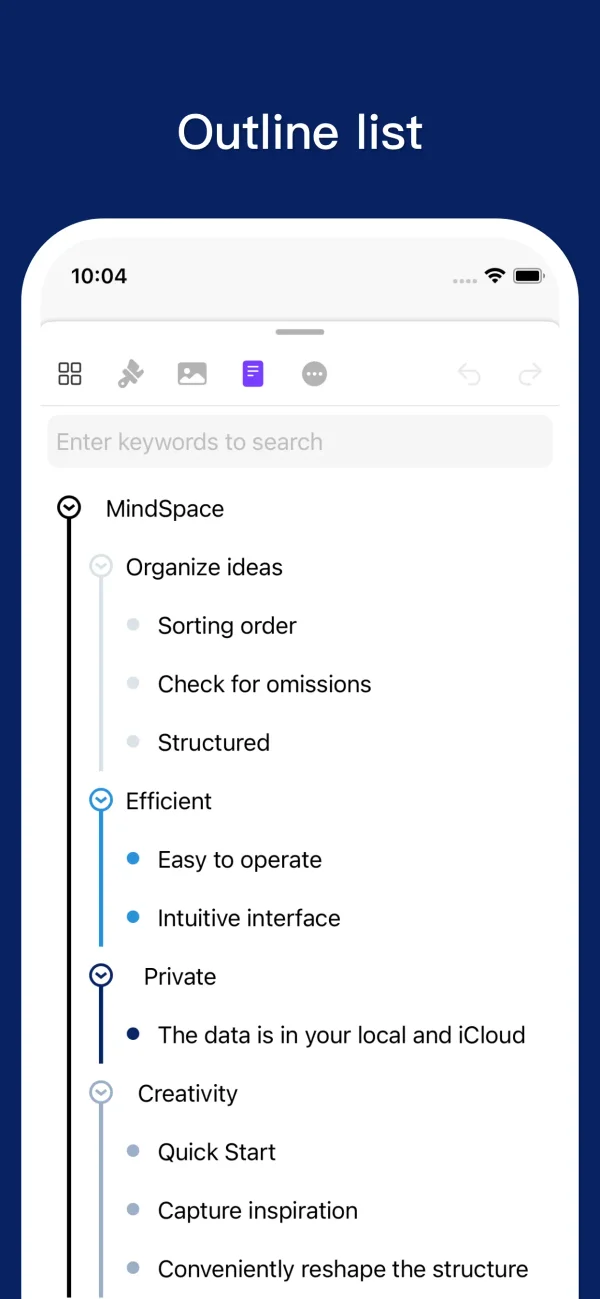
• Outline: One-tap toggle to outline mode, or start editing and arranging structures directly from the outline view.
• Shortcuts: Provides a rich keyboard shortcut system that is fully customizable.
• Focus Mode: Light up only your selected node and its related nodes for seamless presentation work.
• Other Features: Canvas guides, widgets, auto-follow, and more.
Data Security
We build the App using the most safe and reliable architecture—a document-based editor. Your data belongs solely to you. The AI assistant only processes data you provide to it, and you can turn off AI globally.
Subscription Information
• You can subscribe to the "Pro" version monthly or annually.
• Payments will be charged to your iTunes Account. Subscriptions automatically renew unless auto-renew is turned off at least 24 hours before the end of the current billing period.
• Manage or cancel subscriptions anytime in your App Store Account Settings after purchase.
Email: todo-color@outlook.com
Terms of Use: https://www.apple.com/legal/internet-services/itunes/dev/stdeula/
Privacy Policy: https://rednowapp.github.io/privacy-policy/
Yang baru
Versi 1.10.31 · 20/11/2026
• Optimized the "Format" page and "Format menu bar".
• Optimized the collapsed nodes in the "Search List".
• Fixed an issue with some characters being incorrect when exporting OPML.
• Fixed known bugs.
Privasi aplikasi
Yang dinyatakan 佳文 潘 di App Store tentang cara aplikasi ini menangani data.
-
Data yang tidak ditautkan dengan Anda
Dapat dikumpulkan, tetapi tidak ditautkan dengan identitas Anda.
- Data penggunaan
- Diagnostik
Praktik privasi dapat bervariasi, misalnya berdasarkan fitur yang Anda gunakan atau usia Anda.
Informasi
- Penjual
- 佳文 潘
- Kategori
- Produktivitas
- Versi
- 1.10.31
- Diperbarui
- 20/11/2026
- Dirilis
- 18/9/2021
- Ukuran
- 58,0 MB
- Memerlukan
- iOS 15.0 atau yang lebih baru
- Batasan usia
- 4+
- Harga
- Gratis
- Pembelian dalam aplikasi
- Ya
- Bahasa
- Inggris, Arab, Belanda, Prancis, Jerman, Hindi, Bahasa Indonesia, Italia, Jepang, Korea, Persian, Portugis + 8 lainnya
- Hak cipta
- © Jiawen Pan
Mungkin Anda juga suka
-
 SimpleMind - Mind MappingProduktivitas
-
 miMind - AI Mind Map & OutlineProduktivitas
-
 Mind Mapping - MindMeisterProduktivitas
-
 Mind Map Maker - MindomoProduktivitas
-
 Mapify: AI Mind Map SummarizerProduktivitas
-
 Xmind: AI Mind Map, BrainstormIde jadi mind map dengan AI
-
 Mind Map - HoodleMindProduktivitas
-
 Mind MappingProduktivitas
-
 GitMind: AI Mind Map & NotesProduktivitas
-
 Flowdia DiagramsProduktivitas