
Minimal Folio
Present images, PDF and video
Dirancang untuk iPhone, iPad
Gratis
- Batasan usia4+
- KategoriFoto & Video
- PengembangStudio Heys Limited
- BahasaInggris
- Ukuran15,2 MB
Tertaut ke halaman resmi App Store
Download.org tidak menyimpan file Minimal Folio apa pun. Tombol ini membuka halaman aplikasi di App Store, tempat Studio Heys Limited menerbitkannya. Halaman terakhir diperiksa pada 17/11/2026.
Tangkapan layar
Tentang
Pengembang belum menyediakan teks ini dalam bahasa Anda.
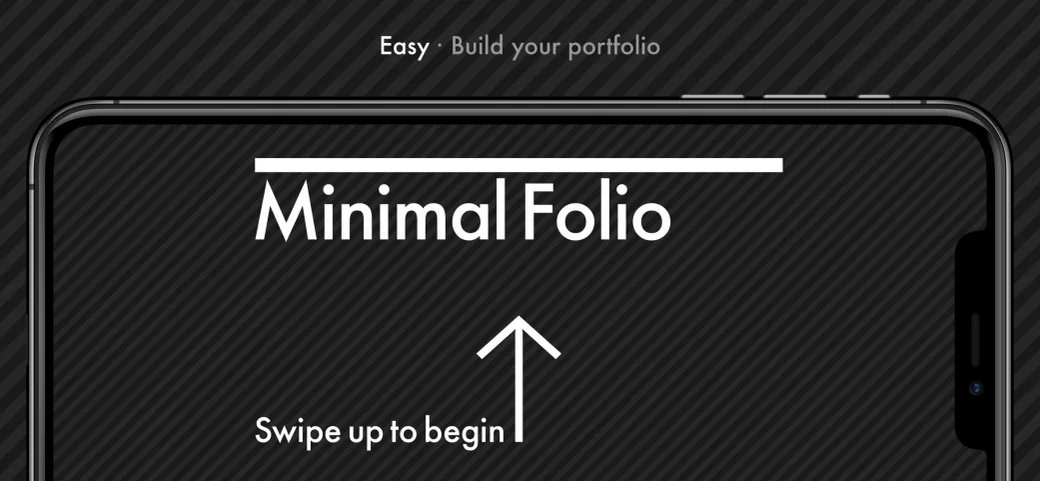
Minimal Folio shows your portfolio of images, PDF and video full screen on iPad and iPhone. The toolbar hides while you present, and the app puts no name or logo over your work. Demo videos and more: https://mfl.io/
PRESENT
- Swipe sideways between columns and down through the items in a column
- Pinch to look closer at an image or a PDF page
- Show JPEG, PNG, GIF, TIFF and BMP images, PDF pages, and MOV, M4V and MP4 video
- Choose whether video plays by itself, loops, shows controls, and fits or fills the screen
- Move between items with the arrow keys on a hardware keyboard
- Hide editing, thumbnail view, folio switching and the user guide before you hand the device over
ORGANISE
- Keep separate folios and switch between them
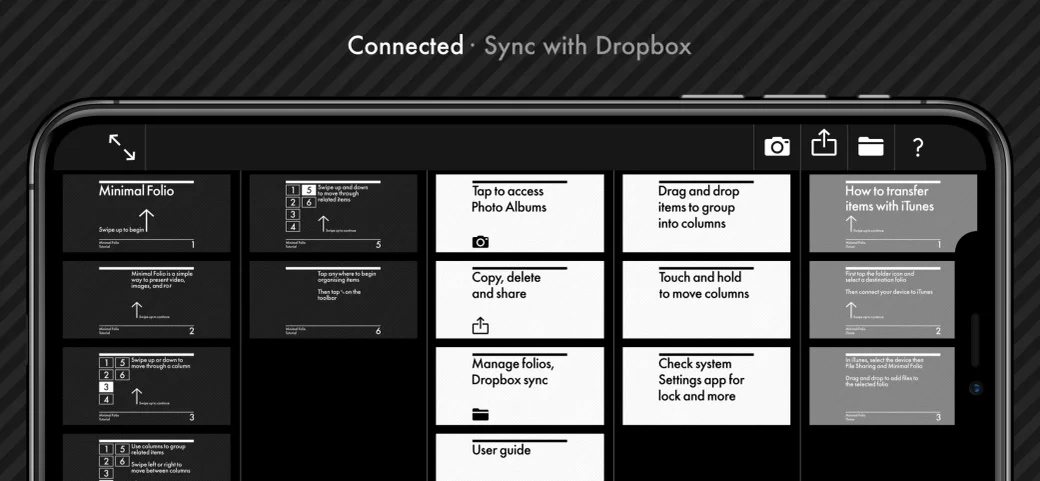
- Drag items, or whole columns, into order in thumbnail view
- Import several photos and videos from your albums at once
- Copy and paste items between folios and between apps
- Arrange newly added files into columns from their filenames
- Email selected items as optimised copies or as the originals
TRANSFER
- Sync folios with Dropbox in both directions, or replace one side with the other
- Copy files to and from a Mac in the Finder, or a Windows PC in Apple Devices
MORE
- Open the Settings app and choose Minimal Folio for launch, lock, video, sync, import and cache options
Yang baru
Versi 1.3.16 · 21/9/2026
Updated for current versions of iOS, with improved layouts on iPhone and iPad.
The tutorial and user guide have been refreshed with current instructions, updated icons and faster navigation.
When you reach the bottom of a column, the horizontal scroll indicator now appears briefly to show that there are more columns to swipe to. This release also fixes crashes in the photo picker, when emailing items and when alerts were shown.
Privasi aplikasi
Yang dinyatakan Studio Heys Limited di App Store tentang cara aplikasi ini menangani data.
-
Data tidak dikumpulkan
Pengembang tidak mengumpulkan data apa pun dari aplikasi ini.
Praktik privasi dapat bervariasi, misalnya berdasarkan fitur yang Anda gunakan atau usia Anda.
Informasi
- Penjual
- Studio Heys Limited
- Kategori
- Foto & Video
- Versi
- 1.3.16
- Diperbarui
- 21/9/2026
- Dirilis
- 10/9/2010
- Ukuran
- 15,2 MB
- Memerlukan
- iOS 17.0 atau yang lebih baru
- Batasan usia
- 4+
- Harga
- Gratis
- Bahasa
- Inggris
- Hak cipta
- © 2019-2027 Studio Heys Limited
Mungkin Anda juga suka
-
 Showcase.me, minimalist folioFoto & Video
-
 Photo Manager ProFoto & Video
-
 Capture PilotFoto & Video
-
 Magic Nikonian ViewFinderFoto & Video
-
 Plates - Photo SharingFoto & Video
-
 Model Release App: FormsFoto & Video
-
 Phlog PhotographersFoto & Video
-
 VIEWBUG - PhotographyFoto & Video
-
 Artwork Preview App - ArtboxFoto & Video
-
 Photoscope: Best Photo PickerFoto & Video