
MiniRead
Private EPUB, TXT & PDF reader
Dirancang untuk iPhone, iPad
Gratis · Pembelian dalam aplikasi
- Batasan usia4+
- KategoriBuku
- Pengembang贺 赵
- BahasaInggris+ 8 lainnya
- Ukuran21,6 MB
Tertaut ke halaman resmi App Store
Download.org tidak menyimpan file MiniRead apa pun. Tombol ini membuka halaman aplikasi di App Store, tempat 贺 赵 menerbitkannya. Halaman terakhir diperiksa pada 27/11/2026.
Tangkapan layar

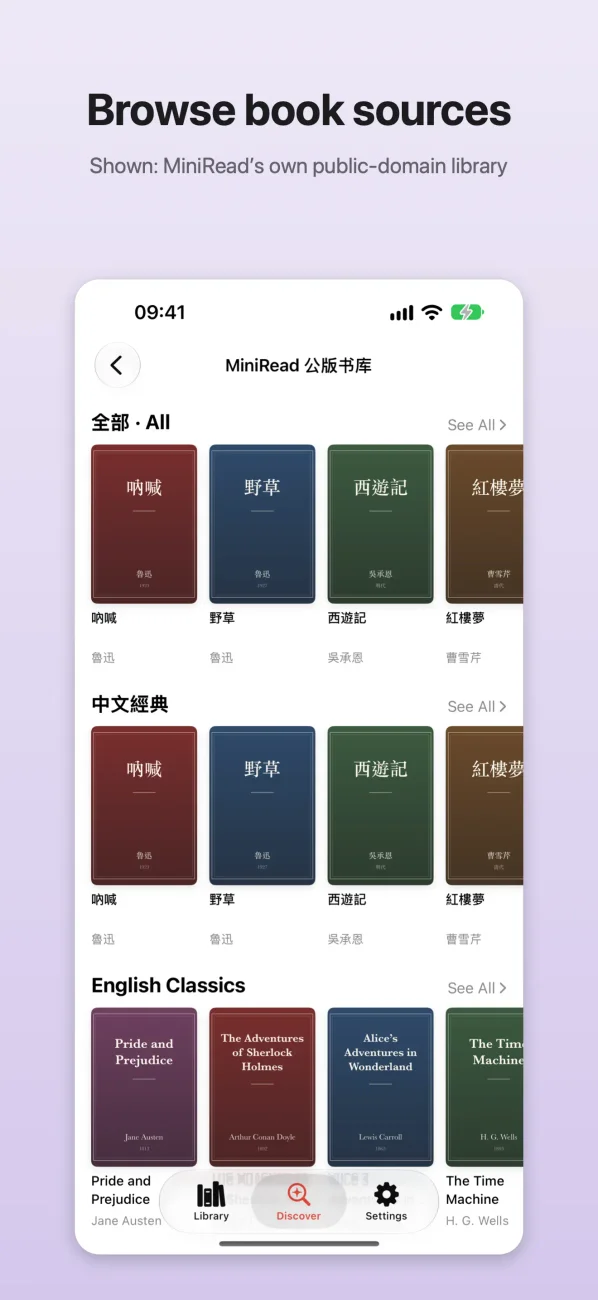
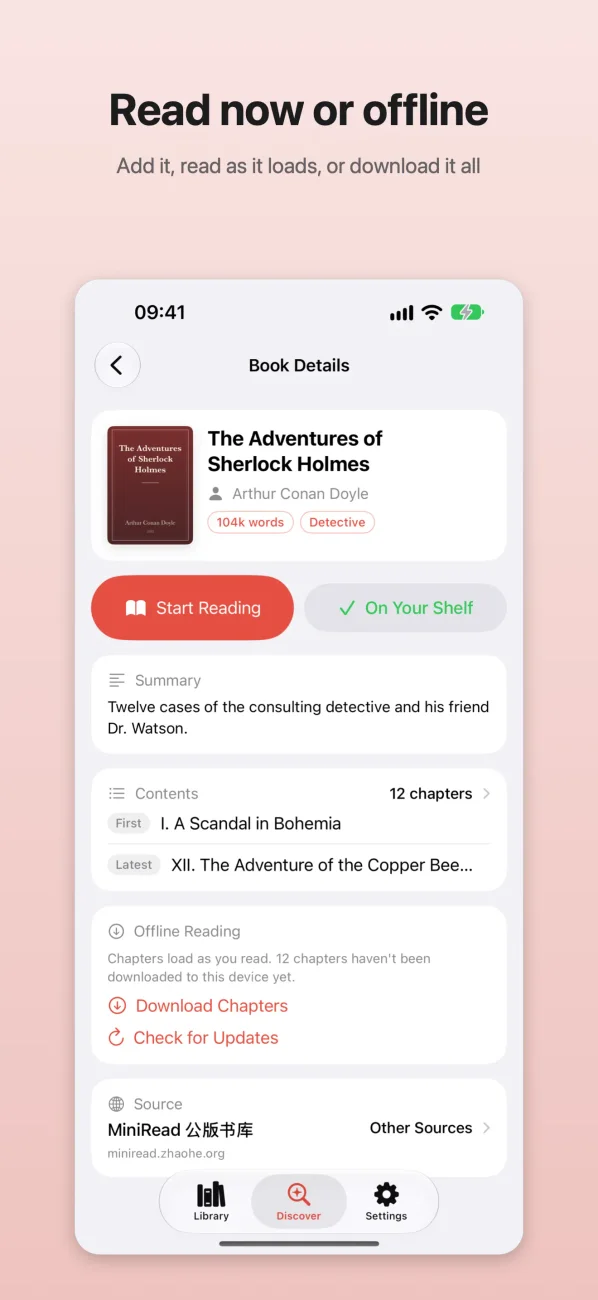
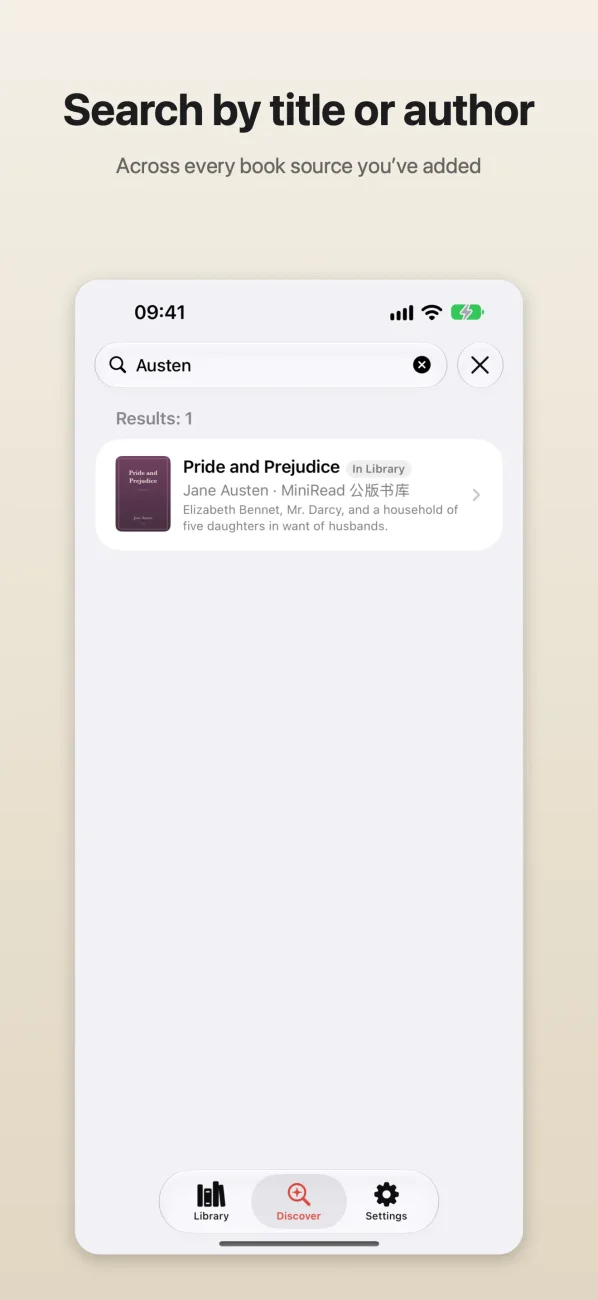
Tentang
Pengembang belum menyediakan teks ini dalam bahasa Anda.
MiniRead is a quiet reader for iPhone and iPad, made for reading whole novels: it opens fast, remembers where you were, and stays comfortable for hours.
- Read EPUB, PDF, TXT and Markdown, imported from Files, AirDrop or any app’s share menu
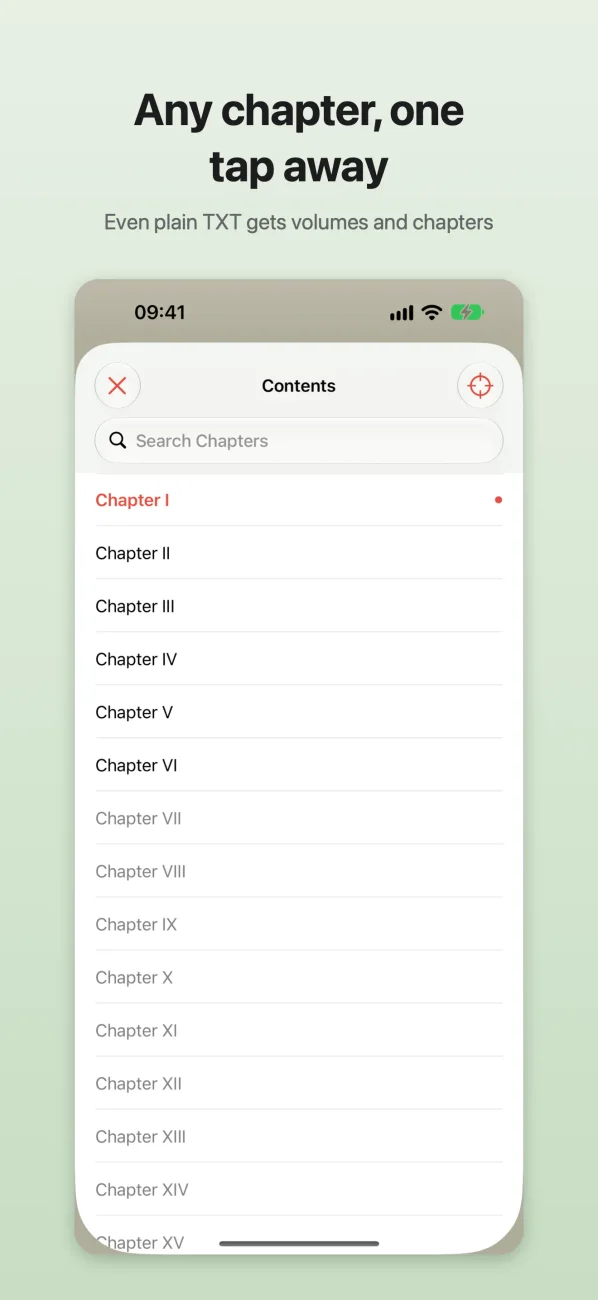
- TXT encodings such as GBK, Big5 and Shift JIS are detected automatically, and long TXT novels get a table of contents
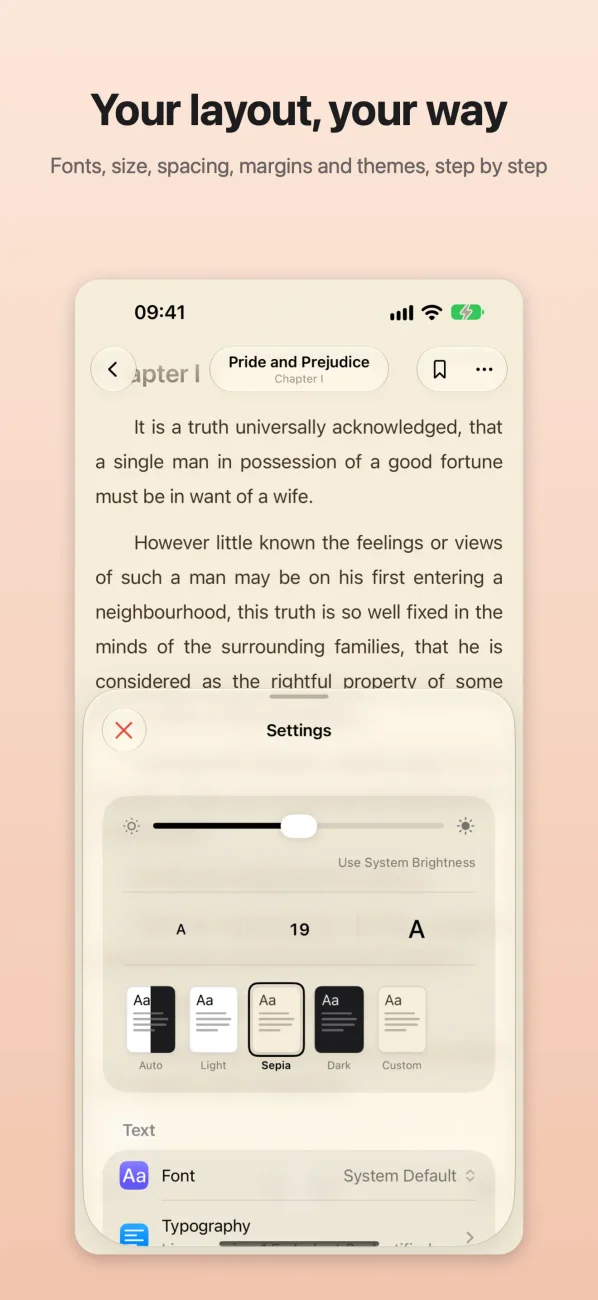
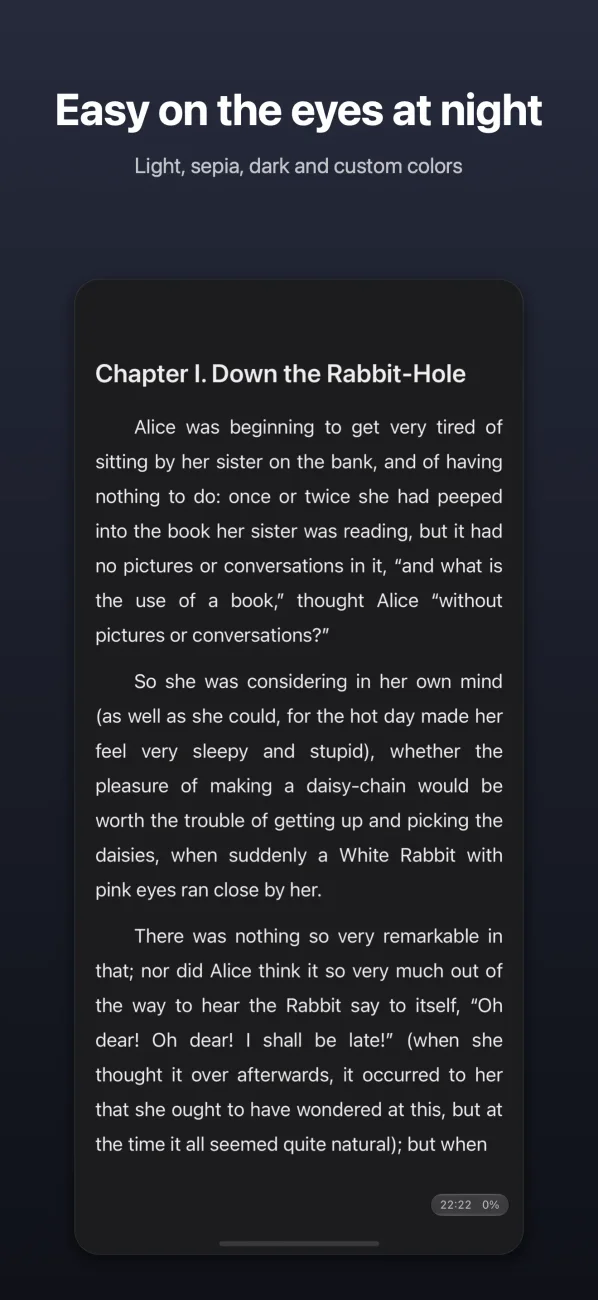
- Font, spacing, indent, alignment and margins, each adjustable step by step; light, sepia, dark and custom themes
- Tap, slide or page-curl turns, or continuous scrolling
- Search, highlights, notes and bookmarks
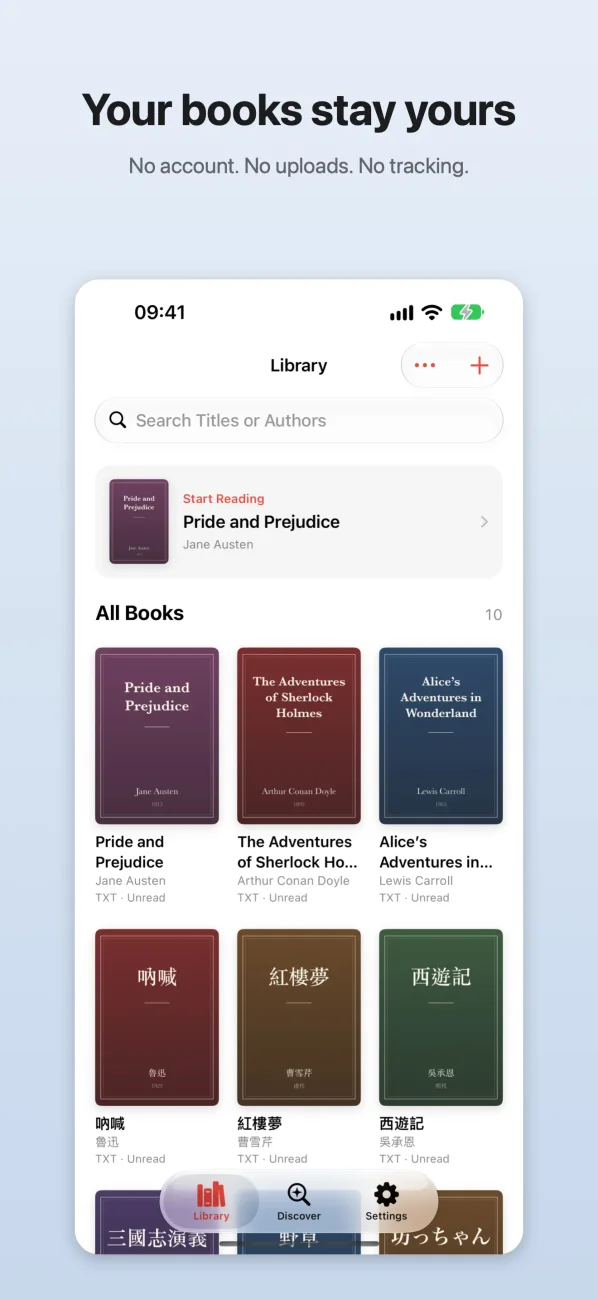
- Collections, tags and filters; back up your whole library to one file
- Send TXT and Markdown books to Apple Watch and read on your wrist
Your books and notes stay on your device. No account, no data collected, no tracking.
Reading is free. MiniRead Pro, a one-time purchase, adds read aloud, auto page turn, network libraries from your own WebDAV or OPDS server, and more.
Terms of Use: https://miniread.zhaohe.org/terms/
Privacy Policy: https://miniread.zhaohe.org/privacy/
Yang baru
Versi 1.1.0 · 25/11/2026
New
- Wi-Fi Transfer: drop books on a page in your computer’s browser and they land on your iPhone
- Arrange the header and footer yourself: title, chapter, page in chapter, progress, time, battery, reading time and more, plus a Classic layout
- Customize tap zones on a 3 × 3 grid, or have both sides go to the next page
- Turn pages with the volume buttons (off by default)
- Pull down to bookmark
- With the Auto theme, switch between dark and light by time of day
- Keep typography for one book only
- EPUB notes open in a small window beside their marker instead of jumping to the end of the chapter
- Step through search results; go back in one step after dragging the chapter slider; reverse the table of contents
- Select several books at once and reverse any sort order; importing several books ends with a list of results
- Sleep timer by chapters; share or copy notes, or save them as Markdown or plain text
- Keep the system status bar while reading
Improved and fixed
- EPUB chapter titles follow the chosen font; downloaded Chinese fonts now take effect in EPUB
- The number beside the chapter slider is chapter progress, and a chapter’s last page reads 100%
- Swiping up to close a book shows the shelf behind the page
- A library that won’t open can be retried, or all its books exported; a large import picks up where it stopped
- Themes with a background photo no longer look washed out behind the toolbars
Privasi aplikasi
Yang dinyatakan 贺 赵 di App Store tentang cara aplikasi ini menangani data.
-
Data tidak dikumpulkan
Pengembang tidak mengumpulkan data apa pun dari aplikasi ini.
Praktik privasi dapat bervariasi, misalnya berdasarkan fitur yang Anda gunakan atau usia Anda.
Informasi
- Penjual
- 贺 赵
- Kategori
- Buku
- Versi
- 1.1.0
- Diperbarui
- 25/11/2026
- Dirilis
- 15/11/2026
- Ukuran
- 21,6 MB
- Memerlukan
- iOS 17.0 atau yang lebih baru
- Batasan usia
- 4+
- Harga
- Gratis
- Pembelian dalam aplikasi
- Ya
- Bahasa
- Inggris, Prancis, Jepang, Korea, Portugis, Rusia, Tionghoa Sederhana, Spanyol, Tionghoa Tradisional
- Hak cipta
- © ZhaoHe Studio
Mungkin Anda juga suka
-
 FolioTone Unlimited ReaderBuku
-
 Nimbus Speed ReaderBuku
-
 Pembaca Ebook & Teks ke SuaraBaca Buku Bersuara: EPUB & PDF
-
 仓鼠阅读 - 本地小说阅读器Buku
-
 Mong ReaderBuku
-
 Papira: eBook & PDF ReaderBuku
-
 Brainfill: EPUB & Ebook ReaderBuku
-
 Textra - TXT & EPUB ReaderBuku
-
 Persimmon ReaderBuku
-
 LumaRead - Pembaca EPUB & PDFBaca offline, catatan & suara