
MiPlayer
Web Video & Media Player
Dirancang untuk iPhone, iPad
Gratis · Pembelian dalam aplikasi
- Batasan usia4+
- KategoriHiburan
- Pengembang学一 杨
- BahasaInggris+ 31 lainnya
- Ukuran103,5 MB
Tertaut ke halaman resmi App Store
Download.org tidak menyimpan file MiPlayer apa pun. Tombol ini membuka halaman aplikasi di App Store, tempat 学一 杨 menerbitkannya. Halaman terakhir diperiksa pada 20/11/2026.
Tangkapan layar
Tentang
Pengembang belum menyediakan teks ini dalam bahasa Anda.
MiPlayer is an iOS player built for watching and organizing your videos.
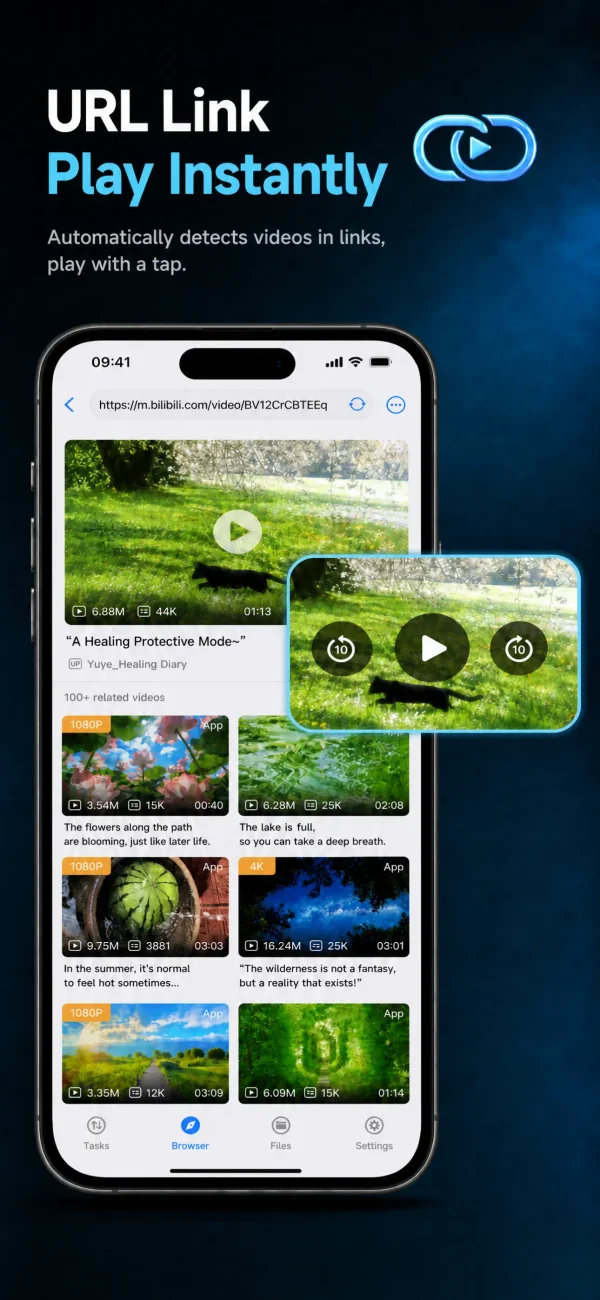
Web videos, played instantly
Open a page in the built-in browser and MiPlayer will detect playable videos so you can stream them inside the app. There is no need to switch between apps, and web media is not saved to your device.
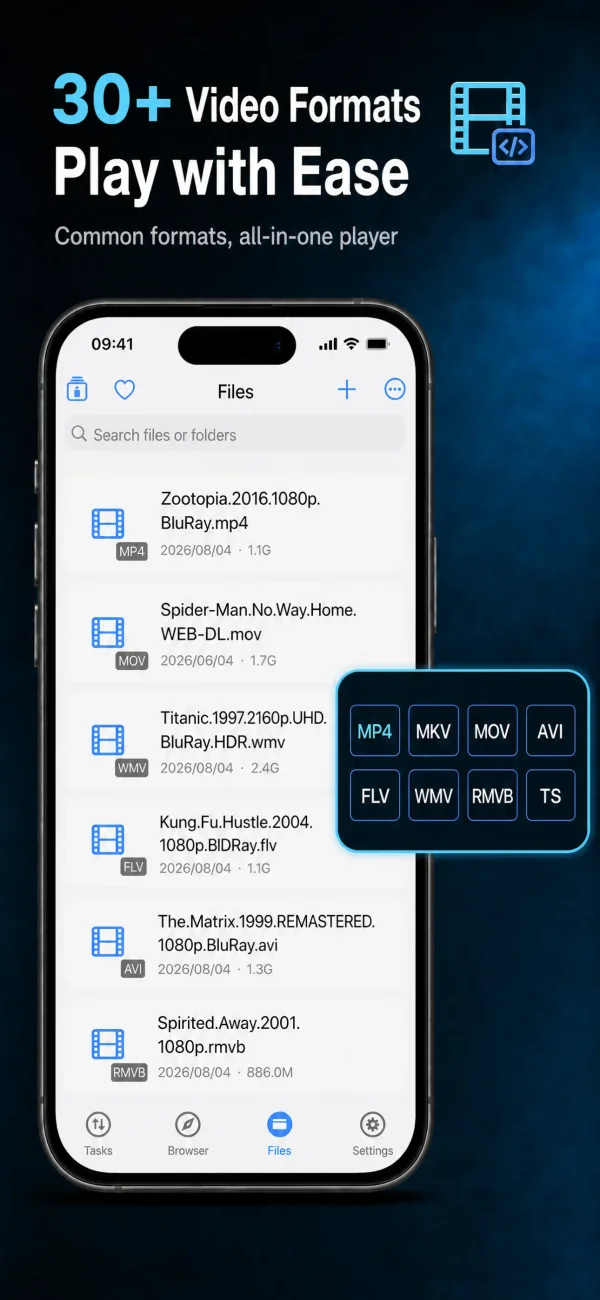
Your media, your formats
Play video and audio files already on your device, including MP4, MOV, MKV, RMVB, FLV, AVI, and more than 30 popular formats. Organize files in folders and keep important content in Private Space.
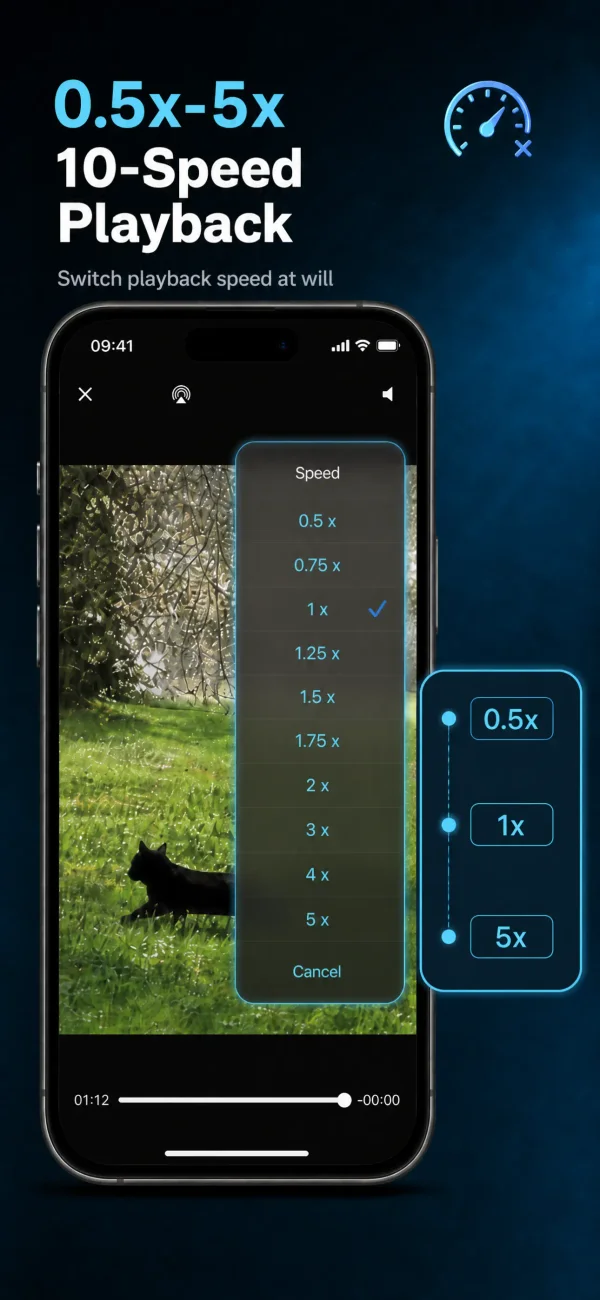
Watch at your own pace
Choose from ten playback speeds from 0.5x to 5x. Picture in Picture lets you keep watching while using other apps, whether you are learning from a course or catching up on a long video.
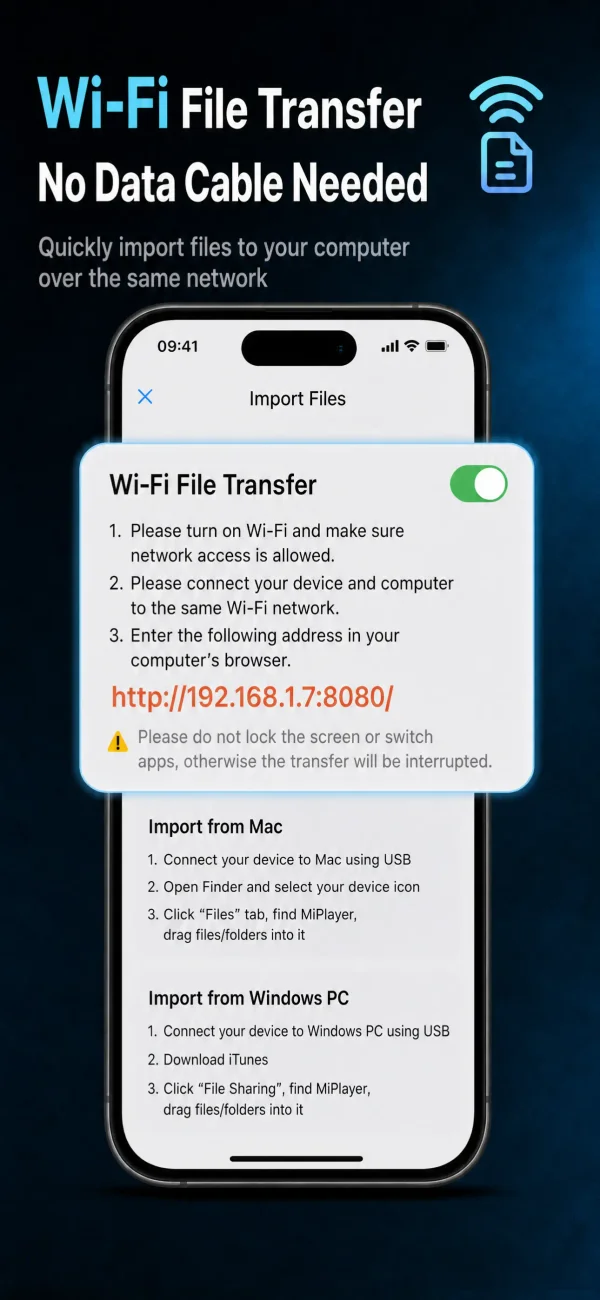
Transfer from your computer
Open the Wi-Fi transfer page in a computer browser, drag in your files, and receive them on your phone for local media management.
Keep favorite sites close
Save frequently visited websites on the browser home page and return to them quickly the next time you open MiPlayer.
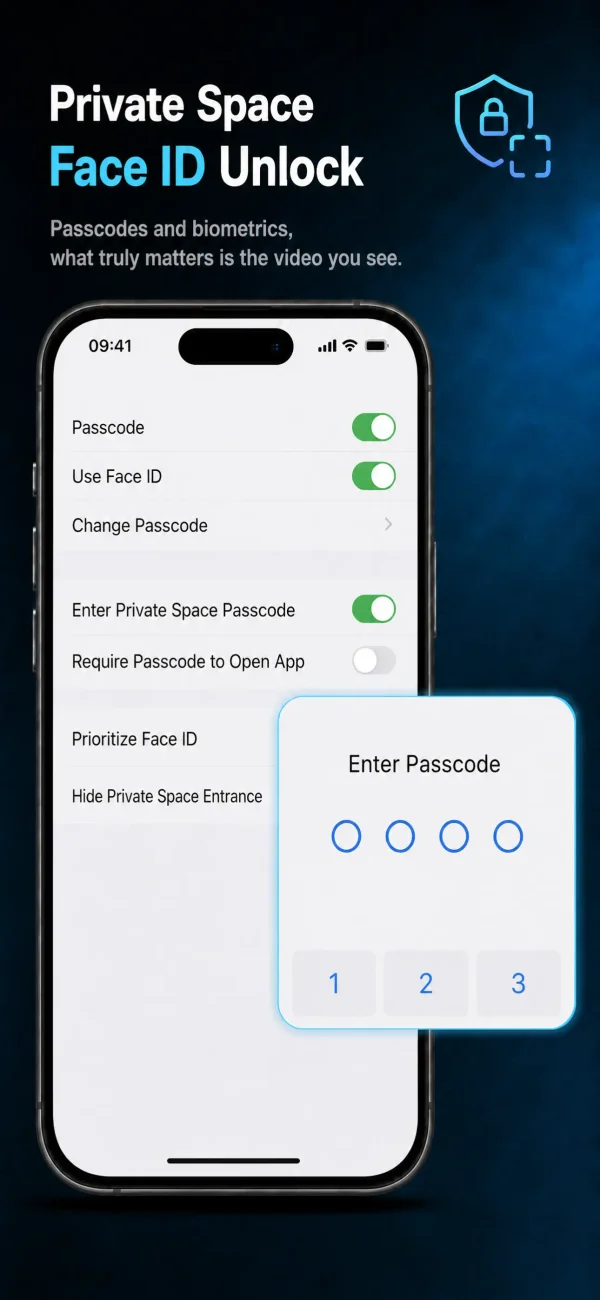
Private Space
Use a password and Face ID to protect videos that should stay separate from your regular file list.
Recently Deleted
Recover accidentally deleted files within 15 days, or permanently delete them immediately from Settings.
Sign in with Apple is optional. It is used only to restore account benefits, such as membership, after changing devices or reinstalling. Bookmarks, local files, and other device content remain on your device.
Privacy Policy: https://legal.miplayer.net/privacy/
Terms of Use: https://legal.miplayer.net/terms/
Yang baru
Versi 2.1.0 · 17/8/2026
- Long-press for faster playback: press and hold the video to instantly speed up playback; while holding, swipe left or right to switch between 1.5x and 5.0x with haptic feedback, and release to return to normal speed
- New Storage Management: see exactly what’s taking up space in Settings, and manage or clean up files by category
- Better video conversion: Convert to MP4 now supports more video formats, and fixed an issue where some videos failed to convert
- File management improvements: a new details entry in the file list, streamlined Recently Deleted actions, and the MiPlayer folder is once again visible in the system Files app
- New in-app browser guide and first-launch walkthrough, with smoother web page scrolling
- Improved localization and various bug fixes for better overall stability
Privasi aplikasi
Yang dinyatakan 学一 杨 di App Store tentang cara aplikasi ini menangani data.
-
Data tidak dikumpulkan
Pengembang tidak mengumpulkan data apa pun dari aplikasi ini.
Praktik privasi dapat bervariasi, misalnya berdasarkan fitur yang Anda gunakan atau usia Anda.
Informasi
- Penjual
- 学一 杨
- Kategori
- Hiburan
- Versi
- 2.1.0
- Diperbarui
- 17/8/2026
- Dirilis
- 6/10/2024
- Ukuran
- 103,5 MB
- Memerlukan
- iOS 16.0 atau yang lebih baru
- Batasan usia
- 4+
- Harga
- Gratis
- Pembelian dalam aplikasi
- Ya
- Bahasa
- Inggris, Arab, Katalan, Cheska (Republik Cheska), Dansk (Denmark), Suomi (Finlandia), Prancis, Jerman, Yunani, Ibrani, Hindi, Magyar (Hungaria) + 20 lainnya
- Hak cipta
- © MiPlayer
Mungkin Anda juga suka
-
 Media Pro ‣Hiburan
-
 ddPlayer - Media PlayerHiburan
-
 zFuse - Media PlayerHiburan
-
 网易爆米花-智能媒体库,全能云盘网盘播放器Hiburan
-
 HamHub - Your Personal CinemaHiburan
-
 SenPlayer - Media PlayerHiburan
-
 BoxPlayer - 4K Video PlayerHiburan
-
 Reflix - Emby Video PlayerHiburan
-
 Rex - All Your MediaHiburan
-
 iNAS Player: NAS Video & MusicHiburan