
- Batasan usia4+
- KategoriKegunaan
- PengembangMist Systems
- BahasaInggris
- Ukuran66,2 MB
Tertaut ke halaman resmi App Store
Download.org tidak menyimpan file MistAI apa pun. Tombol ini membuka halaman aplikasi di App Store, tempat Mist Systems menerbitkannya. Halaman terakhir diperiksa pada 23/11/2026.
Tangkapan layar




Tentang
Pengembang belum menyediakan teks ini dalam bahasa Anda.
The Mist AI app is designed to help in installing Juniper Switch(es), Wan edge routers, Mist edge, and Mist Access Point(s) for easy on-boarding.
Mist AI supports the user roles mentioned below:
• Admin role: Access to all the application features.
• Installer role: Limited access. They can only do the initial setup of devices in the Org.
Mist AI has the following features:
LOGIN
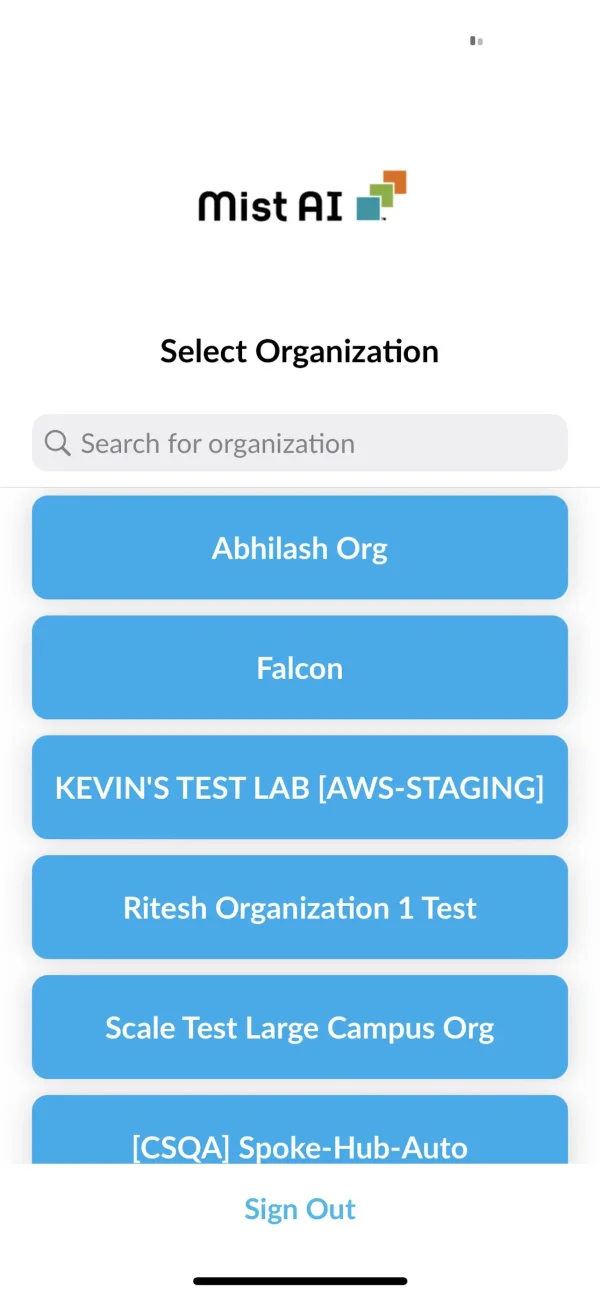
• Allows users with the admin/installer role to securely log in with their existing Mist account.
• Log in via SSO and biometric authentication.
CLAIM DEVICE
• Claim a Juniper Switch(es), Wan edge routers, Mist edge, and Mist Access Point(s) to an Org or Site using a Claim or QR code(if not already claimed via activation code).
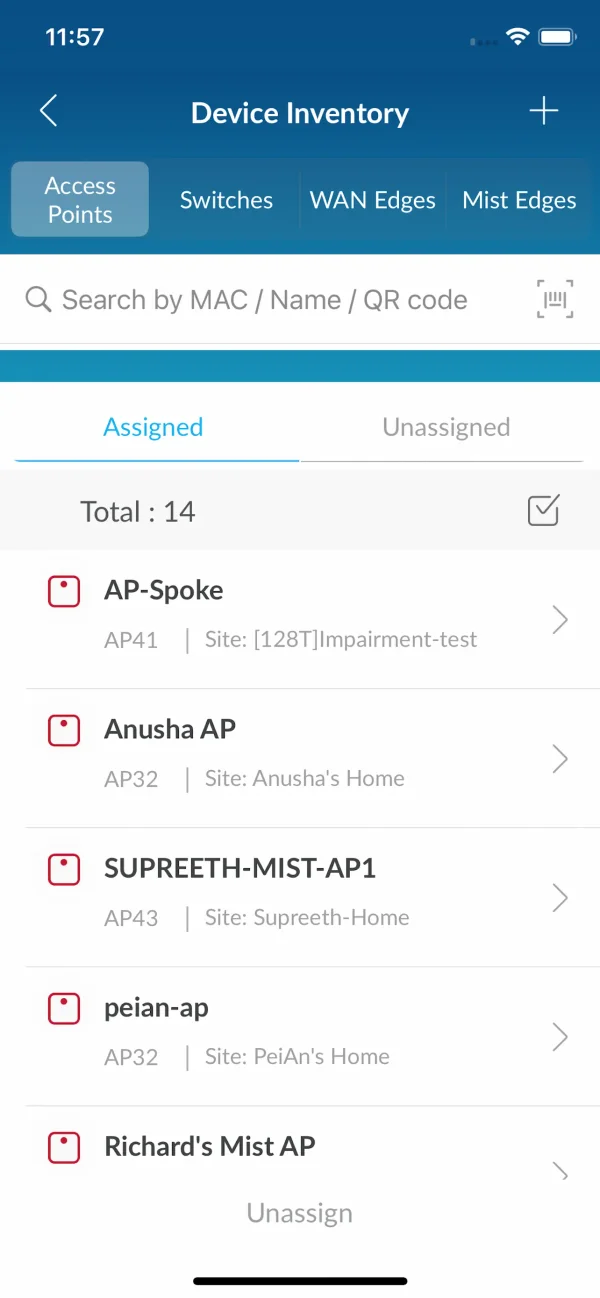
DEVICE INVENTORY
• Fast and easy way to search devices by name, mac, or scanning a QR at the Org level.
• View list and count of devices on the Org Level.
• An efficient way to assign multiple devices to a Site.
• View device model and associate Site name.
SITE INFORMATION
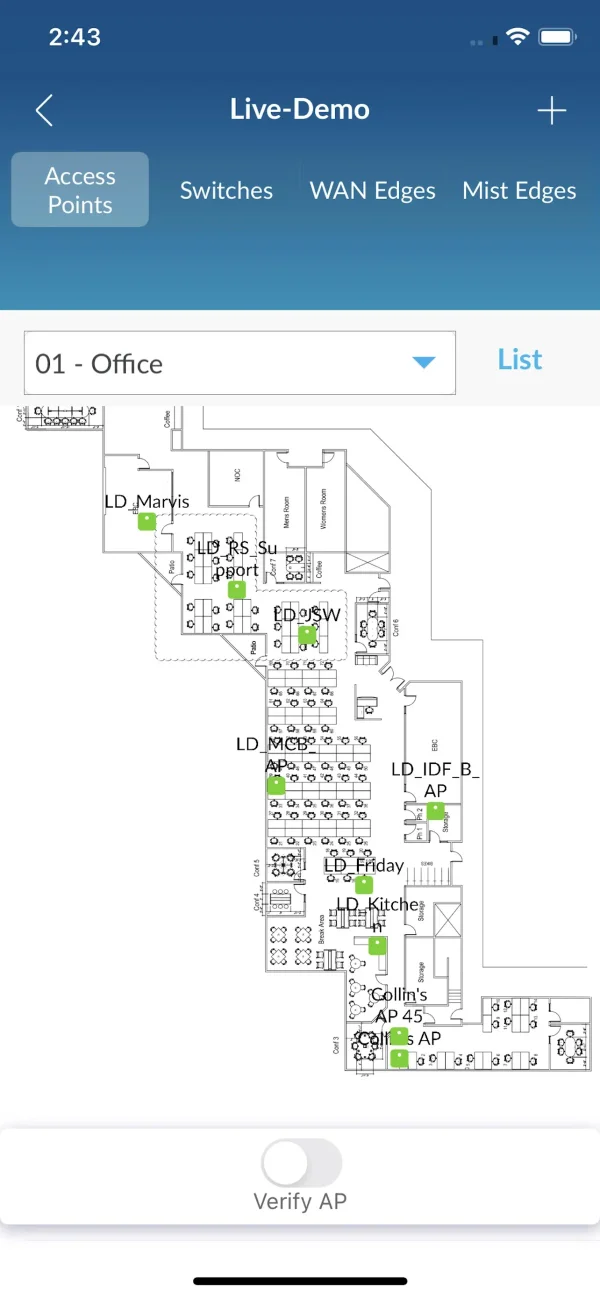
• View Juniper Switch(es), Wan edge routers, Mist edge and Mist Access Point(s) in list view.
• View Access Points in map view.
• Fast and easy way to search devices by name, mac, or scanning a QR at the Site level.
• View the total number of devices on the Site.
• Device status (connected or disconnected).
• Navigate to the device detail page.
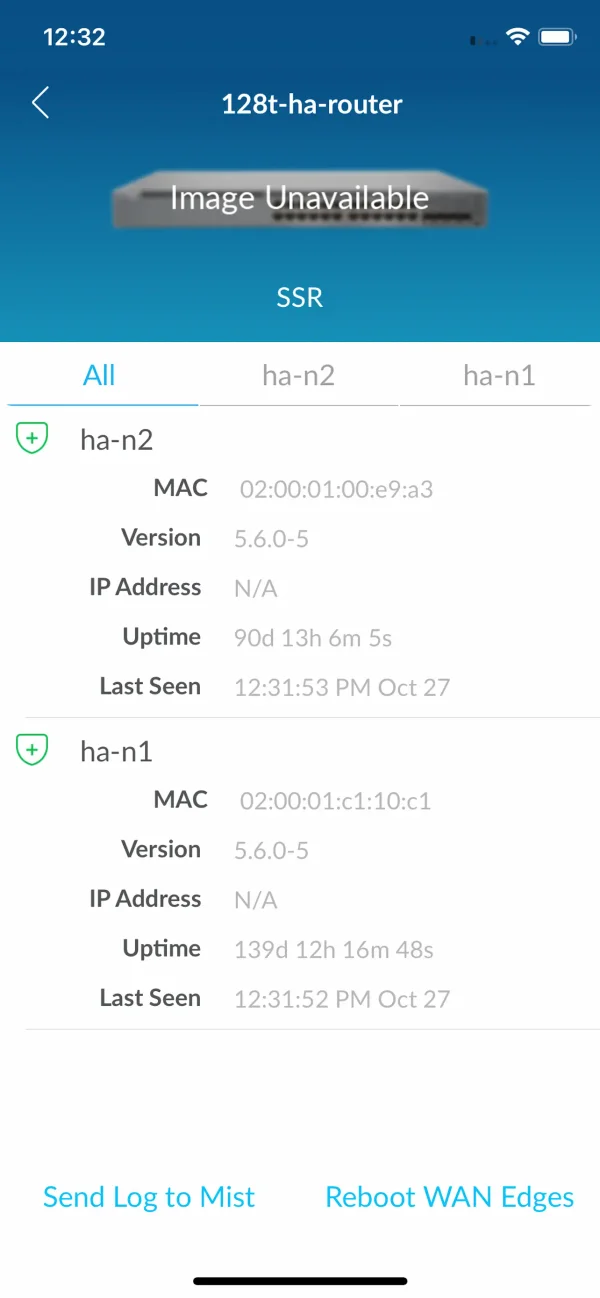
DEVICE DETAILS
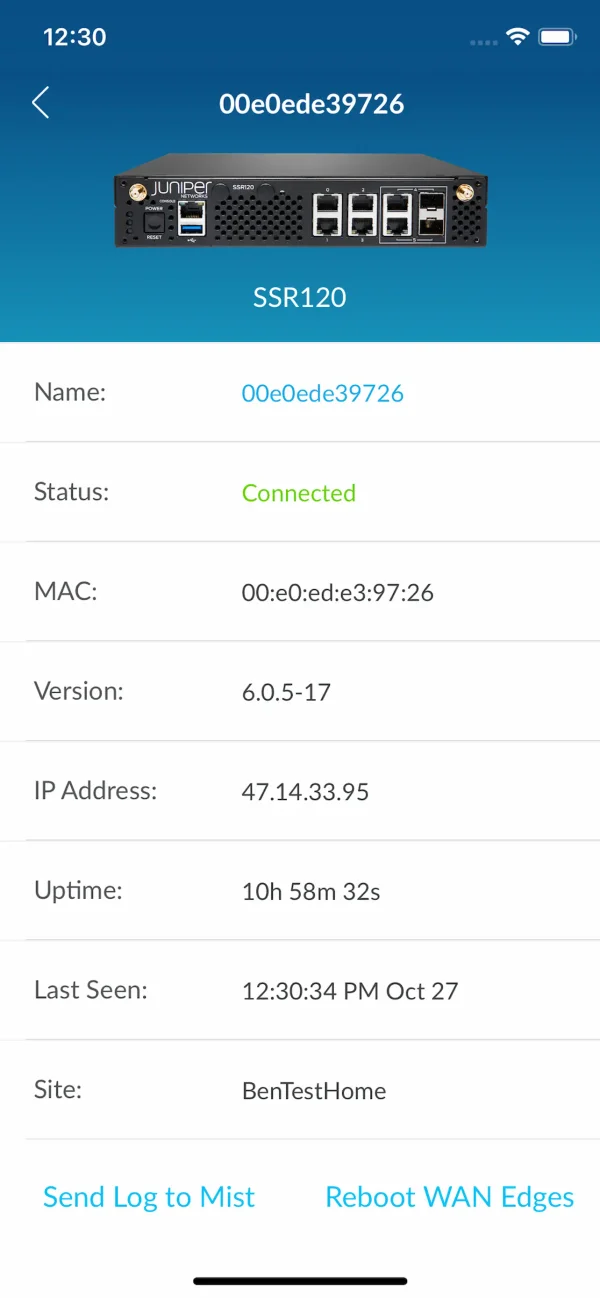
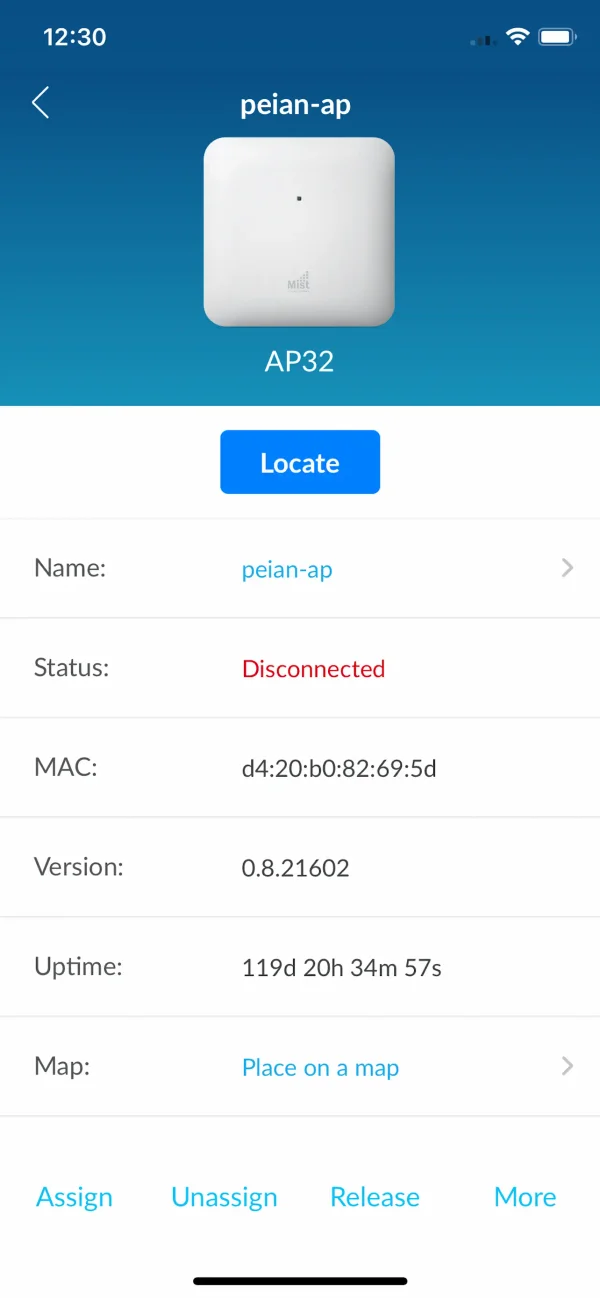
• View device details such as name, mac, status (connected/disconnected), firmware version, and uptime.
• Unassign, Unclaim, or Replace devices.
• Remove the Access Point from a map. (AP only)
• Allows placement of an Access Point on a floor plan with the ability to set AP height and LED orientation.(AP only)
MIST AI APP REQUIREMENTS
• Mist Account.
• Admin/Installer role access to the deployment Org.
• Juniper Switch(es), Wan edge routers, Mist edge and Mist Access Point(s)
USER MANUAL
• https://www.mist.com/documentation/mist-ai-mobile-app/
Yang baru
Versi 2.4.0 · 17/11/2026
Floor-plan updates: You can now add switches alongside access points to your floor-plans, Minor Bug fixes and Improvements.
Privasi aplikasi
Yang dinyatakan Mist Systems di App Store tentang cara aplikasi ini menangani data.
-
Data tidak dikumpulkan
Pengembang tidak mengumpulkan data apa pun dari aplikasi ini.
Praktik privasi dapat bervariasi, misalnya berdasarkan fitur yang Anda gunakan atau usia Anda.
Informasi
- Penjual
- Mist Systems Inc
- Kategori
- Kegunaan
- Versi
- 2.4.0
- Diperbarui
- 17/11/2026
- Dirilis
- 15/8/2017
- Ukuran
- 66,2 MB
- Memerlukan
- iOS 17.0 atau yang lebih baru
- Batasan usia
- 4+
- Harga
- Gratis
- Bahasa
- Inggris
- Hak cipta
- © Mist Systems