Monacker - Money Tracker
Enjoy tracking your money
Dirancang untuk iPhone, iPad
Gratis · Pembelian dalam aplikasi
- Batasan usia4+
- KategoriKeuangan
- PengembangAlexander Pygin
- BahasaInggris
- Ukuran8,1 MB
Tertaut ke halaman resmi App Store
Download.org tidak menyimpan file Monacker - Money Tracker apa pun. Tombol ini membuka halaman aplikasi di App Store, tempat Alexander Pygin menerbitkannya. Halaman terakhir diperiksa pada 26/11/2026.
Tangkapan layar

Tentang
Pengembang belum menyediakan teks ini dalam bahasa Anda.
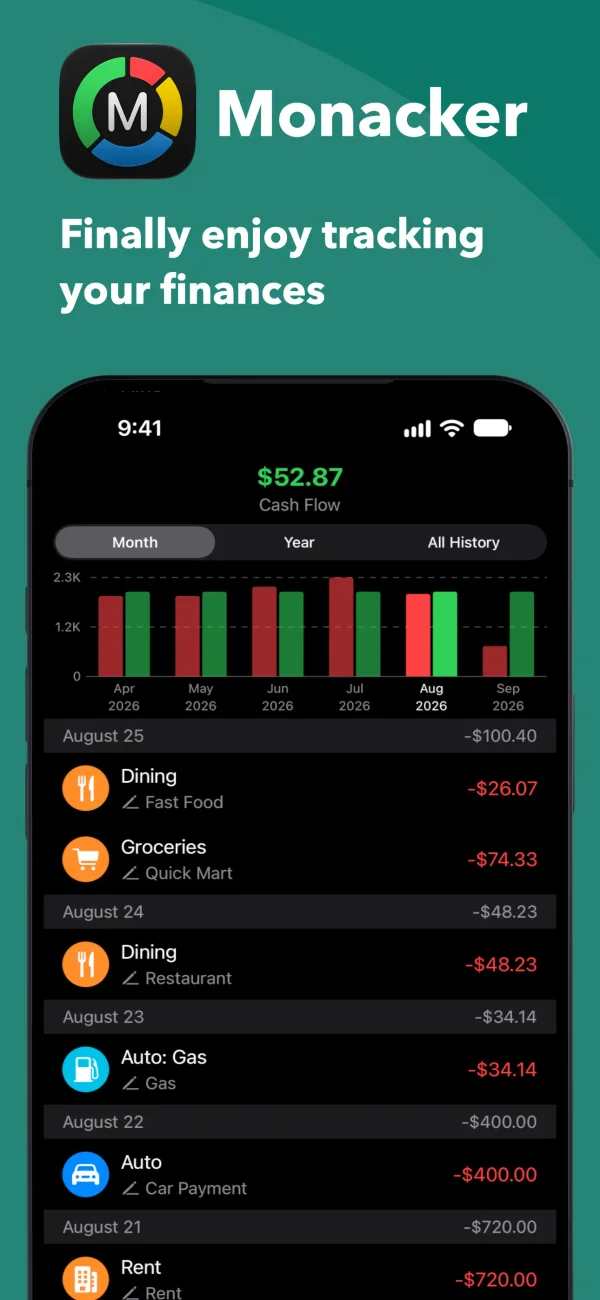
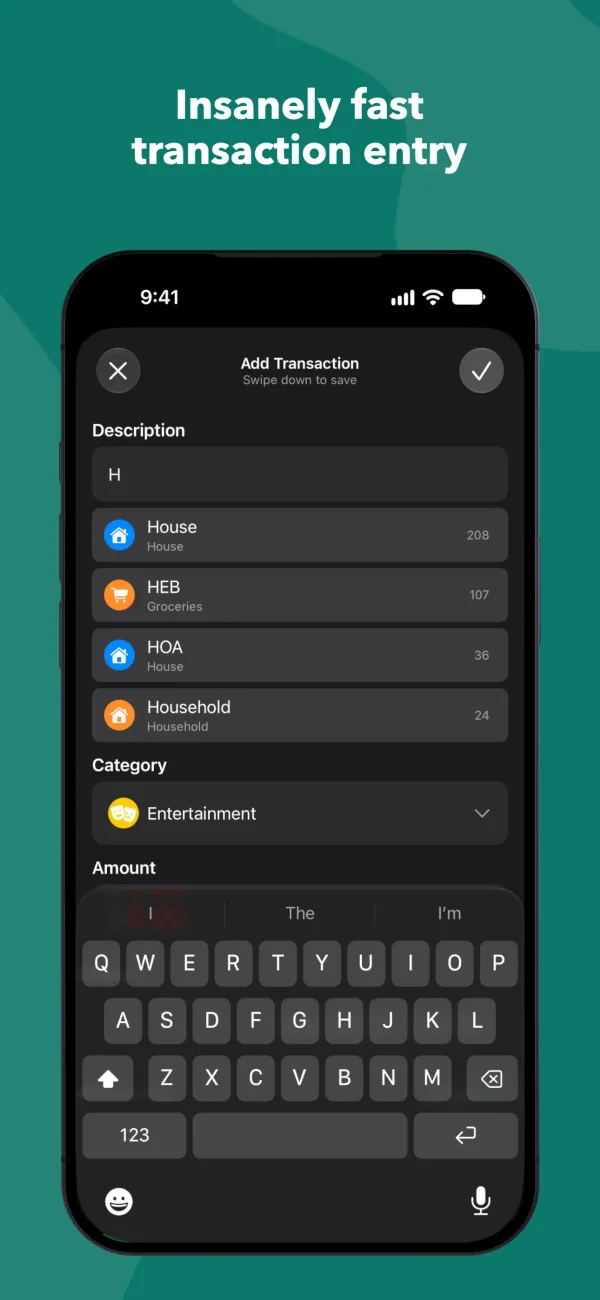
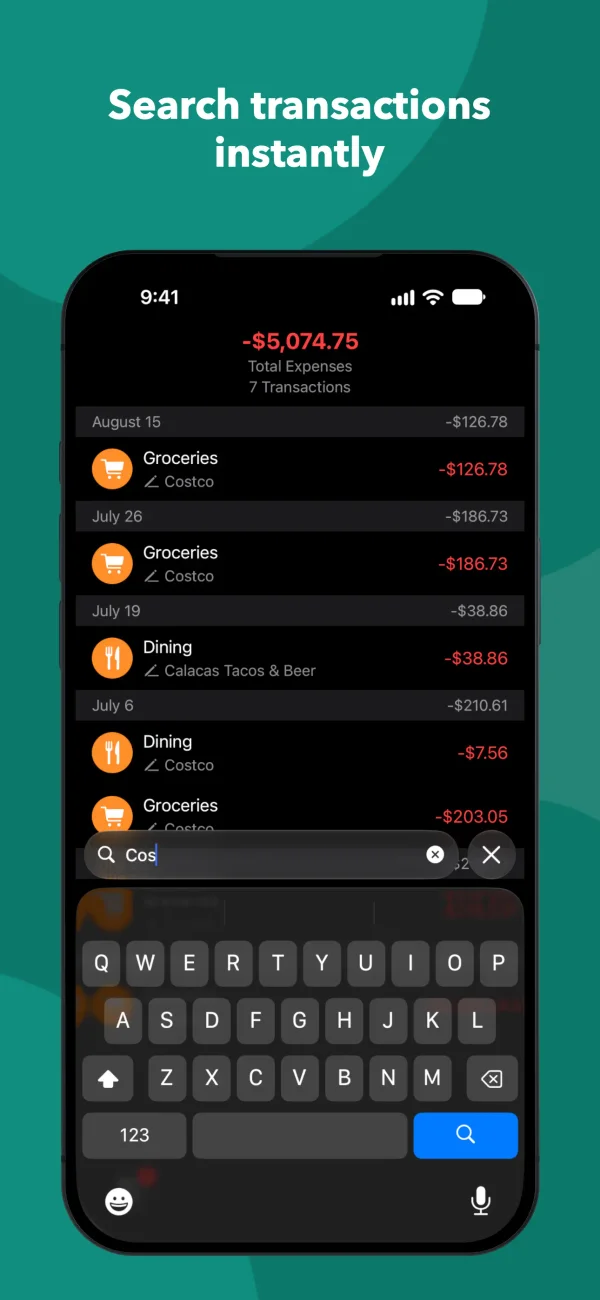
Finally enjoy tracking your income and expenses. Enter transactions in less than 5 seconds with a highly optimized transaction entry that shows you similar previous transactions to quickly autofill your transaction description and category, or use the Shortcuts Notification Trigger to automate tracking your transactions.
Features:
* 100% free forever. Tips are optional and always appreciated :)
* No ads, no popups, no prompts to review the app, no data collection, no analytics. I created this app for myself and I don't enjoy being bothered so I'm not going to bother anyone else. If I ever stop working on this app, I will open source it
* Export all your transactions to csv format in less than 2 seconds. You own your data
* Import your existing transactions in csv format. All that's necessary is 5 columns: Description, Category, Amount, Type (Expense/Income), and Date (ISO 8601 format). You can optionally add Color and Icon columns to further customize your categories
* All your transactions are synced to your iCloud. With CloudKit integration, all your transactions are safe even if you break your phone
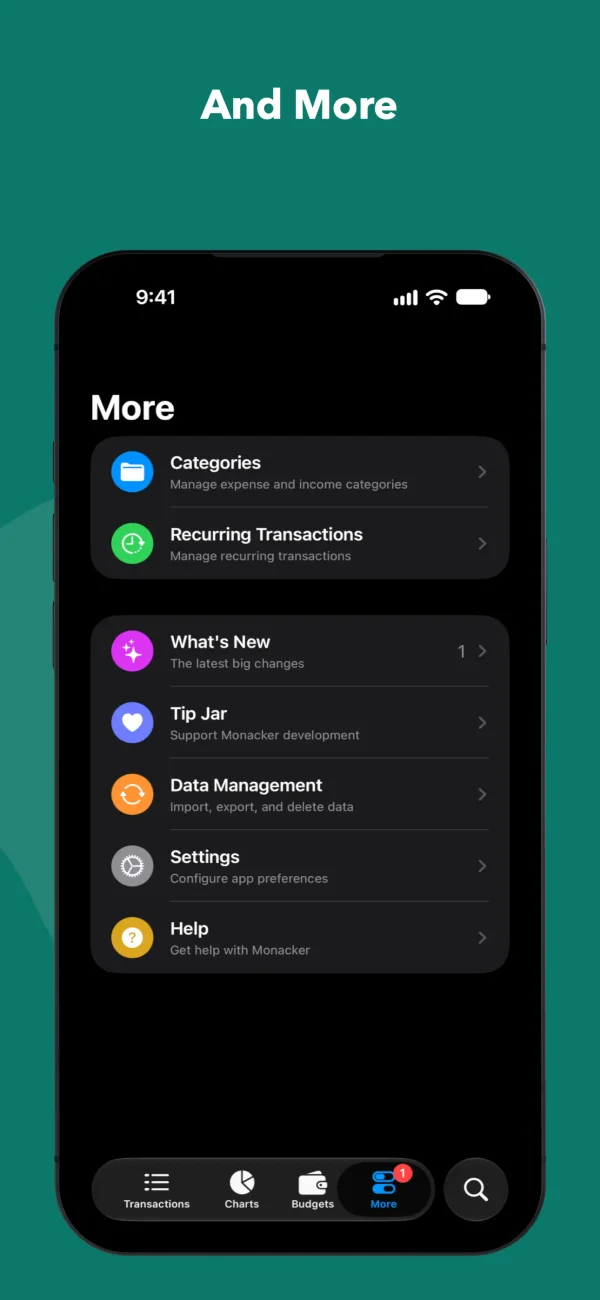
* Customize your categories to your liking. If the in-app customization is not sufficient, you can export the colors and icons in your csv file, and import it back in to see your changes. The icons are SF Symbols
* Enter transactions fast, seriously fast, or just automate with the Shortcuts Notification Trigger
* Extremely fast app loading. From a cold start, the app is fully loaded and interactable in 0.48 seconds even with my 10,000 transactions
* Convenience buttons for deleting all your transactions and unused categories so you can export your data, modify it as you wish, delete your data, then import everything again
How this app came to be:
I've been manually tracking my income and expenses for 10 years now. I've previously manually tracked in a spreadsheet and tried other apps, but I've consistently had gripes with them. I have always wanted to make my dream money tracking app, and the appeal of liquid glass finally pushed me to learn iOS app development to create this. I have tried for a few years to build this but always gave up because the mountain of learning app development was extremely daunting and I kept getting stuck. Now I'm just happy that I have something I can give to the world that I will use myself, and I hope others can use it too.
How I recommend people track their money:
* The best time to start tracking all your transactions was yesterday
* Ensure you have notifications every time you get paid, and for every single transaction that occurs on any of your credit/debit cards and bank accounts
* Every time a transaction occurs, track it as soon as possible. I'll usually be tracking my transaction in the checkout line to make sure I don't forget to do so
* Feel every monetary transaction so you don't get complacent with money
FAQ:
Q: How should I categorize an expense that may fit multiple categories?
A: Personally I'll just group things into whatever fits best, so I'll generally use "Groceries" for a Costco run, but if I'm buying more decorations or something I may log it as "Household". You can always manually enter multiple transactions for something you pay for. Things even out
Q: Can you add xyz way to visualize the data?
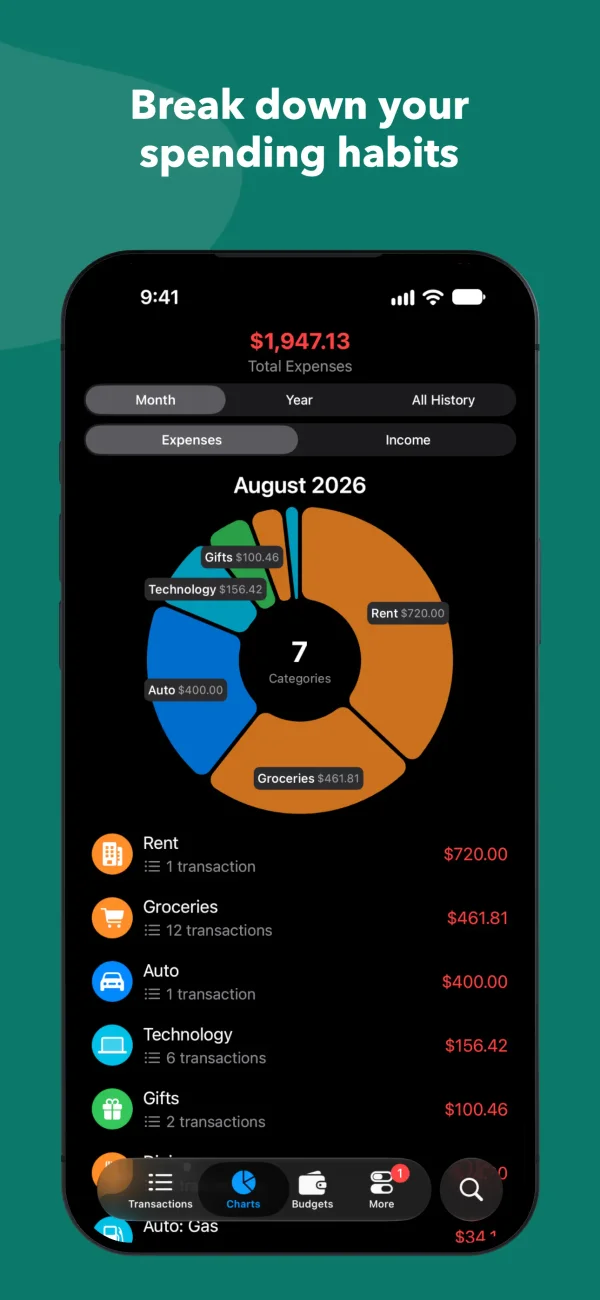
A: I made the csv export as painless as possible so people can use other better tools for visualizing their transactions.
Q: How can I support you?
A: Tip Jar :)
Email: alexpyginapps@gmail.com
Yang baru
Versi 2026.11.4 · 25/11/2026
• Allow $0 amounts for transactions. I realized there are times I want to mark that I went somewhere to eat, when someone else paid, and leave notes about the food. That's all :)
Privasi aplikasi
Yang dinyatakan Alexander Pygin di App Store tentang cara aplikasi ini menangani data.
-
Data tidak dikumpulkan
Pengembang tidak mengumpulkan data apa pun dari aplikasi ini.
Praktik privasi dapat bervariasi, misalnya berdasarkan fitur yang Anda gunakan atau usia Anda.
Informasi
- Penjual
- Alexander Pygin
- Kategori
- Keuangan
- Versi
- 2026.11.4
- Diperbarui
- 25/11/2026
- Dirilis
- 15/9/2025
- Ukuran
- 8,1 MB
- Memerlukan
- iOS 27.1 atau yang lebih baru
- Batasan usia
- 4+
- Harga
- Gratis
- Pembelian dalam aplikasi
- Ya
- Bahasa
- Inggris
- Hak cipta
- © Alex Pygin
Mungkin Anda juga suka
-
 Wallety: Budget PlannerKeuangan
-
 Budget Planner : Budget 365Keuangan
-
 Dimewise: Track & BudgetKeuangan
-
 Subscription Manager - SubpliKeuangan
-
 Finma - AI Finance TrackerKeuangan
-
 Big Numbers: Budget TrackerKeuangan
-
 AlmostZero - Pelacak UtangKelola utang dengan mudah
-
 Monee Pengelola Danasingle, pasangan, keluarga
-
 Budget Planner - After BudgetKeuangan
-
 Budget Flow | Expense TrackerKeuangan