
Morse Code: Text to Light
Flashlight Signal Sender
Dirancang untuk iPhone
Rp 59ribu · Pembelian dalam aplikasi
- Batasan usia4+
- KategoriKegunaan
- PengembangAssaf Alawaji
- BahasaInggris
- Ukuran25,5 MB
Tertaut ke halaman resmi App Store
Download.org tidak menyimpan file Morse Code: Text to Light apa pun. Tombol ini membuka halaman aplikasi di App Store, tempat Assaf Alawaji menerbitkannya. Halaman terakhir diperiksa pada 18/11/2026.
Tangkapan layar
Tentang
Pengembang belum menyediakan teks ini dalam bahasa Anda.
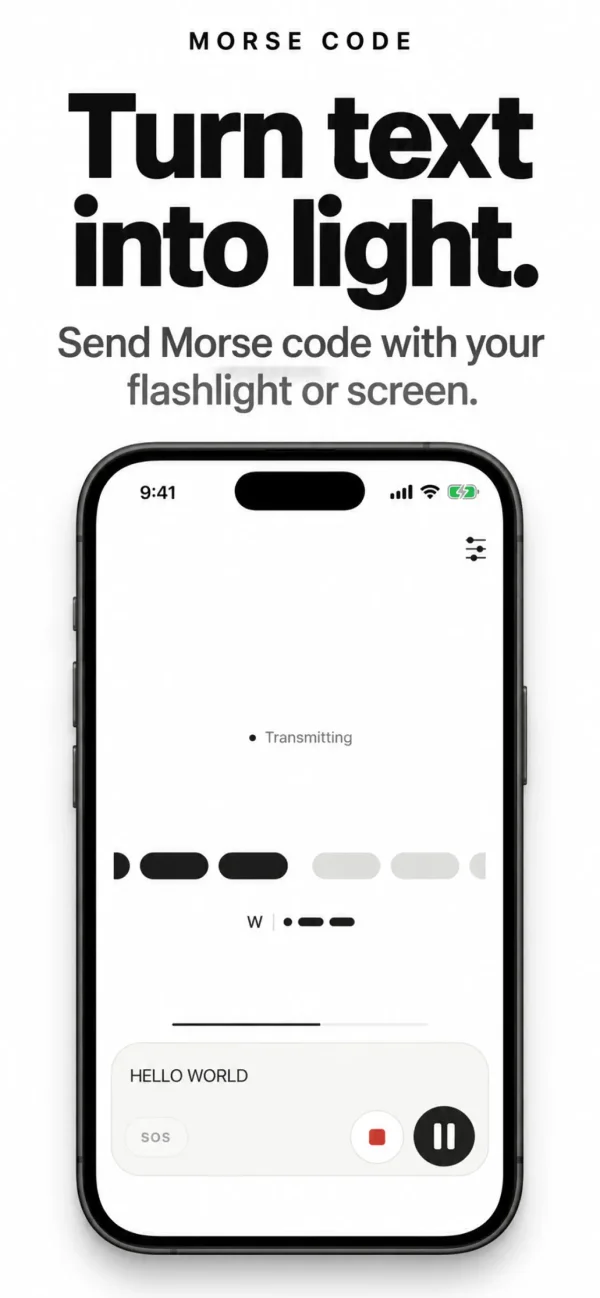
Morse Code turns text into light with a clean, focused transmitter for iPhone.
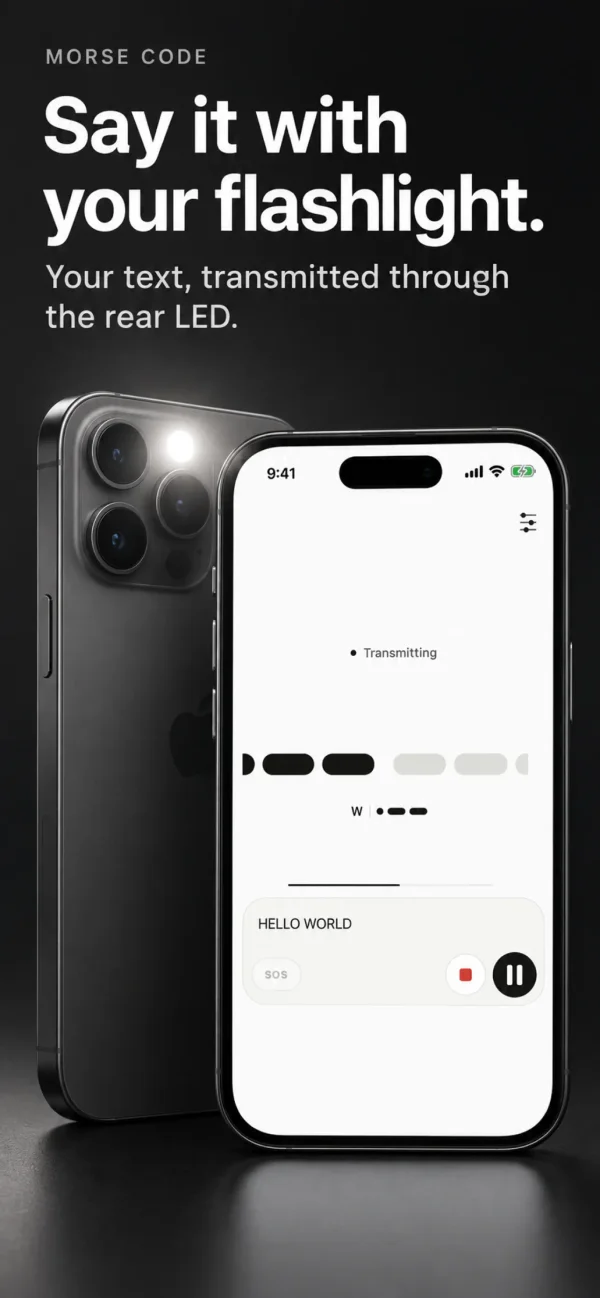
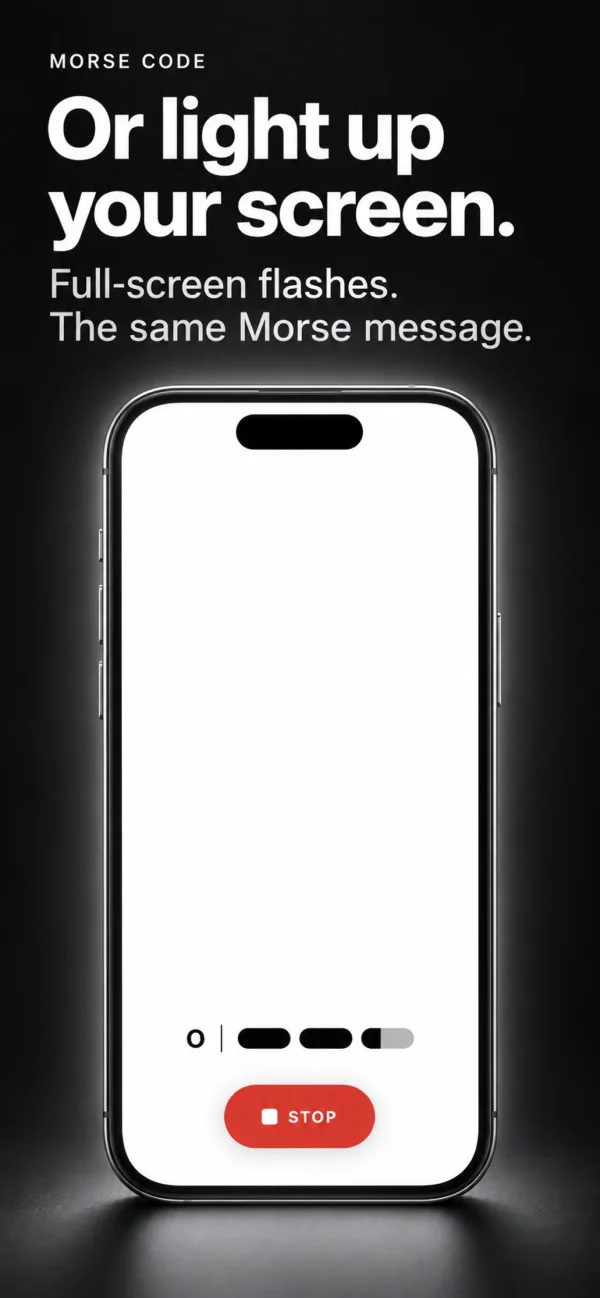
Type a message and see its International Morse Code sequence before and while it sends. Use the rear flashlight for visible signaling, or switch to full-screen output when the torch is unavailable or you prefer the display.
Features:
• Live dot-and-dash preview with message progress
• Rear-flashlight and full-screen light output
• Adjustable Morse speed with a device timing estimator
• Pause, resume, stop, replay, and continuous repeat
• One-tap SOS text shortcut (does not contact emergency services)
• Support for letters, numbers, and common punctuation
• Accessible labels, large controls, haptics, and reduced-motion support
• No account, ads, analytics, or cloud backend
Everything you type is converted locally on your device. Messages are not sent to Sarcomere or stored on a remote server.
Flashlight control requires Camera permission because iOS exposes the rear LED through the camera system. Morse Code never takes, saves, inspects, or transmits photos or video. If Camera access is denied, Screen output remains available.
Safety: Do not aim flashing light at eyes, drivers, aircraft, or photosensitive people. Morse Code is a signaling utility, not an emergency service or certified safety device.
Optional support: leave a one-time tip from Settings if you would like to support development. Tips are entirely optional, do not unlock features, and are not a subscription. The App Store shows the price and asks for confirmation before charging.
Yang baru
Versi 1.2.0 · 9/11/2026
Learn Morse by tapping. Open Tools → Tap & Learn to look up a letter, tap its dots and dashes, and see your message take shape.
Choose Flashlight, Screen, or Sound below your message. Hold a mode and slide to adjust the speed with haptic feedback. During playback, the preview follows the active dot or dash, even in long messages.
Optional tips now end with confetti and a silent Morse “THANK YOU.”
Privasi aplikasi
Yang dinyatakan Assaf Alawaji di App Store tentang cara aplikasi ini menangani data.
-
Data tidak dikumpulkan
Pengembang tidak mengumpulkan data apa pun dari aplikasi ini.
Praktik privasi dapat bervariasi, misalnya berdasarkan fitur yang Anda gunakan atau usia Anda.
Informasi
- Penjual
- Assaf Alawaji
- Kategori
- Kegunaan
- Versi
- 1.2.0
- Diperbarui
- 9/11/2026
- Dirilis
- 9/9/2026
- Ukuran
- 25,5 MB
- Memerlukan
- iOS 16.4 atau yang lebih baru
- Batasan usia
- 4+
- Harga
- Rp 59ribu
- Pembelian dalam aplikasi
- Ya
- Bahasa
- Inggris
- Hak cipta
- © 2026 Sarcomere
Mungkin Anda juga suka
-
 iMWKegunaan
-
 Signalist: Morse CodeKegunaan
-
 Morse Code Interpreter ProKegunaan
-
 Text To Morse Code - TranslateKegunaan
-
 Morse Code: Tap & TranslateKegunaan
-
 FingerCMSKegunaan
-
 Morse Code: Offline ChatKegunaan
-
 iNet Pro - Network ScannerKegunaan
-
 Morse Code Translator & LearnKegunaan
-
 Morse Code Decoder and EncoderKegunaan