Motion Log Plus
Device Sensor Log Tool
Dirancang untuk iPhone, iPad, iPod touch
Rp 59ribu
- Batasan usia4+
- KategoriKegunaan
- PengembangHeng Jia Liang
- BahasaInggris
- Ukuran1,9 MB
Tertaut ke halaman resmi App Store
Download.org tidak menyimpan file Motion Log Plus apa pun. Tombol ini membuka halaman aplikasi di App Store, tempat Heng Jia Liang menerbitkannya. Halaman terakhir diperiksa pada 18/11/2026.
Tangkapan layar

Tentang
Pengembang belum menyediakan teks ini dalam bahasa Anda.
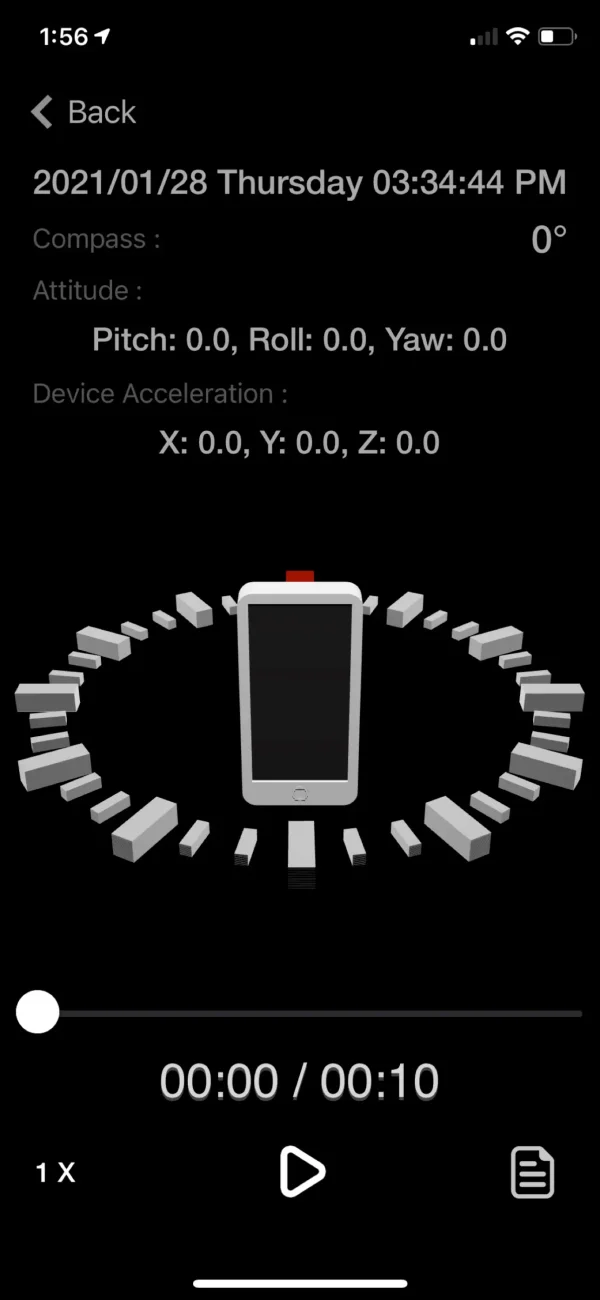
Motion Log is a device sensor logging tool that empowers you to capture the motion of your iOS Devices. It records various data points, including device attitude, orientation, and applied force. After recording, you can conveniently preview the motion data.
Embark on a journey of motion exploration with Motion Log, a cutting-edge device sensor logging tool designed for iOS devices. Whether you're tracking the subtle nuances of device orientation, analyzing acceleration patterns, or documenting the dynamic forces at play, Motion Log offers unparalleled insight into the motion dynamics of your device. With its intuitive interface and robust feature set, Motion Log empowers users to record, visualize, and analyze motion data with ease. From everyday activities to adventurous endeavors, Motion Log provides a comprehensive toolkit for understanding and harnessing the power of motion. Experience motion logging like never before and unlock a world of possibilities with Motion Log.
Features:
• Capture motion data of your iOS Devices, including:
- Device orientation to North.
- Device Attitude: Pitch, Roll, and Yaw.
- Device Acceleration in X, Y, and Z directions.
- Time and Date of recording start.
• Option to turn off the screen while recording.
• Rename or delete motion log files.
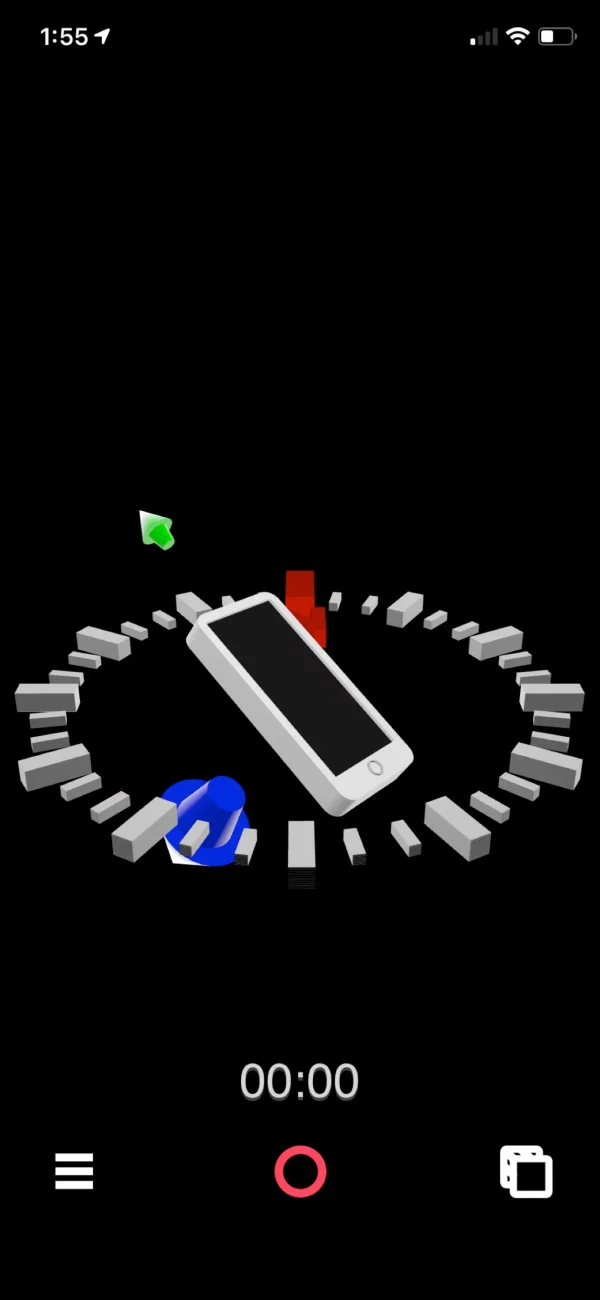
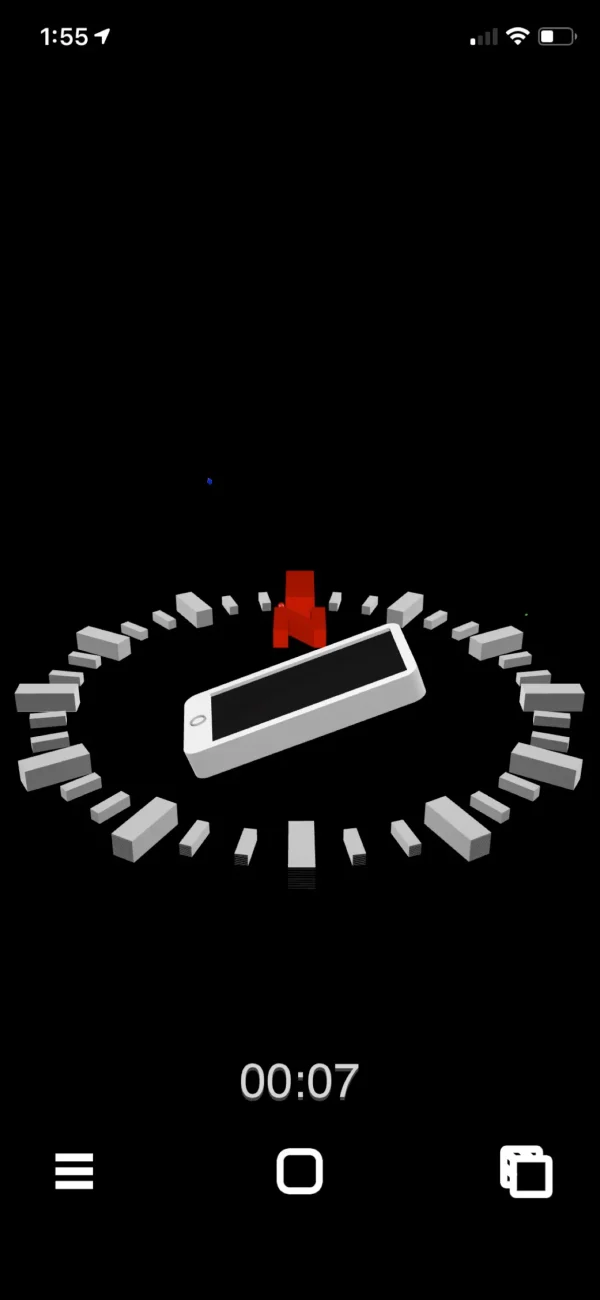
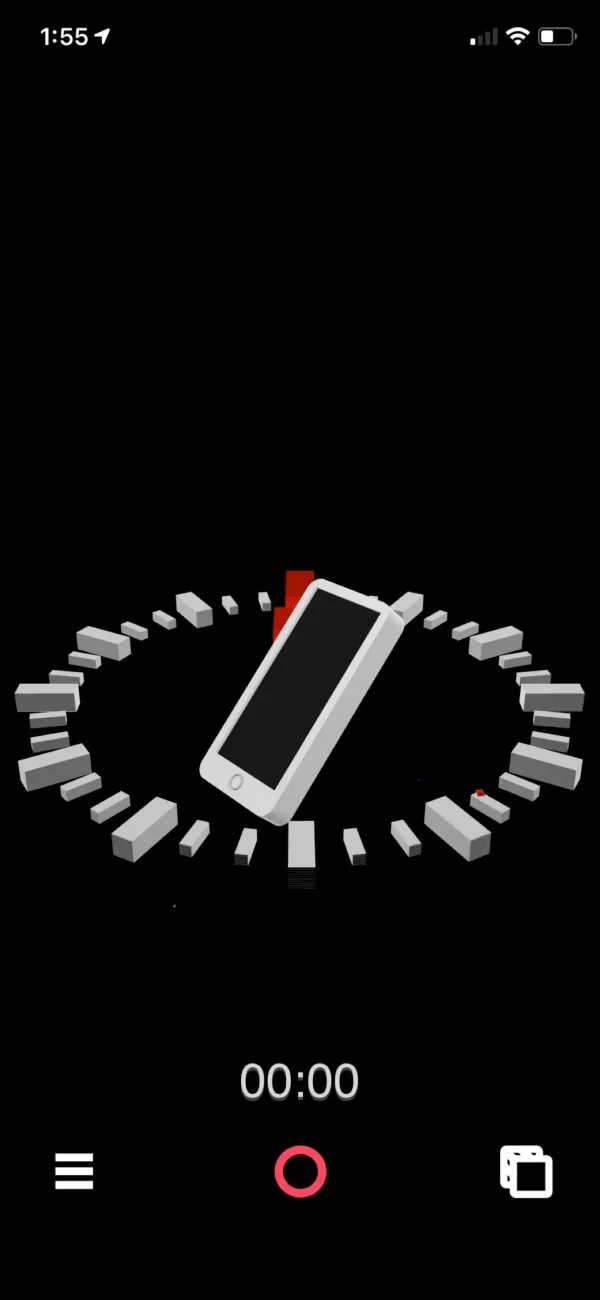
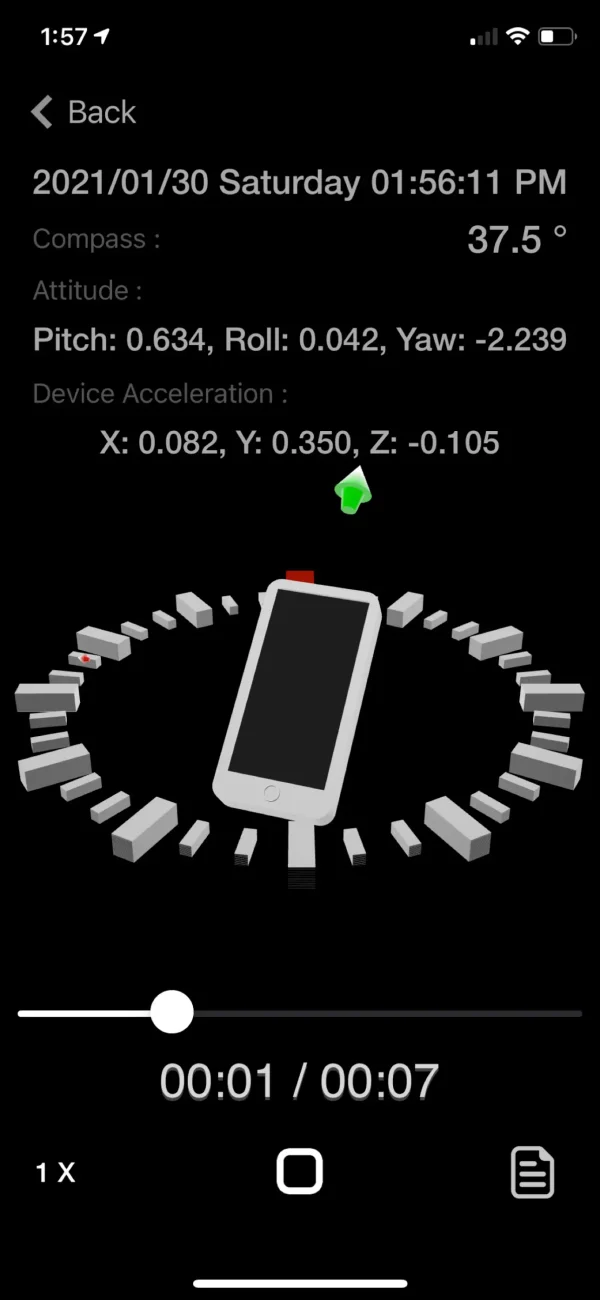
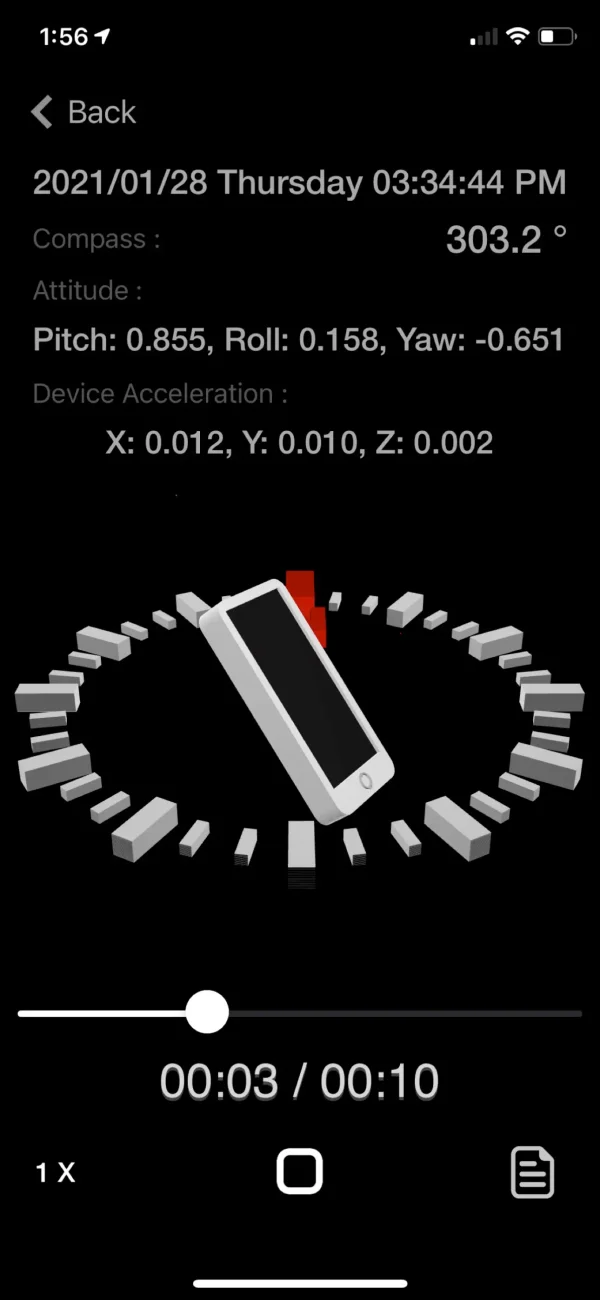
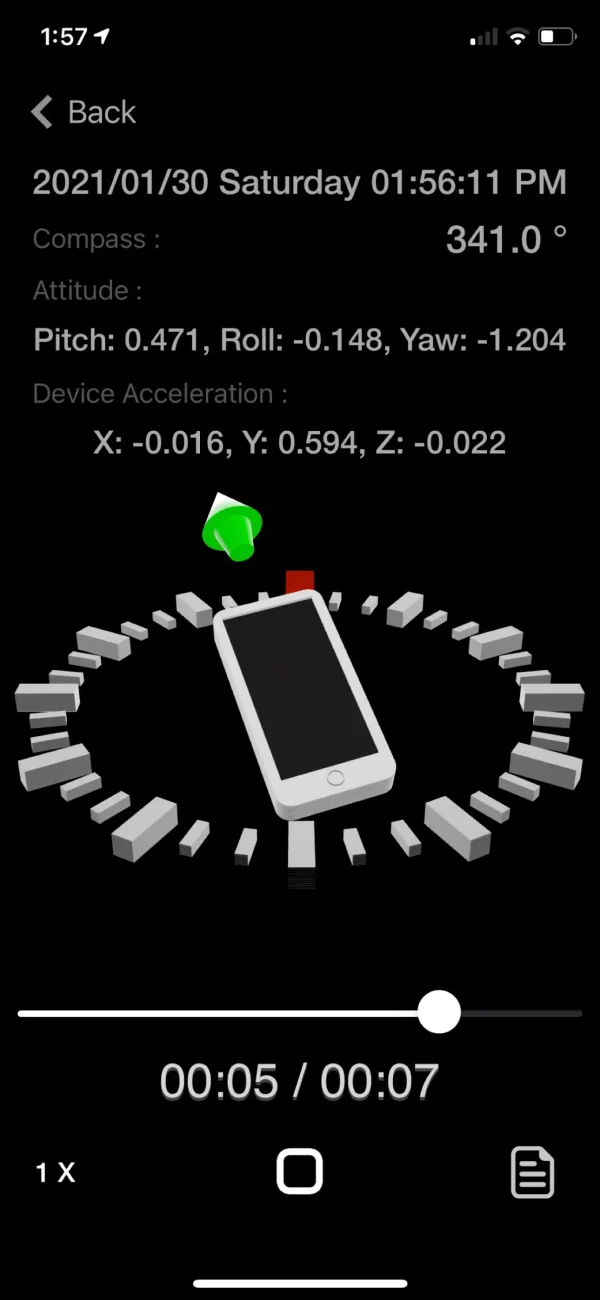
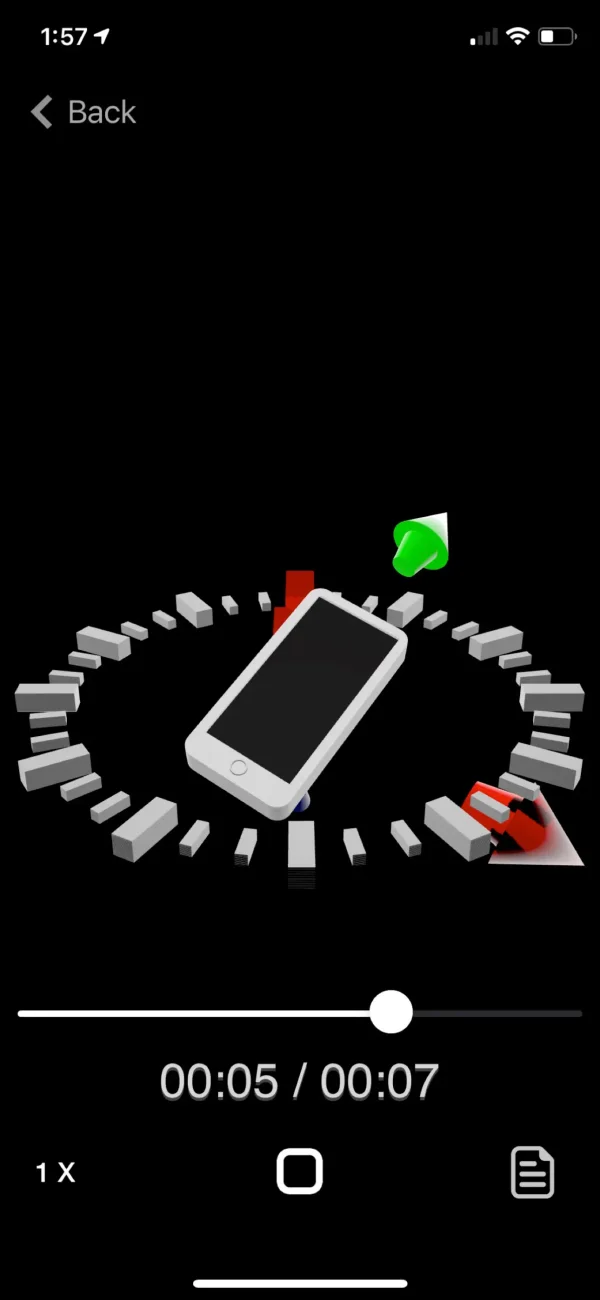
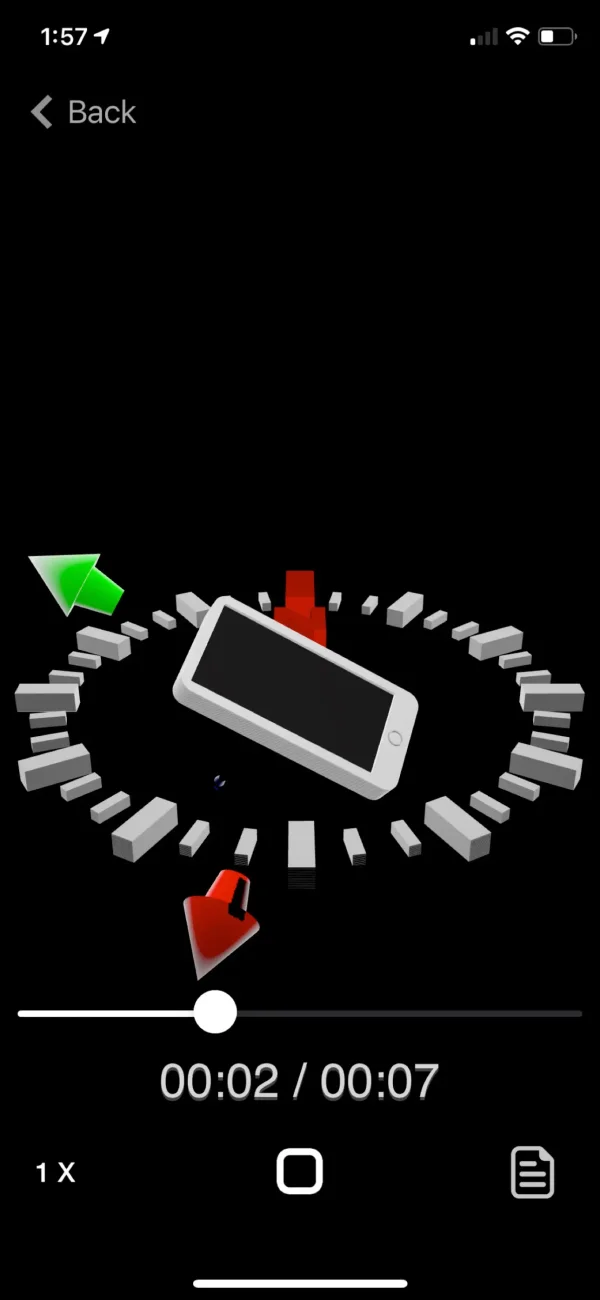
• Preview recorded motion data in 3D.
• View 3D device preview at normal speed, 2X speed, or 0.5X speed.
• Toggle data preview On or Off.
3D Preview:
• Display device orientation in 3D space.
• Represent device acceleration with 3D arrows (X - Red, Y - Green, Z - Blue).
• Arrow size adjusts based on acceleration magnitude.
Motion Log Files:
• Access motion log files in the [Files] app under [Motion Log] Folder.
• Open motion log files using a normal text editor.
• Data array includes compass (0-360 degrees), attitude (Pitch, Roll, and Yaw in radians), and device acceleration (X, Y, Z in G - Gravity).
• Recorded with a 0.05 sec interval.
• Share motion log files via Airdrop, Messages, or Mail.
• Easily load shared motion log files by placing them into [Motion Log] Folder via [Files] app.
Usage:
• Record walking or running motions.
• Capture desk vibrations or other movements.
• Analyze G force while riding roller coasters.
• Assess road conditions or G force while driving.
• Monitor attitude or G force while biking or cycling.
• Explore endless possibilities based on your imagination.
Thank you for your support, and feel free to visit nitrio.com for more iOS device apps.
Yang baru
Versi 1.3 · 7/2/2026
- Updated for the newest devices.
- Minor bugs fixed.
Privasi aplikasi
Yang dinyatakan Heng Jia Liang di App Store tentang cara aplikasi ini menangani data.
-
Data tidak dikumpulkan
Pengembang tidak mengumpulkan data apa pun dari aplikasi ini.
Praktik privasi dapat bervariasi, misalnya berdasarkan fitur yang Anda gunakan atau usia Anda.
Informasi
- Penjual
- Heng Jia Liang
- Kategori
- Kegunaan
- Versi
- 1.3
- Diperbarui
- 7/2/2026
- Dirilis
- 14/11/2019
- Ukuran
- 1,9 MB
- Memerlukan
- iOS 13.1 atau yang lebih baru
- Batasan usia
- 4+
- Harga
- Rp 59ribu
- Bahasa
- Inggris
- Hak cipta
- © Heng Jia Liang