- Batasan usia4+
- KategoriGrafik & Desain
- PengembangFiorenzo Pilla
- BahasaInggris+ 1 lainnya
- Ukuran14,8 MB
Tertaut ke halaman resmi App Store
Download.org tidak menyimpan file Munus Paint apa pun. Tombol ini membuka halaman aplikasi di App Store, tempat Fiorenzo Pilla menerbitkannya. Halaman terakhir diperiksa pada 23/11/2026.
Tangkapan layar

Tentang
Pengembang belum menyediakan teks ini dalam bahasa Anda.
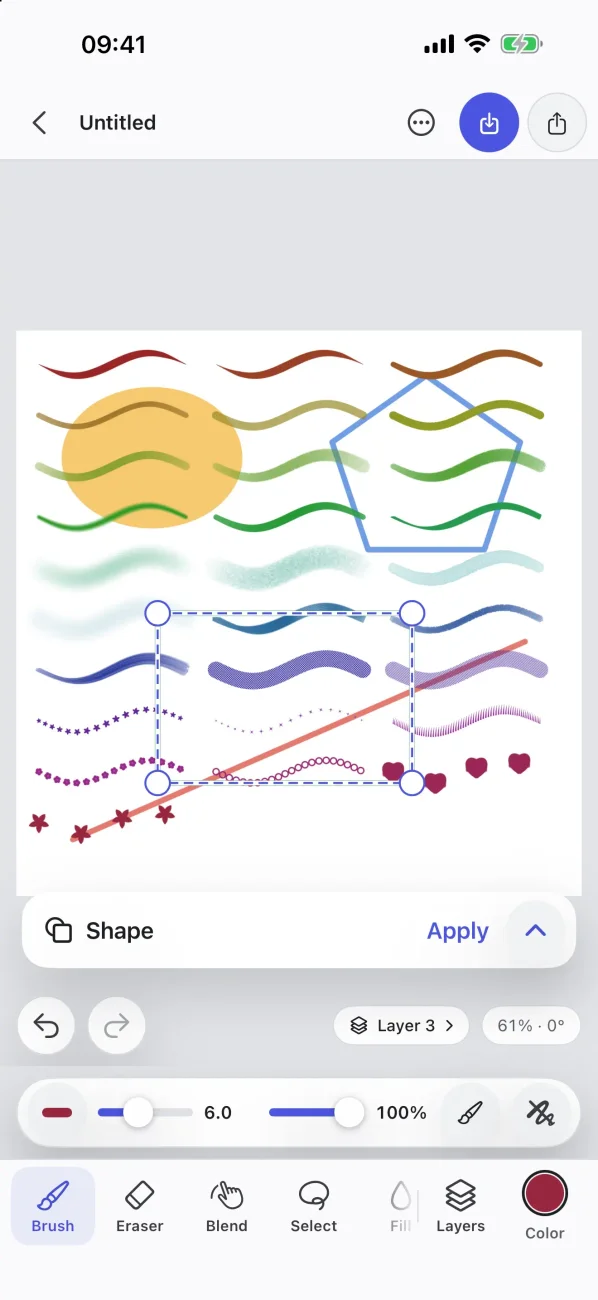
Munus Paint is a complete drawing and painting app for iPad and iPhone, free of charge. In Latin, munus was a gift given to the community: this app is a gift to everyone. No account, no ads, no subscriptions, no watermark on exports. It works without the Internet and collects no data at all: your artworks stay on your device.
BRUSHES
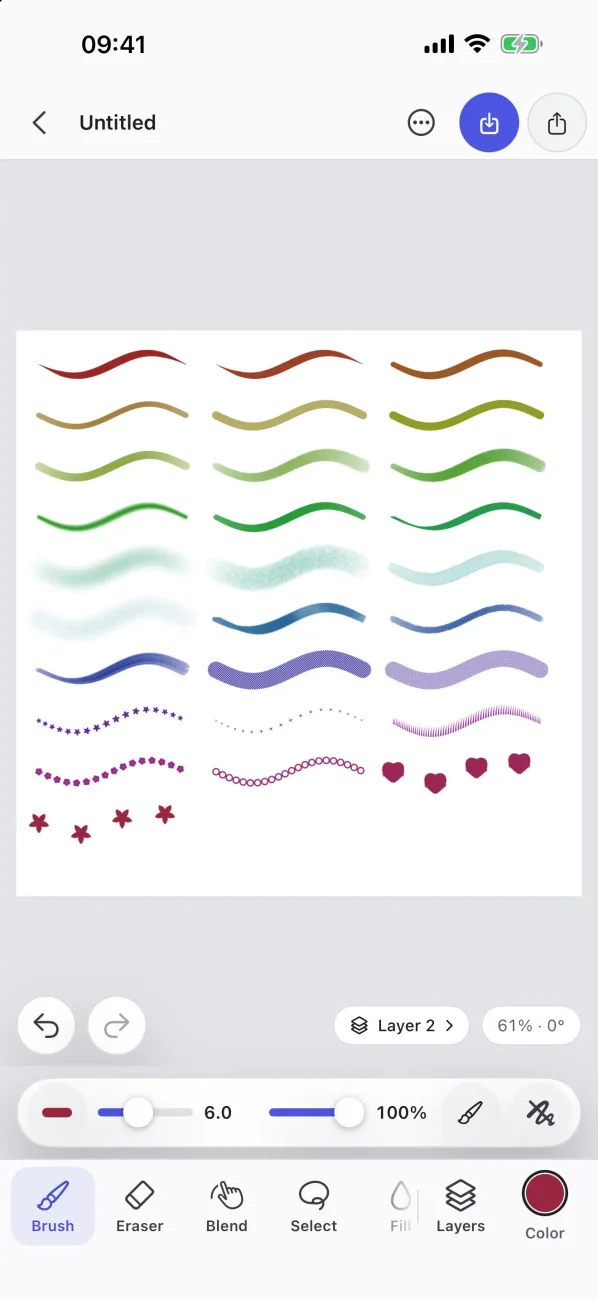
• More than 30 brushes: pencils, pens, markers, watercolor, oil, chalk, airbrush, smudge, blur and erasers.
• Fine-tune every brush: size, opacity, fade, jitter, scatter, texture, and response to pressure, tilt and speed with Apple Pencil.
• Create your own brushes and tips, and share them as files.
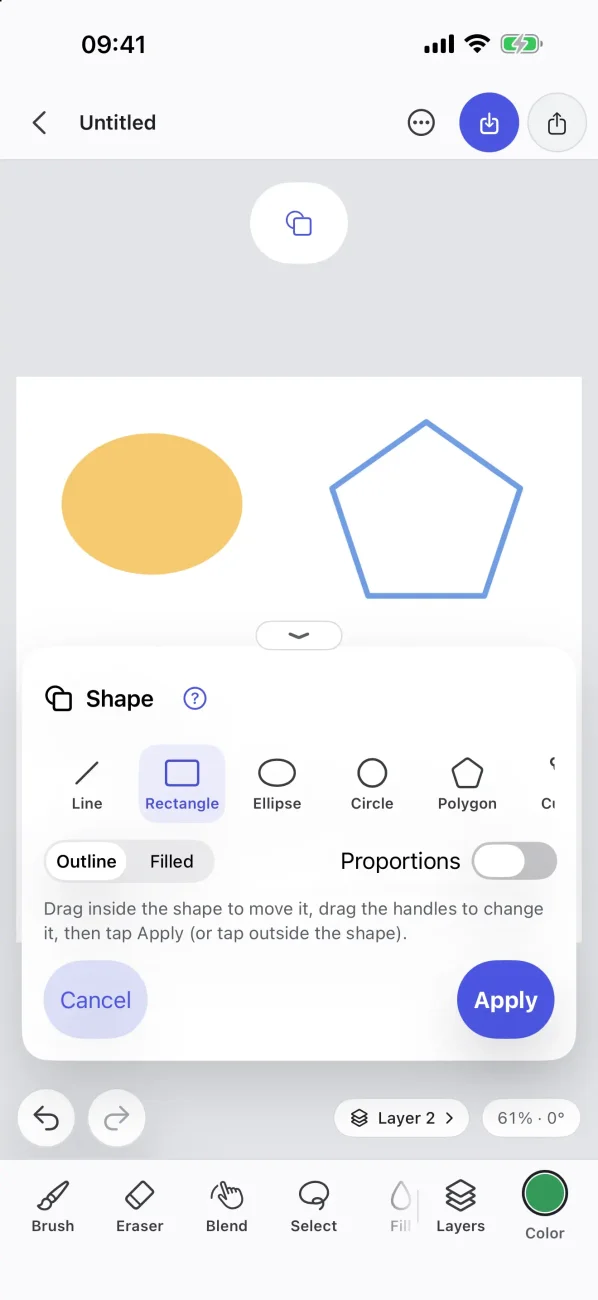
• Stabilizer for clean lines, and a smart shape tool that straightens lines, circles and polygons.
LAYERS
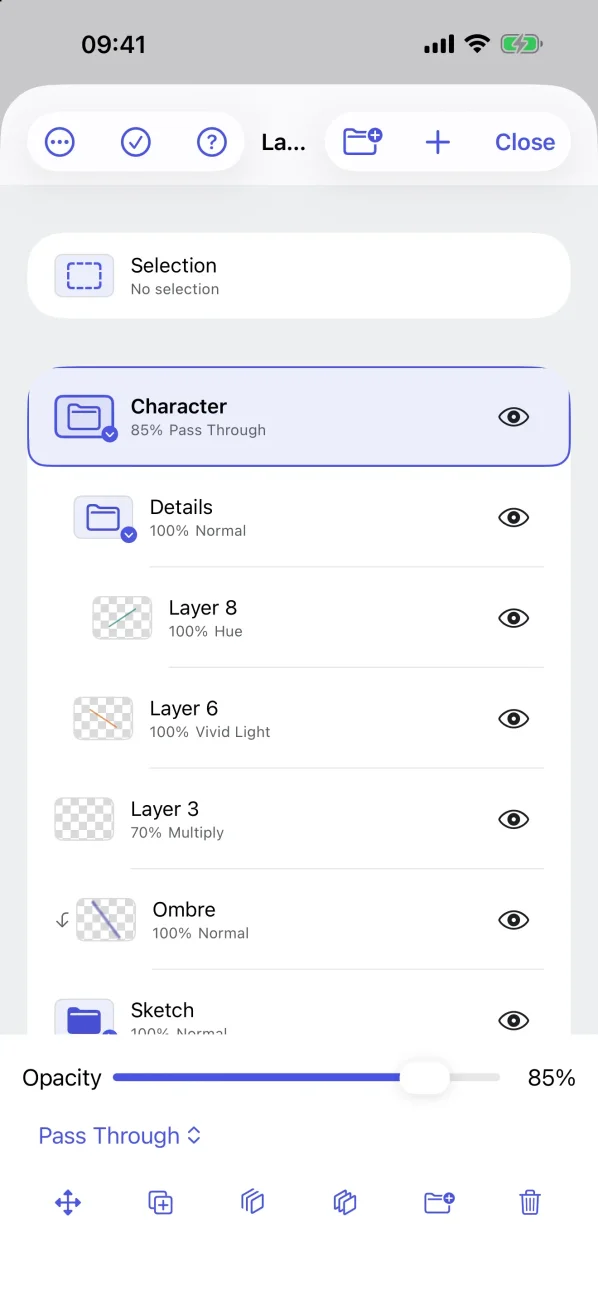
• Layers and nested folders, 28 blend modes, clipping masks, alpha lock.
• Adjustment layers you can edit at any time.
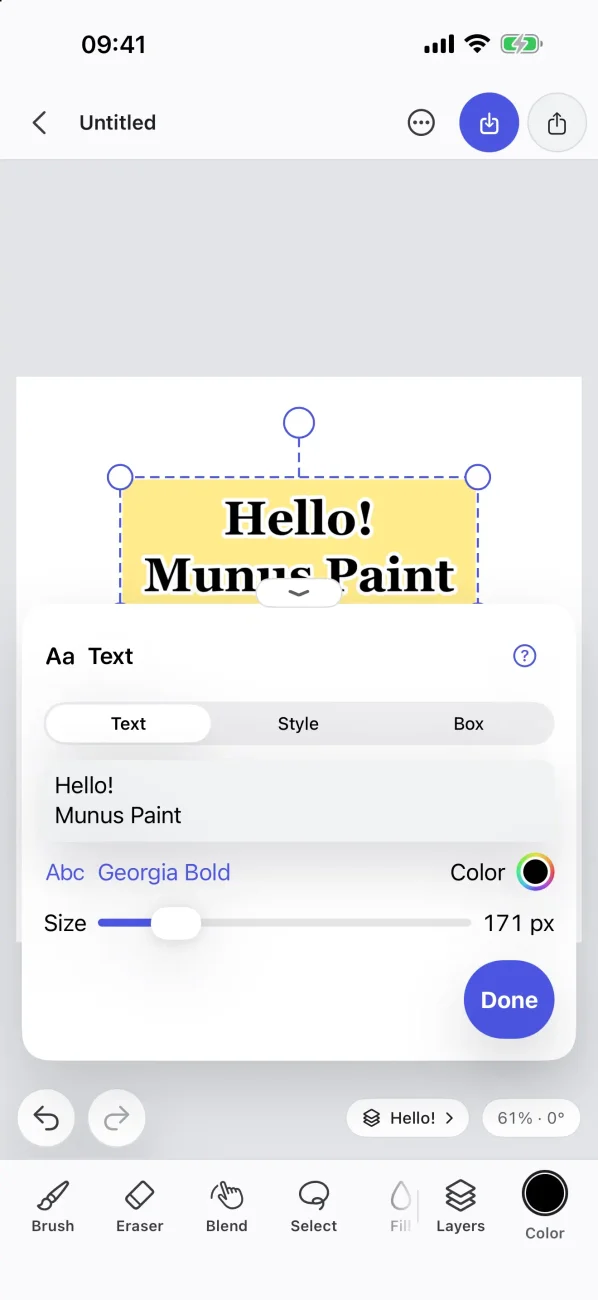
• Vector layers with editable points, and text layers with your own fonts.
• Halftone for comics and manga.
TOOLS
• Freehand, rectangular and elliptical selections, magic wand and color range.
• Free transform, perspective and mesh warp.
• Rulers: straight, circular, elliptical, perspective, mirror and kaleidoscope.
• Shapes, text, fill bucket, gradients and many filters: curves, levels, gradient map, blurs, outlines, glows, shadows, noise and more.
ANIMATION AND TIMELAPSE
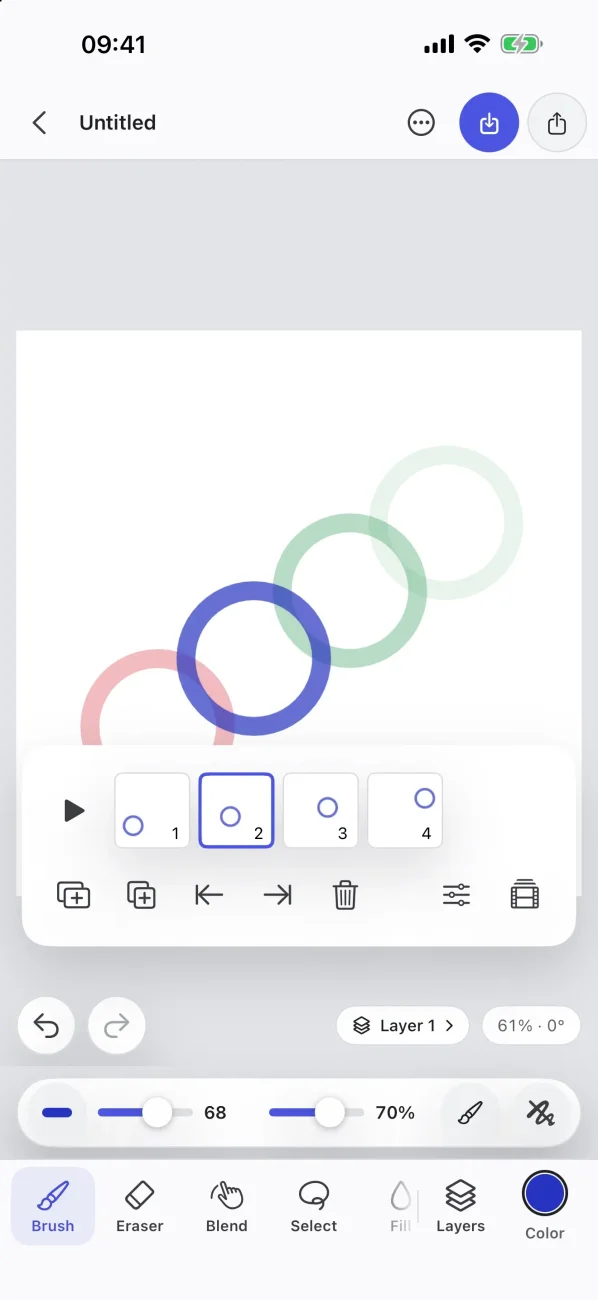
• Frame-by-frame animation with onion skin, exported as MP4, GIF, APNG or an image sequence.
• Your timelapse records while you draw: replay it and export it as a video.
FILES
• Export to PNG, JPEG, HEIC, TIFF, PDF and layered PSD; every layer also as a separate PNG.
• Import photos and PSD files.
• Gallery with folders, search and custom order.
• Full backup of artworks, brushes and settings in a single file.
• Deleted artworks stay in Recently Deleted for 30 days: recover them with a tap.
• Color profiles: canvases for screens (sRGB), more vivid (Display P3) or for print (CMYK) with soft proofing and CMYK values; import your print shop's profile and export real CMYK files (JPEG, TIFF, PDF, PSD) with "Black only (K)", plus grayscale and 1-bit black and white.
FOR EVERYONE
• Day and night modes, large text, English and Italian.
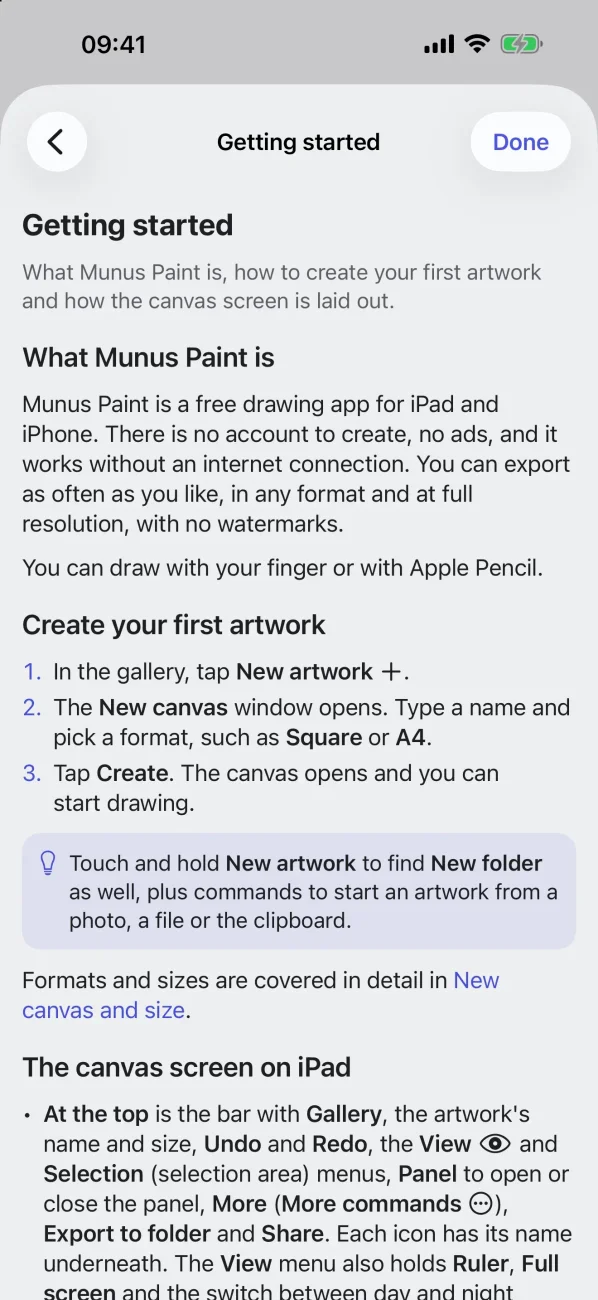
• Complete built-in help with search, in English and Italian, that works without the Internet too, plus short tips the first time you use a feature.
• VoiceOver, keyboard shortcuts and easy-to-tap buttons.
• Designed for iPad with Apple Pencil, comfortable with fingers and on iPhone too. On iPad the panel can be made narrower and Layers, Brush and Color can be detached as windows over the canvas.
Yang baru
Versi 1.1 · 8/11/2026
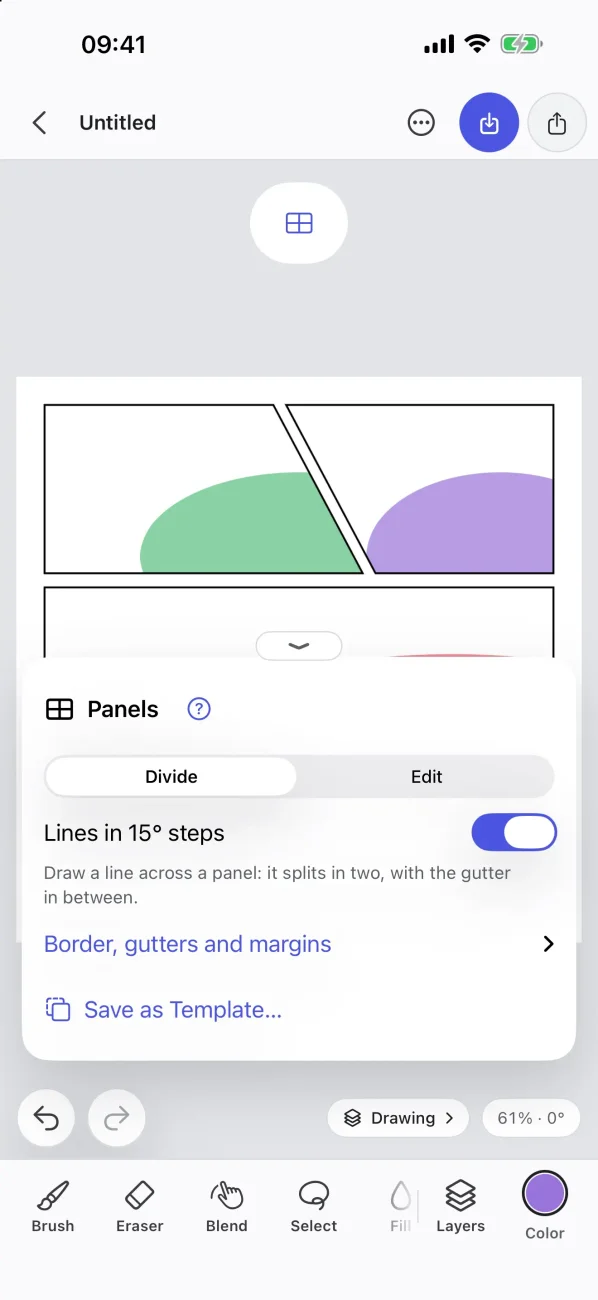
- Comics: a new Panels tool to divide the page, 15 page templates and print formats with guides.
- New Fill tool: paint bucket, lasso fill, linear or circular gradient, erase area.
- Redesigned Color window with primary and secondary colors, recent colors always in view and the eyedropper. Hold a finger still on the canvas to pick a color.
- Tools tidied into ten groups; on iPad, names under the icons in the top bar.
- The stabilizer is always in view in the brush bar, and can differ for each brush.
- Panels collapse to a single row to free up the canvas, with Cancel and Apply always in the same place.
- Drag a newly drawn shape to move it.
- Many small fixes.
Privasi aplikasi
Yang dinyatakan Fiorenzo Pilla di App Store tentang cara aplikasi ini menangani data.
-
Data tidak dikumpulkan
Pengembang tidak mengumpulkan data apa pun dari aplikasi ini.
Praktik privasi dapat bervariasi, misalnya berdasarkan fitur yang Anda gunakan atau usia Anda.
Informasi
- Penjual
- Fiorenzo Pilla
- Kategori
- Grafik & Desain
- Versi
- 1.1
- Diperbarui
- 8/11/2026
- Dirilis
- 15/10/2026
- Ukuran
- 14,8 MB
- Memerlukan
- iOS 17.0 atau yang lebih baru
- Batasan usia
- 4+
- Harga
- Gratis
- Bahasa
- Inggris, Italia
- Hak cipta
- © 2026 Fiorenzo Pilla
Mungkin Anda juga suka
-
 PixelMagic: Photo AI ToolsGrafik & Desain
-
 Miyako Coloring BookGrafik & Desain
-
 AI Home: Plan Interior DesignGrafik & Desain
-
 Logo Maker ‧Grafik & Desain
-
 Wand - AI canvasGrafik & Desain
-
 Flow: Note Taking & SketchbookGrafik & Desain
-
 Artstudio Pro: Draw, PaintGrafik & Desain
-
 Wallpapers Central: Live 4KWallpaper Depth & Nada Dering
-
 HiPaintSketch & Paint & Create
-
 Fashion Illustration: DesignerGrafik & Desain