
My Next: Note
Thoughts without pressure.
Dirancang untuk iPhone, iPad
Gratis · Pembelian dalam aplikasi
- Batasan usia4+
- KategoriProduktivitas
- PengembangLars Bruce
- BahasaInggris+ 19 lainnya
- Ukuran45,6 MB
Tertaut ke halaman resmi App Store
Download.org tidak menyimpan file My Next: Note apa pun. Tombol ini membuka halaman aplikasi di App Store, tempat Lars Bruce menerbitkannya. Halaman terakhir diperiksa pada 13/11/2026.
Tangkapan layar
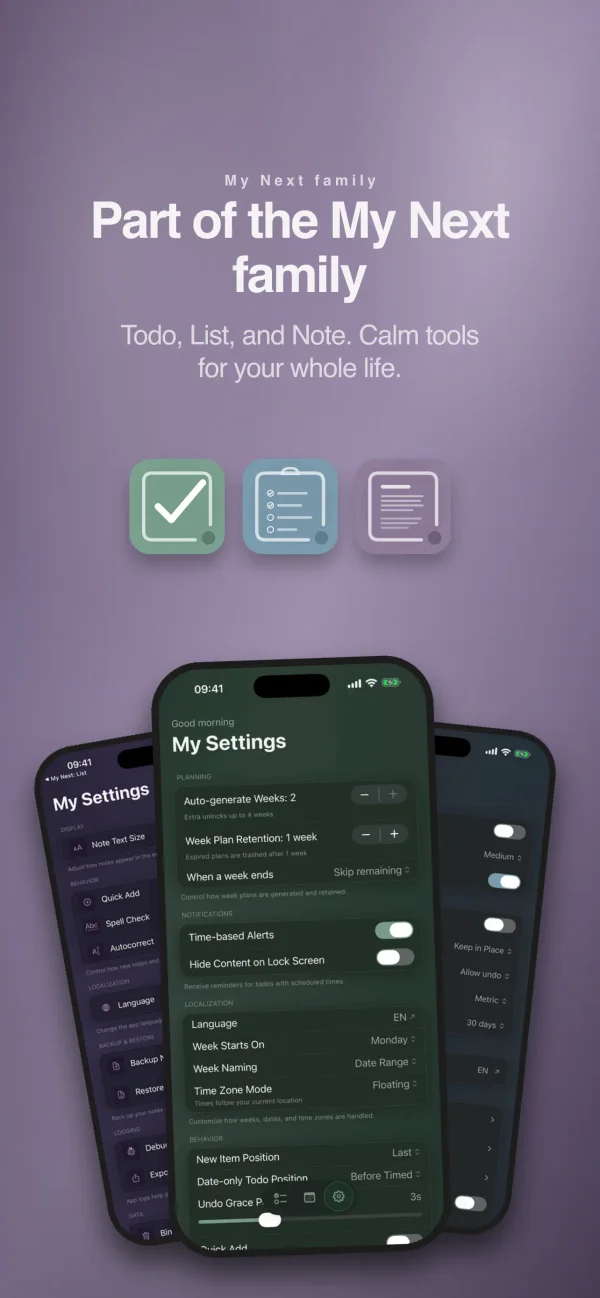
Tentang
Pengembang belum menyediakan teks ini dalam bahasa Anda.
My Next: Note is a calm, private note app for your personal life — not work.
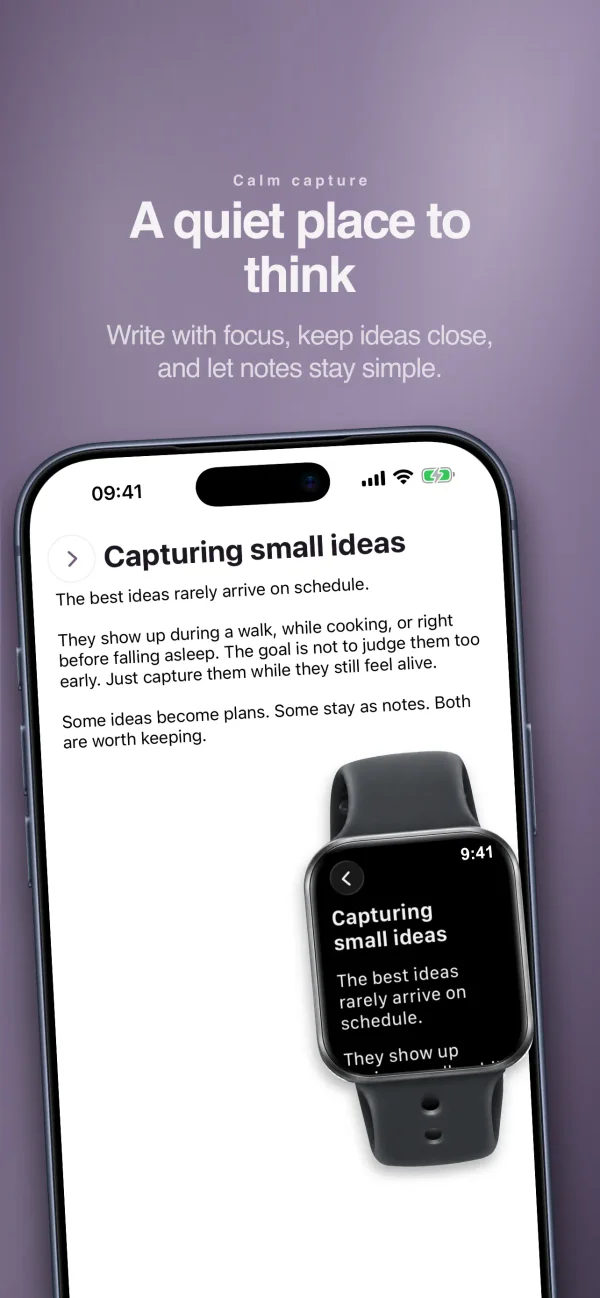
Capture thoughts, ideas, and context without pressure. Just open, write, and trust that everything is saved.
FAST CAPTURE
Start writing immediately. Every note saves automatically as you type, when you leave the app, and when your phone locks. There is no save button because you never need one.
SIMPLE RICH TEXT
Format notes with Bold, Italic, and Headings using a clean inline toolbar. Enough to give your writing structure without the complexity of a word processor.
ORGANIZE WITH NOTEBOOKS
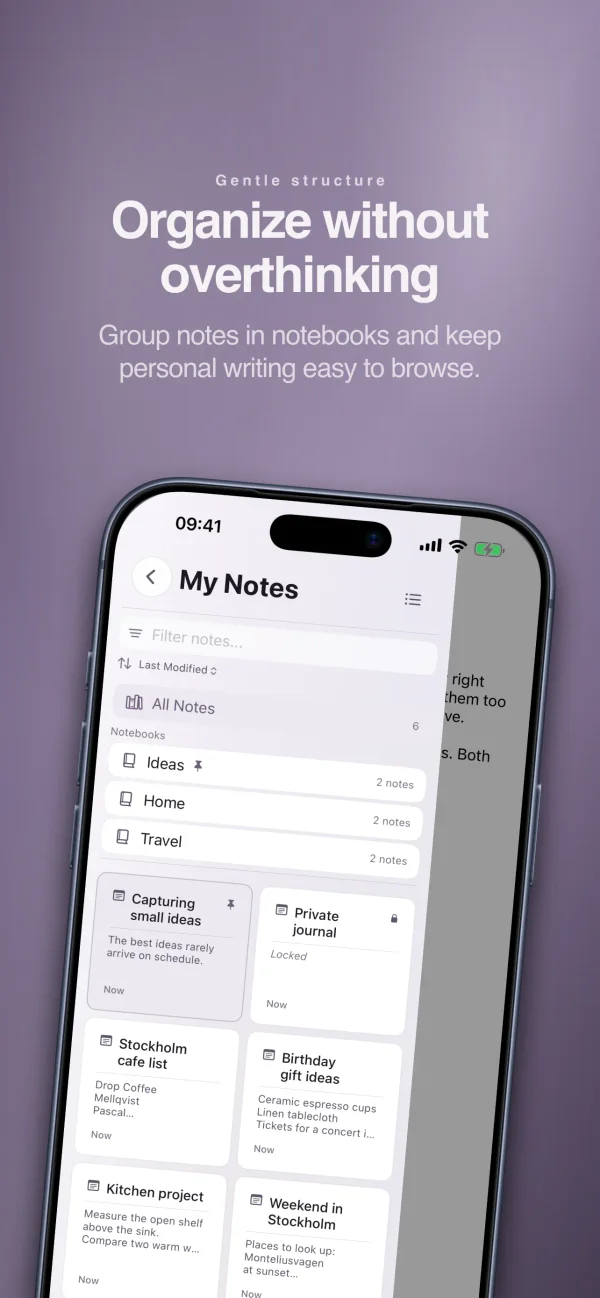
Group related notes into Notebooks when you want to. Or keep everything in All Notes. Pin important notes so they stay easy to find.
PRIVATE BY DEFAULT
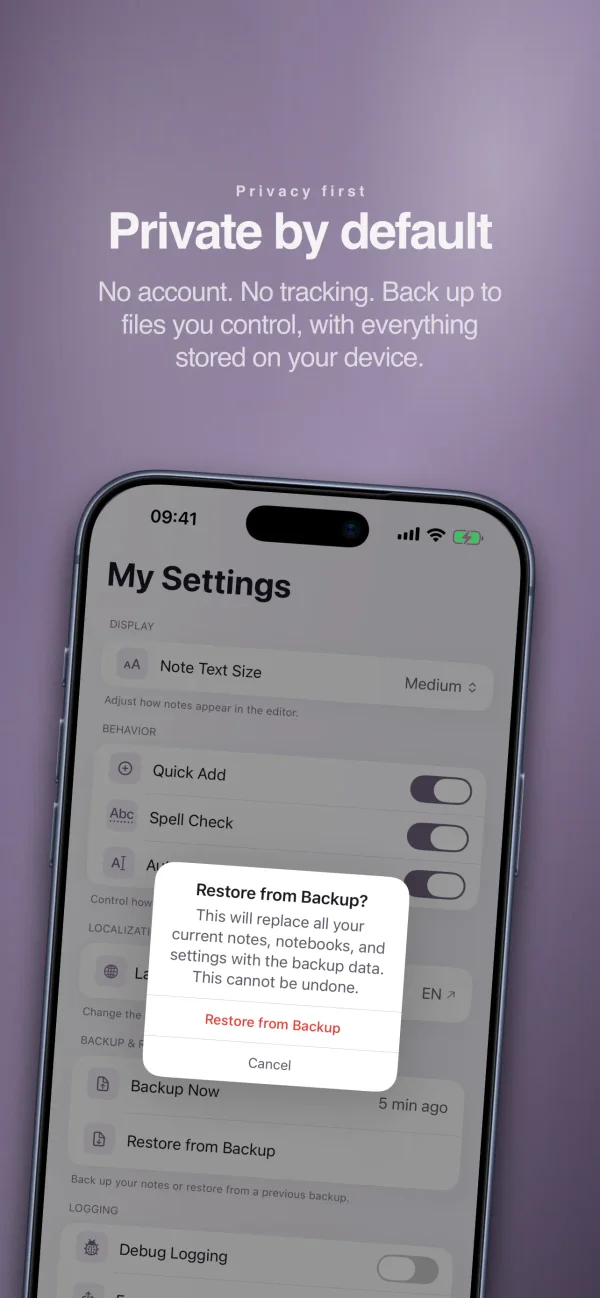
No account required. No tracking. No ads. Your app content stays on your device, under your control. Back up anytime to iCloud, Files, Dropbox, or AirDrop.
EXTRA WHEN YOU NEED IT
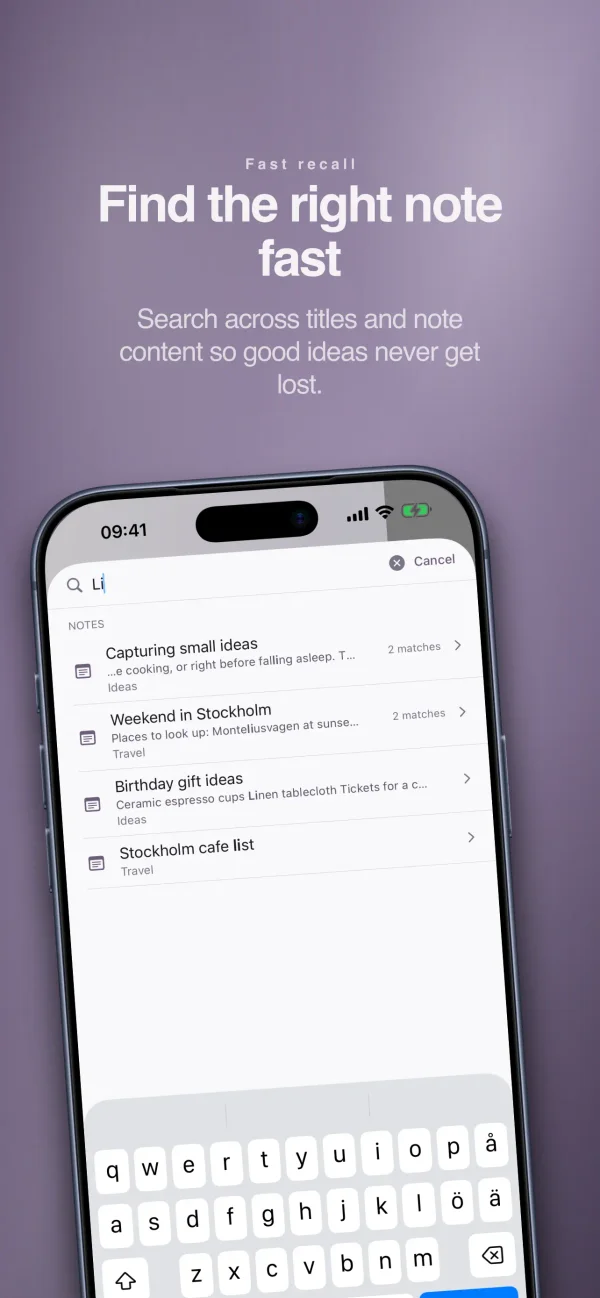
Create unlimited notes for free and organize up to 3 Notebooks. Upgrade to Extra for unlimited Notebooks, advanced search, note export, biometric lock, and sharing from other apps.
QUIET BY DESIGN
No feeds. No social features. No gamification. Just a calm place to think, write, and keep what matters.
Terms of Use (EULA): https://mynextstudio.com/my-next/note/terms/
Privacy Policy: https://mynextstudio.com/my-next/note/privacy/
Yang baru
Versi 1.3.0 · 14/9/2026
New in 1.3.0: Note on Apple Watch.
• Browse your notes and notebooks, and scroll through notes on your wrist.
• Capture a thought with system dictation or available text input.
• Notes created on your watch are saved in the Apple Watch notebook on your iPhone. If the devices are disconnected, saved notes wait on your watch until they can be transferred.
Enable Apple Watch in Note’s settings on your iPhone. Input methods and dictation languages depend on your watch and its settings. Dictation may need an internet connection.
Privasi aplikasi
Yang dinyatakan Lars Bruce di App Store tentang cara aplikasi ini menangani data.
-
Data yang tidak ditautkan dengan Anda
Dapat dikumpulkan, tetapi tidak ditautkan dengan identitas Anda.
- Pembelian
- Pengenal
- Data penggunaan
Praktik privasi dapat bervariasi, misalnya berdasarkan fitur yang Anda gunakan atau usia Anda.
Informasi
- Penjual
- Lars Bruce
- Kategori
- Produktivitas
- Versi
- 1.3.0
- Diperbarui
- 14/9/2026
- Dirilis
- 9/4/2026
- Ukuran
- 45,6 MB
- Memerlukan
- iOS 16.0 atau yang lebih baru
- Batasan usia
- 4+
- Harga
- Gratis
- Pembelian dalam aplikasi
- Ya
- Bahasa
- Inggris, Arab, Dansk (Denmark), Belanda, Suomi (Finlandia), Prancis, Jerman, Italia, Jepang, Korea, Bokmål Norsk, Polski (Polandia) + 8 lainnya
- Hak cipta
- © 2026 My Next Studio
Mungkin Anda juga suka
-
 Note DelightProduktivitas
-
 Catatan · KurtAppsCatatan cepat dan mudah
-
 AI Markdown Notes - WASHINOTEProduktivitas
-
 EchoDoProduktivitas
-
 Noodge - Nagging RemindersProduktivitas
-
 memimoProduktivitas
-
 Purnote — Plain Markdown NotesProduktivitas
-
 Quill - AI Note TakingProduktivitas
-
 Zutext - Private NotesProduktivitas
-
 King NotepadProduktivitas