MyScript Math: Solve & Plot
Your handwriting calculator
Dirancang untuk iPhone, iPad
Gratis · Pembelian dalam aplikasi
- Batasan usia4+
- KategoriPendidikan
- PengembangMyScript
- BahasaInggris+ 10 lainnya
- Ukuran292,5 MB
Tertaut ke halaman resmi App Store
Download.org tidak menyimpan file MyScript Math: Solve & Plot apa pun. Tombol ini membuka halaman aplikasi di App Store, tempat MyScript menerbitkannya. Halaman terakhir diperiksa pada 20/11/2026.
Tangkapan layar
Tentang
Pengembang belum menyediakan teks ini dalam bahasa Anda.
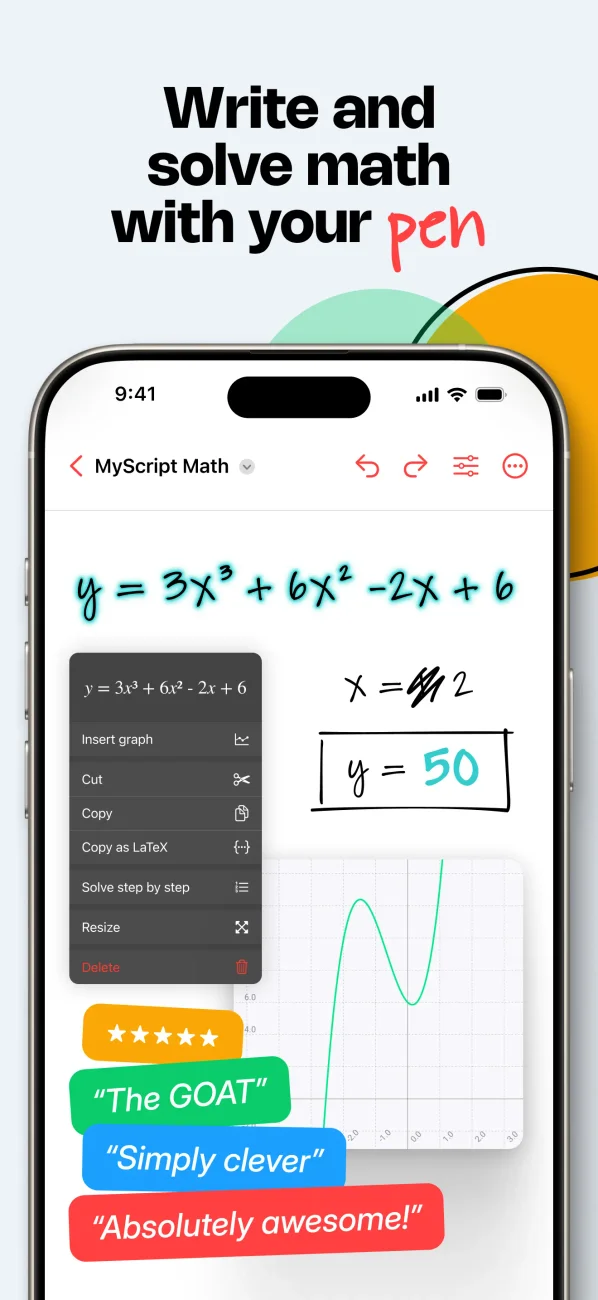
Meet MyScript Math, your handwriting graphing calculator. Write and solve math, plot functions, use variables, edit with a scratch — and get AI-powered, step-by-step guidance when you need it.
Enjoy reliable recognition and focus on your math without second-guessing the results. With its super smart engine, MyScript Math can read any handwritten equation accurately. Perfect for students!
Tackle equations easily — be it with variables, percentages, fractions, or inverse trigonometry, MyScript Math’s solver has you covered with quick, accurate answers.
Start with a 7-day free trial to get the full experience — then subscribe or purchase the app to keep full access.
• Solving — Write an equal sign to solve a calculation. Update your equation, and the result updates automatically.
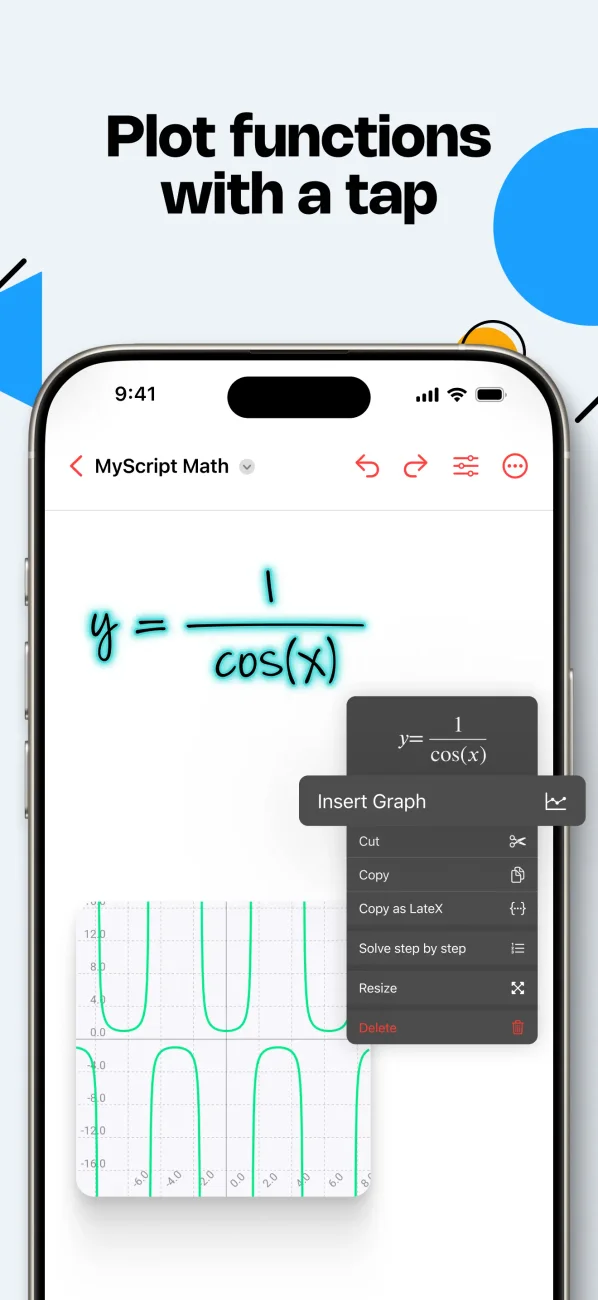
• Plotter — Tap an equation to create an interactive graph that updates instantly as you edit the equation. Add multiple functions to the same graph and immediately see how they interact.
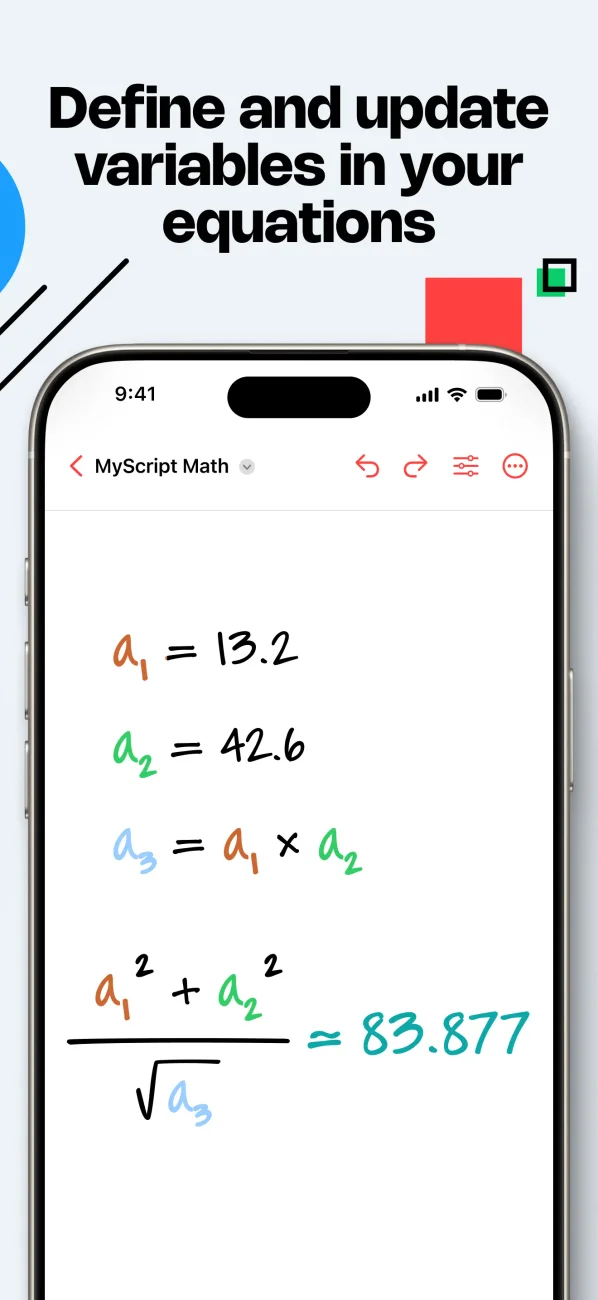
• Variables — Define a variable, use it in different equations, and update it to see all the calculations and graphs adjust automatically.
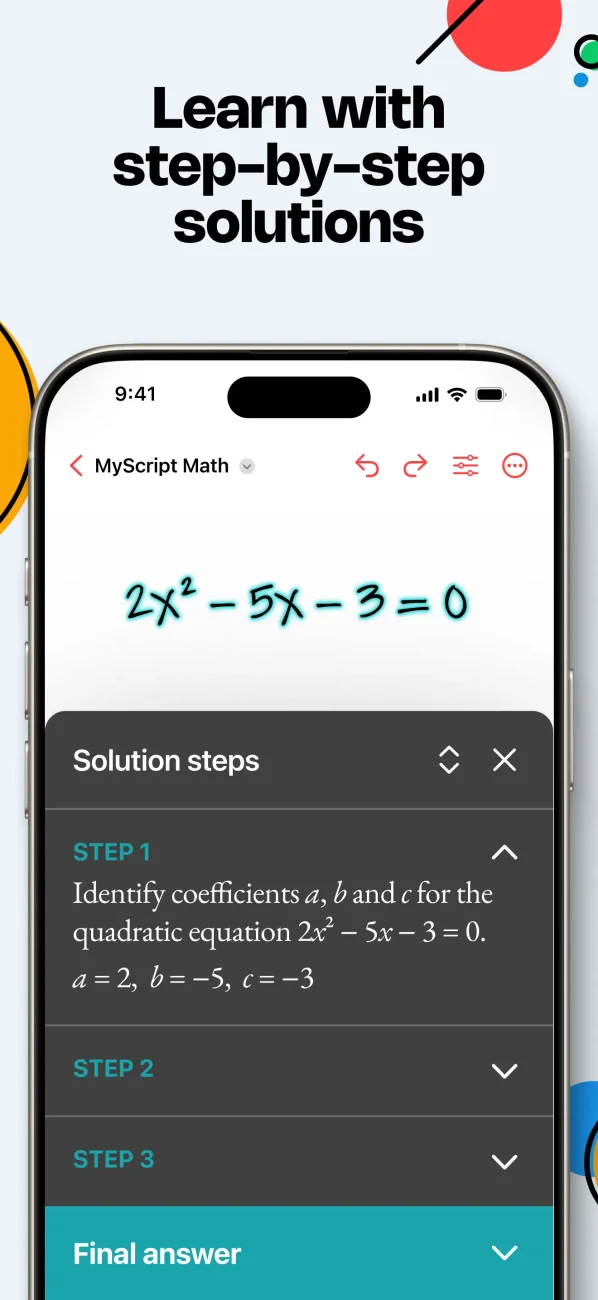
• Solution steps — Get detailed step-by-step explanations to better understand how to solve your problems.
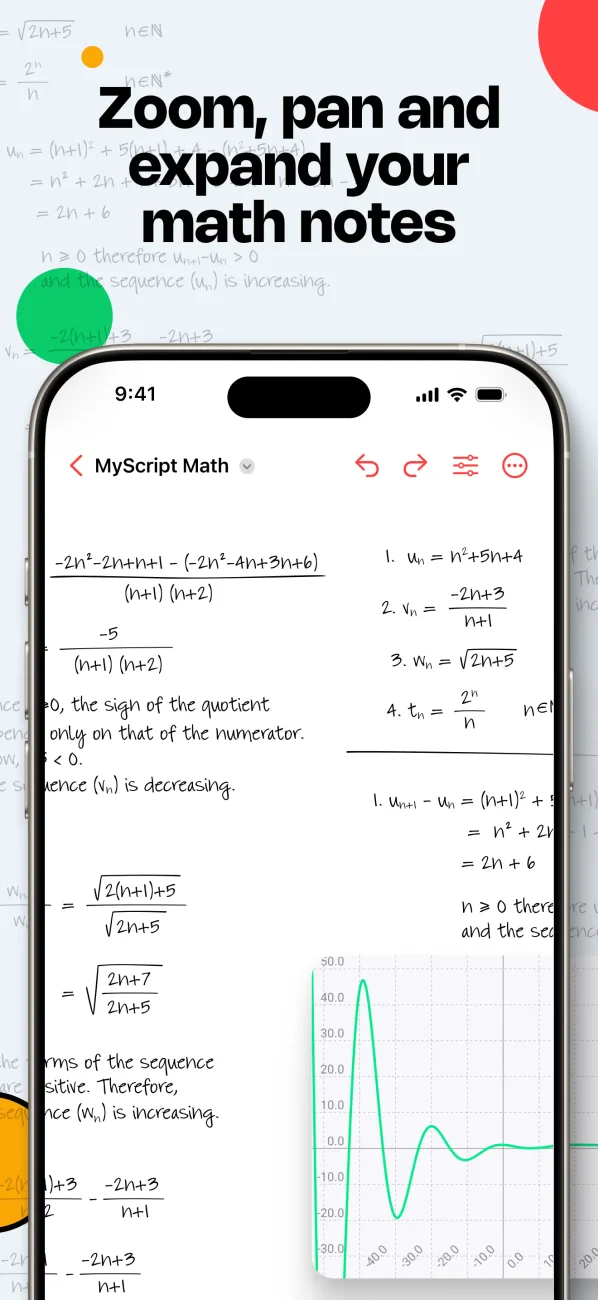
• Expandable workspace — Adjust the zoom level and move around to make editing easier and see everything clearly. Use as much space as you need.
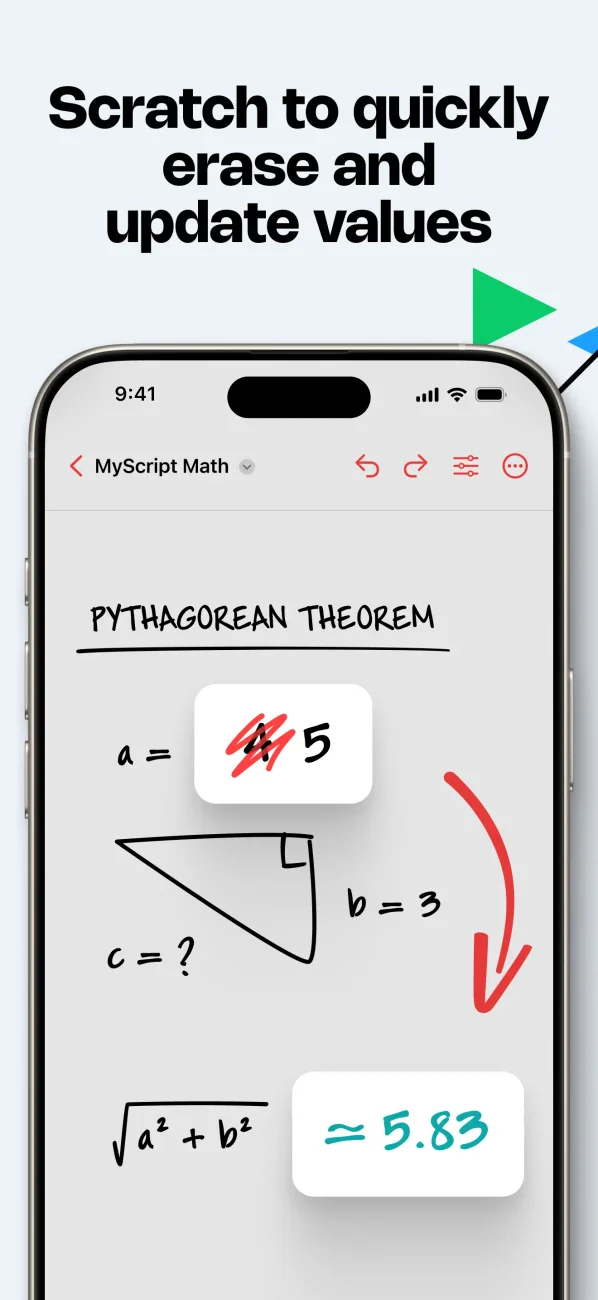
• Scratch to erase — No need to switch tools, just scribble out what needs to be removed and keep going.
• Images — Take a photo or import an image of your math problem, crop it if needed, and follow step-by-step solutions to solve it, one equation at a time.
• Drag & drop — Tap your content to select it or use the lasso tool, then drag and drop it for easy reuse.
• Editing tools — Use colors to emphasize calculations and results, and the lasso to move or copy content.
• Preferences — Choose the result format of your calculation: degree, radian, decimal, fraction, mixed numbers.
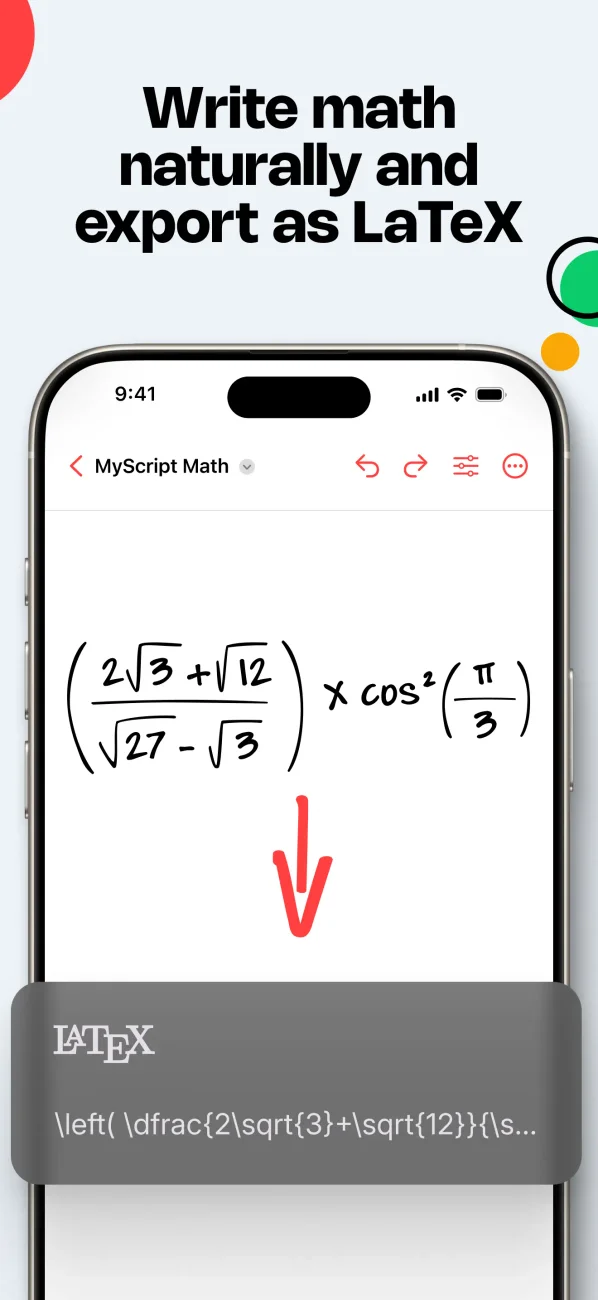
• LaTeX support — Write your math equations naturally and copy/paste them as LaTeX in other apps.
• Multiple math notes — Display all your math notes in a single view for easy access.
• Export your notes as images or PDF to share.
• Sync your math notes with iCloud to keep them up to date on all your devices.
• MyScript Notes compatibility — Copy handwritten equations from MyScript Notes to MyScript Math for instant results.
MyScript Math respects your privacy and never stores content on our servers without your explicit consent.
For help or feature requests, create a ticket at https://myscri.pt/support
You can use any compatible active or passive pen to write in MyScript Math. Check minimum and recommended requirements for MyScript Math: https://myscri.pt/math-devices
Yang baru
Versi 2.0.0 · 19/11/2026
• Snap & solve
Take a photo of any math exercise and get instant step-by-step solutions.
• Automatic cloud sync
Your math notes now sync automatically with iCloud. Start a problem on your iPhone and pick up on your iPad right where you left off. Your notes, edits, images and graphs come with you.
Privasi aplikasi
Yang dinyatakan MyScript di App Store tentang cara aplikasi ini menangani data.
-
Data yang tidak ditautkan dengan Anda
Dapat dikumpulkan, tetapi tidak ditautkan dengan identitas Anda.
- Info kontak
- Konten pengguna
- Pengenal
- Data penggunaan
- Diagnostik
Praktik privasi dapat bervariasi, misalnya berdasarkan fitur yang Anda gunakan atau usia Anda.
Informasi
- Penjual
- MyScript
- Kategori
- Pendidikan
- Versi
- 2.0.0
- Diperbarui
- 19/11/2026
- Dirilis
- 5/9/2025
- Ukuran
- 292,5 MB
- Memerlukan
- iOS 17.0 atau yang lebih baru
- Batasan usia
- 4+
- Harga
- Gratis
- Pembelian dalam aplikasi
- Ya
- Bahasa
- Inggris, Prancis, Jerman, Italia, Jepang, Korea, Portugis, Rusia, Tionghoa Sederhana, Spanyol, Tionghoa Tradisional
- Hak cipta
- © 2025 MyScript. All Rights Reserved
Mungkin Anda juga suka
-
 xFormula - Equation EditorPendidikan
-
 MathNotes: Math Problem SolverPendidikan
-
 Math EditorPendidikan
-
 Maple Calculator: Math SolverPendidikan
-
 Quick GraphPendidikan
-
 GeoGebra Math SolverPendidikan
-
 WhiteBoard by LiveBoardPendidikan
-
 PocketCAS: Graphing CalculatorPendidikan
-
 GeoGebra ClassicPendidikan
-
 Kalkulator Persamaan LinearSolusi, langkah & grafik