- Batasan usia4+
- KategoriKegunaan
- PengembangGeorgios Stavropoulos
- BahasaInggris
- Ukuran1,2 MB
Tertaut ke halaman resmi App Store
Download.org tidak menyimpan file NC User Admin apa pun. Tombol ini membuka halaman aplikasi di App Store, tempat Georgios Stavropoulos menerbitkannya. Halaman terakhir diperiksa pada 18/11/2026.
Tangkapan layar
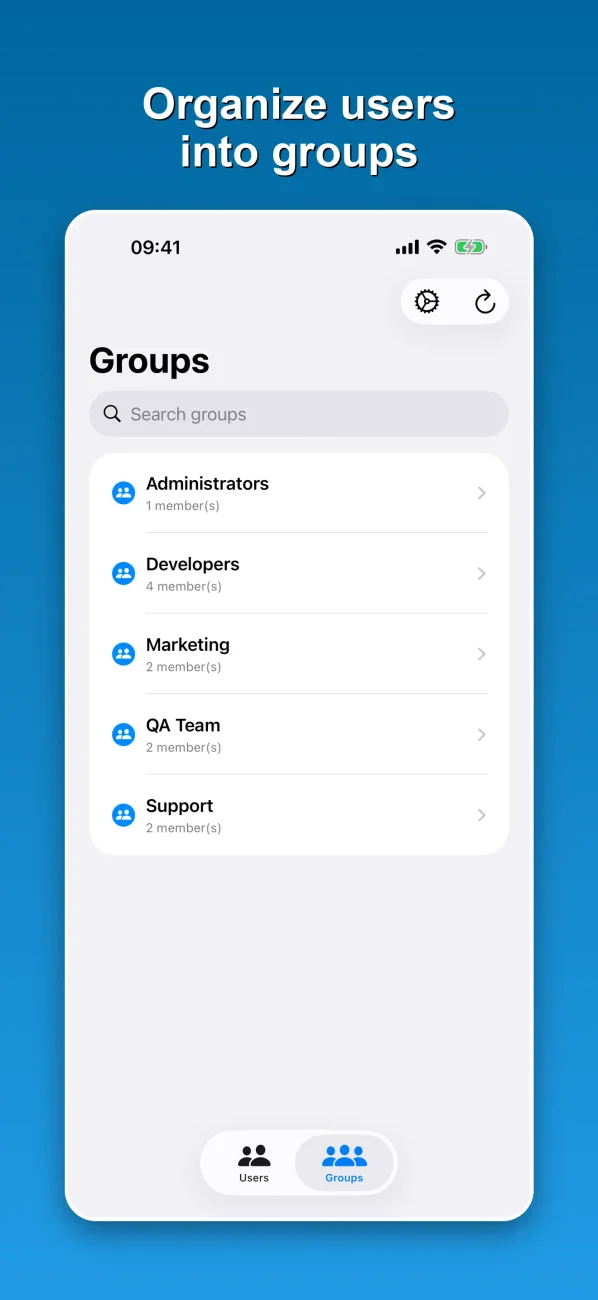
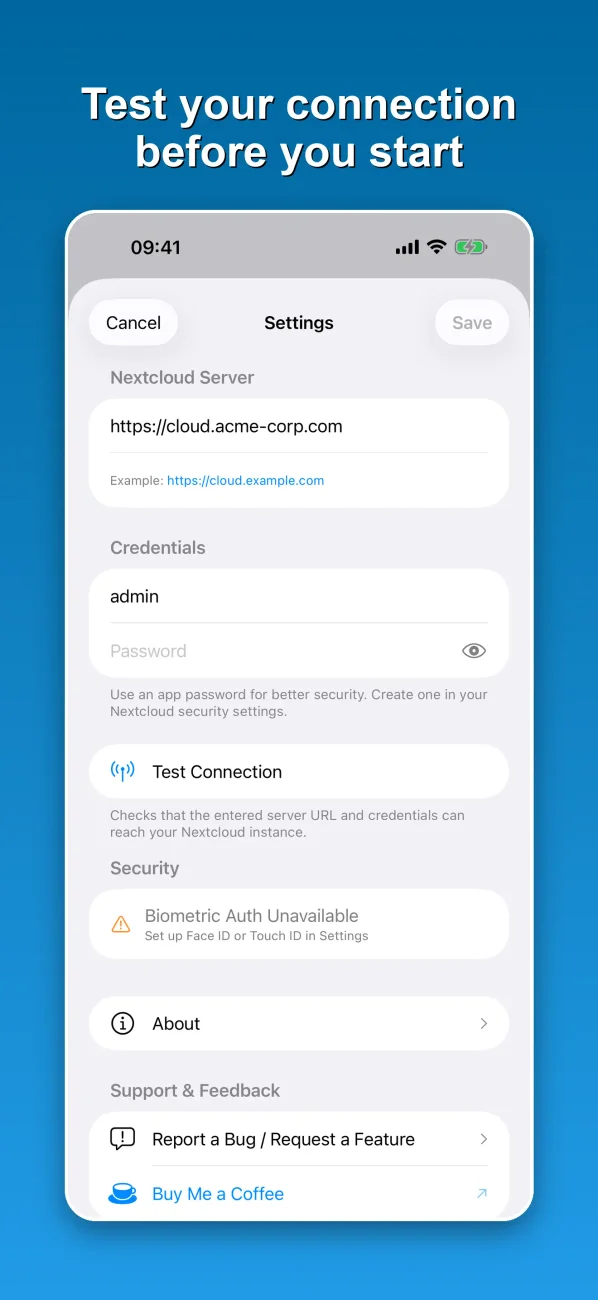
Tentang
Pengembang belum menyediakan teks ini dalam bahasa Anda.
Easily manage your Nextcloud users and groups on the go!
NC User Admin is a powerful, native iOS app designed for Nextcloud server administrators. Whether you're running a small team or managing hundreds of users, this app gives you full control over user accounts and group memberships - right from your iPhone or iPad.
KEY FEATURES
User Management
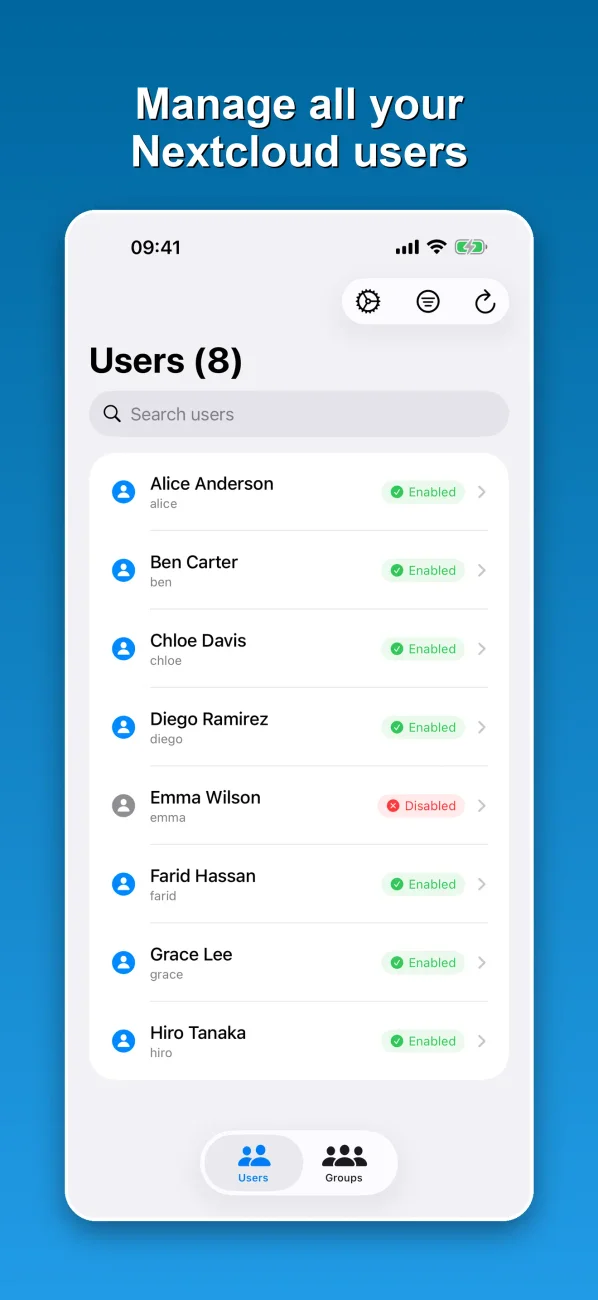
• View all users on your Nextcloud server
• Enable or disable user accounts instantly
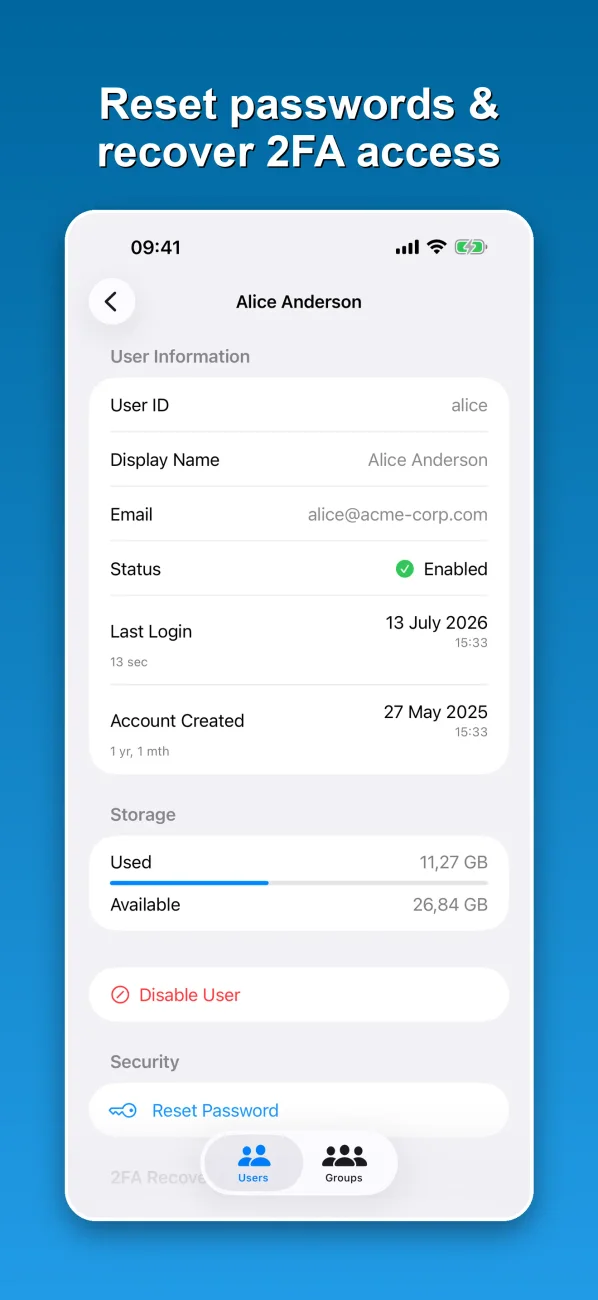
• View detailed user information (email, quota, last login)
• Search and filter users quickly
Group Management
• View all groups and their members
• Add users to groups
• Remove users from groups
• Organize your team efficiently
Security & Privacy
• Secure credential storage in iOS Keychain
• Face ID / Touch ID support for app lock
• Direct communication with your server (no third parties)
• Your data never leaves your device
• Open source security best practices
User Experience
• Native SwiftUI interface
• Fast and responsive
• Dark mode support
• iPad optimized
• Offline credential storage
PERFECT FOR
• Nextcloud administrators
• IT professionals
• Team leaders
• Self-hosted cloud managers
• Anyone managing Nextcloud users
REQUIREMENTS
• Nextcloud server version 15 or later
• Admin or Group Admin permissions
• iOS 17.0 or later
ABOUT YOUR DATA
NC User Admin communicates directly with your Nextcloud server using secure HTTPS. No data is collected, tracked, or shared with third parties. Your credentials are stored securely in the iOS Keychain and protected by device encryption and optional biometric authentication.
GETTING STARTED
1. Open the app and tap Settings (gear icon)
2. Enter your Nextcloud server URL
3. Enter your username and app password
4. Start managing users!
Pro Tip: For best security, create a Nextcloud app password (Settings → Security → Devices & Sessions) instead of using your main password.
SUPPORT
Need help or have a feature request?
Contact: bursts.mansard-0v@icloud.com
Note: This app is not officially affiliated with Nextcloud GmbH. Nextcloud is a trademark of Nextcloud GmbH.
Yang baru
Versi 3.0 · 13/7/2026
Version 3.0 — rebuilt natively for iOS
- Faster, fully native app — rewritten in Swift/SwiftUI for a snappier, more reliable experience on iPhone and iPad.
- Reset user passwords directly from a user's detail screen.
- 2FA recovery helper — generates the exact server command to issue a one-time login code for a locked-out user.
- Test your connection — verify your Nextcloud server URL and credentials from Settings before you start.
- Report bugs and request features right inside the app.
- Fixed an issue where refreshing the user list could fail to load all users.
- General stability and UI improvements.
Privasi aplikasi
Yang dinyatakan Georgios Stavropoulos di App Store tentang cara aplikasi ini menangani data.
-
Data tidak dikumpulkan
Pengembang tidak mengumpulkan data apa pun dari aplikasi ini.
Praktik privasi dapat bervariasi, misalnya berdasarkan fitur yang Anda gunakan atau usia Anda.
Informasi
- Penjual
- Georgios Stavropoulos
- Kategori
- Kegunaan
- Versi
- 3.0
- Diperbarui
- 13/7/2026
- Dirilis
- 12/2/2026
- Ukuran
- 1,2 MB
- Memerlukan
- iOS 17.0 atau yang lebih baru
- Batasan usia
- 4+
- Harga
- Rp 19ribu
- Bahasa
- Inggris
- Hak cipta
- © 2026 Georgios Stavropoulos