Notation-Sheet Music Maker
Music Notation,Write Music
Dirancang untuk iPhone, iPad, iPod touch
Gratis · Pembelian dalam aplikasi
- Batasan usia4+
- KategoriMusik
- Pengembang凯 张
- BahasaInggris
- Ukuran41,0 MB
Tertaut ke halaman resmi App Store
Download.org tidak menyimpan file Notation-Sheet Music Maker apa pun. Tombol ini membuka halaman aplikasi di App Store, tempat 凯 张 menerbitkannya. Halaman terakhir diperiksa pada 12/11/2026.
Tangkapan layar


Tentang
Pengembang belum menyediakan teks ini dalam bahasa Anda.
Notation is professional sheet music notation for composers, arrangers, and music students. Capture a motif at the piano, tweak harmony on your commute, or share a link before rehearsal—all on iPhone or iPad with lyrics and chords. If you read a staff, you can go from a piano sketch to multi-staff scores for class and rehearsal.
TOUCH NOTATION
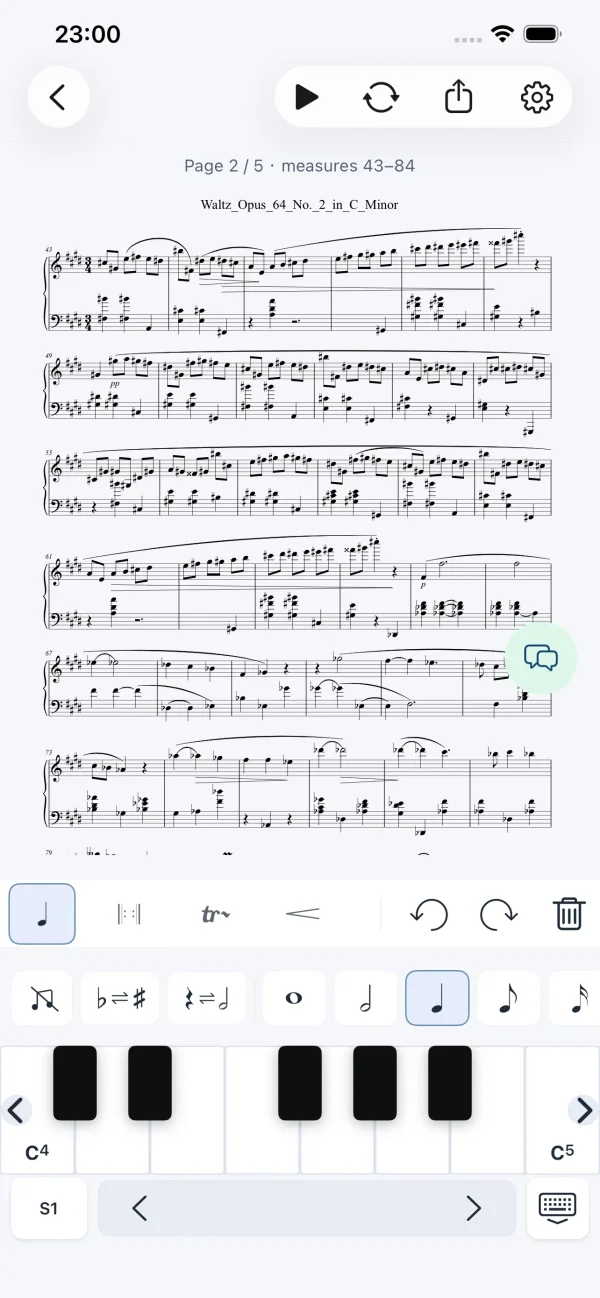
A notation keyboard replaces deep menus: tap notes and markings, or select on the staff to edit. Undo/redo for commutes, rehearsal gaps, or at the piano. On the free tier, inserting or editing measures shifts later bars automatically so the rest of the score stays aligned.
WRITE AND HEAR IT
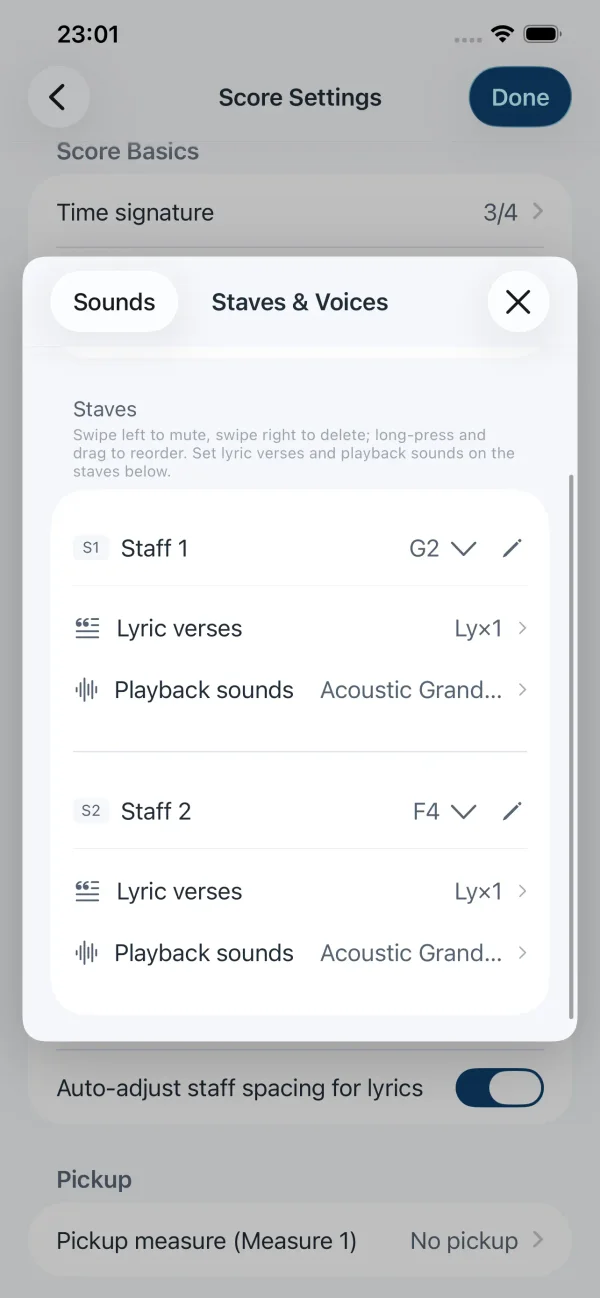
Multi-staff playback; on long scores, playback follows your edit position. Composer Pro: per-staff Mute and Solo for full scores.
WEB SCORE SHARING
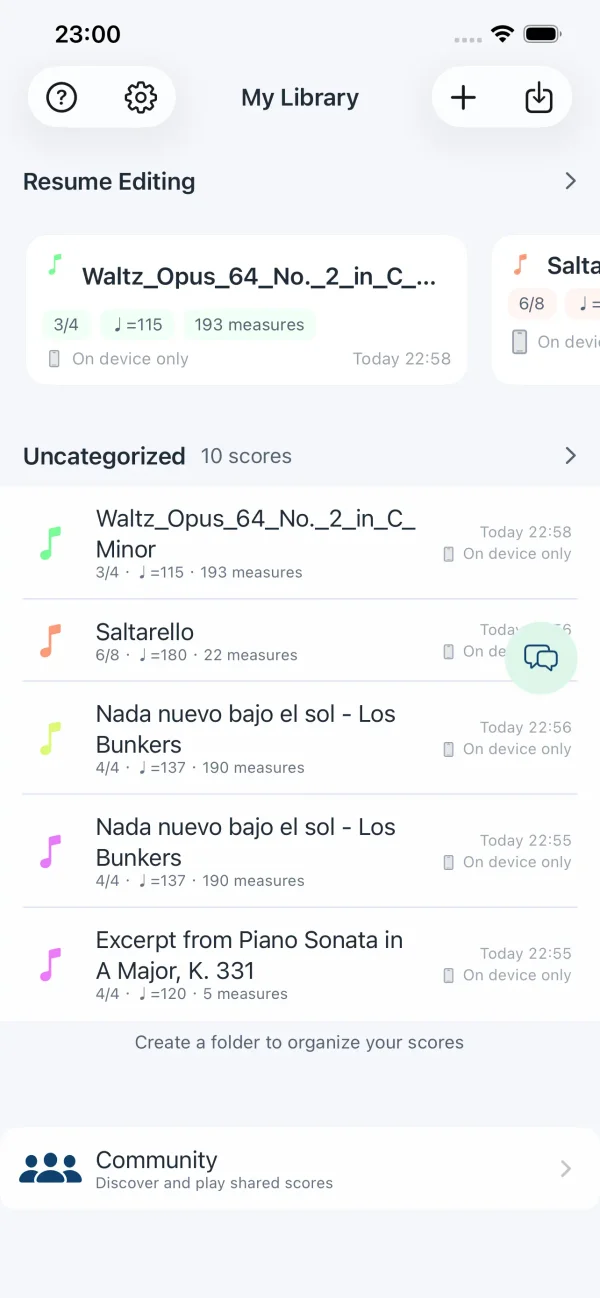
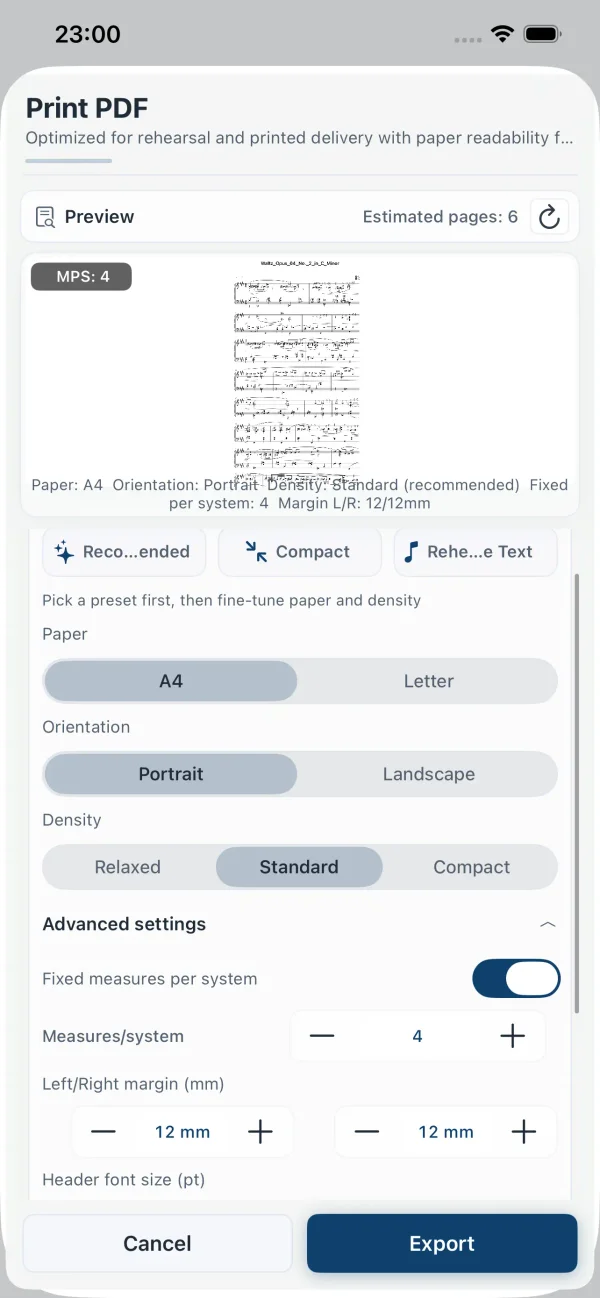
Generate a web score link—text or email to teachers, singers, or collaborators. Any browser shows standard notation and multi-part playback without installing the app. Print-friendly pages for handouts. PDF for archives and fixed layout; web links when your choir or band needs to hear the piece before rehearsal. Many mobile apps stop at PDF or screenshots; Notation shares playable web scores with the same playback and layout as on your device.
EXPORT AND INTERCHANGE
MusicXML, MIDI, PDF (screen preview + A4 print PDF). Import MusicXML without length limits—continue in MuseScore, Sibelius, etc. Free tier: starter export allowance. Composer Pro: unlimited export, clean PDF (see app for web-link limits).
IPAD PRO WORKSPACE
On iPad, library and score sit side by side for desktop-like sessions. iPhone: full notation and sharing when you are catching ideas on the go.
YOU CAN ALSO:
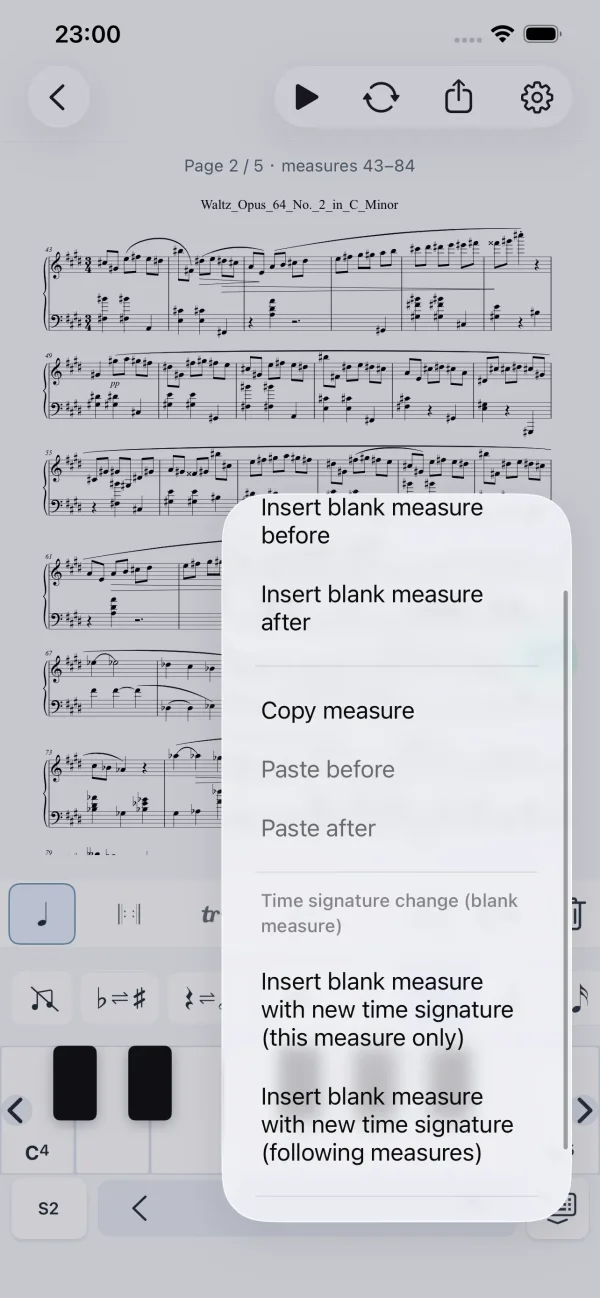
- Piano keyboard chord stacks; multi-verse lyrics with melismas and paste lyrics line by line; measure insert/copy/paste/delete
- Ties, slurs, manual beams—free
- Cloud sync (web links need sign-in + sync); Composer Pro: 8 staves, 2 voices per staff, transpose, meter changes
NOTATION COVERAGE:
* Notes/rests, dots, ties, slurs, beams (manual break/join)
* Triplets; quintuplets–septuplets (Composer Pro)
* Ornaments, articulations, dynamics, hairpins
* Lyrics (verses), chords; title/composer/lyricist header
* Clefs, time, tempo; major/minor keys; accidentals
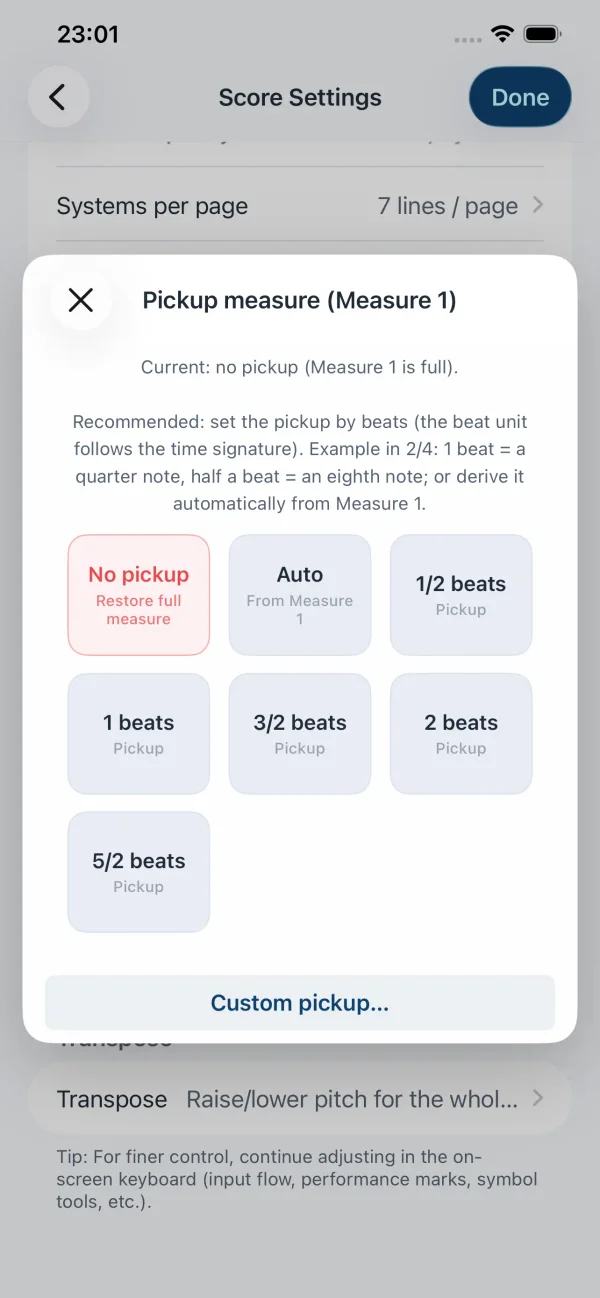
* Repeats, voltas, D.S./D.C.; pickups; measure-level edits
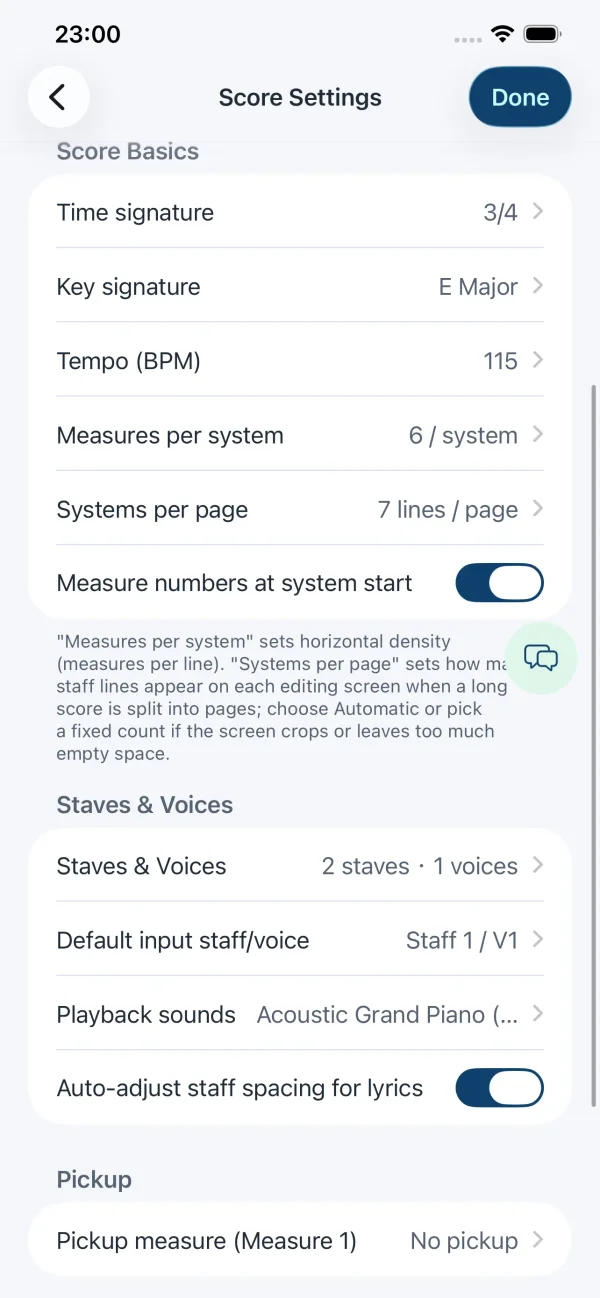
* Templates: piano grand, treble/bass single staff, custom; long-score paging
SUBSCRIPTION & LEGAL (COMPOSER PRO — OPTIONAL)
Notation offers an optional paid membership called Composer Pro. You can subscribe in the app under Me → Upgrade. No subscription is required to create, edit, save, or play scores on the free tier.
AUTO-RENEWABLE SUBSCRIPTION
• Name: Composer Pro — Weekly Plan
• Length: 1 week (renews every week)
• Price: Shown on the in-app purchase screen before you confirm (localized price; may vary by country or region). If a free trial is available in your region, it is displayed on the subscription screen before purchase.
Payment is charged to your Apple Account at confirmation of purchase. The subscription automatically renews unless auto-renew is turned off at least 24 hours before the end of the current period. Your account will be charged for renewal within 24 hours prior to the end of the current period at the price of the selected plan. You can manage or cancel subscriptions in Settings → Apple ID → Subscriptions after purchase. Any unused portion of a free trial, if offered, is forfeited when you purchase a subscription.
WHAT COMPOSER PRO INCLUDES
• Advanced composing: full transposition and any key; up to 8 staves and 2 voices per staff; meter changes and special/additive meters; undo/redo; advanced repeat playback
• Delivery & export: unlimited exports (MusicXML, and web score links);
• Playback: full instrument library; per-staff mute and solo
• Other: ad-free experience; community publishing; priority support
Privacy Policy: https://solfegehub.com/UserManagerPrivacy_en.html
Terms of Use (EULA): https://solfegehub.com/UserManagerTerms_en.html
Yang baru
Versi 1.0.12 · 2/11/2026
- Community publishing is open to everyone: sign in and publish freely—no quota, no subscription required.
- After sharing a web link, you can publish the same score to the community feed in one tap.
- Forked scores can be published as your arrangement; publish from the library or editor anytime.
Privasi aplikasi
Yang dinyatakan 凯 张 di App Store tentang cara aplikasi ini menangani data.
-
Data yang ditautkan dengan Anda
Dapat dikumpulkan dan ditautkan dengan identitas Anda.
- Pembelian
- Info kontak
- Pengenal
- Data penggunaan
-
Data yang tidak ditautkan dengan Anda
Dapat dikumpulkan, tetapi tidak ditautkan dengan identitas Anda.
- Konten pengguna
- Data penggunaan
- Diagnostik
Praktik privasi dapat bervariasi, misalnya berdasarkan fitur yang Anda gunakan atau usia Anda.
Informasi
- Penjual
- 凯 张
- Kategori
- Musik
- Versi
- 1.0.12
- Diperbarui
- 2/11/2026
- Dirilis
- 7/6/2026
- Ukuran
- 41,0 MB
- Memerlukan
- iOS 15.6 atau yang lebih baru
- Batasan usia
- 4+
- Harga
- Gratis
- Pembelian dalam aplikasi
- Ya
- Bahasa
- Inggris
- Hak cipta
- © @NotationAI2026
Mungkin Anda juga suka
-
 Sheet Music: Composer & MakerMusik
-
 Music Writer - Music ComposerMusik
-
 GPMuse: Music NotationMusik
-
 Notely - Sheet Music ComposerMusik
-
 Midi to Sheet - Practice ToolMusik
-
 Piano Jianpu Composer for KeysMusik
-
 Aria – Music Notation EditorMusik
-
 ScoreLens: Sheet Music ScannerMusik
-
 简谱大师-简谱作曲家写简谱作词,作曲,打谱&简谱作曲编曲软件Musik
-
 Paperless Music Stand - TuttiMusik