Noteora - Notes & Handwriting
Write, Sketch & Export to PDF
Dirancang untuk iPhone, iPad, iPod touch
Gratis · Pembelian dalam aplikasi
- Batasan usia4+
- KategoriProduktivitas
- PengembangPerfectAiStudio
- BahasaInggris+ 11 lainnya
- Ukuran38,4 MB
Tertaut ke halaman resmi App Store
Download.org tidak menyimpan file Noteora - Notes & Handwriting apa pun. Tombol ini membuka halaman aplikasi di App Store, tempat PerfectAiStudio menerbitkannya. Halaman terakhir diperiksa pada 20/11/2026.
Tangkapan layar

Tentang
Pengembang belum menyediakan teks ini dalam bahasa Anda.
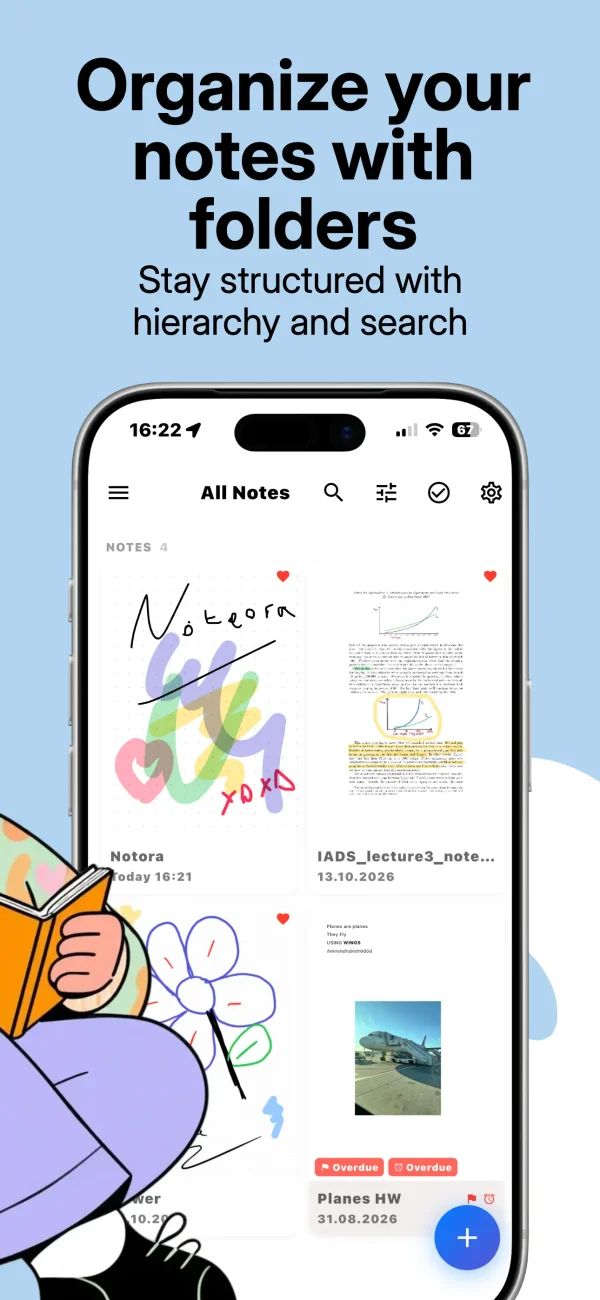
Noteora is a free note-taking app for everything you write. Type it, handwrite it or write right on top of a PDF, and every page looks exactly like the real thing. No account, no cloud: your notes never leave your device.
Open a PDF or Word file, mark it up with Apple Pencil, add a table, sketch a diagram and export a pixel-perfect PDF in seconds.
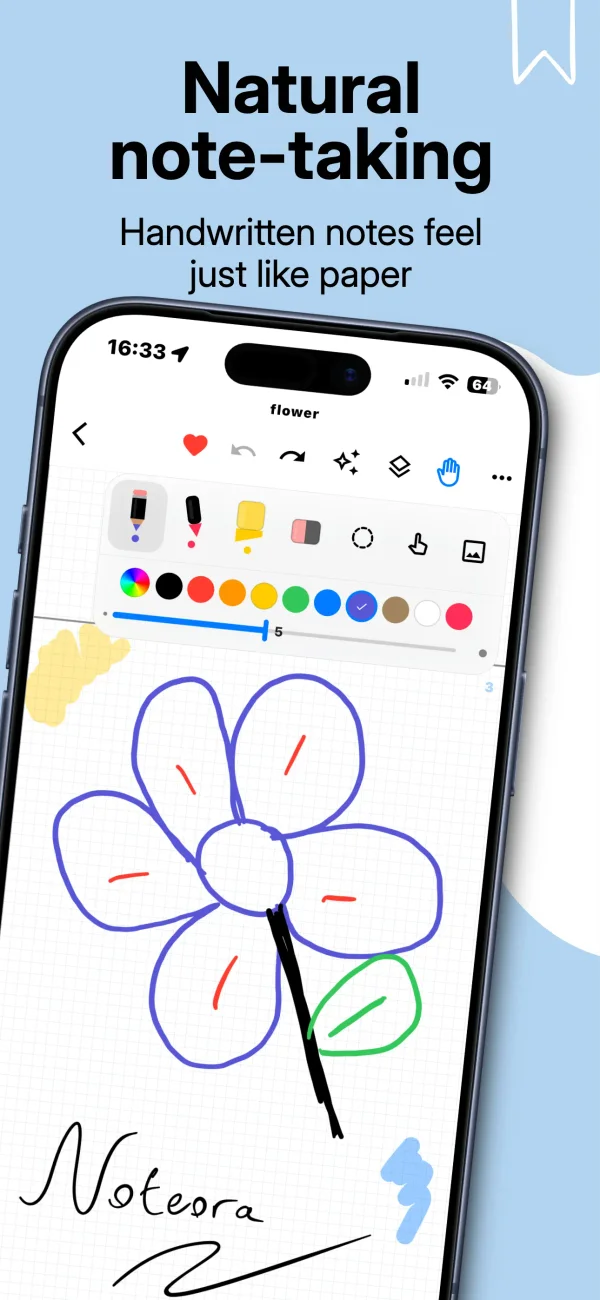
HANDWRITING THAT FEELS LIKE PAPER
• Pressure- and tilt-aware pen, pencil and highlighter with smooth, natural strokes
• Pen-only mode with palm rejection: rest your hand on the screen and write
• Apple Pencil double-tap switches between the eraser and your last pen
• A felt-tip highlighter that keeps one even thickness
• Seven paper templates: blank, lined, narrow ruled, wide ruled, grid, dotted and Cornell notes
• Portrait or landscape, with as many pages as you need
• Add photos to handwritten pages and annotate them
• Shape recognition: hold the pen to snap a perfect line, rectangle, square or circle
• Object pen to select, move, rotate and resize anything on the page
• Snapped shapes come with handles to resize them, and rectangles keep the angle you drew
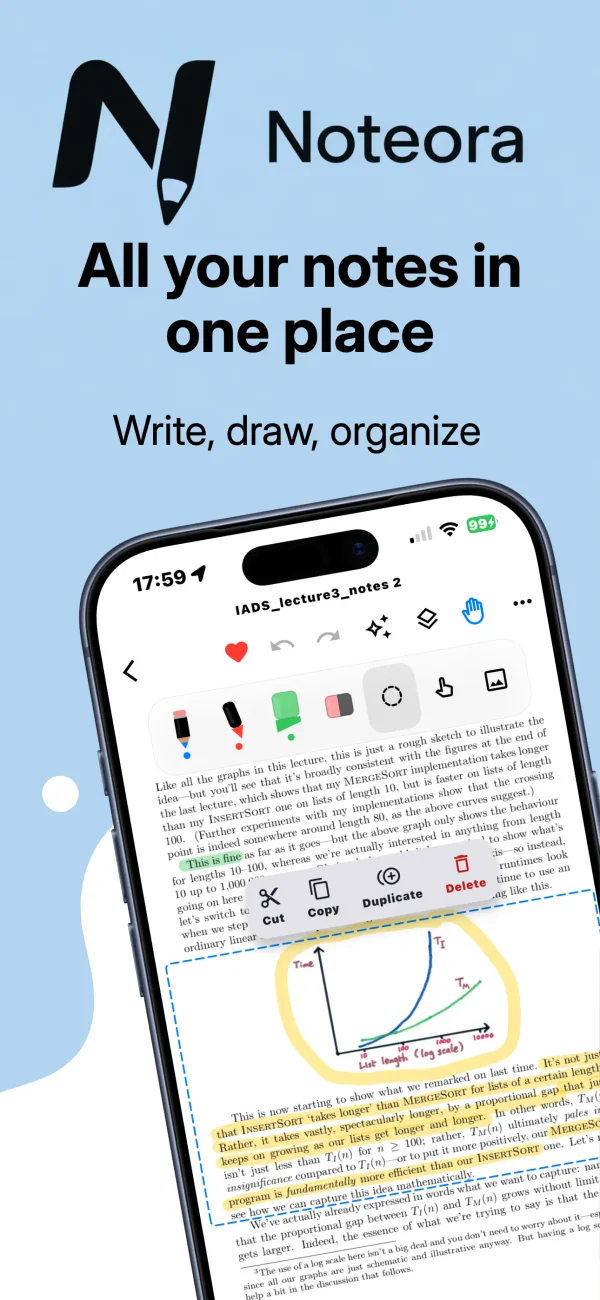
ANNOTATE ANY PDF
Open a PDF from Files, Mail or Safari straight into Noteora. Handwrite over its pages or type on them, start a new note or add the pages to one you already have, at the beginning or at the end. Ideal for lecture slides, worksheets, research papers, contracts and forms you need to fill in and sign. Photos open the same way, as a one-page note you can write on.
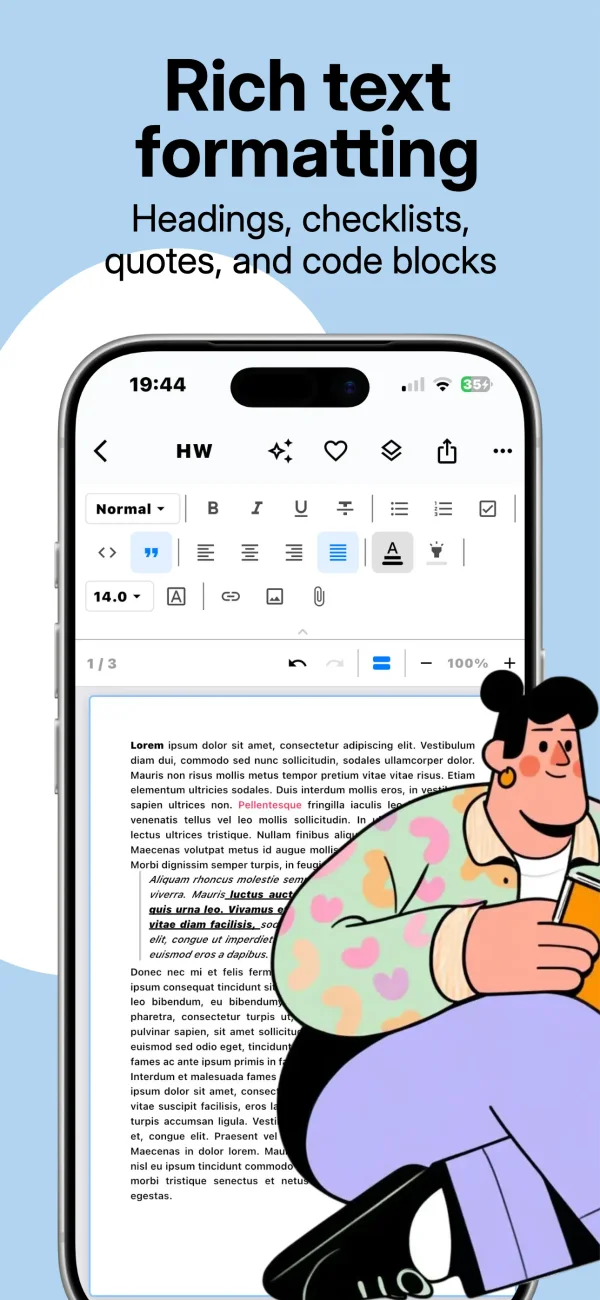
WORD-LEVEL TEXT NOTES
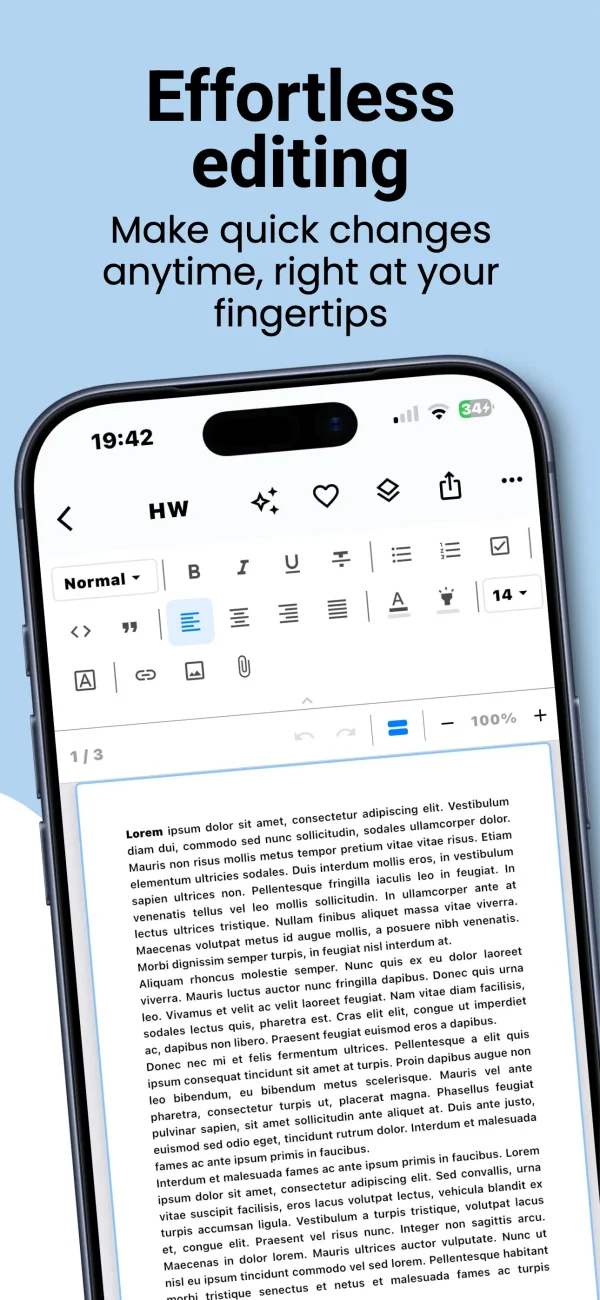
• Real pages that reflow as you type, just like a word processor
• Bold, italic, underline, strikethrough and four heading levels
• Bullet lists, numbered lists, checklists, quotes, code blocks and links
• Tables you can create, fill and export
• Nine fonts, text and highlight colors, and all four alignments
• Insert, drag, resize and rotate images; attach PDFs and files as cards
• Import .docx documents with the same fonts, sizes, line spacing and page count
PAGES YOU CONTROL
Every note has a pages panel: duplicate, rename, reorder, copy and paste, or multi-select pages to share or delete. Copy pages from one note into another, several at a time. Switch between continuous scroll and a two-page book view, and pinch to zoom in on detail. Each note reopens on the exact page you left off.
ORGANIZE EVERYTHING
• Nested folders with a folder tree; drag a note onto a folder to move it
• Pinned folders, favorites, tags and tag filters
• Due dates and reminders on any note, so no deadline slips by
• Fast full-text search across titles and content
• Sort by date modified, date created, title or deadline
• Duplicate any note in one tap
• Trash keeps deleted notes for 30 days, so nothing is lost by accident
PRIVATE BY DESIGN
Lock any note or folder with its own PIN and an optional hint. Locked notes are encrypted on your device with a key derived from your PIN. Noteora works fully offline, needs no sign-up and never uploads your notes anywhere.
EXPORT & SHARE
Export typed or handwritten notes as pixel-perfect PDFs or plain text, and text notes as Word documents. Export the whole note or only the pages you pick, then share instantly through the native share sheet.
• Vector PDF export: razor sharp at any zoom, far smaller files. Convert anything into pdf.
MADE FOR iPHONE AND iPAD
Light, dark and system themes, a full color palette, adjustable zoom and a guided tour that has you writing within a minute. Available in 12 languages.
PERFECT FOR
• Students: lecture notes, Cornell notes, homework, exam revision and annotated slides
• Professionals: meeting minutes, reports, Word drafts and signed PDFs
• Planners and journalers: daily pages, to-do lists, bullet journals and sketches
Studying for finals, planning your week or keeping a private diary? Noteora gives typed and handwritten pages the same care. Download it free and take your first note in seconds.
Terms of Use (EULA): https://www.apple.com/legal/internet-services/itunes/dev/stdeula/
Yang baru
Versi 1.2.0 · 10/11/2026
Noteora 1.2 brings Noteora Pro, encrypted iCloud backups and reminders.
YOUR NOTES STAY YOURS
• Every note you made before this update stays fully editable, typed notes included
• The free plan now includes 3 handwritten notes, each with unlimited pages
NOTEORA PRO
• Unlimited handwritten and typed notes
• Word import and export, PIN lock and every paper template
• PDF exports without the Noteora mark
• Try it free for 14 days with the yearly plan. Cancel anytime in your App Store settings
ICLOUD BACKUP (PRO)
• Automatic, encrypted backups to your own iCloud Drive. Only you can read them
• Restore everything on a new iPhone or iPad
REMINDERS AND DEADLINES (PRO)
• Up to three reminders per note, plus a deadline you can tick off when you're done
• Dates appear in a slim strip at the top of the note
ALSO NEW
• A fresh welcome for first-time users
• Clearer messages and many smaller fixes
Your notes still live on your device: no sign-up, no email. Ideas or bugs? Reach us under Settings > Support.
Privasi aplikasi
Yang dinyatakan PerfectAiStudio di App Store tentang cara aplikasi ini menangani data.
-
Data tidak dikumpulkan
Pengembang tidak mengumpulkan data apa pun dari aplikasi ini.
Praktik privasi dapat bervariasi, misalnya berdasarkan fitur yang Anda gunakan atau usia Anda.
Informasi
- Penjual
- Anil Simsek, LLC
- Kategori
- Produktivitas
- Versi
- 1.2.0
- Diperbarui
- 10/11/2026
- Dirilis
- 15/9/2026
- Ukuran
- 38,4 MB
- Memerlukan
- iOS 15.0 atau yang lebih baru
- Batasan usia
- 4+
- Harga
- Gratis
- Pembelian dalam aplikasi
- Ya
- Bahasa
- Inggris, Arab, Prancis, Jerman, Italia, Jepang, Korea, Portugis, Rusia, Tionghoa Sederhana, Spanyol, Turki
- Hak cipta
- © 2026 Anil Simsek LLC
Mungkin Anda juga suka
-
 Scribbl: Notes & PDF MarkupProduktivitas
-
 Zebra: Markdown Knowledge BaseProduktivitas
-
 Notepen: Catatan & PerencanaTulisan tangan, sketsa, agenda
-
 iWrote: Markdown Writer AppProduktivitas
-
 Properpad - Notepad & NotesProduktivitas
-
 Stilo - Typewriter NotesProduktivitas
-
 UnivNote: Catatan PDF Anti LagTulis, rekam kuliah, belajar
-
 Noteara: Notes, AI, WhiteboardProduktivitas
-
 Journal: Notes, PDF & PlannerProduktivitas
-
 Check It AgainProduktivitas