
ODS Direct
ODS file direct viewer
Dirancang untuk iPhone, iPad
Gratis · Pembelian dalam aplikasi
- Batasan usia4+
- KategoriProduktivitas
- PengembangVolkan Mutluer
- BahasaInggris
- Ukuran3,0 MB
Tertaut ke halaman resmi App Store
Download.org tidak menyimpan file ODS Direct apa pun. Tombol ini membuka halaman aplikasi di App Store, tempat Volkan Mutluer menerbitkannya. Halaman terakhir diperiksa pada 12/11/2026.
Tangkapan layar


Tentang
Pengembang belum menyediakan teks ini dalam bahasa Anda.
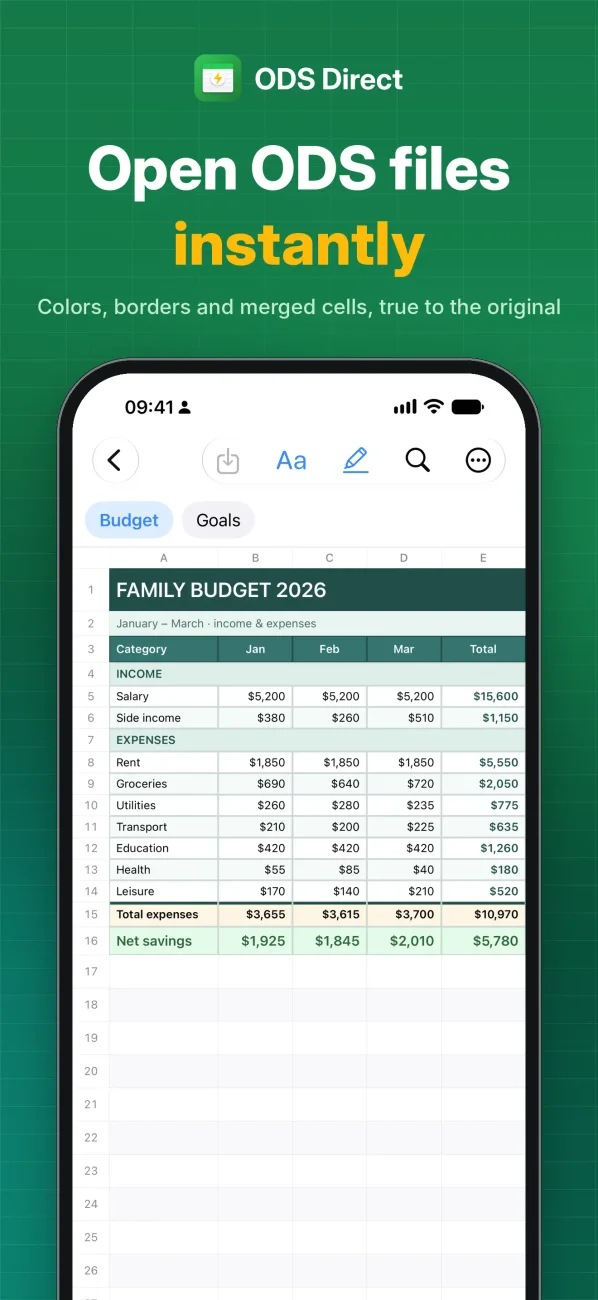
Received an .ods spreadsheet by email or in a messaging app and got a blank screen when you tapped it? ODS Direct natively opens OpenDocument Spreadsheet (.ods) files created in LibreOffice, OpenOffice and other office apps on iPhone and iPad — and now lets you edit them too.
OPEN INSTANTLY
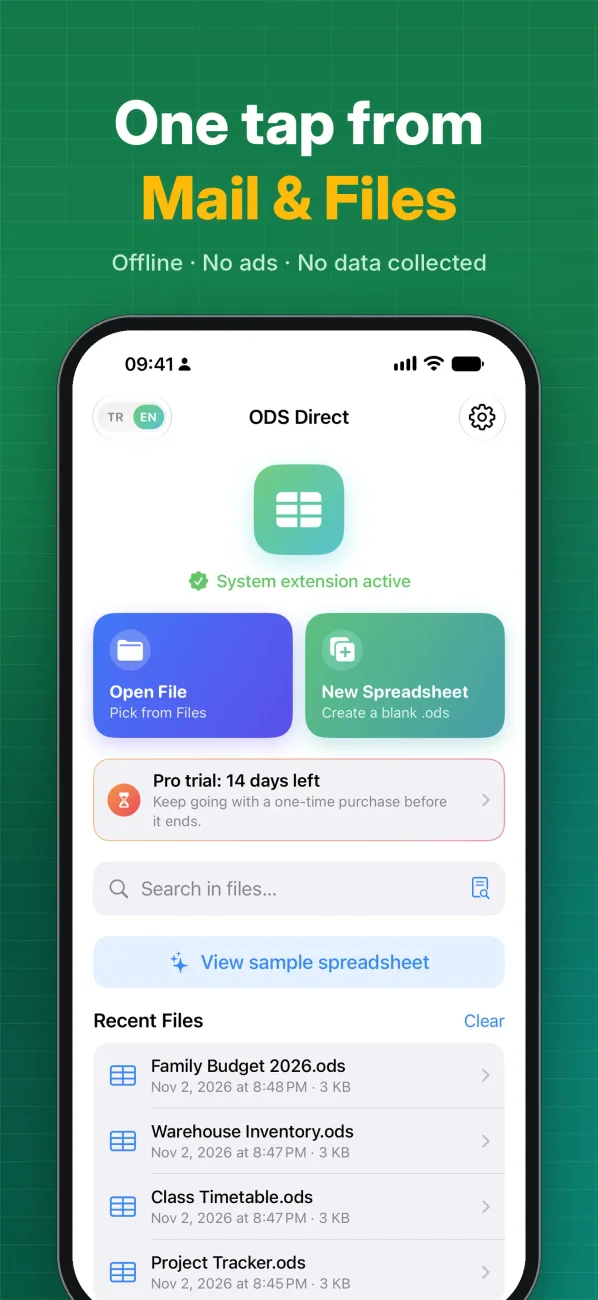
• Tap any .ods file in Mail, Messages or Files to see it right away with the built-in Quick Look extension.
• Or open it in the app for the full experience: sheet tabs, frozen row and column headers, pinch to zoom.
• True to the original: colors, borders, merged cells, text styles and alignment are shown as the author made them.
EDIT AND FORMAT
• Double-tap a cell to change its value; formulas and formatting are kept when you save.
• Bold, italic, underline, font size, text and fill colors, borders and alignment.
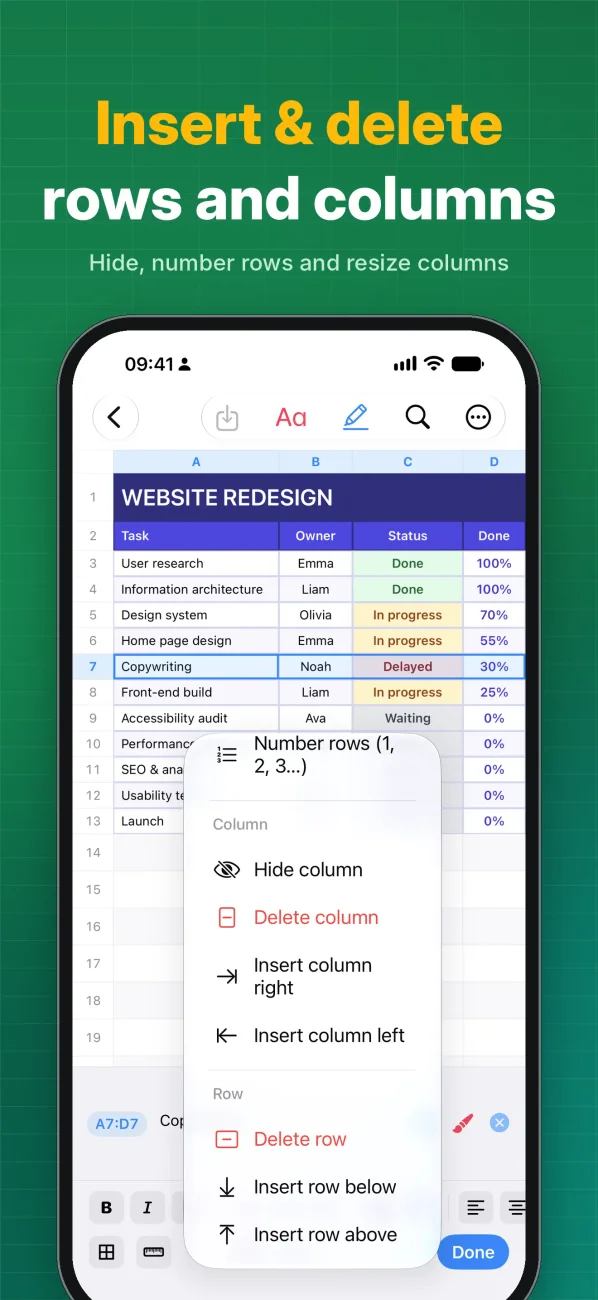
• Insert and delete rows and columns, hide columns, number rows, adjust widths and heights — with undo.
• Save to the same file or save a copy.
• Create a brand-new .ods spreadsheet from scratch.
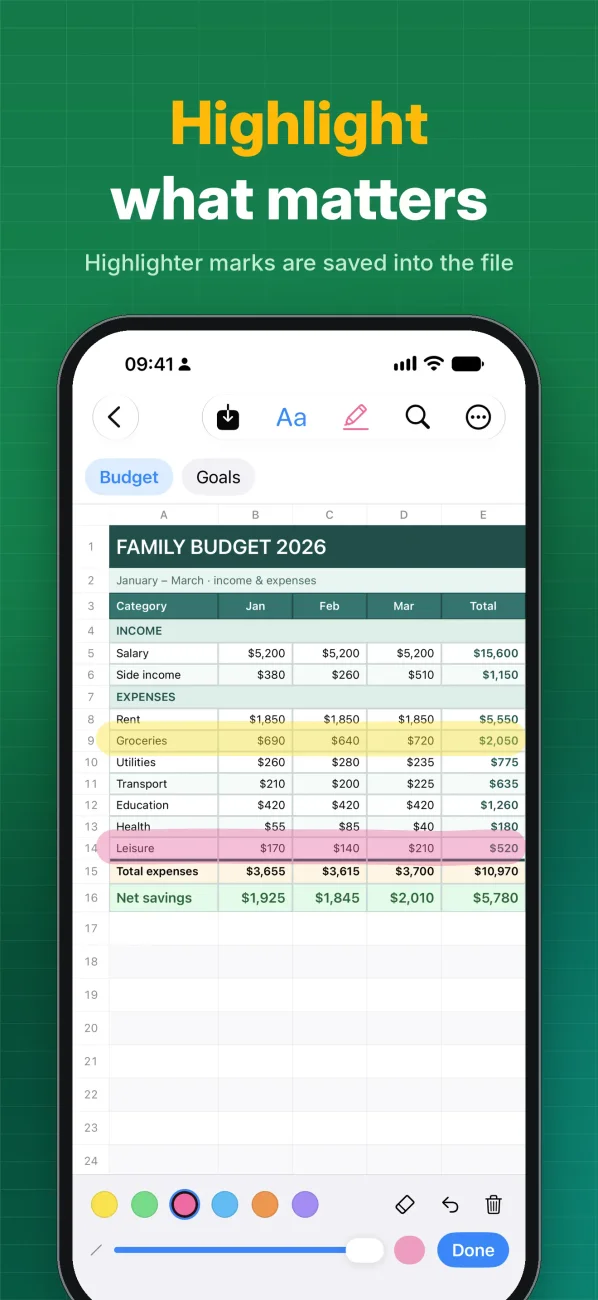
HIGHLIGHT WHAT MATTERS
Mark rows and values with the highlighter in six colors. Your marks are saved inside the file.
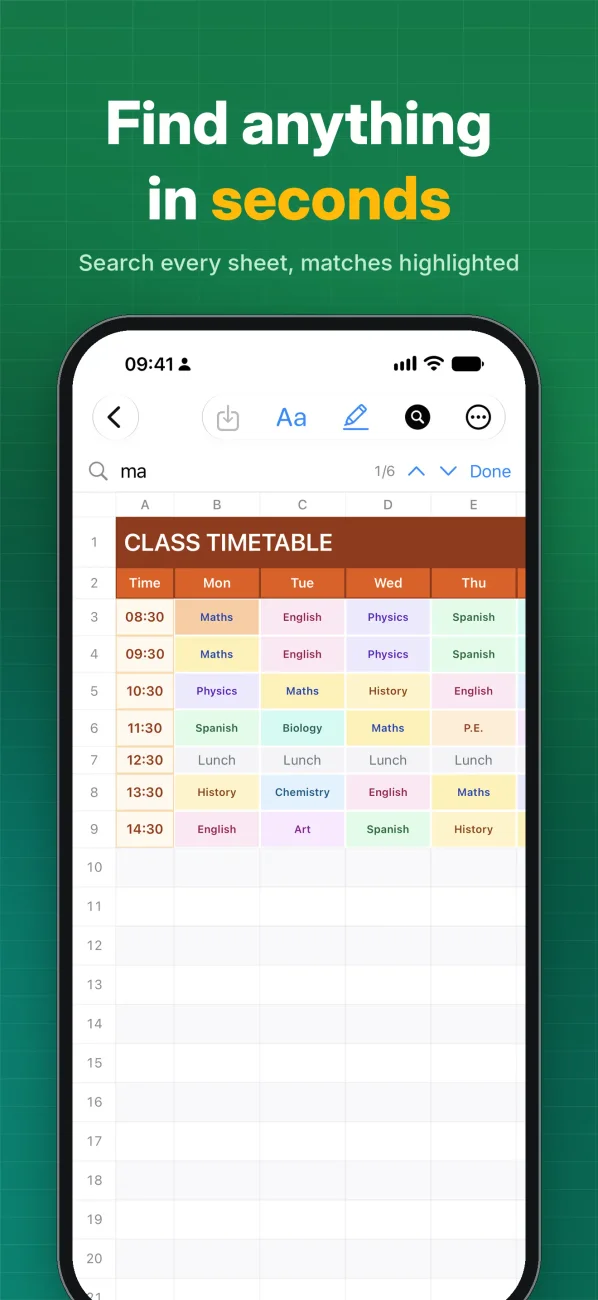
FIND ANYTHING
• Search every sheet of a file and jump between matches.
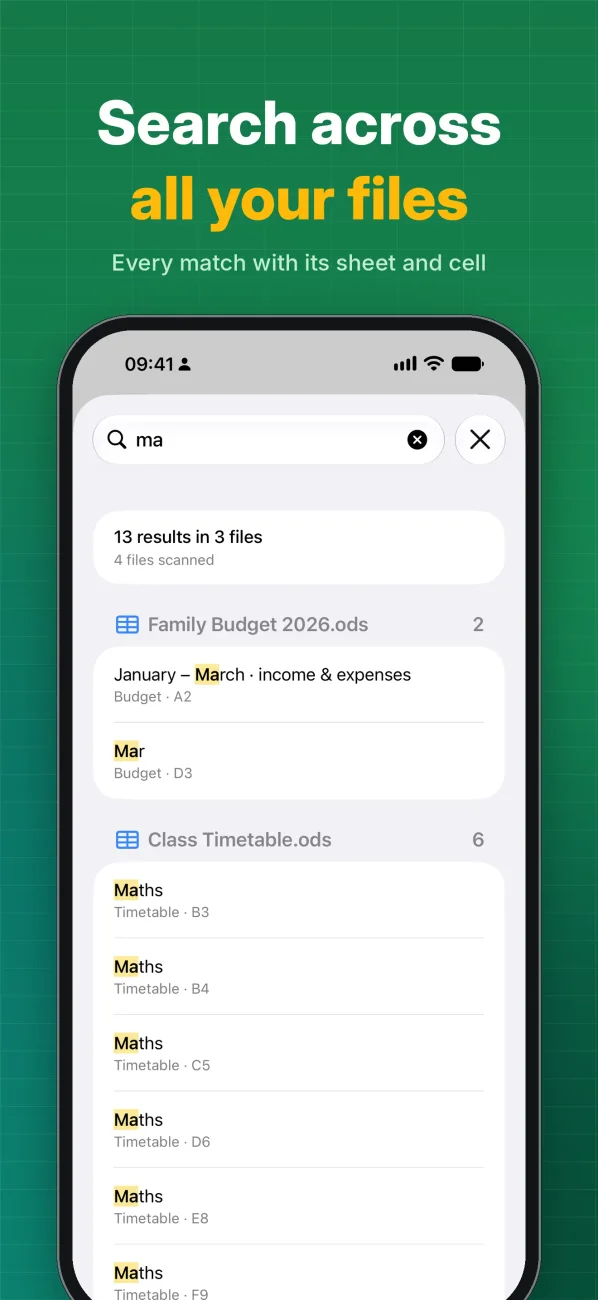
• Search across all your recent files and the folders you add; each result shows its sheet and cell.
AND MORE
• Export any sheet to CSV.
• Recent files for one-tap access.
• Light, dark or system theme — colors adapt intelligently in dark mode.
• English and Turkish interface, switchable in the app.
• A sample spreadsheet is included, so you can try everything right away.
PRIVACY FIRST
ODS Direct works 100% offline. Your files are processed on your device and never leave it. No account, no ads, no tracking, no data collected.
ODS DIRECT PRO
Viewing, search, CSV export and Quick Look previews are free. Creating new spreadsheets, editing, formatting and the highlighter are part of ODS Direct Pro — a one-time purchase, no subscription. You can try all Pro features free for 14 days; the trial does not renew and nothing is charged when it ends. Purchases can be restored at any time from Settings.
Yang baru
Versi 1.2 · 3/11/2026
ODS Direct 1.2 turns the viewer into a full .ods editor.
NEW
• Edit cells: double-tap any cell to change its value. Formulas and formatting are kept when you save.
• Formatting: bold, italic, underline, font size, text and fill colors, borders and alignment.
• Rows and columns: insert or delete rows and columns, hide columns, number rows (1, 2, 3…), adjust column width and row height — all with undo.
• Highlighter: mark what matters in six colors; your marks are saved with the file.
• New Spreadsheet: start a blank .ods file from scratch.
• Search across files: find a value in all your recent files and in folders you add, with the sheet and cell of every match.
• Save in place or save a copy.
• Smarter dark mode: pastel fills and borders now adapt, so tables stay readable.
• Switch between English and Turkish right from the home screen.
ODS DIRECT PRO
Viewing, search, CSV export and Quick Look previews stay free. Creating, editing, formatting and the highlighter are part of ODS Direct Pro — a one-time purchase, no subscription. Try every Pro feature free for 14 days; nothing is charged when the trial ends.
Plus many smaller fixes and refinements.
Privasi aplikasi
Yang dinyatakan Volkan Mutluer di App Store tentang cara aplikasi ini menangani data.
-
Data tidak dikumpulkan
Pengembang tidak mengumpulkan data apa pun dari aplikasi ini.
Praktik privasi dapat bervariasi, misalnya berdasarkan fitur yang Anda gunakan atau usia Anda.
Informasi
- Penjual
- Volkan Mutluer
- Kategori
- Produktivitas
- Versi
- 1.2
- Diperbarui
- 3/11/2026
- Dirilis
- 17/6/2026
- Ukuran
- 3,0 MB
- Memerlukan
- iOS 17.6 atau yang lebih baru
- Batasan usia
- 4+
- Harga
- Gratis
- Pembelian dalam aplikasi
- Ya
- Bahasa
- Inggris
- Hak cipta
- © 2026 Volkan Mutluer
Mungkin Anda juga suka
-
 MiOfficeProduktivitas
-
 XLSX Reader: XLS to PDFProduktivitas
-
 BeFree: Voice to Tasks & ListsProduktivitas
-
 Pacpost.liveProduktivitas
-
 SheetCollector:xlsx ods...pdfProduktivitas
-
 March Networks GuruProduktivitas
-
 Print Utility V3WProduktivitas
-
 SVG ViewProduktivitas
-
 My Little RemindersProduktivitas
-
 Judgr: AI Detector & HumanizerProduktivitas