Offline Scanner
PDF, OCR
Dirancang untuk iPhone, iPod touch
Gratis · Pembelian dalam aplikasi
- Batasan usia4+
- KategoriProduktivitas
- Pengembang北京诚明兄弟科技有限公司
- BahasaInggris+ 1 lainnya
- Ukuran166,0 MB
Tertaut ke halaman resmi App Store
Download.org tidak menyimpan file Offline Scanner apa pun. Tombol ini membuka halaman aplikasi di App Store, tempat 北京诚明兄弟科技有限公司 menerbitkannya. Halaman terakhir diperiksa pada 13/11/2026.
Tangkapan layar
Tentang
Pengembang belum menyediakan teks ini dalam bahasa Anda.
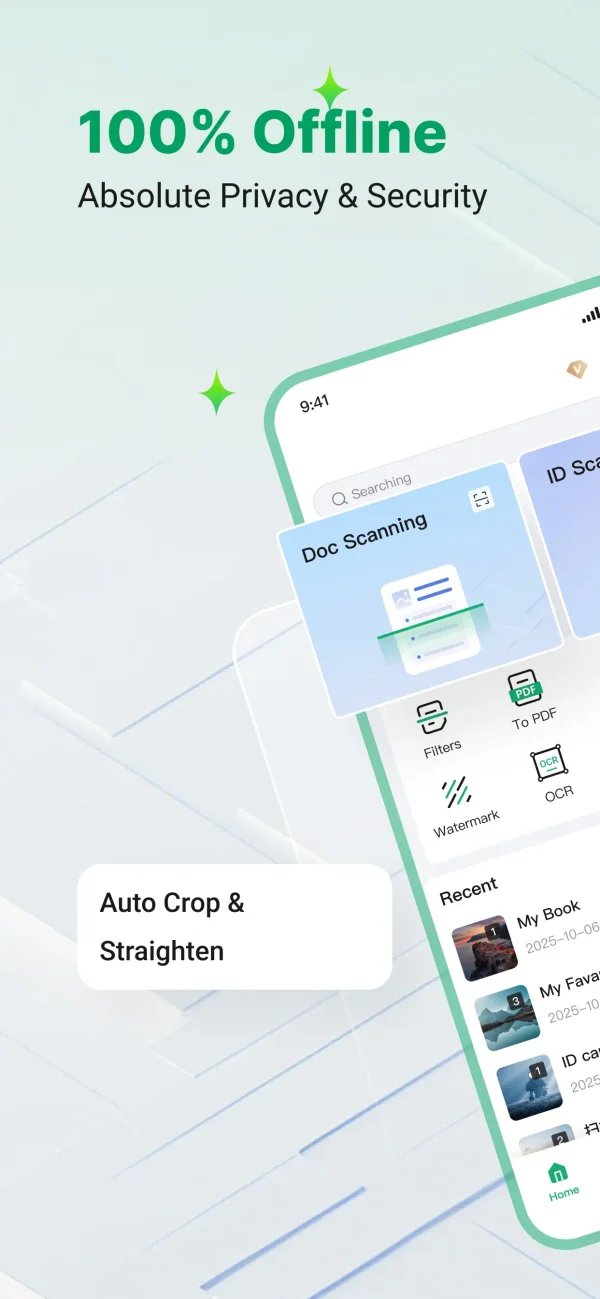
Offline Scanner is a cost-effective and fully offline document scanning app. It combines document scanning, ID card scanning, PDF scanning, offline OCR text recognition, PDF tools, PDF split and merge, electronic signatures, watermarks, and more in one powerful scanner app.
Key Features:
【Mobile Document Scanner】
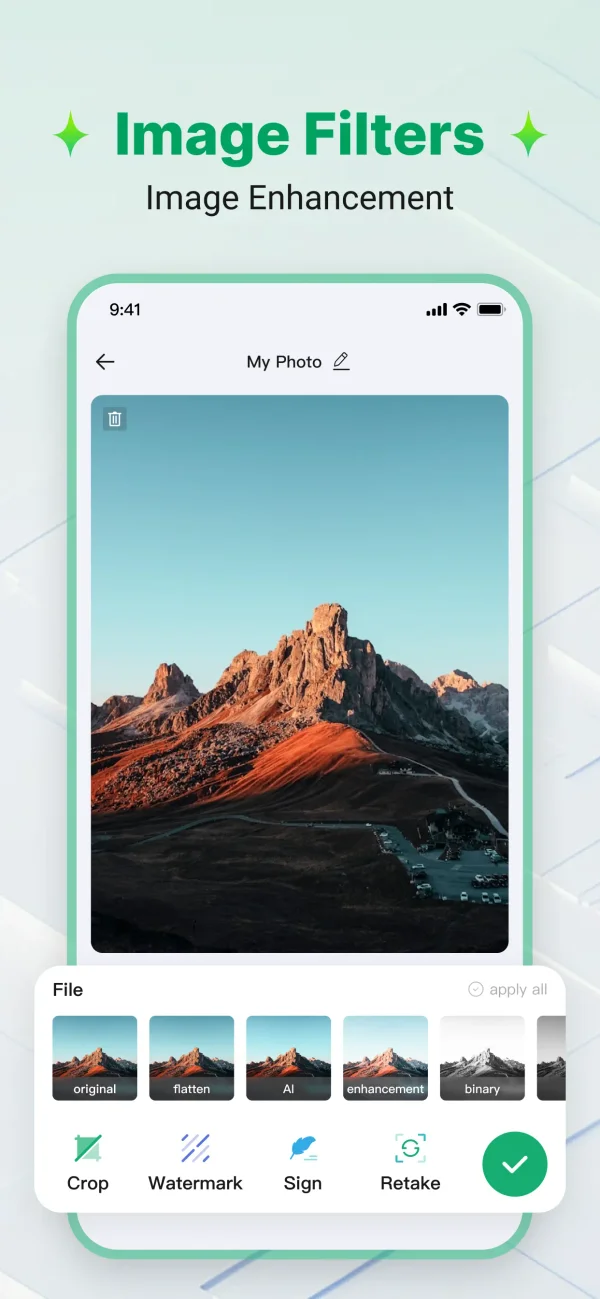
* Turn your phone into a portable scanner. Capture paper documents and create high-quality JPEG and PDF files with various filters.
* Automatically detect and scan documents, or manually adjust image settings to quickly create clear and professional-looking scans.
* Enhance scanned images with multiple optimization modes for better clarity and readability.
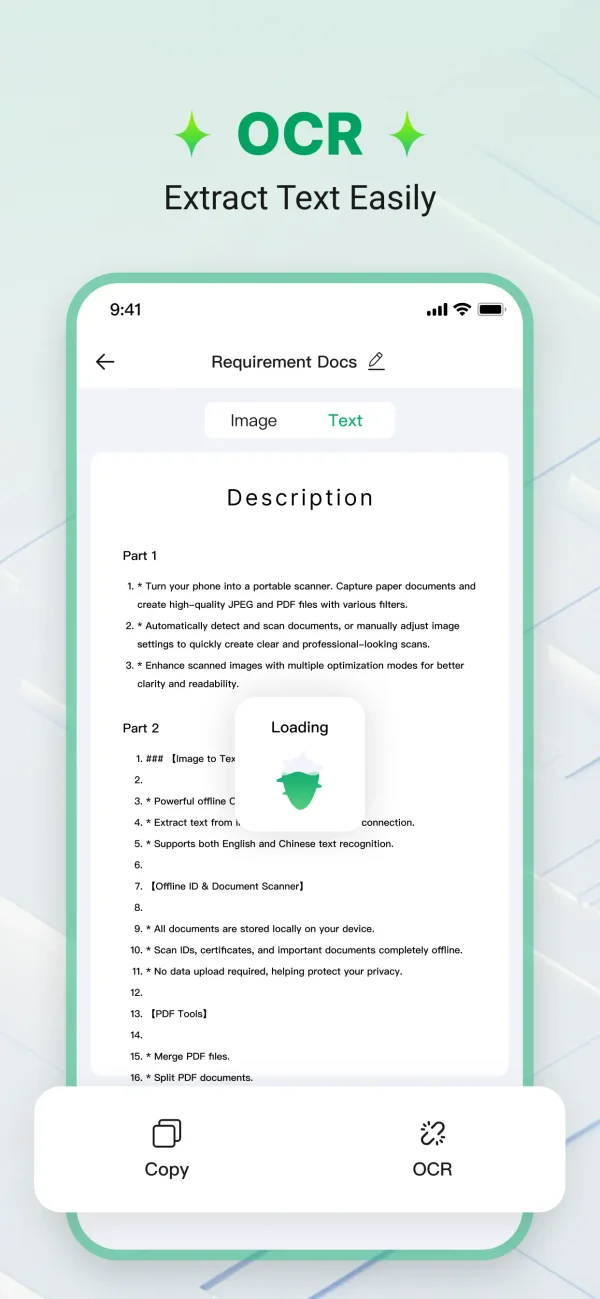
【Image to Text OCR】
* Powerful offline OCR text recognition.
* Extract text from images without an internet connection.
* Supports both English and Chinese text recognition.
【Offline ID & Document Scanner】
* All documents are stored locally on your device.
* Scan IDs, certificates, and important documents completely offline.
* No data upload required, helping protect your privacy.
【PDF Tools】
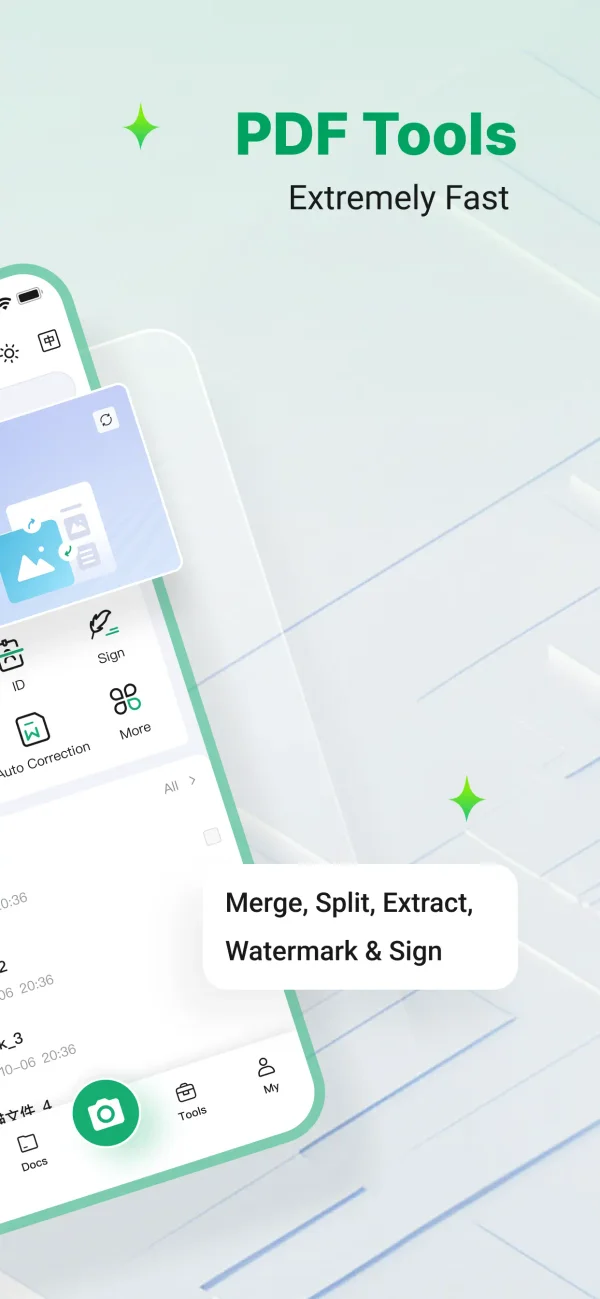
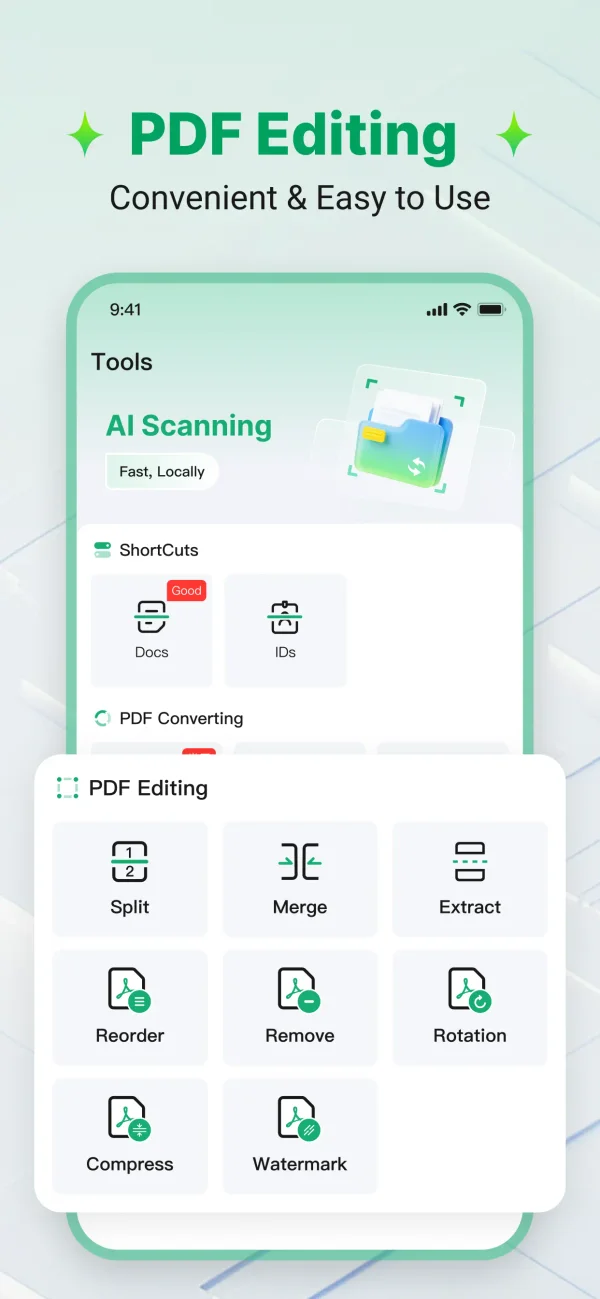
* Merge PDF files.
* Split PDF documents.
* Extract PDF pages.
* Manage and organize your PDF files easily.
Terms of Service:
https://www.apple.com/legal/internet-services/itunes/dev/stdeula/
Privacy Policy:
http://secure-scanner.net/zh/privacy
Scanning Tips:
To get the best scanning results:
* Use sufficient lighting when taking photos.
* Keep your phone steady to avoid blurry images.
* Make sure the document fills as much of the camera view as possible.
If you enjoy **Offline Scanner** or have any suggestions, please leave us a review or contact us at:
[support@secure-scannner.net](mailto:support@secure-scannner.net)
Your feedback helps us continuously improve the app and provide a better scanning experience!
Privasi aplikasi
Yang dinyatakan 北京诚明兄弟科技有限公司 di App Store tentang cara aplikasi ini menangani data.
-
Data tidak dikumpulkan
Pengembang tidak mengumpulkan data apa pun dari aplikasi ini.
Praktik privasi dapat bervariasi, misalnya berdasarkan fitur yang Anda gunakan atau usia Anda.
Informasi
- Penjual
- Beijing Chengming Xiongdi Technology Co., Ltd.
- Kategori
- Produktivitas
- Versi
- 1.0
- Diperbarui
- 17/7/2026
- Dirilis
- 17/7/2026
- Ukuran
- 166,0 MB
- Memerlukan
- iOS 12.0 atau yang lebih baru
- Batasan usia
- 4+
- Harga
- Gratis
- Pembelian dalam aplikasi
- Ya
- Bahasa
- Inggris, Tionghoa Sederhana
- Hak cipta
- © 北京诚明兄弟科技有限公司
Mungkin Anda juga suka
-
 iScanKit: Offline ScannerProduktivitas
-
 The Text Scanner OfflineProduktivitas
-
 Pocket Scan: Offline ScannerProduktivitas
-
 AiChatPDF - Ask your PDFProduktivitas
-
 AI Resume/CV Builder & MakerProfessional ATS AI Resume
-
 PDF Scanner RS - Scan & OCRProduktivitas
-
 PDF Converter & PDF ReaderProduktivitas
-
 Calendar - 2025Produktivitas
-
 VoiceClone AI: TTS & VoiceoverProduktivitas
-
 Revamp : CV AI Pembuat ResumeResume ATS & Surat Lamaran