Offshore Budgeting
Your money, safely offshore
Dirancang untuk iPhone, iPad, Mac
Gratis
- Batasan usia12+
- KategoriKeuangan
- PengembangMichael Brown
- BahasaInggris+ 6 lainnya
- Ukuran246,2 MB
Tertaut ke halaman resmi App Store
Download.org tidak menyimpan file Offshore Budgeting apa pun. Tombol ini membuka halaman aplikasi di App Store, tempat Michael Brown menerbitkannya. Halaman terakhir diperiksa pada 28/11/2026.
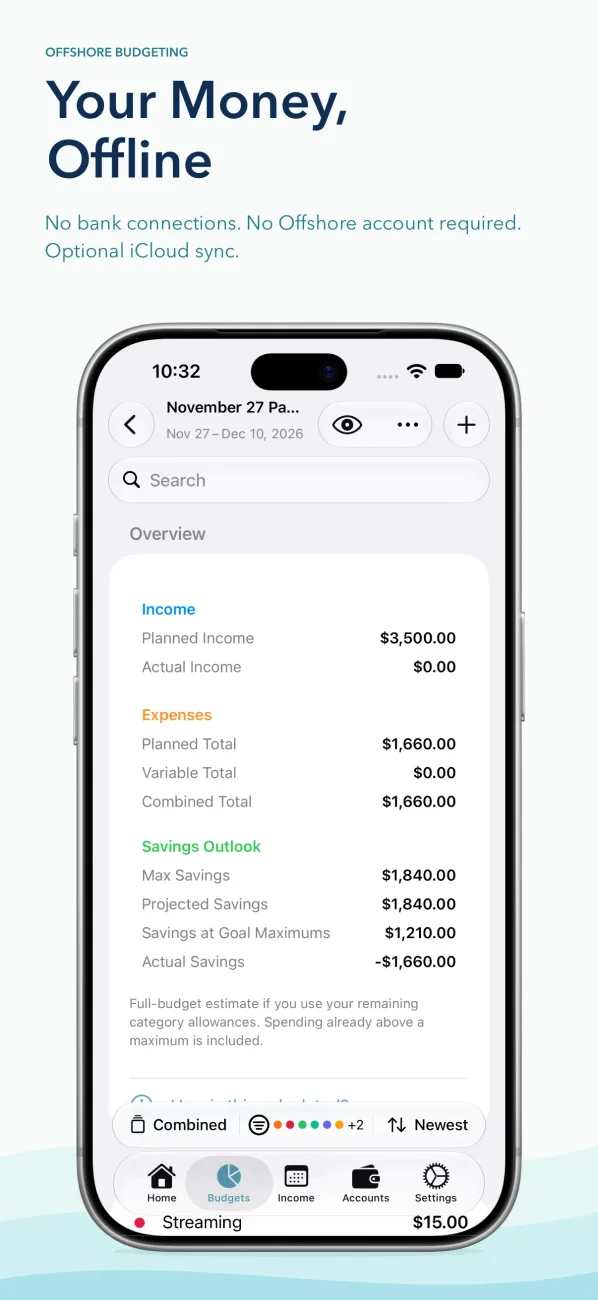
Tangkapan layar



Tentang
Pengembang belum menyediakan teks ini dalam bahasa Anda.
Plan around your life, and when you get paid.
Offshore is a free, private budgeting app for iPhone, iPad, and Mac. Use it to organize personal finances, plan around gig work, or track business income and expenses, without connecting to a bank.
Doing the work and collecting the money don’t always happen at the same time. Bills have their own schedules, too. Offshore gives you a place to plan what you expect, record what actually happens, and understand the difference.
BUDGET AROUND YOUR OWN DATES
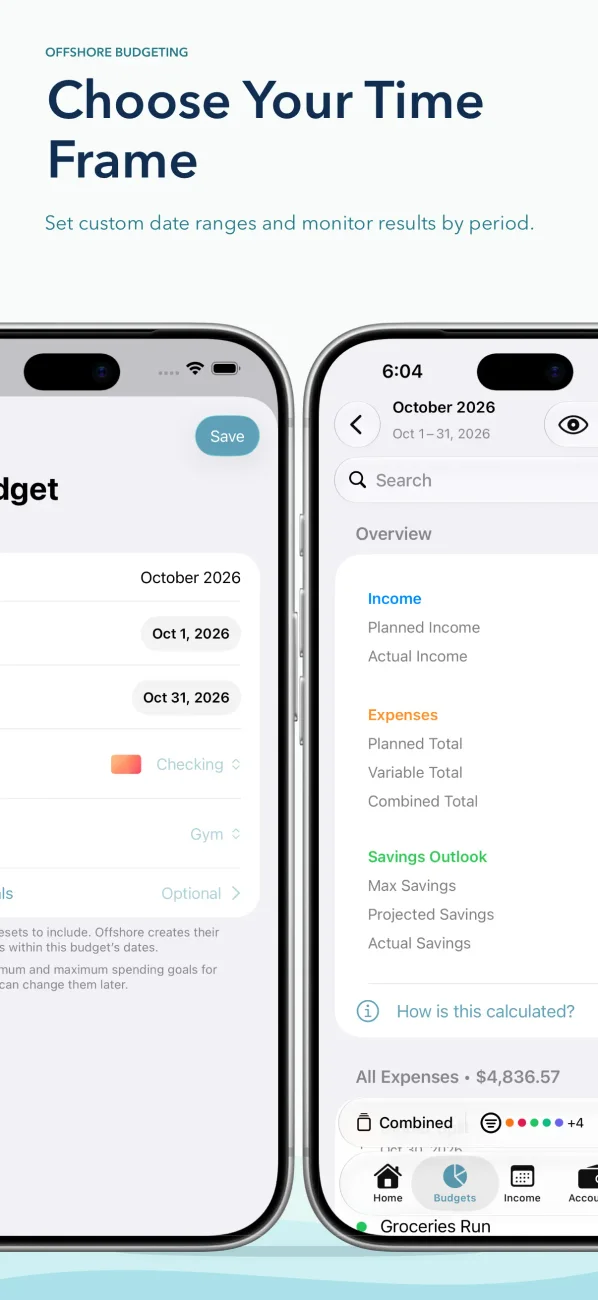
Create budgets around payday, a calendar month, a week of client work, or a single day. Choose any date range that helps you understand your income and spending.
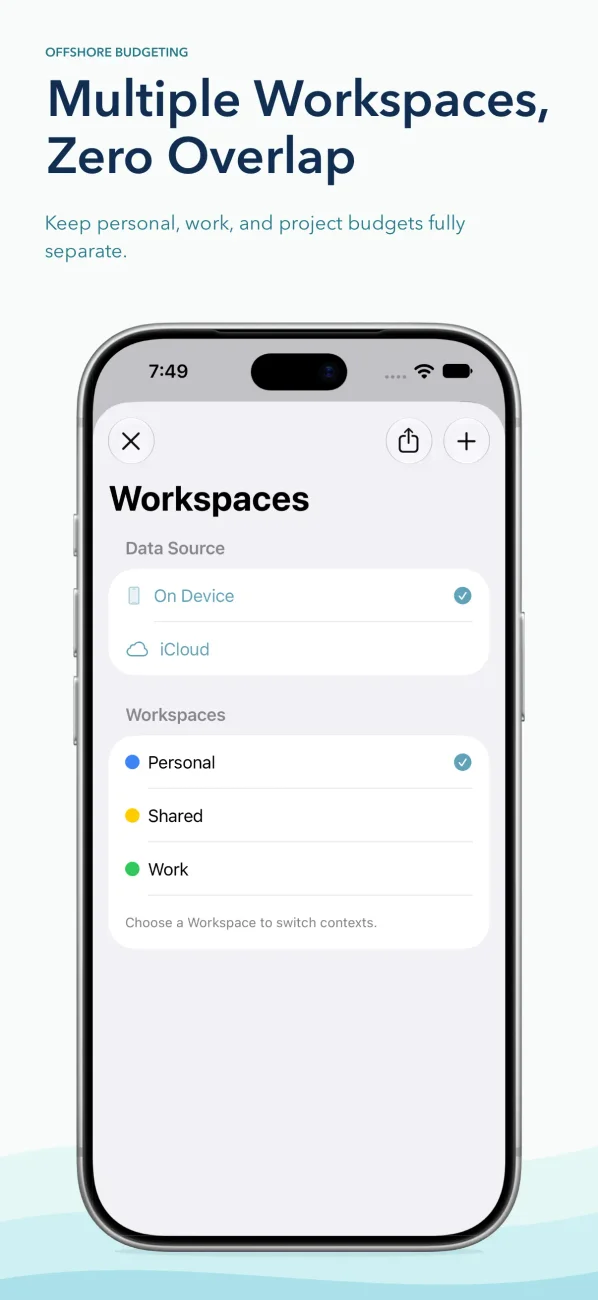
Keep personal, gig, and business finances in separate workspaces, each with its own budgets, cards, categories, income, and expenses.
PLAN INCOME. RECORD PAYMENT.
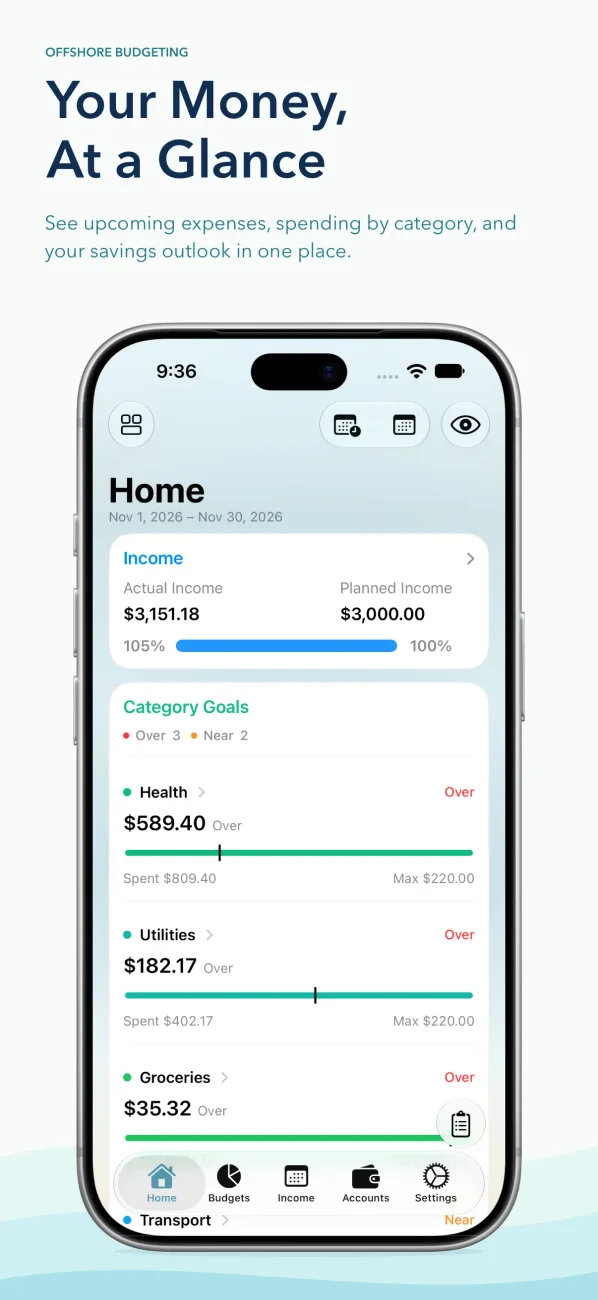
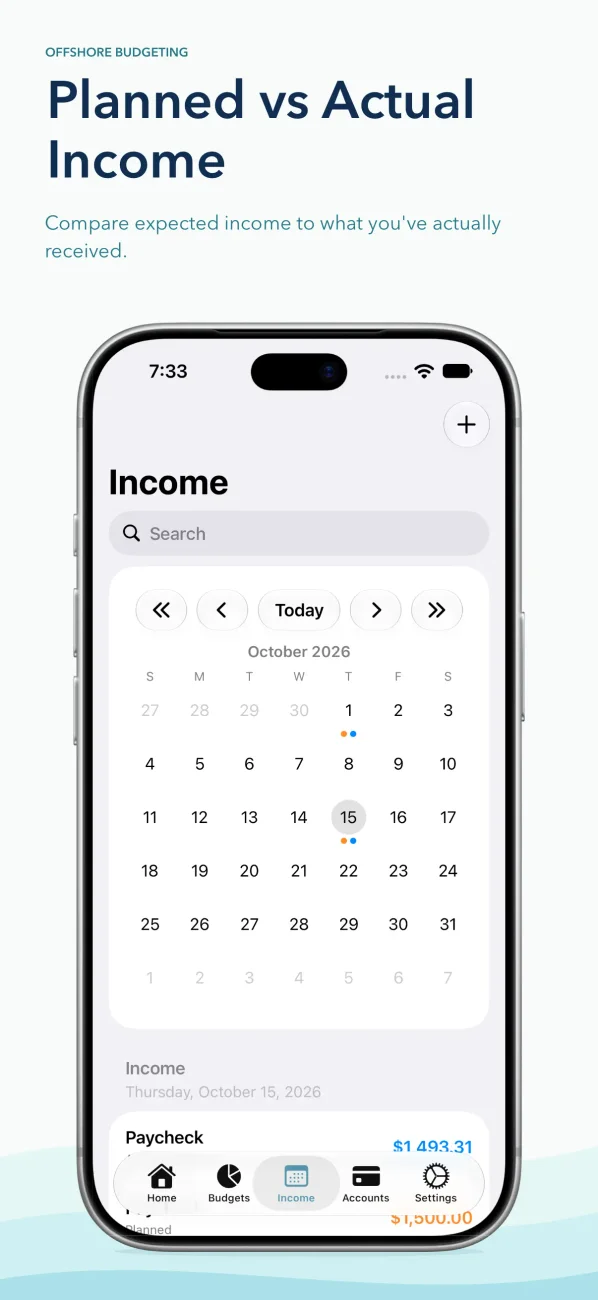
Track the income you expect, then record actual income when payment arrives. Use recurring income schedules and the income calendar to organize paydays and review what’s expected or received.
Whether you earn a salary, work changing shifts, or get paid by clients, build your plan around your payment schedule.
KEEP EXPECTED COSTS AND EVERYDAY SPENDING CLEAR
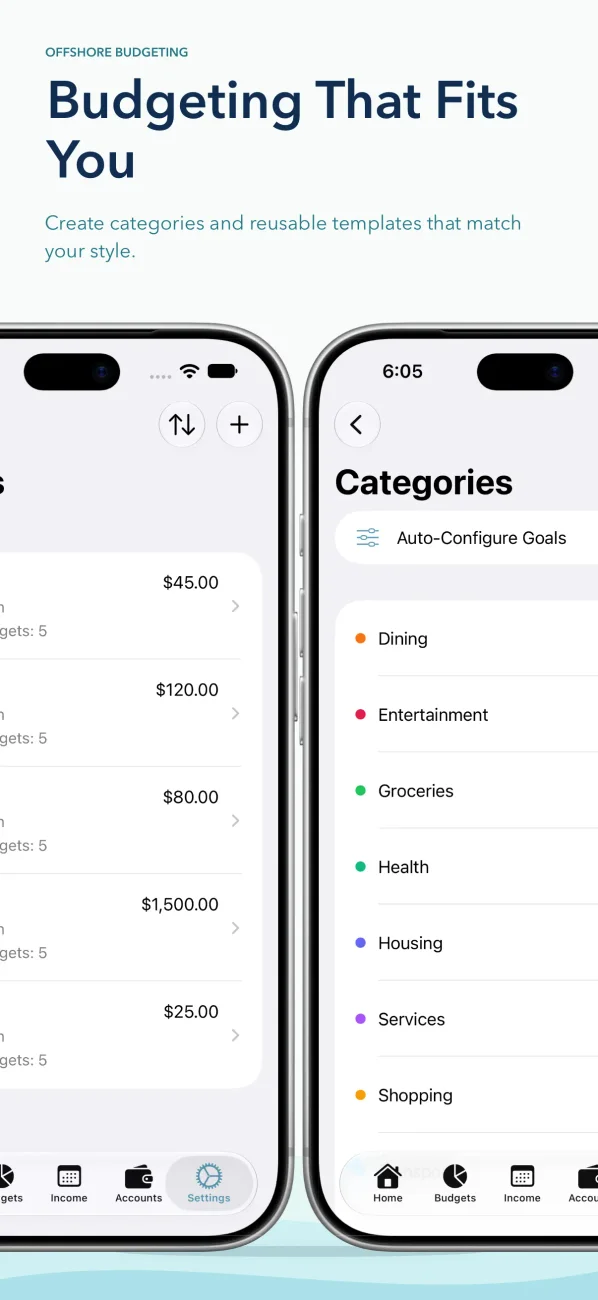
Create reusable presets for recurring costs such as rent, subscriptions, or business overhead. Include them in a budget to create dated planned expenses, then record the actual amounts when paid.
Log everyday purchases as they happen. Set category goals for variable spending such as groceries, gas, or supplies, without predicting every transaction.
UNDERSTAND WHAT REMAINS
Compare income with expenses, review spending trends, and explore savings outlooks. For personal budgets, use that picture to understand your room to spend or save. For gig work or business, review how recorded costs compare with income received over the period you choose.
Try What If scenarios to explore spending changes before changing your real plan.
TRACK SAVINGS AND SHARED BALANCES
Keep a record of savings and decide when to use them toward future expenses or set money aside. Offshore tracks those decisions; you move money between your real accounts yourself.
Use Reconciliations to track split expenses, money owed, and repayments separately from savings.
MAKE THE ROUTINE EASIER
Enter transactions yourself or import supported CSV files, PDFs, and images, then review the entries before saving. Widgets, Shortcuts, and optional automations help reduce repetitive work while keeping you involved.
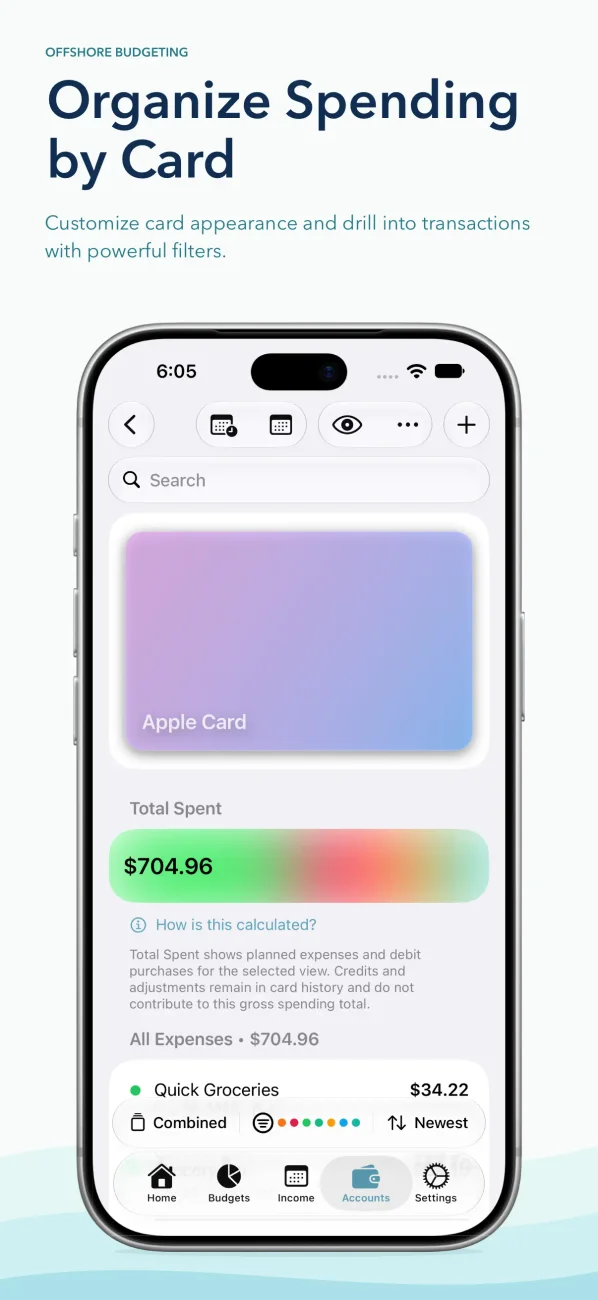
Customize cards, categories, and presets. Pin and reorder the Home screen information you use most.
PRIVATE BY DESIGN
Use Offshore offline with on-device storage, or enable optional iCloud sync across iPhone, iPad, and Mac. Export workspaces for backup and import them later as separate copies.
No bank connection. No accounts or registration to get started. No subscriptions.
Yang baru
Versi 2.5.3 · 27/11/2026
1. List and Gallery Layouts: Switch between layouts in Budgets, Cards, Reconciliations, Categories, and Presets. Each screen remembers your choice.
2. Savings Period Review: Review and, if needed, correct a completed period’s savings before posting it to Offshore Savings.
3. Presets Creation Improvements: Add a saved preset to one or more eligible budgets to generate its scheduled planned expenses.
4. Top Category Lock Screen Widget: The Category Limit widget can automatically show your highest-spending category among those with a budget limit.
5. Additional Improvements: Smoother workspace setup, clearer expense actions and preset schedules, better explanations of Home calculations, and refinements to widgets and the Mac Home editor.
Privasi aplikasi
Yang dinyatakan Michael Brown di App Store tentang cara aplikasi ini menangani data.
-
Data tidak dikumpulkan
Pengembang tidak mengumpulkan data apa pun dari aplikasi ini.
Praktik privasi dapat bervariasi, misalnya berdasarkan fitur yang Anda gunakan atau usia Anda.
Informasi
- Penjual
- Michael Brown
- Kategori
- Keuangan
- Versi
- 2.5.3
- Diperbarui
- 27/11/2026
- Dirilis
- 4/2/2026
- Ukuran
- 246,2 MB
- Memerlukan
- iOS 18.6 atau yang lebih baru
- Batasan usia
- 12+
- Harga
- Gratis
- Bahasa
- Inggris, Arab, Prancis, Jerman, Portugis, Tionghoa Sederhana, Spanyol
- Hak cipta
- © 2026 Michael B.