OMTake
Wireless camera for vMix & OBS
Dirancang untuk iPhone
Gratis · Pembelian dalam aplikasi
- Batasan usia4+
- KategoriFoto & Video
- PengembangXavier Carpentier
- BahasaInggris
- Ukuran1,9 MB
Tertaut ke halaman resmi App Store
Download.org tidak menyimpan file OMTake apa pun. Tombol ini membuka halaman aplikasi di App Store, tempat Xavier Carpentier menerbitkannya. Halaman terakhir diperiksa pada 12/11/2026.
Tangkapan layar


Tentang
Pengembang belum menyediakan teks ini dalam bahasa Anda.
OMTake is the first iOS app to stream live video and audio using OMT (Open Media Transport), the open-source protocol developed by vMix/StudioCoast.
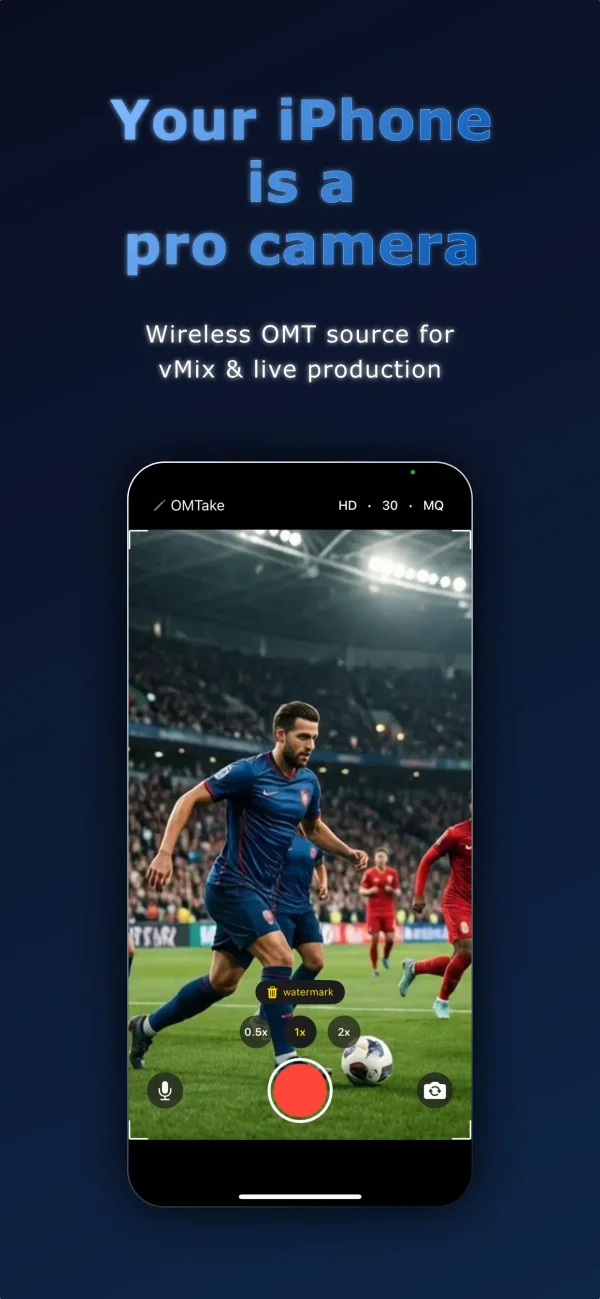
Use your iPhone as a wireless camera source in vMix, OBS Studio, or any OMT-compatible receiver on your local network. No additional hardware needed.
WORKS WITH VMIX AND OBS STUDIO
- vMix: OMT is supported natively, just add your iPhone as an input
- OBS Studio: install the free OMT plugin (Windows and macOS, OBS 31 or later), add an OMT Source and select your iPhone
STREAMING
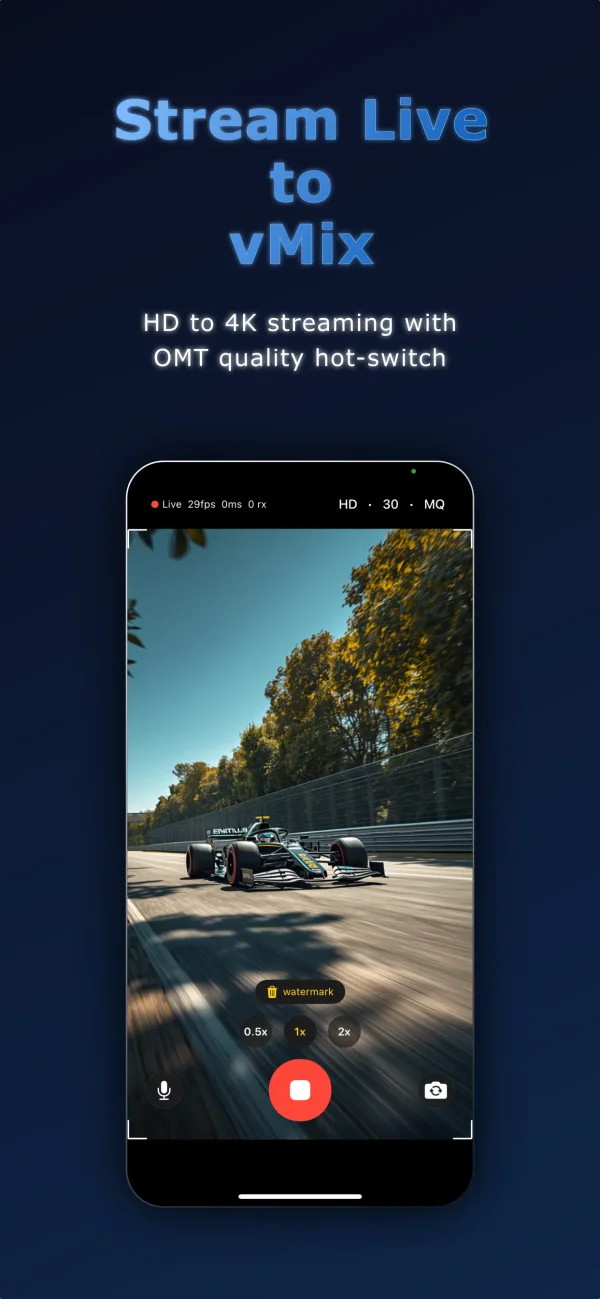
- HD, UHD, and 4K resolution support
- 24 to 60 fps depending on resolution
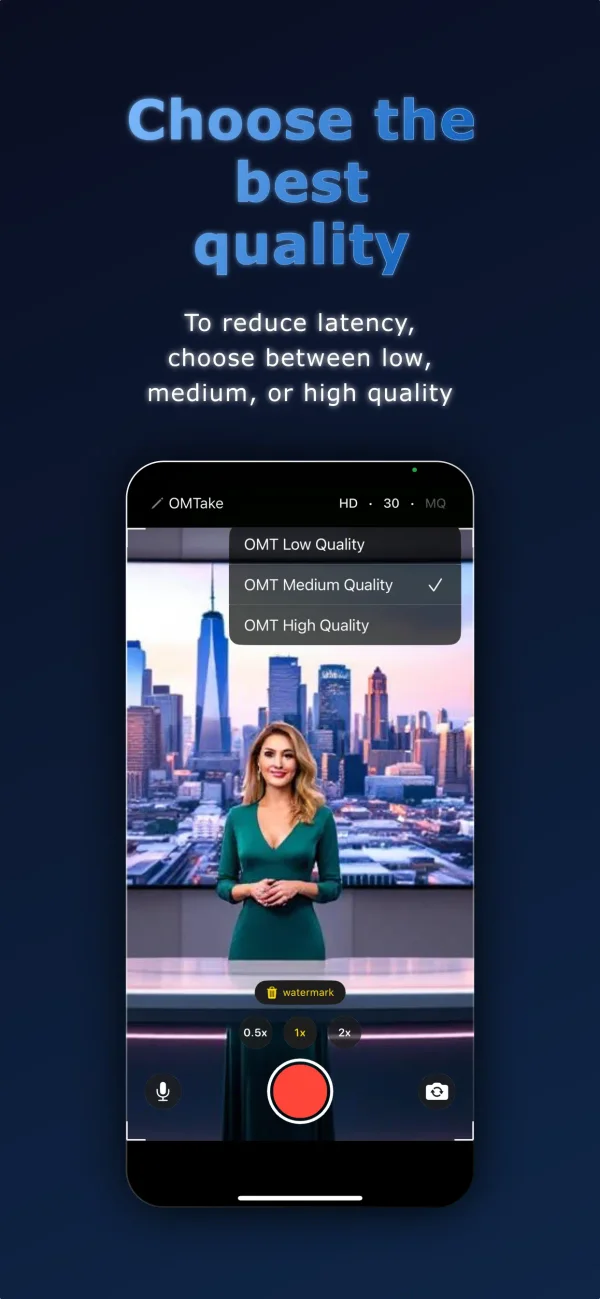
- Selectable encoding quality (LQ/MQ/HQ) with live hot-switch
- Audio capture with one-tap mute
CAMERA
- Multi-lens zoom with 0.5x, 1x, 2x presets and smooth pinch zoom
- Front and back camera support
- Tap to focus and expose
- Automatic lens switching via virtual multi-camera devices
- Video stabilization: Standard, Cinematic, or Low latency
- White balance: Auto, Lock, or Manual with temperature and tint
- Exposure compensation from -3 to +3 EV, adjustable while live
PRODUCTION
- Tally indicator (program/preview) with on-screen border and torch feedback, on receivers that support tally such as vMix
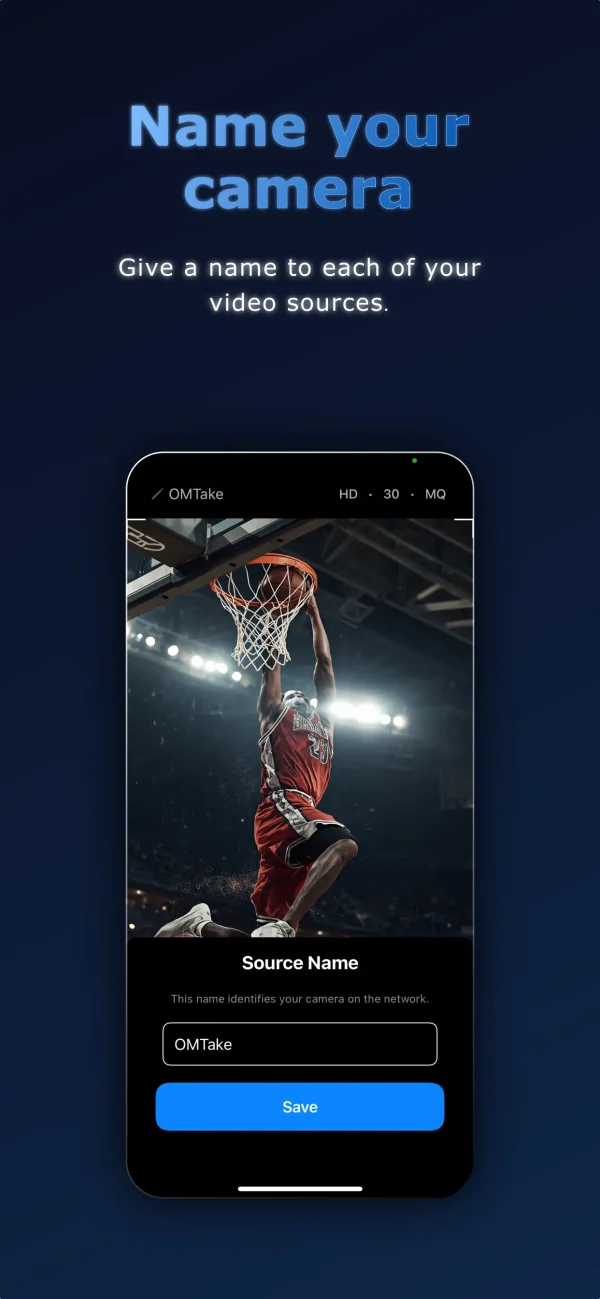
- Configurable source name visible on your switcher
- Corner brackets framing the 16:9 image area
- Icons rotate for landscape use while layout stays locked
RELIABILITY
- Thermal management with automatic quality downgrade
- Auto-stop protection at critical temperature
- Bonjour/DNS-SD network discovery
OMTake Pro (one-time purchase) removes the watermark for a clean, professional output.
Requires a local network connection to an OMT-compatible receiver such as vMix or OBS Studio with the OMT plugin.
Yang baru
Versi 1.6 · 22/10/2026
New stream settings menu
- A new gear button in the top bar opens the stream settings: source name, resolution, frame rate, OMT quality and orientation, all in one place.
- The top bar now just shows the current resolution and frame rate, so the camera screen stays clean.
- Source name and quality are locked while you are live, so nothing changes by accident during a show.
Orientation lock
- New "Lock on start" mode: the stream keeps the orientation it started in until you stop it. Turning the phone while live no longer changes the frame size seen by vMix.
- "Auto" still follows the phone's rotation, as before.
Start the stream automatically
- New option to start streaming as soon as the app opens, with no need to tap record. It is off by default, and skipped if the device is overheating.
Exposure by drag
- After tapping to focus, drag up on the image to brighten or down to darken, in 0.1 EV steps. The value stays in sync with Exposure compensation in the camera settings.
Improvements
- The camera settings panel no longer dims the preview, so you can judge exposure and white balance on the real image.
- Lens buttons are easier to hit, and taps near the controls no longer move the focus by mistake.
- After a slowdown caused by heat, stopping the stream now brings back your own resolution, frame rate and quality.
- Long source names are now handled correctly for discovery on the network.
Privasi aplikasi
Yang dinyatakan Xavier Carpentier di App Store tentang cara aplikasi ini menangani data.
-
Data tidak dikumpulkan
Pengembang tidak mengumpulkan data apa pun dari aplikasi ini.
Praktik privasi dapat bervariasi, misalnya berdasarkan fitur yang Anda gunakan atau usia Anda.
Informasi
- Penjual
- Xavier Carpentier
- Kategori
- Foto & Video
- Versi
- 1.6
- Diperbarui
- 22/10/2026
- Dirilis
- 18/5/2026
- Ukuran
- 1,9 MB
- Memerlukan
- iOS 16.6 atau yang lebih baru
- Batasan usia
- 4+
- Harga
- Gratis
- Pembelian dalam aplikasi
- Ya
- Bahasa
- Inggris
- Hak cipta
- © 2026 Xavier Carpentier