
OOReader
Libre Office document viewer
Dirancang untuk iPhone, iPad
Gratis · Pembelian dalam aplikasi
- Batasan usia4+
- KategoriKegunaan
- PengembangBML Solutions Inc.
- BahasaInggris+ 12 lainnya
- Ukuran37,3 MB
Tertaut ke halaman resmi App Store
Download.org tidak menyimpan file OOReader apa pun. Tombol ini membuka halaman aplikasi di App Store, tempat BML Solutions Inc. menerbitkannya. Halaman terakhir diperiksa pada 13/11/2026.
Tangkapan layar


Tentang
Pengembang belum menyediakan teks ini dalam bahasa Anda.
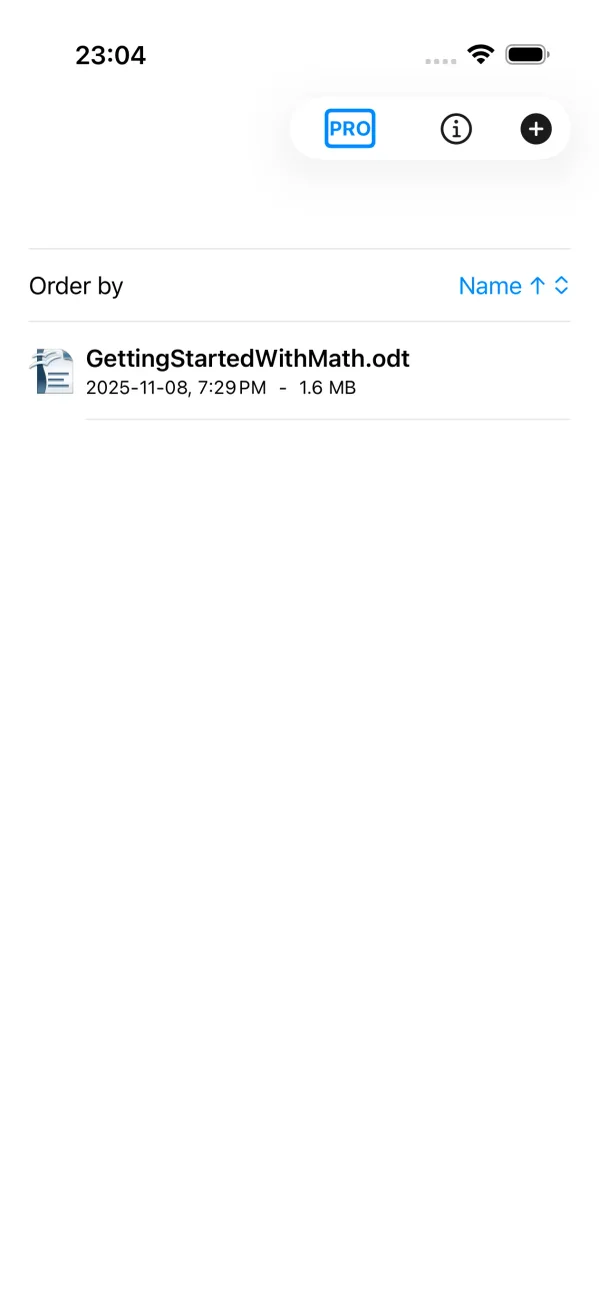
OOReader is the essential mobile viewer for all your office documents. Easily open and view files created with OpenOffice and LibreOffice (Writer, Calc, Impress), common Microsoft Office formats (Word, PowerPoint, Excel), PDFs, and many other documents.
Instantly access all your critical information, regardless of the file type:
OpenOffice / LibreOffice (ODF Standard):
• Writer: ODT, OTT, STW, SXW
• Calc: ODS, OTS, STC, SXC
• Impress: ODP, OTP, SDD, SDP
• Draw & Math: ODG, OTG, STD, SXD, ODF, ODC, SXM, MML
Microsoft Office:
• Word: DOC, DOT, DOCX, DOTX, DOCM
• Excel: XLS, XLT, XLSX, XLTX, XLSM
• PowerPoint: PPS, PPT, POT, PPSX, PPTX, POTX
• Visio: VDX, VSD, VSDX
Other Formats:
• PDF (Adobe Portable Document Format)
• RTF (Rich Text Format, WordPad)
• Legacy: WordPerfect, Lotus 1-2-3, QuattroPro, WordPro, QuarkXPress
Key Features:
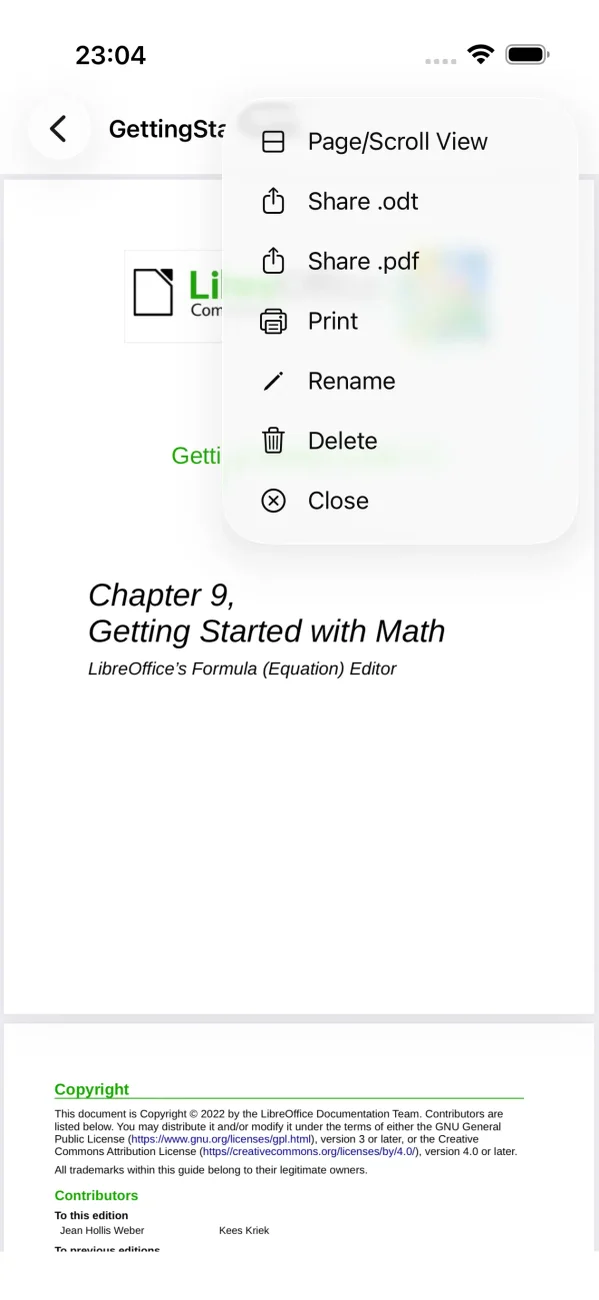
• Quick PDF Conversion: Easily convert any supported document into a standard PDF file for reliable sharing or archival.
• Sharing & Printing: Instantly share the converted PDF via email or to other apps, or print the document directly.
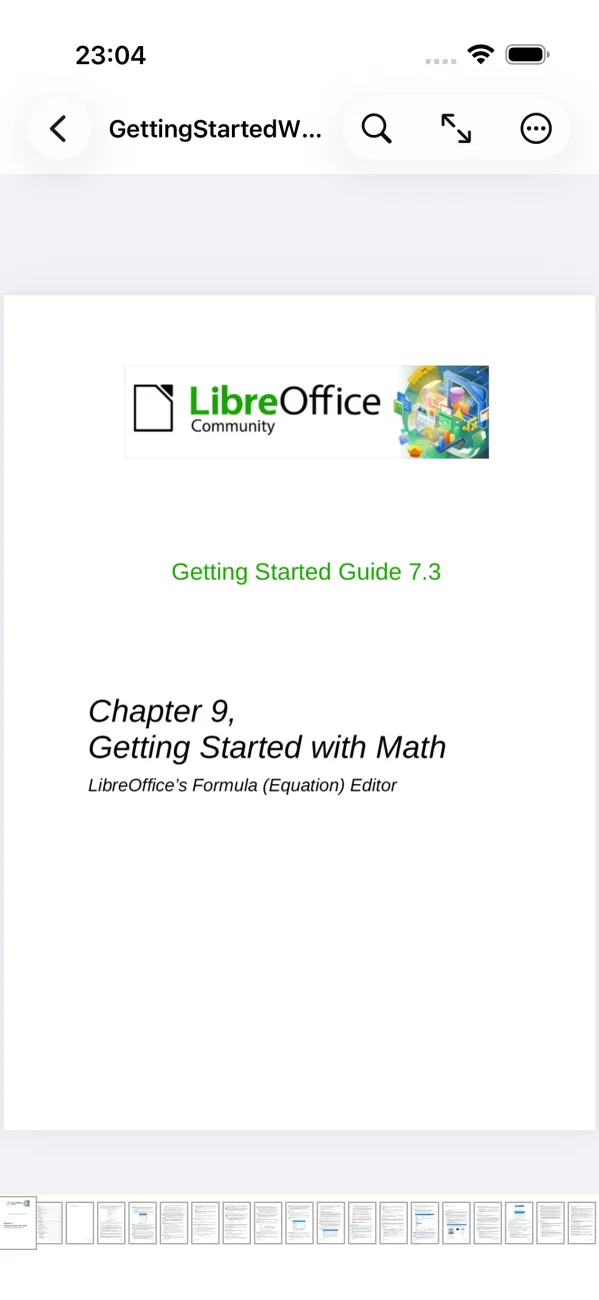
• Optimal Viewing: Seamless page-by-page or slide-by-slide reading modes.
• Essential Tools: Use the built-in search function to find specific text within long documents.
• Advanced Features (PRO Upgrade):
◦ Open documents with password protection.
◦ View documents with unlimited pages (removes the 100-page limit).
Important Notes:
• OOReader is a document viewer only. File content cannot be edited or modified.
• To perform document conversion for accurate viewing, OOReader utilizes an online service. An Internet connection is required for this conversion process.
Yang baru
Versi 7.1.5 · 6/10/2026
Bug fixes and minor performance improvements to keep things running smoothly.
Privasi aplikasi
Yang dinyatakan BML Solutions Inc. di App Store tentang cara aplikasi ini menangani data.
-
Data yang digunakan untuk melacak Anda
Dapat digunakan untuk melacak Anda di aplikasi dan situs web milik perusahaan lain.
- Pengenal
-
Data yang tidak ditautkan dengan Anda
Dapat dikumpulkan, tetapi tidak ditautkan dengan identitas Anda.
- Pengenal
Praktik privasi dapat bervariasi, misalnya berdasarkan fitur yang Anda gunakan atau usia Anda.
Informasi
- Penjual
- BML Solutions inc.
- Kategori
- Kegunaan
- Versi
- 7.1.5
- Diperbarui
- 6/10/2026
- Dirilis
- 29/11/2011
- Ukuran
- 37,3 MB
- Memerlukan
- iOS 16.6 atau yang lebih baru
- Batasan usia
- 4+
- Harga
- Gratis
- Pembelian dalam aplikasi
- Ya
- Bahasa
- Inggris, Prancis, Jerman, Hindi, Italia, Jepang, Korea, Polski (Polandia), Portugis, Rusia, Tionghoa Sederhana, Spanyol + 1 lainnya
- Hak cipta
- © BML Solutions inc.
Mungkin Anda juga suka
-
 ODS Reader - ODS To XLSX-PDFKegunaan
-
 ODT Converter Reader PDF DOCXKegunaan
-
 Konverter ODT, odt to wordKonversi file ODT
-
 ODS Converter, ODS TO EXCELKonversi file ODS
-
 Konverter ODP, ODP ke PPTXKonversi file ODP
-
 The Document ConverterKonversi PDF, DOCX, JPG, etc
-
 Web to PDF Converter & ReaderKegunaan
-
 Document Reader - File ViewerKegunaan
-
 DOCX Reader To PDF ConverterKegunaan
-
 Aspose.WordsRead and work with Word, PDF