OpenShape3D
Mobile Precision modeling CAD
Dirancang untuk iPhone, iPad, Mac
Gratis
- Batasan usia4+
- KategoriKegunaan
- PengembangLaan Labs
- BahasaInggris
- Ukuran50,8 MB
Tertaut ke halaman resmi App Store
Download.org tidak menyimpan file OpenShape3D apa pun. Tombol ini membuka halaman aplikasi di App Store, tempat Laan Labs menerbitkannya. Halaman terakhir diperiksa pada 20/11/2026.
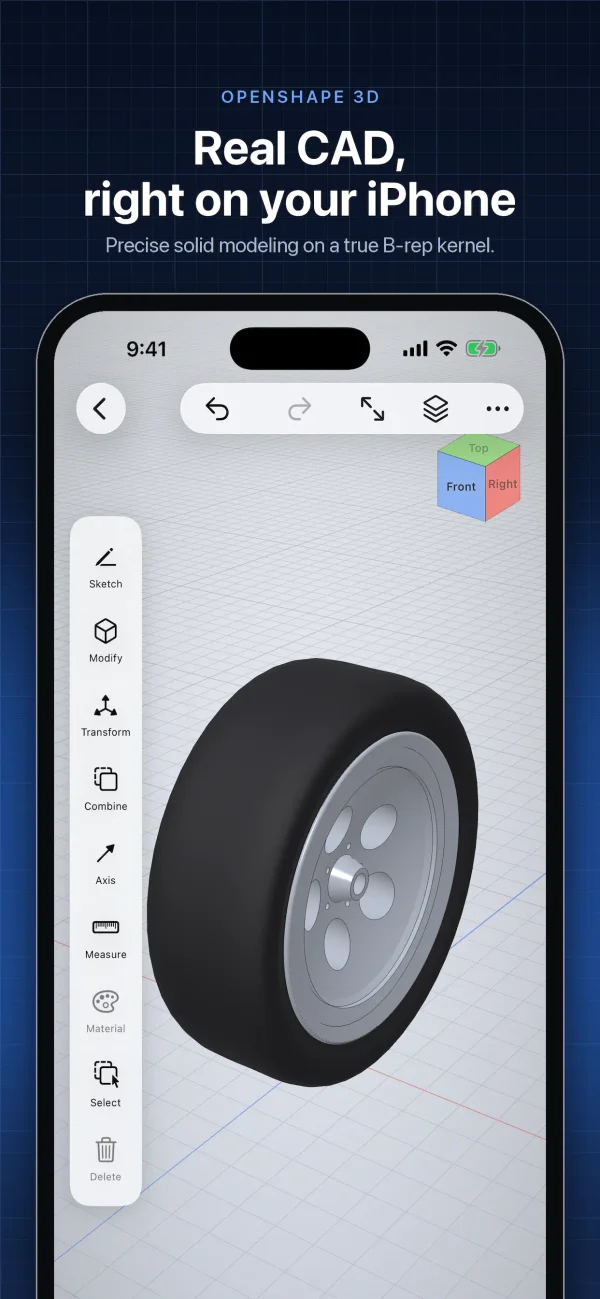
Tangkapan layar
Tentang
Pengembang belum menyediakan teks ini dalam bahasa Anda.
openshape3d is a direct-modeling CAD app built for touch. Sketch a profile,
pull it into a solid, and keep cutting, blending and patterning until the part
is done — no desktop, no subscription server, no file conversion dance.
Geometry is computed by OpenCASCADE, the same open-source B-rep kernel used in
professional CAD. Extrudes, primitives and booleans produce exact analytic
surfaces, so a cylinder stays a true cylinder instead of a faceted approximation.
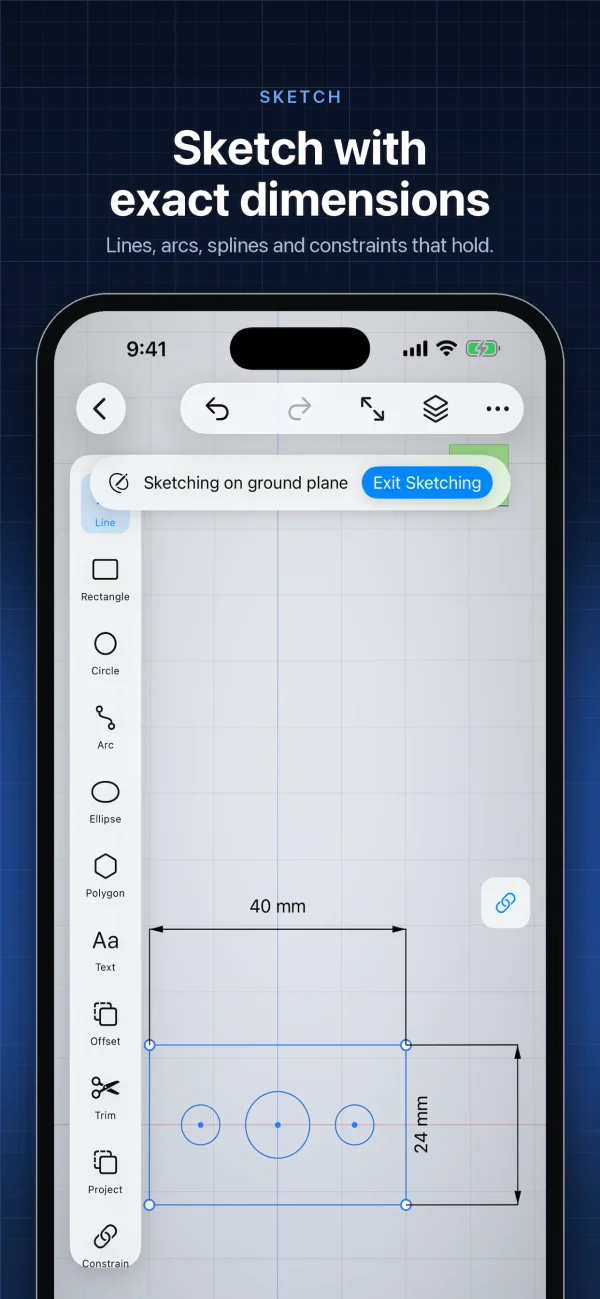
SKETCHING
• Sketch on a world plane, on any flat body face, or on an offset construction
plane pulled off a face
• Line, rectangle, circle, arc, ellipse, polygon and text-as-outline tools
• Endpoint, midpoint, centre, vertex and grid snapping — draw with Apple Pencil
• Trim, move/rotate gizmo, construction geometry, and reusable symbols
• A full 2D constraint solver: coincident, parallel, perpendicular, tangent,
equal, concentric, symmetric and more
• Driving dimensions with inline arithmetic (type 25.4/2) pull geometry to value
• The sketch tells you where it stands — fully defined, or how many degrees of
freedom remain
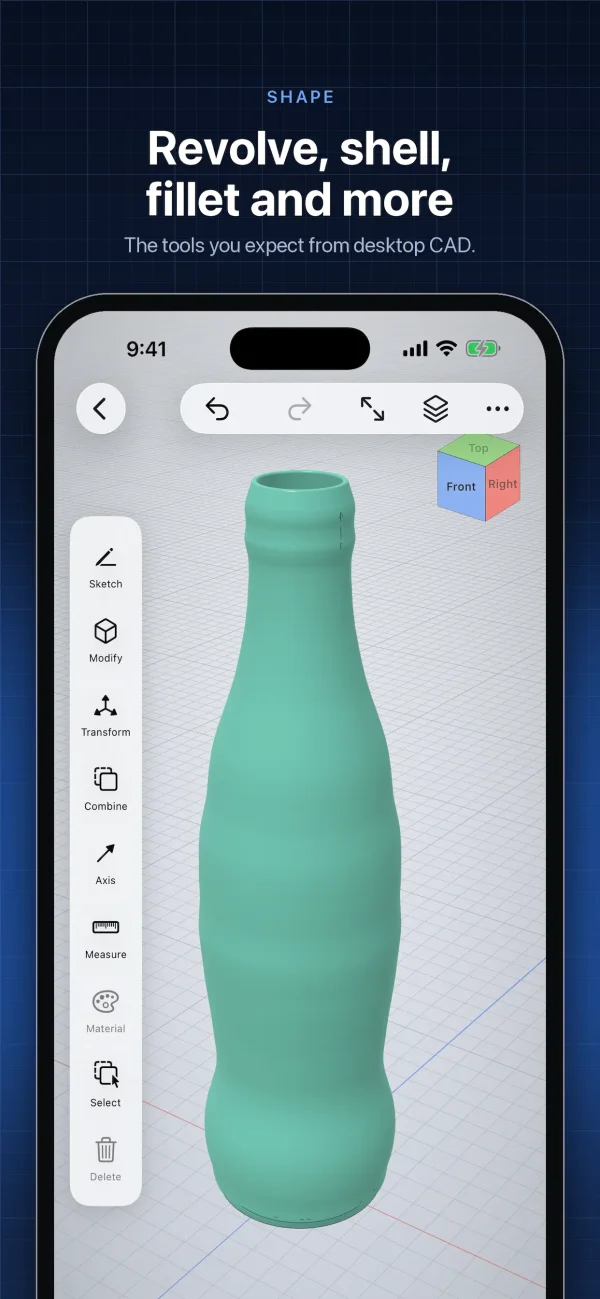
SOLIDS
• Extrude a profile, or push and pull a face directly with automatic booleans:
pull to add material, push to cut
• Revolve, sweep along a chained path, loft through sections, and helix
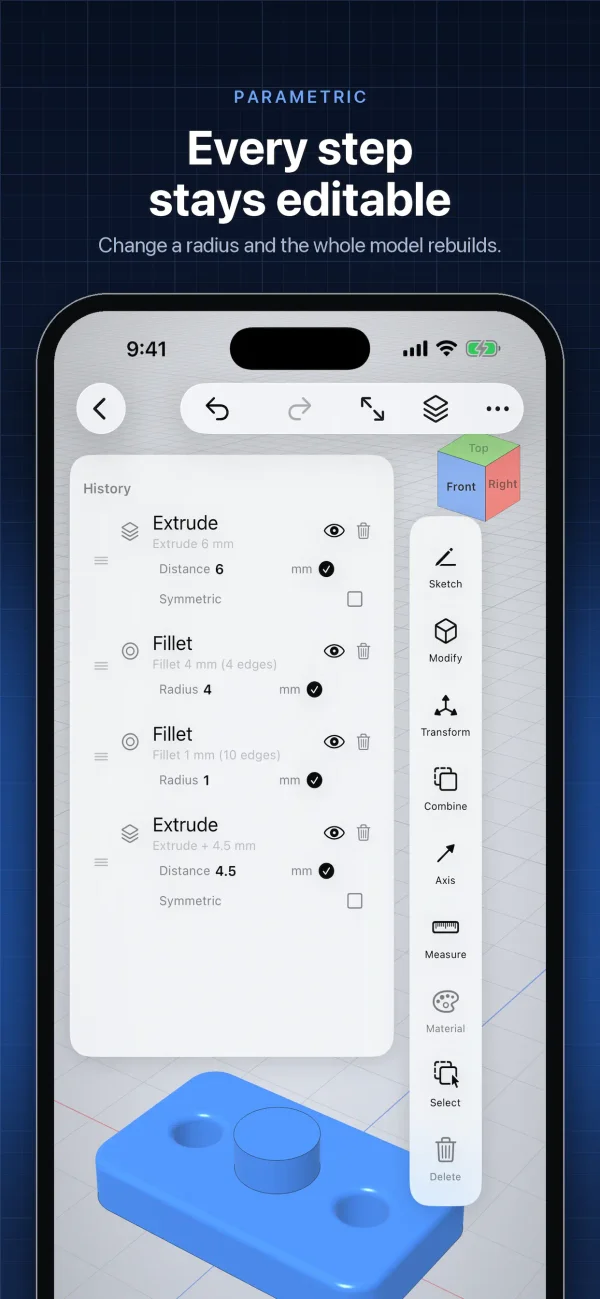
• Fillet and chamfer edges with live preview and drag-to-size
• Shell a body hollow, with optional open faces
• Union, subtract and intersect between bodies, computed off the main thread
• Split a body with a plane or a sketch profile
• Linear and circular patterns with ghost previews
• Move, scale, rotate, mirror, translate point-to-point and align
VIEWING
• Orientation cube, six standard views, isometric and orthographic toggle
• One finger orbits, two pan, pinch zooms — the camera never locks up
• Section view that clips live against a plane, with a drag arrow and flip
• Shaded, shaded without edges, wireframe with proper hidden-line removal,
and X-ray
• Marquee select with window/crossing semantics, and Select Through to reach
a body buried behind others
• Isolate to hide everything but the selection
MATERIALS AND REFERENCE
• Material presets — steel, aluminium, brass, plastics, rubber, wood — plus
custom colour with metallic and roughness
• Drop PNG or JPEG reference images onto any plane and trace over them
MEASURE
• Face area, body volume and bounding box on selection
• Two-point distance with X, Y and Z deltas over snap points
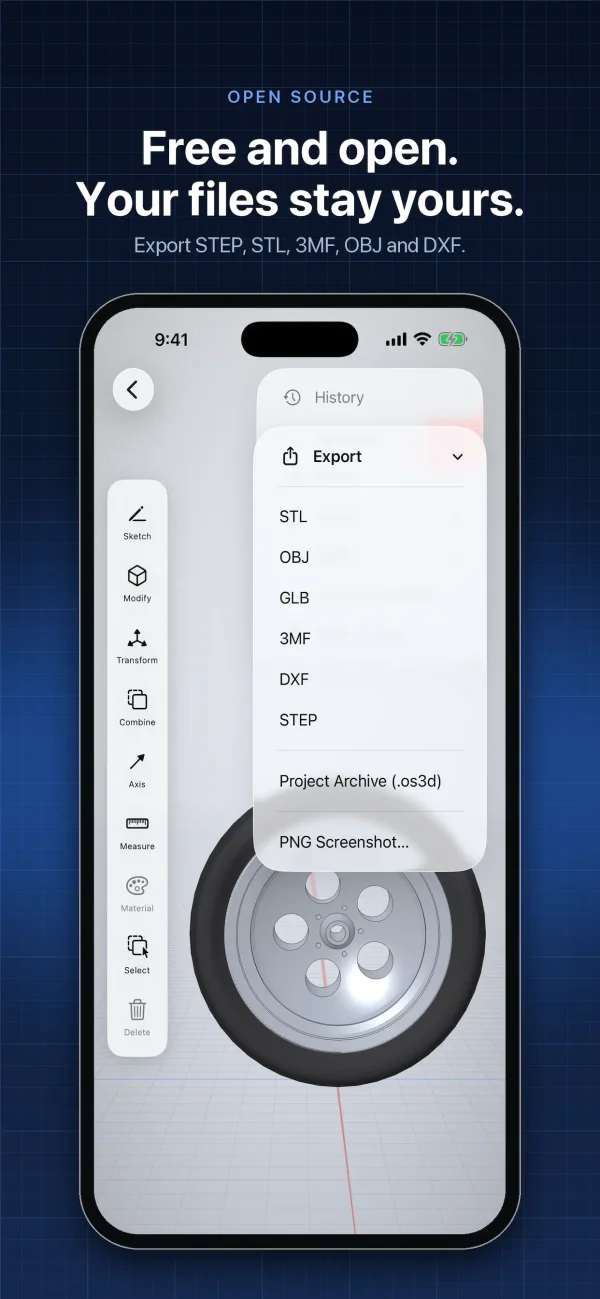
IMPORT AND EXPORT
• Import STL and DXF
• Export STL, OBJ, 3MF, GLB, USDZ and sketch DXF
• Preview your model in AR with Quick Look
Yang baru
Versi 1.4 · 20/10/2026
performance improvements
Privasi aplikasi
Yang dinyatakan Laan Labs di App Store tentang cara aplikasi ini menangani data.
-
Data tidak dikumpulkan
Pengembang tidak mengumpulkan data apa pun dari aplikasi ini.
Praktik privasi dapat bervariasi, misalnya berdasarkan fitur yang Anda gunakan atau usia Anda.
Informasi
- Penjual
- Laan Consulting Corp
- Kategori
- Kegunaan
- Versi
- 1.4
- Diperbarui
- 20/10/2026
- Dirilis
- 6/8/2026
- Ukuran
- 50,8 MB
- Memerlukan
- iOS 17.0 atau yang lebih baru
- Batasan usia
- 4+
- Harga
- Gratis
- Bahasa
- Inggris
- Hak cipta
- © Laan Labs