- Batasan usia12+
- KategoriMedis
- PengembangAravind Ravichandran
- BahasaInggris
- Ukuran7,3 MB
Tertaut ke halaman resmi App Store
Download.org tidak menyimpan file OsteoPlan apa pun. Tombol ini membuka halaman aplikasi di App Store, tempat Aravind Ravichandran menerbitkannya. Halaman terakhir diperiksa pada 13/11/2026.
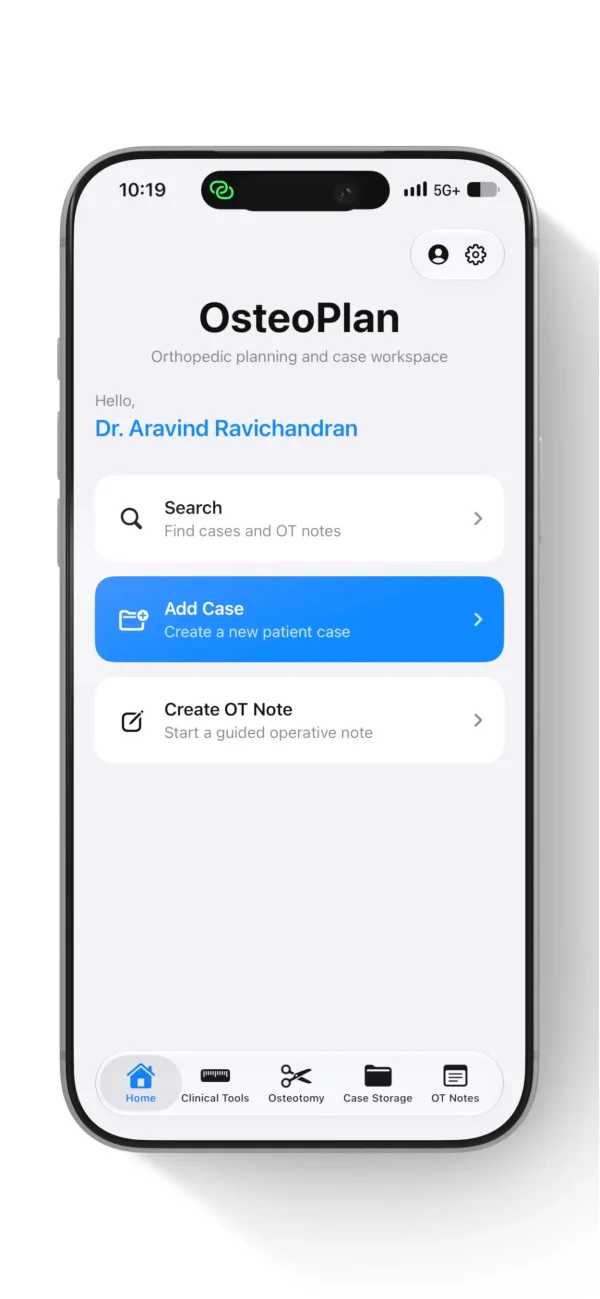
Tangkapan layar

Tentang
Pengembang belum menyediakan teks ini dalam bahasa Anda.
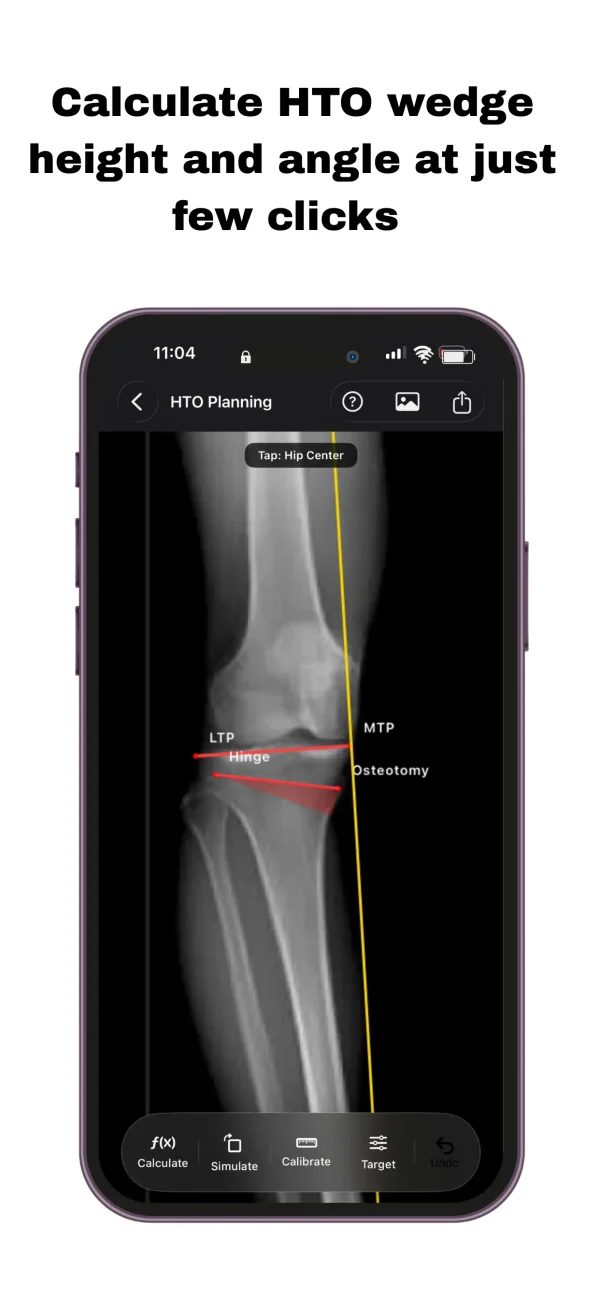
OsteoPlan is an all-in-one orthopaedic planning, measurement, operative note, and case management app for surgeons and trainees. Designed by an Orthopaedic Surgeon, it is built around real clinical workflows for planning, documentation, teaching, and follow-up.
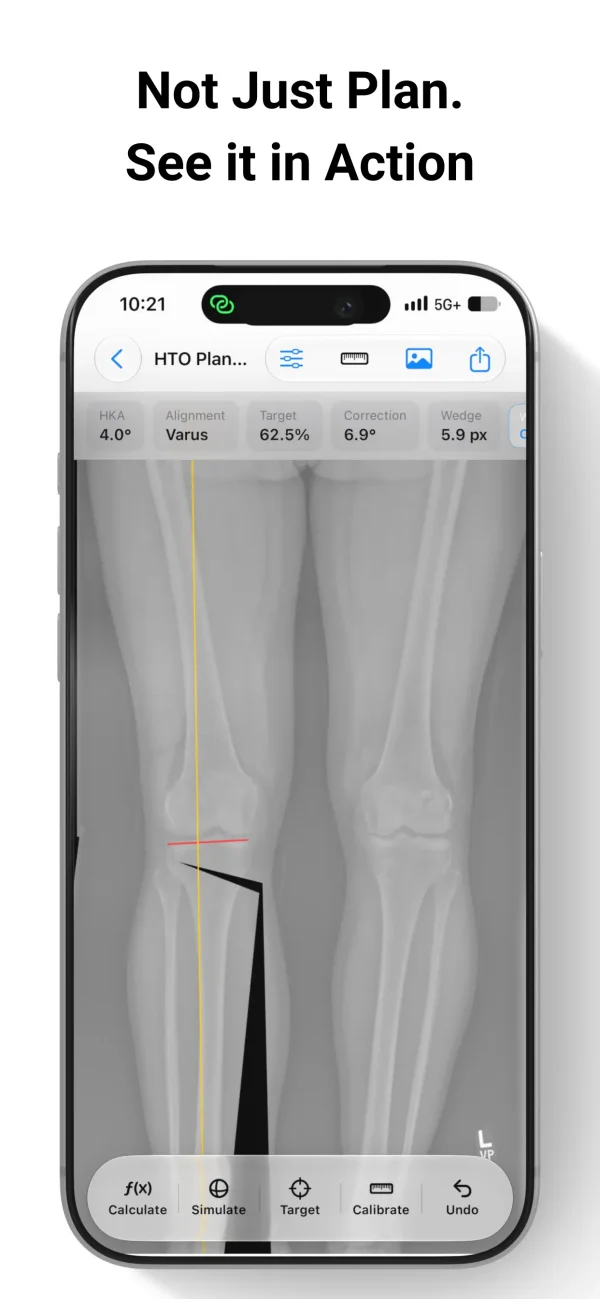
Measure coronal and sagittal limb alignment, classify knee phenotypes, plan osteotomies, simulate corrections, calculate wedge sizes, and document cases with structured images, notes, scores, follow-ups, and exports.
All core tools are included free.
Key Features
Limb Alignment Analysis
Measure HKA, MPTA, LDFA, JLCA, PTS, PDFA, SJLA, and other coronal/sagittal knee alignment parameters using point-based marking, draggable landmark labels, and visual axis display.
CPAK Classification
Use knee alignment measurements to generate CPAK classification with type-specific visual results.
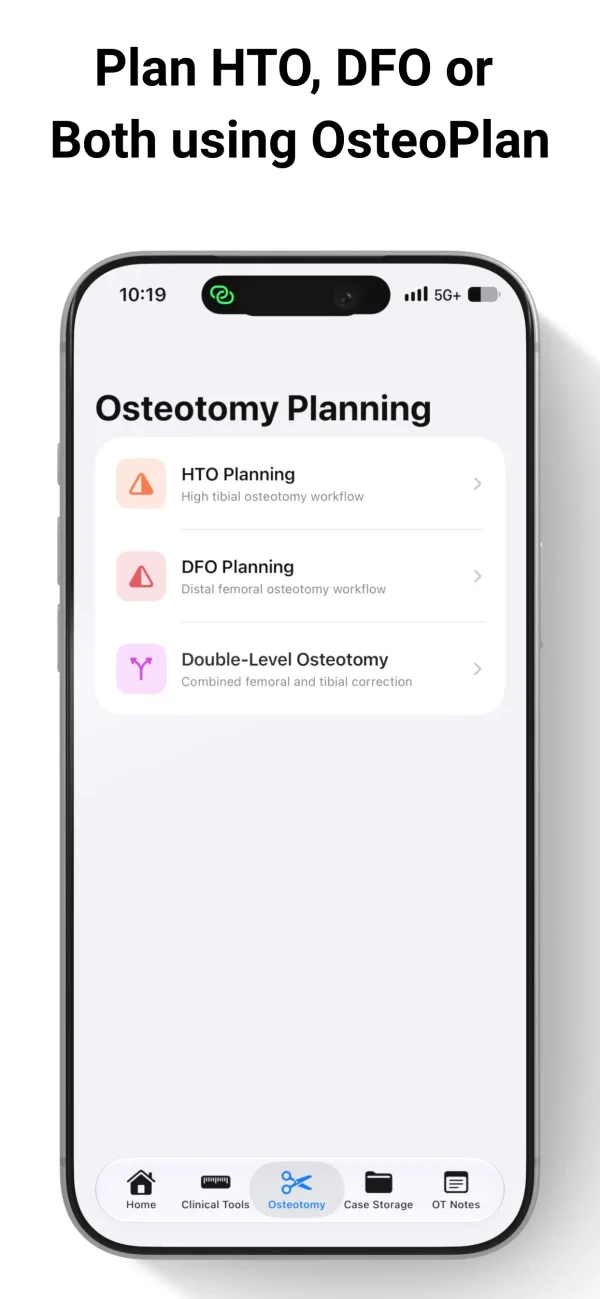
Osteotomy Planning
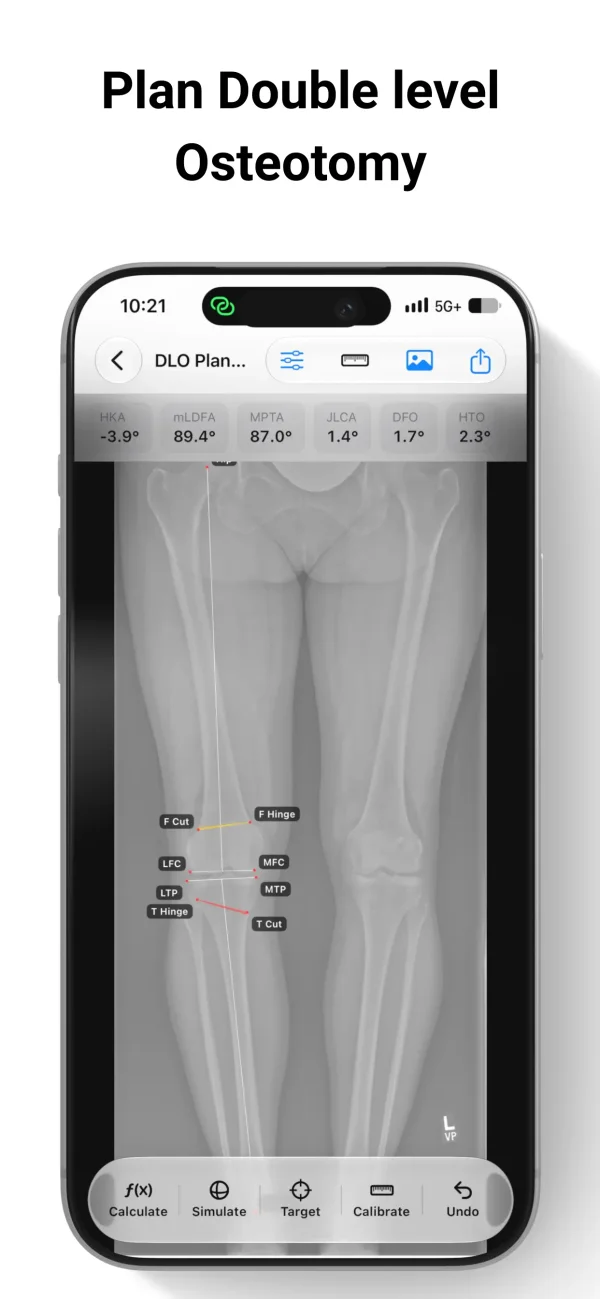
Plan and simulate HTO, DFO, and Double-Level Osteotomy. Calculate correction angles, wedge sizes, predicted alignment, and visualize correction on radiographs.
Clinical Measurement Tools
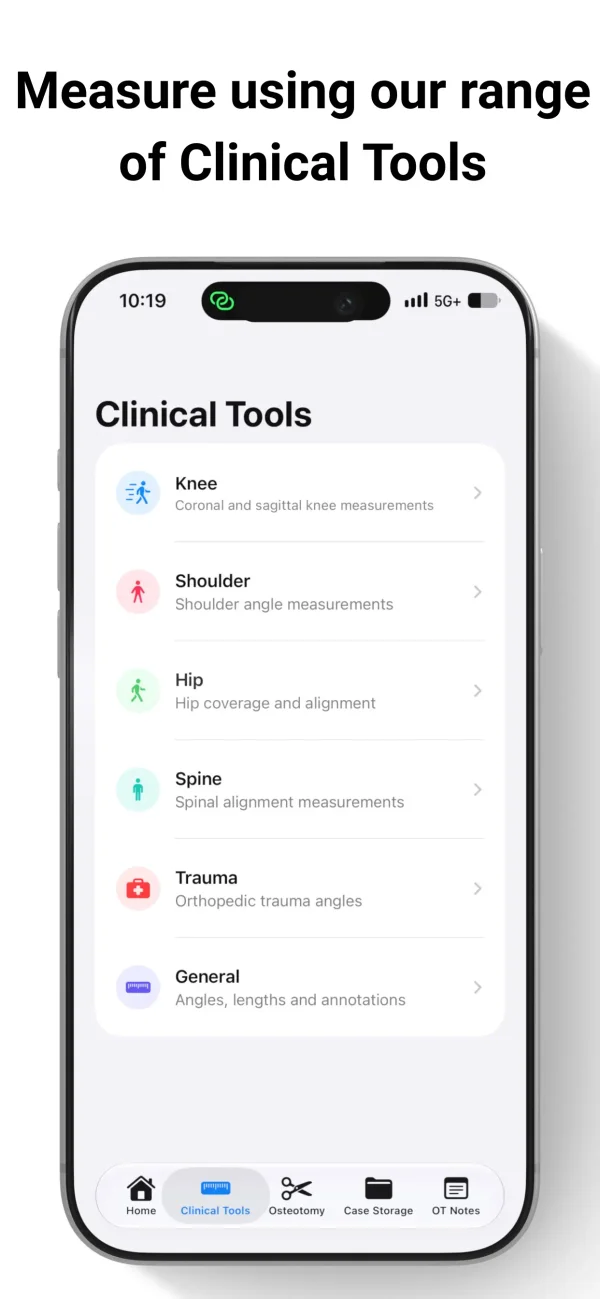
Dedicated workflows for knee, shoulder, hip, spine, trauma, and general orthopaedic measurements.
Spine Tools
Measure Cobb angle, coronal balance, sagittal vertical axis, pelvic parameters, thoracic kyphosis, and lumbar lordosis.
Trauma Tools
Assess common trauma angles including distal radius parameters, Böhler’s angle, Gissane’s angle, Meary’s angle, Kite’s angle, Baumann’s angle, neck-shaft angle, acetabular index, and critical shoulder angle.
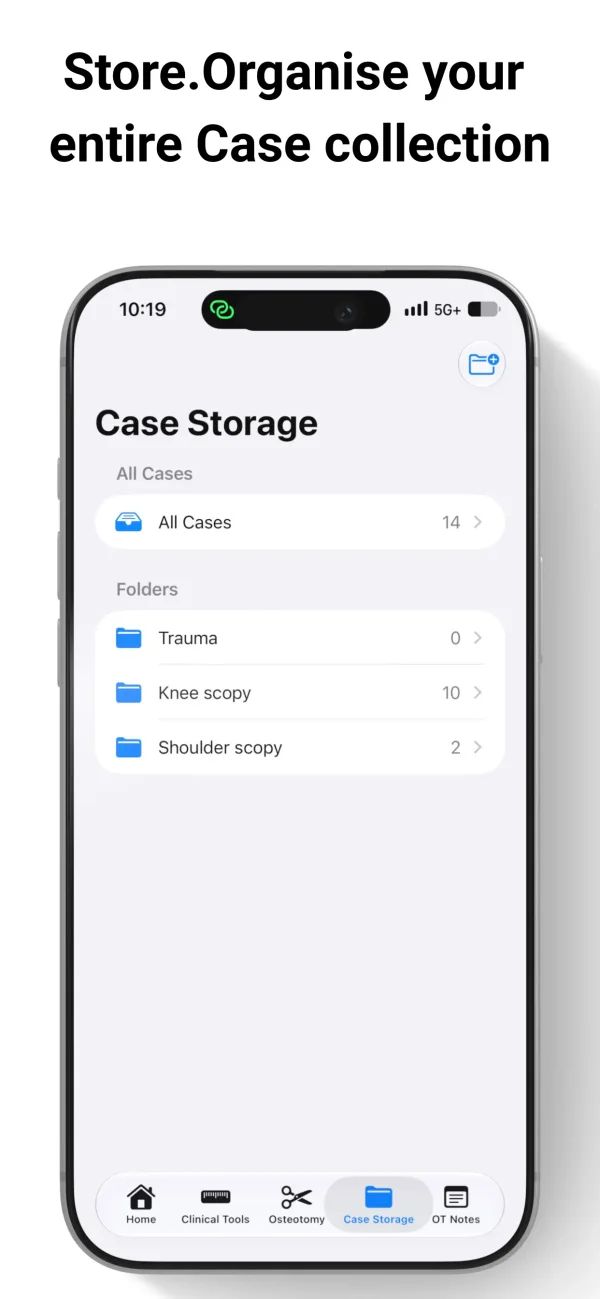
Structured Case Storage
Store patient details, BMI, clinical scores, images, intra-operative findings, post-operative records, OT notes, and follow-ups in organized folders.
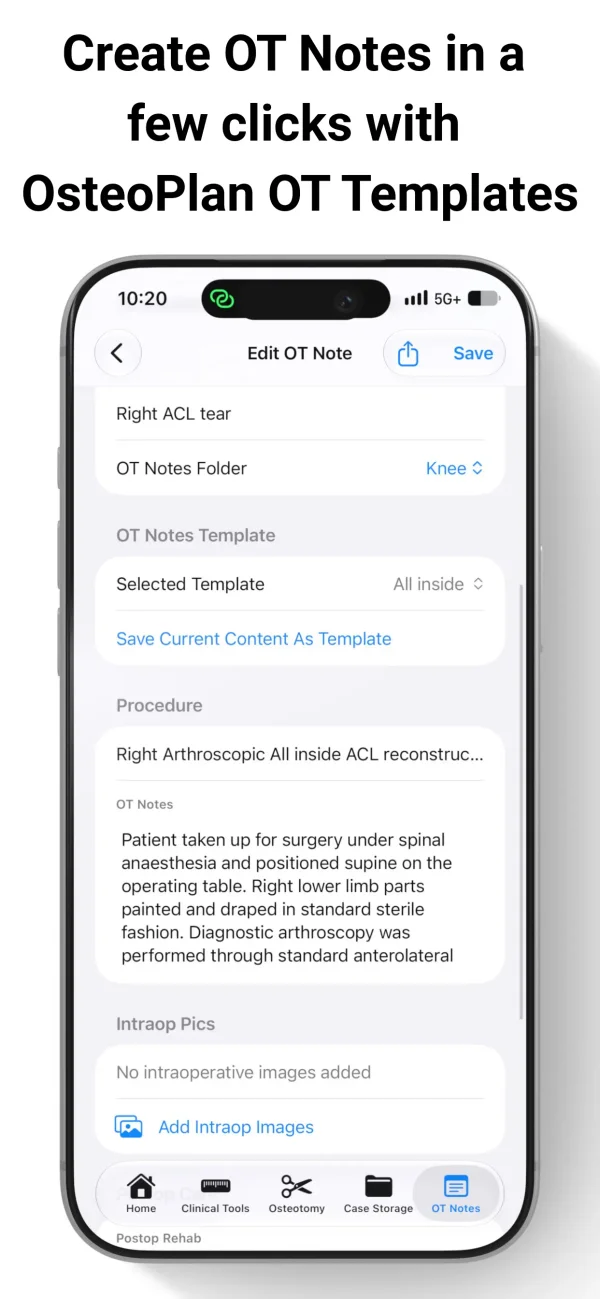
OT Notes & Templates
Create structured operative notes with guided templates for common orthopaedic procedures, implant details, rehabilitation protocols, and review dates.
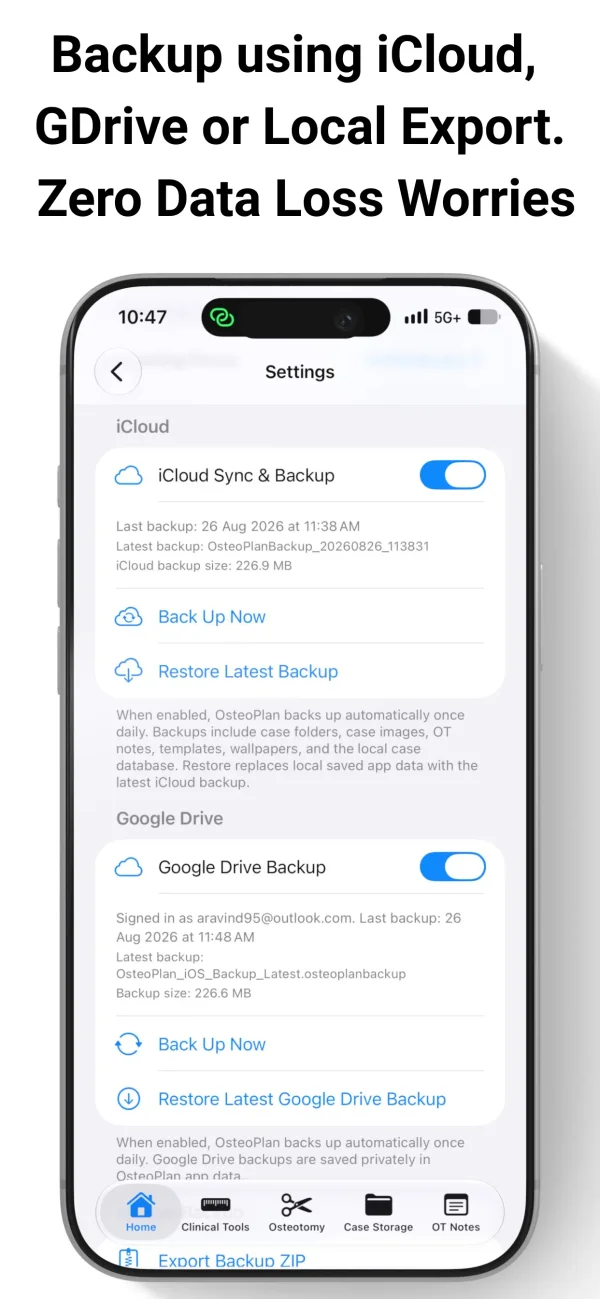
Export & Backup
Export annotated images, PDFs, OT notes, or complete case folders as ZIP files. Supports cloud backup options for safer data continuity.
Designed for iPhone, iPad, and Mac, with Apple Pencil support on iPad.
Yang baru
Versi 4.0 · 28/8/2026
OsteoPlan 4.0 Updates
1. Double-Level Osteotomy planning added with DFO + HTO simulation.
2. CPAK classification added in knee alignment with type-specific result display.
3. Improved HTO, DFO, DLO, and clinical tool landmark handling with draggable labels.
4. Standardized export images with measurement values, labels, and planning overlays.
5. Case Storage and OT Notes folder export added, including ZIP/PDF export workflow.
6. Google Drive backup added alongside iCloud backup support.
7. New native Apple-style UI refresh with updated bottom navigation and cleaner clinical tools layout.
Privasi aplikasi
Yang dinyatakan Aravind Ravichandran di App Store tentang cara aplikasi ini menangani data.
-
Data tidak dikumpulkan
Pengembang tidak mengumpulkan data apa pun dari aplikasi ini.
Praktik privasi dapat bervariasi, misalnya berdasarkan fitur yang Anda gunakan atau usia Anda.
Informasi
- Penjual
- Aravind Ravichandran
- Kategori
- Medis
- Versi
- 4.0
- Diperbarui
- 28/8/2026
- Dirilis
- 3/2/2026
- Ukuran
- 7,3 MB
- Memerlukan
- iOS 17 atau yang lebih baru
- Batasan usia
- 12+
- Harga
- Gratis
- Bahasa
- Inggris
- Hak cipta
- © 2026 Arthro Studio All rights reserved.